Kusto in Notebooks & Interactive Window
October 9, 2025 · View on GitHub
A Visual Studio Code extension that provides the ability to run Kusto queries in Notebooks as well as plain text files.
Features
- Run Kusto Queries
- Graphs & Data Viewer
- Code Completion
- Syntax highlighting
- Code refactoring
- Code formatting
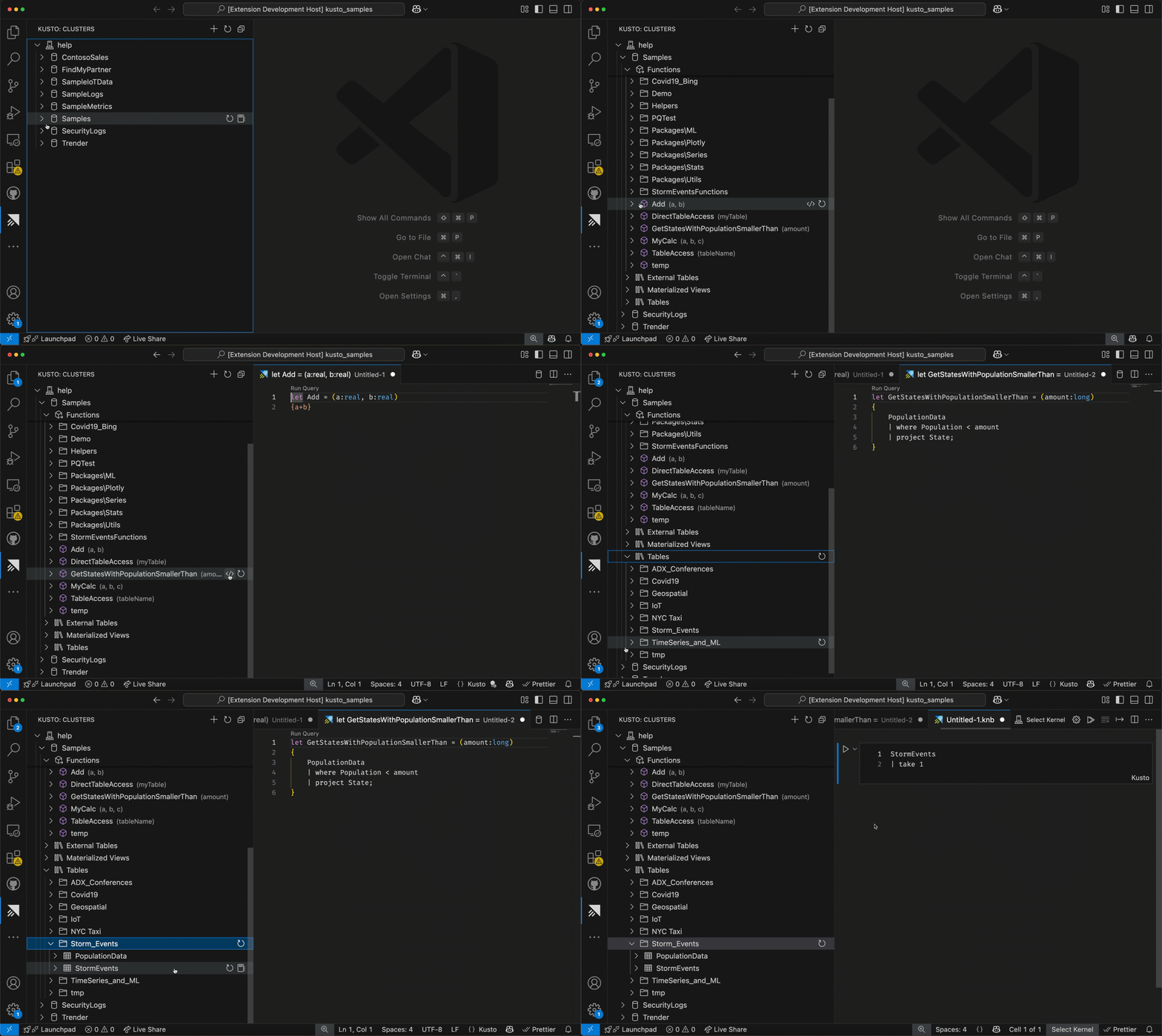
- Kusto panel with access to Clusters, Databases, Tables, etc
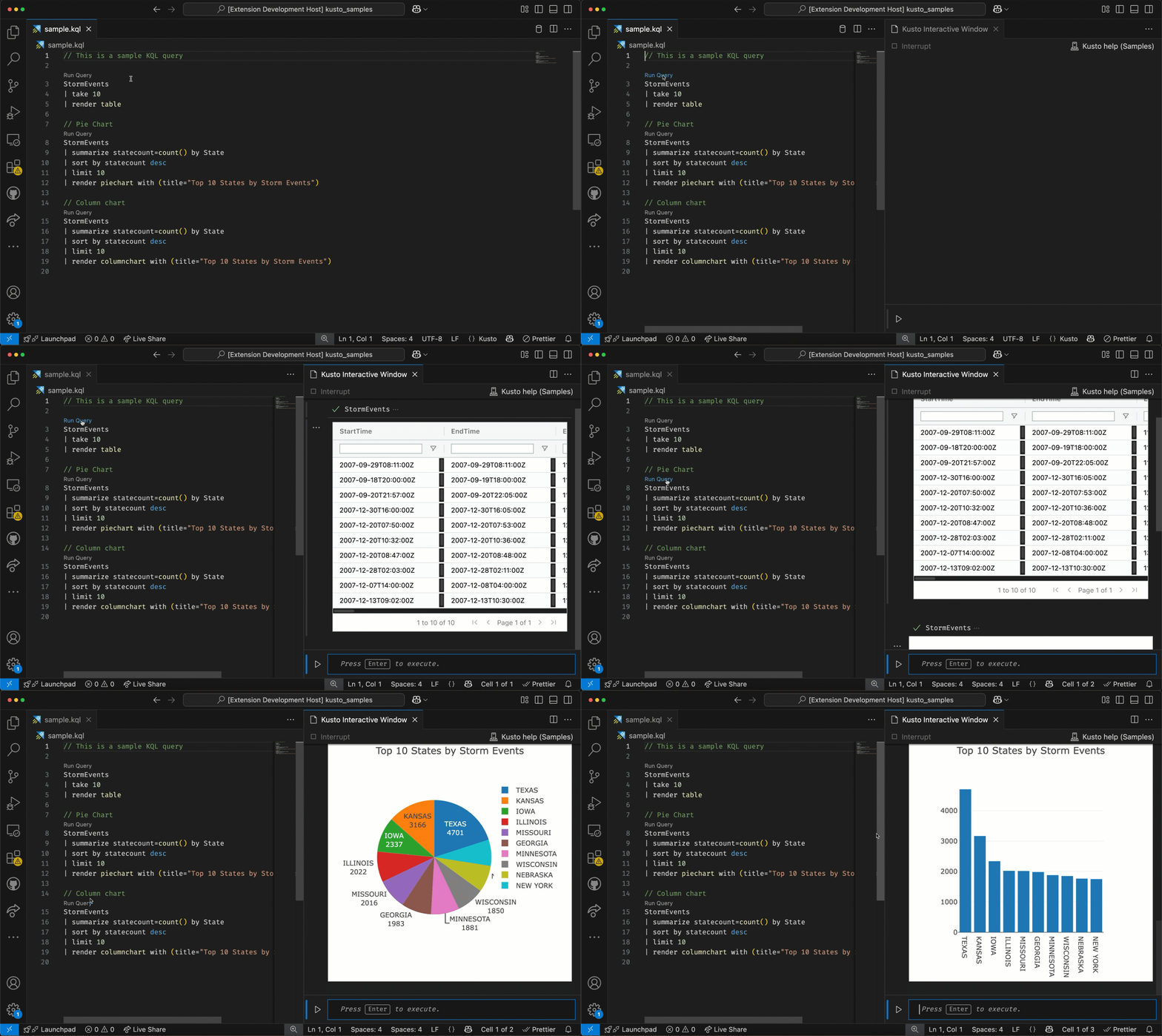
- Run Kusto queries in Plain text files, Notebooks or in an Interactive Window
Authentication Methods
The extension attempts authentication methods in the following order, proceeding to the next if one fails:
-
Azure CLI Authentication
- Uses existing Azure CLI credentials
- Requires
az loginto be completed
-
VS Code Azure Authentication
- Uses VS Code's built-in Azure authentication
- No additional tools required
-
Device Code Authentication
- Interactive device code flow
- Enter code at microsoft.com/devicelogin
-
Access Token Authentication
- Manual access token input
- Useful for CI/CD scenarios
The authentication process will try each method in sequence until successful authentication is achieved.
Note: For local development, Azure CLI or VS Code authentication is recommended.
Getting Started
- Open a
*.kql|*.cslfile and start typing to get code completion - Open a
*.kql|*.cslfile and click on theRun Querycode lens - Open a
*.kql|*.cslfile as a notebook - Create a file with extension
*.knb(or use the commandCreate Kusto Notebook) - With text file (
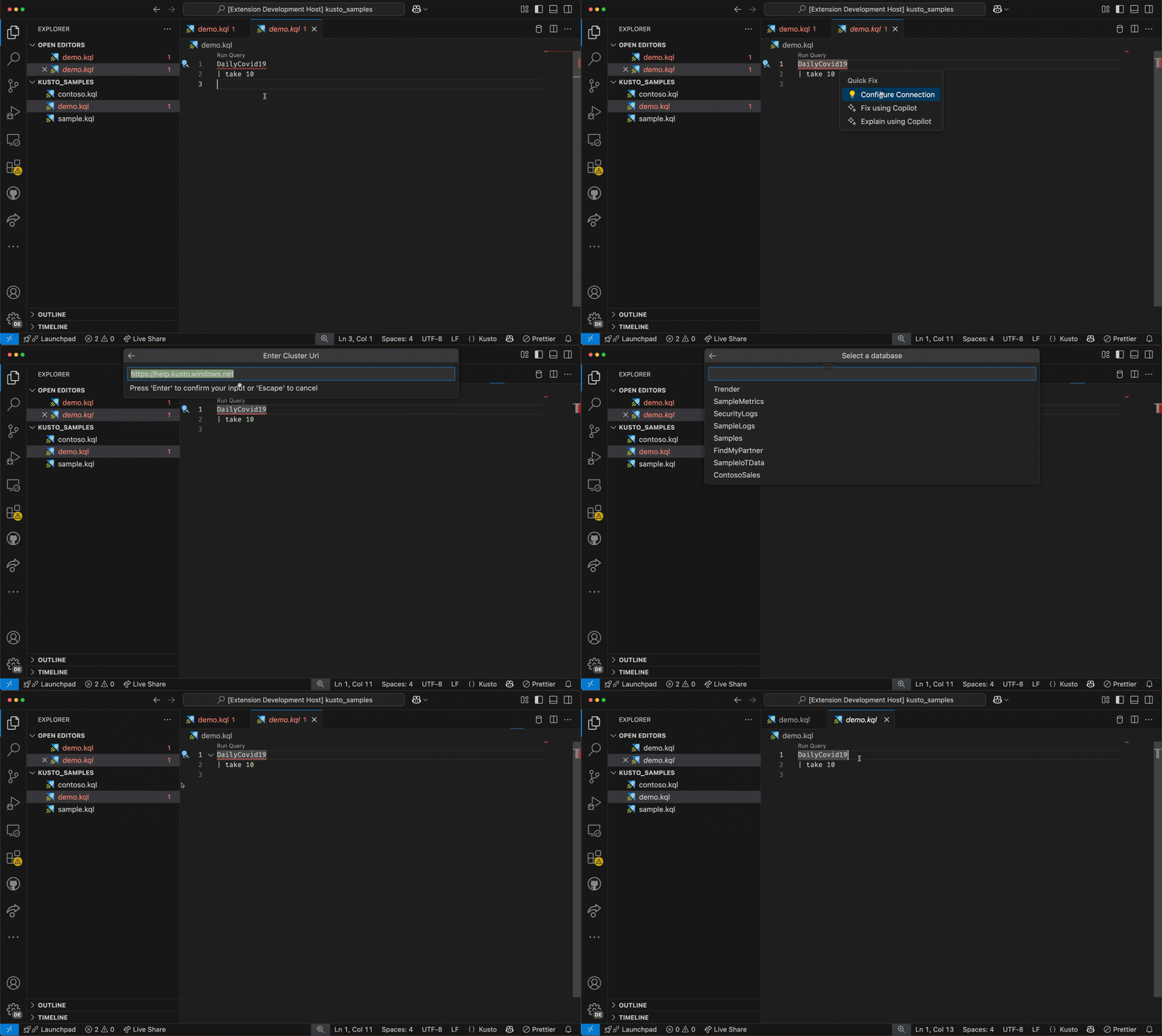
*.kql,*.csl) use the commandConfigure Kusto Connectionto configure the Kusto connection - With notebooks, select the cluster and database from via the Kernel Picker (or
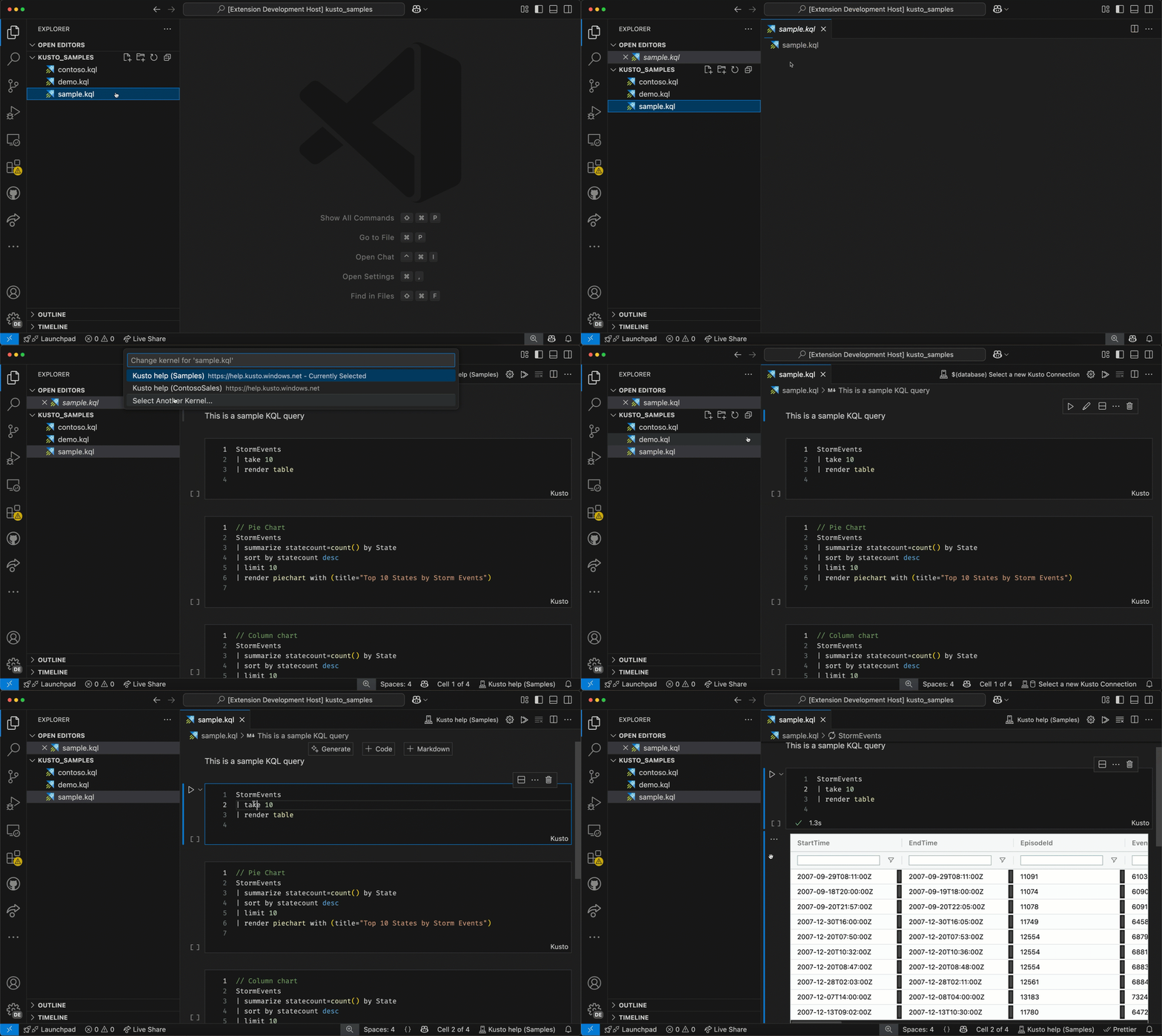
Notebook: Select Notebook Kernelcommand)
Features Demo
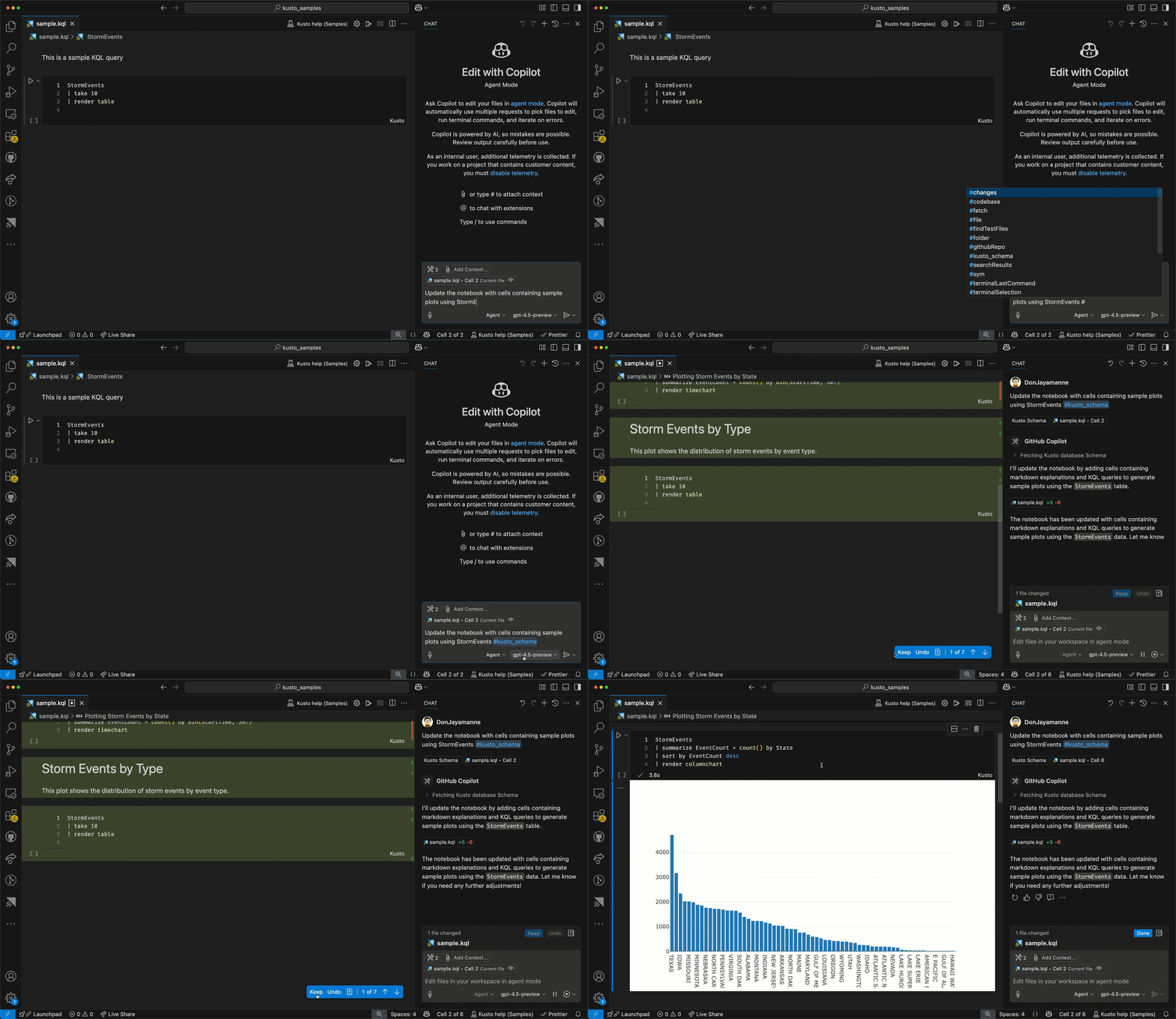
Chat
Configure Connection
Interactive Window
Notebooks
Schema View
Jupyter Integration
This extension works with Jupyter Notebooks when using kqlmagic:
- Augments Jupyter Notebooks with Kusto language features when using the Jupyter extension
- Automatically detects cluster and database from cells containing connection information
kql AzureDataExplorer://code;cluster='help';database='Samples'
Differences from Jupyter Notebooks
Kusto Notebooks:
- No additional dependencies
- Authentication handled by VS Code
Jupyter Notebooks with kqlmagic:
- Requires Python and kqlmagic package installation
- Enables Python-based data analysis
Roadmap
- Support for more charts
- & more...
Thanks to the contributors
Joyce Er, SteVen Batten, Peng Lyu, Tanha Kabir
License
MIT