themetoggle
March 7, 2019 · View on GitHub
themetoggle exports one function, toggle_theme(), that applies a new RStudio theme, cycling through a given vector of theme names. This function is also exposed as an RStudio addin, enabling you to bind a shortcut to call it.
Installation
Install themetoggle with:
# install.packages("devtools")
devtools::install_github("mikmart/themetoggle")
Usage
Simply call the toggle_theme() function to change themes:
themetoggle::toggle_theme()
themetoggle::toggle_theme()
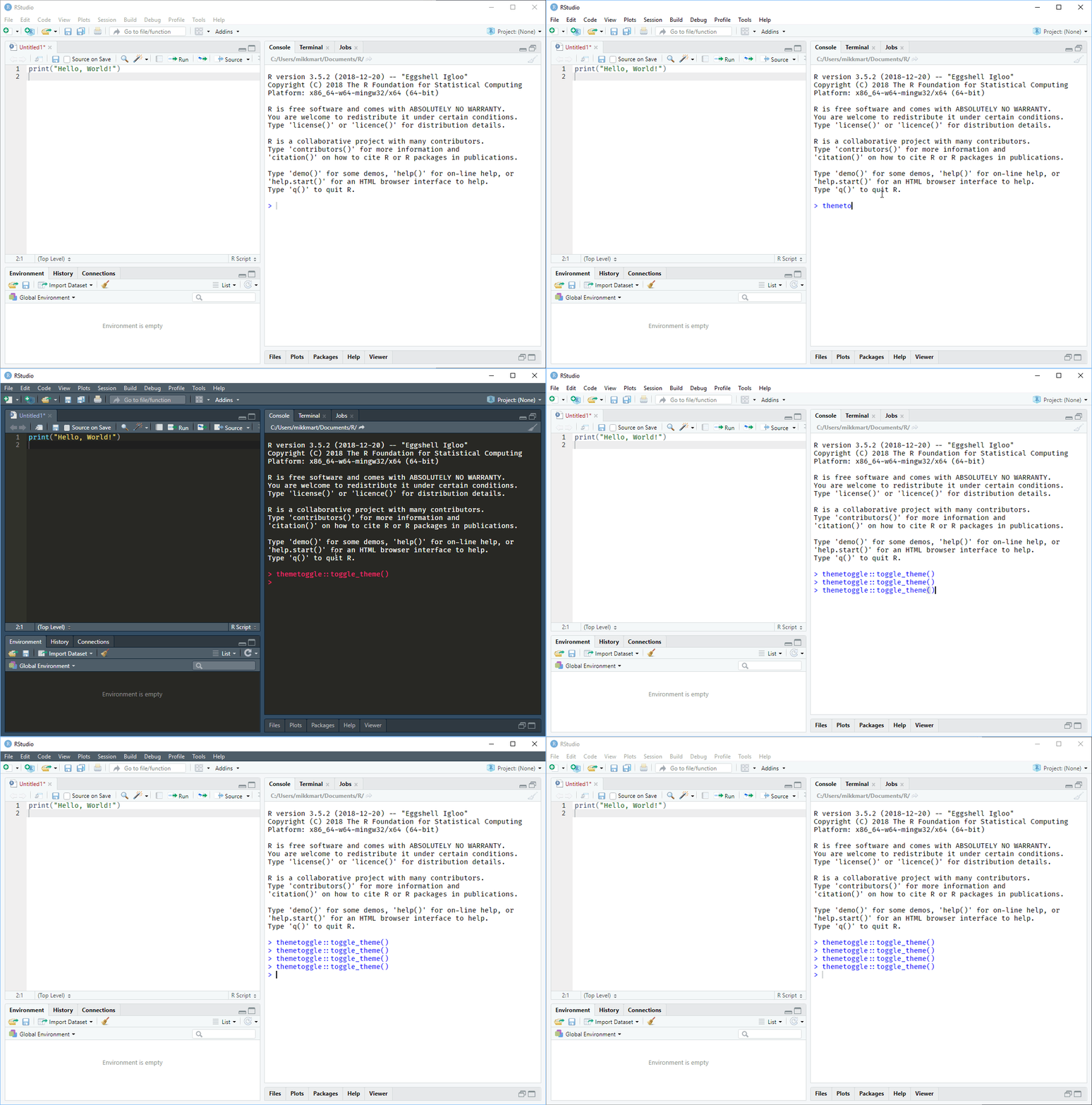
By default, toggle_theme() cycles between Textmate (the default, light theme) and Monokai (a dark theme). A convenient way to set a custom set of themes is to set the "themetoggle.themes" option in your .Rprofile with e.g.:
options(themetoggle.themes = c("Solarized Light", "Solarized Dark"))
You can also set a vector of more than two themes to cycle through several, if you'd like:
themes <- c("Tomorrow", "Tomorrow Night", "Tomorrow Night Blue")
themetoggle::toggle_theme(themes)
themetoggle::toggle_theme(themes)
themetoggle::toggle_theme(themes)
Inspiration
If it wasn't for hearing Hao Zhu's talk at rstudio::conf(2019), this package would probably not exist: this is basically just a slight generalization of one of his example addins.