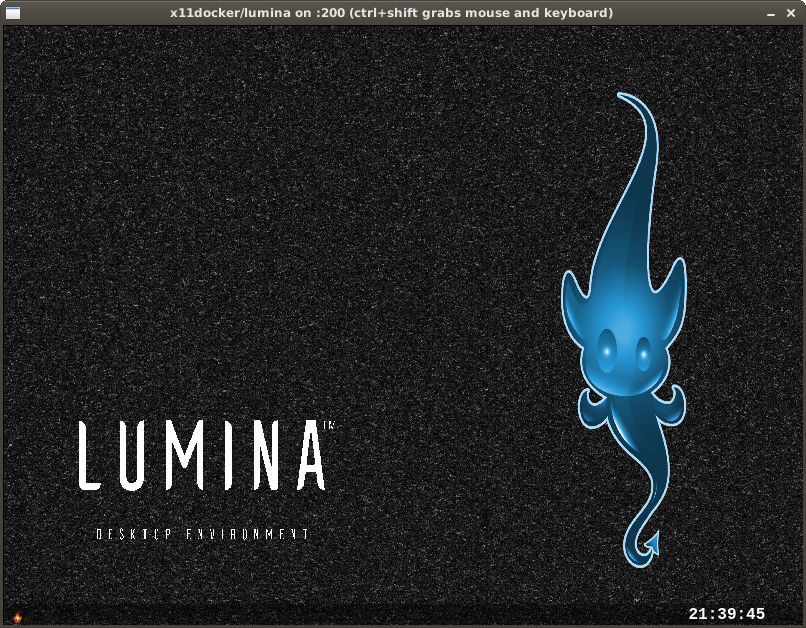
x11docker/lumina
March 20, 2019 · View on GitHub
Run Lumina desktop in docker.
- Use x11docker to run image.
- Get x11docker from github: https://github.com/mviereck/x11docker
Command examples:
- Single application:
x11docker x11docker/lumina xterm - Full desktop:
x11docker --desktop x11docker/lumina
Options:
- Persistent home folder stored on host with
--home - Shared host folder with
--sharedir DIR - Hardware acceleration with option
--gpu - Clipboard sharing with option
--clipboard - Sound support with option
--alsa - With pulseaudio in image, sound support with
--pulseaudio - Language locale settings with
--lang [=$LANG]
Look at x11docker --help for further options.
Extend base image
To add your desired applications, create your own Dockerfile with this image as a base. Example:
FROM x11docker/lumina
RUN xbps-install -Suy midori glibc
Screenshot