Newton
September 4, 2026 · View on GitHub




Newton
Newton is a GPU-accelerated physics simulation engine built upon NVIDIA Warp, specifically targeting roboticists and simulation researchers.
Newton extends and generalizes Warp's (deprecated) warp.sim module, and integrates
MuJoCo Warp as its primary backend. Newton emphasizes GPU-based computation, OpenUSD support, differentiability, and user-defined extensibility, facilitating rapid iteration and scalable robotics simulation.
Newton is a Linux Foundation project that is community-built and maintained. Code is licensed under Apache-2.0. Documentation is licensed under CC-BY-4.0. Additional and third-party license texts are available in newton/licenses.
Newton was initiated by Disney Research, Google DeepMind, and NVIDIA.
Requirements
- Python 3.10+
- OS: Linux (x86-64, aarch64), Windows (x86-64), or macOS (CPU only)
- GPU: NVIDIA GPU (Maxwell or newer), driver 545 or newer (CUDA 12). No local CUDA Toolkit installation required. macOS runs on CPU.
For detailed system requirements, see the installation guide. For tested configurations and Newton's versioning and deprecation policies, see the compatibility guide.
Quickstart
pip install "newton[examples]"
python -m newton.examples
To install from source with uv, see the installation guide.
Examples
Before running the examples below, install Newton with the examples extra:
pip install "newton[examples]"
If you run the examples from a source checkout with uv, use
uv run --extra examples -m newton.examples <example_name> instead of the
python -m newton.examples <example_name> commands below.
Basic Examples |
||
|
|
|
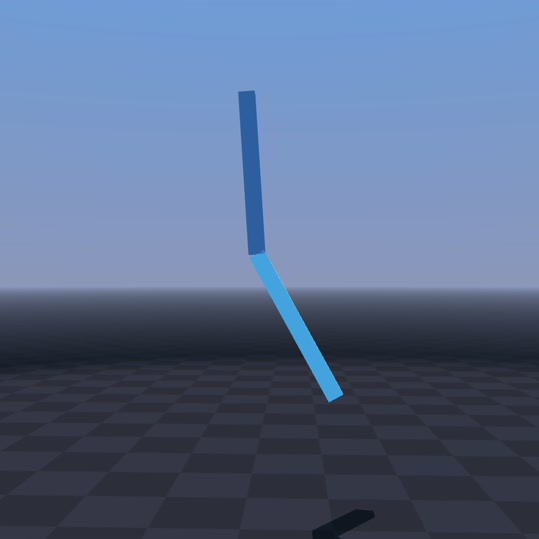
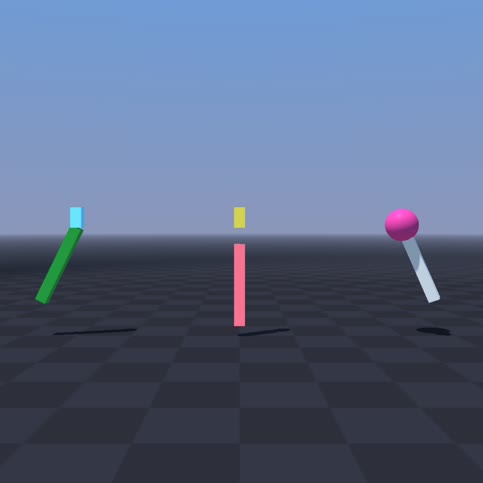
python -m newton.examples basic_pendulum
|
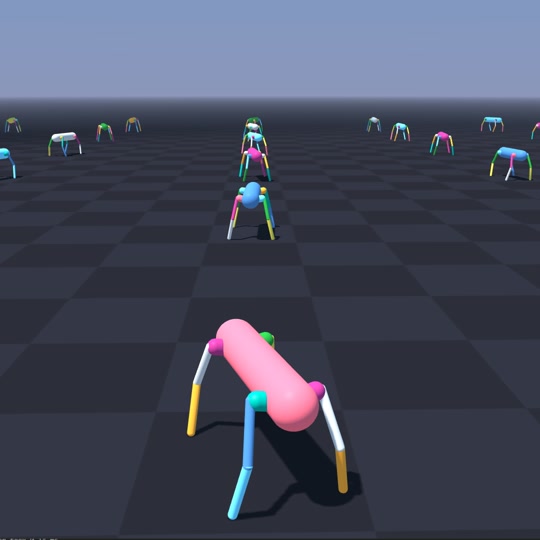
python -m newton.examples basic_urdf
|
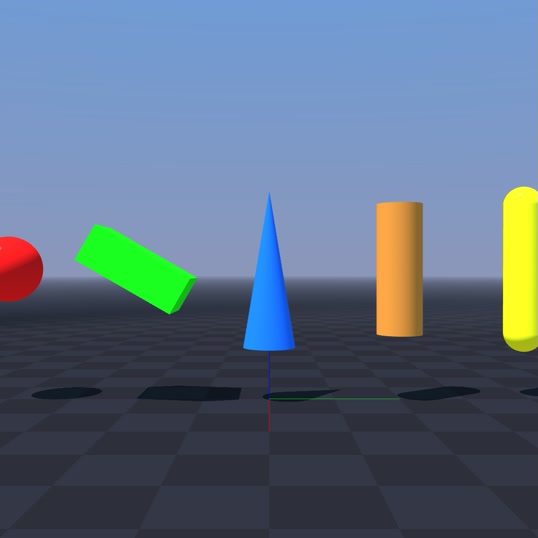
python -m newton.examples basic_viewer
|
|
|
|
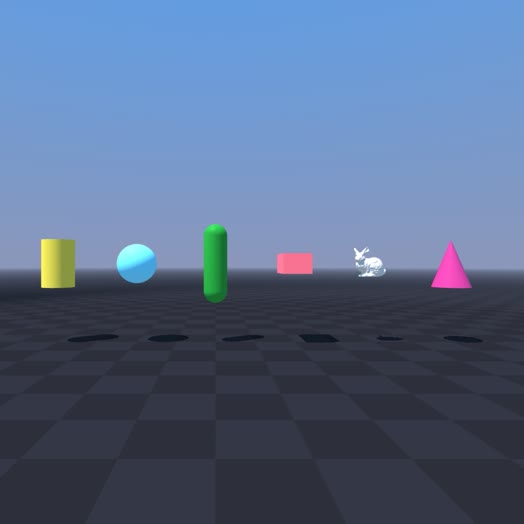
python -m newton.examples basic_shapes
|
python -m newton.examples basic_joints
|
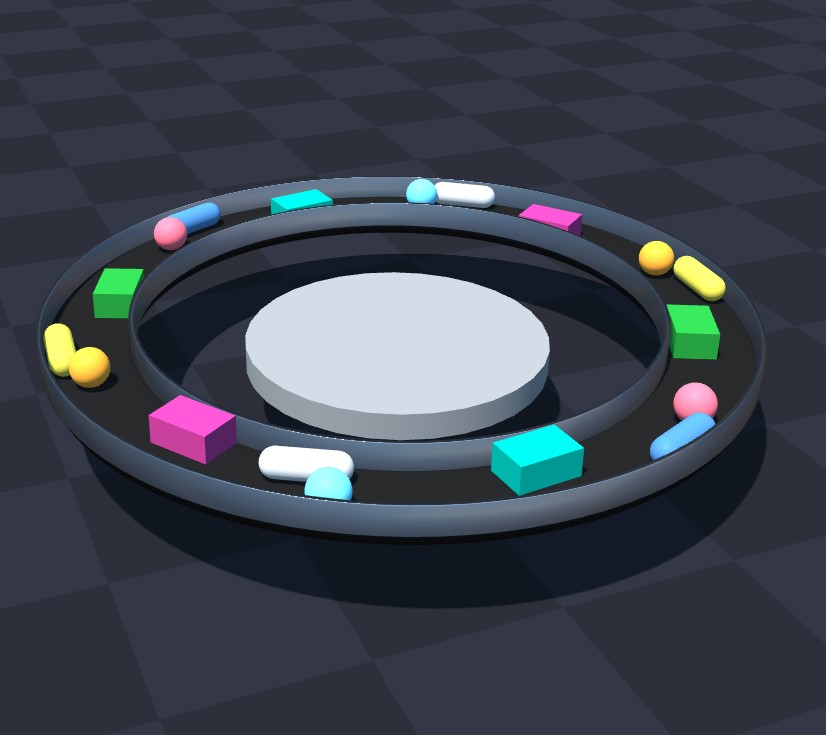
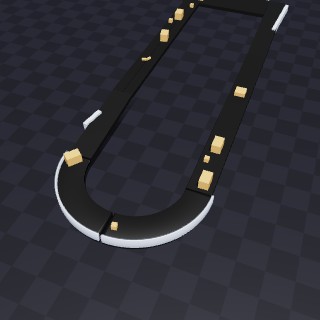
python -m newton.examples basic_conveyor
|
|
|
|
python -m newton.examples basic_heightfield
|
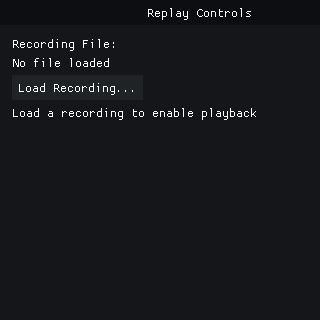
python -m newton.examples recording
|
python -m newton.examples replay_viewer
|
|
|
|
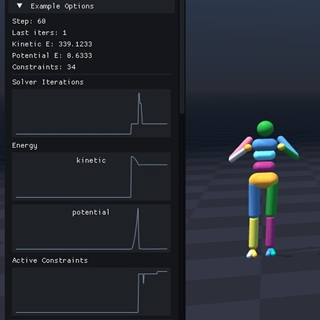
python -m newton.examples basic_plotting
|
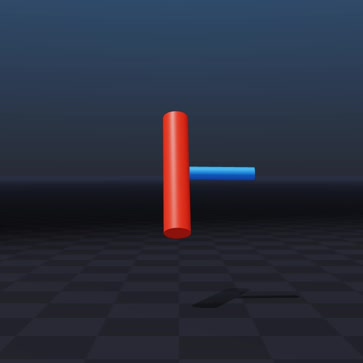
python -m newton.examples basic_dzhanibekov
|
python -m newton.examples basic_conveyor_forces
|
Robot Examples |
||
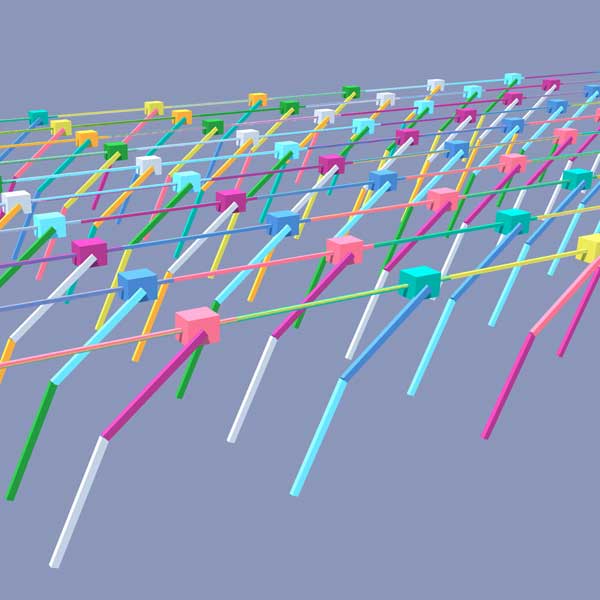
|
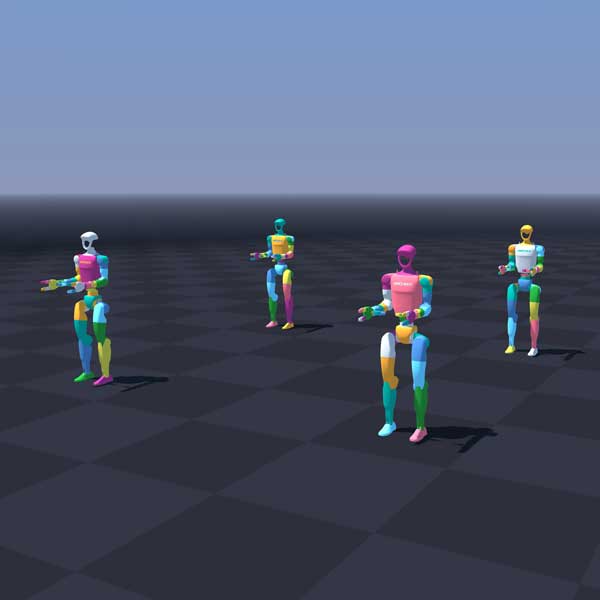
|
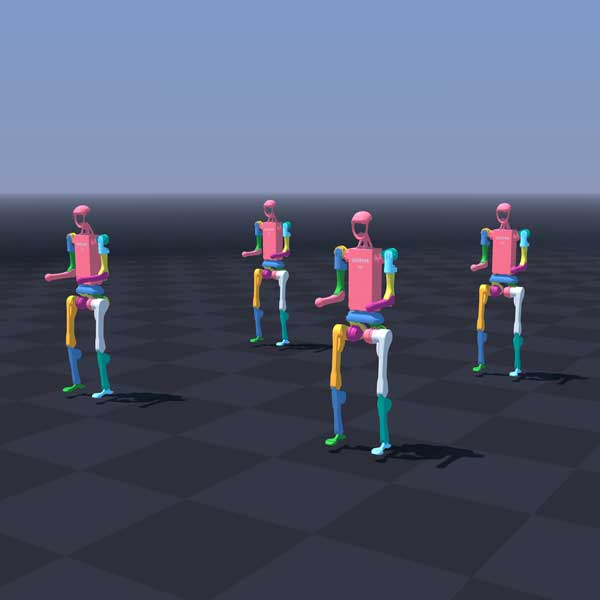
|
python -m newton.examples robot_cartpole
|
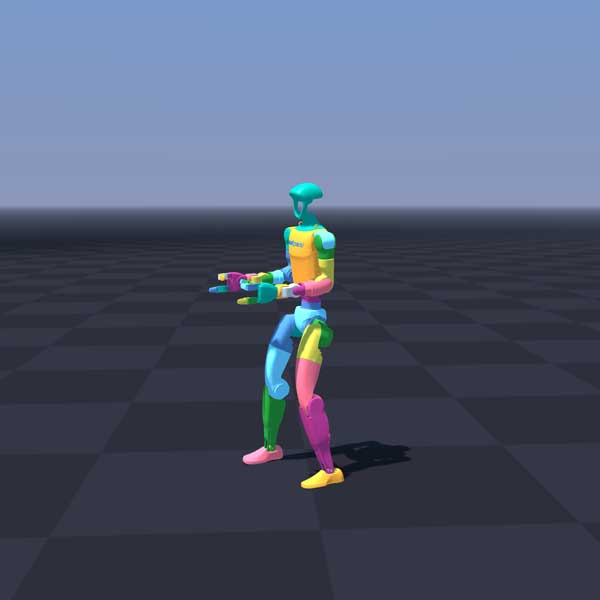
python -m newton.examples robot_g1
|
python -m newton.examples robot_h1
|
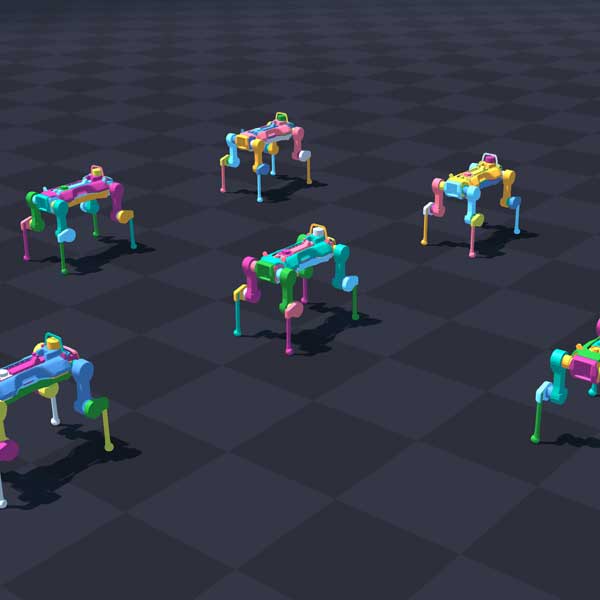
|
|
|
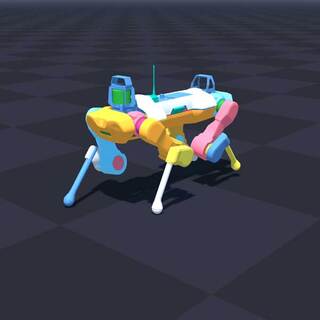
python -m newton.examples robot_anymal_d
|
python -m newton.examples robot_anymal_c_walk
|
python -m newton.examples robot_policy
|
|
|
|
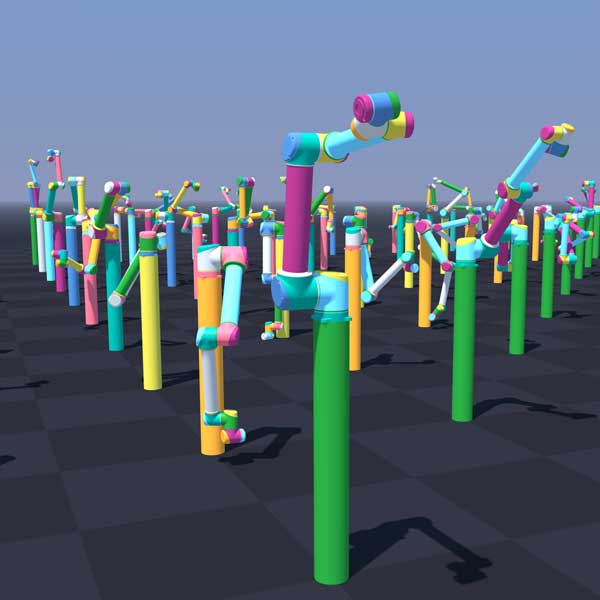
python -m newton.examples robot_ur10
|
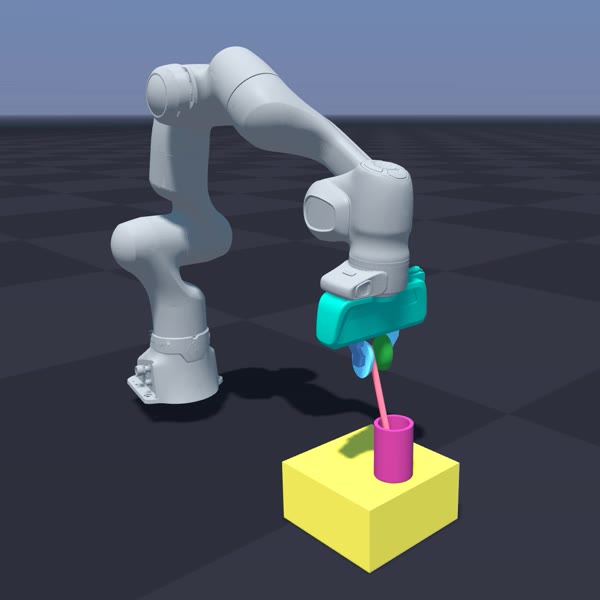
python -m newton.examples robot_panda_hydro
|
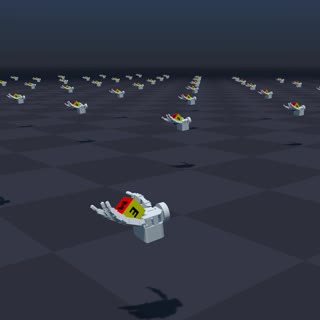
python -m newton.examples robot_allegro_hand
|
|
|
|
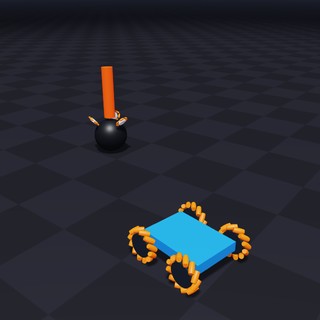
python -m newton.examples robot_omniwheel
|
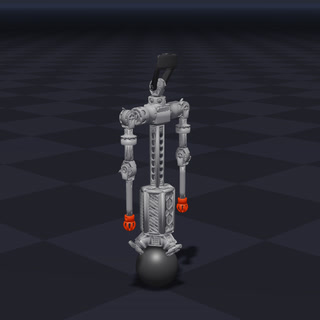
python -m newton.examples robot_asroballet
|
|
Controller Examples |
||
|
|
|
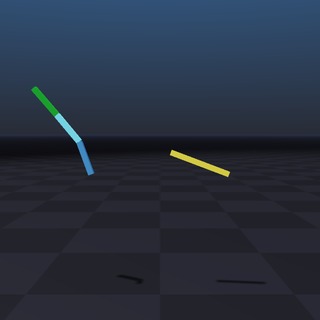
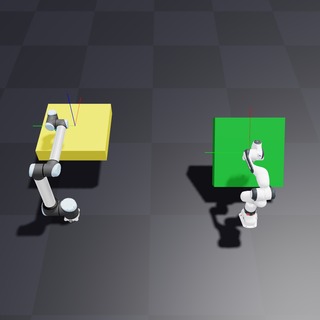
python -m newton.examples controller_joint_impedance_heterogeneous
|
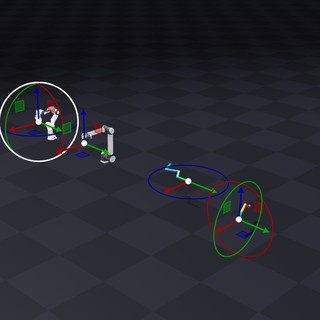
python -m newton.examples controller_operational_space_hybrid_force_motion
|
python -m newton.examples controller_differential_ik
|
Cable Examples |
||
|
|
|
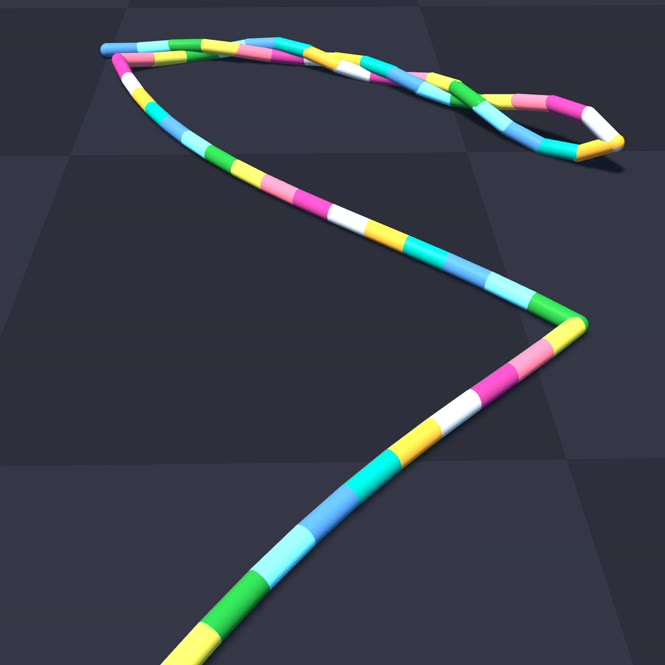
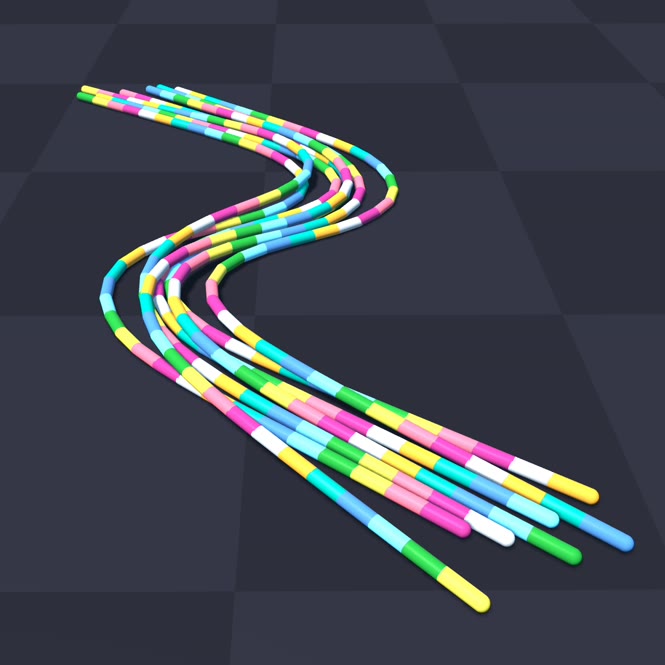
python -m newton.examples cable_twist
|
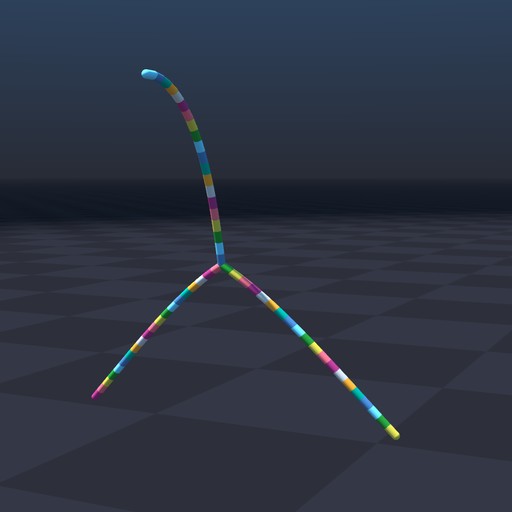
python -m newton.examples cable_y_junction
|
python -m newton.examples cable_bundle_hysteresis
|
|
|

|
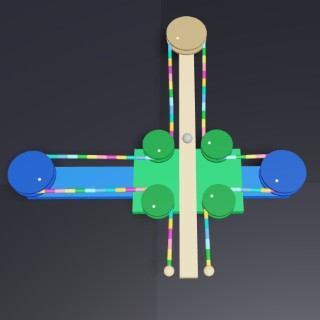
python -m newton.examples cable_pile
|
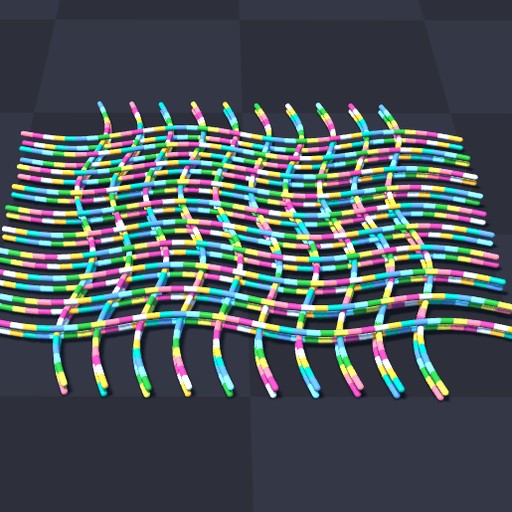
python -m newton.examples cable_cross_slide_table
|
python -m newton.examples cable_plectoneme
|
Cloth Examples |
||
|
|
|
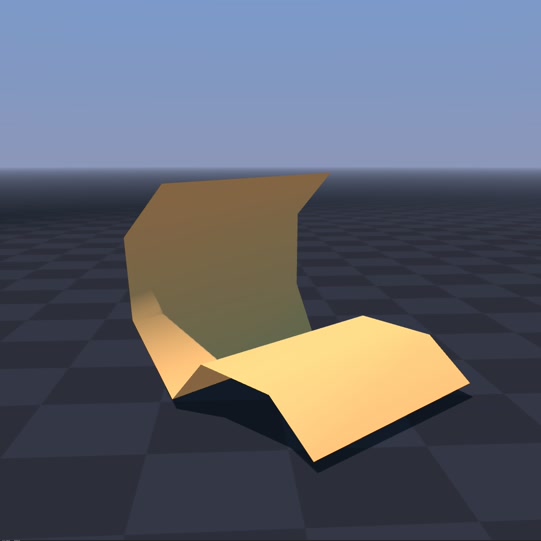
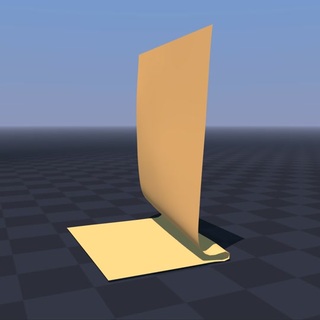
python -m newton.examples cloth_bending
|
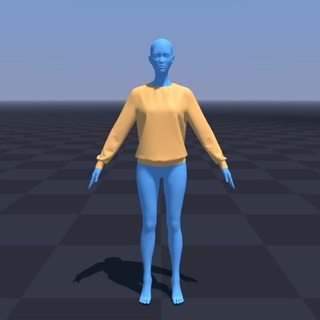
python -m newton.examples cloth_hanging
|
python -m newton.examples cloth_style3d
|
|
|
|
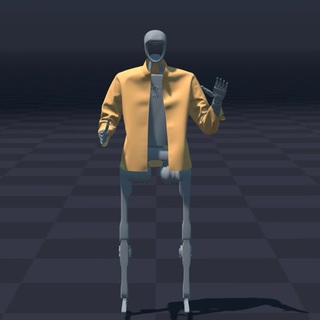
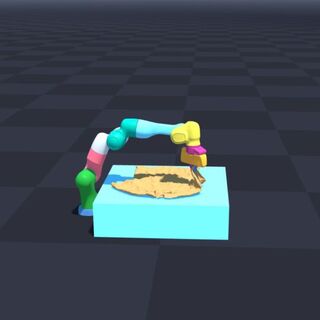
python -m newton.examples cloth_h1
|
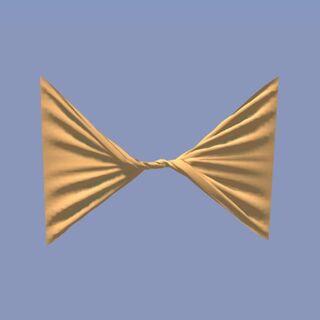
python -m newton.examples cloth_twist
|
python -m newton.examples cloth_franka
|
|
|
|
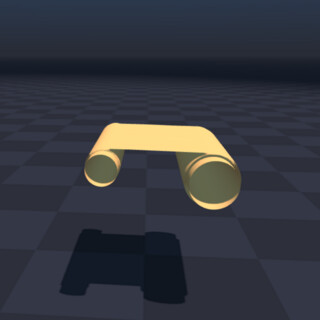
python -m newton.examples cloth_rollers
|
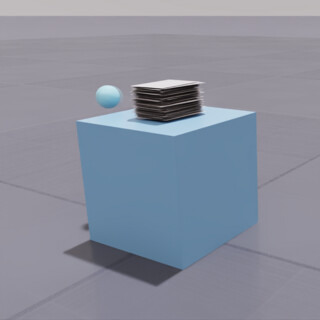
python -m newton.examples cloth_poker_cards
|
|
Inverse Kinematics Examples |
||
|
|
|
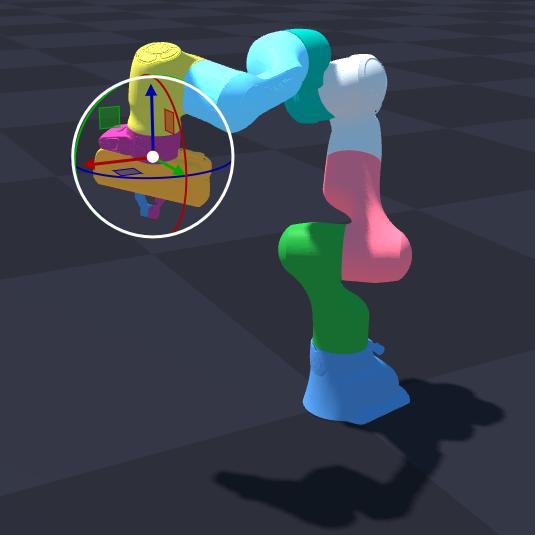
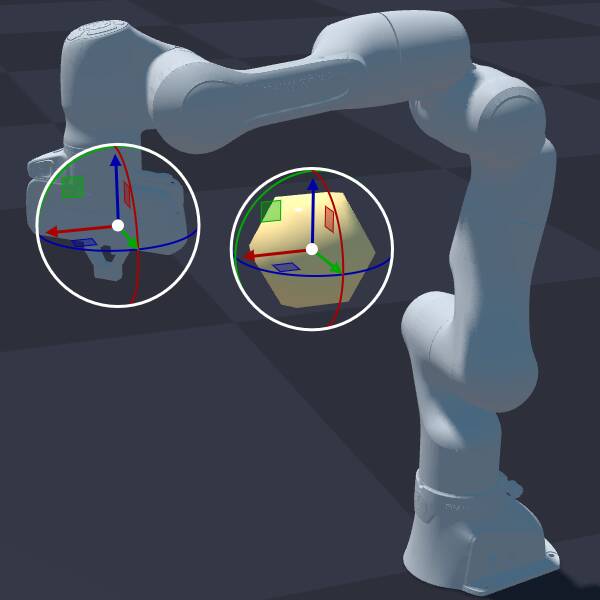
python -m newton.examples ik_franka
|
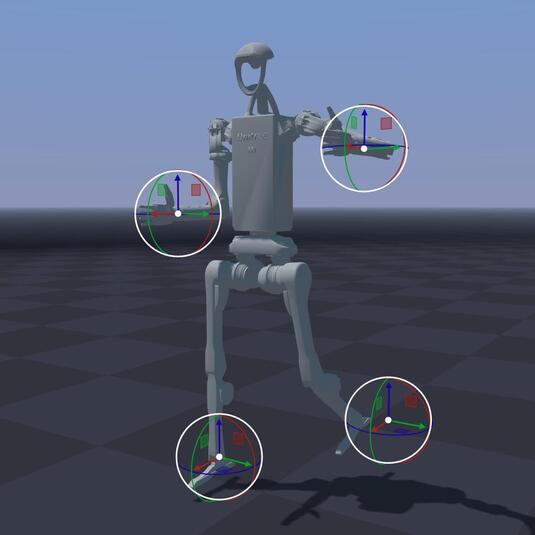
python -m newton.examples ik_h1
|
python -m newton.examples ik_custom
|
|
||
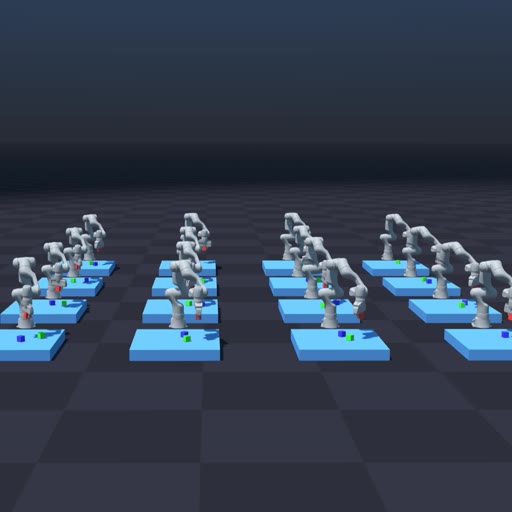
python -m newton.examples ik_cube_stacking
|
||
MPM Examples |
||
|
|
|
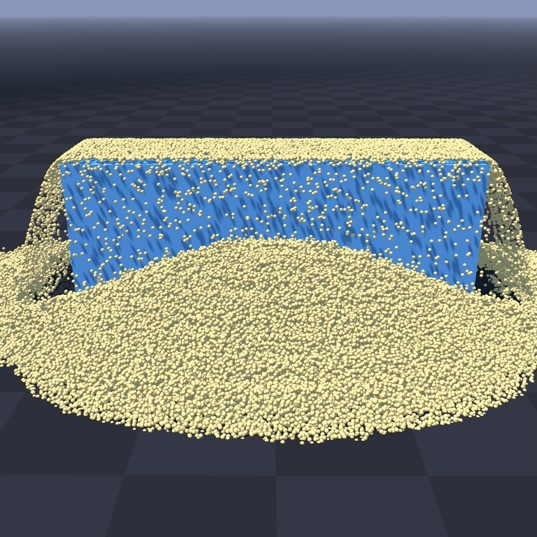
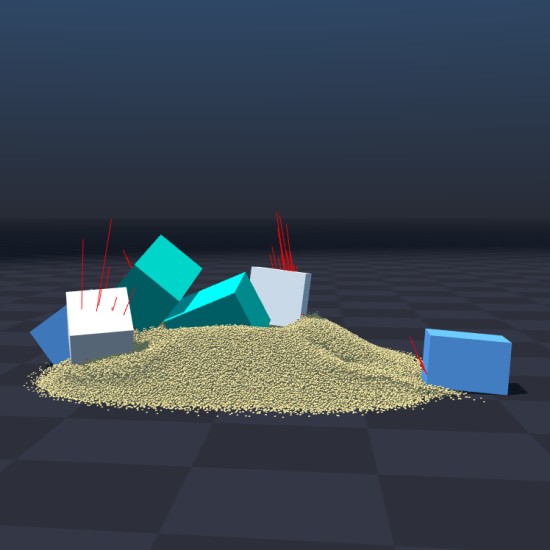
python -m newton.examples mpm_granularpython -m newton.examples mpm_granular --from-usd
|
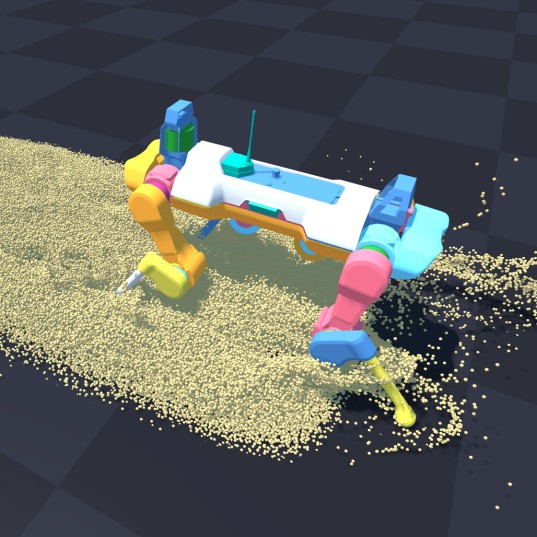
python -m newton.examples mpm_anymal
|
python -m newton.examples mpm_twoway_coupling
|
|
|
|
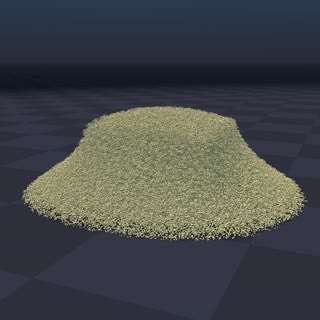
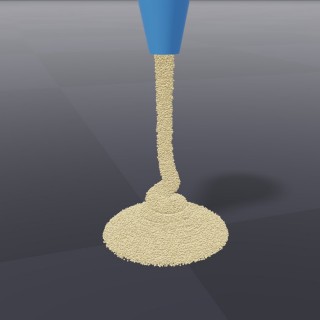
python -m newton.examples mpm_grain_rendering
|
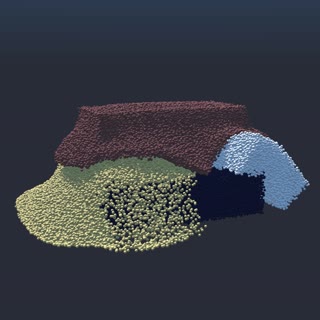
python -m newton.examples mpm_multi_material
|
python -m newton.examples mpm_viscous
|
|
|
|
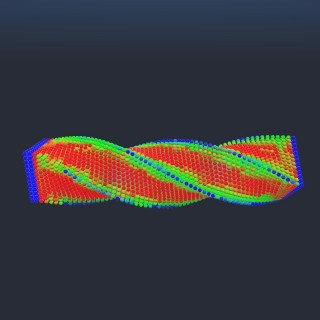
python -m newton.examples mpm_beam_twist
|
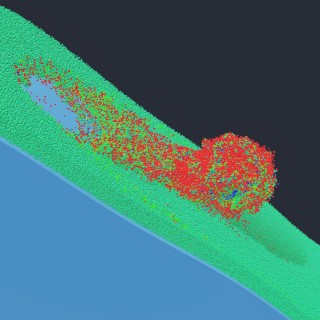
python -m newton.examples mpm_snow_ball
|
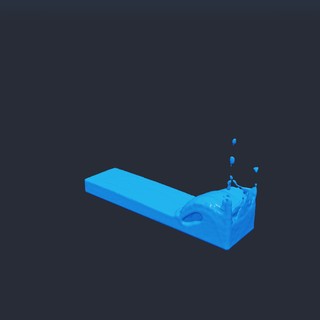
python -m newton.examples mpm_water_dam_break
|
Sensor Examples |
||
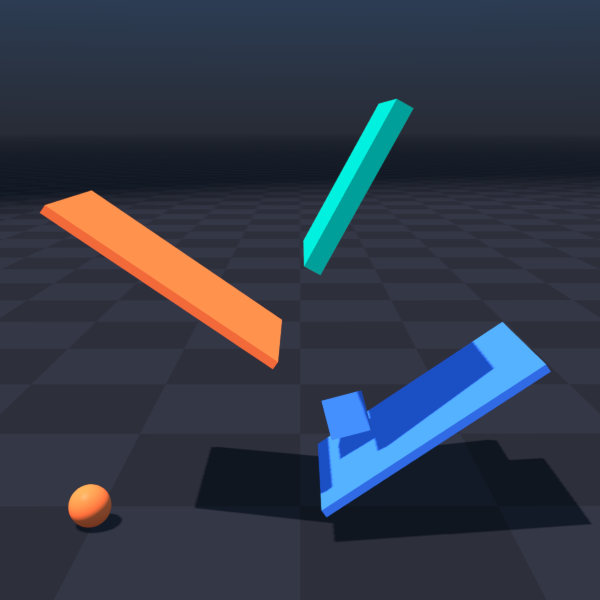
|
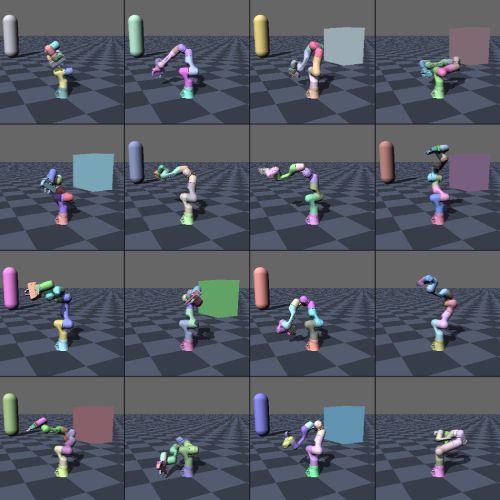
|
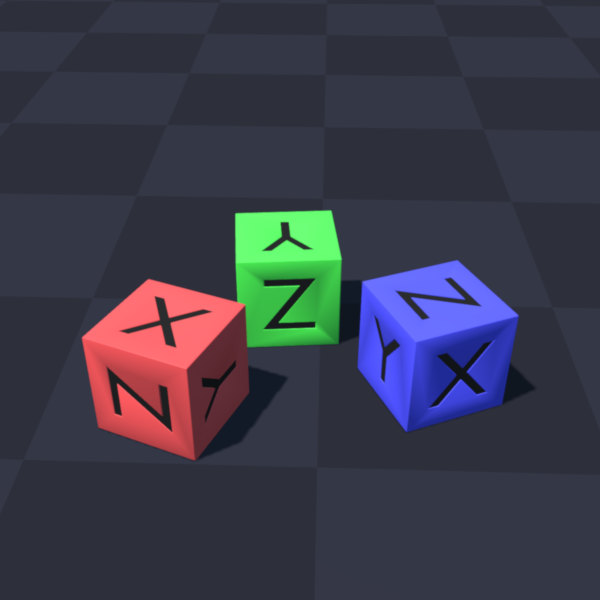
|
python -m newton.examples sensor_contact
|
python -m newton.examples sensor_tiled_camera
|
python -m newton.examples sensor_imu
|
Selection Examples |
||
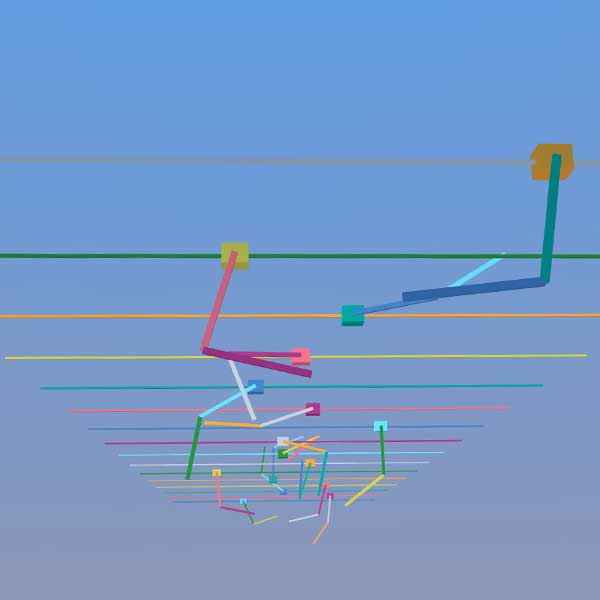
|
|
|
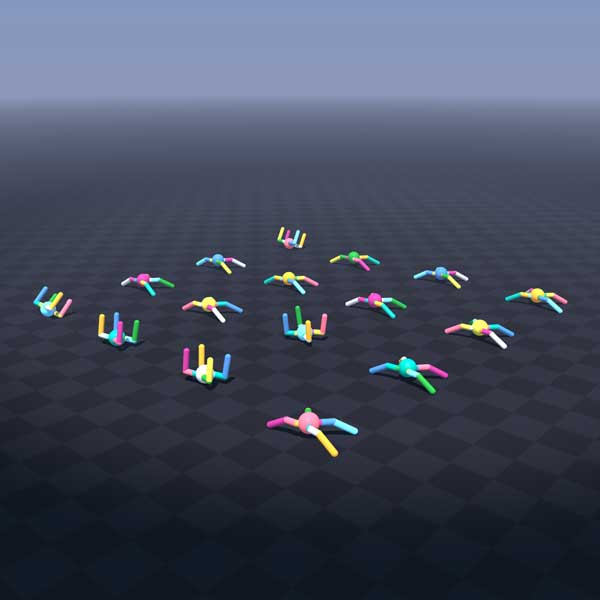
python -m newton.examples selection_cartpole
|
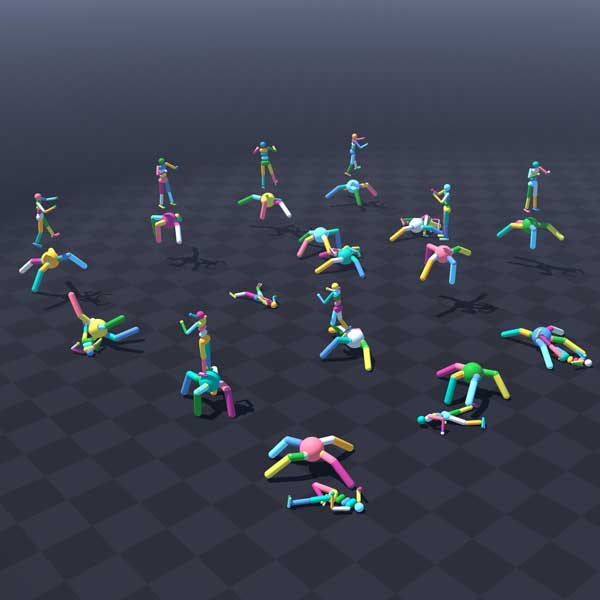
python -m newton.examples selection_materials
|
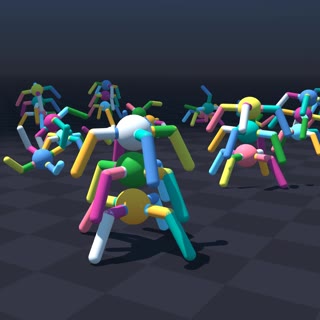
python -m newton.examples selection_articulations
|
|
||
python -m newton.examples selection_multiple
|
||
DiffSim Examples |
||
|
|
|
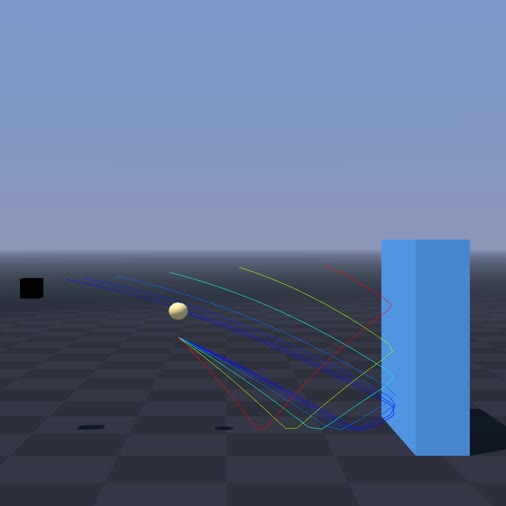
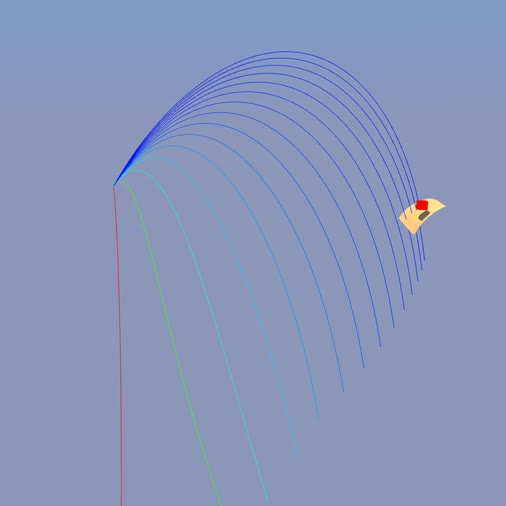
python -m newton.examples diffsim_ball
|
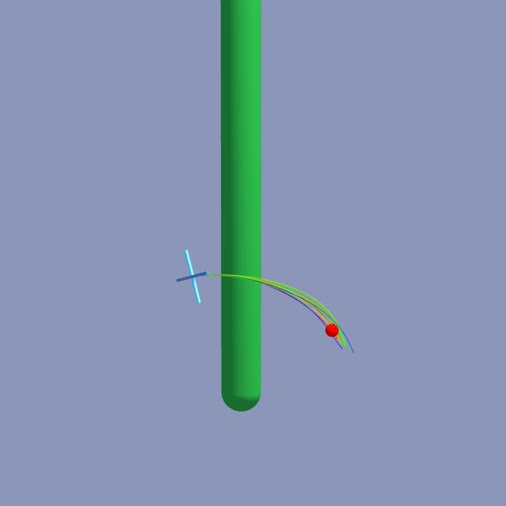
python -m newton.examples diffsim_cloth
|
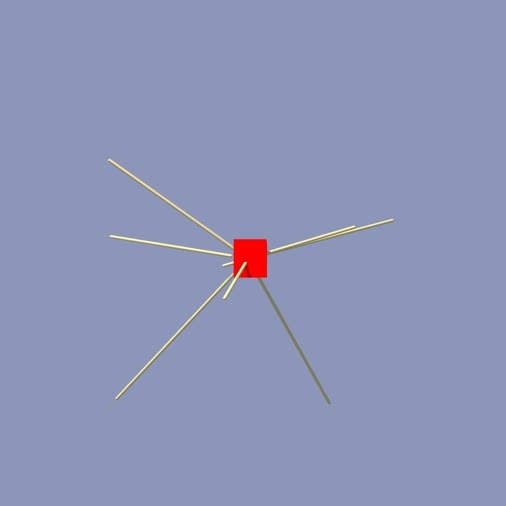
python -m newton.examples diffsim_drone
|
|
|
|
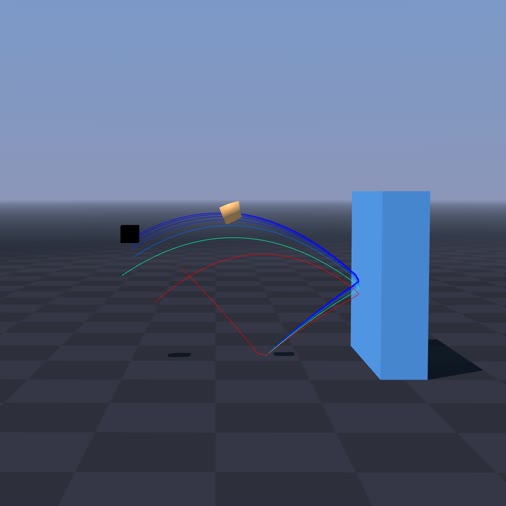
python -m newton.examples diffsim_spring_cage
|
python -m newton.examples diffsim_soft_body
|
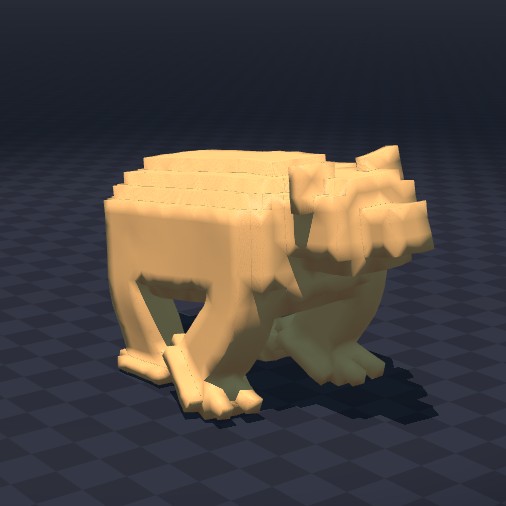
python -m newton.examples diffsim_bear
|
Multi-Physics Examples |
||
|
|
|
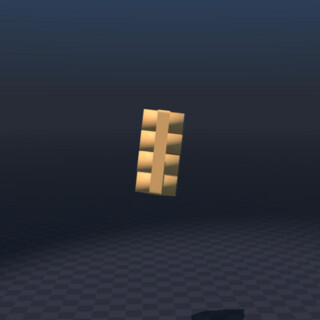
python -m newton.examples softbody_gift
|
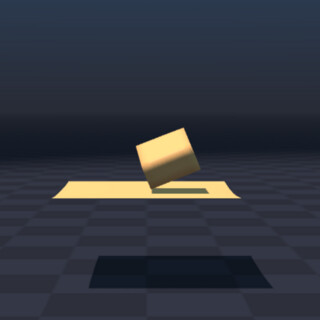
python -m newton.examples softbody_dropping_to_cloth
|
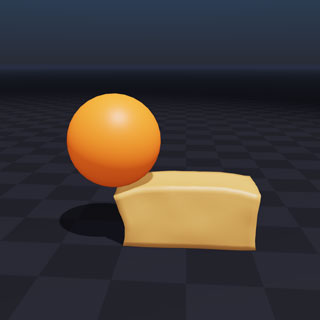
python -m newton.examples rigid_soft_contact
|
|
|
|
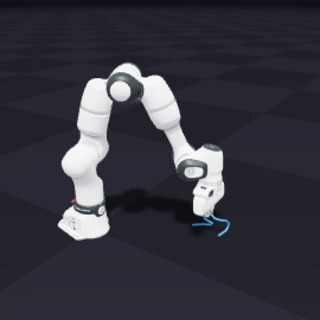
python -m newton.examples franka_cable_ik_pick_place
|
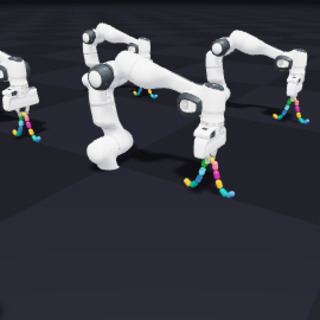
python -m newton.examples mujoco_franka_vbd_cable_admm_solver
|
|
Contacts Examples |
||
|
|
|
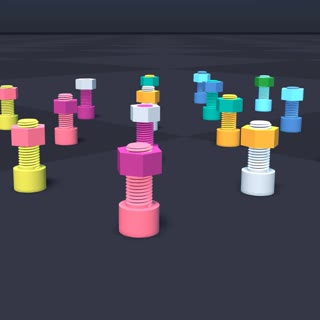
python -m newton.examples nut_bolt_hydro
|
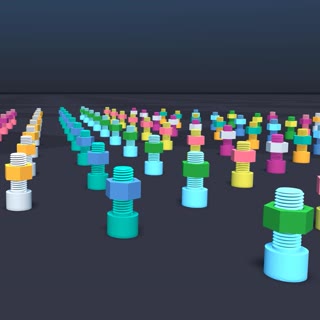
python -m newton.examples nut_bolt_sdf
|
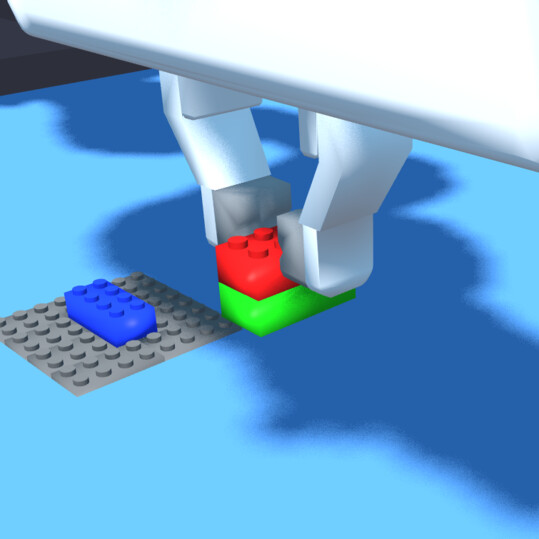
python -m newton.examples brick_stacking
|
|
|
|
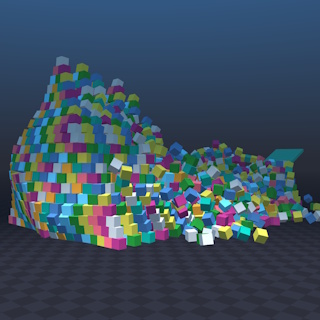
python -m newton.examples pyramid
|
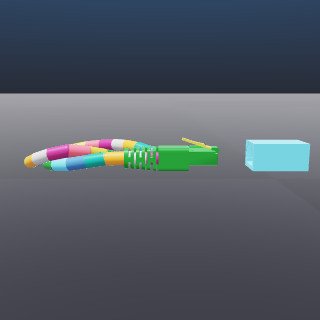
python -m newton.examples contacts_rj45_plug
|
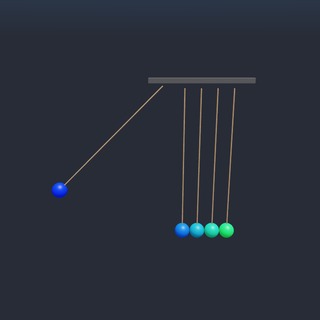
python -m newton.examples newton_cradle
|
|
|
|
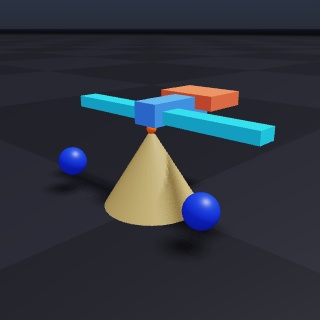
python -m newton.examples balance_bird
|
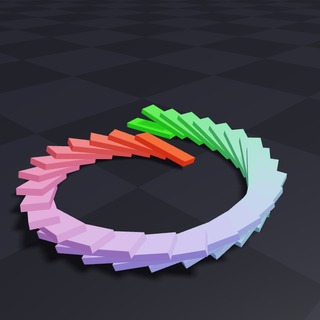
python -m newton.examples domino_spiral
|
|
Softbody Examples |
||
|
|
|
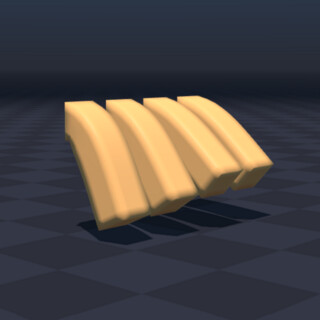
python -m newton.examples softbody_hanging
|
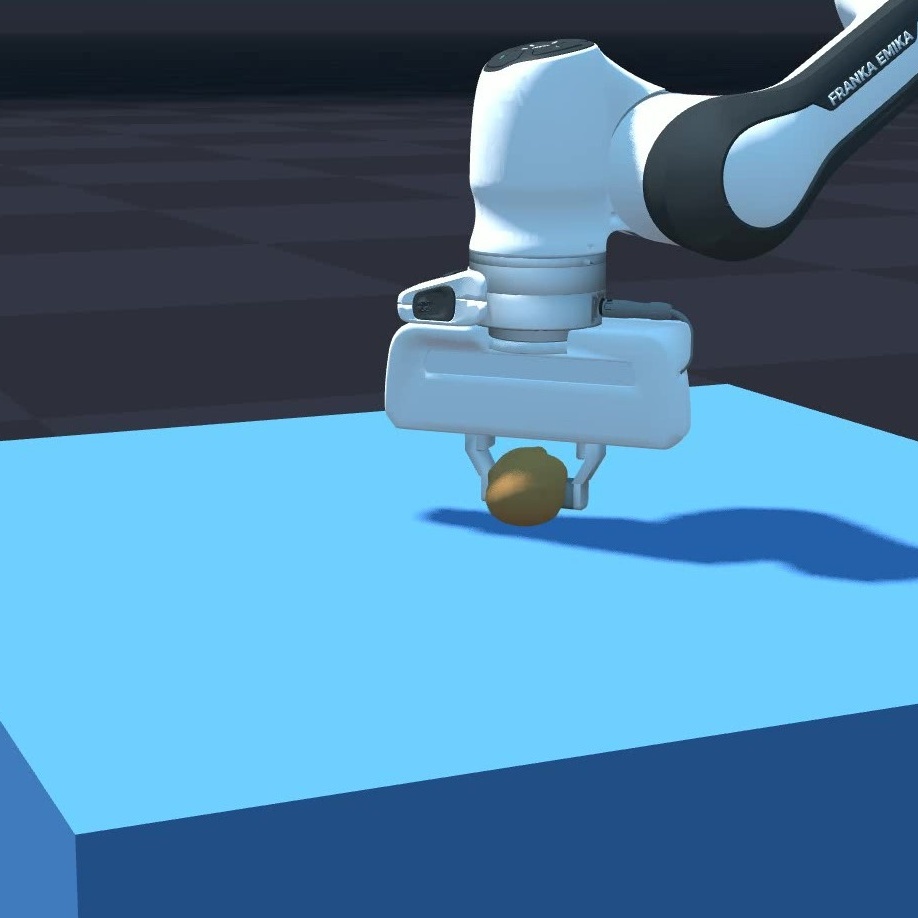
python -m newton.examples softbody_franka
|
|
Kamino Examples |
||
|
|
|
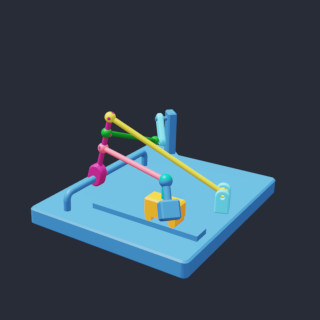
python -m newton.examples kamino_basic_dr_testmech
|
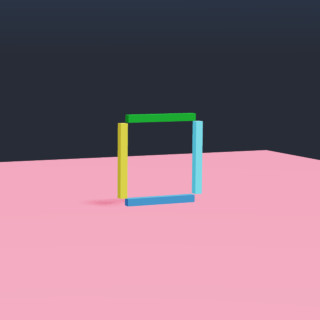
python -m newton.examples kamino_basic_fourbar
|
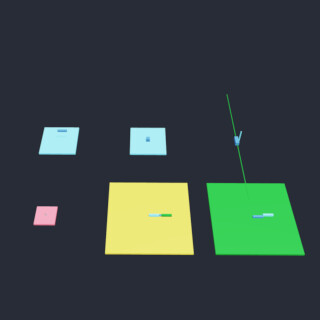
python -m newton.examples kamino_basic_heterogeneous
|
|
|
|
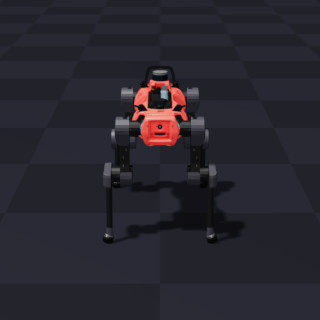
python -m newton.examples kamino_robot_anymal_d
|
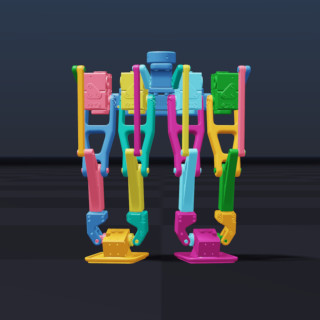
python -m newton.examples kamino_robot_dr_legs
|
|
Example Options
All examples share a common set of command-line options. The most commonly used ones are:
| Argument | Description | Default |
|---|---|---|
--viewer | Viewer to use: gl, usd, rtx, rerun, viser, or null. | gl |
--device | Compute device to use, e.g., cpu, cuda:0. | None (default Warp device) |
--num-frames | Total number of frames to simulate. | 100 |
--output-path | Path to the output USD file (used by the usd viewer). | output.usd |
For the complete, always-current list of options — plus any arguments a specific example adds — run:
python -m newton.examples <example_name> --help
Example Usage
# List available examples
python -m newton.examples --list

# Run with the USD viewer and save to my_output.usd
python -m newton.examples basic_viewer --viewer usd --output-path my_output.usd

# Run on a selected device
python -m newton.examples basic_urdf --device cuda:0

# Combine options
python -m newton.examples basic_viewer --viewer gl --num-frames 500 --device cpu
Contributing and Development
See CONTRIBUTING.md for ways to contribute and the pull-request process. The governance contribution guidelines cover legal requirements, project roles, and approval authority. Use the development guide for environment setup and development workflows. Code and public API changes must follow the source code guidelines; reviewers may use the suggested review guidelines.
Support and Community Discussion
For questions, please consult the Newton documentation first before creating a discussion in the main repository.
Code of Conduct
By participating in this community, you agree to abide by the Linux Foundation Code of Conduct.
Project Governance, Legal, and Members
Please see the newton-governance repository for more information about project governance.