ng-apimock/dev-interface [](https://www.npmjs.com/package/@ng-apimock/dev-interface) [](https://github.com/ng-apimock/dev-interface/actions?workflow=CI) [](https://sonarcloud.io/dashboard?id=ng-apimock_dev-interface) [](http://commitizen.github.io/cz-cli/) [](https://github.com/semantic-release/semantic-release) [](https://dependabot.com) [](https://david-dm.org/ng-apimock/dev-interface) [](https://david-dm.org/ng-apimock/dev-interface#info=devDependencies)
July 21, 2021 · View on GitHub
The development interface for ng-apimock.
Getting Started
npm install @ng-apimock/dev-interface --save-dev
Once the plugin has been installed, you can require it with this line of JavaScript:
const devInterface = require('@ng-apimock/dev-interface');
How does it work
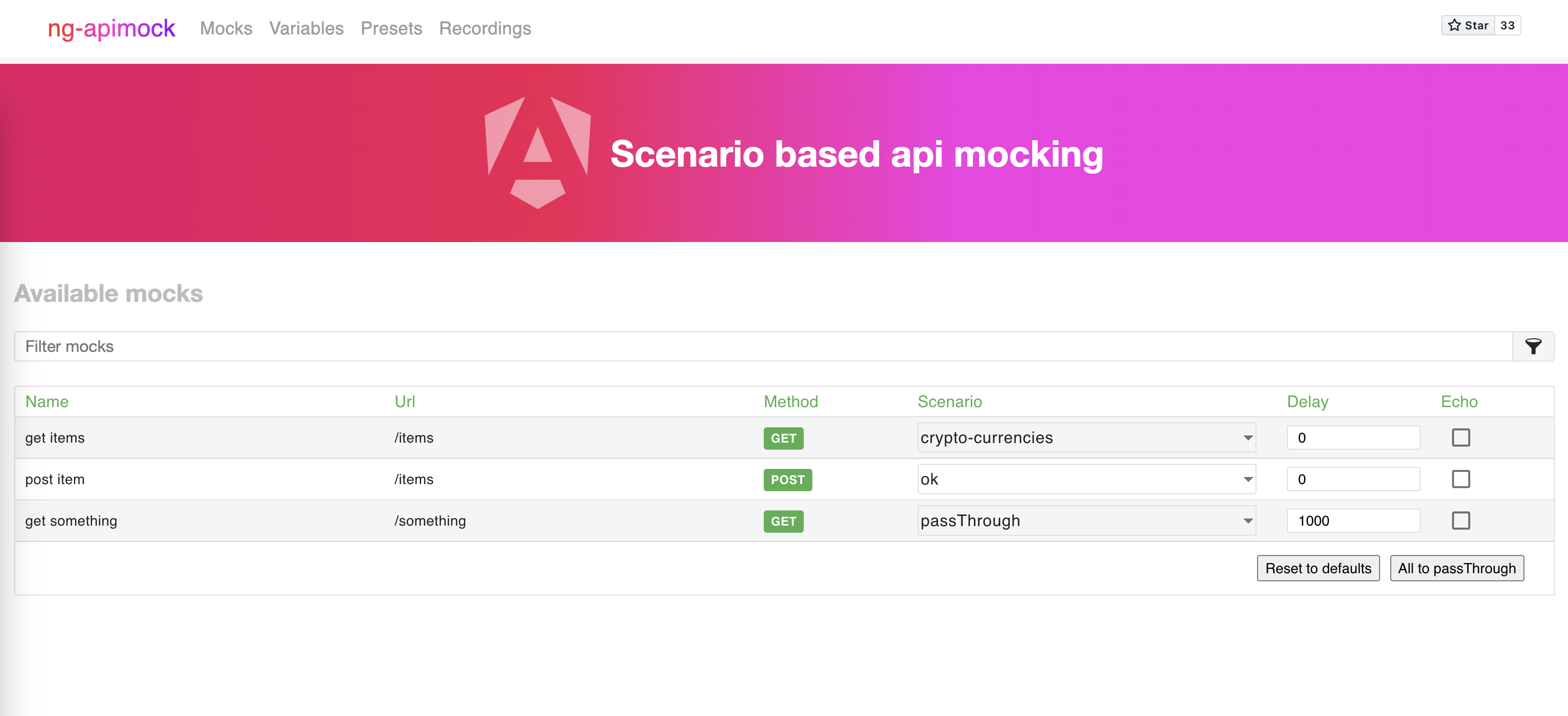
The development interface is a small web application that connects to the @ng-apimock/core middelware and exposes all it's features in the ui.
Usage
In order to use the development interface you can add it to your serve configuration like this:
const connect = require('connect');
const app = connect();

app.use('/dev-interface/', serveStatic(devInterface));
The development interface can now be used by navigating to http://localhost:9000/dev-interface.
The development interface looks like this: