README.md
February 4, 2026 · View on GitHub
link-prevue
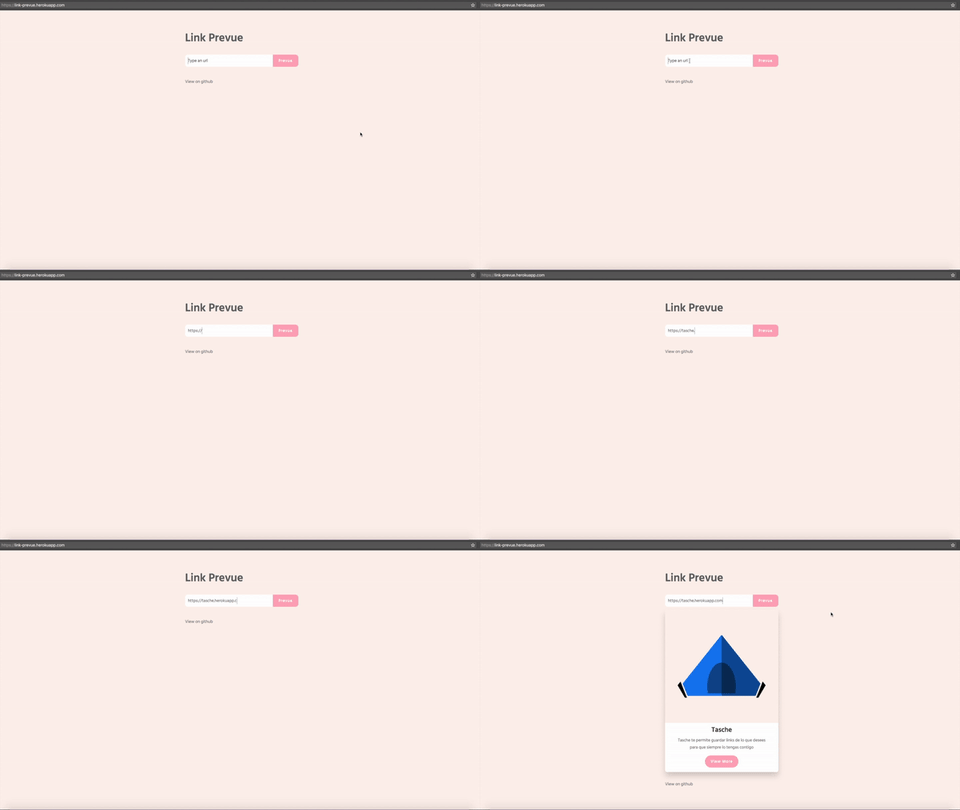
A flexible component for generating a link preview
Intallation
npm install link-prevue
Basic usage
Javascript
import LinkPrevue from 'link-prevue'
HTML
<div id="app">
  <LinkPrevue url="https://vuejs.org/"></LinkPrevue>
</div>
:+1:
Custom card
To use a custom card, set your own html code between the aperture tag and the close tag of component. Using the scoped slot.
<div id="app">
  <LinkPrevue url="https://vuejs.org/">
    <template v-slot="props">
      <div class="card" style="width: 20rem;">
        <img class="card-img-top" :src="props.img" :alt="props.title" />
        <div class="card-block">
          <h4 class="card-title">{{props.title}}</h4>
          <p class="card-text">{{props.description}}</p>
          <a v-bind:href="props.url" class="btn btn-primary">More</a>
        </div>
      </div>
    </template>
  </LinkPrevue>
</div>
Custom loading indicator
To use a custom loading indicator, use the loading slot.
<div id="app">
  <LinkPrevue url="https://vuejs.org/">
    <template v-slot:loading>
      <!-- set your custom loading -->
      <h1>Loading...</h1>
    </template>
  </LinkPrevue>
</div>
Custom button handler
For custom button handler use the onButtonClick property, like.
HTML
<div id="app">
  <LinkPrevue url="https://vuejs.org/" :onButtonClick="onClick"></LinkPrevue>
</div>
Javascript
import LinkPrevue from 'link-prevue'

export default {
  components:{
    LinkPrevue
  },
  methods: {
    onClick(prevue) {
      console.log('click', prevue.images, prevue.title, prevue.url, prevue.description)
    }
  }
}
Props API
link-prevue have the following props for customize the component
| Prop | Type | Required | Default Value | Description |
|---|---|---|---|---|
| url | String | yes | undefined | Site url for generate link preview |
| onButtonClick | Function | no | undefined | Function for a custom button handler, params => prevue |
| cardWidth | String | no | '400px' | Card width, accept px and % |
| showButton | Boolean | no | true | Render card button |
| showButtonWhileLoading | Boolean | no | false | Show a button during loading state that opens the URL. Useful when loading multiple links takes time. |
| apiUrl | String | no | https://link-preview-api.nivaldo.workers.dev/preview | Custom API url, link-preview add a query param called ?url= check this |
| hideWhenEmpty | Boolean | no | false | Hide card when image, title, and description are all null in the API response |
API REST
link-prevue uses an API REST for retrieve link data if you want to use your own API REST check this.
Troubleshooting
429 Too Many Requests
If you are seeing 429 Too Many Requests errors, this means the API used by link-prevue has exceeded its free usage limits.
This library relies on a Cloudflare Worker running on the free plan. Because the API is public and shared across all users, the free quota can be exhausted. When this happens, Cloudflare automaticly throttles requests and returns 429 responses.
Recomended solution: use a custom API
To avoid rate limits and ensure consistet availability, we strongly recommend use your own API instance intead of the shared public one.
You can deploy your own Cloudflare Worker (or compatible backend) and configure link-prevue to point to it using api-url prop. This gives you:
- A dedicated API for your project or instance
- Full control over limits and usage
- Better reliability in production environments
Follow this step-by-step tutorial to set up and use a custom API.
Once configured, update link-prevue’s API endpoint to your custom URL, and the 429 errors should no longer occur.
License
This code is distributed under the terms and conditions of the MIT license.
compatibility
| version | vue |
|---|---|
| v2.x | v3.x |
| v1.x | v2.x |