readme.md
May 1, 2023 · View on GitHub






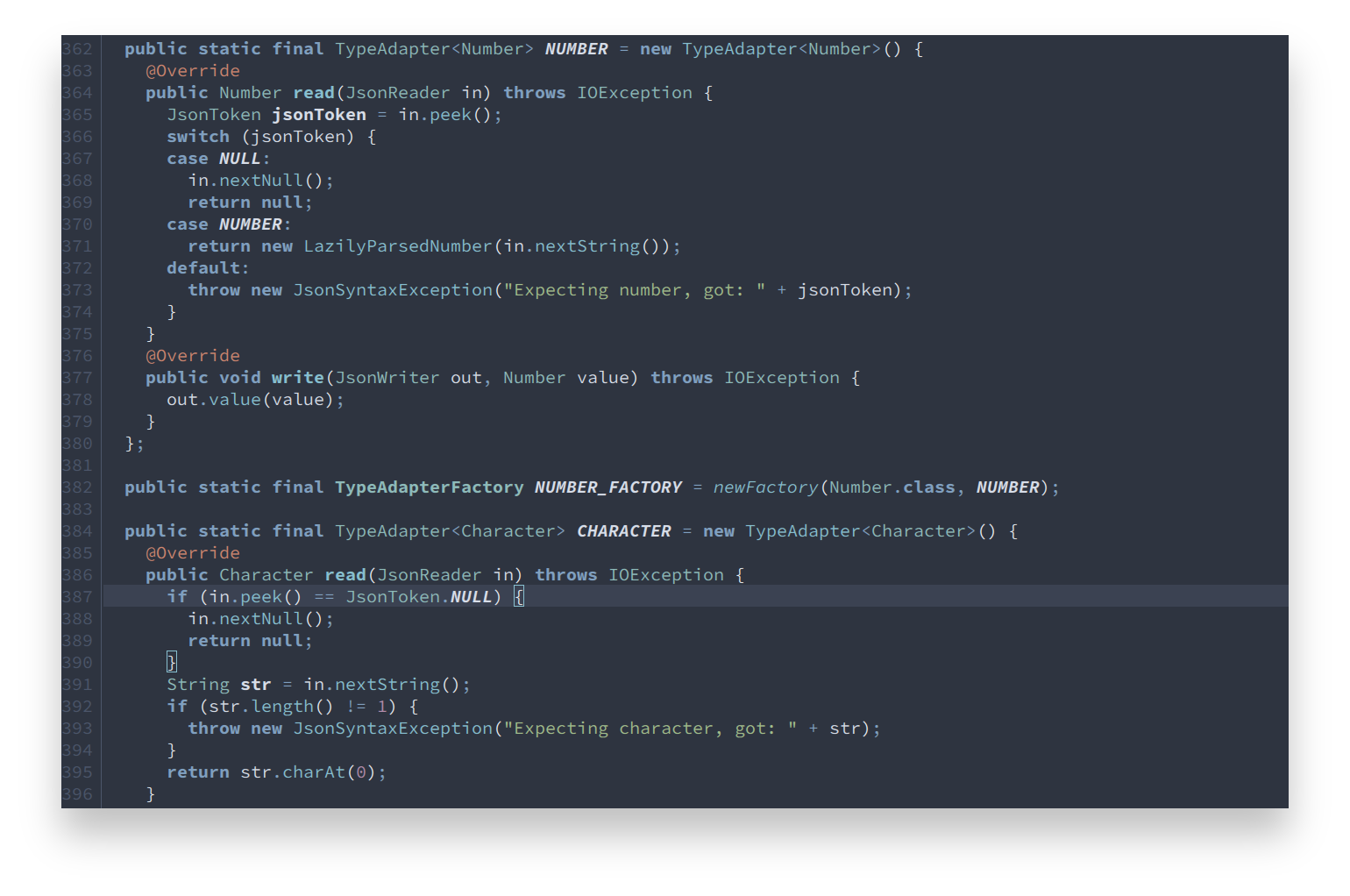
An arctic, north-bluish clean and elegant Eclipse syntax theme.
Designed for a fluent and clear workflow based on the Nord color palette.
Getting started
Installation
Via Eclipse Color Themes Plugin
Install the latest version of the Eclipse Color Themes Plugin from the Eclipse marketplace.
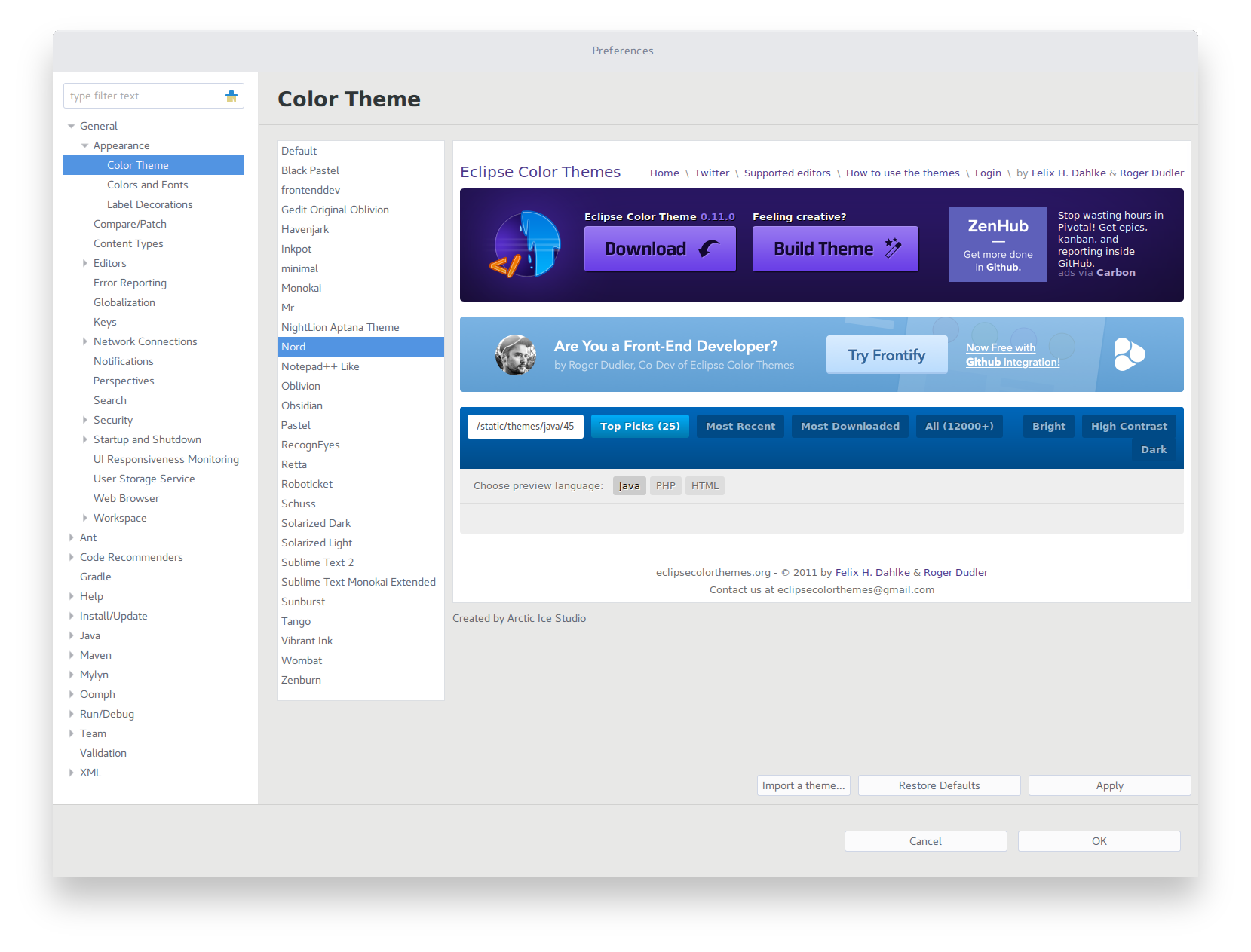
Download the latest nord.xml file from the GitHub repository or the official Eclipse Color Theme website and import it:
- Open Window > Preferences
- Navigate to General > Appearance > Color Theme in the tree view
- Click on the Import a theme labeled button on the right bottom
- Import the downloaded
nord.xmlfile
You can also visit the plugin website for a How To Use description and video.
Via Eclipse Preference Import
Download the latest nord.epf file and import it:
- Open File > Import
- Navigate to General and choose Preferences
- Browse to the downloaded
nord.epffile - Import and confirm the changes with Finish
Activation
- Open Window > Preferences
- Navigate to General > Appearance > Color Theme in the tree view
- Select
Nordfrom the list and Apply the change
Features
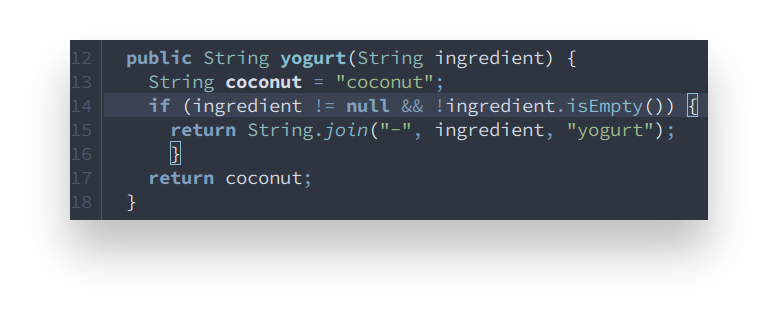
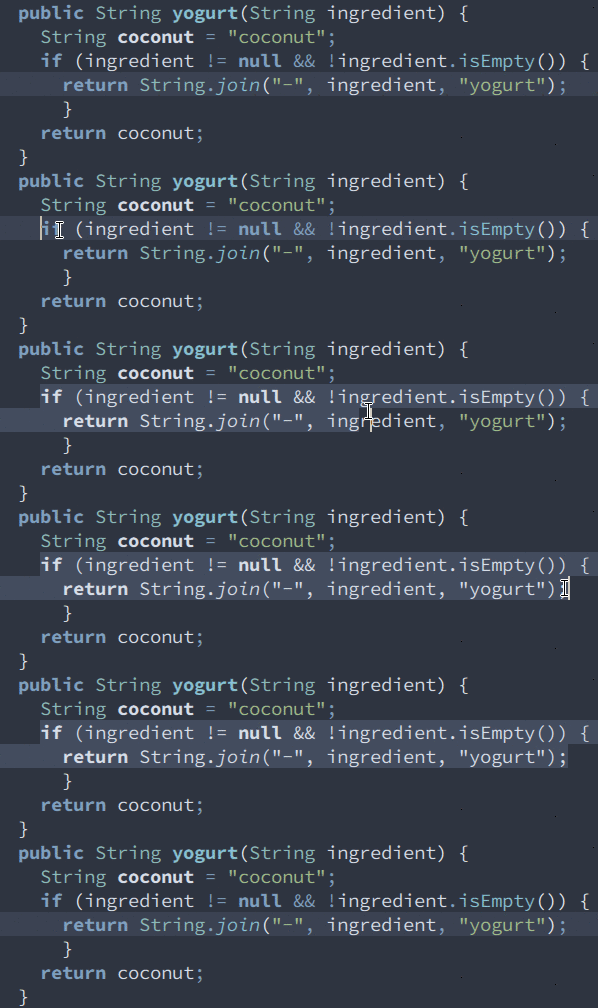
Non-obtrusive bracket matching result marker.
Line numbers are faded out in order to keep the focus.
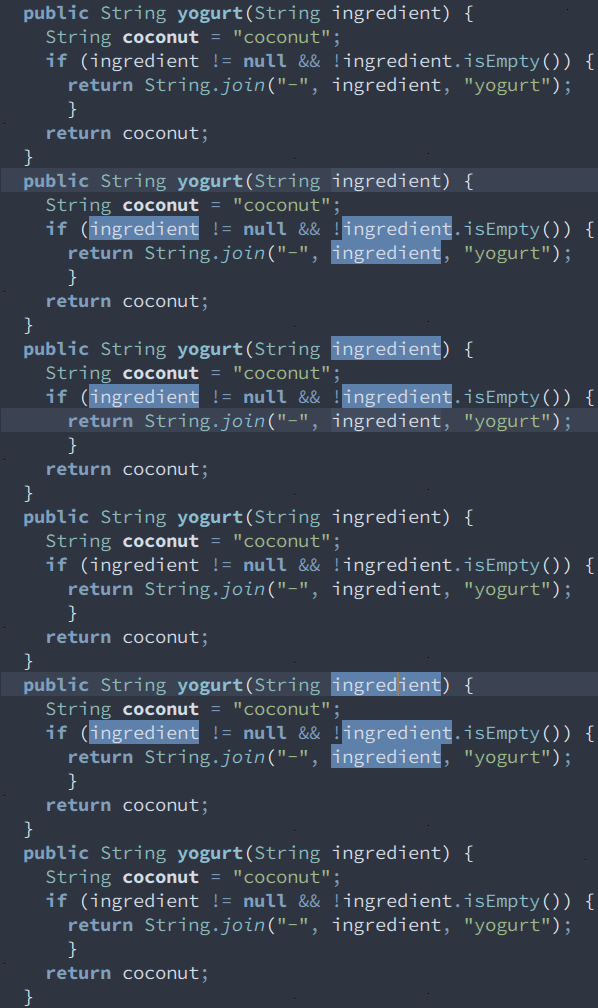
Colors of selected code can still be easily recognized.
Languages
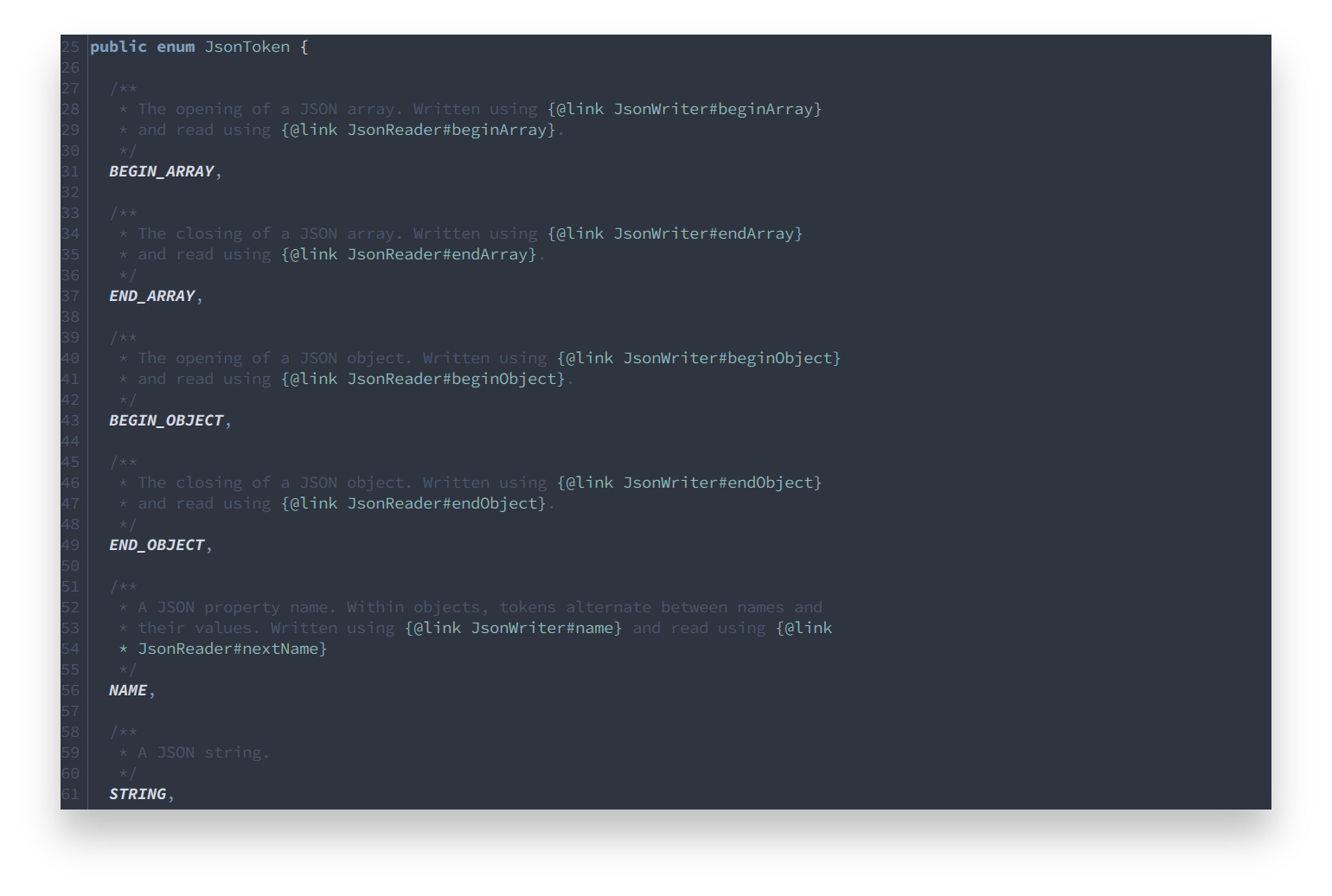
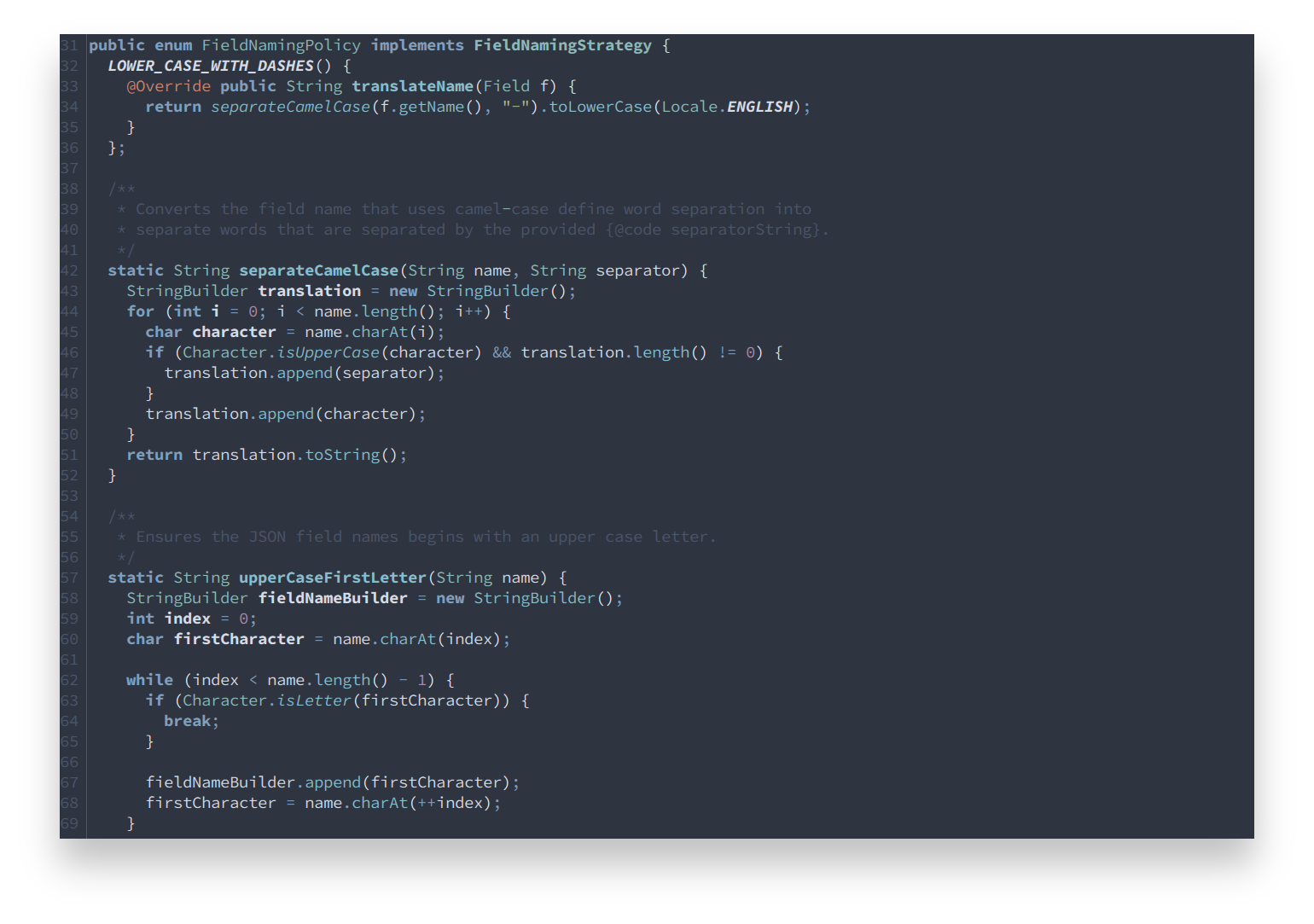
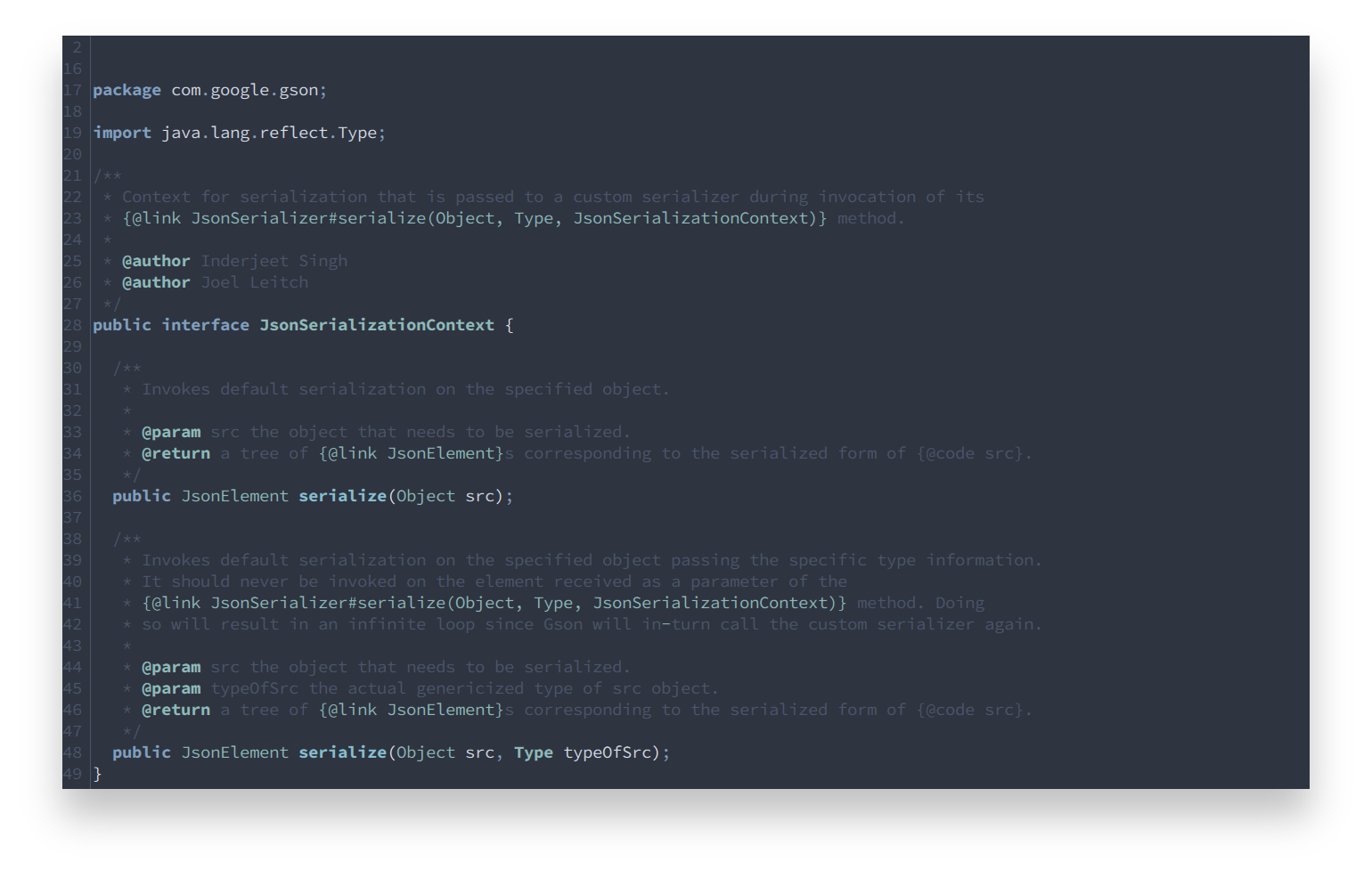
Supports all languages which are listed on the Eclipse Color Theme Plugin marketplace site. All styles have been optimized to achieve a consistent and uniform coloring across languages.
Java
Contribution
Please report issues/bugs, feature requests and suggestions for improvements to the issue tracker.

Copyright © 2016-present Sven Greb

