readme.md
May 3, 2023 · View on GitHub







An arctic, north-bluish clean and elegant Termite color theme.
Designed for a fluent and clear workflow based on the Nord color palette.
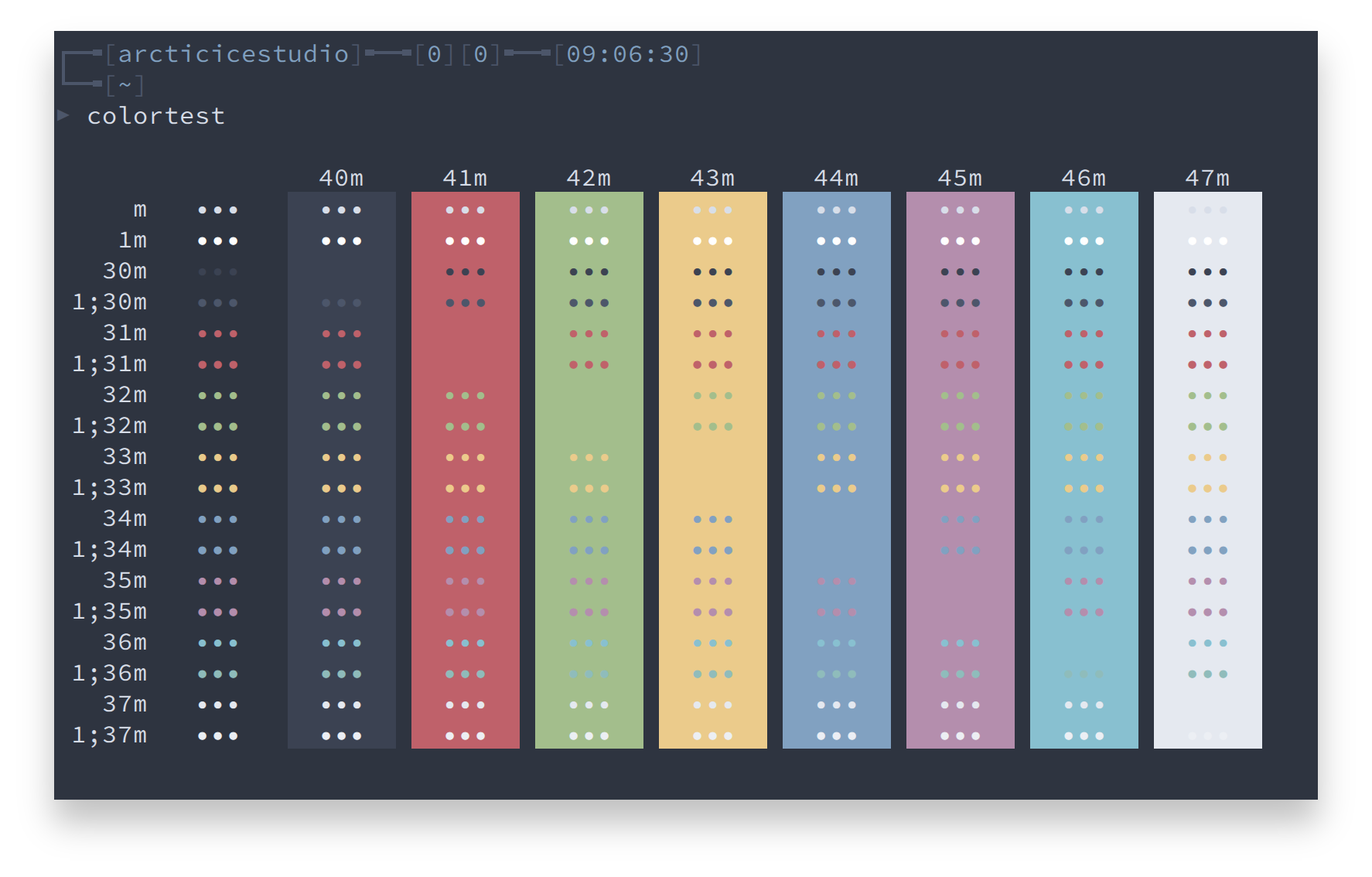
Getting started
Installation
Manual
Copy the config file to the configuration directory according to the desired installation type.
Local: ~/.config/termite
Global: /etc/xdg/termite.cfg
Install Script
The included install.sh shell script can be used for an automated installation.
If no option is specified, the default installion type is local and the color config file is src/config.
A list of available options can be shown with the --help option.
./install.sh --help
Syntax: install.sh [OPTIONS]
| Option | Description |
|---|---|
-h, --help | Shows the help |
-v, --verbose | Verbose output |
-g, --global | Install global |
-c <COLOR_CONFIG_FILE>, --configfile <COLOR_CONFIG_FILE> | Use the specified color config file |
Note: The global installation requires root privileges via sudo!
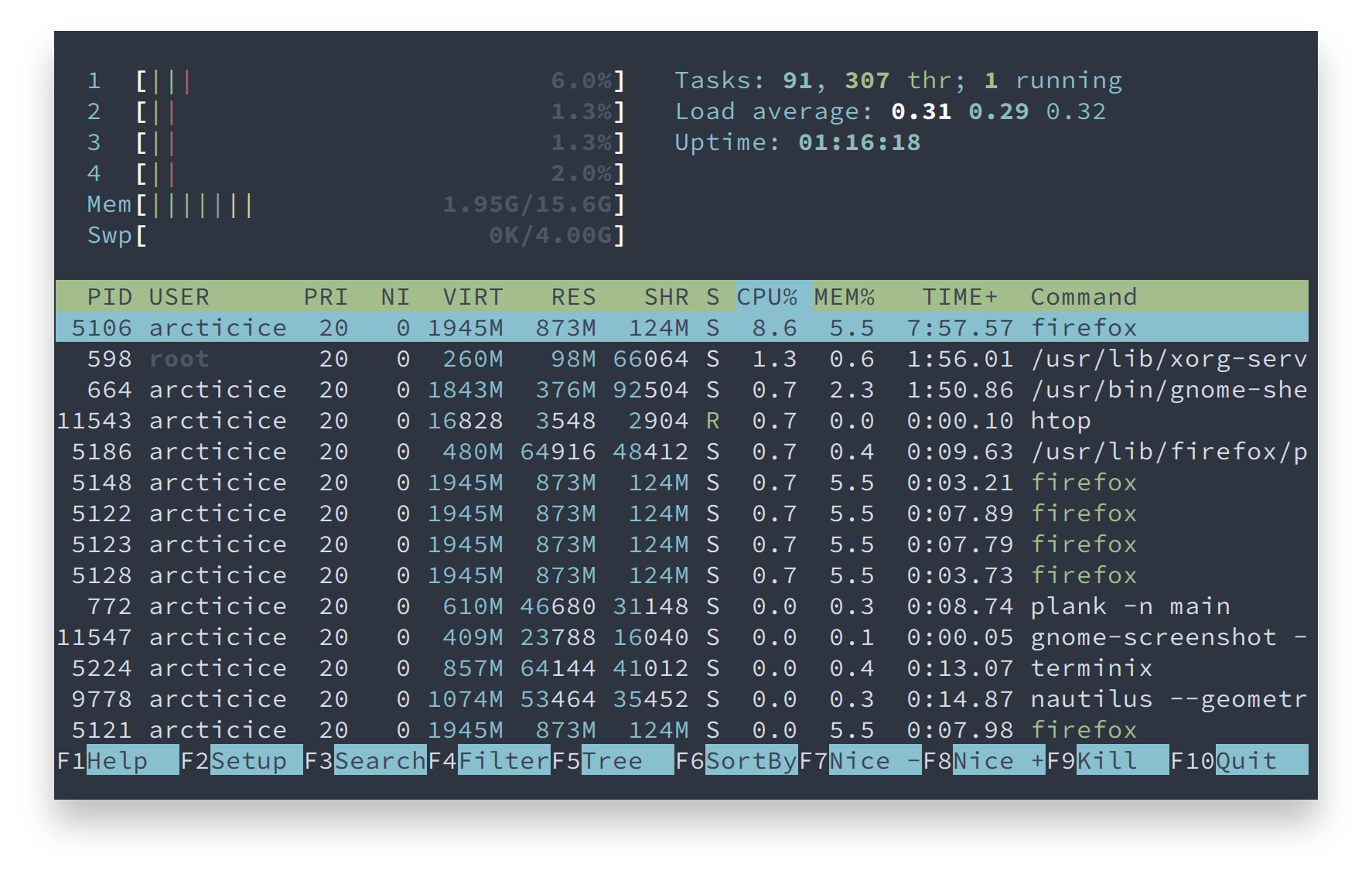
Screenshots
htop
Contribution
Please report issues/bugs, feature requests and suggestions for improvements to the issue tracker.

Copyright © 2016-present Sven Greb

