Korkut
October 5, 2018 · View on GitHub
Quick and simple image processing at the command line.




Getting started
First download and install ImageMagick.
Mac OS X
ImageMagick supports the WebP format. However, you must compile ImageMagick with the WebP option. To do so on OS X, install ImageMagick with the following command using Homebrew:
brew install imagemagick --with-webp
If you have already installed ImageMagick, you would have to uninstall it then reinstall it.
Ubuntu
sudo apt-get install imagemagick -y
sudo apt-get install webp -y # for webp support
Installation
You need to install Node.js first, then install the tool globally using this command:
sudo npm install -g korkut
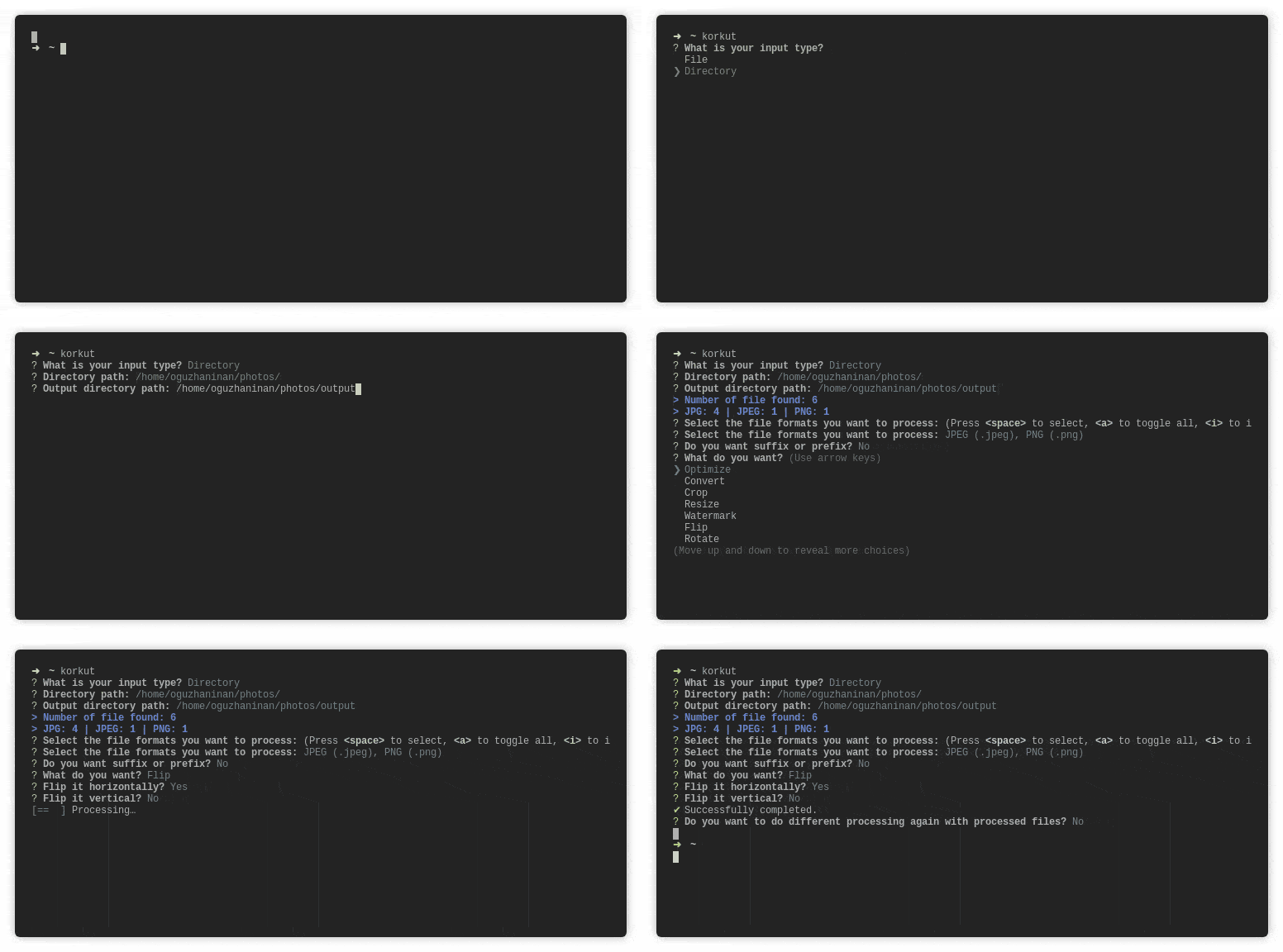
Features
Convert

Crop

Resize

Rotate

Watermark

Flip
License
This project is under the MIT license.