run-supabase-postgres-instance.md
May 28, 2024 · View on GitHub
How to create a PostgreSQL database on Supabase?
-
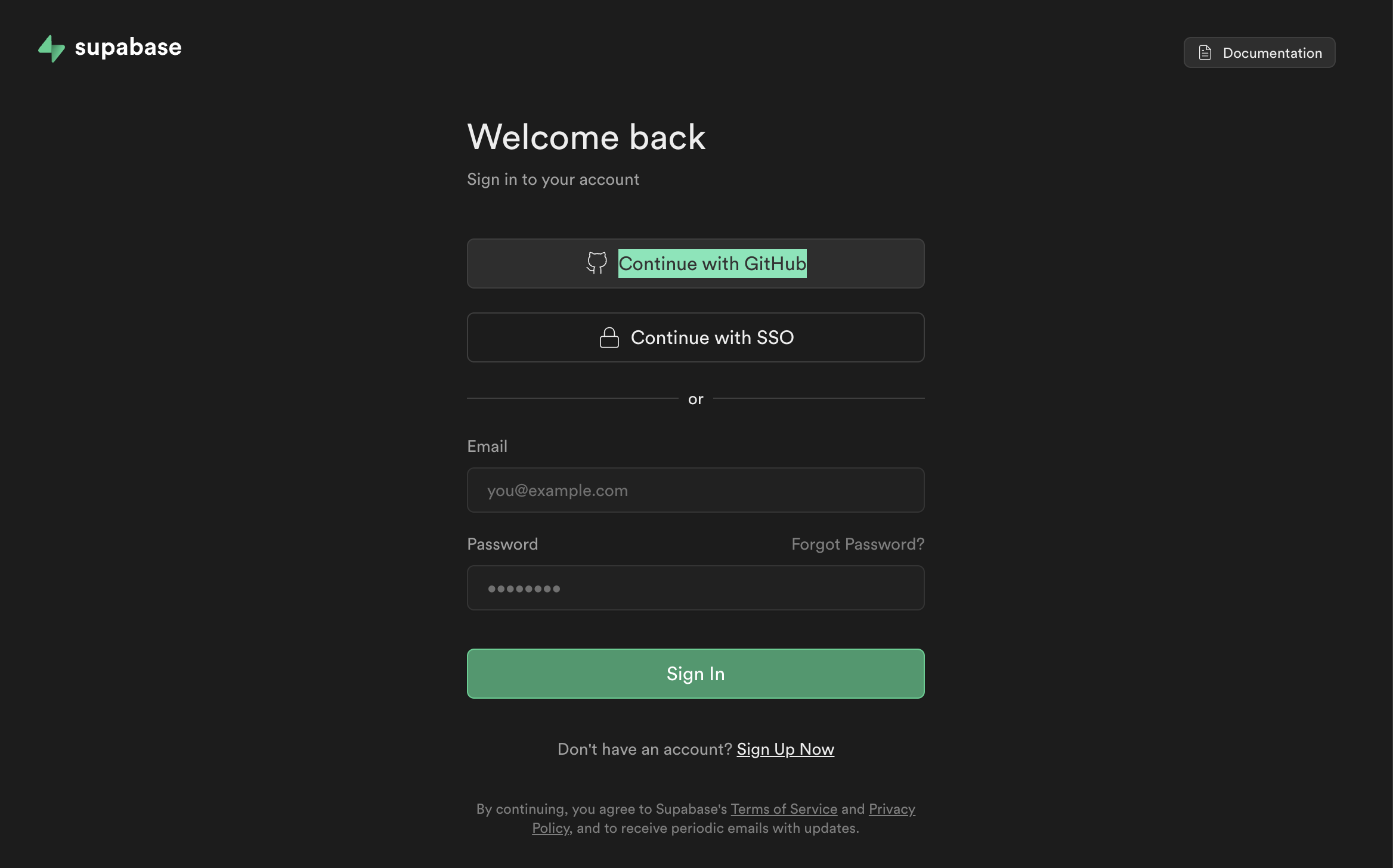
First, visit supabase.com and sign up using your GitHub account.
-
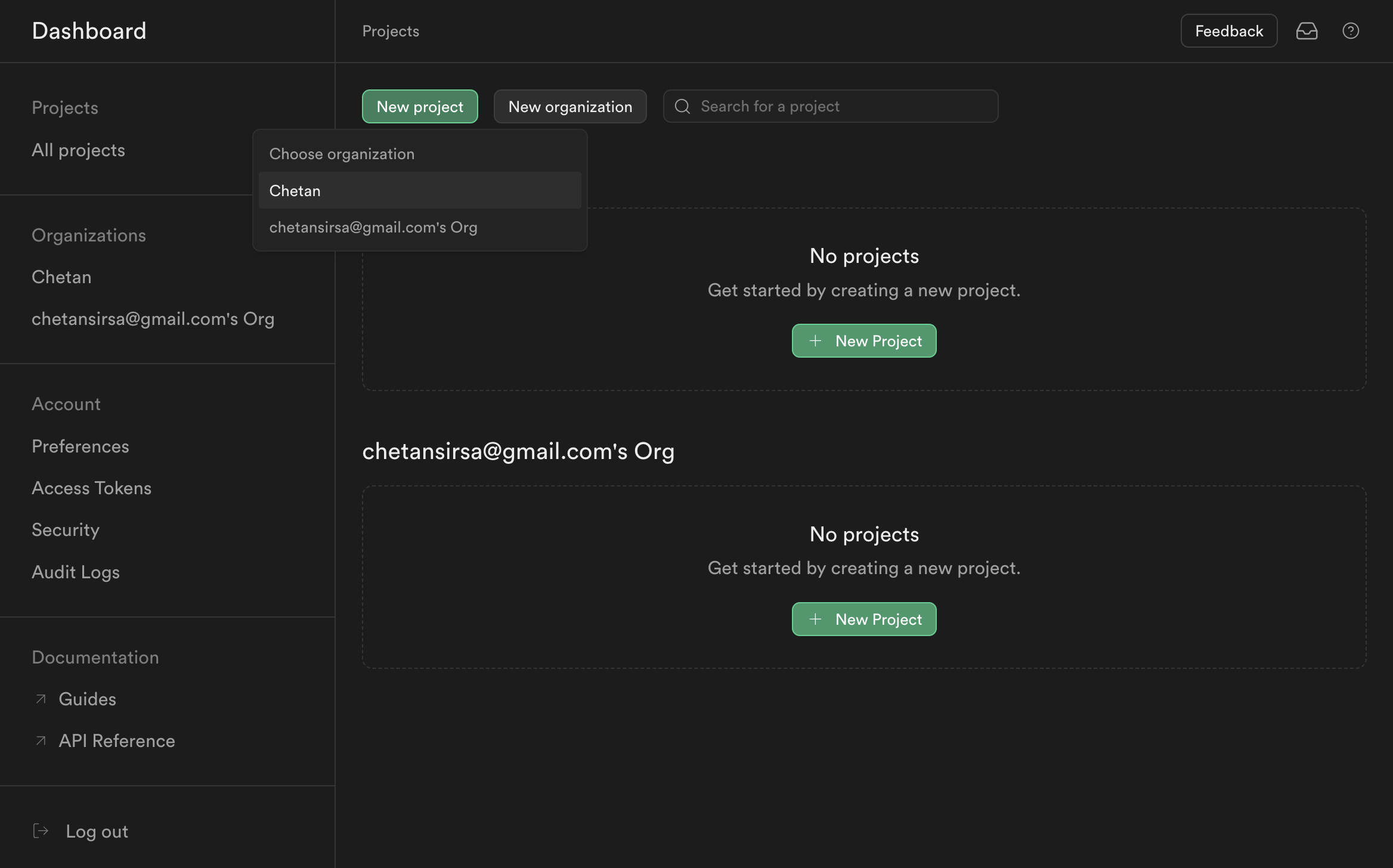
Once signed up, click on the "New project" button.
-
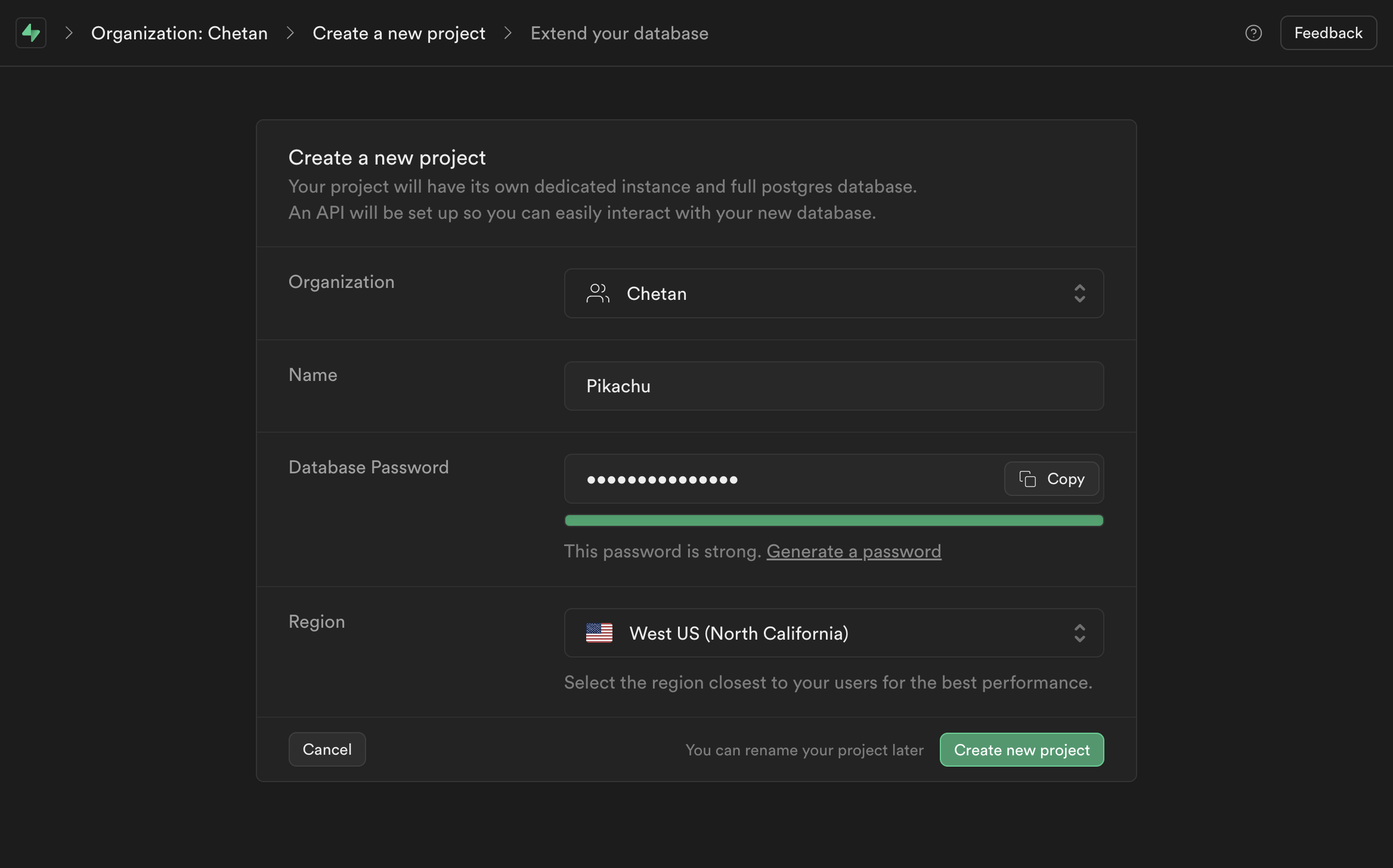
Enter the following settings, then click the "Create New Project" button:
Name: Pikachu # Choose any name
Database Password: greyninja1234_A # For testing, use "greyninja1234_A". In production, use a strong password.
Region: West US (North California) # Select the region closest to your server for best performance.
-
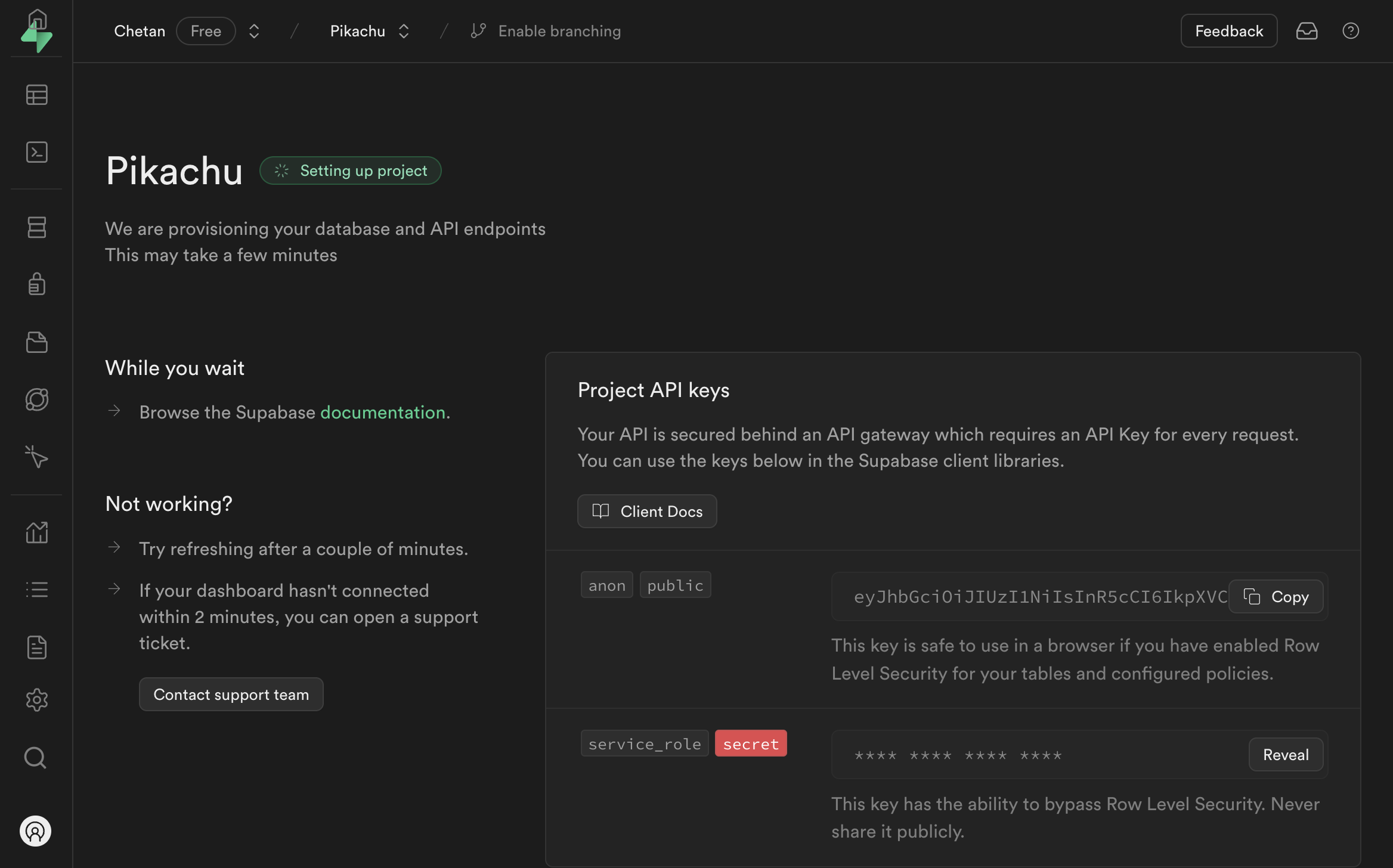
Wait a few minutes for the project to be created.
-
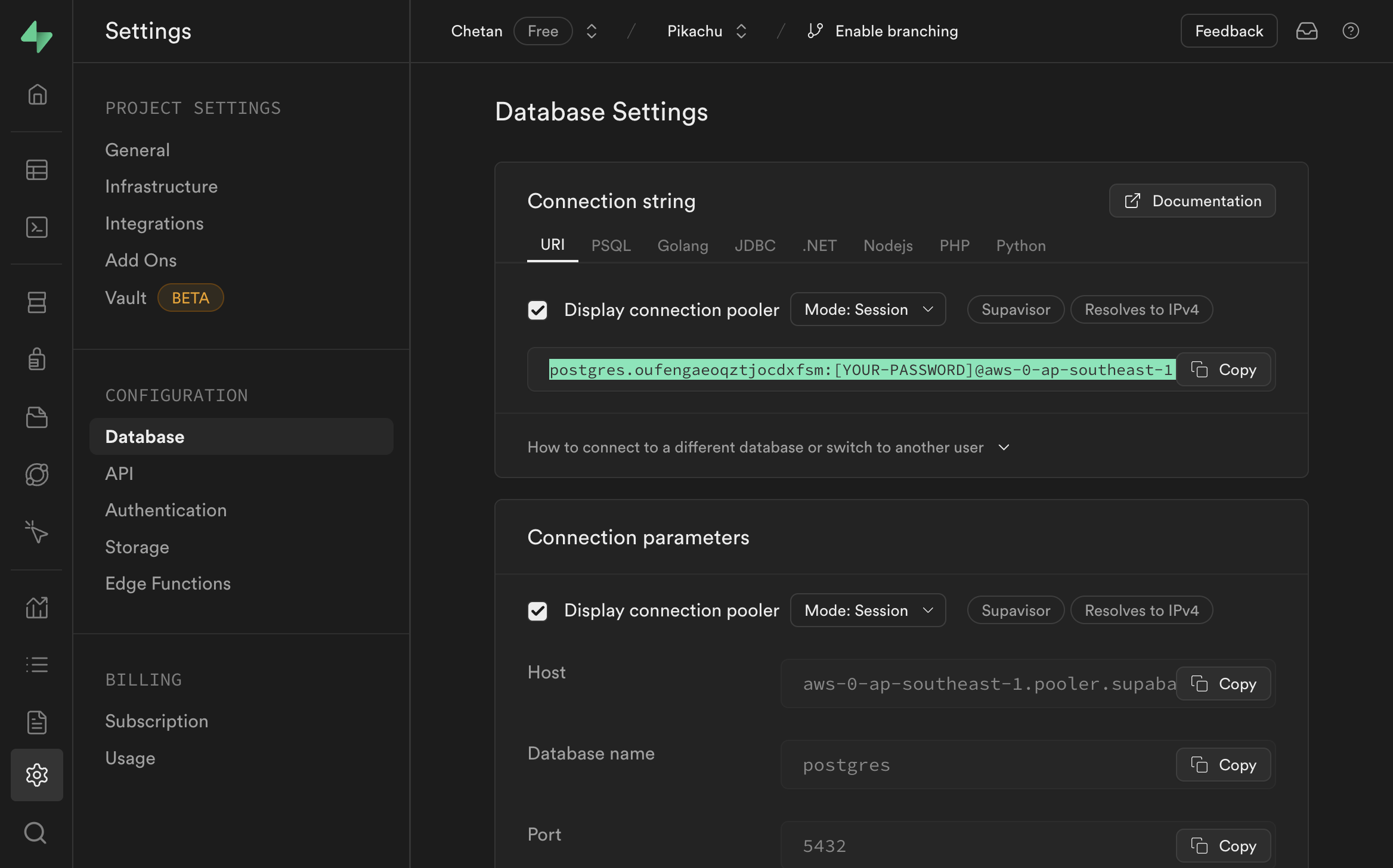
Navigate to "Project settings" > "Database" and copy the connection string.
-
In Vscode, create a new file
main.pyand paste the following code to test the connection:
from sqlalchemy import create_engine, Column, Integer, String
from sqlalchemy.ext.declarative import declarative_base
from sqlalchemy.orm import sessionmaker

# Create a database connection URL
db_url = 'SUPABASE_CONNECTION_STRING'
engine = create_engine(db_url.replace("postgres://", "postgresql://", 1))
Session = sessionmaker(bind=engine)
session = Session()

# Define a model
Base = declarative_base()
class User(Base):
    __tablename__ = 'users'
    id = Column(Integer, primary_key=True)
    name = Column(String)

# Create the table
Base.metadata.create_all(engine)

# Insert a record
new_user = User(name='John Doe')
session.add(new_user)
session.commit()

# Query records
users = session.query(User).all()
for user in users:
    print(user.id, user.name)

# Print a success message
print("Hurray! database connection is working.")
-
In the pasted code:
- Replace
SUPABASE_CONNECTION_STRINGwith the connection string you copied from the Supabase dashboard. - In the connection string, replace
[YOUR-PASSWORD]with the password you set when creating the instance (e.g.,greyninja1234_A).
- Replace
-
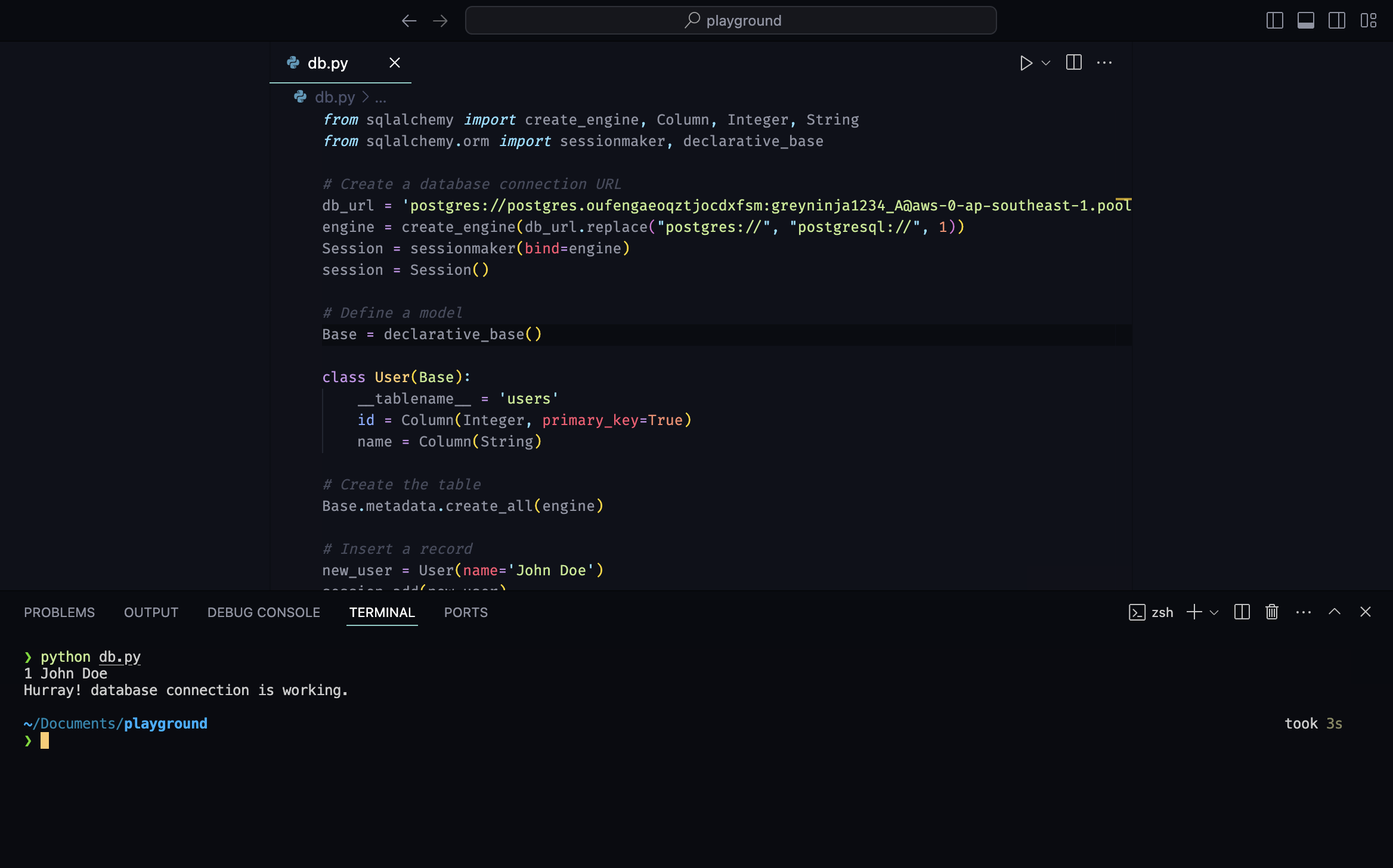
Run the code. You should see the following output:
1 John Doe
Hurray! database connection is working.
- Finally, to use the PostgreSQL database in Botasaurus:
- Open the
backend/scrapers.pyfile. - Add the following line, replacing
SUPABASE_CONNECTION_STRINGwith your connection string:
Server.set_database_url('SUPABASE_CONNECTION_STRING')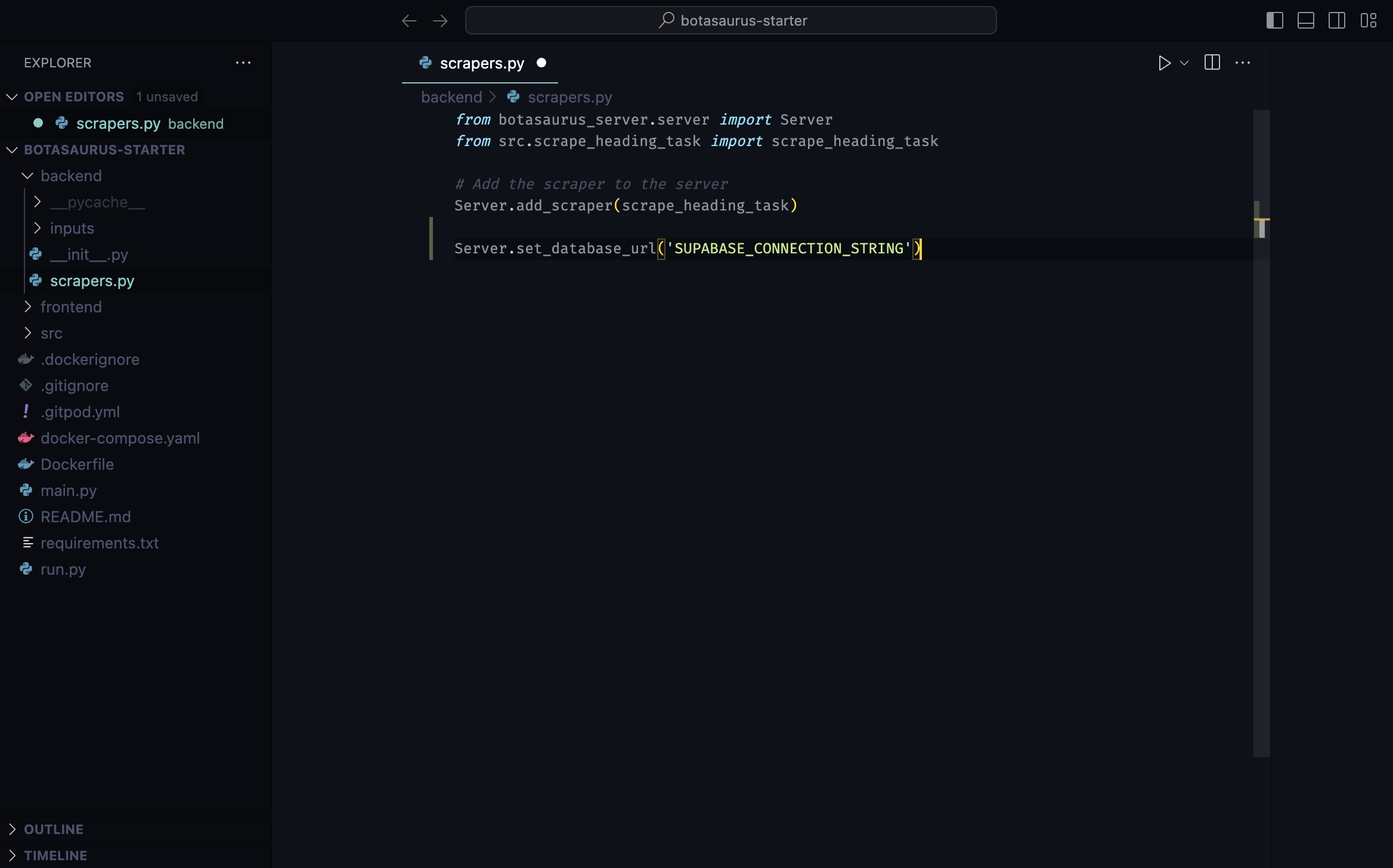
- Open the
How to delete the Supabase project?
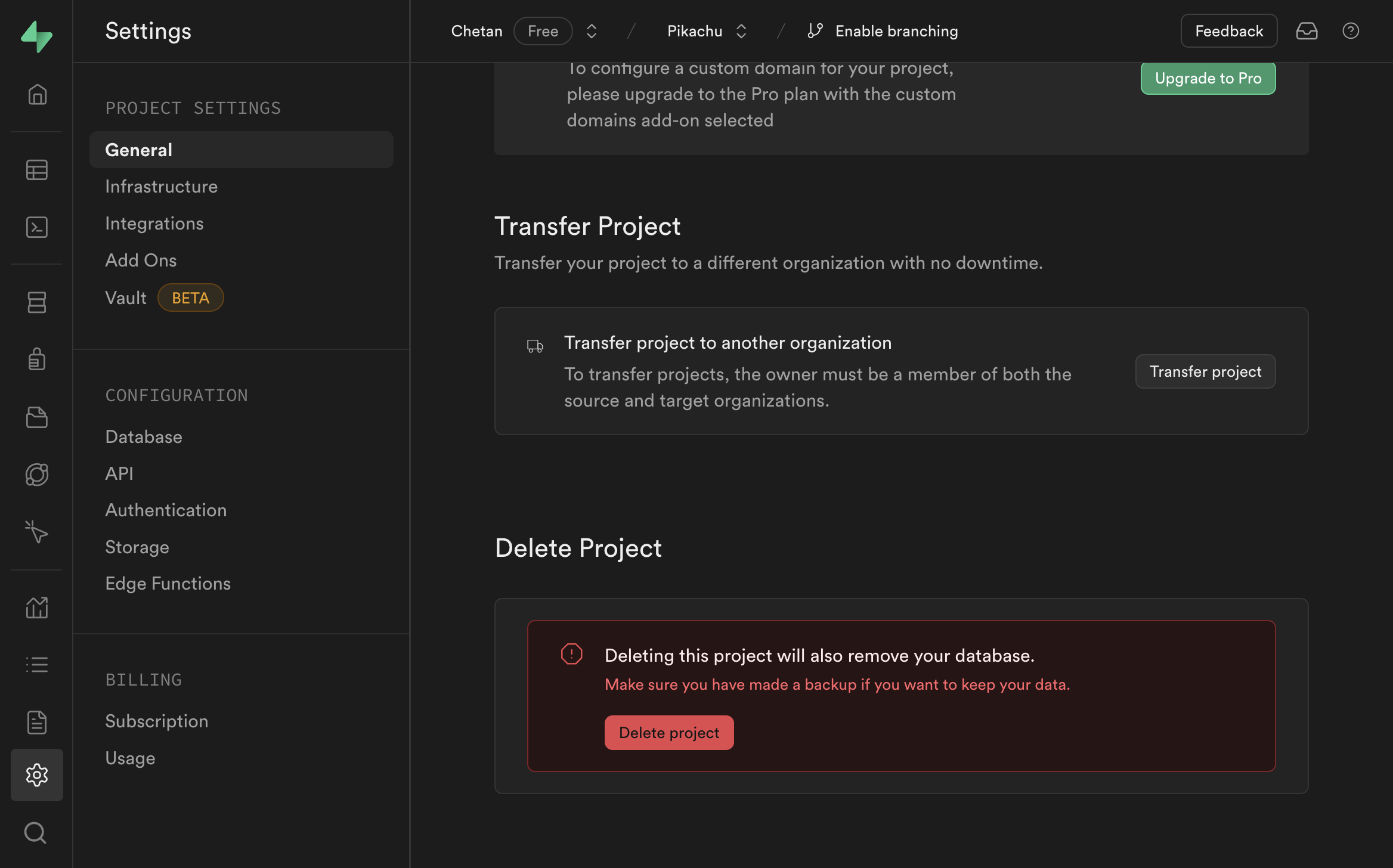
Deleting the project will permanently erase all data associated with it. Make sure to download any important data before proceeding.
To delete the project, go to "Project settings" > "General" and click on the "Delete Project" button.