quranVerses [](https://jitpack.io/#mosamabinomar/quranVerses)
April 19, 2018 · View on GitHub
- Show Random Quran verse
- Show Random Hadith from Sahih Bukhari
- Show Hadith of the Day
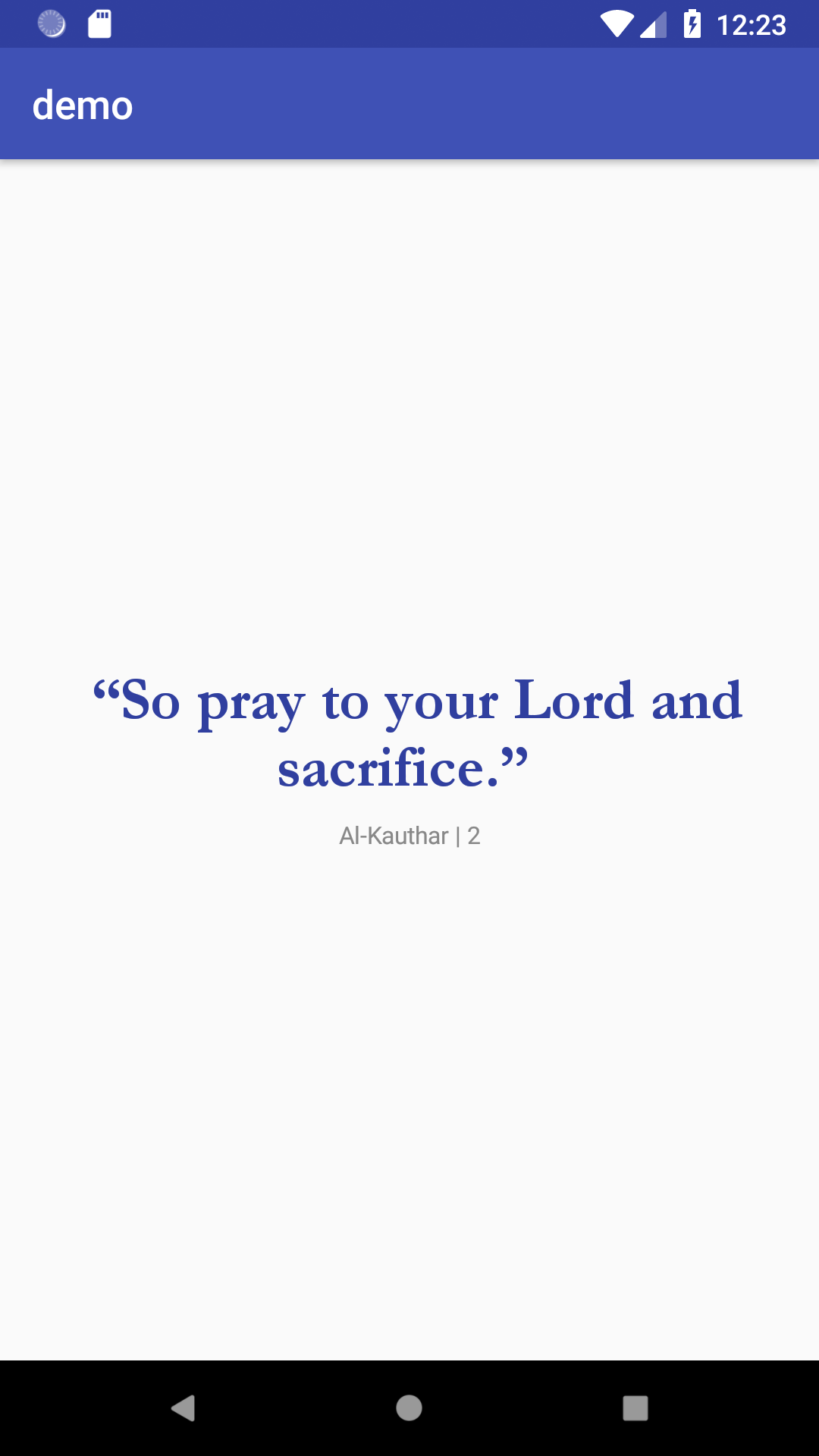
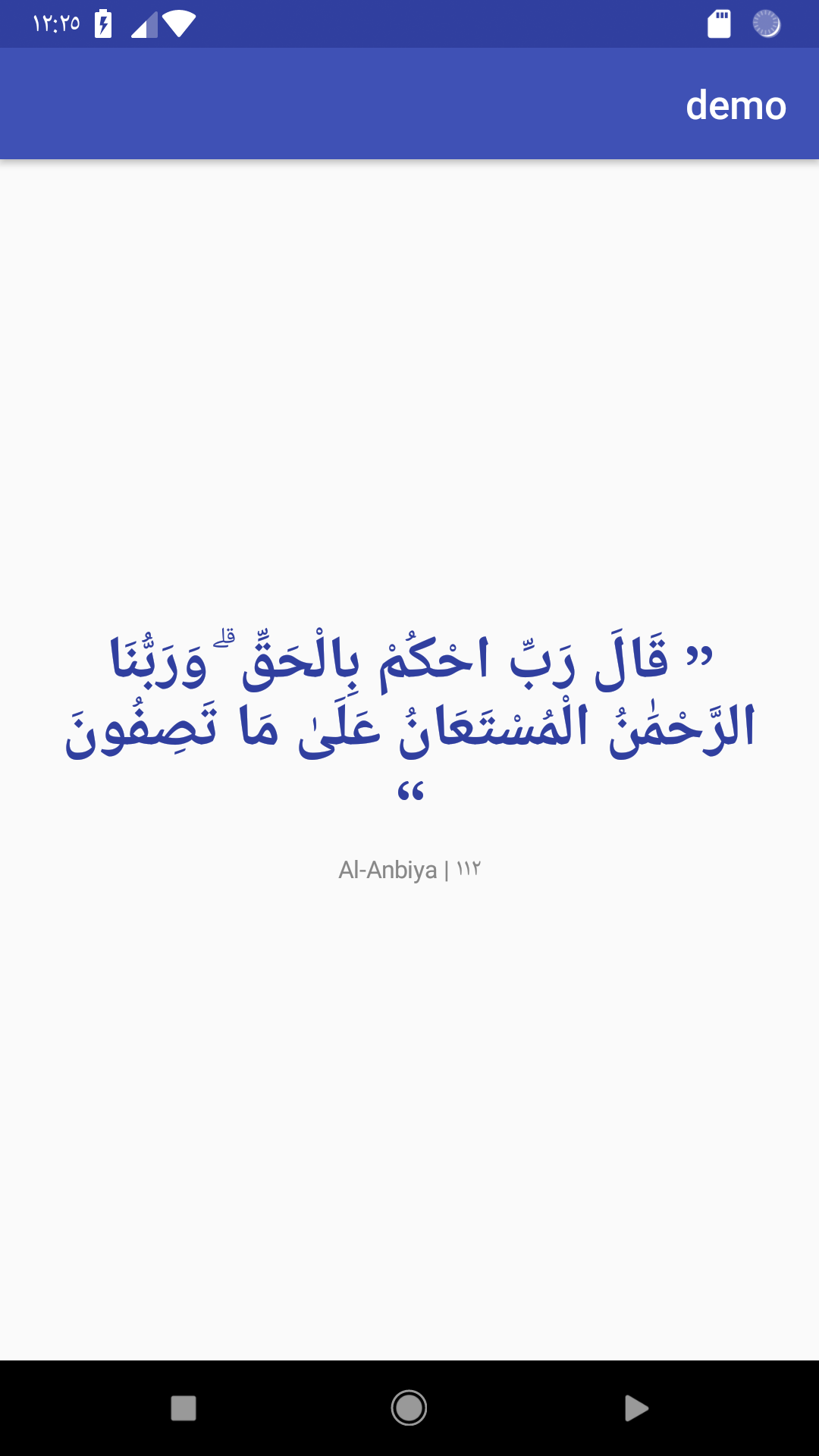
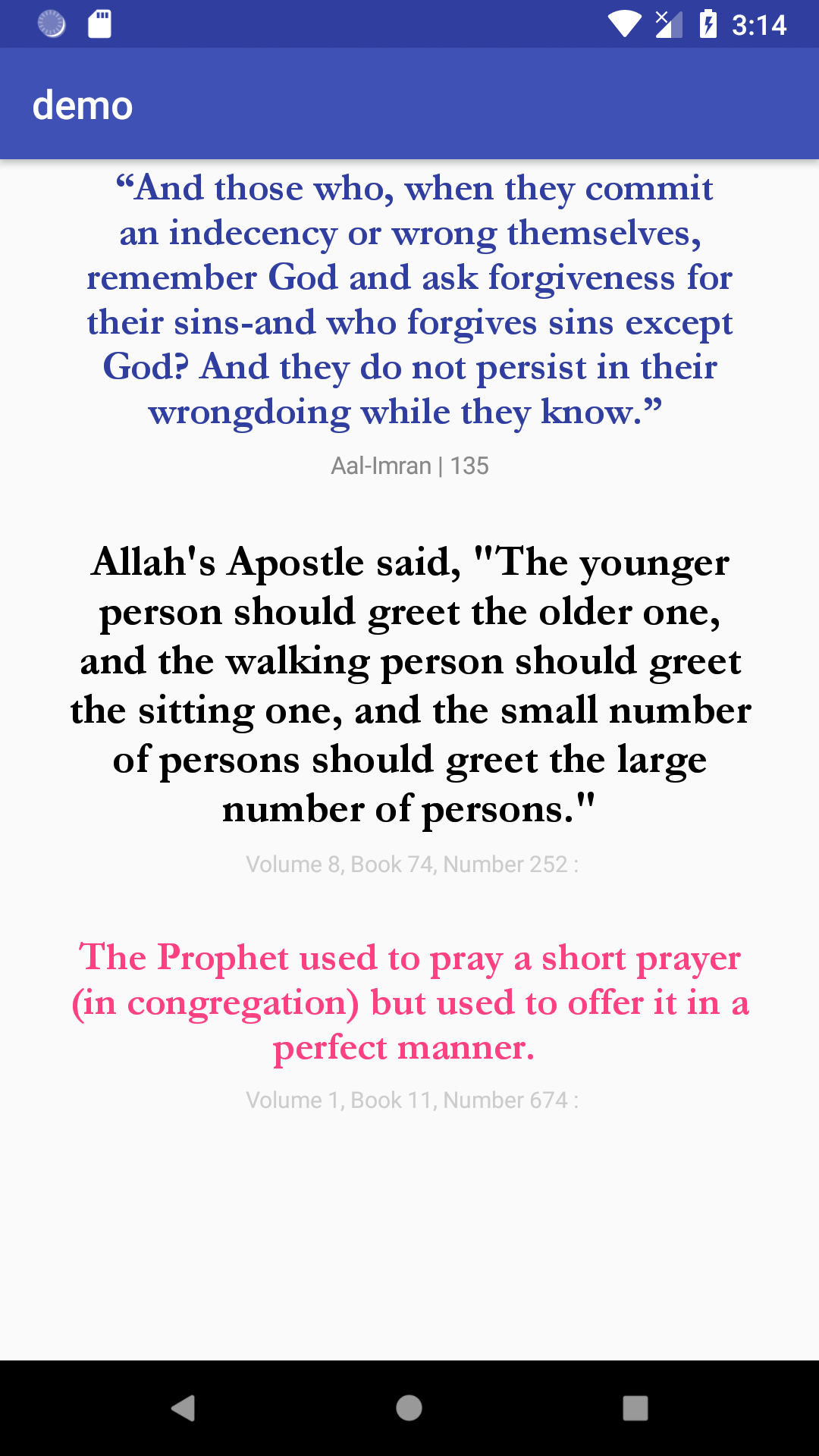
How To Use
STEP 1
Add it to your build.gradle with:
allprojects {
    repositories {
        maven { url "https://jitpack.io" }
    }
}
and:
dependencies {
    implementation 'com.github.mosamabinomar:quranVerses:2.0'
}
STEP 2
FOR RANDOM QURAN VERSE
Add this in your layout file to include the QuranVerseView.
<com.bullhead.quranquotes.views.QuranVerseView
        android:layout_width="wrap_content"
        android:layout_height="wrap_content"
        android:text="Hello World!"
        app:surahNameTextSize="12sp"
        app:surahNameTextColor="#888888"
        app:verseTextSize="30sp"
        android:layout_centerInParent="true"
        app:verseTextColor="@color/colorPrimaryDark"
        />
FOR RANDOM HADITH
<com.bullhead.quranquotes.views.RandomHadithView
            android:layout_width="wrap_content"
            android:layout_height="wrap_content"
            android:layout_marginTop="20dp"
            app:hadithTextColor="@color/colorAccent"
            app:hadithTextSize="20sp"
            app:infoTextColor="@color/colorPrimary"
            app:infoTextSize="12sp"
            />
FOR Hadith of the Day
<com.bullhead.quranquotes.views.HadithOfDayView
        android:layout_width="wrap_content"
        android:layout_height="wrap_content"
        android:layout_marginTop="20dp"
        app:hadithTextSize="22sp"
        app:hadithTextColor="@color/colorAccent"
        app:infoTextColor="@color/colorPrimary"
        app:infoTextSize="12sp"
        />
That's it. You don't need to do anything else.
View Properties
| Attribute | For What? |
|---|---|
surahNameTextSize | Change Surah name text size |
surahNameTextColor | Change Surah name text color |
verseTextSize | Change Verse text size |
verseTextColor | Change Verse text color |
hadithTextSize | Change Hadith text size |
hadithTextColor | Change Hadith text color |
infoTextSize | Change Hadith info text size |
infoTextColor | Change Hadith info text color |
Example app:surahNameTextSize="12sp"
Final thoughts
May ALLAH bless us All
If you found any error or incorrect references please let me know by creating issue