Blueberry Dark Theme
August 25, 2022 · View on GitHub
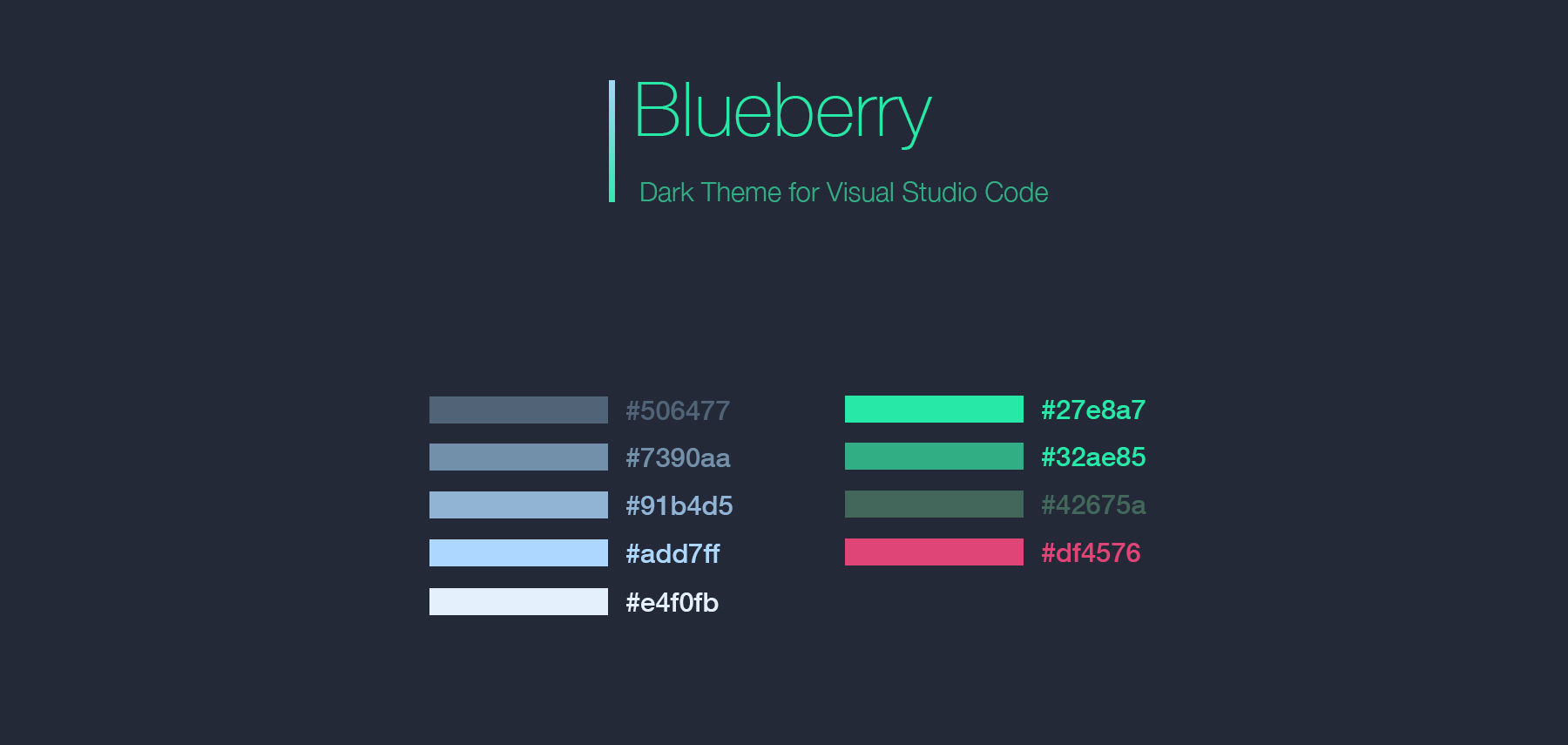
Based on DuoTone Syntax with a little change.
Installation
Launch VS Code Quick Open (⌘+P), paste the following command, and press enter.
ext install blueberry-dark-theme
Bracket color
If you want your editor bracket to match with your theme colors and you don't like vscode bracket colorization, add this to your settings:
"editor.bracketPairColorization.enabled": false
Screen Shot
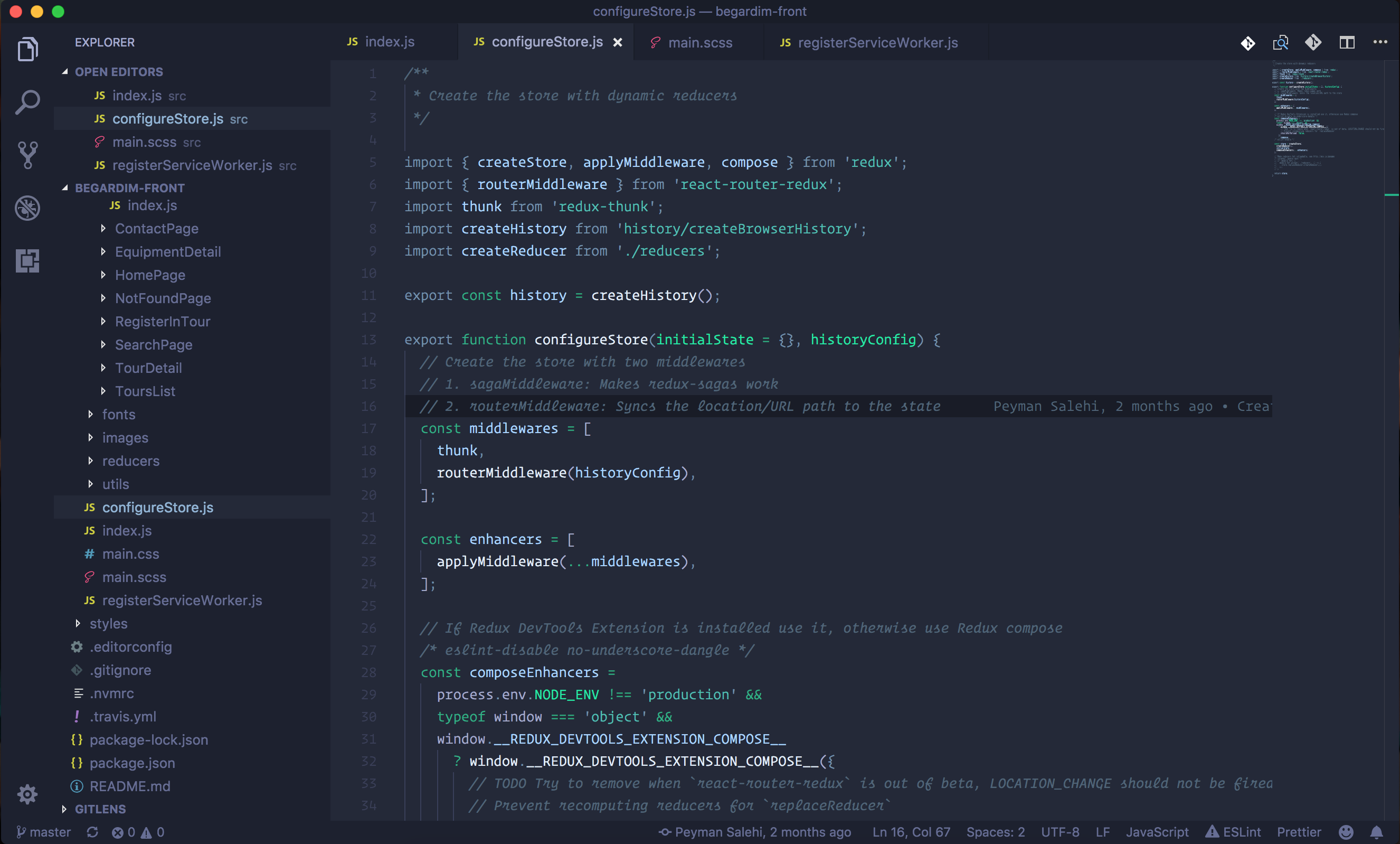
The font in the screenshot is Operator Mono .