Haskell Extension for Visual Studio
September 29, 2018 · View on GitHub
This vsix is very very under development.
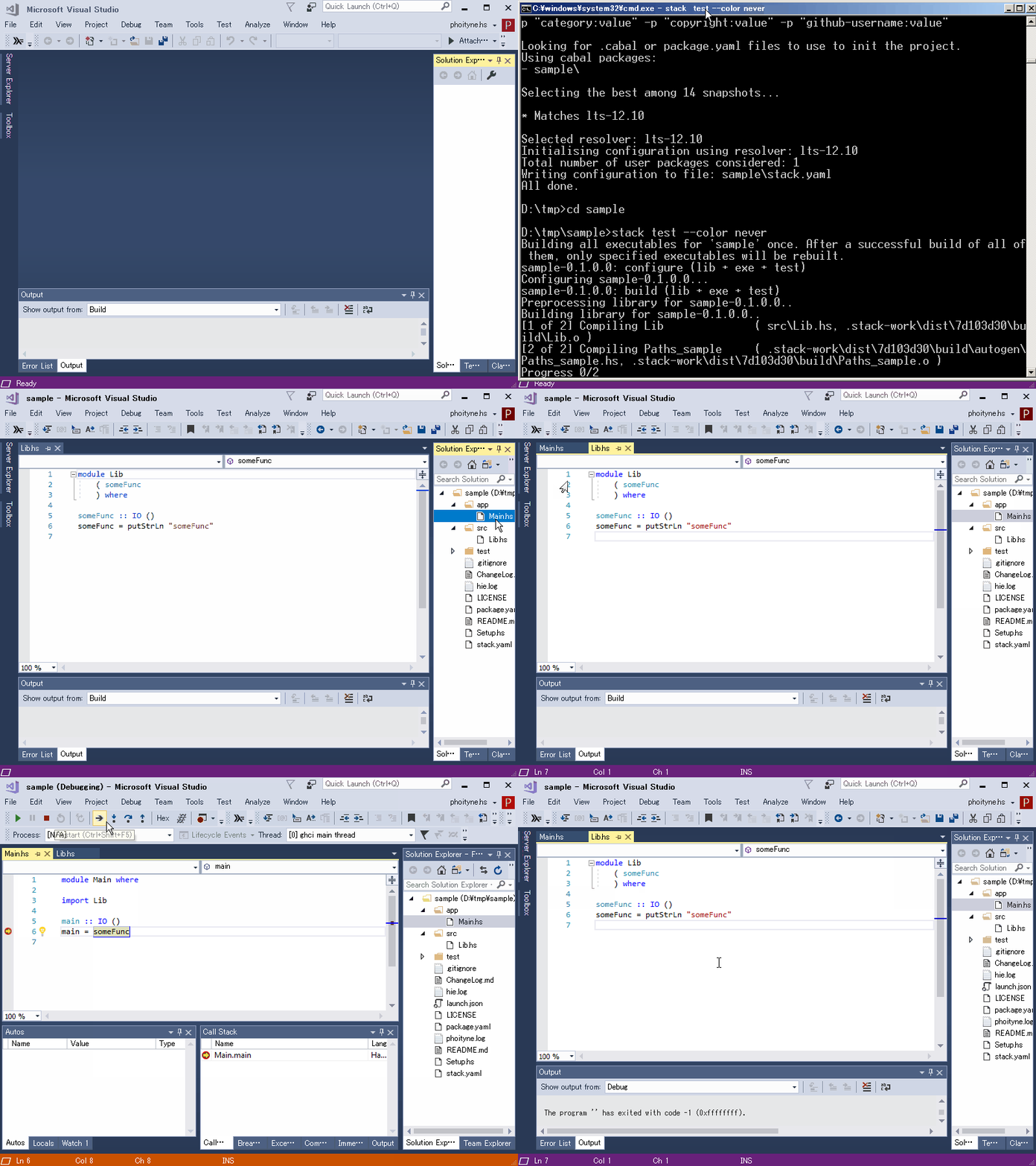
Depends
This vsix depends on these libraries.
- haskell-ide-engine
It is the language server. - debugging
Limitations
- run on Open Folder VS project. (not a solution.)
- run on stack project folder.
Requirements
This vsix requires Haskell Language Server(HIE) and Haskell Debugger.
Check these tools have been installed propery.
C:\Users\phoityne>
C:\Users\phoityne>hie-wrapper --version
Version 0.2.2.0, Git revision 5d1d825880196eddbca4b1d12a60713f247c2a64 (dirty)
 (1961 commits) x86_64 ghc-8.4.3

C:\Users\phoityne>
C:\Users\phoityne>phoityne-vscode --version
phoityne-vscode-0.0.26.0

C:\Users\phoityne>
C:\Users\phoityne>haskell-dap --version
[DAP][INFO] start haskell-dap-0.0.7.0.
The Glorious Glasgow Haskell Compilation System, version 8.4.3

C:\Users\phoityne>
Setup
- hie
> git clone https://github.com/haskell/haskell-ide-engine --recursive
> cd haskell-ide-engine
> stack install
> stack install cabal-install
> cabal update
> stack --stack-yaml=stack.yaml exec hoogle generate
- haskell-debugger
> stack install haskell-dap phoityne-vscode
- hdx4vs vsix
Install this Haskell Extension from extension menu of VS.
Right click on toolbar, and check "Haskell", then Haskell icon will be shown up.
Features
under construction.