Pixi kernel
November 25, 2025 · View on GitHub







Per-directory Pixi environments with multi-language Jupyter kernels.
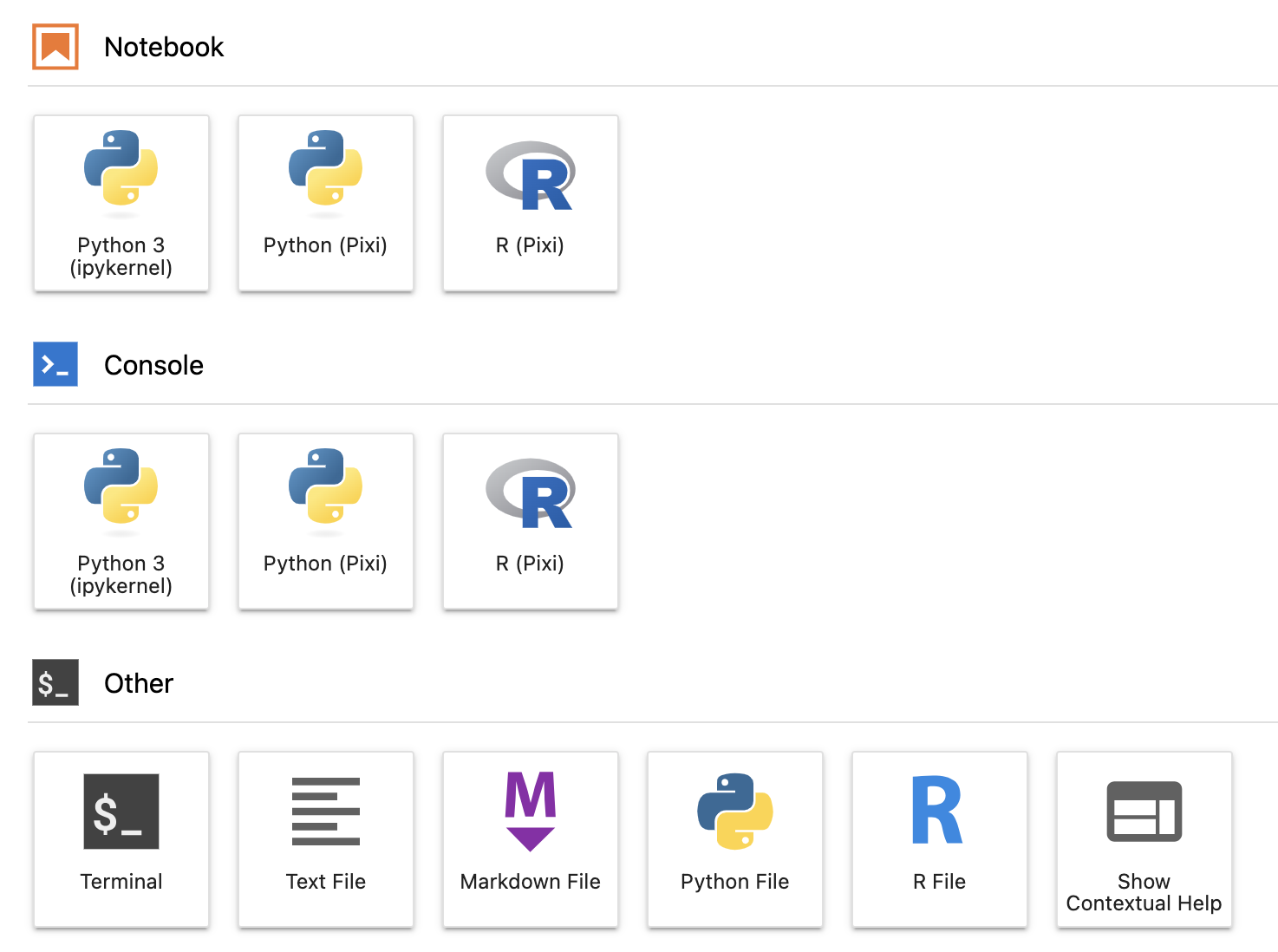
Pixi kernel supports Jupyterlab 4, Python 3.9+ and Pixi 0.39.0+ using pyproject.toml and
pixi.toml configurations.
Disclaimer: This project is not affiliated with Pixi, and not an official Pixi plugin.
Quick Start
This assumes you want a Python kernel. For other languages, check the Kernel
support table and replace ipykernel with the desired kernel package.
- Install Pixi and
pixi-kernelalongside JupyterLab using your favorite package manager. - Restart JupyterLab.
- Create a new directory and initialize a Pixi project with
pixi initandpixi add ipykernel. - Select the Python Pixi kernel and you are good to go.
See the Pixi docs for more information on how to use Pixi.
Configuration
Custom Pixi binary location
By default, pixi-kernel will try to find the Pixi binary in this order:
- Use
shutil.which("pixi")to find Pixi in your PATH - Check for a configuration file stored at:
- Linux/macOS:
$HOME/.config/pixi-kernel/config.toml - Windows:
$Env:USERPROFILE\.config\pixi-kernel\config.toml
- Linux/macOS:
- Check the default Pixi installation location:
- Linux/macOS:
$HOME/.pixi/bin/pixi - Windows:
$Env:USERPROFILE\.pixi\bin\pixi.exe
- Linux/macOS:
If you have Pixi installed in a non-standard location, you can create a configuration file to specify its path:
pixi-path = "/path/to/your/pixi"
Kernel support
Pixi kernel supports the following kernels:
| Language | Kernel | Package name |
|---|---|---|
| Python | IPython Kernel | ipykernel |
| R | IR Kernel | r-irkernel |
| R | Ark R Kernel | ark |
Pixi environments
Pixi kernel supports multiple Pixi environments in a single Pixi project. To select a specific environment, use JupyterLab property inspector, save your notebook and restart your kernel.
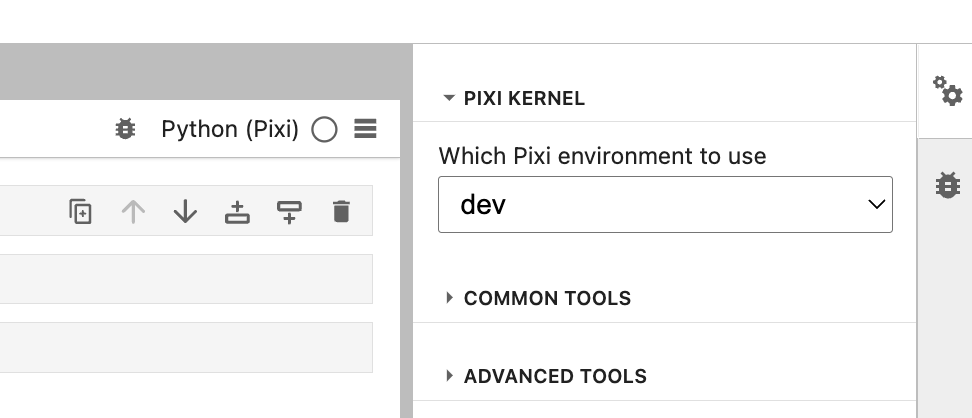
If an environment cannot be determined, Pixi kernel will fallback to the value in the
PIXI_KERNEL_DEFAULT_ENVIRONMENT environment variable, if specified. Otherwise, the default Pixi
environment will be used.
JupyterHub deployments with limited permissions
If you're using pixi-kernel on JupyterHub and cannot access the environment where JupyterLab is installed, you can use the following workaround:
- Install
pixi-kernellocally:pip install pixi-kernel --user - Install Pixi
- Restart your JupyterLab server
See https://github.com/renan-r-santos/pixi-kernel/issues/62 and https://github.com/renan-r-santos/pixi-kernel/issues/51 for more information.
Limitations
Pixi kernel only works with the default environment in VSCode.