Android File Picker🛩️
December 7, 2023 · View on GitHub

Android File Picker🛩️

If you're using 0.x version, checkout the README_0.x file.
Well, it doesn't have a name like Rocky, Cosmos or Fish. Android File Picker, like its name, is a local file selector framework. Some of his characteristics are described below:
- Launcher in Activity or Fragment
- Start with a single line of code
- Browse and select all files in local storage
- Custom Root path to start
- Built-in default file type and file discriminator
- Or you can implement the file type yourself
- Built in Single Choice mode and Multiple Choice mode.
- Custom list filter
- Just want to show pictures(Or videos, audio...)? No problem!
- Of course, you can just display the folder
- Custom item click event: only need to implement the listener
- Apply different themes, including four built-in themes and custom themes
- More to find out yourself
| Rail | Reply | Crane | Shrine |
|---|---|---|---|
 | 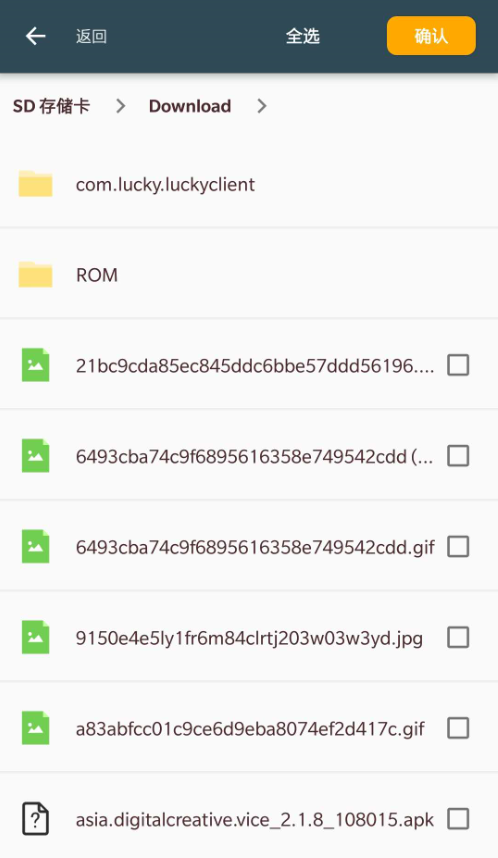 | 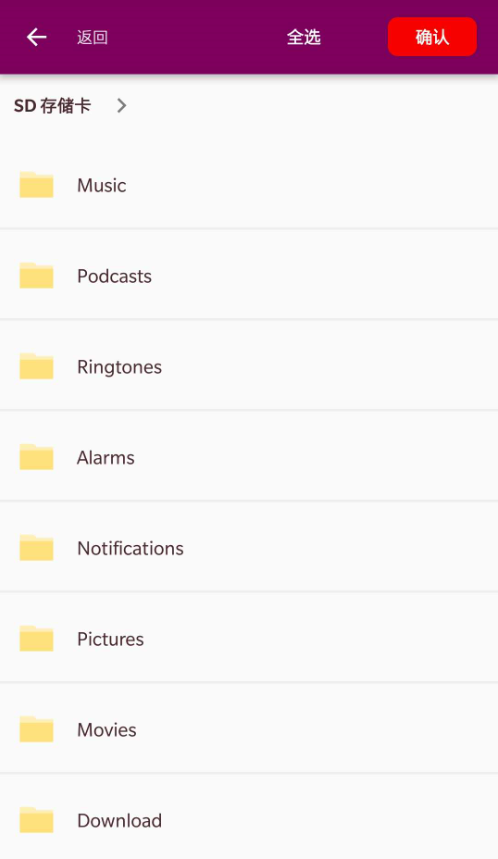 | 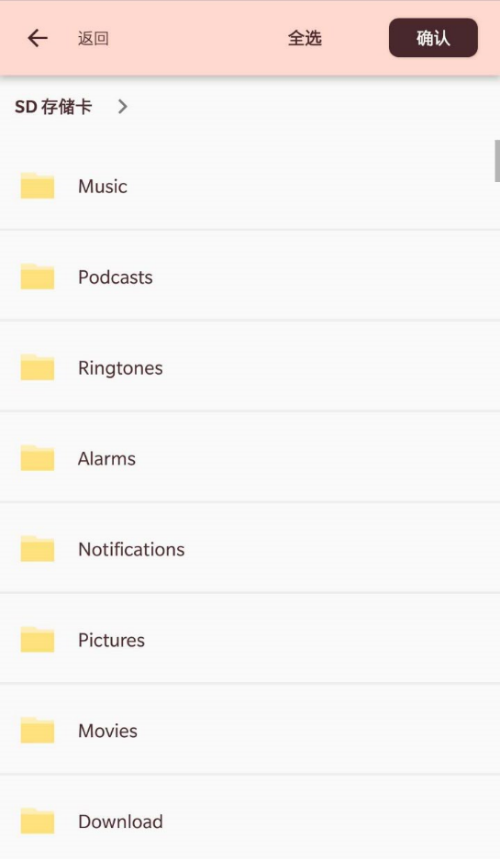 |
Version Compatibility
It depends on your targetAPI.
targetAPI > 33, may be you are finding photo pickertargetAPI == 33- Handle media permissions by your onw
- This lib will only show media files which your app has permission to access
targetAPI <= 33- Set
android:requestLegacyExternalStorage="true"in yourAndroidManifest.xmlfile - Handler
android.permission.READ_EXTERNAL_STORAGEpermission by your own - This lib will show all files in your storage
- Set
Download
In your project build.gradle:
dependencyResolutionManagement {
    repositoriesMode.set(RepositoriesMode.FAIL_ON_PROJECT_REPOS)
    repositories {
        google()
        mavenCentral()
        maven { url 'https://jitpack.io' }
    }
}
In your module build.gradle:
dependencies {
    implementation 'me.rosuh:AndroidFilePicker:$latest_version'
}
This lib now support AndroidX, check the version below.
Check out releases page to see more versions.
Usage 📑
Permission
You should request permission by yourself, this lib will not request permission for you. See Version Compatibility for more details.
Launch 🚀
FilePickerManager
        .from(context)
        .forResult(FilePickerManager.REQUEST_CODE)
Receive Result
In onActivityResult() callback of the starting Activity or Fragment:
override fun onActivityResult(requestCode: Int, resultCode: Int, data: Intent?) {
    when (requestCode) {
        FilePickerManager.instance.REQUEST_CODE -> {
            if (resultCode == Activity.RESULT_OK) {
                val list = FilePickerManager.instance.obtainData()
                // do your work
            } else {
                Toast.makeText(this@SampleActivity, "You didn't choose anything~", Toast.LENGTH_SHORT).show()
            }
        }
    }
}
The result is a path list of the selected file (ArrayList<String>()).