README.md
January 16, 2025 · View on GitHub





More information and download: rubjo.github.io/victor-mono. If you like it and want to say thanks, donations are welcome. ❤️
How to use
In code editors:
- Download the font
- Unpack the ZIP
- Install the font (all styles or the ones you want)
- Change the font settings in your code editor / IDE of choice to "Victor Mono"
- Optional Set the code theme to one you like. Check out https://themer.dev/victor-mono, where you can download the official theme for your favourite terminals, editors and apps.
- Optional Modify the theme colours and its application of normal/italic/bold styles
In apps, web pages or other projects:
npm i victormono(installs Regular, Italic, Bold and Bold Italic styles)import 'victormono'(in a typical modern JS setup, eg. Webpack/Vite)- Style classes with
font-family: 'Victor Mono',font-weightandfont-style
Alternative CDN hosting, best for online editors like CodePen:
<link rel="stylesheet" href="https://cdn.jsdelivr.net/npm/victormono@latest/dist/index.min.css">in<head>or top of<body>- Style classes with
font-family: 'Victor Mono', monospace
Font stylistics
Available stylistics
| Stylistic set | Example |
|---|---|
ss01Single-storey a | |
ss02Slashed zero, variant 1 | |
ss03Slashed zero, variant 2 | |
ss04Slashed zero, variant 3 | |
ss05Slashed zero, variant 4 | |
ss06Slashed seven | |
ss07Straighter 6 and 9 | |
ss08More fishlike turbofish (previous default ::< ligature) |
How to use
-
CSS:
font-feature-settings: "ss01"; -
Sublime:
"font_options": ["ss01"] -
VScode:
"editor.fontLigatures": "'ss01'" -
Kitty:
font_features VictorMono-Medium +ss01
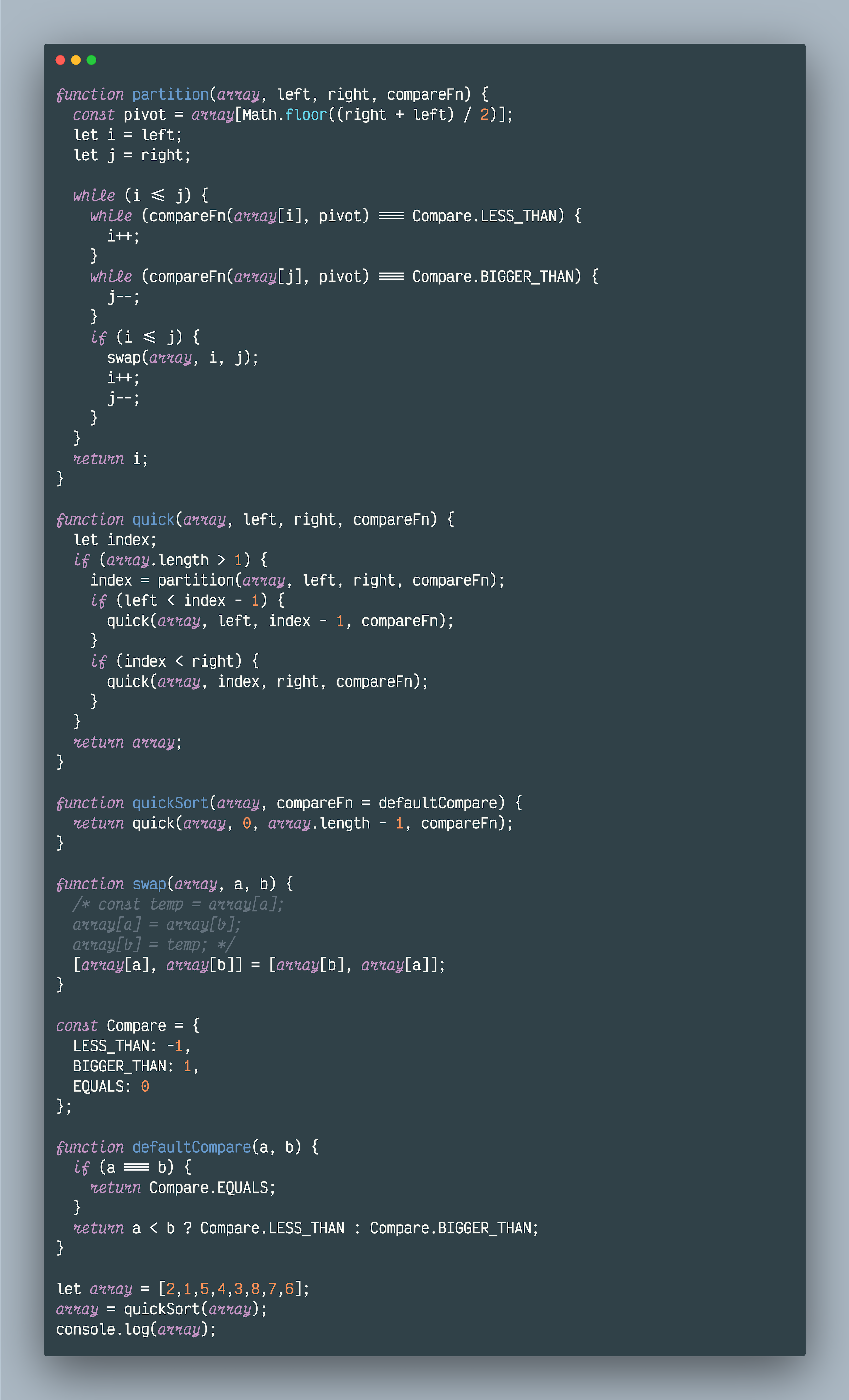
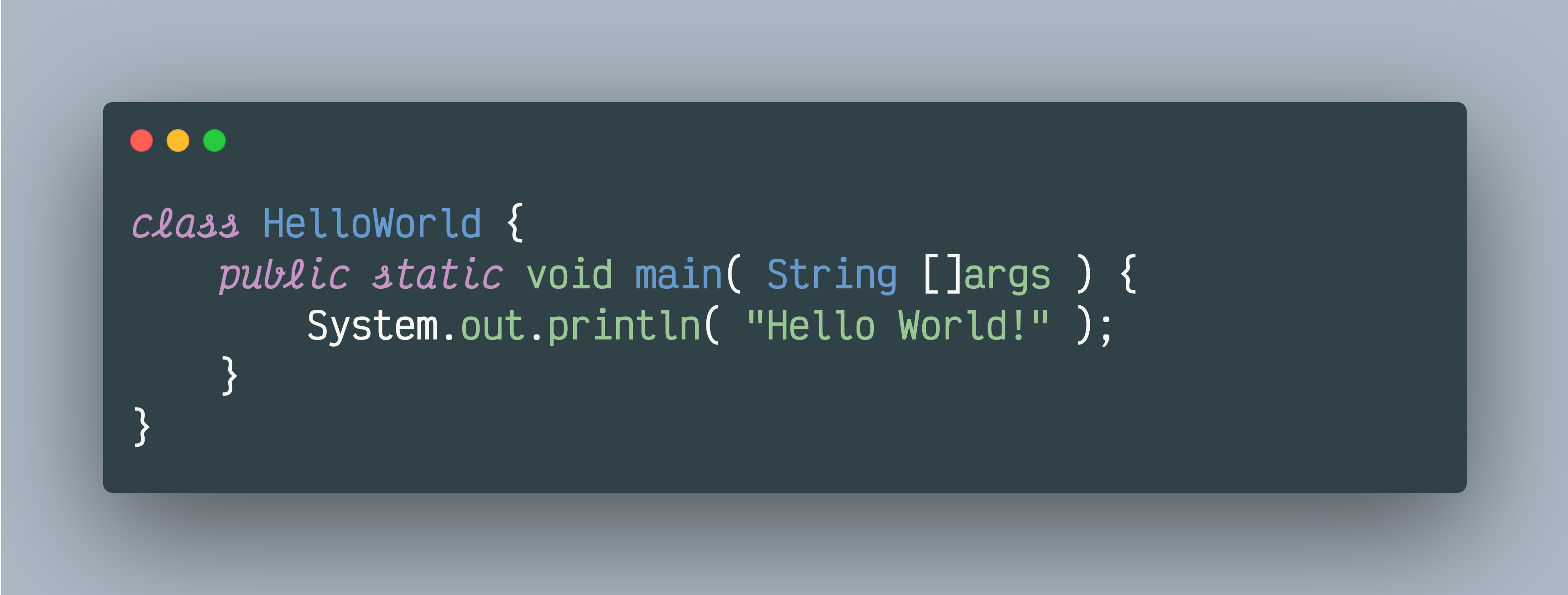
Example code previews