Running Rustfmt from IntelliJ or CLion
January 25, 2024 · View on GitHub
Installation
-
Install CLion, IntelliJ Ultimate or CE through the direct download link or using the JetBrains Toolbox. CLion and IntelliJ Ultimate provide a built-in debugger interface but they are not free like IntelliJ CE.
-
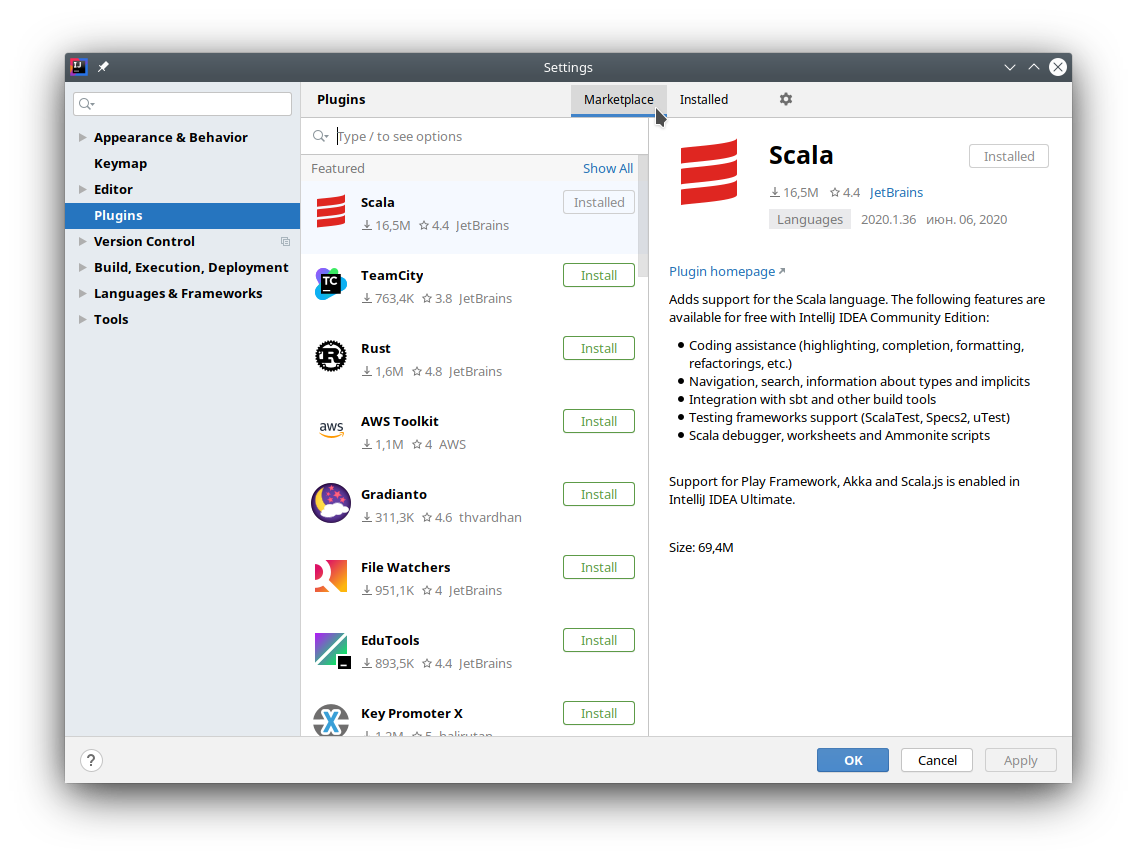
Install the Rust Plugin by navigating to File → Settings → Plugins and searching the plugin in the Marketplace
-
Press "Install" on the Rust plugin

-
Restart CLion/IntelliJ
Configuration
Run Rustfmt on save
-
Open Rustfmt settings (File → Settings → Languages & Frameworks → Rust → Rustfmt) and enable "Run rustfmt on Save"

-
IntelliJ uses autosave, so now your files will always be formatted according to rustfmt. Alternatively you can use Ctrl+S to reformat file manually
Bind shortcut to "Reformat File with Rustfmt" action
-
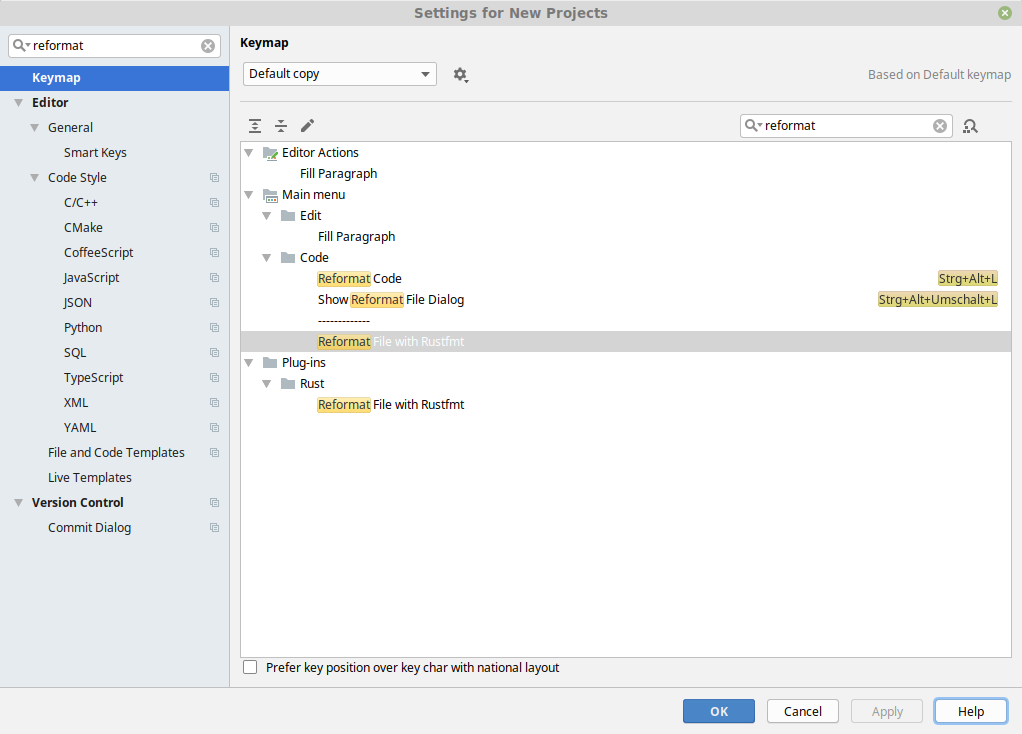
Open the settings window (File → Settings) and search for "reformat"
-
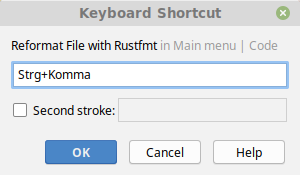
Right-click on "Reformat File with Rustfmt" and assign a keyboard shortcut
-
Press "OK"
-
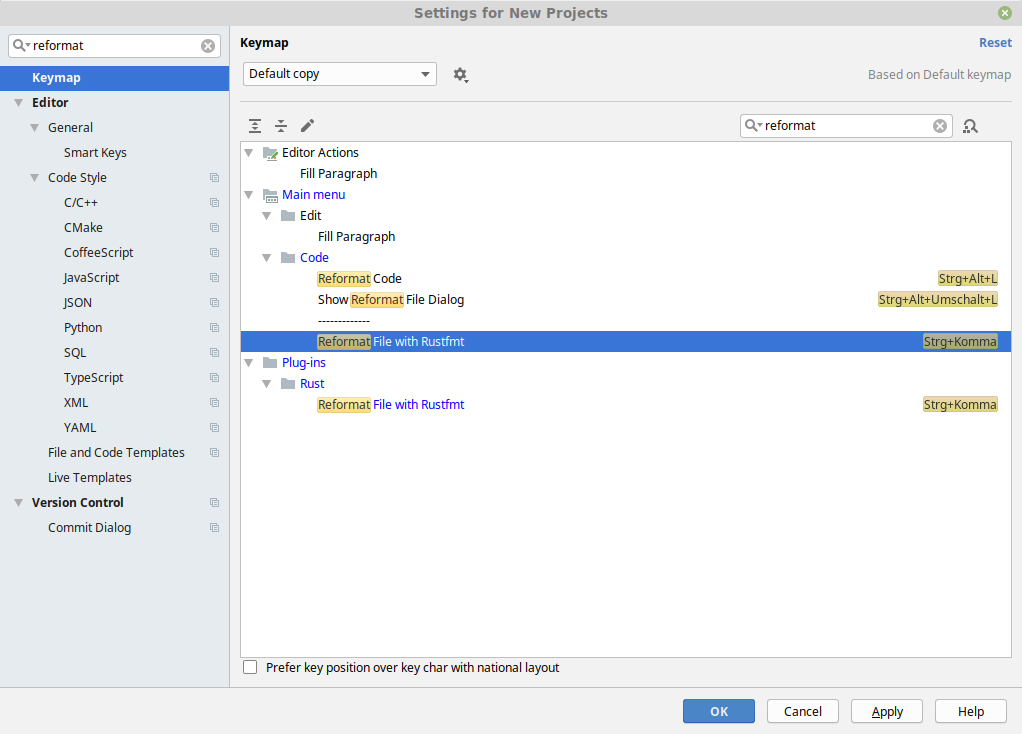
Done. You can now use rustfmt in an opened *.rs file with your previously specified shortcut