Rust/UI
August 19, 2026 · View on GitHub
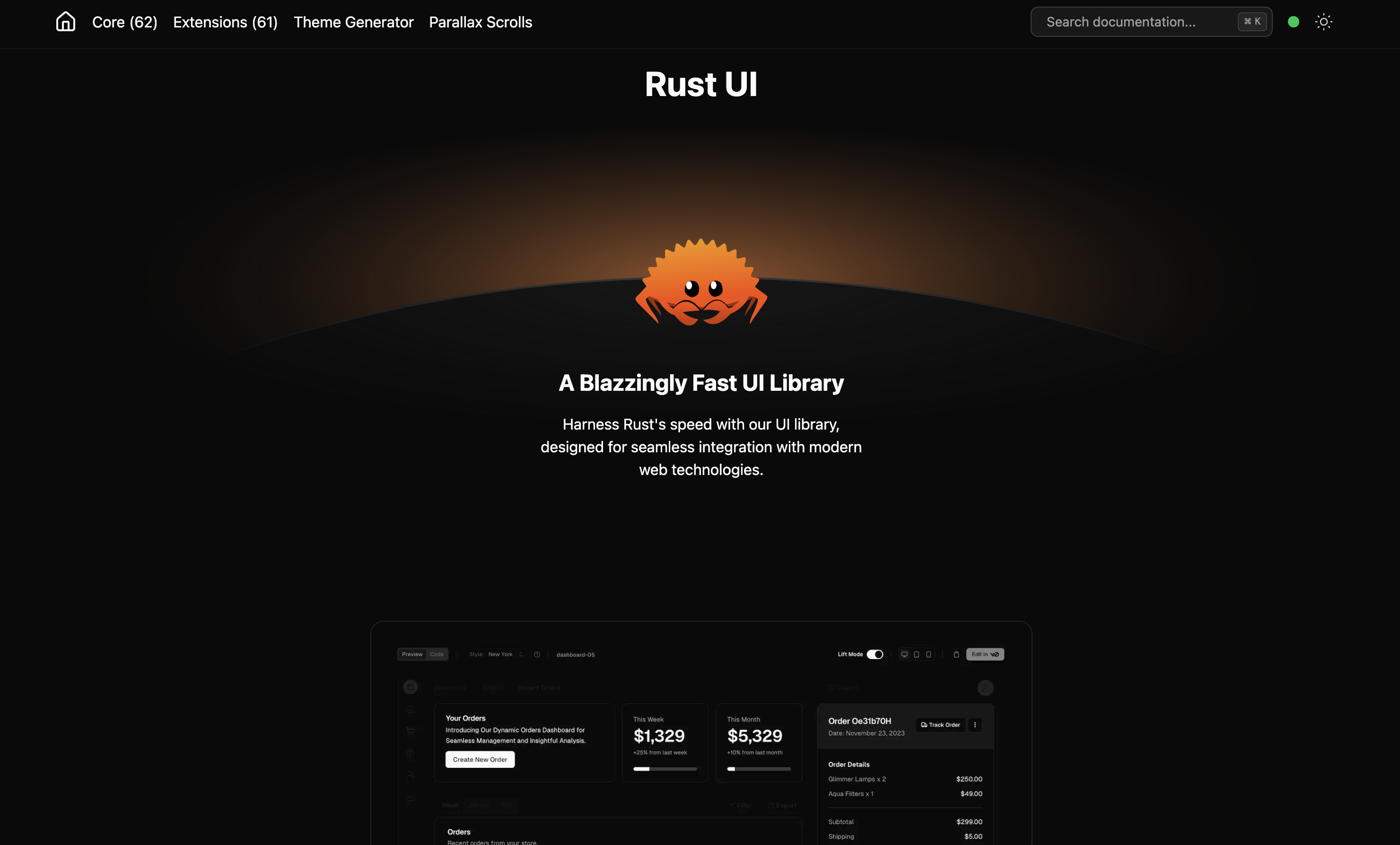
Inspired by shadcn/ui, built for Rust fullstack apps. A component registry for Leptos — built with Tailwind CSS, copy-paste ready.
🗳️ Vote: Leptos vs Dioxus — should Dioxus become the main framework? Cast your vote in the poll →
Why Rust/UI?
Rust/UI isn’t a component library you install as a crate. It’s a collection of re-usable components that you copy and paste into your apps.
- Full Control: The code is yours. No black-box UI framework crates to fight against.
- Styling: Built with Tailwind CSS for easy customization.
- Framework: Designed specifically for the Leptos fullstack ecosystem.
- Type Safe: Leverages Rust’s powerful type system for component props.
Star History
Ecosystem
Rust/UI is backed by a set of purpose-built crates:
| Crate | Description |
|---|---|
tw-merge | Tailwind class merging utility |
icons | Icon components for Leptos |
ui-cli | CLI for adding components to your project |
Starters
| Repo | Description |
|---|---|
| start-tauri-fullstack | Leptos + Tauri fullstack starter |
| start-tauri | Tauri starter with Rust/UI |
Getting Started
Visit rust-ui.com to browse components and get install commands.
Quick Start
-
Ensure you have the following installed:
Install cargo-leptos:
cargo install --locked cargo-leptos -
Browse the registry, find a component (e.g.,
Button), and copy the source into your project's components/ directory.
use crate::components::ui::button::{Button, ButtonVariant};

#[component]
pub fn App() -> impl IntoView {
    view! {
        <Button variant=ButtonVariant::Outline on:click=move |_| {}>
            "Click Me"
        </Button>
    }
}
Development
If you'd like to contribute or preview the registry locally:
Windows users: See README_WINDOWS.md for setup troubleshooting (Perl conflict, OpenSSL).
-
Clone the repo
git clone git@github.com:rust-ui/ui.git rust-ui cd rust-ui -
Install JS dependencies (for Tailwind/Tooling)
pnpm install -
Install Rust dependencies (Leptos)
cargo install --locked cargo-leptosLinker Optimization (Optional)
Note for macOS Users: To use the faster lld linker, install it via Homebrew and ensure it's in your PATH, or configure your .cargo/config.toml to point to the absolute path.
brew install lld -
Run the dev server
cargo leptos watch
Contribution
See CONTRIBUTING.md.
Contributors
License
Distributed under the MIT License. See LICENSE for more information. Crafted by Max Wells