Roblox Studio Themes for VS Code
May 7, 2026 · View on GitHub




VS Code theme based on Roblox Studio's next-generation UI, with themes for both light and dark modes, including extra script editor themes.
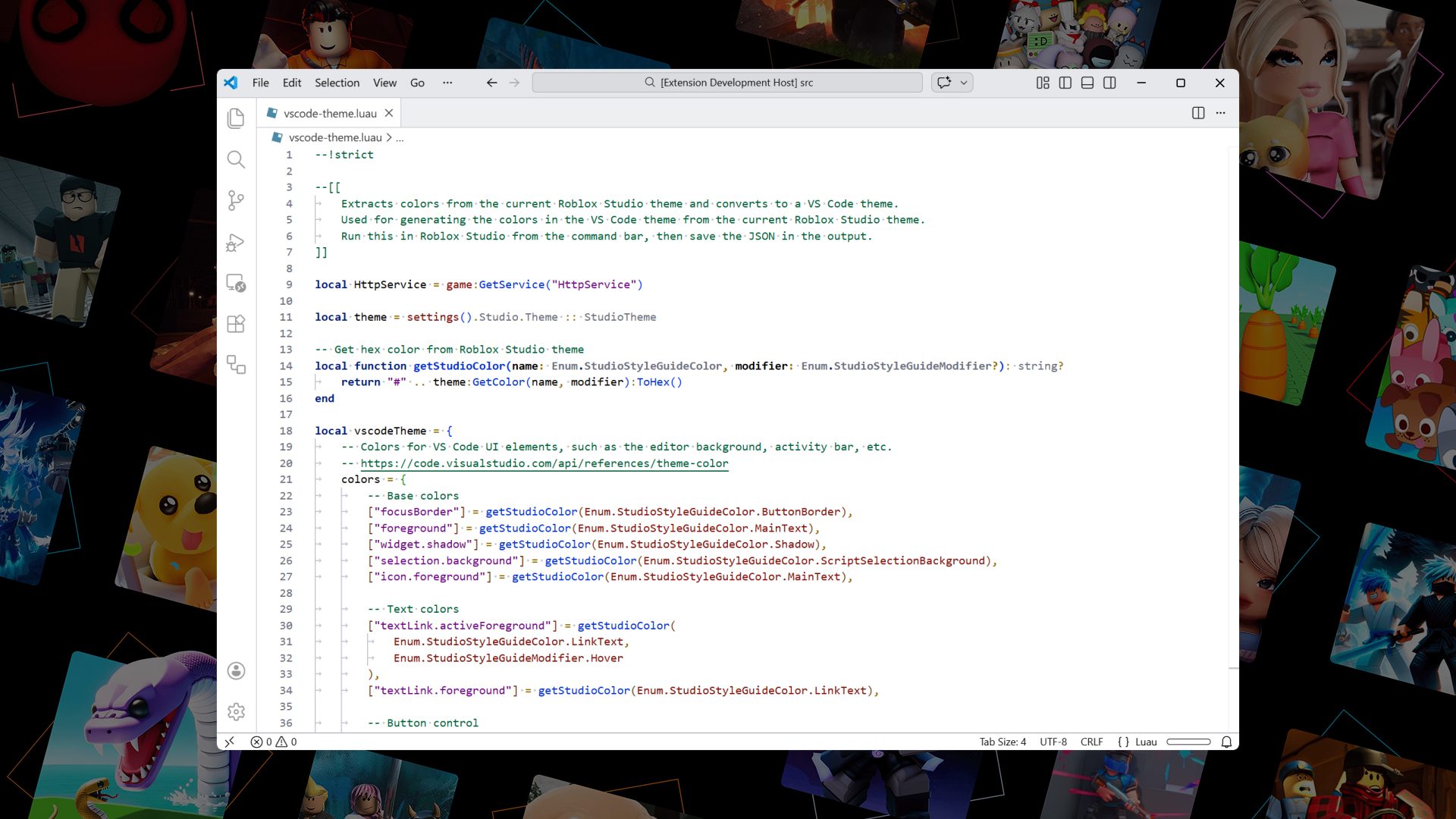
All themes
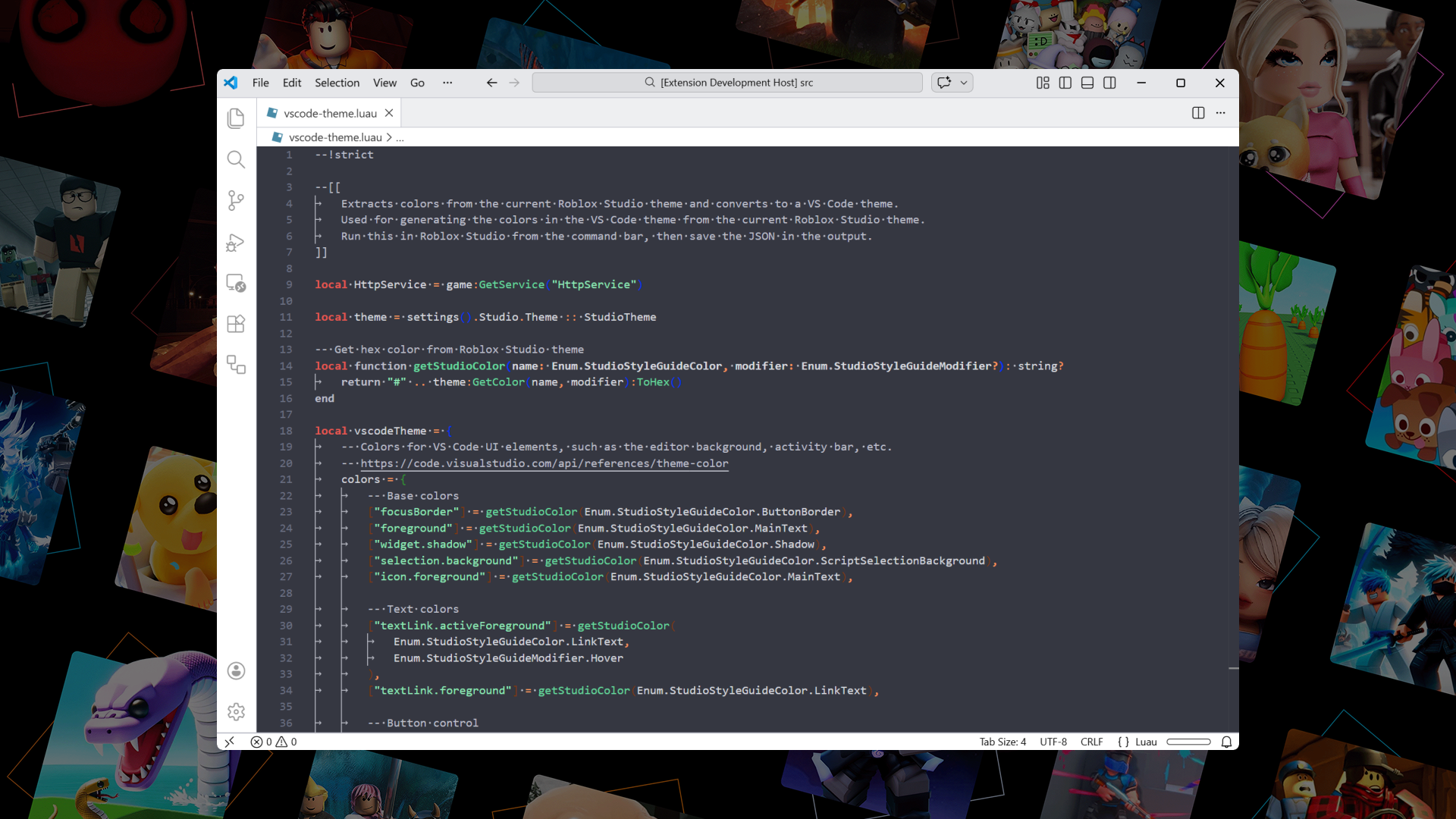
Roblox Studio Dark Default
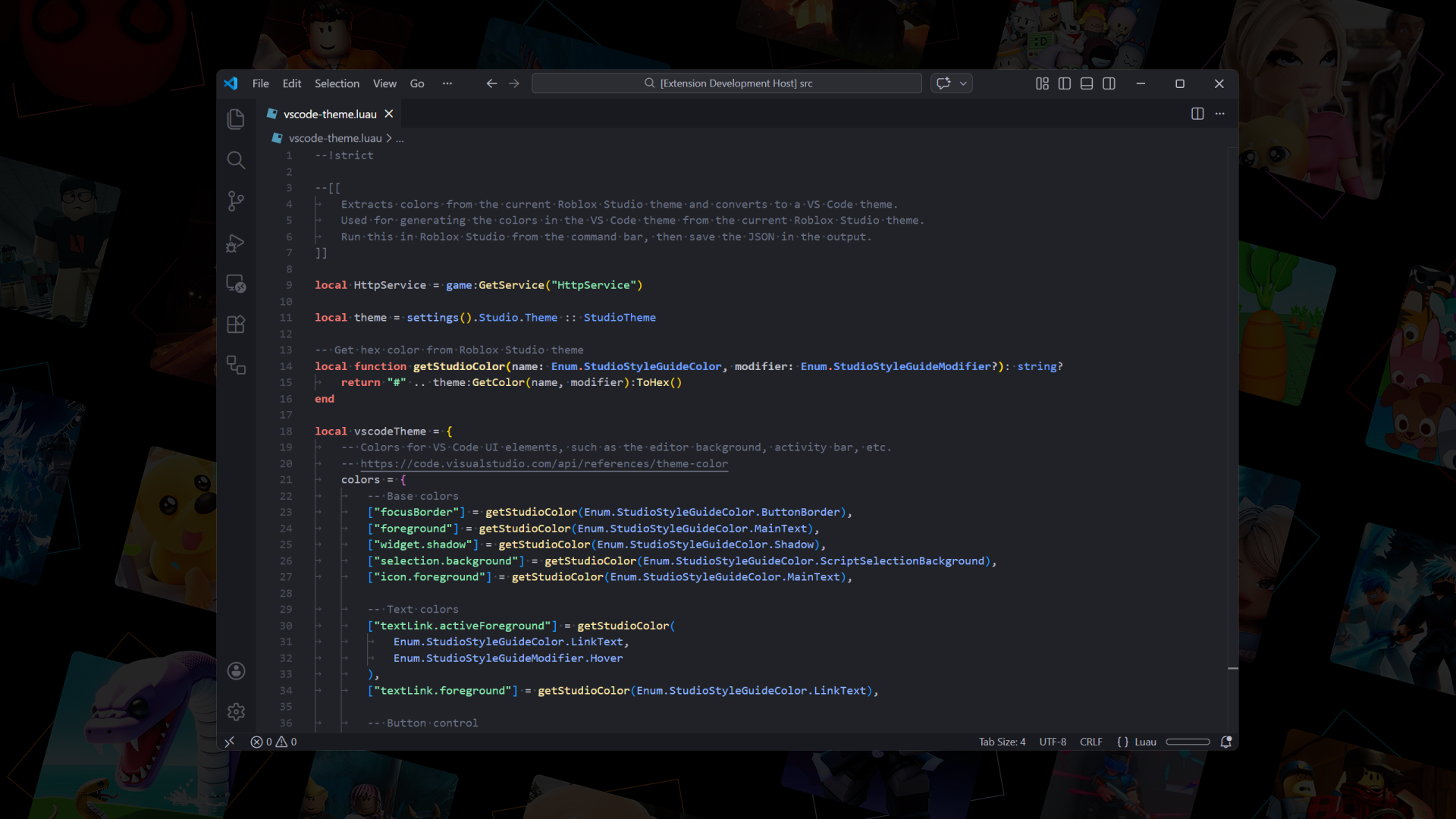
Roblox Studio Dark Extra 1
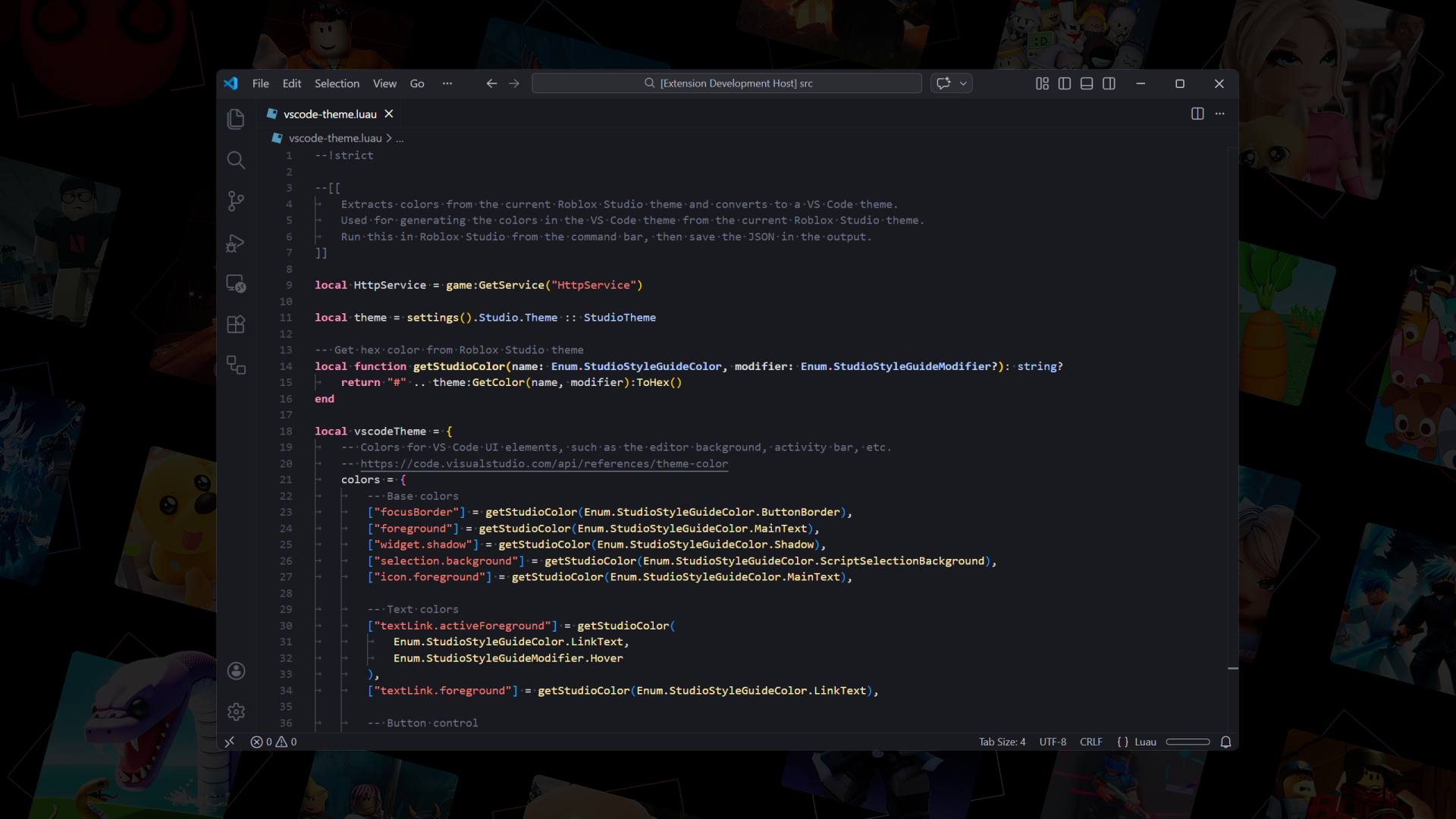
Roblox Studio Dark Extra 2
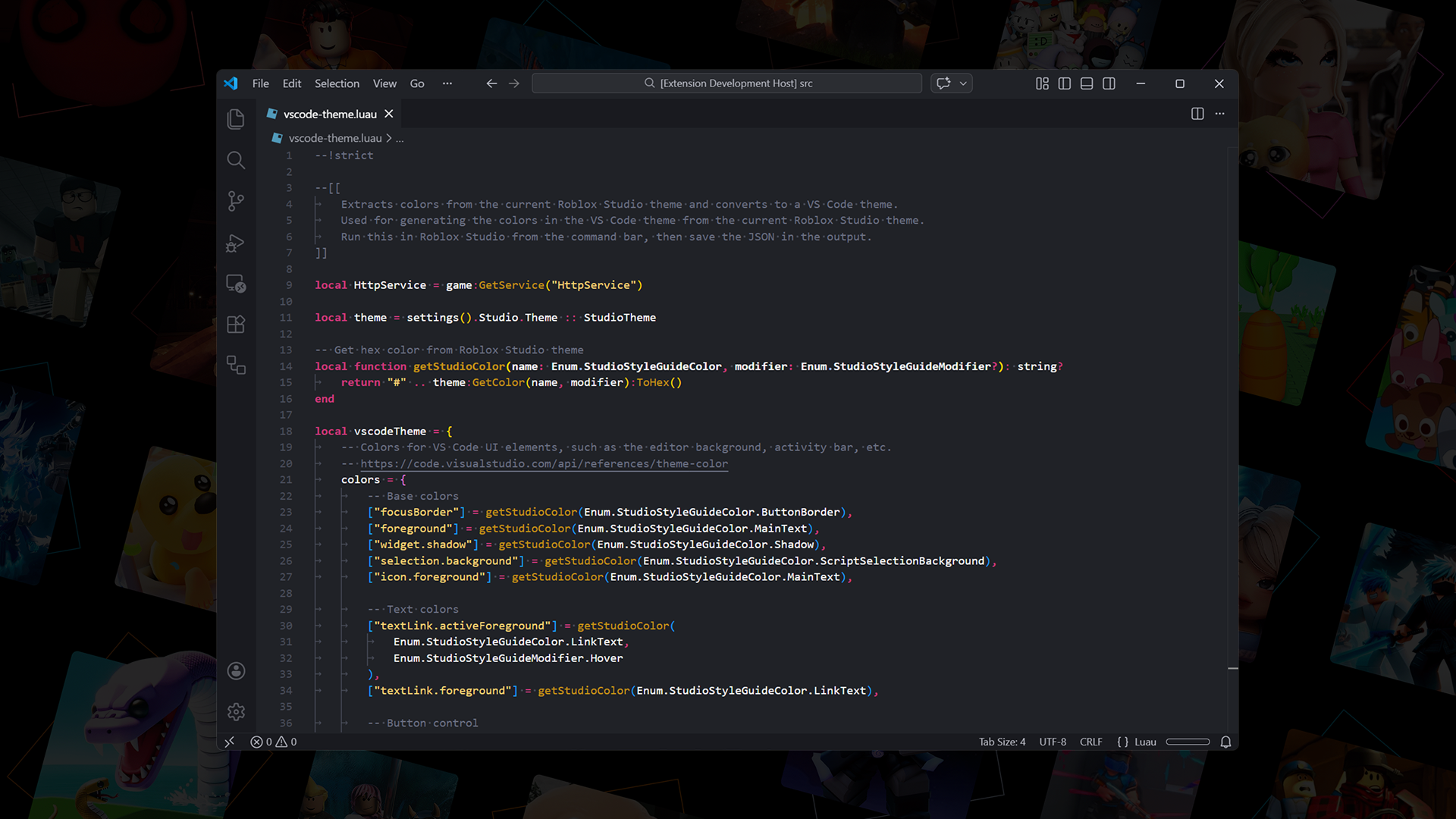
Roblox Studio Light Default
Roblox Studio Light Extra 1
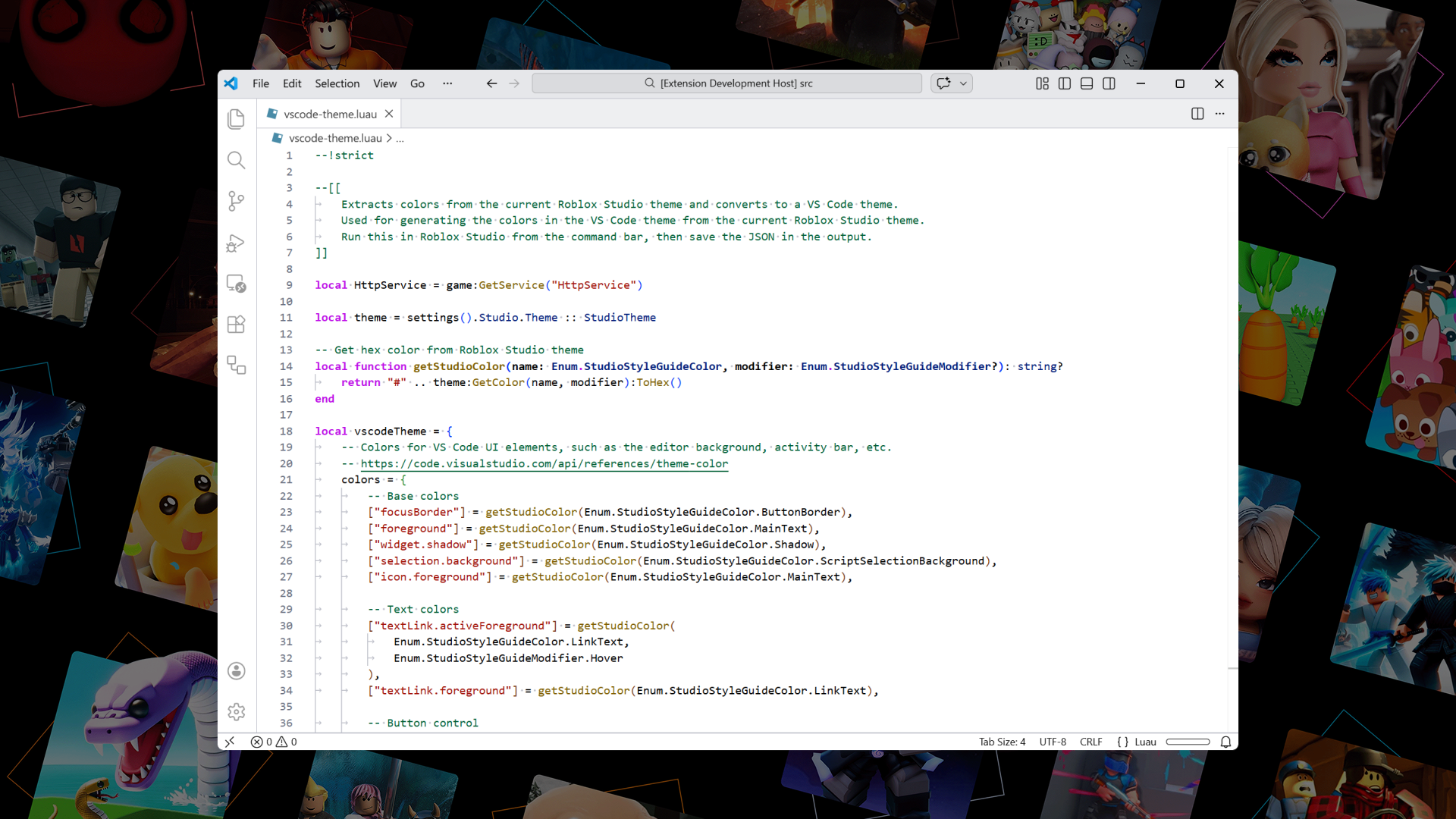
Roblox Studio Light Extra 2
Theme Generator
If you have custom script editor colors, you can use the VS Code theme generator to create your own custom theme.
VS Code Settings
Bracket Colors
Bracket pair colorization is enabled by default in VS Code, but Roblox Studio does not use bracket colors, so you may want to disable that in your VS Code settings:
{
	"editor.bracketPairColorization.enabled": false
}
Font
Roblox Studio uses the Fira Mono font for its script editor, so you may want to set that as your editor font in VS Code:
-
Install the Fira Mono regular and bold fonts on your system:
-
Add the following to your VS Code settings:
{
	"editor.fontFamily": "'Fira Mono', 'Courier New', monospace"
}
License
Copyright © 2026 Ryan Luu
Licensed under the MIT license.