twterm
December 4, 2021 · View on GitHub
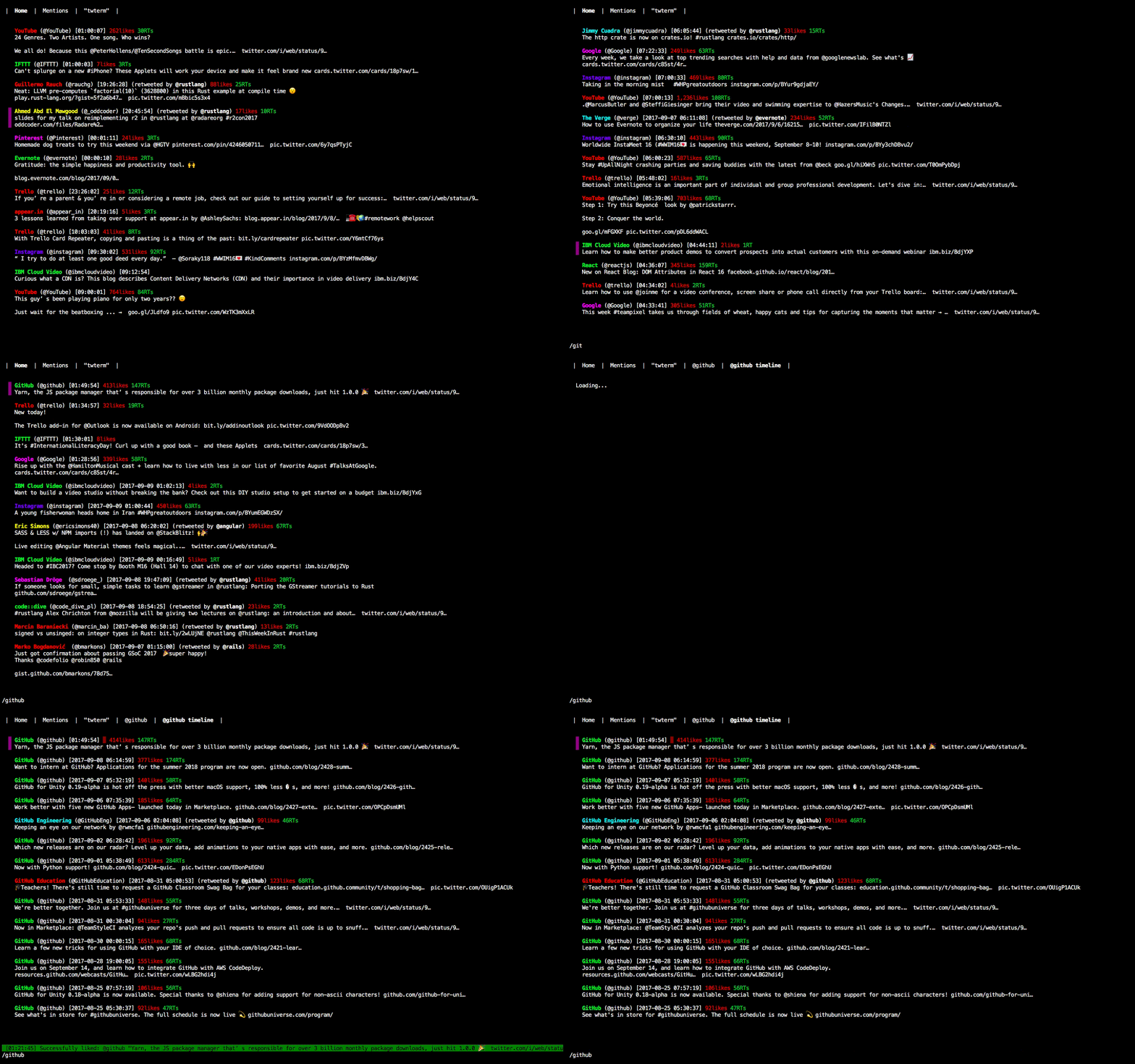
A full-featured TUI Twitter client
Installation
:snowflake: Nix (Recommended)
$ nix-channel --add https://github.com/ryota-ka/twterm/archive/master.tar.gz twterm
$ nix-channel --update
$ nix-env -iA twterm
:warning:
If you have BUNDLE_PATH configured in ~/.bundle/config, twterm may fail due to Bundler::GemNotFound.
See NixOS/nixpkgs#85989 for details.
:beer: Homebrew
$ brew install ryota-ka/twterm/twterm
:gem: RubyGems
You also have to install the following dependencies manually.
- Ruby (>= 2.5, < 3, compiled with ncurses and Readline)
- ncurses
- GNU Readline
- GNU Libidn
$ gem install twterm
Usage
To launch twterm, just type in your console:
$ twterm
Default key assignments
Key assignments can be configured by editing ~/.twterm/keys.toml
| key | operation |
|---|---|
h ← | previous tab |
j ↓ | move down |
k ↑ | move up |
l → | next tab |
^N | new tweet |
^T | new tab |
w | close current tab |
F10 ^C | quit |
F1 | key assignments cheatsheet |
License
See the LICENSE file for license rights and limitations (MIT).
Links
Development
Requirements
Setting up development environment
$ nix-shell
Ruby version can be switched with --arg option (defaults to 2.7).
$ nix-shell --arg ruby 2.6