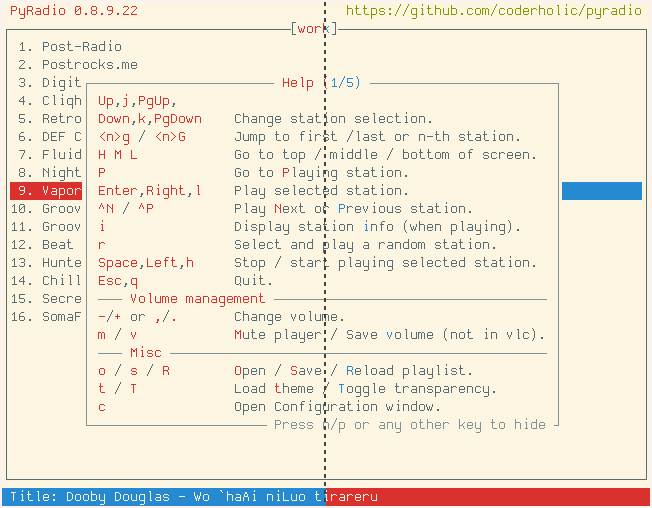
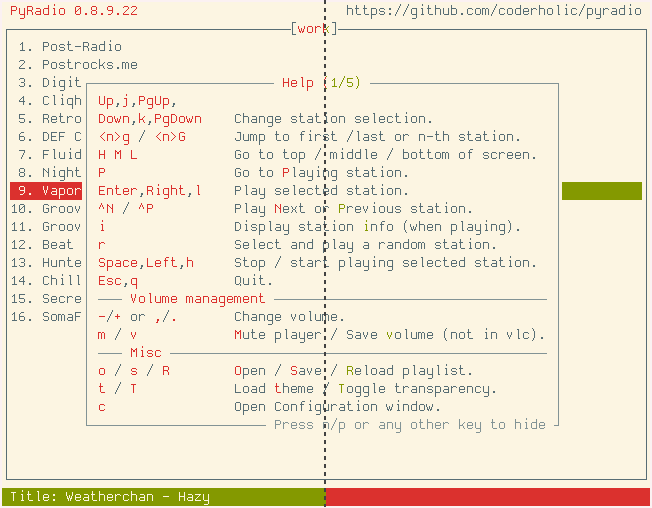
theme-sh-pyradio
August 10, 2022 · View on GitHub
This repo provides the means to create, preview, install and uninstall 4 sets of theme files for internet radio player pyradio extracted from theme.sh theme script.
Note: If one has the theme.sh script installed, he does not need to use this repo; he can just use the script to set a terminal theme and then set pyradio to "watch" that theme.
Themes creation
To create the themes, just execute the command:
python create_themes.py
A direcrory named themes will be created, after the command terminates.
Installation
To install the themes (either all or a subset of them), just execute the command:
python install_themes.py
which will display the help screen:
usage: install_themes.py [-h] [-a] [-d] [-l] [-r] [-t] [-u]

Install PyRadio theme.sh themes

options:
  -h, --help           show this help message and exit
  -a, --all            install all themes
  -d, --default        install default themes only
  -l, --default-alt    install default alternative themes only
  -r, --variation      install variation themes only
  -t, --variation-alt  install variation alternative themes only
  -u, --uninstall      uninstall themes (to be used with one of the previous
                       options)
Then just use the appropriate command line parameter....
Cycling through the themes
To see all the themes provided by this repo, just use this theme:
python cycle_themes.py
and follow the instructions within.
Here is its help screen
usage: cycle_themes.py [-h] [-s START] [-d DELAY]

Cycle through PyRadio theme.sh themes

options:
  -h, --help            show this help message and exit
  -s START, --start START
                        start with theme number
  -d DELAY, --delay DELAY
                        counter delay
Enjoy!
Contributing
Contributions are welcome and greatly appreciated!
Screenshots
Left side shows the default themes, right side shows variant themes.
cupcake
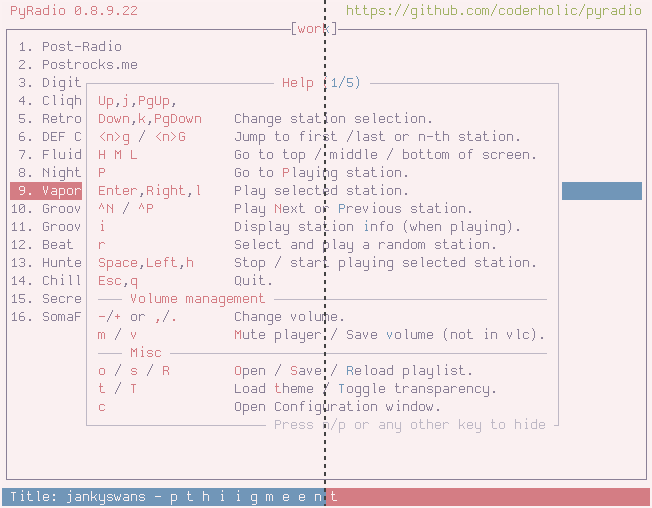
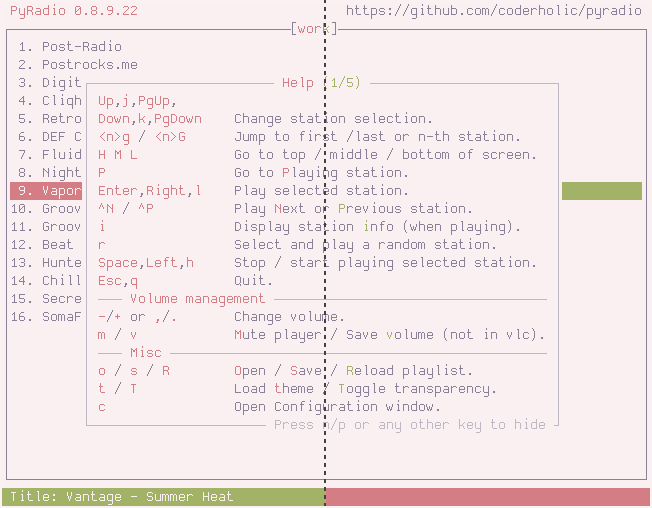
nord
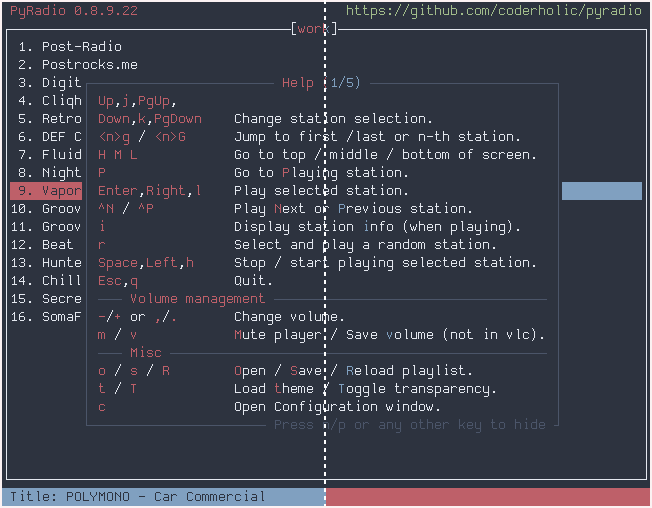
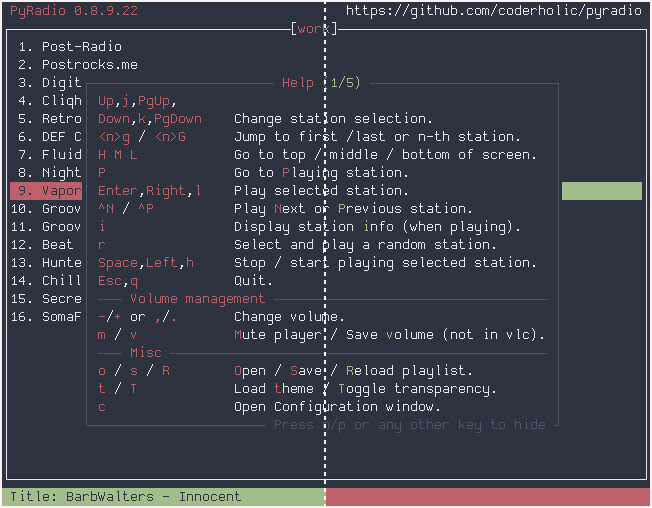
catppuccin
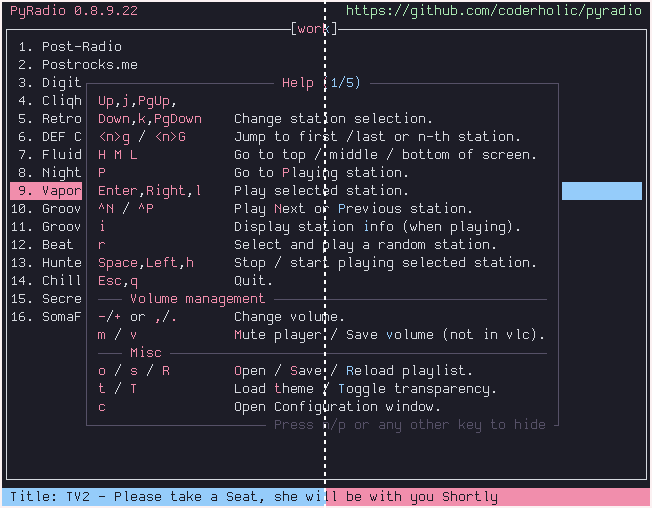
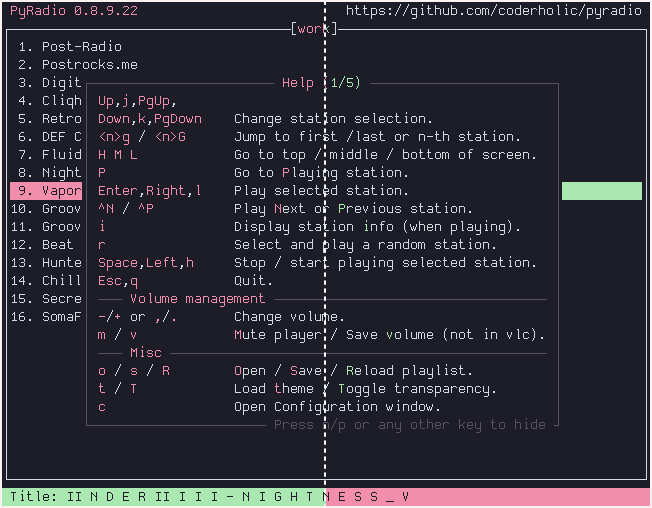
solarized-dark
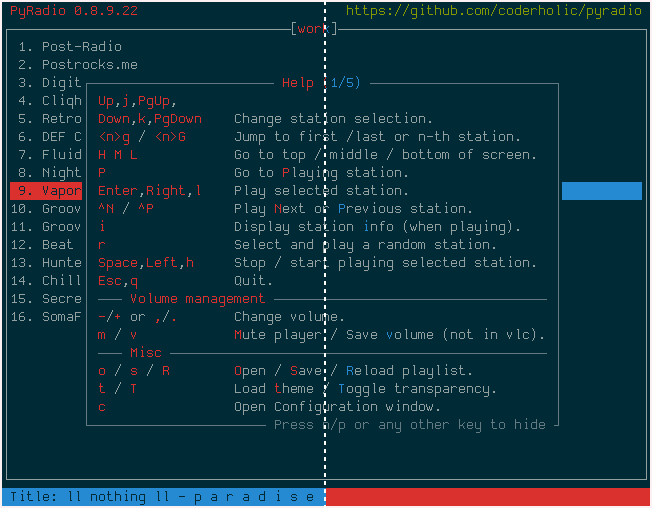
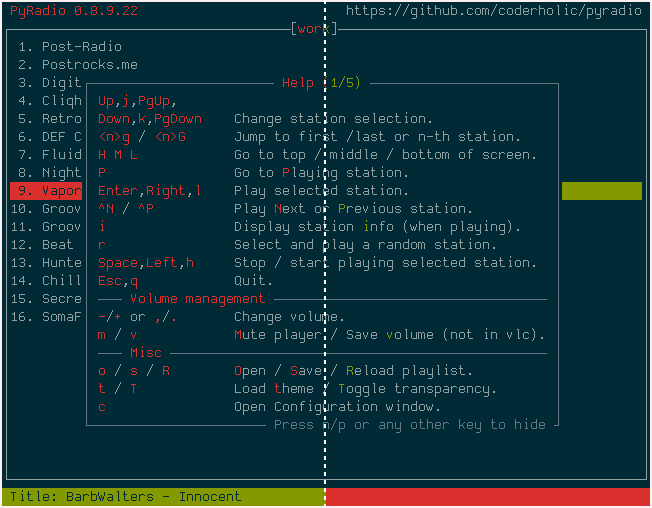
solarized-light