Resource Manager
April 3, 2026 · View on GitHub



This resource manager was created as a personal learning project to explore how to build VS Code extensions. Please note that this extension is still under development, and there is no guarantee that it will work correctly with your .resx files.
Current Features
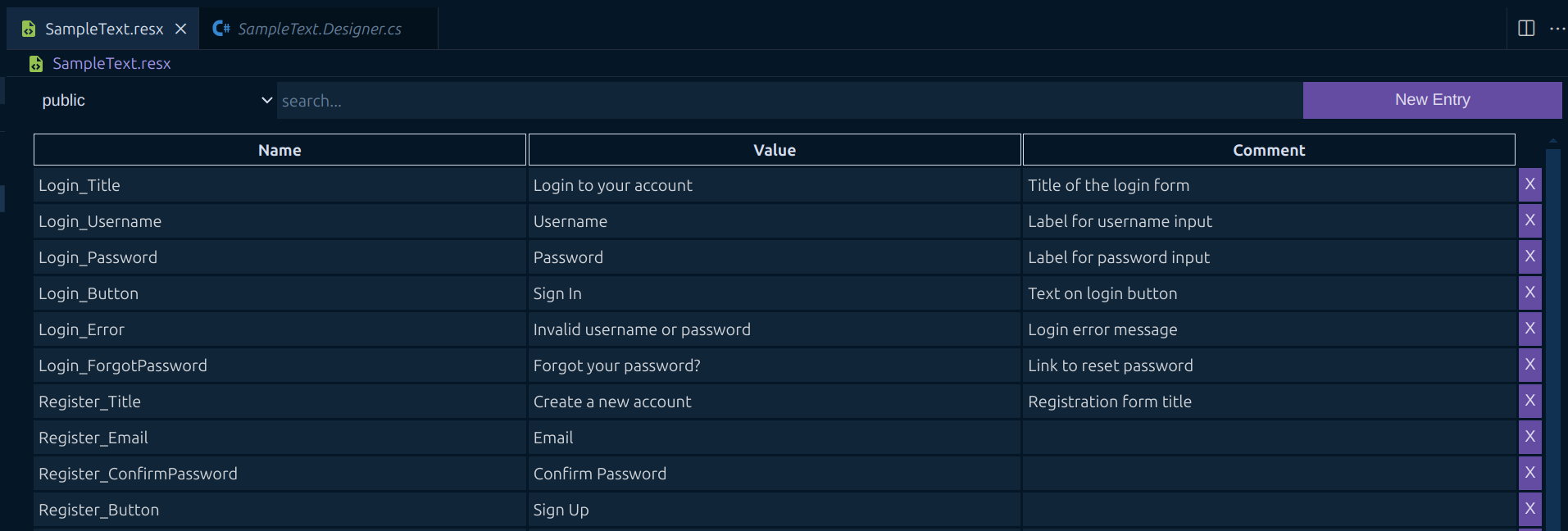
Manage Your Resource Entries
You can easily create new entries using the button in the toolbar. Entry names and values can be edited directly in the table. Additionally, you can add comments to describe each resource, if needed.
Generate a Designer File
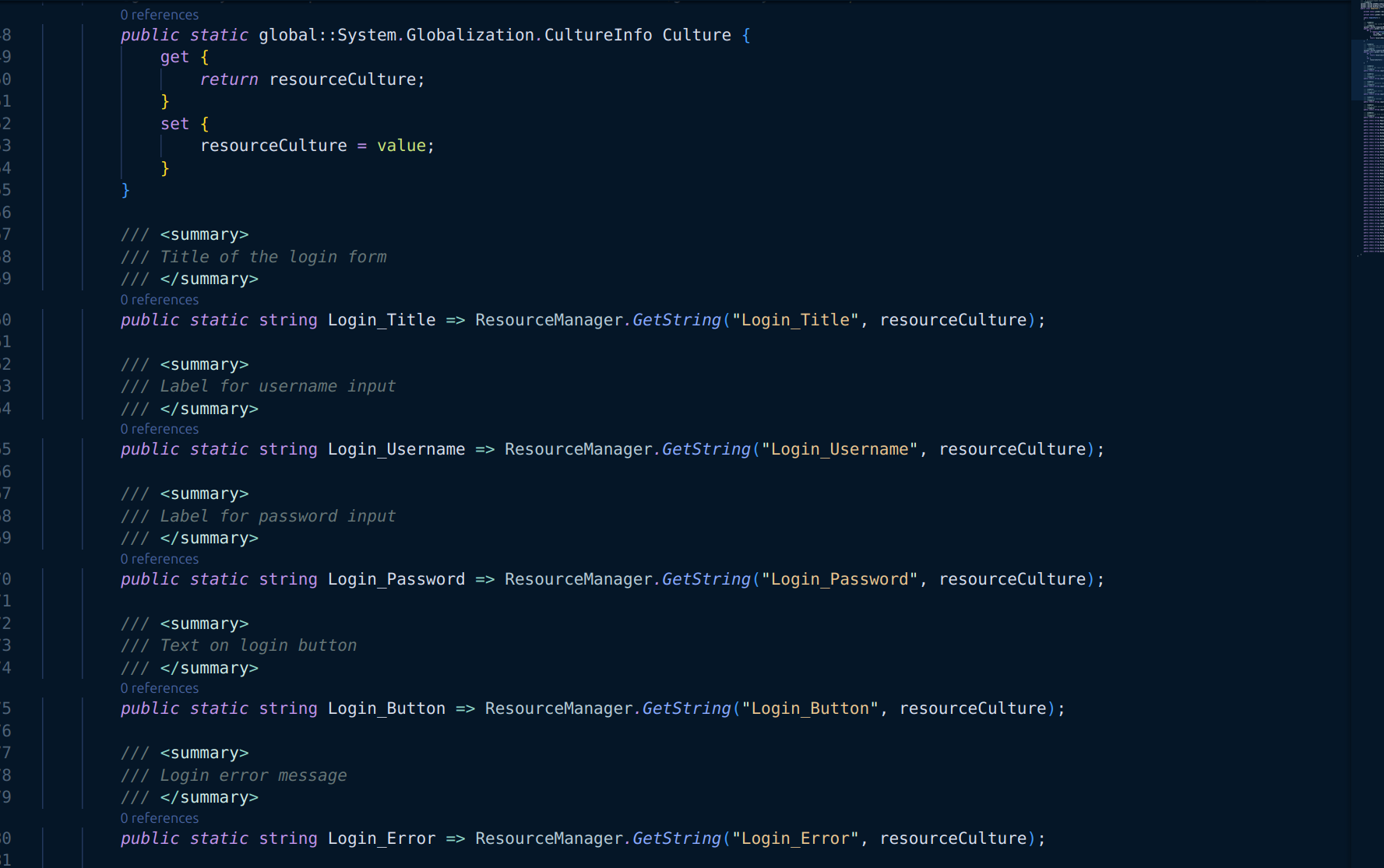
Whenever you save your changes, a .Designer.cs file is automatically generated in the same directory as your .resx file. This file makes it easier to access your resources in .NET projects.
Search Your Resources
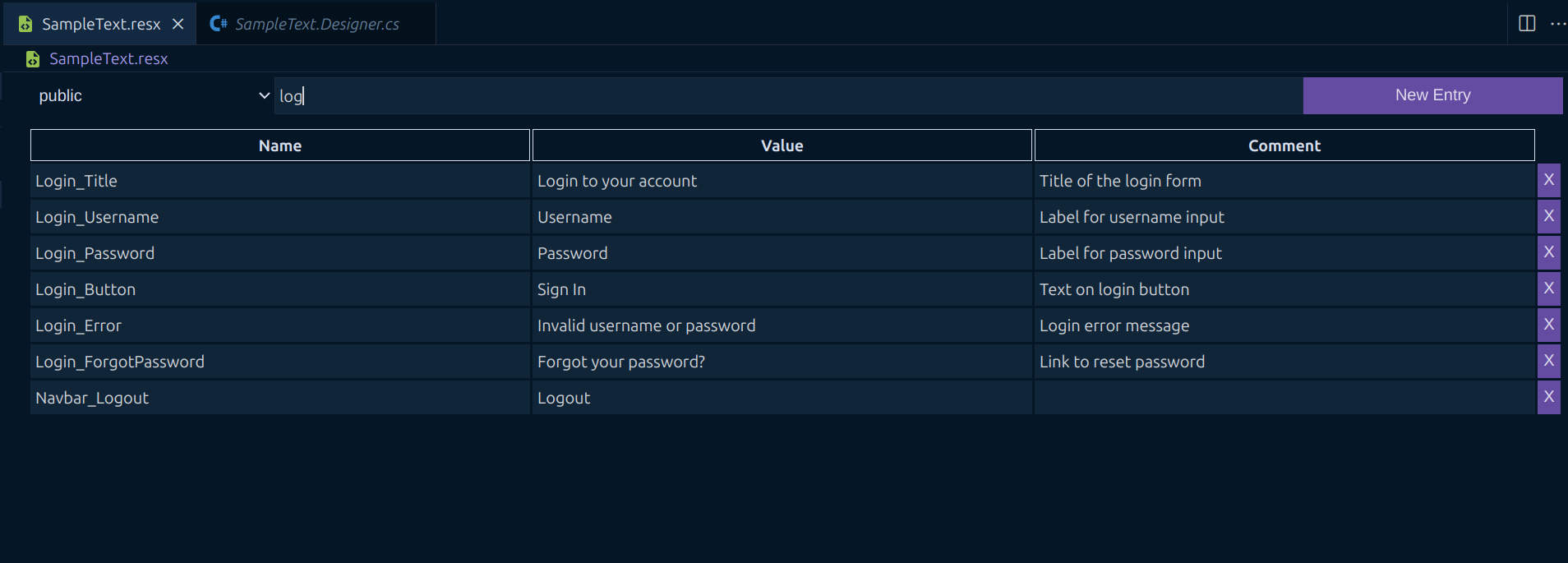
The toolbar also includes a search bar, allowing you to quickly find specific entries. This is especially useful when working with large .resx files containing many resources.
Change to XML view
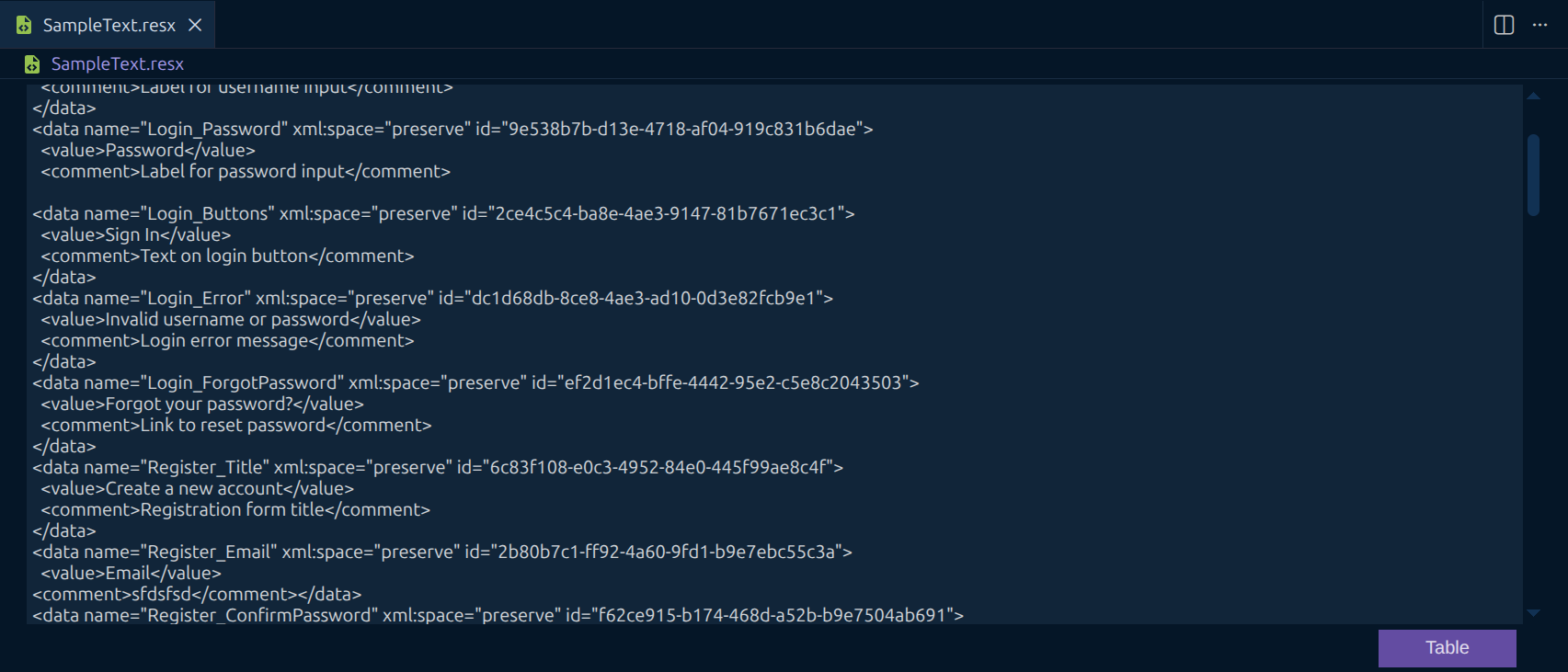
You can change the view to show the plain xml file and also apply changes.
Use Shortcuts for efficiency
The following Shortcuts currently exist:
Add Entry => Ctrl + Space
Delete Entry => Ctrl + d
Move between Entries => Ctrl + MouseUp/MouseDown
Focus Searchbar => Ctrl + f
Change between views => Ctrl + Enter
Roadmap
- Shortcuts
- Better error handling
- Multilanguage support
- Option to show file in text editor mode
Known Issues
There is currently no logic to prevent you from using duplicate names for your resources.