Code Block Folder
March 14, 2026 · View on GitHub



Introduction
Enable customized code folding with comments to make it easier to read codes. This extension is available in VSCode, Cursor, Windsurf, Trae, CodeBuddy and Qoder.
Supported Languages
c, c++, c#, java, kotlin, dart, swift, javascript, typescript, go, python, ruby, shell, php, perl, rust, lua, sql, odin, zig, d, v, scala, groovy, f#, nim, vue, jsx, tsx, svelte, sass, less, stylus
Examples
-
Change a current code block to foldable one.

-
Write a code segment inside a foldable code block.

-
Line hint and quick jumping.
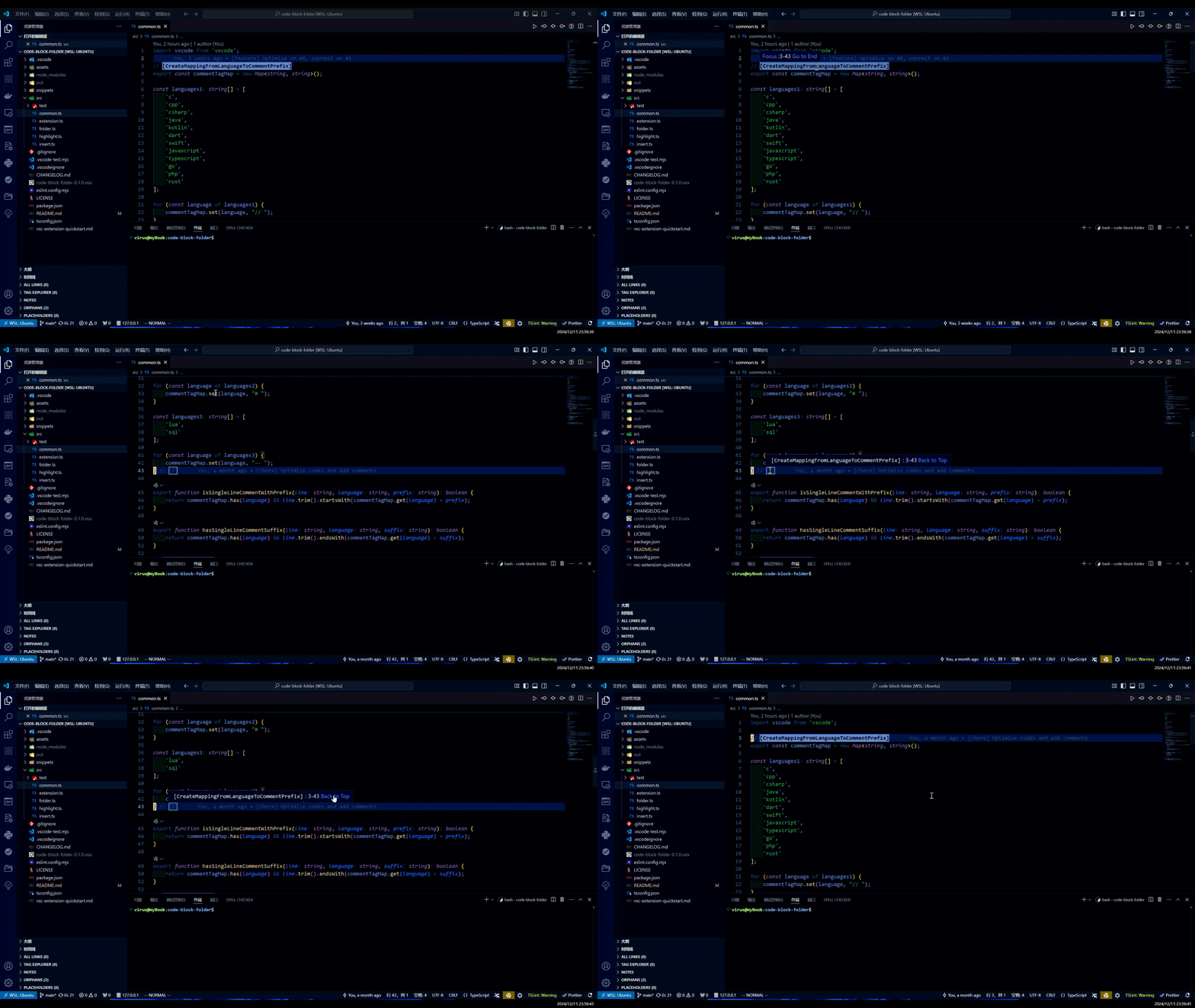
-
Quick folding and unfolding.
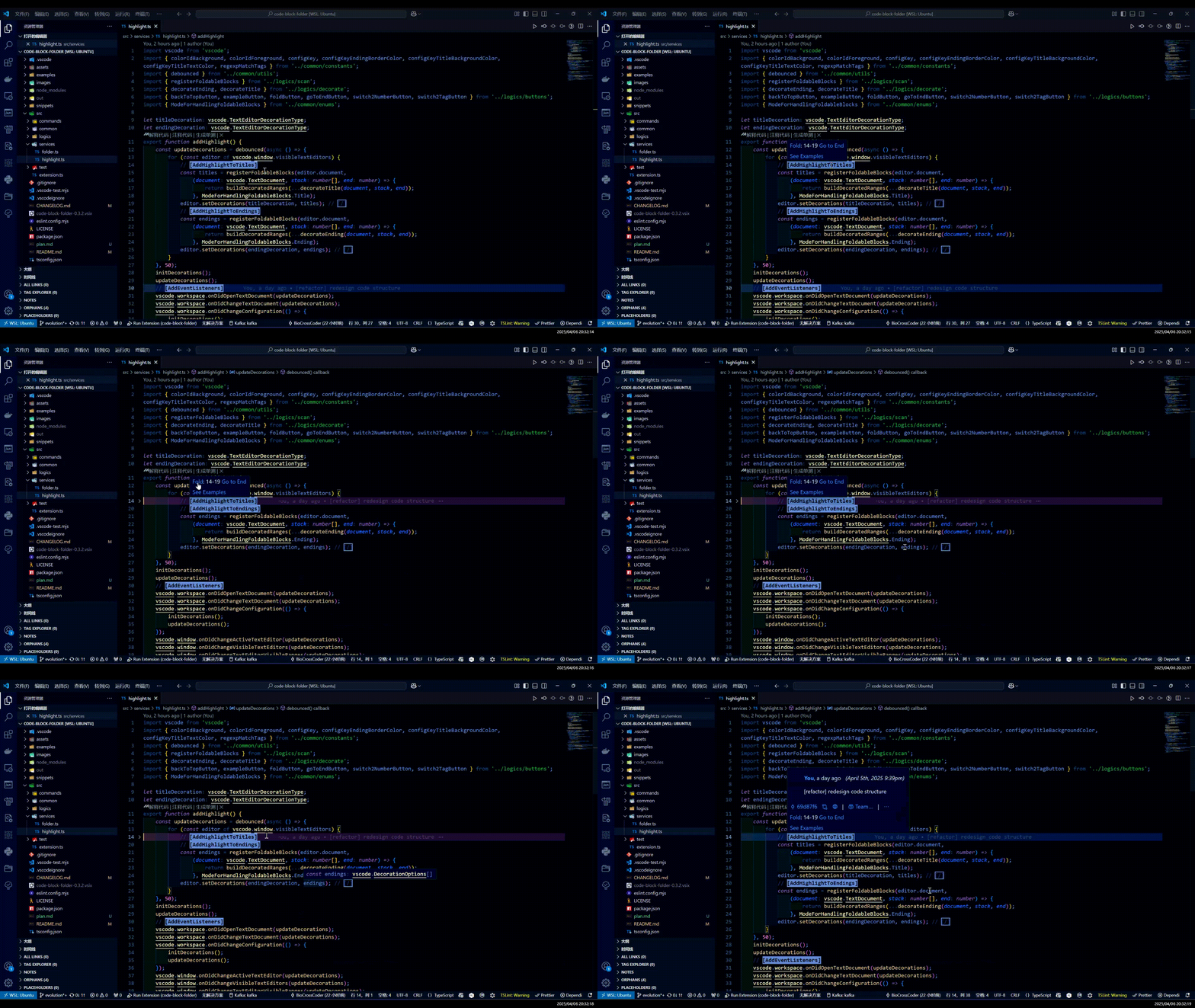
-
Switch between single-line marker and paired ones.
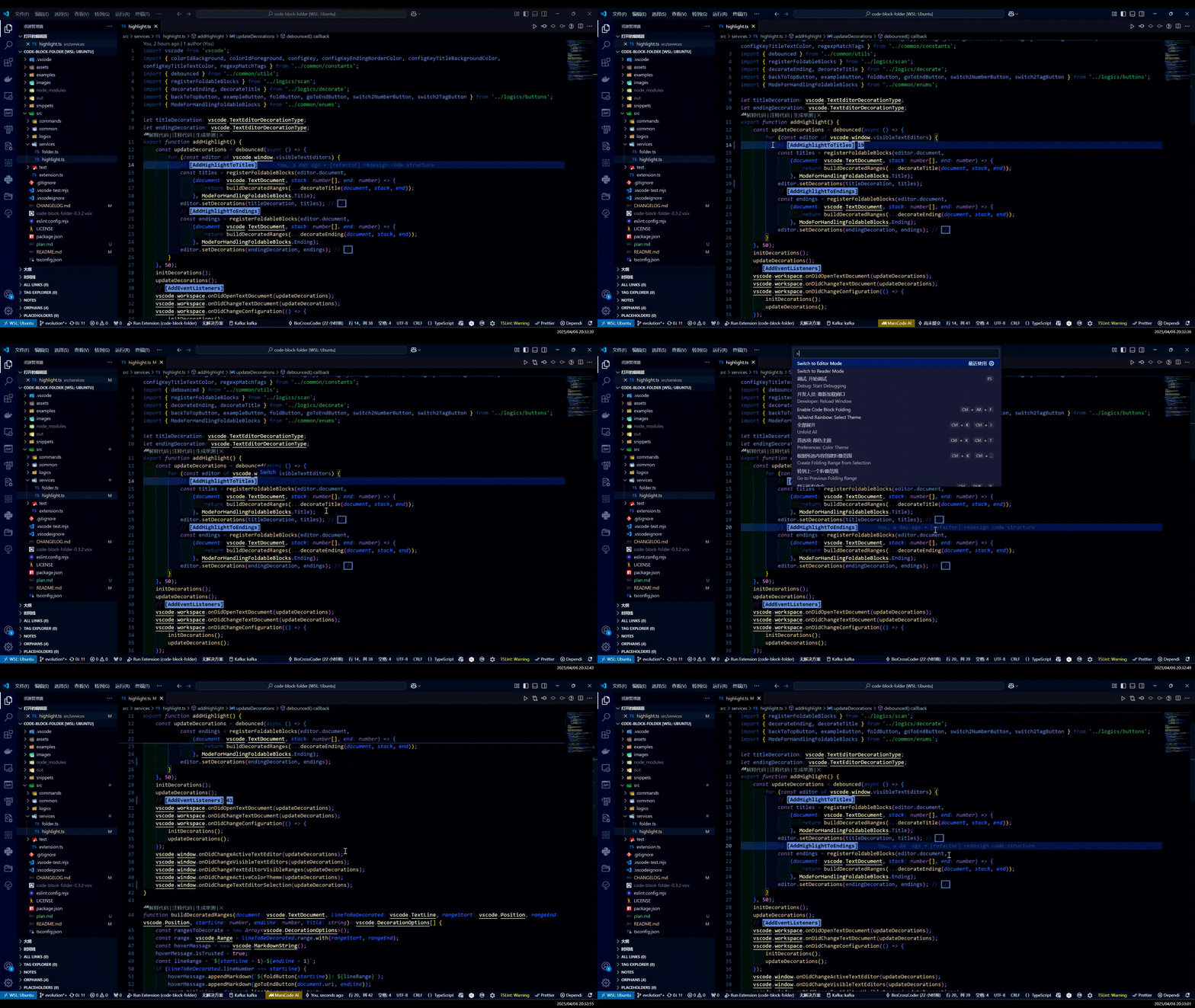
Extension Settings
code-block-folder.title-text-color: Text color of foldable block titles.code-block-folder.title-background-color: Background color of foldable block titles.code-block-folder.ending-border-color: Border Color of foldable block ending markers.