behave_gui.md
November 29, 2025 · View on GitHub
 SeleniumBase Behave GUI / Commander 🐝🎖️
🐝🎖️ The SeleniumBase Behave GUI lets you run behave scripts from a Desktop GUI.
🐝🎖️ To launch it, call sbase behave-gui or sbase gui-behave:
> sbase behave-gui
* Starting the SeleniumBase Behave Commander GUI App...
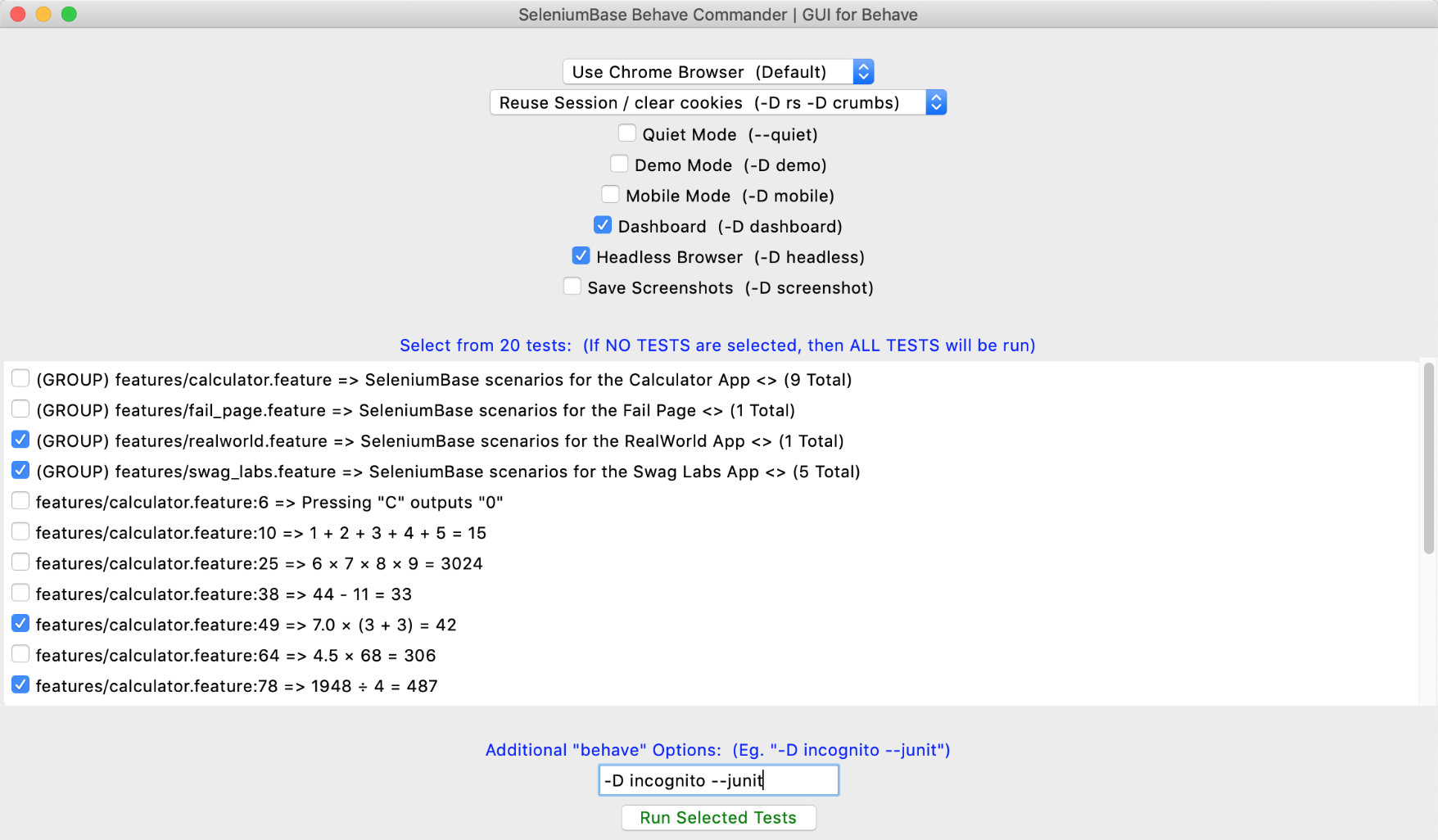
🐝🎖️ SeleniumBase Behave GUI loads the same tests that are found by:
behave -d
🐝🎖️ You can customize which tests are loaded by passing additional args:
sbase behave-gui [OPTIONAL PATH or TEST FILE]
🐝🎖️ Here are examples of customizing test collection:
sbase behave-gui  # all tests
sbase behave-gui -i=calculator  # tests with "calculator" in the name
sbase behave-gui features/  # tests located in the "features/" folder
sbase behave-gui features/calculator.feature  # tests in that feature
🐝🎖️ Once launched, you can further customize which tests to run and what settings to use. There are various controls for changing settings, modes, and other "behave" command line options that are specific to SeleniumBase. You can also set additional options that don't have a visible toggle. When you're ready to run the selected tests with the specified options, click on the Run Selected Tests button.
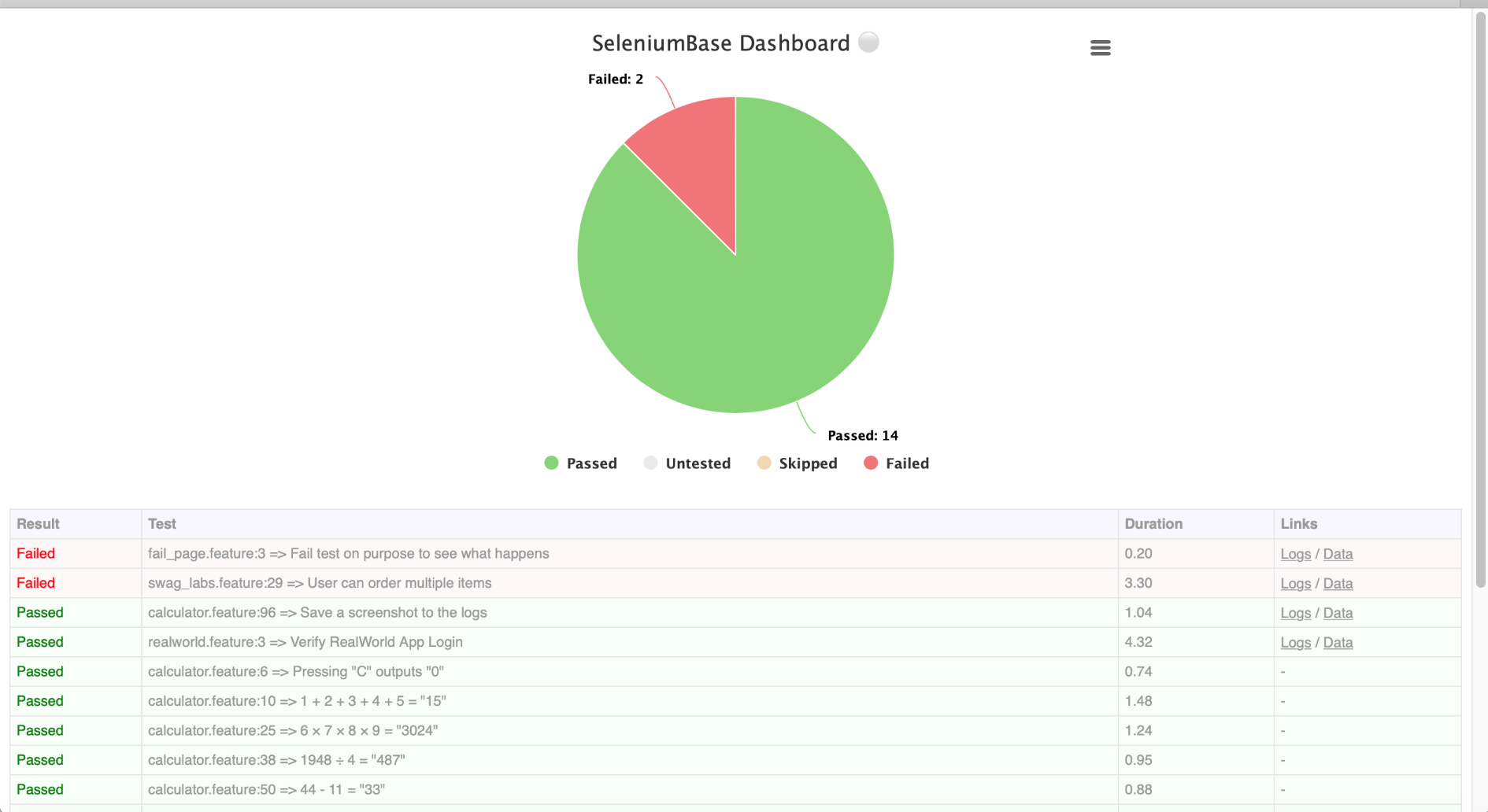
🐝⚪ With the Dashboard enabled, you'll get one of these: