G-AI Desktop
August 31, 2026 · View on GitHub
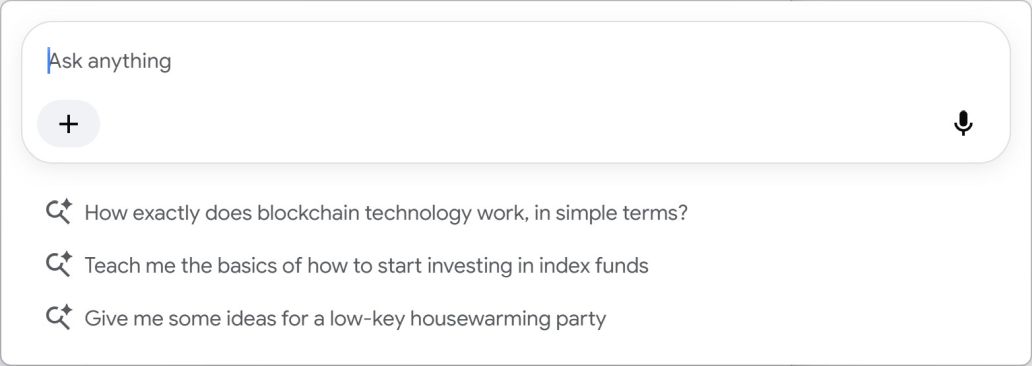
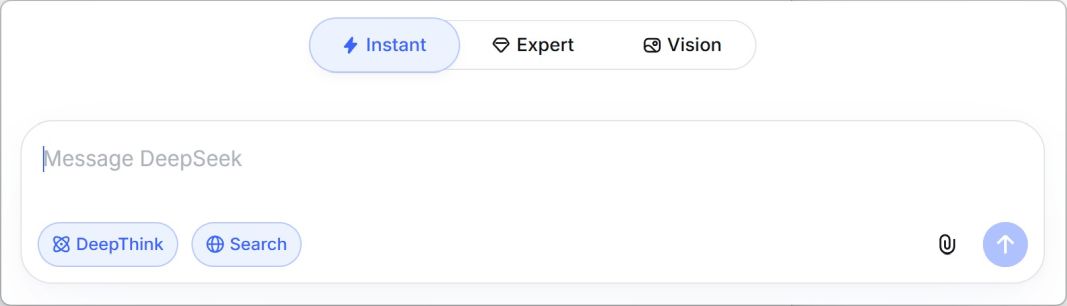
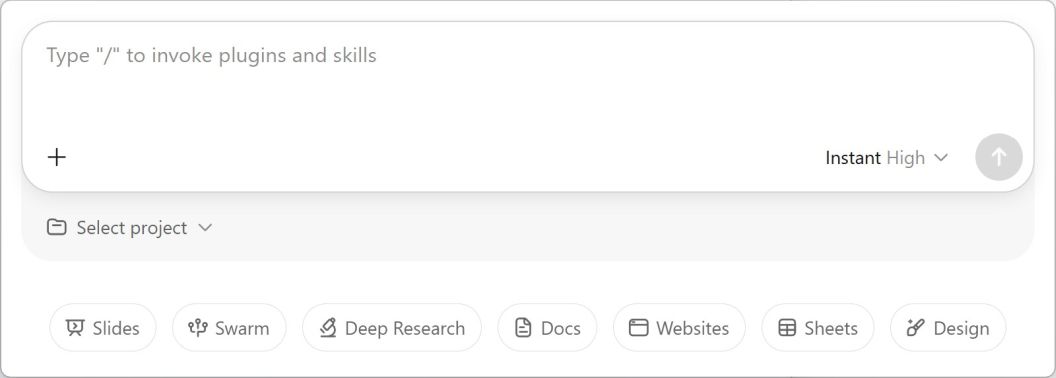
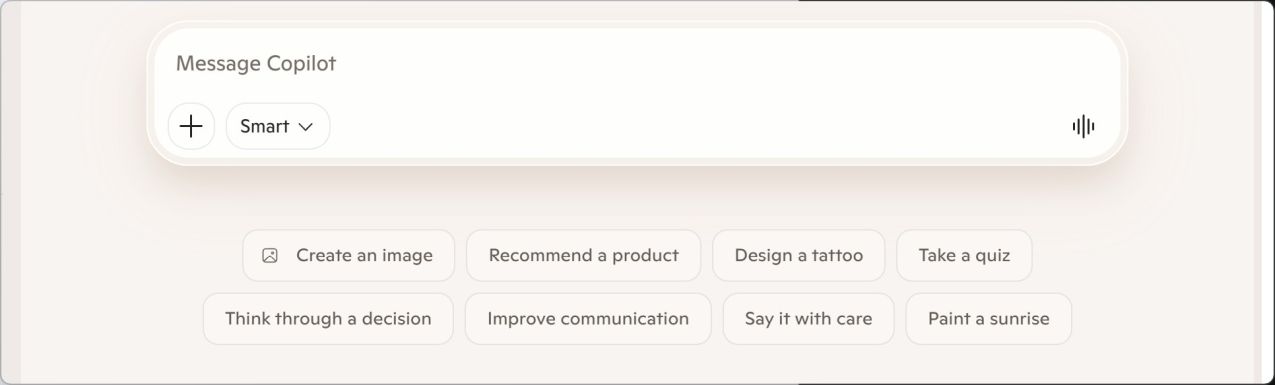
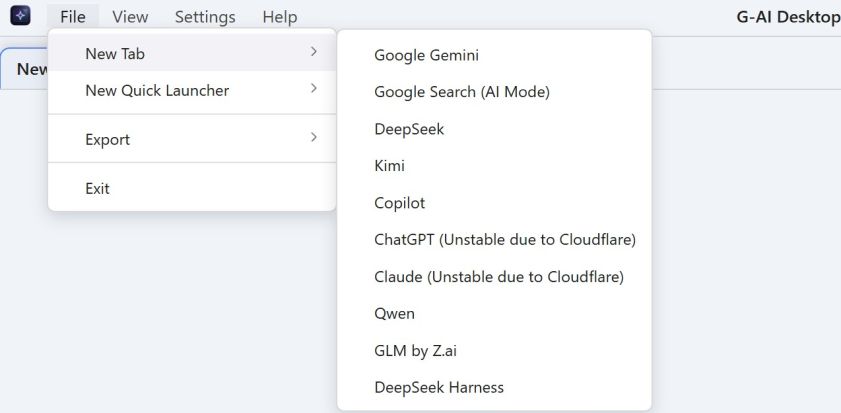
G-AI Desktop is a lightweight, modern, and feature-rich Electron-based desktop client for Google Gemini, Google Search (AI Mode), DeepSeek, Kimi, Copilot, ChatGPT, Claude, Qwen, GLM by Z.ai and Deepseek Harness. It preserves the full capabilities of the official web interfaces while delivering a more native, efficient, and visually polished desktop experience.
✨ Features
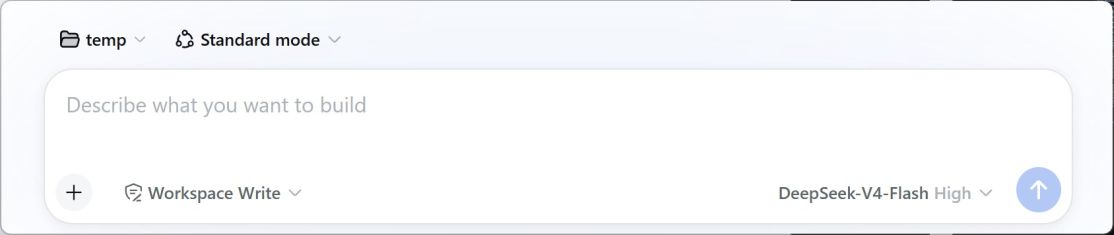
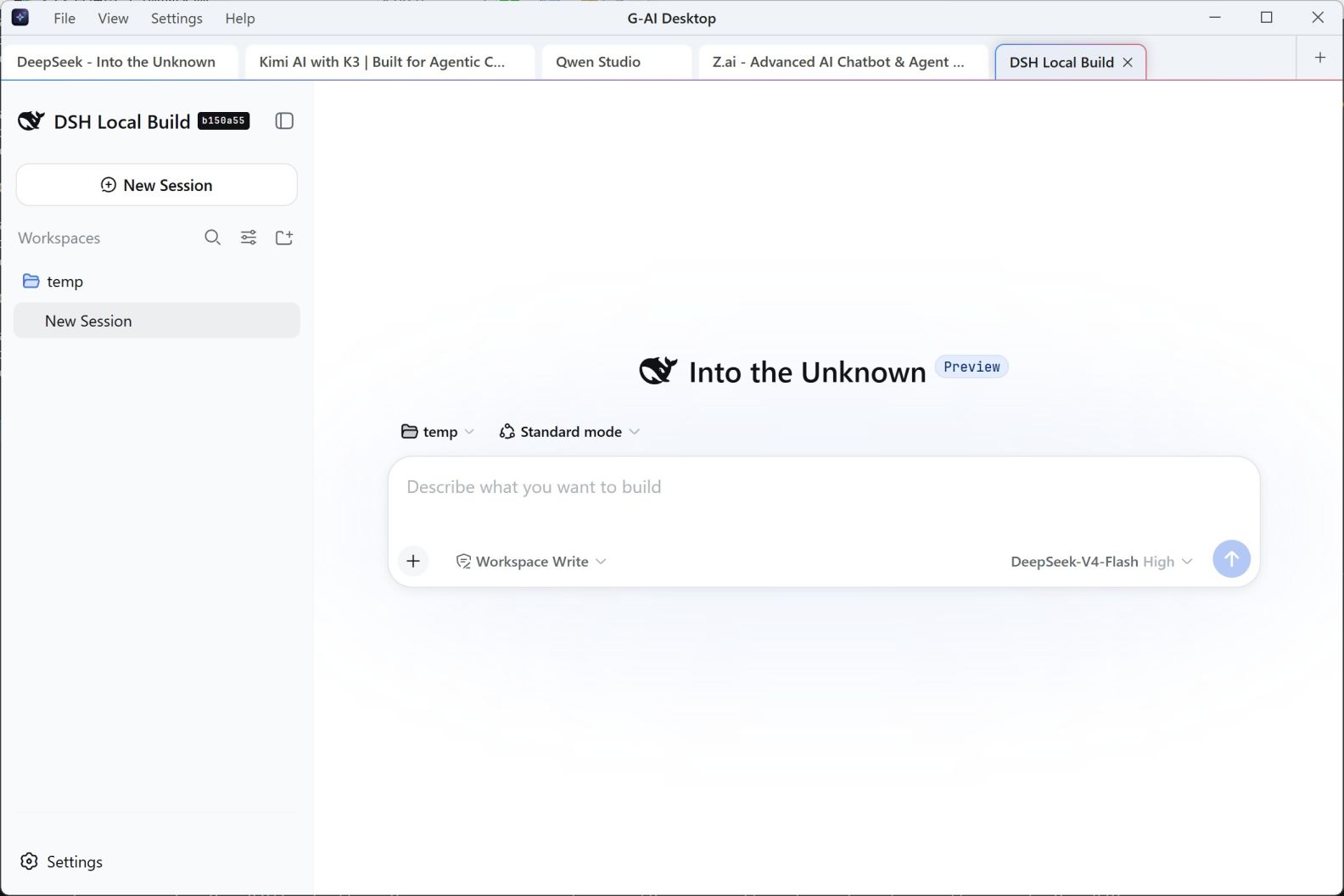
- 💡 Full Deepseek Harness Support: Built-in support for Deepseek Harness alongside Google Gemini, Google Search (AI Mode), DeepSeek, Kimi, Copilot, ChatGPT, Claude, Qwen and GLM by Z.ai. Easily set it as your default landing page or switch between suppliers.
- Both ChatGPT and Claude may experience temporary instability due to Cloudflare network challenges. Please refresh the page or restart the application to re-authenticate your session.
- The default Deepseek Harness Web URL is
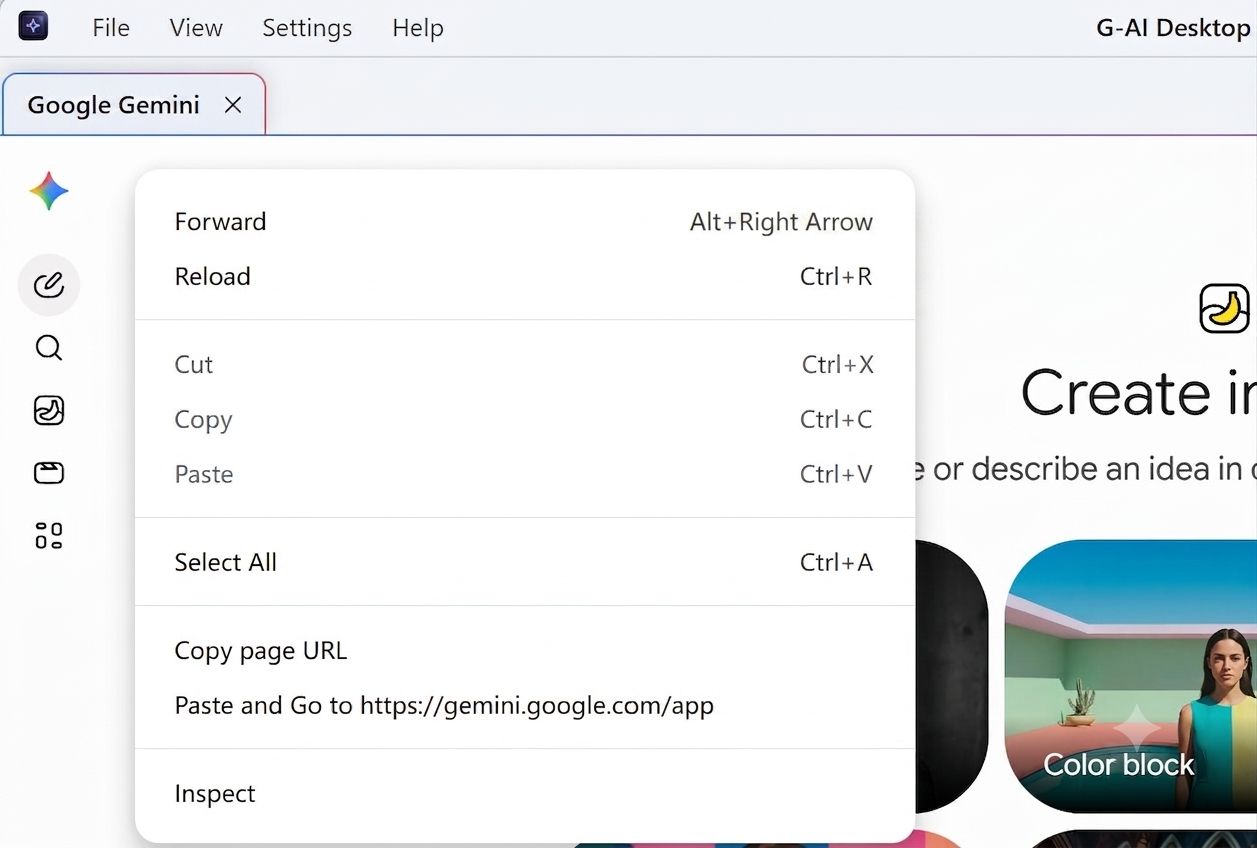
http://127.0.0.1:3080. You can customize this setting with the--dshWeb=flag. Or simply use thePaste and Gooption from the page context menu to open the webpage with thetoken, particularly if authentication is required.
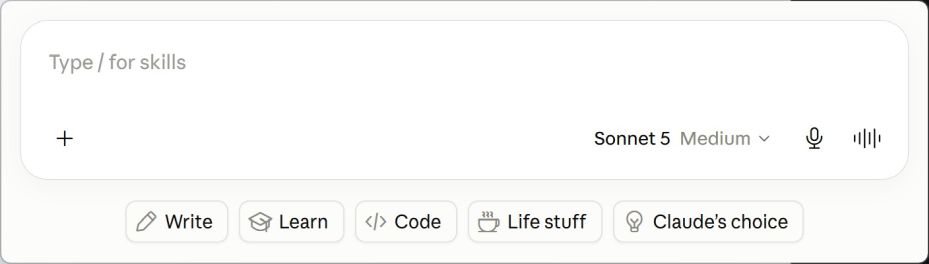
- ⚡ Quick Launcher (Feature Highlight):
- Instant Access: Summon a minimal, Spotlight-like quick prompt bar from anywhere across your operating system using a global hotkey.
- Direct AI Querying: Type your question or prompt directly into the launcher and hit Enter to instantly dispatch it to Google Gemini, Google Search (AI Mode), DeepSeek, Kimi, Copilot, ChatGPT, Claude, Qwen, GLM by Z.ai or Deepseek Harness.
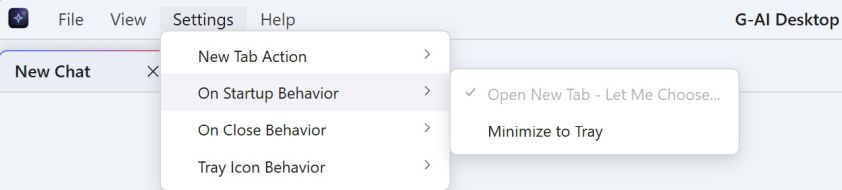
- ⚙️ Customizable On-Startup Behavior (Feature Highlight):
- Silent / Minimized Start: Configure the app to start hidden in the system tray upon boot, keeping your desktop clean while keeping AI access one shortcut away.
- Default Landing Choice: Choose whether the app launches into Google Gemini, Google Search (AI Mode), DeepSeek, Kimi, Copilot, ChatGPT, Claude, Qwen, GLM by Z.ai or Deepseek Harness by default.
- 🌐 Command-Line Proxy Support (Feature Highlight): Launch the app with custom proxy settings using the
--proxy=flag, supporting HTTP, HTTPS, and SOCKS5 protocols (e.g.,--proxy="http://127.0.0.1:8888"or--proxy="socks5://127.0.0.1:1080")
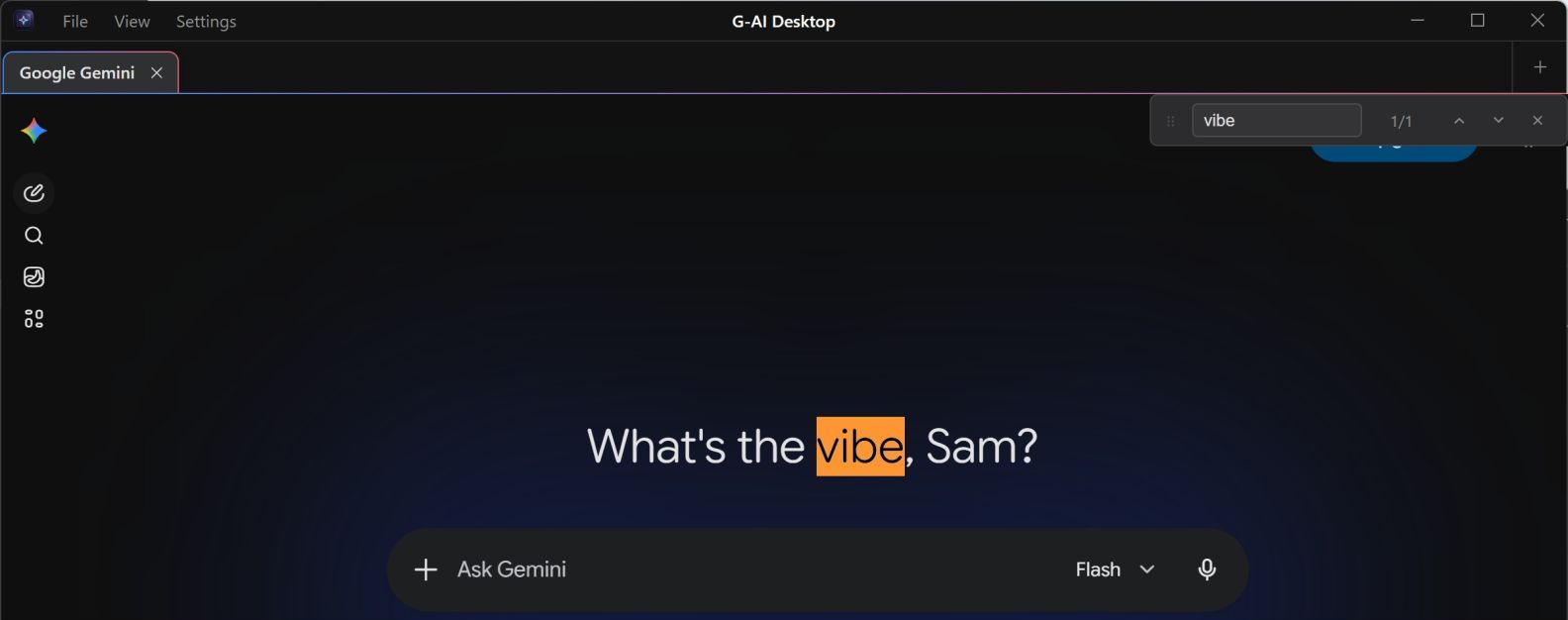
- 🔎 Native Web Page Search (Feature Highlight):
- In-Page Text Find: An all-new, elegant search bar to find text within any active web page, just like a native browser.
- Real-time Matching: Highlights matches instantly and provides a navigation counter (e.g., "1/5").
- Suppliers Agnostic: Works perfectly across Google Gemini, Google Search (AI Mode), DeepSeek, Kimi, Copilot, ChatGPT, Claude, Qwen, GLM by Z.ai and Deepseek Harness interfaces.
- Shortcut integration: Seamlessly integrated with the CmdOrCtrl + F shortcut and Esc key.
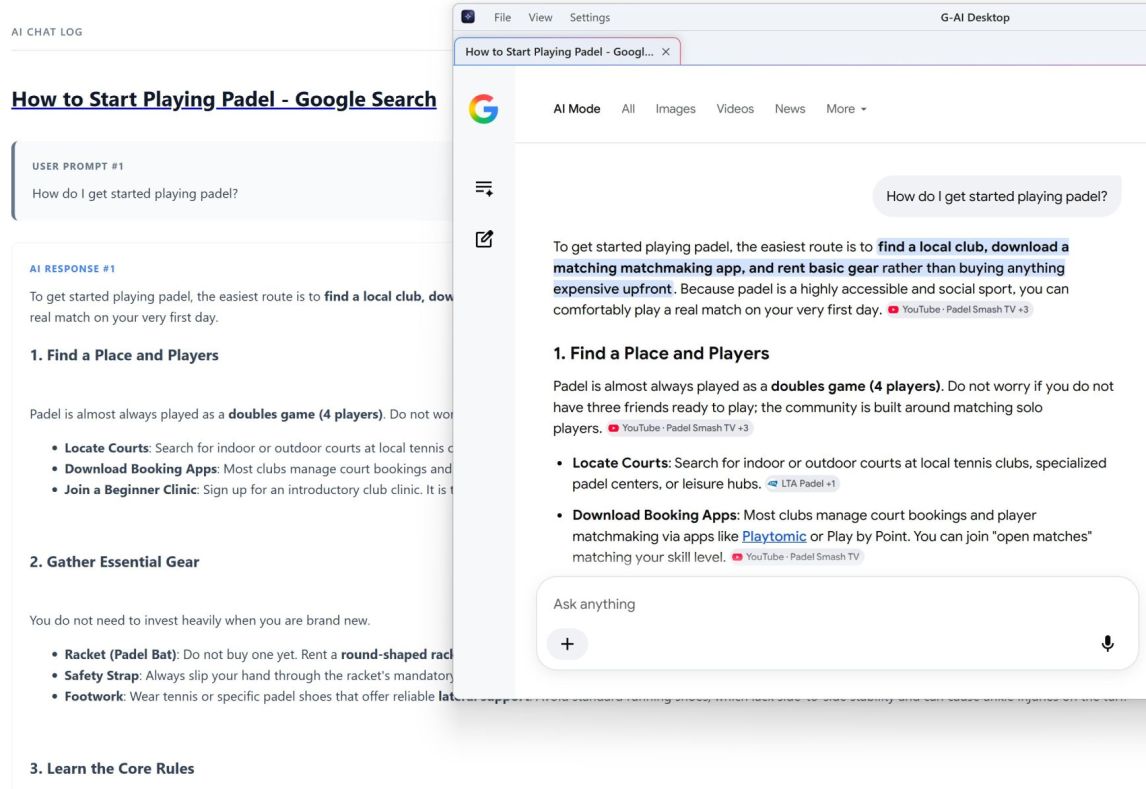
- 💾 High-Fidelity Chat Export:
- Export your active chat conversations from Google Gemini or Google Search (AI Mode) or DeepSeek or Kimi or Copilot or ChatGPT or Claude or Qwen or GLM by Z.ai or Deepseek Harness into HTML, PDF formats.
- Automatically parses user prompts, AI responses, code blocks, and data tables while embedding remote images as Base64 for seamless offline viewing.
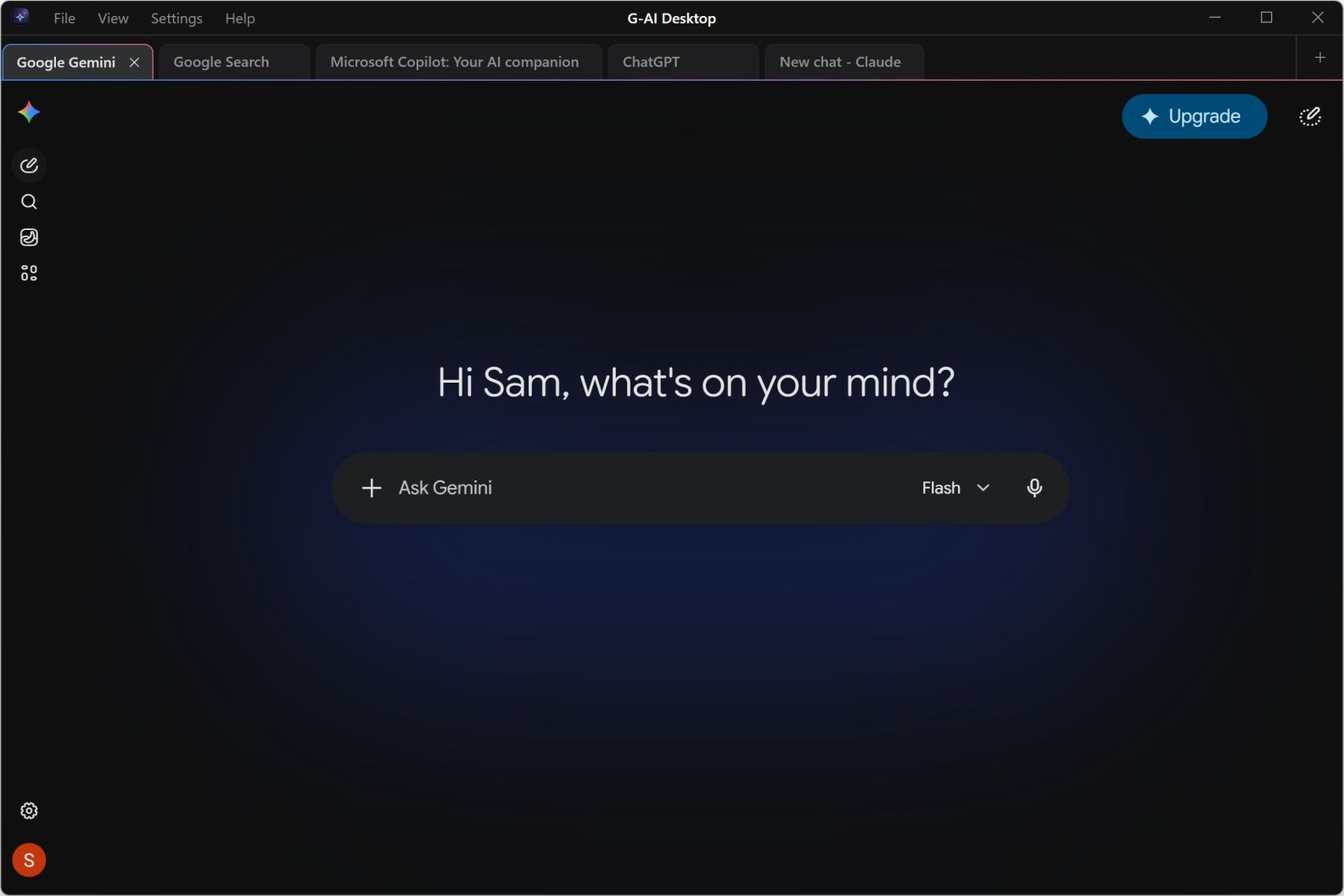
- 🗂️ Advanced Multi-Tab Management: Create, switch, and close tabs seamlessly just like in a web browser, making it effortless to organize multiple chat threads simultaneously.
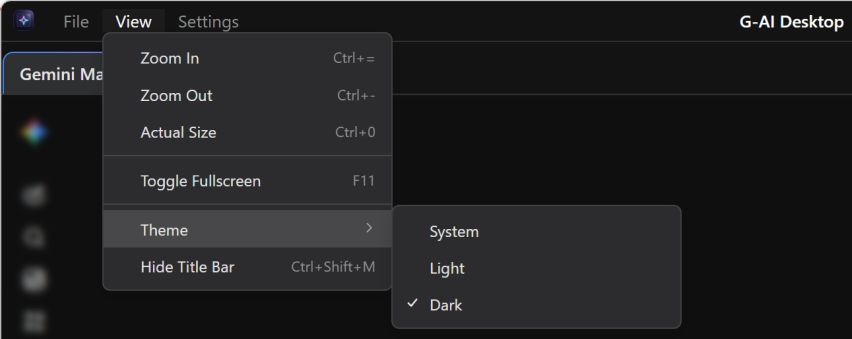
- 🎨 Dynamic Theme Synchronization: Full out-of-the-box support for Dark and Light modes, including automatic system theme detection. It achieves flawless, bi-directional theme synchronization between the desktop shell UI and the Gemini web interface.
- ⌨️ Native Shortcuts & Tray Integration:
CmdOrCtrl + F: Toggle the In-Page Text Find search bar.CmdOrCtrl + Shift + Space: Globally toggle (Show/Hide) the application window.CmdOrCtrl + Shift + Alt + Space: Globally toggle Open Quick Launcher with supplier page rotation.CmdOrCtrl + = / - / 0orCmdOrCtrl + Mouse Wheel / Middle Click: Flexibly zoom in, zoom out, or reset the interface scaling.CmdOrCtrl + Shift + M: Easily show or hide the application title bar/menu bar.F11: Toggle fullscreen mode.Esc: Close the active search bar or Quick Launcher window.- System Tray Companion: Stays running in the background with customizable "Minimize to Tray on Close" behavior to avoid accidental loss of workspace.
🛠️ Tech Stack
- Core: Electron 39.x
- Runtime: Node.js & Chromium
- Frontend: Vanilla JS / CSS3 (Native CSS Variables)
🚀 Getting Started
Installation
Download the latest release from the Releases tab.
Development Setup
# Clone the repository
git clone https://github.com/shalahu/g-ai-desktop.git

# Navigate into the project folder
cd g-ai-desktop

# Install dependencies
npm install

# Start the application
npm start
Building & Packaging
npm run build
Preview




❤️ Acknowledgements & Disclaimer
🌟 Acknowledgements
- bwendell/gemini-desktop: The core inspiration and architectural vision of this project were deeply inspired by the excellent open-source project gemini-desktop. Huge thanks to the original author!
- Google AI: Heartfelt thanks to Google AI for providing invaluable technical assistance, code optimization recommendations, and creative support throughout the development process.
⚠️ Disclaimer
-
Third-Party Software: This is a purely independent, third-party open-source desktop wrapper.
-
No Affiliation with Google: This project and its developers are NOT officially affiliated with, endorsed by, or in any way connected to Google LLC.
-
No Affiliation with DeepSeek: This project and its developers are NOT officially affiliated with, endorsed by, or in any way connected to DeepSeek.
-
No Affiliation with Kimi: This project and its developers are NOT officially affiliated with, endorsed by, or in any way connected to Moonshot AI.
-
No Affiliation with Copilot: This project and its developers are NOT officially affiliated with, endorsed by, or in any way connected to Microsoft Corporation.
-
No Affiliation with ChatGPT: This project and its developers are NOT officially affiliated with, endorsed by, or in any way connected to OpenAI Group PBC.
-
No Affiliation with Claude: This project and its developers are NOT officially affiliated with, endorsed by, or in any way connected to Anthropic, PBC.
-
No Affiliation with Qwen: This project and its developers are NOT officially affiliated with, endorsed by, or in any way connected to Alibaba Group Holding Limited.
-
No Affiliation with GLM: This project and its developers are NOT officially affiliated with, endorsed by, or in any way connected to Z.AI Co., Ltd.
-
Content & Copyright:
- All AI chat interfaces, functionalities, and the "Gemini", "Google Search (AI Mode)" brand assets rendered within this app belong entirely to Google LLC.
- All AI chat interfaces, functionalities, and the "DeepSeek", "Deepseek Harness" brand assets rendered within this app belong entirely to DeepSeek.
- All AI chat interfaces, functionalities, and the "Kimi" brand assets rendered within this app belong entirely to Moonshot AI.
- All AI chat interfaces, functionalities, and the "Copilot" brand assets rendered within this app belong entirely to Microsoft Corporation.
- All AI chat interfaces, functionalities, and the "ChatGPT" brand assets rendered within this app belong entirely to OpenAI Group PBC.
- All AI chat interfaces, functionalities, and the "Claude" brand assets rendered within this app belong entirely to Anthropic, PBC.
- All AI chat interfaces, functionalities, and the "Qwen" brand assets rendered within this app belong entirely to Alibaba Group Holding Limited.
- All AI chat interfaces, functionalities, and the "GLM" brand assets rendered within this app belong entirely to Z.AI Co., Ltd..
- This client merely provides a local multi-tab container to enhance your desktop productivity.
📄 License
This project is open-sourced under the MIT License.