Chordcat
February 23, 2025 · View on GitHub

Chord Naming App with MIDI Support
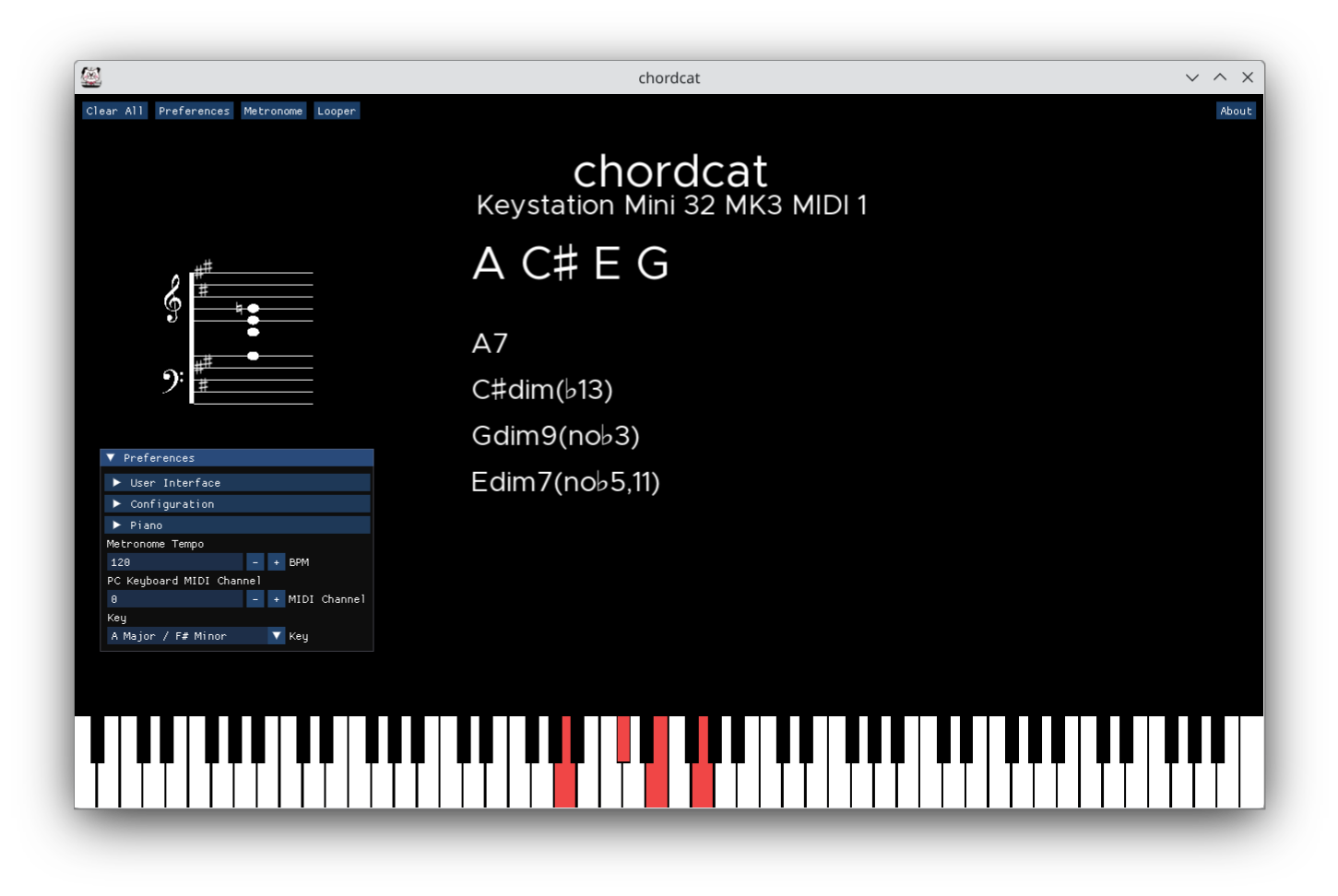
Chordcat is a desktop app that helps you identify and name chords based on inputted notes.
- Documentation
- Download the latest release here
Features
- Displays chord names when:
- MIDI devices are connected and you play a chord
- Piano keys are clicked using the mouse
- The corresponding PC Keyboard keys are pressed
- MIDI device support
- Staff notation
- Metronome
- Looper
- 128 Inbuilt instruments (General MIDI)
- Custom
.sf2soundfonts support - 4 cool fonts
Screenshots
Keybindings
Installing From Binaries
For installation instructions using pre-built binaries, refer to the Chordcat User's Manual.
Building and Running From Source
To build and run chordcat from source, follow these steps:
-
Clone the repository:
$ git clone https://github.com/shriramters/chordcat.git $ cd chordcat -
Create a build directory and navigate into it:
$ mkdir build && cd build -
Configure the build using CMake. Ensure all dependencies are installed on your system. (refer to Building From Source section of the chordcat user's manual):
$ cmake .. -
Build the application using
make:$ make -j$(nproc) -
Run Chordcat:
$ ./chordcat