Moisture Sensor Readings for Flipper Zero
January 12, 2026 · View on GitHub
A Flipper Zero application that reads values from a Capacitive Moisture Sensor v1.2.
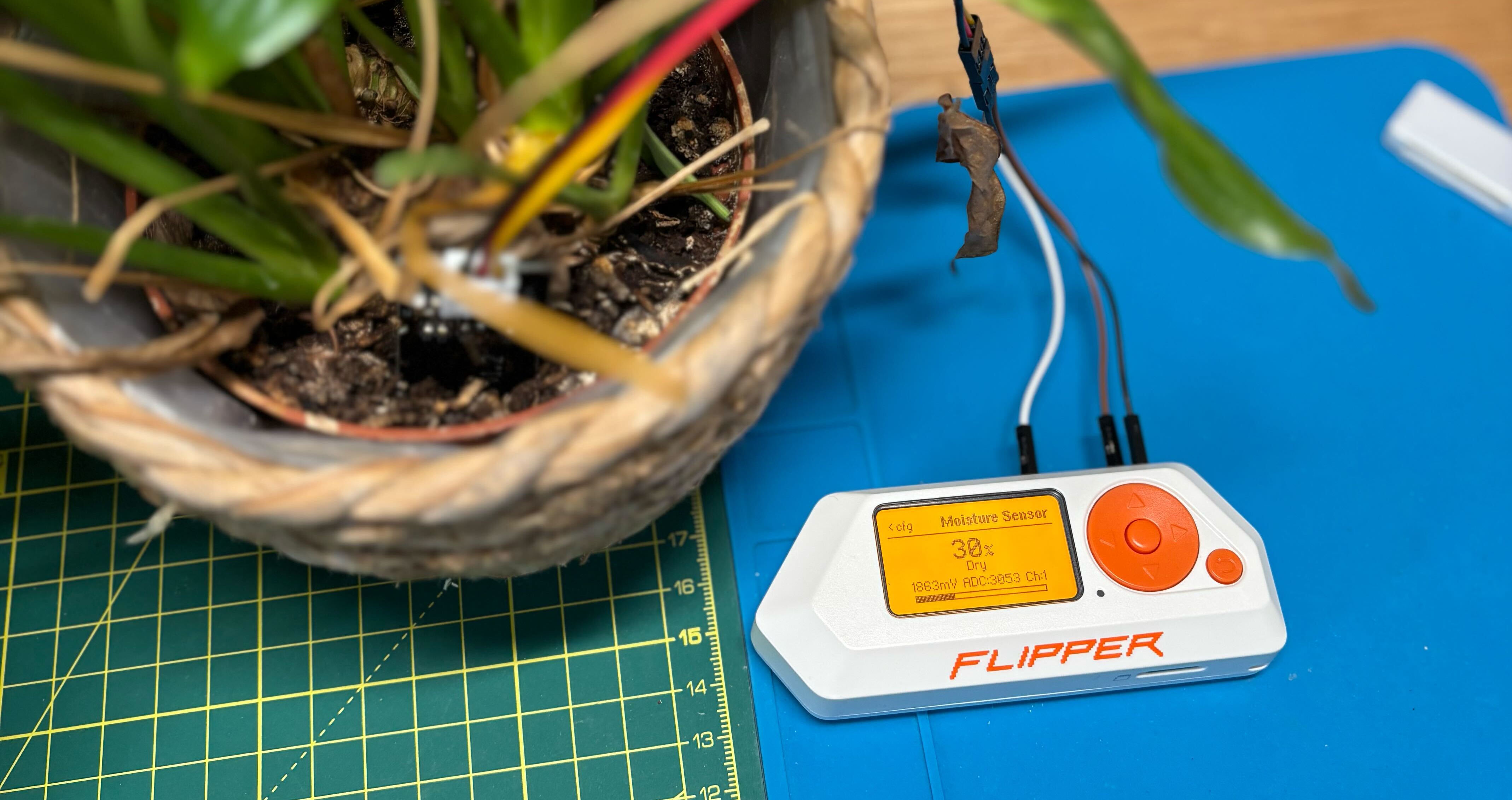
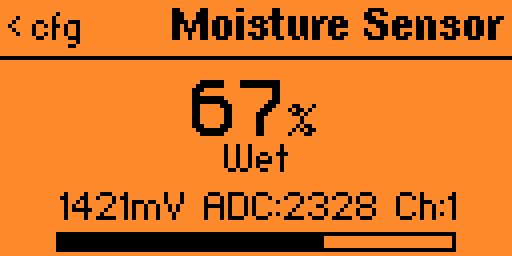
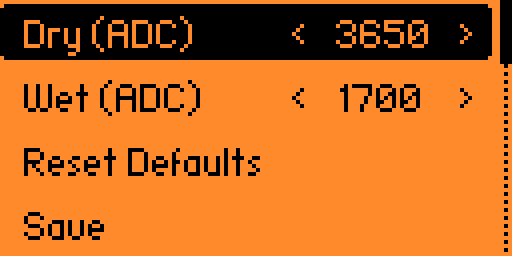
Screenshots
| Sensor View | Calibration Menu |
|---|---|
 |  |
Features
- Real-time moisture percentage display (0-100%)
- Visual moisture bar indicator
- Status text (Very Dry, Dry, Moist, Wet, Very Wet)
- Millivolt and raw ADC value display
- Averaged readings for stability
- In-app calibration menu with persistent storage
Hardware Requirements
- Flipper Zero
- Capacitive Moisture Sensor v1.2 (link)
Wiring
Connect the sensor to the Flipper Zero GPIO header:
| Sensor Pin | Flipper Zero Pin |
|---|---|
| VCC | Pin 9 (3.3V) |
| GND | Pin 18 (GND) |
| AOUT | Pin 16 (PC3) |
Building
make build
Installation
make install
Or build and launch directly:
make launch
Development
make format   # Format code
make lint     # Lint code
make clean    # Clean build artifacts
Usage
- Connect the moisture sensor to your Flipper Zero
- Navigate to Apps > GPIO > Moisture Sensor
- The display shows:
- Moisture percentage
- Status indicator
- Millivolt reading and raw ADC value
- Press Left to open calibration menu
- Press Back to exit
Calibration
Press Left to open the calibration menu:
- Dry / Wet - Adjust ADC values (±50 per step)
- Reset - Restore factory defaults (Dry: 3650, Wet: 1700)
- Save - Save calibration values
Calibration values persist across restarts.