sobole
July 27, 2025 · View on GitHub
Minimalistic zsh theme inspired by the old-fashioned hobbies. No verbose gimmicks, no emoji, no fidget spinners, and no other visual noise.
Works best with oh-my-zsh and zsh-syntax-highlighting installed.
Also provides a builtin fzf theme.
Showcase
Light mode (SOBOLE_THEME_MODE=light):
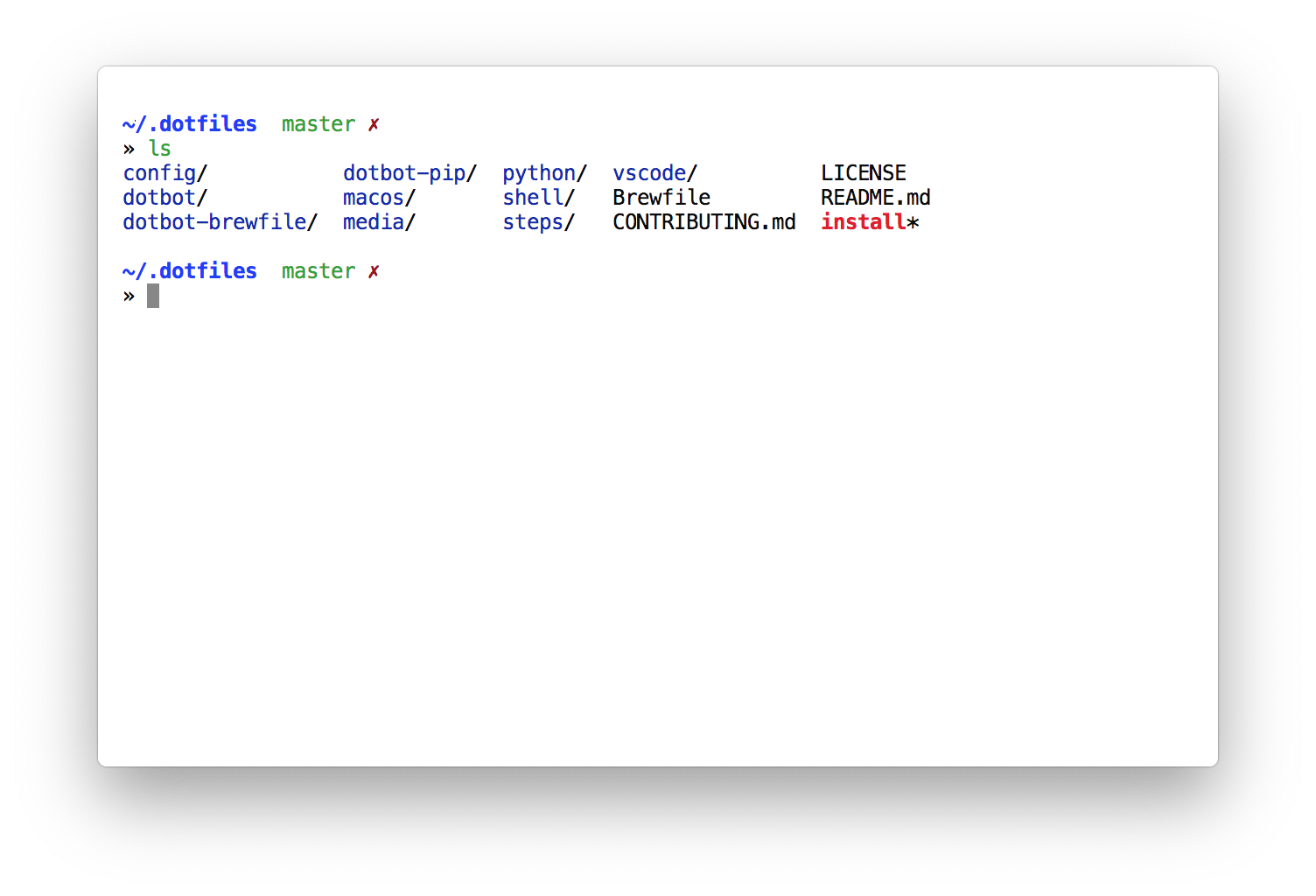
And dark mode (SOBOLE_THEME_MODE=dark):
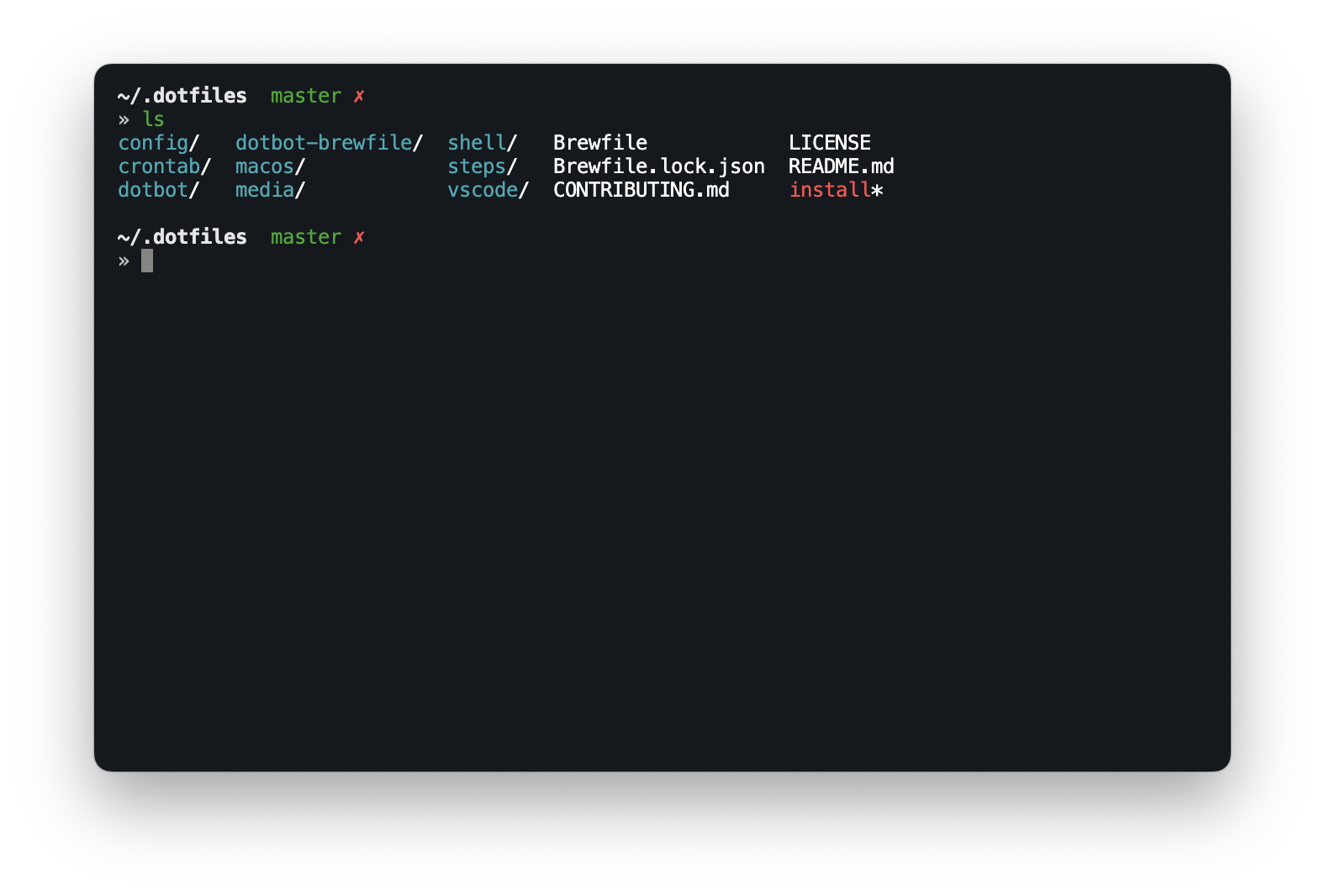
There are more examples provided in the showcases directory.
Installation
zplug
zplug 'sobolevn/sobole-zsh-theme', as:theme
Manual
Just copy the sobole.zsh-theme to your ~/.oh-my-zsh/custom/themes/ folder.
This set of commands will probably do what you want:
git clone https://github.com/sobolevn/sobole-zsh-theme.git
ln -s $PWD/sobole-zsh-theme/sobole.zsh-theme ~/.oh-my-zsh/custom/themes/sobole.zsh-theme
Then set ZSH_THEME="sobole" inside your .zshrc.
Here's the official docs on how to do that.
Features
virtualenv, git, ls, grep, fzf, syntax highlight, autocomplete colors, pretty error codes, different users, different color modes.
This theme also exports $SOBOLE_SYNTAX_THEME variable with a different theme for light and dark modes
to be used with tools like bat or delta. You can customize it with
$SOBOLE_SYNTAX_THEME_LIGHT and $SOBOLE_SYNTAX_THEME_DARK variables serve as overrides.
Configuration
This theme supports several configuration options, which are provided as env variables:
$SOBOLE_THEME_MODE - sets the theme mode. There are two options available: light (set by default) and dark. Internally changes some colors when set to dark to give the best look on both color schemes.
$SOBOLE_MAX_DIR_LEN - sets the maximum width of a displayed directory name. Defaults to 65.
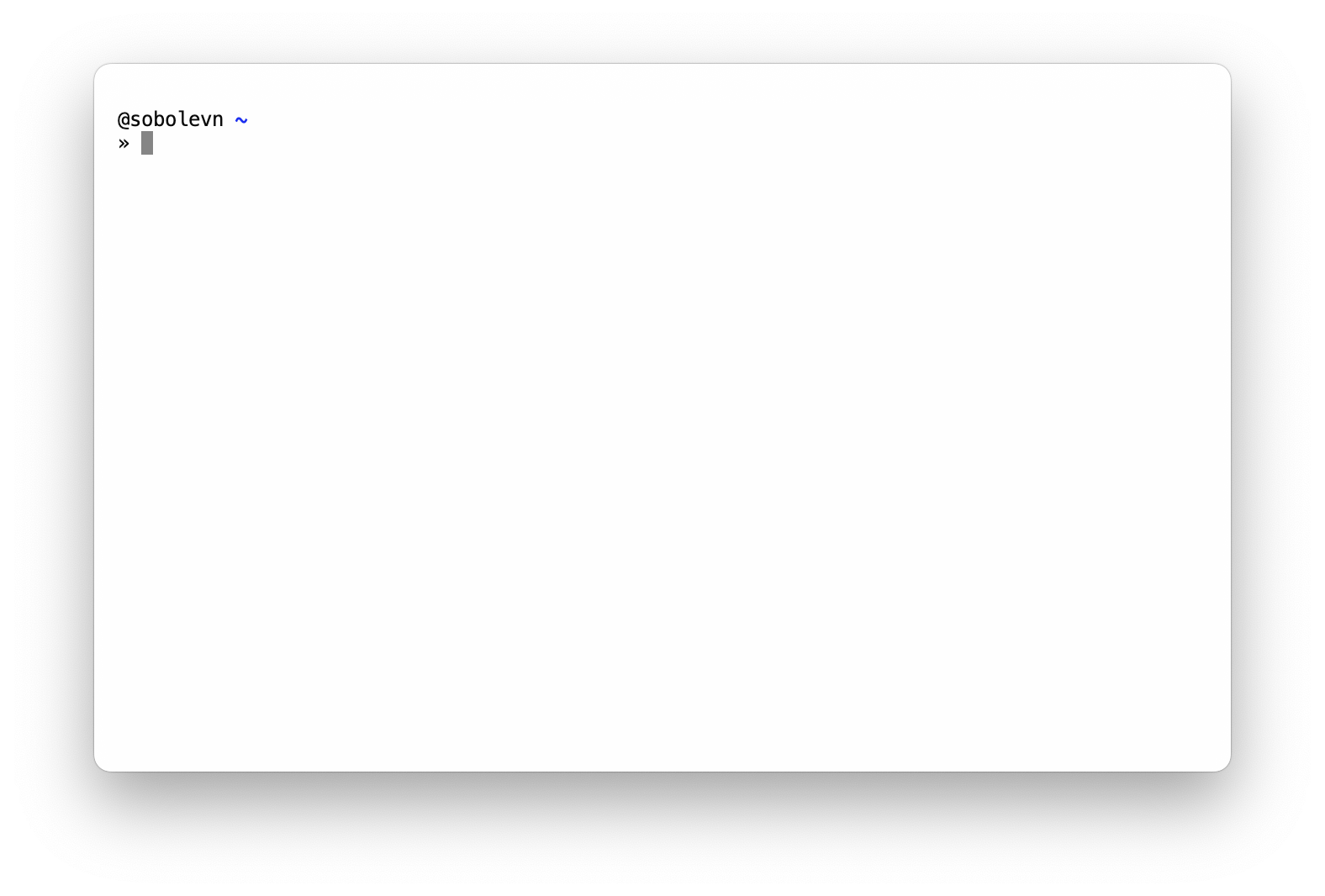
$SOBOLE_DEFAULT_USER - this options sets how the user is displayed. User is not displayed until it equals $SOBOLE_DEFAULT_USER, but imagine you executed sudo su - admin, that's how it will look like:
$SOBOLE_SYNTAX_HIGHLIGHTING - tweaks zsh-syntax-highlighting. If it is installed, modifies string colors, some other minor things. Enabled by default. Set it to 'false' if you do not want these tweaks. That's how it looks like:
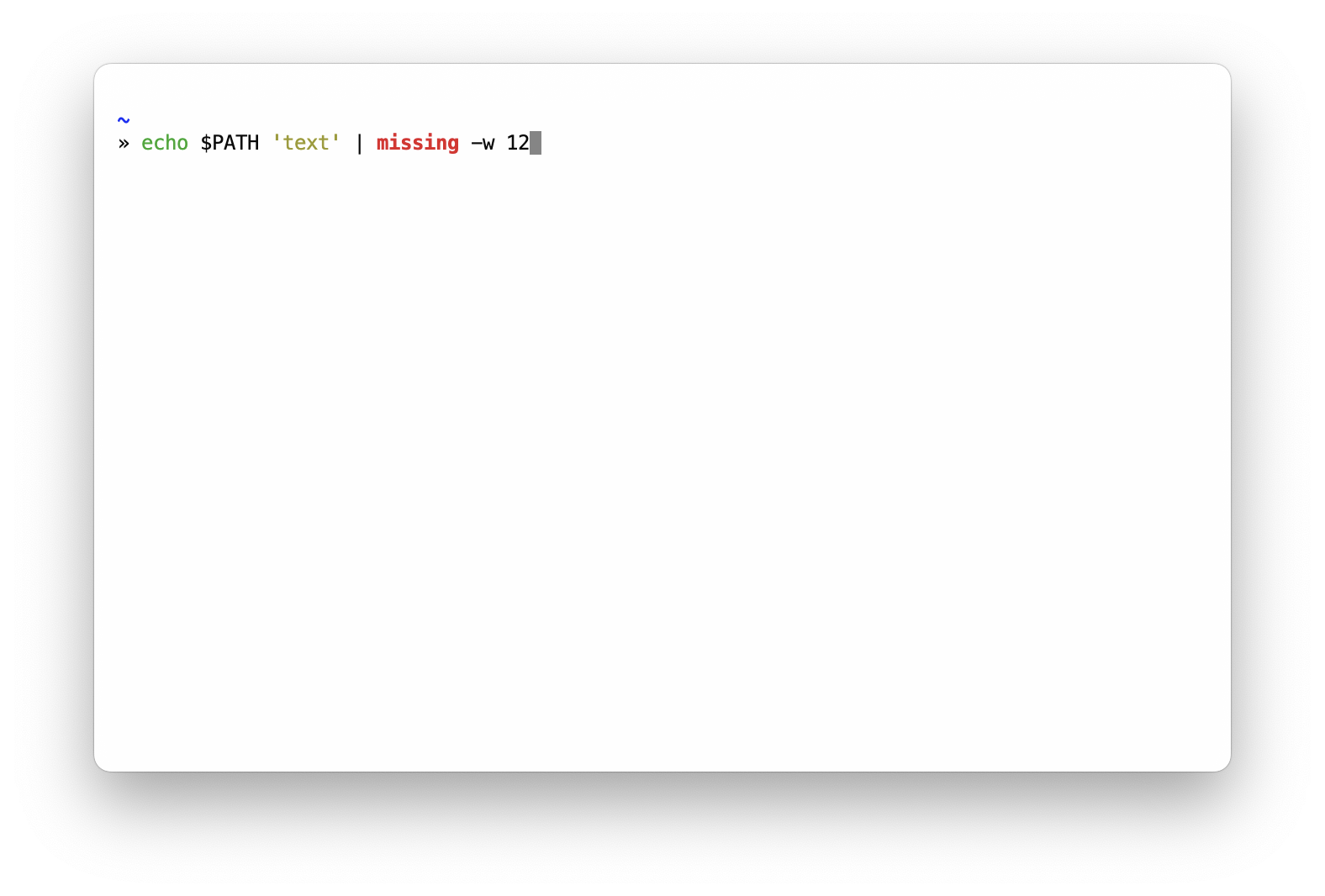
If this setting is set to 'false', then $SOBOLE_SYNTAX_THEME is not exported.
Otherwise, it will set a default syntax theme that can be changed
via $SOBOLE_SYNTAX_THEME_LIGHT and $SOBOLE_SYNTAX_THEME_DARK.
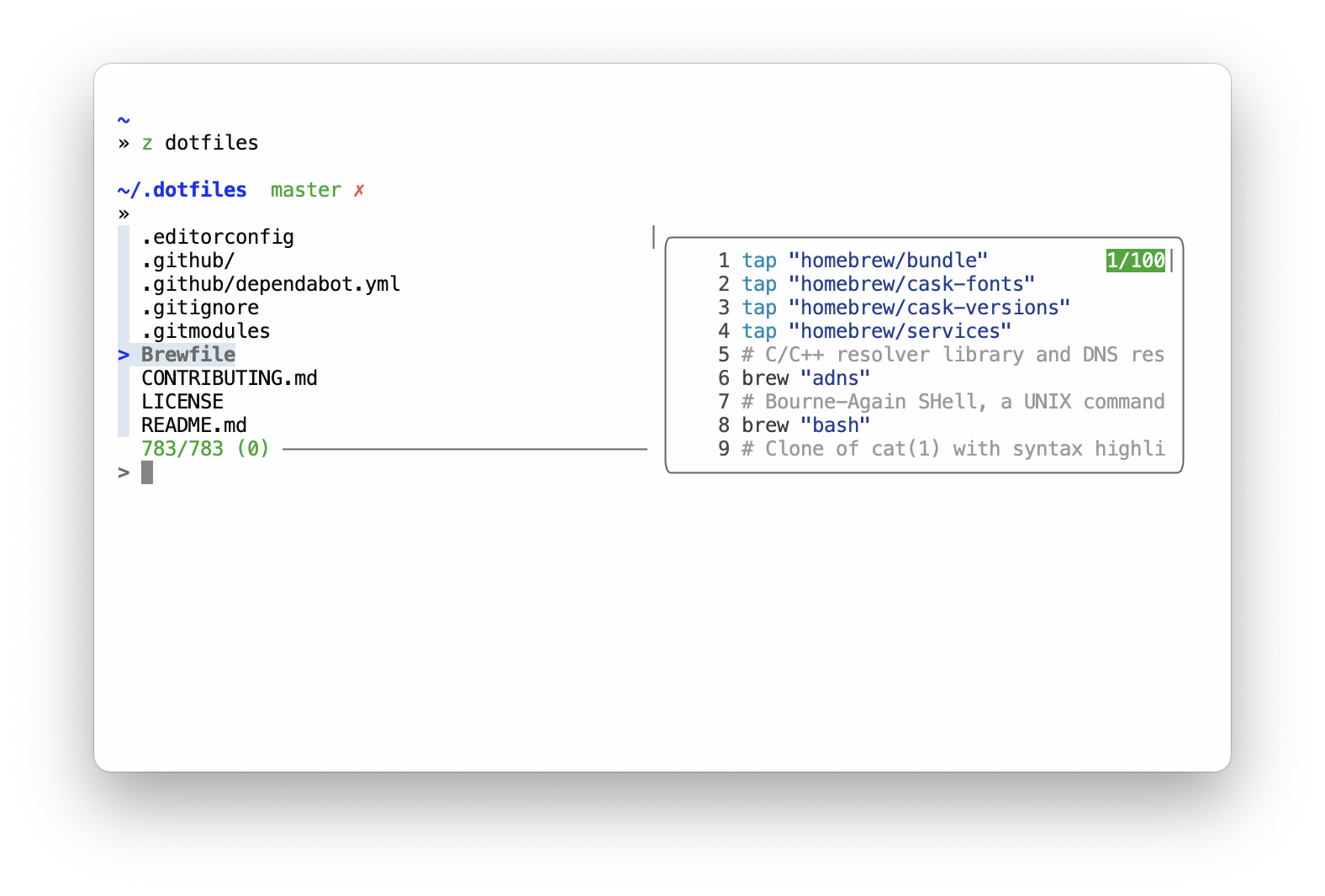
$SOBOLE_FZF_THEME - tweaks fzf theme if it installed. Set it to 'false' if you do not want these tweaks. That's how it looks like:
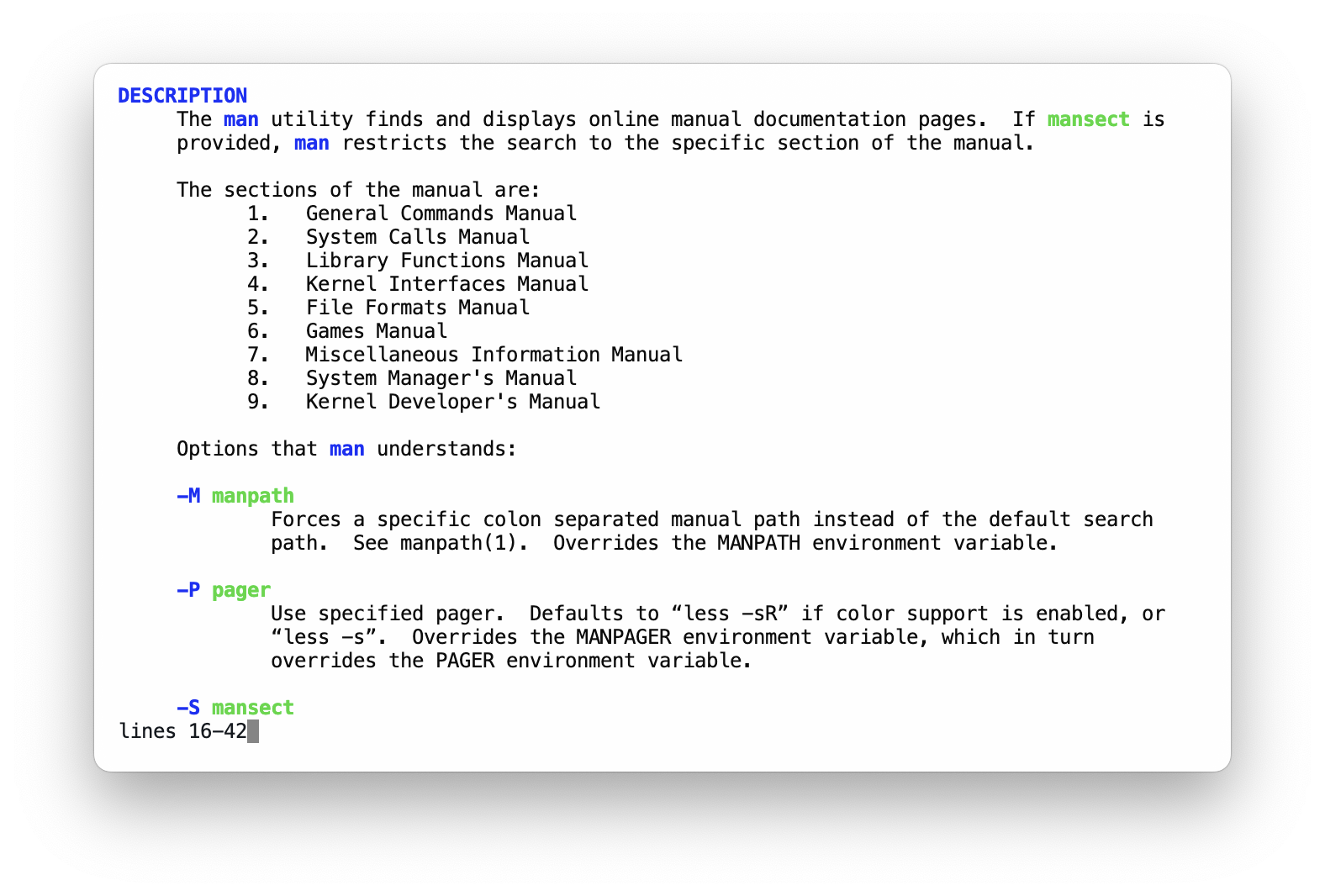
$SOBOLE_LESS_THEME - tweaks less pager. Set it to 'false' if you do not want these tweaks. That's how it looks like:
Indications
sobole supports some icons (not many of them!) to indicate what is going on.
Almost all of them are about git repository status. And one icon idicates that last command did not succeed.
| Symbol | Meaning |
|---|---|
| ✗ | Repository is dirty |
| ✔ | Repository is clean |
| § | Repository has unmerged changes |
| ✚ | Repository has added files |
| ⚠️ | Last command resulted in error |
Fonts
You can choose any font that prints unicode symbols. In the examples Menlo Regular is used.
You can install it with: brew cask install font-menlo-for-powerline. Or download it here.
And then configure your terminal's font setting.
Using this theme
Are you using sobole? Add link to your dotfiles!
Currently using:
References
This theme borrows some setup from avit and obraun themes.
License
WTFPL: do the fuck you want. If you had sold it, let me know just for fun.