Static Hands - Advanced Edition
December 8, 2025 · View on GitHub
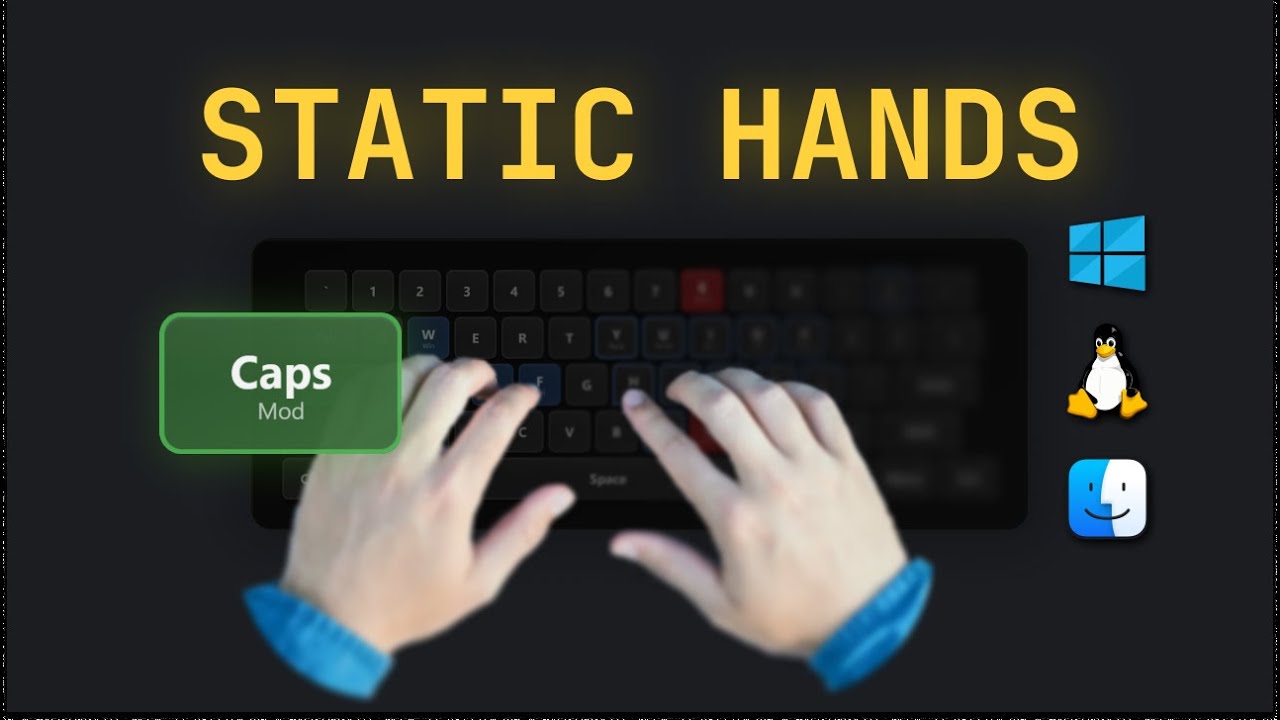
CapsLock navigation layer for Windows - Extended edition with case transformation, speed navigation, and text editing shortcuts. Keep hands on home row. Based on Static Hands, extended by SoLab HQ.
📺 Video Review
Quick Start
- Install AutoHotkey v1.1
- Download
static-hands-advanced.ahk - Double-click to run
- Test:
CapsLock + I/K/J/Lfor arrows
Run on startup:
Win+R→ typeshell:startup→ paste script shortcut there
Credits & License
Based on: Static Hands by Almog Tavor
Extended by: SoLab HQ
🖼️ Wallpaper Pack
Keep the keyboard layout always visible on your desktop!
Available Commands ⏱️
Navigation Keys
| Key | Function |
|---|---|
CapsLock + I | ↑ Up |
CapsLock + K | ↓ Down |
CapsLock + J | ← Left |
CapsLock + L | → Right |
CapsLock + U | Home (start of line) |
CapsLock + O | End (end of line) |
CapsLock + Y | Page Up |
CapsLock + N | Page Down |
CapsLock + H | Delete (forward) |
CapsLock + ; | Backspace |
CapsLock + P | Insert |
Text Editing
| Key | Function |
|---|---|
CapsLock + C | Copy (Ctrl+C) |
CapsLock + V | Paste (Ctrl+V) |
CapsLock + X | Cut (Ctrl+X) |
CapsLock + Z | Undo (Ctrl+Z) |
CapsLock + A | Select All (Ctrl+A) |
CapsLock + B | Bold (Ctrl+B) |
Modifier Keys (Hold)
| Key | Function |
|---|---|
CapsLock + W | Win key |
CapsLock + S | Alt |
CapsLock + D | Shift |
CapsLock + F | Ctrl |
Example: CapsLock + D + L = Shift + Right Arrow (select text)
Speed Navigation ⚡
| Key | Function |
|---|---|
CapsLock + 8 | Up × 5 lines |
CapsLock + , | Down × 5 lines |
CapsLock + M | Left × 6 words |
CapsLock + . | Right × 6 words |
Case Transformation
Select text first, then:
| Key | Function | Example |
|---|---|---|
CapsLock + 9 | UPPERCASE | hello → HELLO |
CapsLock + 0 | lowercase | HELLO → hello |
CapsLock + - | Title Case | hello world → Hello World |
Special Functions
| Key | Function |
|---|---|
CapsLock + Q | Escape |
CapsLock + R | Rename (F2) |
CapsLock + T | Select line |
CapsLock + 7 | Tab |
CapsLock + Backtick | Close app (Alt+F4) |
CapsLock + 4 | $$ (LaTeX dollar signs) |
CapsLock + = | Always on top |
Features
The strength of these keybindings is no hand movement.
Before: Ctrl + Left Arrow → Move hand to arrow keys
After: CapsLock + F + J → Same result, hands stay on home row
Learning curve:
- Week 1: Focus on
I/K/J/Lnavigation - Week 2: Add text editing (
C/V/X/Z) - Week 3: Speed navigation and case transform