Static Hands for Linux
December 7, 2025 · View on GitHub
CapsLock navigation layer for Linux - Keep hands on home row. Available in Basic and Advanced editions.
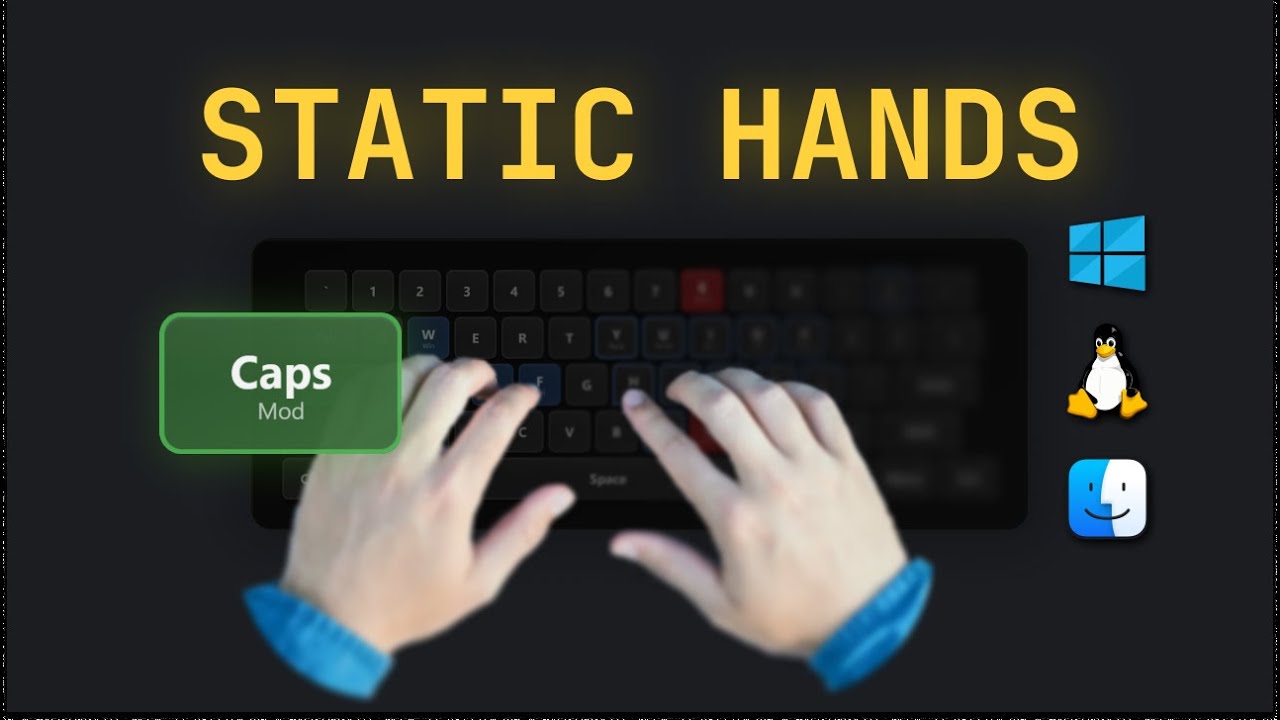
📺 Video Review
🚀 Quick Start
Choose your edition:
Basic Edition (19 shortcuts)
cd Basic/
chmod +x install.sh
./install.sh
Advanced Edition (30 shortcuts)
cd Advanced/
chmod +x install_advanced.sh
./install_advanced.sh
Then log out and log back in (or reboot).
📊 Which Edition?
| Feature | Basic | Advanced |
|---|---|---|
| Arrow navigation | ✅ | ✅ |
| Home/End/PgUp/PgDn | ✅ | ✅ |
| Modifier modes (Ctrl/Shift/Alt/Super) | ✅ | ✅ |
| Speed navigation (×5/×6) | ✅ | ✅ |
| Text editing (Copy/Paste/Cut/Undo) | ❌ | ✅ |
| Select All / Bold | ❌ | ✅ |
| Special keys (Esc/F2/Tab) | ❌ | ✅ |
| Total shortcuts | 19 | 30 |
Recommendation: Start with Basic, upgrade to Advanced later if needed.
🖼️ Wallpaper Pack
Keep the keyboard layout always visible on your desktop!
⌨️ Available Commands
Navigation Keys (Both Editions)
| Key | Function |
|---|---|
Caps + I | ↑ Up |
Caps + K | ↓ Down |
Caps + J | ← Left |
Caps + L | → Right |
Caps + U | Home (start of line) |
Caps + O | End (end of line) |
Caps + Y | Page Up |
Caps + N | Page Down |
Caps + H | Delete (forward) |
Caps + ; | Backspace |
Caps + P | Insert |
Modifier Keys (Both Editions - hold)
| Key | Function | Example |
|---|---|---|
Caps + F | Ctrl | Caps+F+L = Ctrl+Right (jump word) |
Caps + D | Shift | Caps+D+L = Shift+Right (select) |
Caps + S | Alt | Caps+S+Tab = Alt+Tab |
Caps + W | Super | Caps+W+L = Super+L (lock screen) |
Speed Navigation ⚡ (Both Editions)
| Key | Function |
|---|---|
| `Caps + 8$ | \text{Up} \times 5 \text{lines} |
| \text{Down} \times 5 \text{lines} | |
| \text{Left} \times 6 \text{words} | |
| \text{Right} \times 6 \text{words} |
\text{Text} \text{Editing} (\text{Advanced} \text{Only})
| \text{Key} | \text{Function} |
|---|---|
| $Caps + A` | Select All (Ctrl+A) |
Caps + Z | Undo (Ctrl+Z) |
Caps + X | Cut (Ctrl+X) |
Caps + C | Copy (Ctrl+C) |
Caps + V | Paste (Ctrl+V) |
Caps + B | Bold (Ctrl+B) |
Special Keys (Advanced Only)
| Key | Function |
|---|---|
Caps + Q | Escape |
Caps + R | Rename (F2) |
Caps + T | Select line |
Caps + 7 | Tab |
Caps + Backstick | Close window |
Caps + F7 | Enter |
💡 Features
The strength of these keybindings is no hand movement.
Before: Arrow keys → Move hand from home row
After: Caps + IJKL → Navigate without moving hands
Learning curve:
- Week 1: Focus on
I/K/J/Lnavigation - Week 2: Add modifiers (
F/D/S/W) - Week 3: Speed navigation and text editing
⚙️ System Requirements
- Linux (any distribution with systemd)
- X11 or Wayland
- 5-10 MB disk space
- No additional dependencies
Tested on: Fedora 43, Ubuntu 22.04+, Arch Linux, Debian 12+, Pop!_OS
Desktop Environments: GNOME, KDE, XFCE, i3, sway
🆘 Troubleshooting
Kanata won't start:
journalctl --user -u kanata.service -n 50
Permission errors:
sudo chmod 0666 /dev/uinput
systemctl --user restart kanata.service
Keys not working:
- Check service is running:
systemctl --user status kanata.service - Check config loaded:
cat ~/.config/kanata/config.kbd - See detailed guides in Basic/ or Advanced/ folders
⚠️ Known Limitations
Not Implemented (Advanced edition)
- Case transformation (Caps+9/0/-) - Requires recompiling Kanata
- Always On Top (Caps+=) - Use your window manager instead
- Help Window - Use CHEATSHEET_ADVANCED.md
- Google Search - Use browser extensions
See Advanced/COMPARISON_ADVANCED.md for workarounds.
📚 Documentation
Each edition has detailed docs:
Basic:
Basic/README.md- Installation and usageBasic/INSTALL.md- Troubleshooting
Advanced:
Advanced/README_ADVANCED.md- Installation and usageAdvanced/INSTALL_ADVANCED.md- TroubleshootingAdvanced/COMPARISON_ADVANCED.md- Feature comparisonAdvanced/CHEATSHEET_ADVANCED.md- Printable reference
🔄 Upgrading from Basic to Advanced
- Stop Basic service:
systemctl --user stop kanata.service - Install Advanced:
cd Advanced/ ./install_advanced.sh - Restart:
systemctl --user restart kanata.service
Credits & License
Based on: Static Hands by Almog Tavor