Static Hands for macOS
December 10, 2025 · View on GitHub
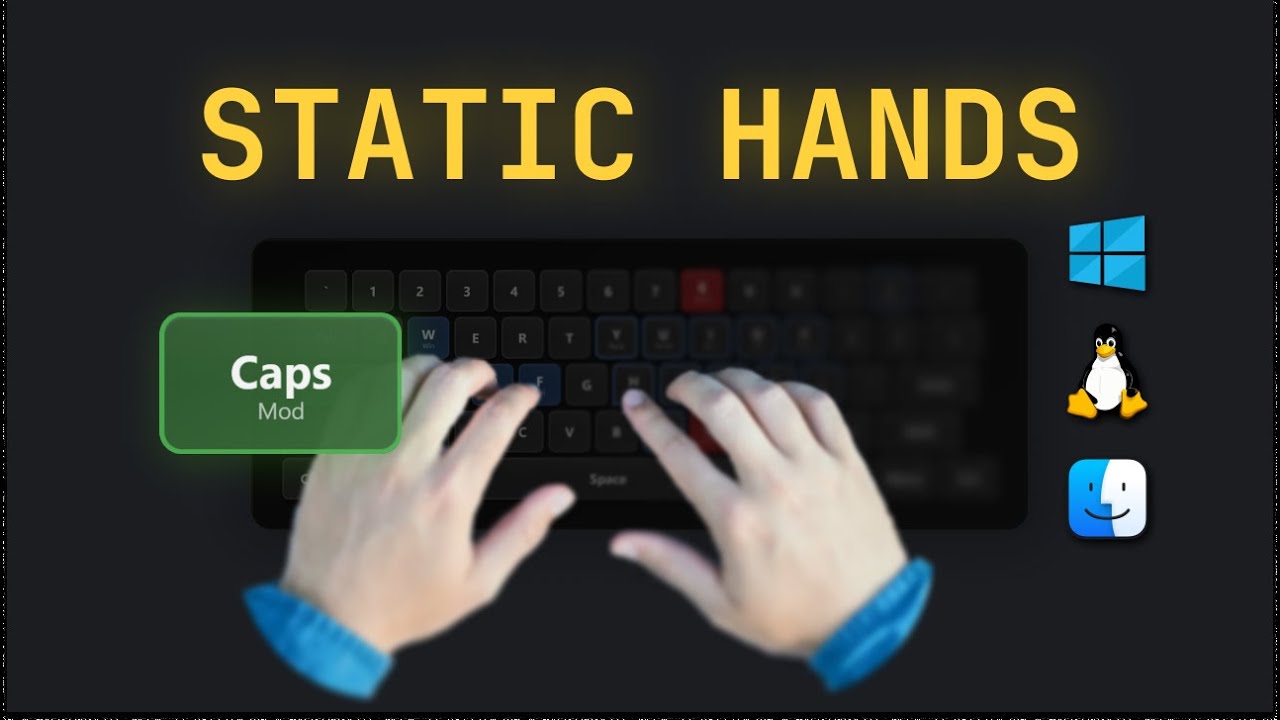
CapsLock-based keyboard navigation. Keep hands on home row.
📺 Video Review
Installation
Step 1: Prepare the Environment
Ensure Karabiner-Elements is installed and running. This tool functions as a configuration profile for Karabiner-Elements, so you must install it first.
Step 2: Install Static Hands
Open your terminal and run the following commands:
cd Advanced/  # or Basic/
chmod +x install.sh
./install.sh
Step 3: Activate
- Open Karabiner-Elements.
- Go to the Complex Modifications tab.
- Click Add rule.
- You should see "Static Hands" in the list. Click Enable All.
Versions
Basic - Simple navigation
- Arrows (I/K/J/L)
- Home/End (U/O)
- Page Up/Down (Y/N)
- Files: 3 | Size: 25 KB
Advanced - Full power
- Everything in Basic
- Modifier modes (W/S/D/F)
- Text editing (Copy/Paste/Undo)
- Case transformation (UPPER/lower/Title)
- Google Search
- Files: 4 | Size: 82 KB
🖼️ Wallpaper Pack
Keep the keyboard layout always visible on your desktop!
Download 4K Wallpaper Pack (Basic) Download 4K Wallpaper Pack (Advanced)
Quick Reference
Navigation (both versions)
CapsLock + I/K/J/L = Arrows
CapsLock + U/O = Line Start/End
CapsLock + Y/N = Page Up/Down
CapsLock + H = Delete
Advanced Only: Modifiers
Hold CapsLock → Hold W → Press C = Copy
Hold CapsLock → Hold D → Press L = Select right
Hold CapsLock → Hold S → Press J = Jump word left
Advanced Only: Case Transform
Select text → CapsLock + 9 = UPPERCASE
Select text → CapsLock + 0 = lowercase
Select text → CapsLock + - = Title Case
Troubleshooting
Keys not working?
- Check Karabiner-Elements is running
- Verify permissions granted
- Open Karabiner → Complex Modifications → check rules enabled
Auto-enable didn't work?
- Open Karabiner-Elements
- Complex Modifications → Add rule
- Enable all "Static Hands" rules
Need to uninstall?
rm ~/.config/karabiner/assets/complex_modifications/static-hands-*.json
# Then restart Karabiner-Elements
Requirements
- macOS 10.15+
- Karabiner-Elements
- Python 3 (for case transformation in Advanced)
Docs
Basic/README.md- Basic key mappingsAdvanced/README.md- Advanced featuresAdvanced/CHEATSHEET.txt- Printable reference