Ngx-wig
June 27, 2026 · View on GitHub
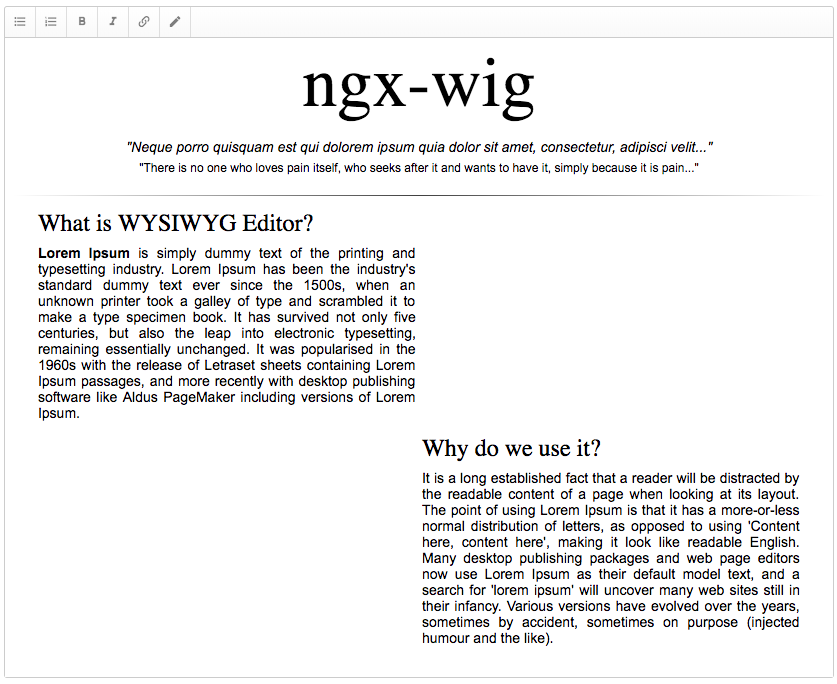
Features
- Template-driven forms
- Reactive forms
- Custom placeholder
Icons
Icons are not in the pack! You can use the icons that you like. We recommend to use Material Design Icons
If you do not want to use a full icons set, you can use these steps:
- Go to icons set
- Choose the icon that you want, press the right mouse button on it, and then select the "View SVG" option
- Go to URL-encoder for SVG and use it to convert your SVG
Installation
Ngx-wig could be simply installed via npm:
npm install ngx-wig
Basic usage
Import the NgxWigNodule:
import {NgxWigModule} from 'ngx-wig';

@Component({
  imports: [NgxWigModule]
});
export class MyCmp {
  text = 'Hello World';
}
Add the following snippet to your template:
<ngx-wig [content]="text" />
Advanced usage
Define visible buttons
<ngx-wig [buttons]="'bold, italic'" />
Get notified when content changes
<ngx-wig (contentChange)="result = $event" />
Customize styles on paste
providers: [
  {
    provide: NgxWigFilterService,
    useClass: NgxWigFilterStylesService
  }
]
Adding custom buttons
https://stackblitz.com/edit/ngx-wig-sample-plugins?file=src/app.ts