markdown-table-editor
May 20, 2018 · View on GitHub
Markdown table editor/formatter
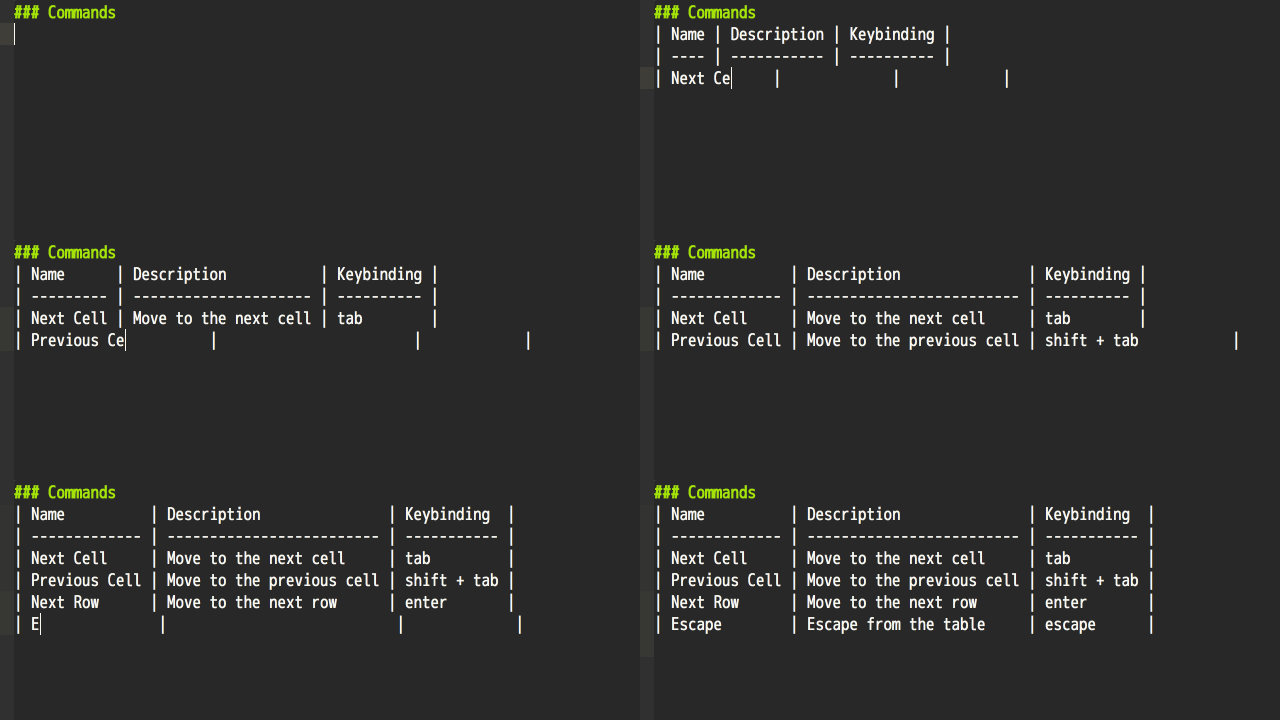
Quick guide
- Set editor's grammar to
GitHub MarkdownorMarkdown. - Input a pipe
|and some content (the cursor position is indicated by_).
(If you are using language-markdown, don't forget a space after a pipe.)| foo_ - Hit tab to move to the next cell.
| foo | _ | --- | - Continue typing.
| foo | bar | _ | --- | --- | - Hit enter to move to the next row.
| foo | bar | | --- | --- | | _ | | - Continue typing...
| foo | bar | | --- | --- | | baz | _ | - Hit esc to finish editing the table.
| foo | bar |
| --- | --- |
| baz |     |
_
Features
- Format tables
- Move the cursor from cell to cell
- Alter column's alignment
- Insert and delete rows and columns
Commands
| Name | Description | Keybinding |
|---|---|---|
| Next Cell | Move to the next cell | tab |
| Previous Cell | Move to the previous cell | shift + tab |
| Next Row | Move to the next row | enter |
| Escape | Escape from the table | escape |
| Format | Just format the table | |
| Format All | Format all the tables in the text editor | |
| Align Left | Left-align the column | |
| Align Right | Right-align the column | |
| Align Center | Center-align the column | |
| Align None | Unset alignment of the column | |
| Select Cell | Select the cell content | |
| Move Left | Move to the left cell | |
| Move Right | Move to the right cell | |
| Move Up | Move to the upper cell | |
| Move Down | Move to the lower cell | |
| Insert Row | Insert an empty row | |
| Delete Row | Delete the row | |
| Move Row Up | Move the row up | |
| Move Row Down | Move the row down | |
| Insert Column | Insert an empty column | |
| Delete Column | Delete the column | |
| Move Column Left | Move the column left | |
| Move Column Right | Move the column right | |
| Toggle Format On Save | Toggle "Format On Save" config | |
| Switch Format Type | Switch "Format Type" config | |
| Set Format Type Normal | Set "Format Type" config to "Normal" | |
| Set Format Type Weak | Set "Format Type" config to "Weak" |
(To input a newline in a table, press shift + enter (or some equivalent) instead.)
You can execute commands from the command palette (Windows, Linux: ctrl + shift + p / macOS: cmd + shift + p) or from the Packages menu.
It will be more convenient if you add some keybindings to your keymap.cson.
Here are the ones which I use:
'atom-text-editor:not(.mini):not(.autocomplete-active).markdown-table-editor-active':
  'cmd-left'           : 'markdown-table-editor:move-left'
  'cmd-right'          : 'markdown-table-editor:move-right'
  'cmd-up'             : 'markdown-table-editor:move-up'
  'cmd-down'           : 'markdown-table-editor:move-down'
  'shift-cmd-left'     : 'markdown-table-editor:align-left'
  'shift-cmd-right'    : 'markdown-table-editor:align-right'
  'shift-cmd-up'       : 'markdown-table-editor:align-center'
  'shift-cmd-down'     : 'markdown-table-editor:align-none'
  'alt-shift-cmd-left' : 'markdown-table-editor:move-column-left'
  'alt-shift-cmd-right': 'markdown-table-editor:move-column-right'
  'alt-shift-cmd-up'   : 'markdown-table-editor:move-row-up'
  'alt-shift-cmd-down' : 'markdown-table-editor:move-row-down'
  'cmd-k cmd-i'        : 'markdown-table-editor:insert-row'
  'cmd-k alt-cmd-i'    : 'markdown-table-editor:delete-row'
  'cmd-k cmd-j'        : 'markdown-table-editor:insert-column'
  'cmd-k alt-cmd-j'    : 'markdown-table-editor:delete-column'
FAQ
Q. My table does not align well when dealing with Chinese characters
A. Use a monospaced font that includes glyphs for Chinese characters, such as Noto Sans Mono CJK. markdown-table-editor supports East Asian characters including Chinese characters :)
For developers
This package is based on markdown-table-editor kernel, which provides a text editor independent implementation of the functionality of the package. You can create a markdown-table-editor plugin for your favorite text editor with ease!