README.md
May 18, 2026 · View on GitHub
dropwizard-sundial
Scheduled jobs in Dropwizard using Sundial, a quartz fork.
In a Nutshell
Sundial makes adding scheduled jobs to your Java application a walk in the park. Simply define jobs, define triggers, and start the Sundial scheduler. dropwizard-sundial makes integrating and configuring the job scheduler into dropwizard a snap.
Adding the dropwizard-sundial dependency
Add the dropwizard-sundial library as a dependency to your pom.xml file:
<dependency>
    <groupId>org.knowm</groupId>
    <artifactId>dropwizard-sundial</artifactId>
    <version>5.0.0</version>
</dependency>
Adding and configuring the dropwizard-sundial bundle
Add the Sundial bundle to the Dropwizard environment:
public void initialize(Bootstrap<MyApplicationConfiguration> bootstrap) {

  bootstrap.addBundle(new SundialBundle<MyApplicationConfiguration>() {

    @Override
    public SundialConfiguration getSundialConfiguration(MyApplicationConfiguration configuration) {
      return configuration.getSundialConfiguration();
    }
  });
}
Add the 'SundialConfiguration' to your application configuration class (MyApplicationConfiguration):
@Valid
@NotNull
public SundialConfiguration sundialConfiguration = new SundialConfiguration();

@JsonProperty("sundial")
public SundialConfiguration getSundialConfiguration() {

  return sundialConfiguration;
}
Edit you app's Dropwizard YAML config file (default values are shown below except for annotated-jobs-package-name and tasks):
sundial:
  thread-pool-size: 10
  shutdown-on-unload: true
  start-delay-seconds: 0
  start-scheduler-on-load: true
  global-lock-on-load: false
  annotated-jobs-package-name: com.foo.bar.jobs
  tasks: [startjob, stopjob]
Configure package name for Job classes containing CronTrigger and SimpleTrigger annotations:
sundial:
  annotated-jobs-package-name: com.foo.bar.jobs
Create a Job Class
public class SampleJob extends org.knowm.sundial.Job {

  @Override
  public void doRun() throws JobInterruptException {
    // Do something interesting...
  }
}
...with CronTrigger or SimpleTrigger Annotation
@CronTrigger(cron = "0/5 * * * * ?")
@SimpleTrigger(repeatInterval = 30, timeUnit = TimeUnit.SECONDS)
@ManualTrigger
Use @ManualTrigger when you want the job registered with the scheduler on startup but never fired automatically — only when explicitly triggered via the admin task or SundialJobScheduler.startJob().
Alternatively, Put an XML File Called jobs.xml on Classpath
If adding jobs and triggers this way, you should not use annotations.
<?xml version='1.0' encoding='utf-8'?>
<job-scheduling-data>

	<schedule>

		<!-- job with cron trigger -->
		<job>
			<name>SampleJob3</name>
			<job-class>com.foo.bar.jobs.SampleJob3</job-class>
			<concurrency-allowed>true</concurrency-allowed>
		</job>
		<trigger>
			<cron>
				<name>SampleJob3-Trigger</name>
				<job-name>SampleJob3</job-name>
				<cron-expression>*/15 * * * * ?</cron-expression>
			</cron>
		</trigger>

		<!-- job with simple trigger -->
		<job>
			<name>SampleJob2</name>
			<job-class>com.foo.bar.jobs.SampleJob2</job-class>
			<job-data-map>
				<entry>
					<key>MyParam</key>
					<value>42</value>
				</entry>
			</job-data-map>
		</job>
		<trigger>
			<simple>
				<name>SampleJob2-Trigger</name>
				<job-name>SampleJob2</job-name>
				<repeat-count>5</repeat-count>
				<repeat-interval>5000</repeat-interval>
			</simple>
		</trigger>

	</schedule>

</job-scheduling-data>
Inject Global Objects or Config Parameters into a Job
You may want access to a global object such as a REST client, and you don't want to have to reinstantiate that object every single time the job is run. It can be done quite easily by
putting the object in the ServletContext during app startup in the run method. Since Sundial is bound to the ServletContext's lifecycle, it has direct access to the ServletContext.
The ServletContext has a String, Object map for holding these global objects. The following code snippets show how to add an object to the ServletContext in the dropwizard run method and how
to access it from a job.
@Override
public void run(XDropWizardApplicationConfiguration configuration, Environment environment) throws Exception {

  logger.info("running DropWizard!");

  // Add object to ServletContext for accessing from Sundial Jobs
  environment.getApplicationContext().setAttribute("MyKey", "MyObject");

  ...
}
@CronTrigger(cron = "0/25 * * * * ?")
public class MyJob extends Job {

  private final Logger logger = LoggerFactory.getLogger(MyJob.class);

  @Override
  public void doRun() throws JobInterruptException {

    // pull object from ServletContext, which was added in the application's run method
    String myObject = (String) SundialJobScheduler.getServletContext().getAttribute("MyKey");

    logger.info("MyJob says: " + myObject);
  }
}
Metrics
Dropwizard metrics are automatically collected for every job and trigger — no configuration required. Adding a job makes its timings available immediately.
Metrics are recorded using a Dropwizard Timer and exposed via the admin metrics servlet. With server.adminConnectors[0].port set to 9090:
curl http://localhost:9090/admin/metrics?pretty=true
Timers appear under the timers key, namespaced by job name:
"org.knowm.dropwizard.sundial.MetricsReporter.job.MyJob": {
  "count": 4,
  "max": 0.417,
  "mean": 0.176,
  "min": 0.097,
  "p50": 0.122,
  "p95": 0.417,
  "p99": 0.417,
  "stddev": 0.121,
  "m1_rate": 0.159,
  "m5_rate": 0.190,
  "m15_rate": 0.197,
  "mean_rate": 0.103,
  "duration_units": "seconds",
  "rate_units": "calls/second"
}
These metrics can be re-exported to systems like Prometheus and graphed in Grafana.
Control Scheduler asynchronously via Curl
curl -X POST http://localhost:9090/admin/tasks/locksundialscheduler
curl -X POST http://localhost:9090/admin/tasks/unlocksundialscheduler
curl -X POST "http://localhost:9090/admin/tasks/startjob?JOB_NAME=MyJob"
curl -X POST "http://localhost:9090/admin/tasks/startjob?JOB_NAME=SampleJob3&MyParam=9999"
curl -X POST "http://localhost:9090/admin/tasks/stopjob?JOB_NAME=SampleJob3"
curl -X POST "http://localhost:9090/admin/tasks/removejob?JOB_NAME=SampleJob3"
curl -X POST "http://localhost:9090/admin/tasks/addjob?JOB_NAME=SampleJob3&JOB_CLASS=org.knowm.xdropwizard.jobs.SampleJob3&MyParam=888"
curl -X POST http://localhost:9090/admin/tasks/removejobtrigger?TRIGGER_NAME=SampleJob3-Trigger
curl -X POST "http://localhost:9090/admin/tasks/addcronjobtrigger?TRIGGER_NAME=SampleJob3-Trigger&JOB_NAME=SampleJob3&CRON_EXPRESSION=0/45%20*%20*%20*%20*%20?"
curl -X POST "http://localhost:9090/admin/tasks/addcronjobtrigger?TRIGGER_NAME=SampleJob3-Trigger&JOB_NAME=SampleJob3" --data-urlencode "CRON_EXPRESSION=0/45 * * * * ?"
Learn
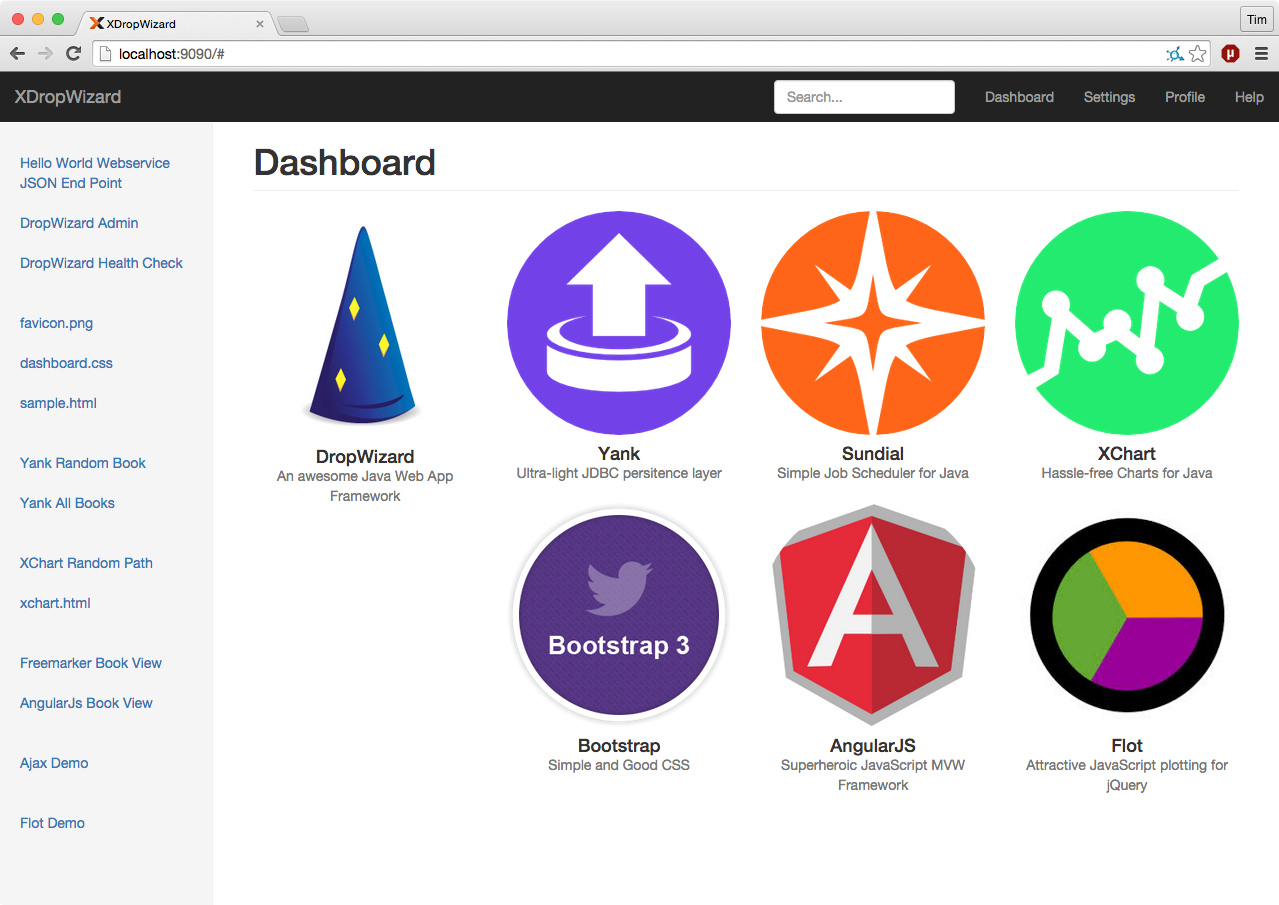
Visit Sundial to find out more about the scheduler itself and XDropWizard to see a working example of a DropWizard app integrating Sundial via the dropwizard-sundial project.