Celestia ansible script with interactive shell deployment tool
July 2, 2023 · View on GitHub
Note: Blockspacerace testnet is now ended. Please move on to mocha testnet
Upnode has developed a Celestia deployment tool that enables users to deploy a Celestia node without requiring advanced DevOps skills. This tool simplifies the process for Rollkit developers, allowing them to create their rollup without worrying about the complexities of Celestia light node deployment.
We would like to express our gratitude to Polkachu for providing a battle-tested Ansible script for deploying any Cosmos validator node. You can find it at https://github.com/polkachu/cosmos-validators.
What we have developed specialized for celestia
- Ansible script for celestia bridge / full / light node deployment
- Mechanism to support both mocha and blockspacerace chains in one ansible script switchable by using some kind of variable
- Interactive shell to enable easy developer-friendly environment to deploy celestia bridge / full / light node and validator. Which is very useful for rollkit developers who want to deploy their own light node.
Run using interactive shell
To start an interactive shell, execute the following command:
./deploy.sh
Follow the instructions, and your node will be up and running in no time. For a demonstration of the interactive shell, check out this demo video.
Upgrade version of validator and celestia node
Validator daemon upgrade
To upgrade the validator daemon binary in our repository, navigate to the group_vars folder and update the node_version of the respective chain.
We'd appreciate it if you could open a pull request in our repository.
Our Ansible script has integrated Cosmovisor for this upgrade process. Build the binary and place it in the appropriate folder for Cosmovisor to perform the upgrade.
Celestia node upgrade
To upgrade the Celestia node version, navigate to the group_vars folder and update the celestia_node_version of the respective chain.
We'd appreciate it if you could open a pull request in our repository.
Then, run the interactive shell to reinstall (upgrade) the Celestia node on your server.
./deploy.sh
Run manually
Inventory configuration
The inventory defines the server where the script will deploy the Celestia node.
Configure the inventory in the inventory.ini file.
This file is gitignored and must be created manually.
Here is an example of an inventory.ini file:
[blockspacerace]
blockspacerace-node ansible_host=88.77.194.206 type=main prepare=true

[mocha]
mocha-node ansible_host=99.77.194.206 type=main prepare=true

[all:vars]
ansible_user=youruser
ansible_password=yourpassword
ansible_port=22
; ansible_ssh_private_key_file="ansible-development.pem"
var_file="group_vars/testnets/{{ group_names[0] }}.yml"
user_dir="/home/{{ansible_user}}"
path="/sbin:/usr/sbin:/bin:/usr/bin:/usr/local/bin:/usr/local/go/bin:{{ user_dir }}/go/bin"
node_exporter=true
promtail=false
log_monitor=https://XXXXXX:XXXXXXXXXXXXXX@logs-prod-011.grafana.net/api/prom/push
log_name="PREFIX_{{ network }}_{{ type }}"
node_name=yourcoolname
Deploy validator
To deploy the validator, run main.yml playbook with target variable supplied:
ansible-playbook main.yml -e "target=..."
For example:
ansible-playbook main.yml -e "target=blockspacerace"
Deploy Bridge, Full or Light node
To deploy a bridge, full, or light node, run the celestia_node.yml playbook with the target variable and celestia_node_type variable supplied:
ansible-playbook celestia_node.yml -e "target=... celestia_node_type=<bridge|full|light>"
For example:
ansible-playbook celestia_node.yml -e "target=blockspacerace celestia_node_type=light"
Using Upnode all-in-one deployment tool
We are developing an all-in-one tool to streamline the deployment of various software, including Celestia. With this tool, users can deploy an entire Celestia stack with just a few clicks.
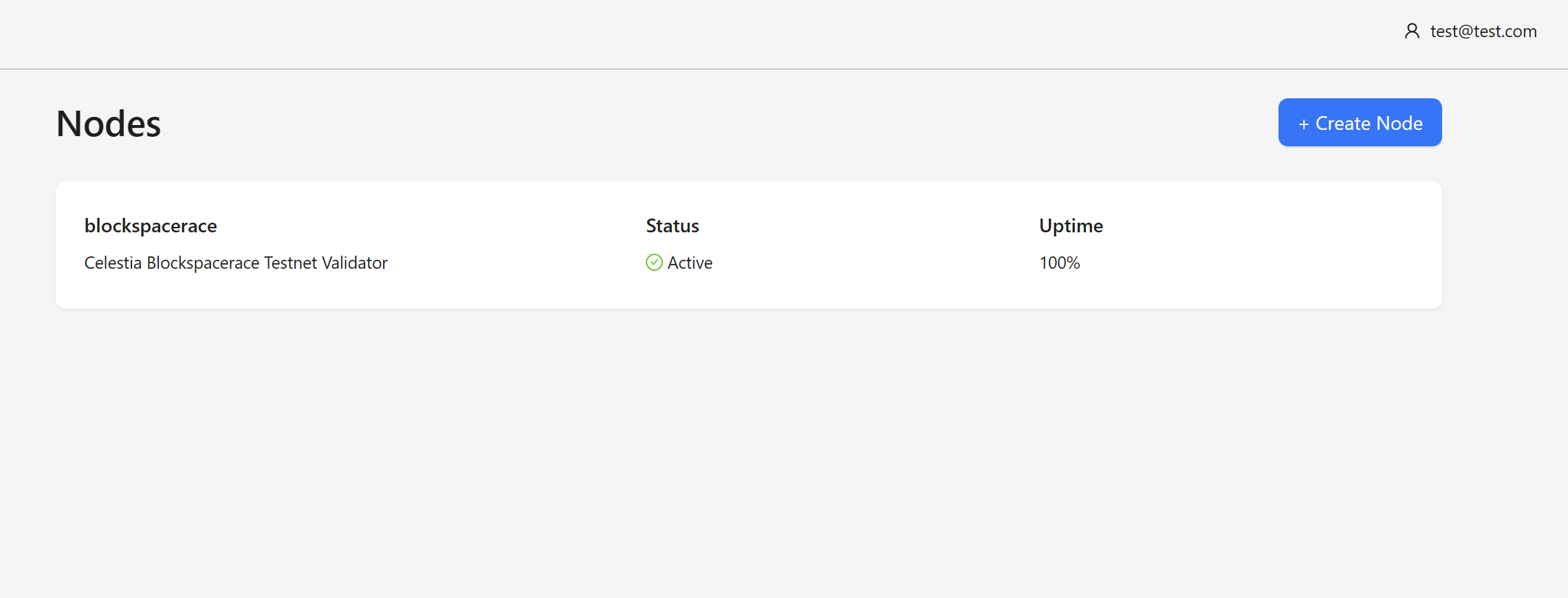
The tool is currently under development. If you are interested in using it, please show your support by giving us a star.