Dress
November 20, 2025 · View on GitHub
Cli app that makes your stdout fancy.
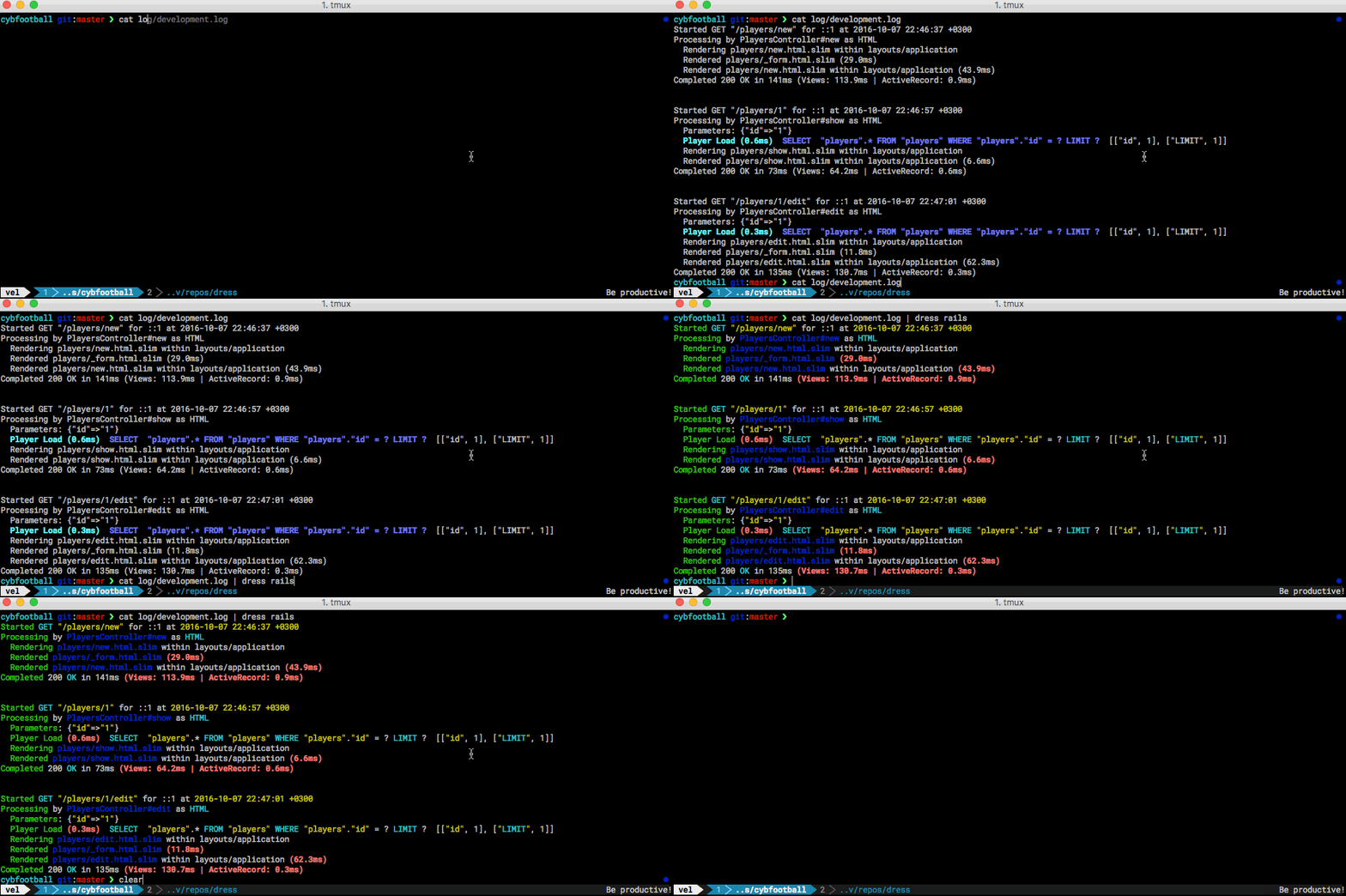
For now you need to create your own configuration file using this example.
Installation
Via brew:
$ brew tap veelenga/tap
$ brew install dress
Manually:
$ git clone https://github.com/veelenga/dress && cd dress/
$ mix deps.get
$ mix escript.build
$ ./dress
Usage
$ tail -f log/development.log | dress -c config/default.yml
Config file
Your configuration file must be placed to ~/.dress/ folder and follow yaml format:
# ~/.dress/jacket.yml
dress:
  # colorize dates in yellow color
  dates:
    regex: '\d{4}-\d{2}-\d{2}T\d{2}:\d{2}:\d{2}.\d{3}'
    color: :yellow

  # format urls, so those will have blue color and be underlined
  urls:
    regex: '(https?:\/\/(?:www\.|(?!www))[^\s\.]+\.[^\s]{2,}|www\.[^\s]+\.[^\s]{2,})'
    format: [:blue, :underline]

  # improve time format
  time:
    regex: '(\d\d):(\d\d):(\d\d)'
    replace: '\1h\2m\3s'

  # skip some useless lines
  trash:
    regex: 'line containing this will not be shown'
    skip: true
And you can use it in the following way:
$ tail -f log/development.log | dress jacket
Be smart, automate routine stuff !