NEW ADDS MERGING FILES NEED TO BE CHECKED
May 7, 2026 · View on GitHub
Steps
: via the web interface, you can only download one file at a time, see VSC & Globus
- Browse to the Globus website.
- Go to Log in (right upper corner)
- Select your organization e.g. KU Leuven association and click on Continue
- Follow KU Leuven login procedure via the KU Leuven Authenticator e.g. Scan QR
- Accept Information to be Provided to Service (always or one time only) and click on Accept
- Globus App File Manager will be displayed in the browser tab.
- Follow Globus file transfer tutorial
- Use VSC UGent Tier1 projects as endpoint and the exact name of the project is "starting_2023_001"
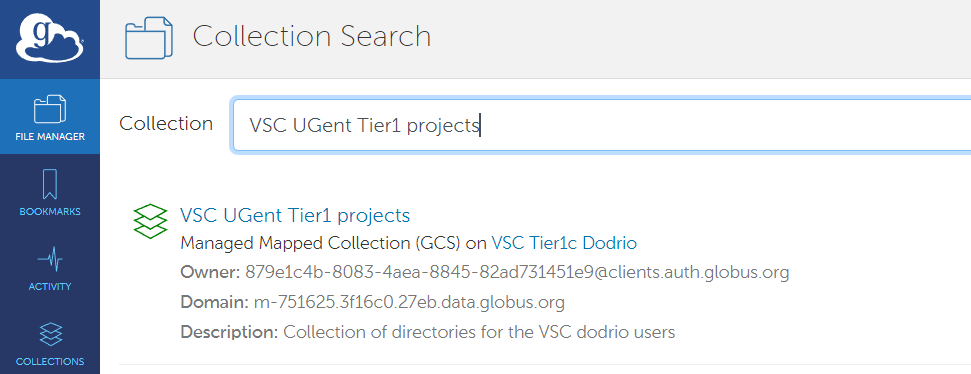
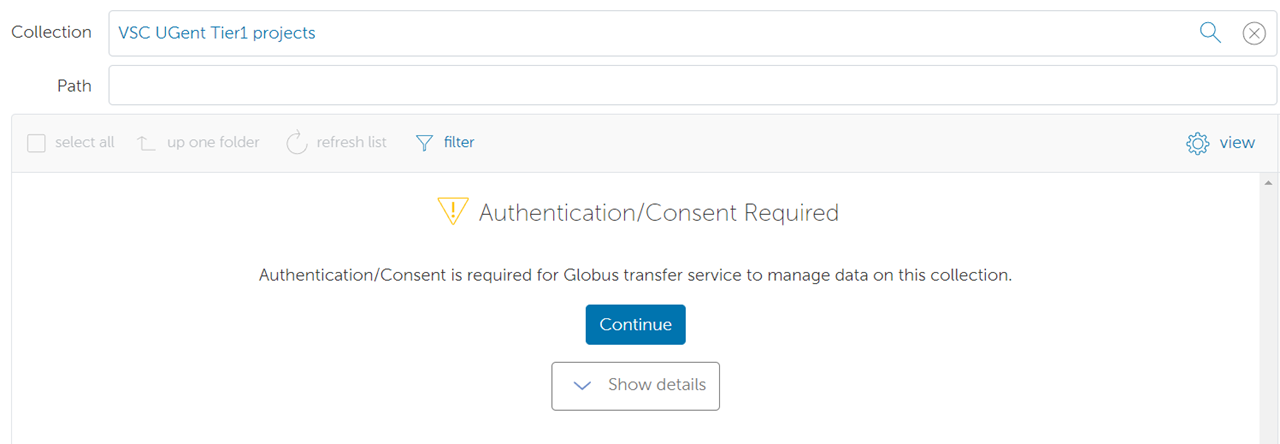
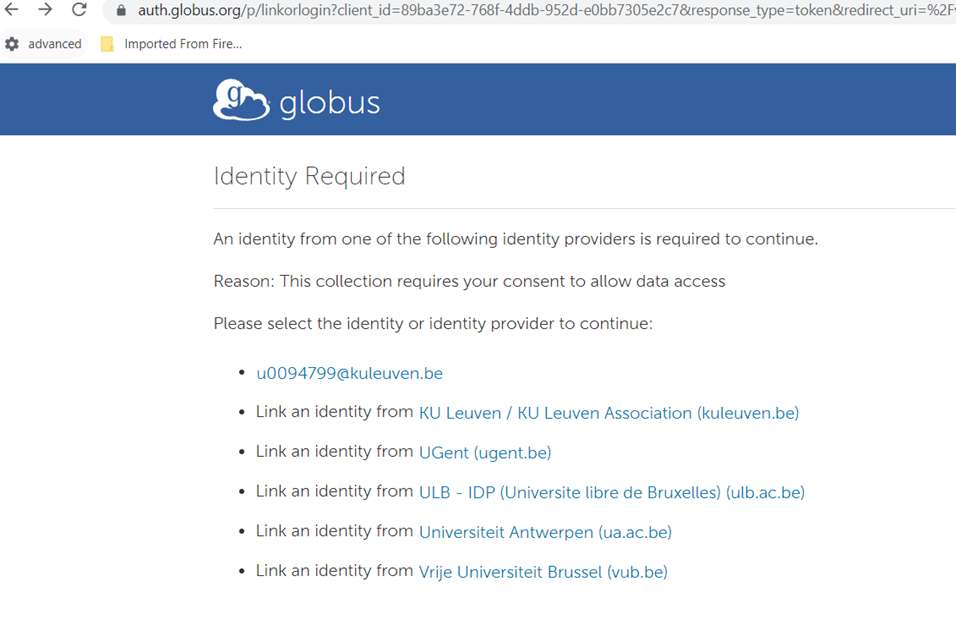
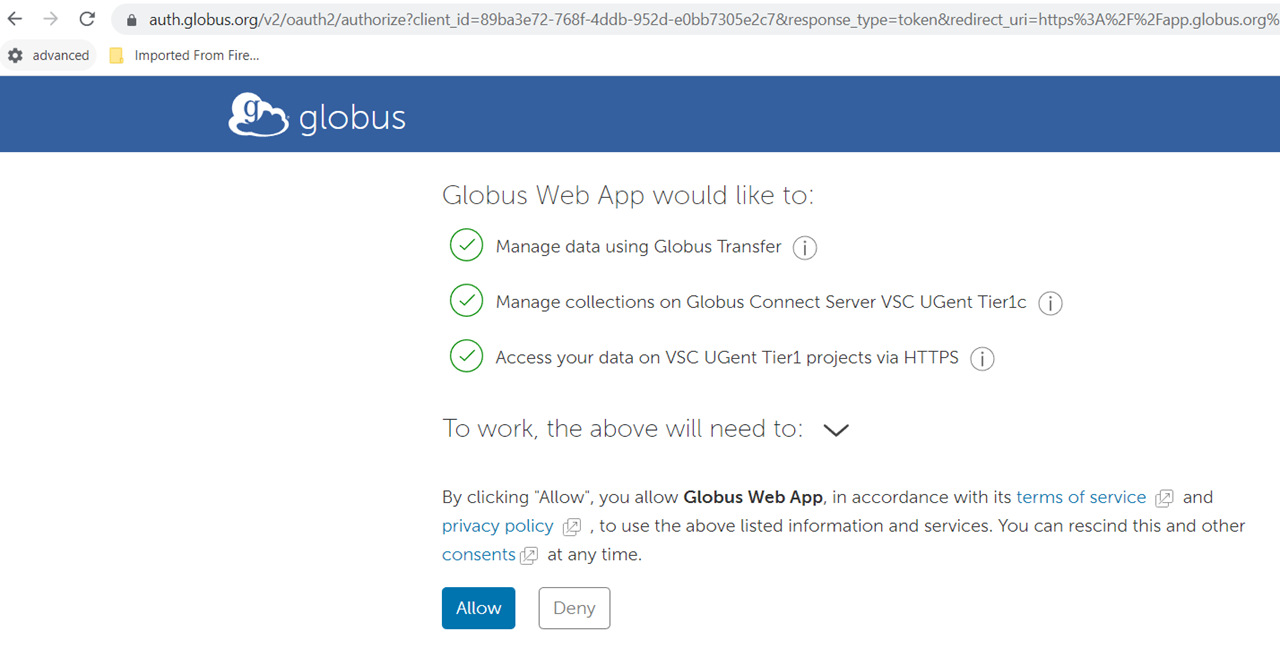
You may authorize the access the first time you login:
-
Guidelines for where to store your data are explained here.
-
You can store data at different places, for example:
- /dodrio/scratch/users/VSC_SCRATCH/Desktop)
- /dodrio/scratch/users/VSC_SCRATCH/ondemand)
- /dodrio/scratch/project/starting_2023_001 (= $VSC_SCRATCH_PROJECTS_BASE/starting_2023_001)
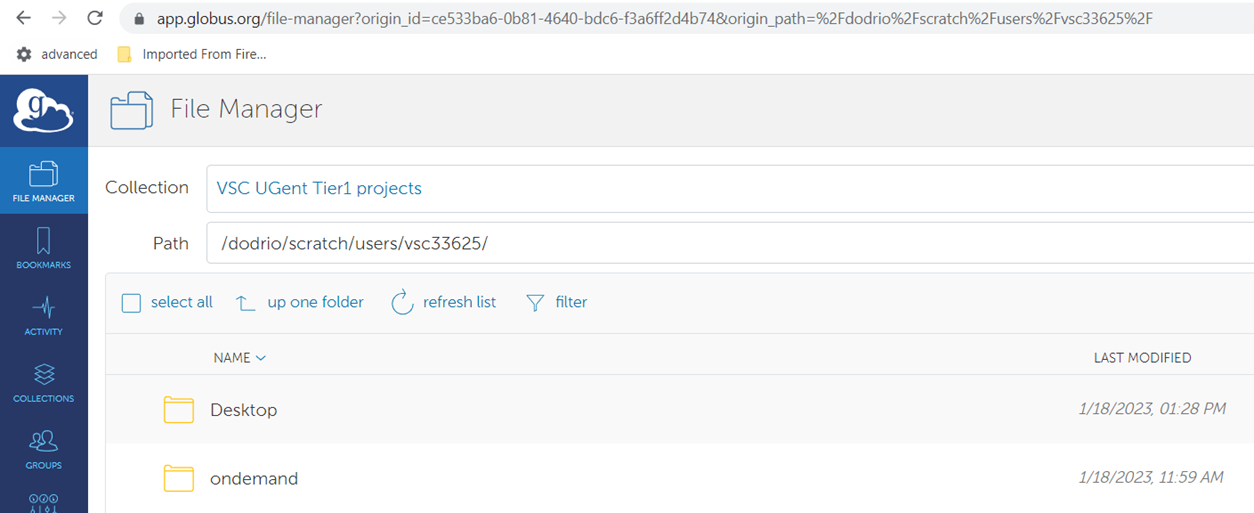
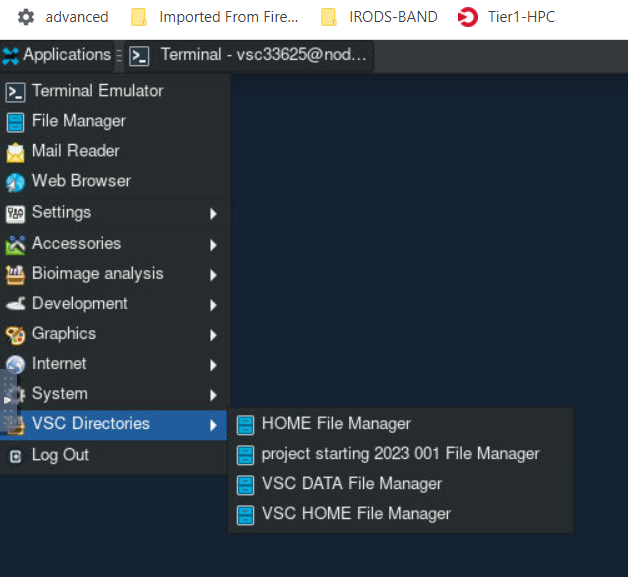
These folders are accessible via the File Manager in the Bioimage ANalysis Desktop:
-
Checking your disk usage is explained here: https://vlaams-supercomputing-centrum-vscdocumentation.readthedocs-hosted.com/en/latest/access/managing_disk_usage.html
-
Other endpoints:
- VSC KU Leuven tier2 scratch (Tier-2 KUL): /scratch/xxx/vscxxxyy
- VSC UGENT Tier2 filesystem (Tier-2 UGent): /scratch/gent
- VIB Data Core Compute Storage for controlled access data, groups and projects, reference data
- VIB Data Core Project Storage