Synthwave Alpha - VS Code Theme
August 25, 2024 · View on GitHub
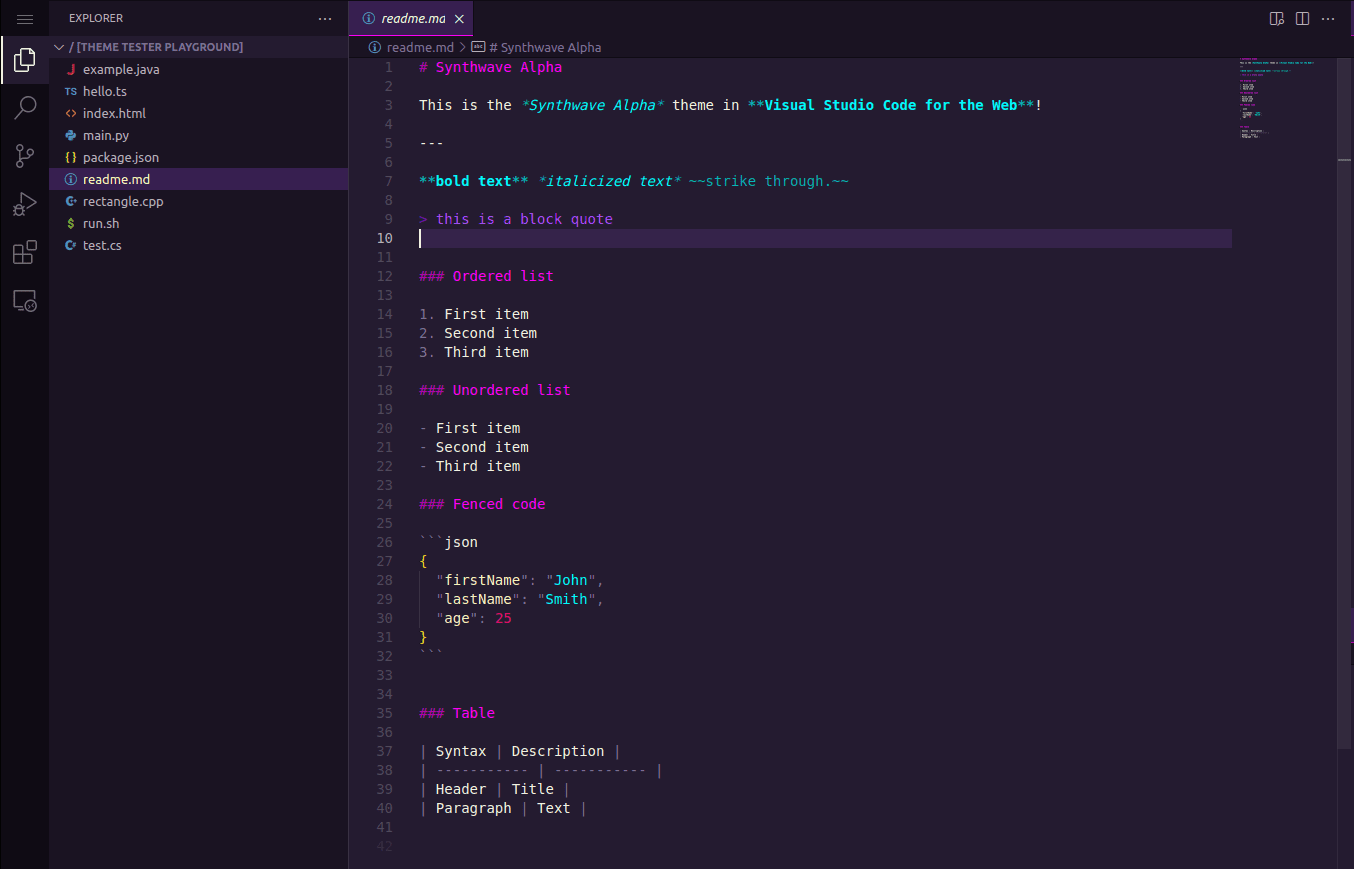
A Synthwave inspired dark mode theme for Visual Studio Code

Installation
VS Code: Install via Extensions
- Open Extensions
- Search for synthwave alpha
- Click Install
- From the menu bar:
Preferences > Color Theme > Synthwave Alpha
VS Code: Install via Command Palette
- Press
CTRL+P - Enter
ext install vikpe.synthwave-alpha - Press enter
Credits
- Based on the Synthwave Alpha color palette.
- Heavily inpired by the excellent SynthWave '84 theme by robb0wen.