Montagu Database
October 31, 2025 · View on GitHub
THIS REPO HAS BEEN ARCHIVED. MONTAGU DB HAS BEEN MOVED TO MONTAGU SYSTEM

View the documentation
You can view the full documentation for the master branch here (see here for previous versions).
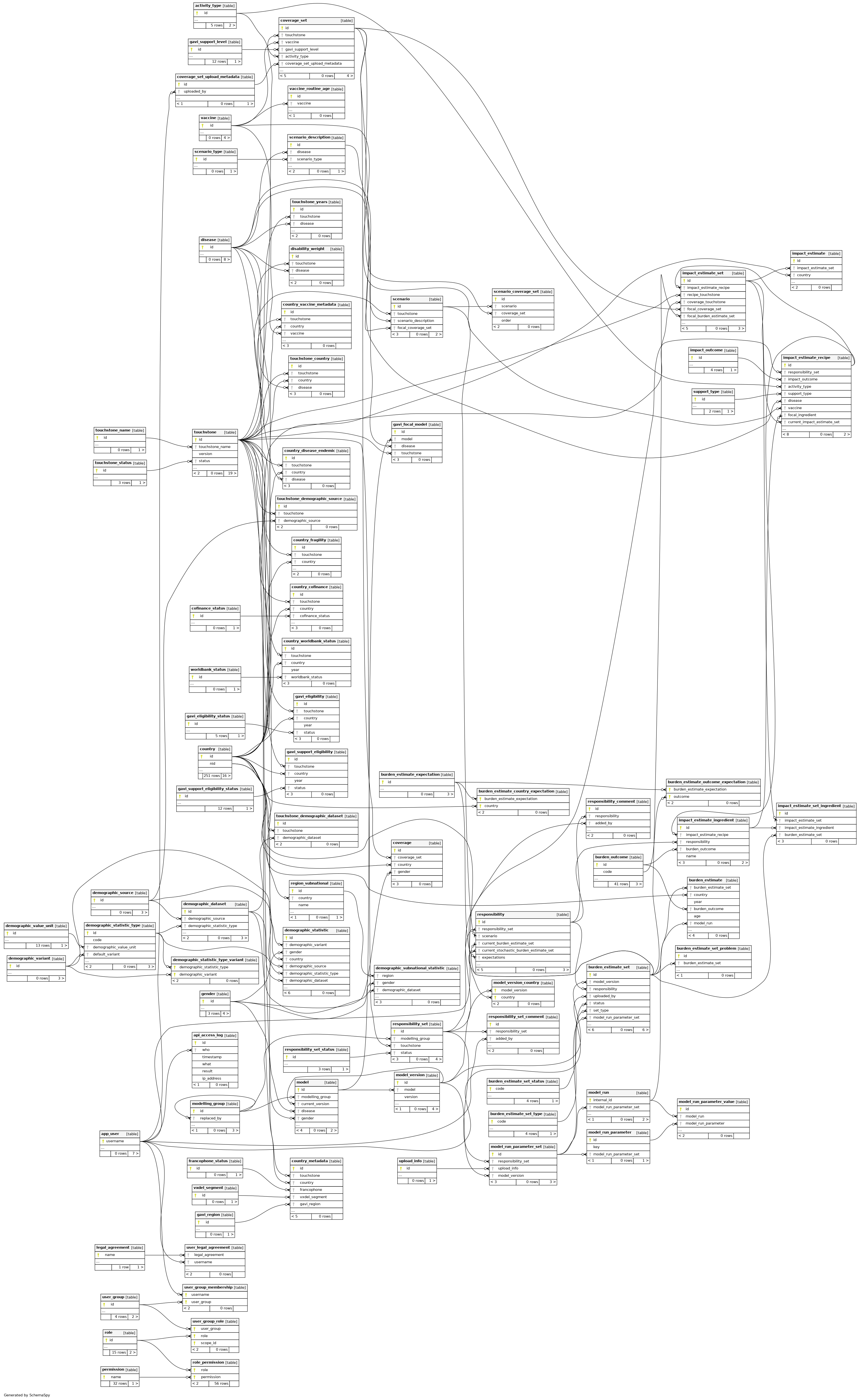
The closest equivalent to the old diagram is here, which you can also navigate to by clicking the "Relationships" tab. But I encourage you to explore the full documentation. In particular, if you click on any one table you will get a mini diagram explaining its relationships to other tables, which is often clearer.
Updating the data model and docs
See migrations.
Starting an empty copy of the database
Run the empty database mapped to port 8888
docker pull vimc/montagu-db:master
docker run --rm -p 8888:5432 vimc/montagu-db:master
Restore a dump (from backup)
See the montagu-backup repo for information on backing up and restoring. Once done, you should have database file at /montagu/db.dump
docker run --rm -d --name montagu_db vimc/montagu-db:master
docker cp /montagu/db.dump montagu_db:/tmp/import.dump
docker exec montagu_db /montagu-bin/restore-dump.sh /tmp/import.dump
Using an alternative configuration
There is only one at present /etc/montagu/postgresql.test.conf, to use it add this as an argument when running a container, e.g.
docker run --rm vimc/montagu-db:master /etc/montagu/postgresql.test.conf
Streaming backups
Backup infrastructure is available in the montagu-db-backup