HBC-56
August 18, 2025 · View on GitHub



A homebrew 8-bit computer on a (56 pin) backplane.
Initially supporting the 65C02 CPU, TMS9918A VDP and Dual AY-3-8910 PSG's. With plans to add support for Z80 and perhaps other CPUs in the future.
Current cards:
- 65C02 CPU card with 65C22 VIA and Interrupt controller
- RAM/ROM card (32KB of each) + optional 32KB shadow RAM
- LCD display card (supports regular character LCD and 12864B graphics LCD)
- TMS9918A display card (composite output)
- Dual AY-3-8910 sound card
- PS/2 keyboard and dual NES controller card

All source code and schematics are available in this repository.
Emulator
I have also included an emulator for this system. The emulator supports the following:
- Realtime execution of code (at ~3.7MHz).
- Step through disassembled code with labels.
- Source code debugging (using ACME assembler .rpt file).
- TMS9918 VRAM visualisation of pattern and sprite pattern tables.
- Examine CPU and VDP registers, RAM and VRAM.
- Full support for all TMS9918A display modes. See my TMS9918 emulator here: github.com/visrealm/vrEmuTms9918
- Support for the dual AY-3-8910 audio, keyboard and NES controller.
The emulator is also available for Web (Beta). HBC-56 Emulator Online

Full details on the Emulator and source code here: emulator
PICO-56
The PICO-56 project emulates the entire HBC-56 system on a single Raspberry Pi Pico.

PICO-56 repository: https://github.com/visrealm/pico-56
Building
This project uses the CMAKE build system to build the emulator and assembler. VSCode works very well with CMAKE, but you can also build manually:
Windows or Linux
$ git clone --recurse-submodules https://github.com/visrealm/hbc-56.git
$ cd hbc-56
$ cmake -B build -DCMAKE_BUILD_TYPE=Release -S .
$ cmake --build build --config Release
The hbc-56/build/bin directory will then hold everything you need to run the emulator.
WebAssembly
To build the WebAssembly version of the emulator (from /hbc-56):
Windows (Developer Command Prompt)
$ ./emconfigure build_wasm
$ cmake --build build_wasm --config Release
Linux
$ ./emconfigure.sh build_wasm
$ cmake --build build_wasm --config Release
To test the WebAssembly build, you will need to serve the files from a web server. A simple python http.server will work just fine:
$ cd build_wasm/bin
$ python -m http.server
Serving HTTP on :: port 8000 (http://[::]:8000/) ...
Then navigate to http://localhost:8000
Running the demos
There are several ways to build and run the demos. They are set up with makefiles, so it is preferred to have MAKE installed and in your PATH environment variable.
VSCode
- Open the code/6502 directory in VSCode
- For each test/demo program (eg. basic, invaders, tests\tms, tests\sfx, etc.) navigate to the .asm file and hit <Ctrl>+<F5>. This will build and run the program in the emulator. <Ctrl>+<Shift>+<B> to just build the ROM image without running.
Command-line (MAKE)
For each path (basic, invaders, tests/tms,tests/sfx):
- Open a console to the path
- Type
make(this will build the default program and run it in the emulator:

- Type
make allto build and run all demos in the directory - Type
make <basefile>(filename without extension) to build and run a specific demo eg:
cd code/6502/tests/inp
make kbtest

Manually building a demo (without MAKE)
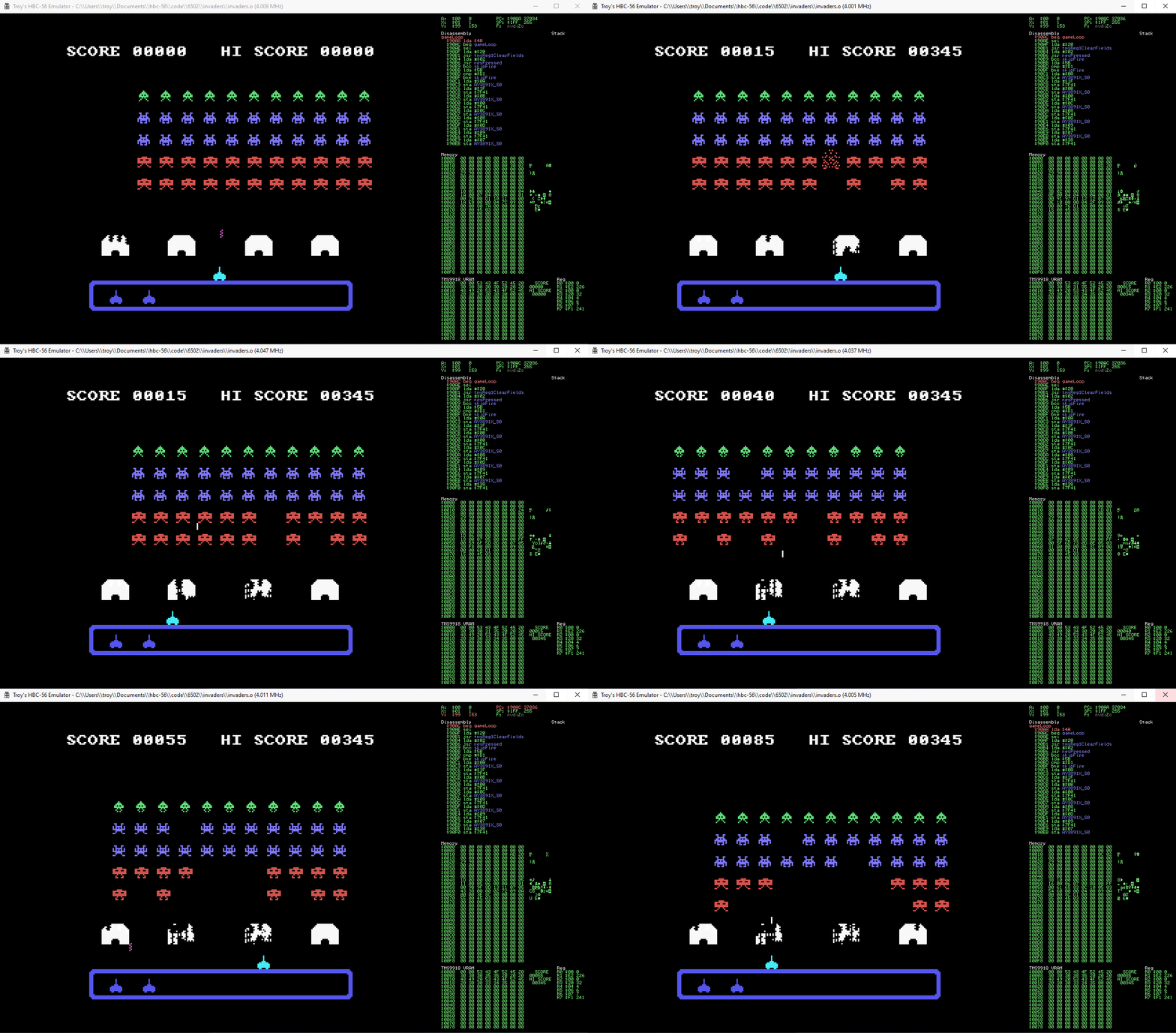
Example: invaders
cd code\6502\invaders
..\..\..\tools\acme\acme -I ..\lib -I ..\kernel -o invaders.o -l invaders.o.lmap invaders.asm
Manually running a demo (without MAKE)
Example: invaders
cd code\6502\invaders
..\..\..\emulator\bin\Hbc56Emu.exe --rom invaders.o
Example: basic
cd code\6502\basic
..\..\..\emulator\bin\Hbc56Emu.exe --rom basic_tms.o

Memory map
The HBC-56 has 64KB addressable memory divided into RAM, ROM and IO as follows:
| From | To | Purpose |
|---|---|---|
| $0000 | $7eff | RAM |
| $7f00 | $7fff | I/O |
| $8000 | $ffff | ROM |
The RAM and ROM is further divided by the HBC-56 Kernel:
| From | To | Size | Purpose |
|---|---|---|---|
| $0000 | $00ff | 256 bytes | Zero page |
| $0100 | $01ff | 256 bytes | Stack |
| $0200 | $79ff | 30 kilobytes | User RAM |
| $7a00 | $7eff | 1280 bytes | Kernel RAM |
| $7f00 | $7fff | 256 bytes | I/O |
| $8000 | $dfff | 24 kilobytes | User ROM |
| $e000 | $ffff | 8 kilobytes | Kernel ROM |
IO ports for current devices (all at $7fxx)
| Port | Purpose |
|---|---|
| $02 | LCD Command |
| $03 | LCD Data |
| $08 | ROM Banking Register |
| $10 | TMS9918A Data |
| $11 | TMS9918A Command |
| $20 | UART MC68B50 Register |
| $21 | UART MC68B50 Data |
| $40 | AY-3-8910 A Register |
| $41 | AY-3-8910 A Write |
| $42 | AY-3-8910 A Read |
| $44 | AY-3-8910 B Register |
| $45 | AY-3-8910 B Write |
| $46 | AY-3-8910 B Read |
| $80 | PS/2 Keyboard Data |
| $81 | PS/2 Keyboard Status |
| $82 | NES 1 Data |
| $83 | NES 2 Data |
| $df | Interrupt Register |
| ff | 65c22 VIA |
Thanks
Thanks to PCBWay for supporting this project.

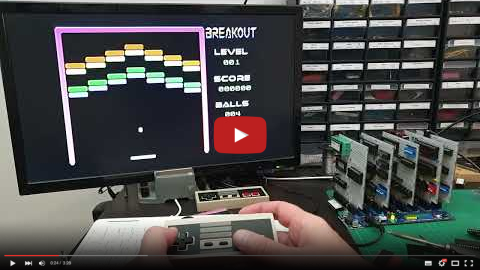
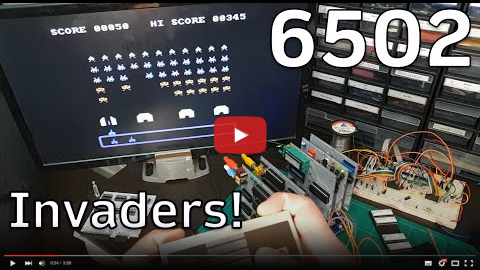
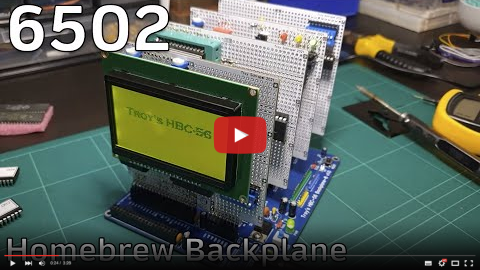
Videos
License
This code is licensed under the MIT license