Tamery.app
August 24, 2026 · View on GitHub
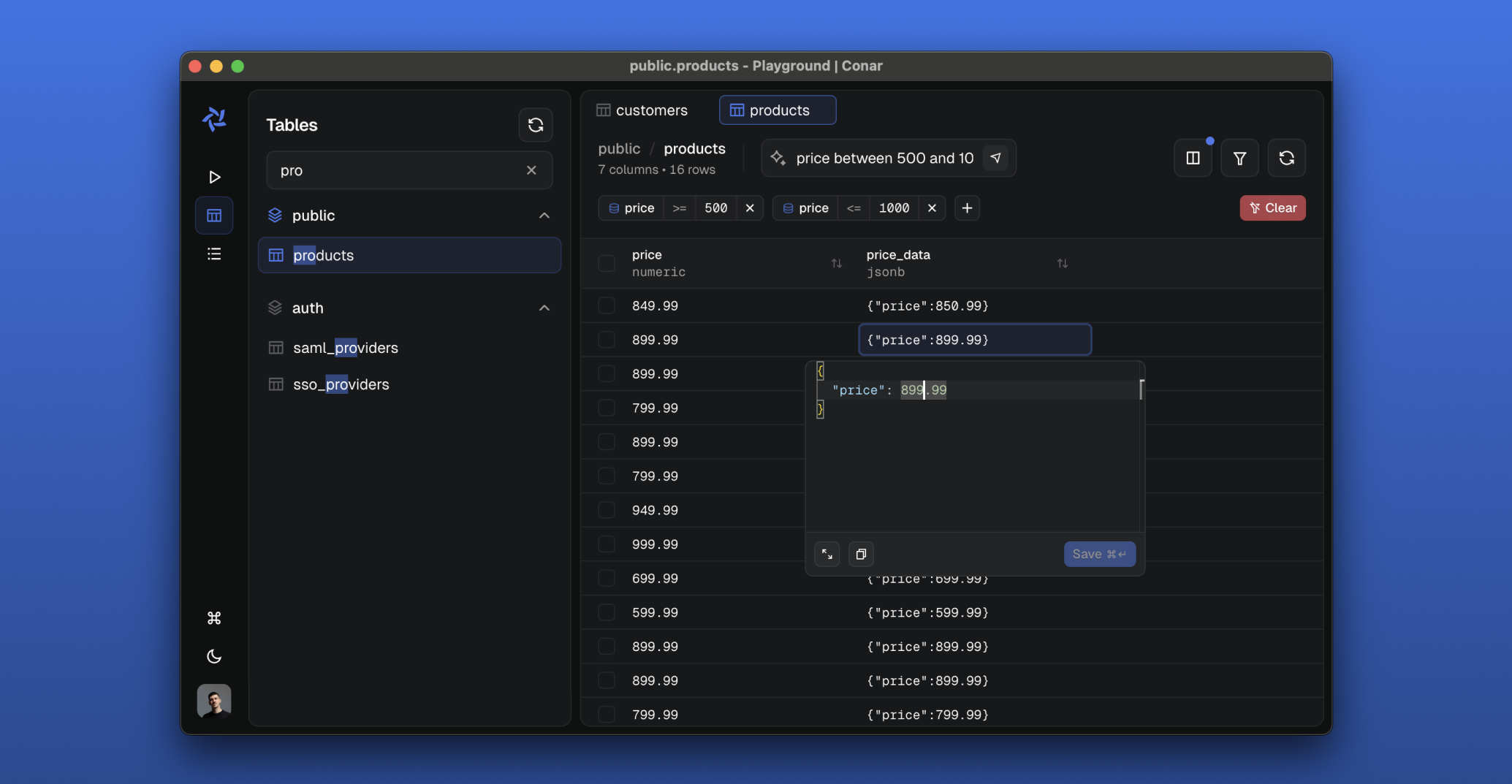
Tamery is an AI-powered open-source project that simplifies database interactions. Built for PostgreSQL, MySQL, MSSQL, Clickhouse with support for other databases coming in the near future. Store your connections securely in our cloud and ask AI to help you write and optimize SQL queries.

Features
-
🔐 Secure & Open
- Open-source codebase
- Encrypted connection strings
- Password protection
-
💾 Multi-Database Support
- PostgreSQL
- MySQL
- MSSQL
- Clickhouse
- Sqlite (coming soon)
- MongoDB (coming soon)
-
🤖 AI-Powered Features
- Intelligent SQL assistance
- Ability to change AI model
- More coming soon..
Stack
- React with TypeScript
- Electron
- TailwindCSS and shadcn/ui
- Vite
- TanStack Start/Router/Query/Form/Virtual
- Arktype
- Bun
- Hono
- oRPC
- Drizzle ORM
- Better Auth
- TanStack AI with Anthropic
- Railway
- PostHog
- Resend
- ToDesktop
- Stripe
Development Setup
-
📦 Package Installation
pnpm install -
🐳 Start Database with Docker Compose
Install Docker: https://docs.docker.com/get-docker/
This will start all services needed for development.
pnpm run docker:start -
🗄️ Prepare Database
This will run database migrations to set up the required tables and schema.
pnpm run drizzle:migrate -
🚀 Run the Project
This opens a package picker (all packages pre-selected — press Enter to accept) and starts the selected development servers through portless (HTTPS on
.local.tamery.appdomains):Service URL API https://api.local.tamery.app App https://app.local.tamery.app Main https://main.local.tamery.app Proxy https://proxy.local.tamery.app pnpm run devPass
-ato skip the prompt and start everything. To run a subset, deselect the rest in the picker, orcdinto a single app's directory (e.g.apps/api) and runpnpm run dev.
Testing
- Unit Tests
pnpm run test
Before running E2E tests, make sure to start the test server:
pnpm run test:start
- E2E Tests
pnpm run test:e2e