TABS.md
December 1, 2018 · View on GitHub
Tabs make it easy to explore and switch between different views.
Example
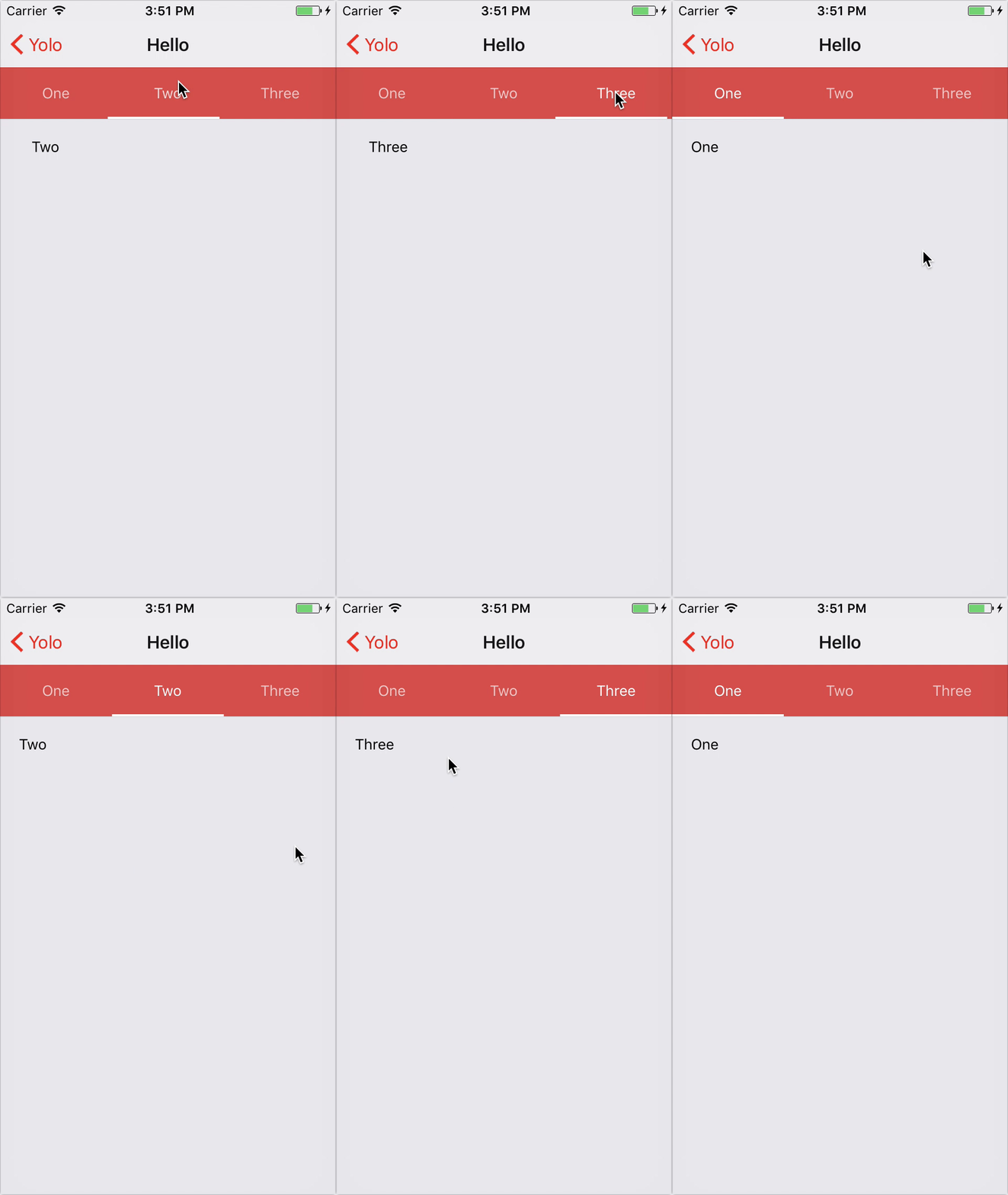
import * as React from 'react'
import { Tabs, Tab } from 'react-router-navigation'

const App = () => (
  <Tabs
    labelStyle={{ color: 'white' }}
    tabBarStyle={{ backgroundColor: 'purple' }}
    tabBarIndicatorStyle={{ backgroundColor: 'white' }}
  >
    <Tab path="/one" component={require('./One')} />
    <Tab path="/two" component={require('./Two')} />
    <Tab path="/three" component={require('./Three')} />
  </Tabs>
)
Options
TabBar props
- hideTabBar
?booleanwhether to display tab bar - tabBarStyle
?StyleSheetstyle override for the tab bar - renderTabBar
?Functioncallback which renders a bottom tab bar - tabBarPosition
?('top' | 'bottom')sets the position of the tab bar - tabStyle
?StyleSheetstyle override for the tab bar - tabBarIndicatorStyle
?StyleSheetstyle object for the tab indicator - tabTintColor
?stringlabel and icon color of the tab - tabActiveTintColor
?stringlabel and icon color of the active tab - label
?stringtext that appears on each item - labelStyle
?(StyleSheet | Function)styling text item - renderLabel
?Functioncallback which renders a label
<Tabs /> props
... TabBar propsprops- style
?StyleSheetoverride or extend the default style for<View />container - initialLayout optional object containing the initial
heightandwidth, can be passed to prevent the one frame delay in rendering - lazy
?booleanwhether to load tabs lazily when you start switching
<Tab /> props
... <Route />props... TabBar propsprops- routePath
?stringany valid URL path - initialPath
?stringany valid URL path - onReset
?Functioncallback which resets the current tab