nvidia-archives
March 18, 2020 · View on GitHub
lazy to always wget then mv to rename tokens ! making this !!
current master version:
ubuntu 18.04
cuda 10.2
The steps below are provided for a fresh brand new ubuntu.
"it just works", as nvidia said !
Easy installs
easy install help for cuda local deb:
0) upgrade system
sudo apt-get update && sudo apt-get -y upgrade && sudo apt-get -y dist-upgrade && sudo reboot
then:
-
if you are on ubuntu server (google cloud, etc..), you dont have X server issues, so you can continue directly at 2)
-
but if like most people you are on ubuntu desktop, on a brand new ubuntu desktop, it is easier to do the install in 2 steps:
1) install display driver first
this may seem uneeded, but installing cuda directly in desktop ubuntu when nouveau is the default display driver often breaks the X server
It is possible to install the graphics driver from system official repositories or from a ppa.
More details about nvidia driver packages available for ubuntu here: here
Also, for information about minimal nvidia driver version required to match a CUDA version, it can be found here, for example we can see that the minimal nvidia graphics driver required to match cuda 10.2 is nvidia graphics driver version 440
Here we are using the example of a ppa install
sudo add-apt-repository -y ppa:graphics-drivers/ppa && \
sudo apt-get update && \
sudo apt-get -y install nvidia-driver-440 && \
sudo reboot
as you can see, it works after reboot:
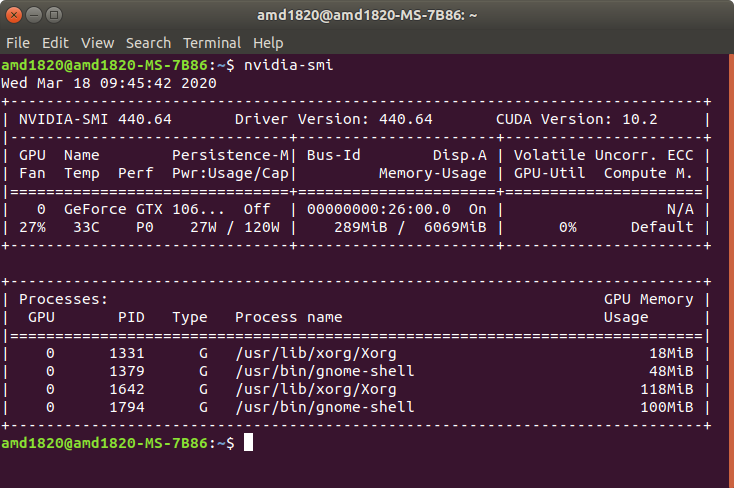
we can also see the "software and updates" ubuntu menu display out of curiosity:
below, nvidia-driver-440 is displayed to be "open source", but dont mind it: we are using the proprietary driver as intended
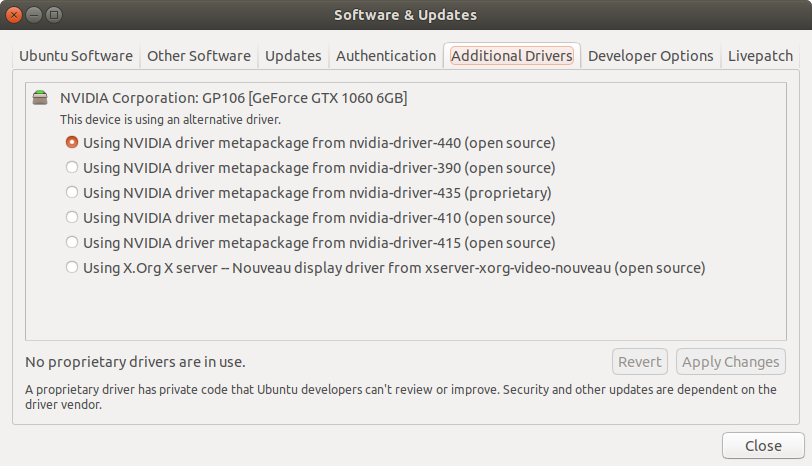
2) install cuda deb local:
# install some cuda dependencies && \
sudo apt-get install gcc dkms build-essential && \
# then follow instructions and command-line here: && \
# https://developer.nvidia.com/cuda-downloads?target_os=Linux&target_arch=x86_64&target_distro=Ubuntu && \
a few screenshots of the install process:
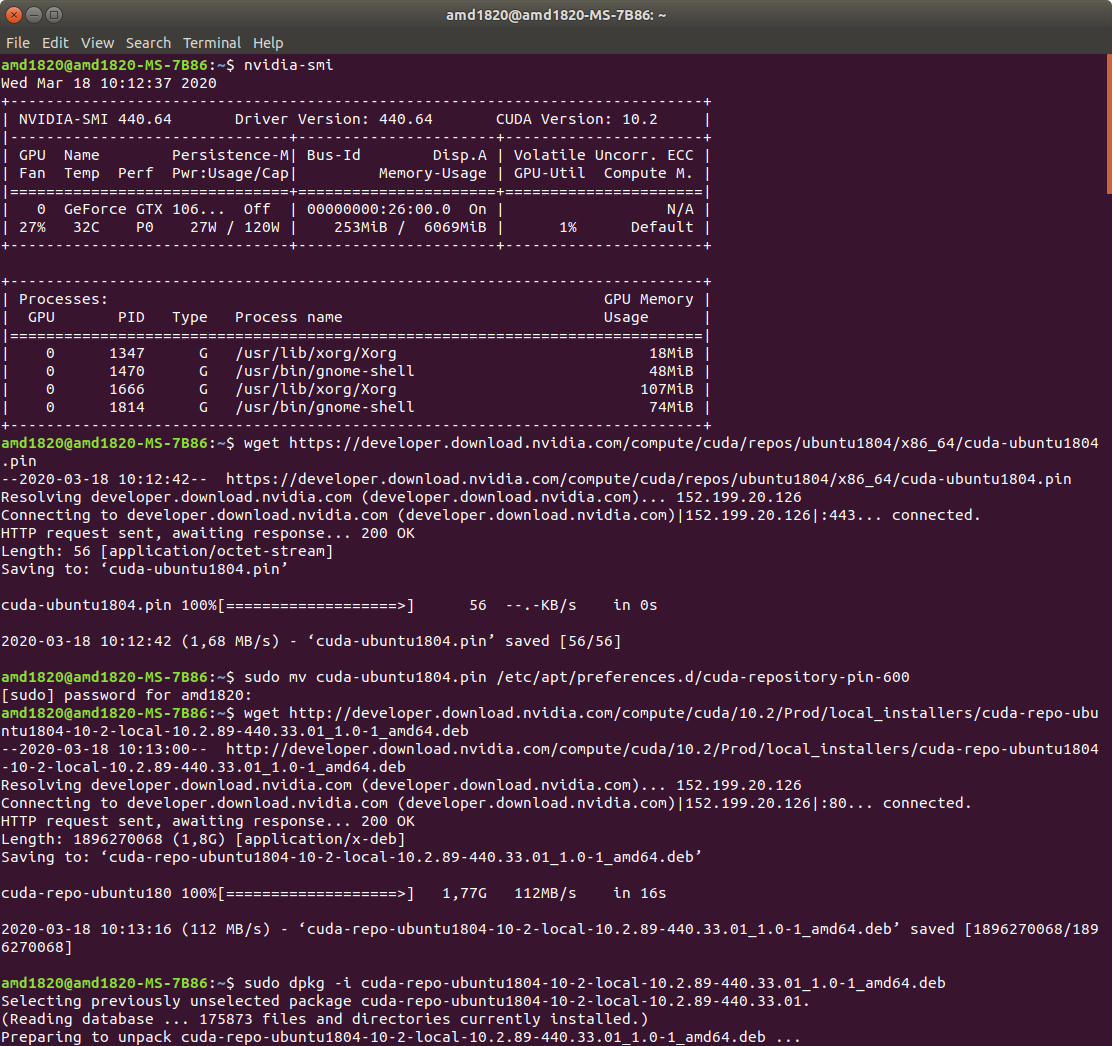

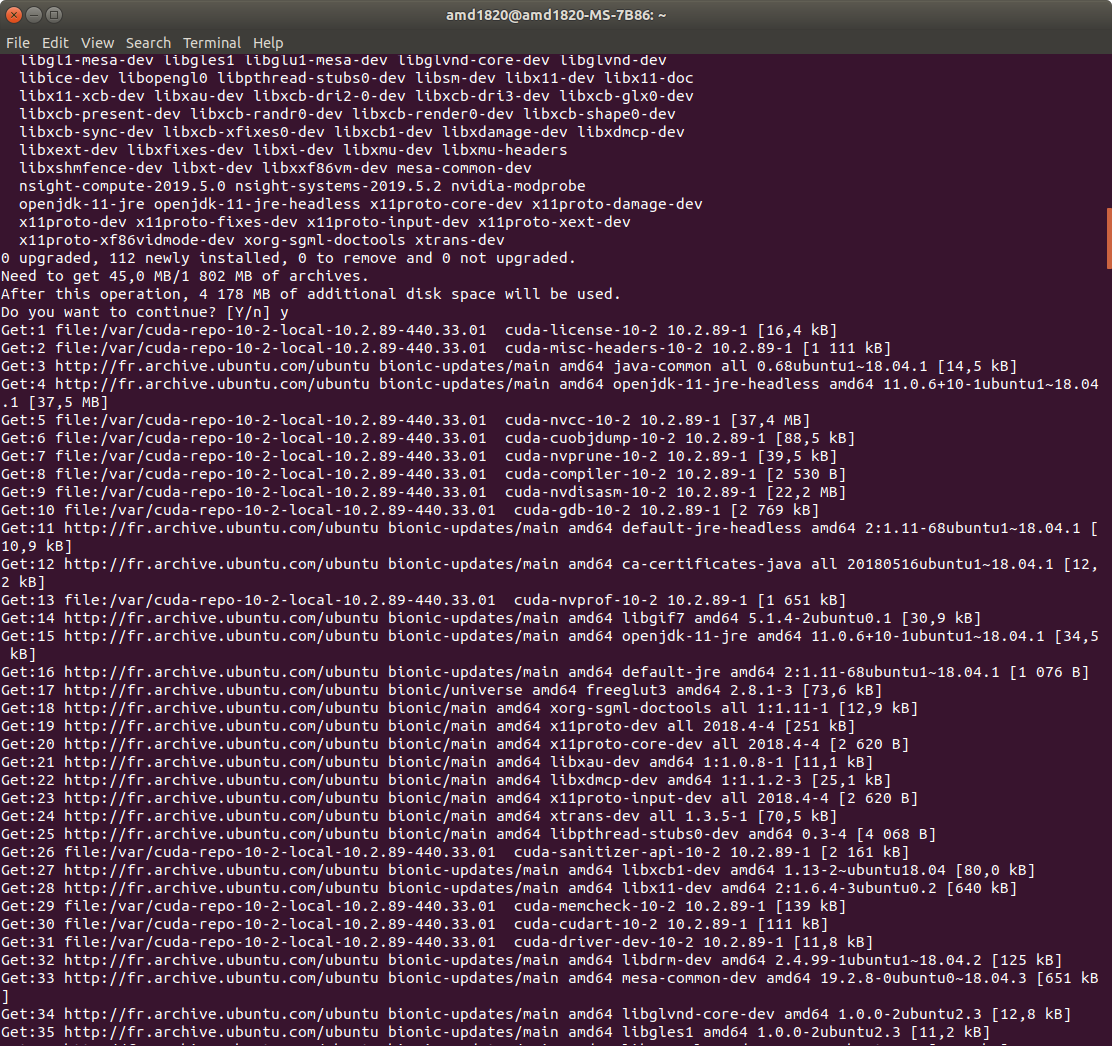
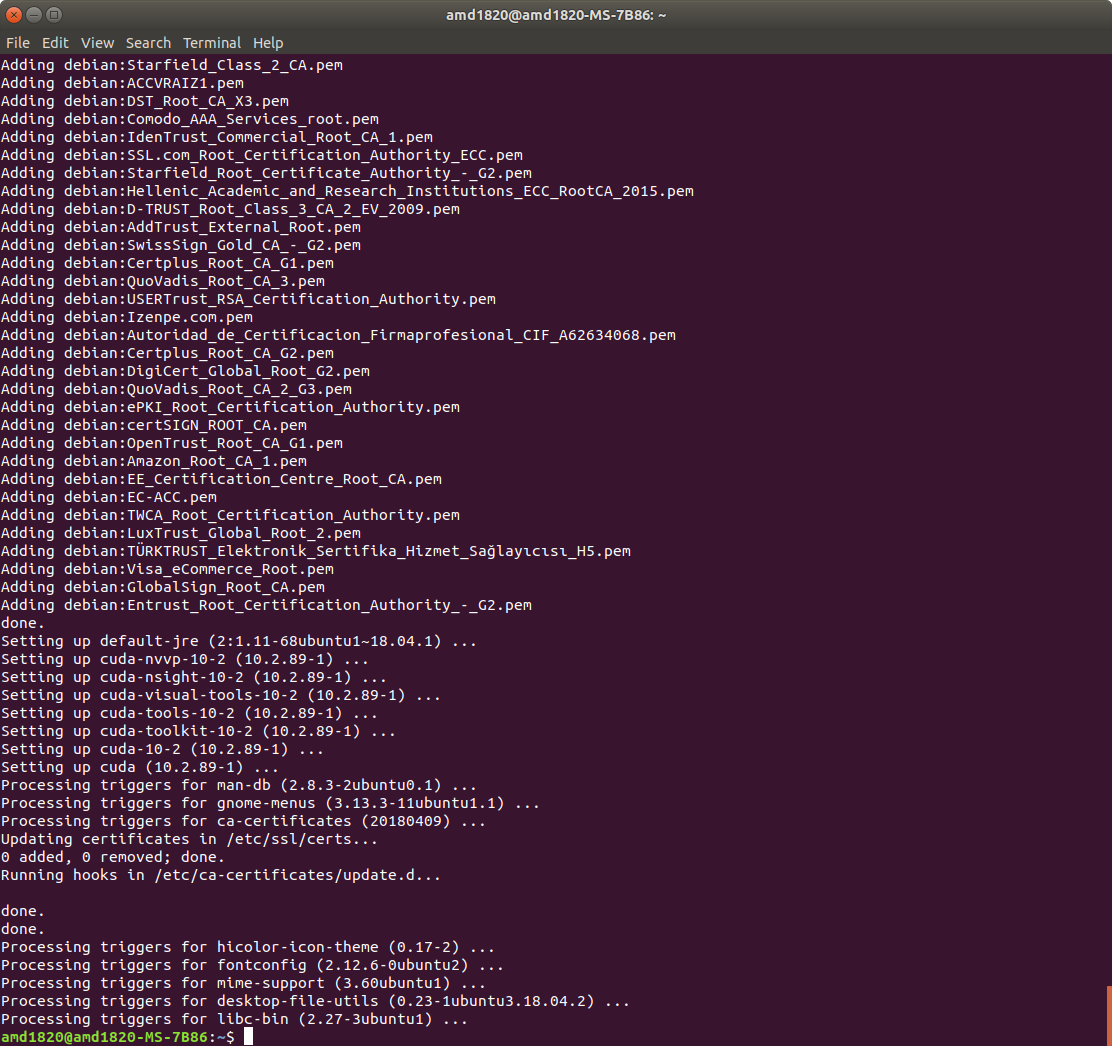
do not reboot yet, do the post-install first:
easy post-install for cuda and before cudnn deb:
sudo nano ~/.bashrc
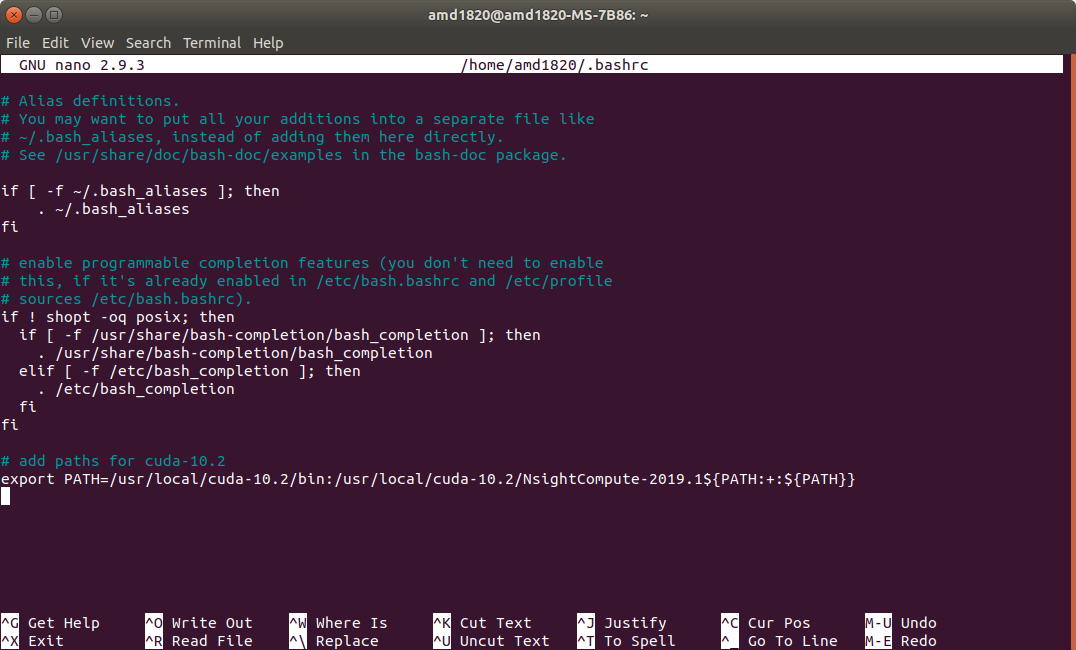
need to add this (at the end of the file, save and exit) as explained in nvidia's official documentation
# add paths for cuda-10.2
export PATH=/usr/local/cuda-10.2/bin:/usr/local/cuda-10.2/NsightCompute-2019.1${PATH:+:${PATH}}
same as in this screenshot:
then update system about the changes:
to navigate in nano command-line text editor:
Ctrl+Shift+Vto pasteCtrl+Xto exit once everything is done- then you have 3 options (
Ctrl+Cto cancel,nto say "no" (don't save changes and exit), andyto say "yes" (save changes and exit)
here when we have done all our changes we choose y to
save and exit.
Then:
source ~/.bashrc
now nvcc --version should just work (we also run nvidia-smi
out of curiosity):
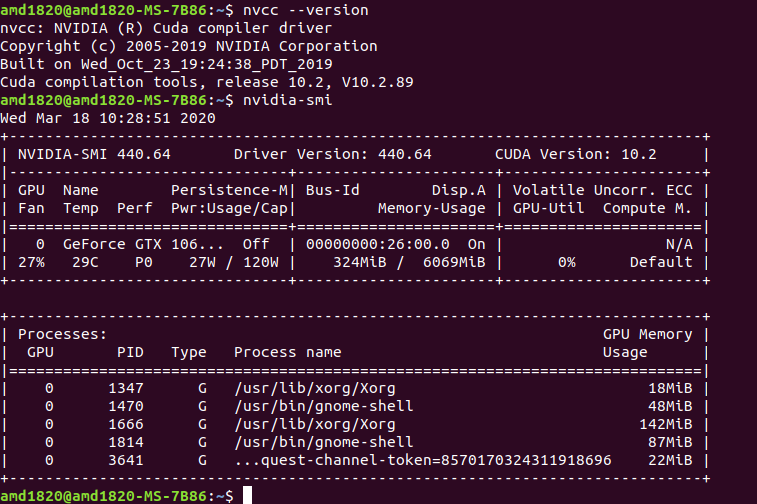
now you can reboot to finalize
sudo reboot
easy install help for cudnn latest version deb for cuda deb:
**For cuDNN install, the trick is to remove all version names ** in filenames and use generic commands instead !!
cd ~ && \
wget https://github.com/wonderingabout/nvidia-archives/releases/download/cuda10.2/libcudnn7.deb https://github.com/wonderingabout/nvidia-archives/releases/download/cuda10.2/libcudnn7-dev.deb https://github.com/wonderingabout/nvidia-archives/releases/download/cuda10.2/libcudnn7-doc.deb && \
sudo dpkg -i libcudnn7.deb libcudnn7-dev.deb libcudnn7-doc.deb && \
sudo apt-get -y upgrade && \
cp -r /usr/src/cudnn_samples_v7/ ~ && \
cd ~/cudnn_samples_v7/mnistCUDNN && \
make clean && make && \
./mnistCUDNN
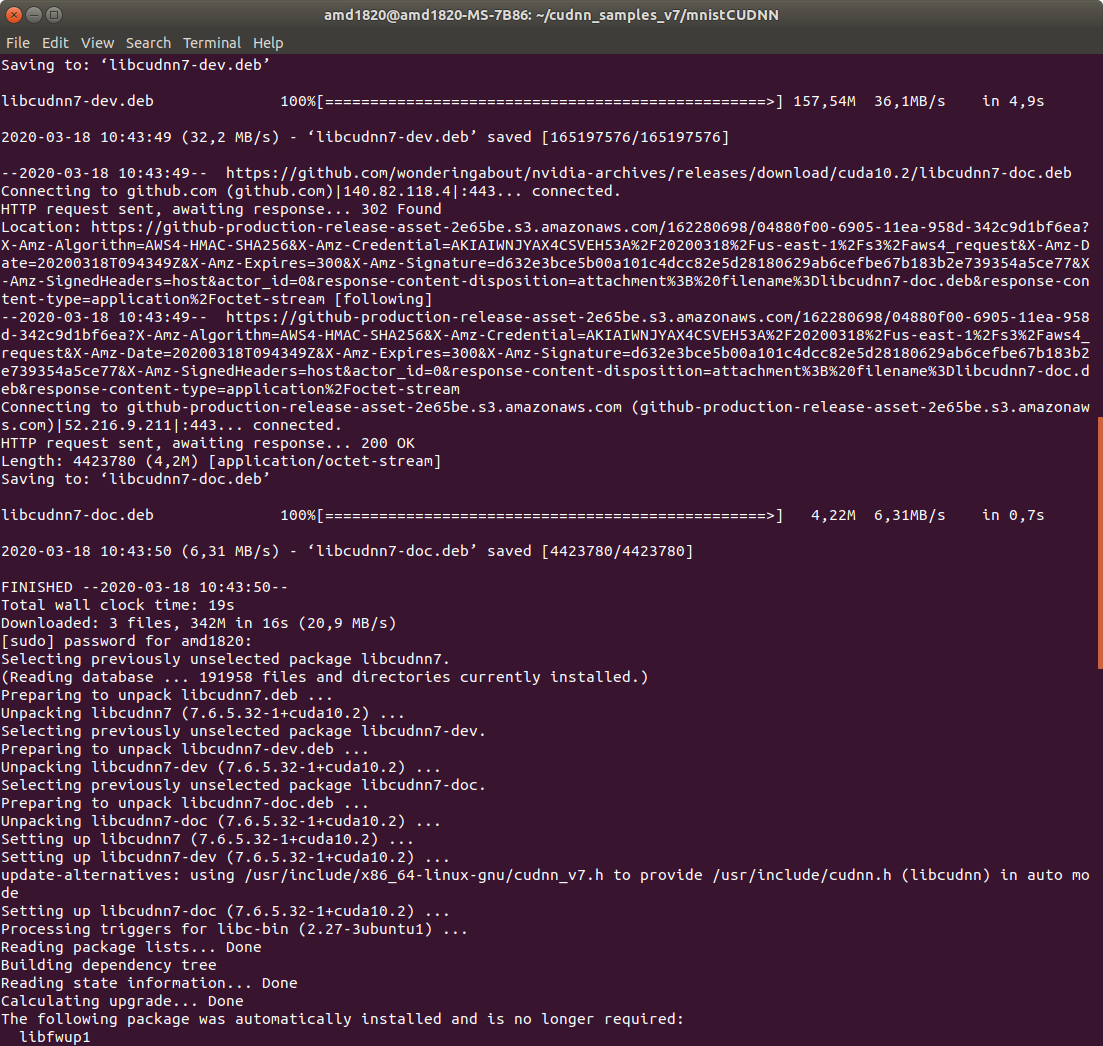
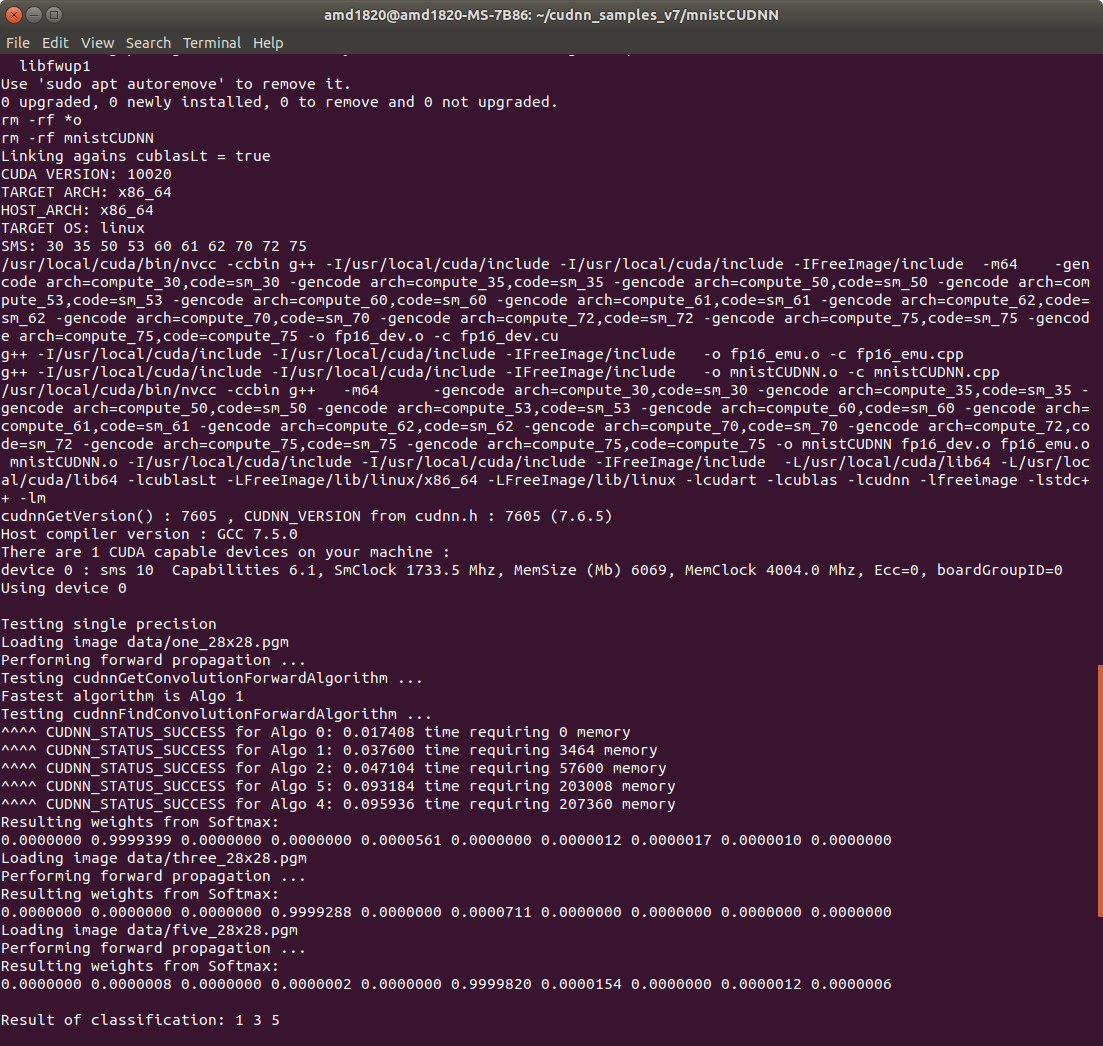
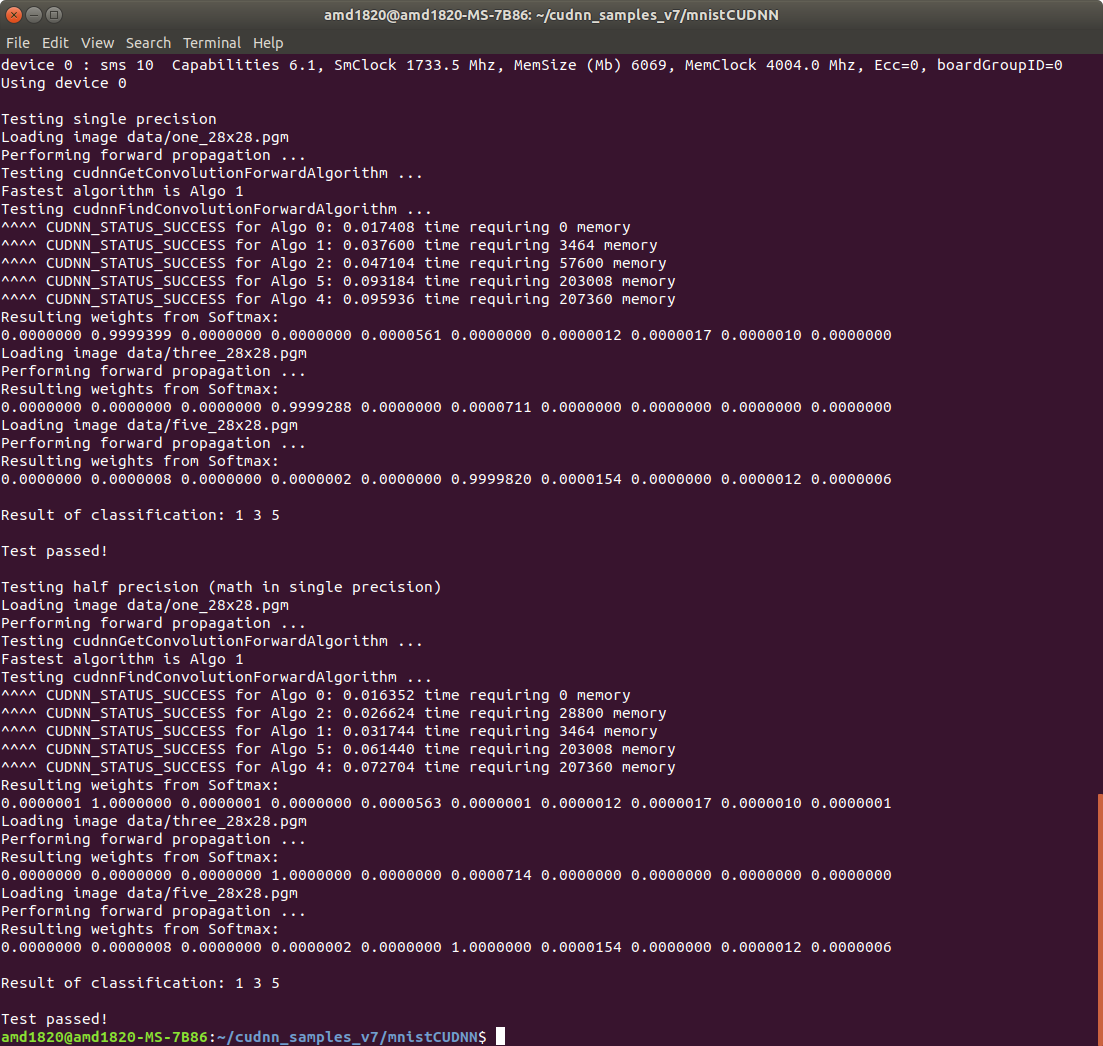
some screenshots of the cudnn install process:
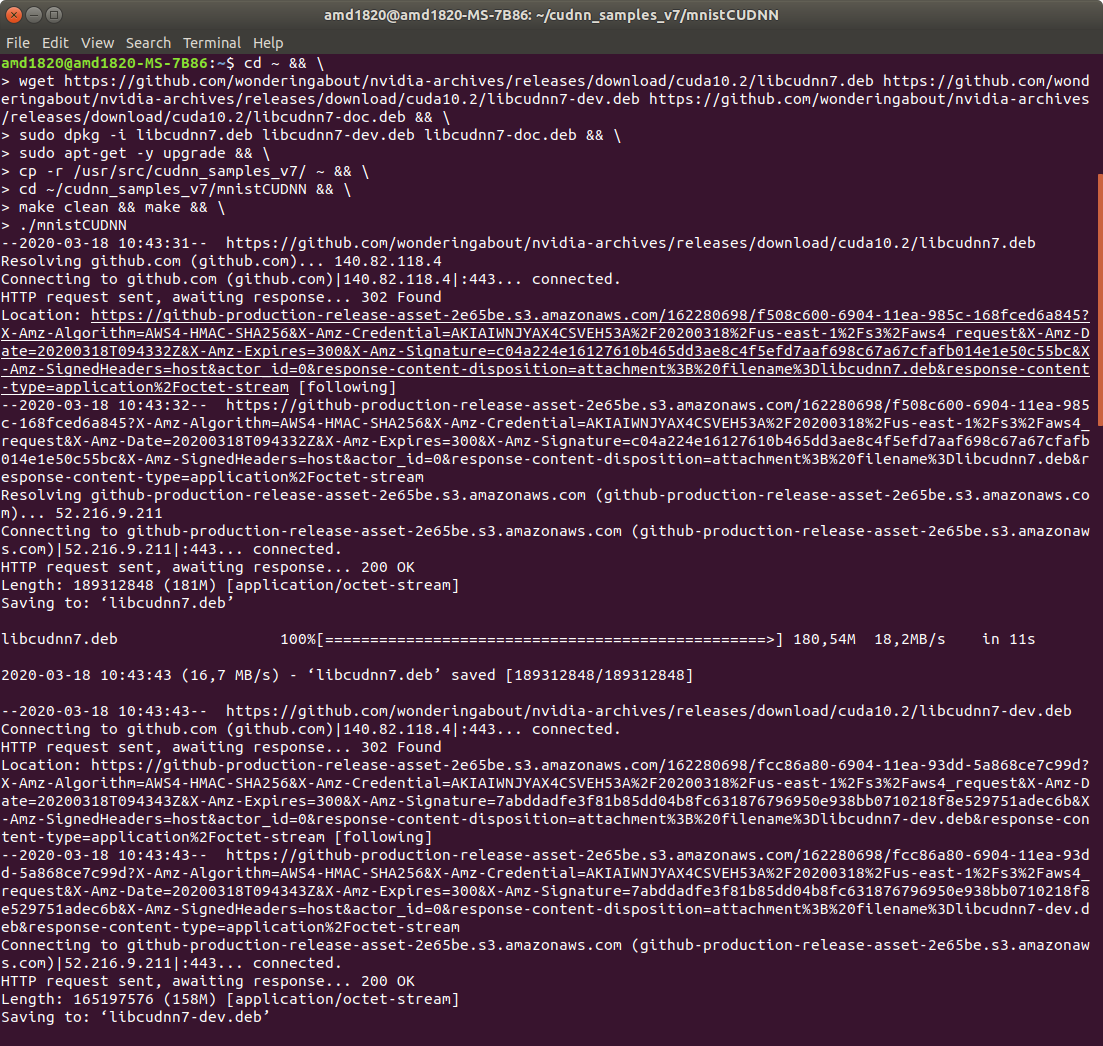
easy post-install after cudnn:
it is also advised to update database
first we check if the libs can be located
locate libcudart.so && locate libcudnn.so.7 && pwd
then, most likely you will not be able to locate them, so we update the database, then check again
sudo updatedb && locate libcudart.so && locate libcudnn.so.7
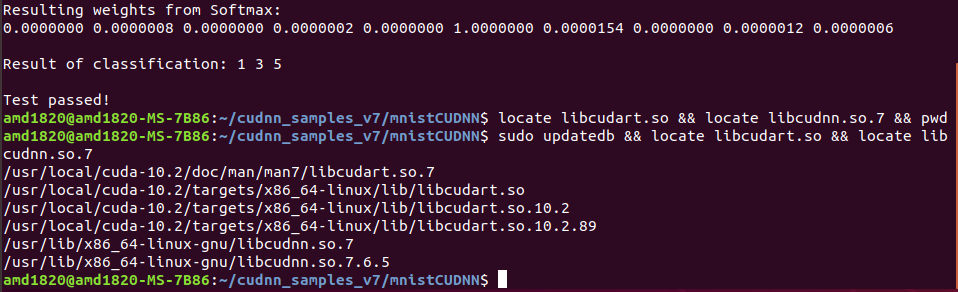
should display something like this:
/usr/local/cuda-10.2/doc/man/man7/libcudart.so.7
/usr/local/cuda-10.2/targets/x86_64-linux/lib/libcudart.so
/usr/local/cuda-10.2/targets/x86_64-linux/lib/libcudart.so.10.2
/usr/local/cuda-10.2/targets/x86_64-linux/lib/libcudart.so.10.2.89
/usr/lib/x86_64-linux-gnu/libcudnn.so.7
/usr/lib/x86_64-linux-gnu/libcudnn.so.7.6.5
A reboot can be appreciated to finalize the install of everything !
sudo reboot
and thats it !
it just works !!