README.md
April 15, 2026 · View on GitHub
English · 简体中文

A floating desktop reader for low-distraction reading.
CheatReader keeps books visible in the corner of your screen without turning your desktop into a full reading app.




Important
CheatReader is only a local multi-format file reader. It does not support importing books or content from any URL, web link, online source, or remote feed. It does not support, encourage, or endorse any act that infringes the lawful rights of writers, publishers, or other copyright holders. This project is shared for learning and technical exchange only. The author does not intend to use this software for commercial activity or to profit from it.
Why It Exists
Traditional reading apps want your full attention. CheatReader does the opposite: it stays light, quiet, and easy to tuck into the edge of your workspace while you keep doing other things.
Highlights
- Transparent text-only mode that lets the app disappear into your desktop
- Compact single-line and multi-line reading modes
- Configurable mode switching via double click, middle click, or keyboard shortcut
- Adjustable line spacing, reading width, and keyboard controls for longer sessions
- Direct jump by line, page, percentage, and text search with previous/next match navigation
- Built-in custom font loading with a dedicated user-selected font option
- Boss-key style hide and restore support without losing reading state
- Support for
txt,epub,html,markdown,fb2,docx, andpdf - Local managed library copies so imported books still restore after restart
- Lightweight desktop-first reading flow with drag-and-drop import

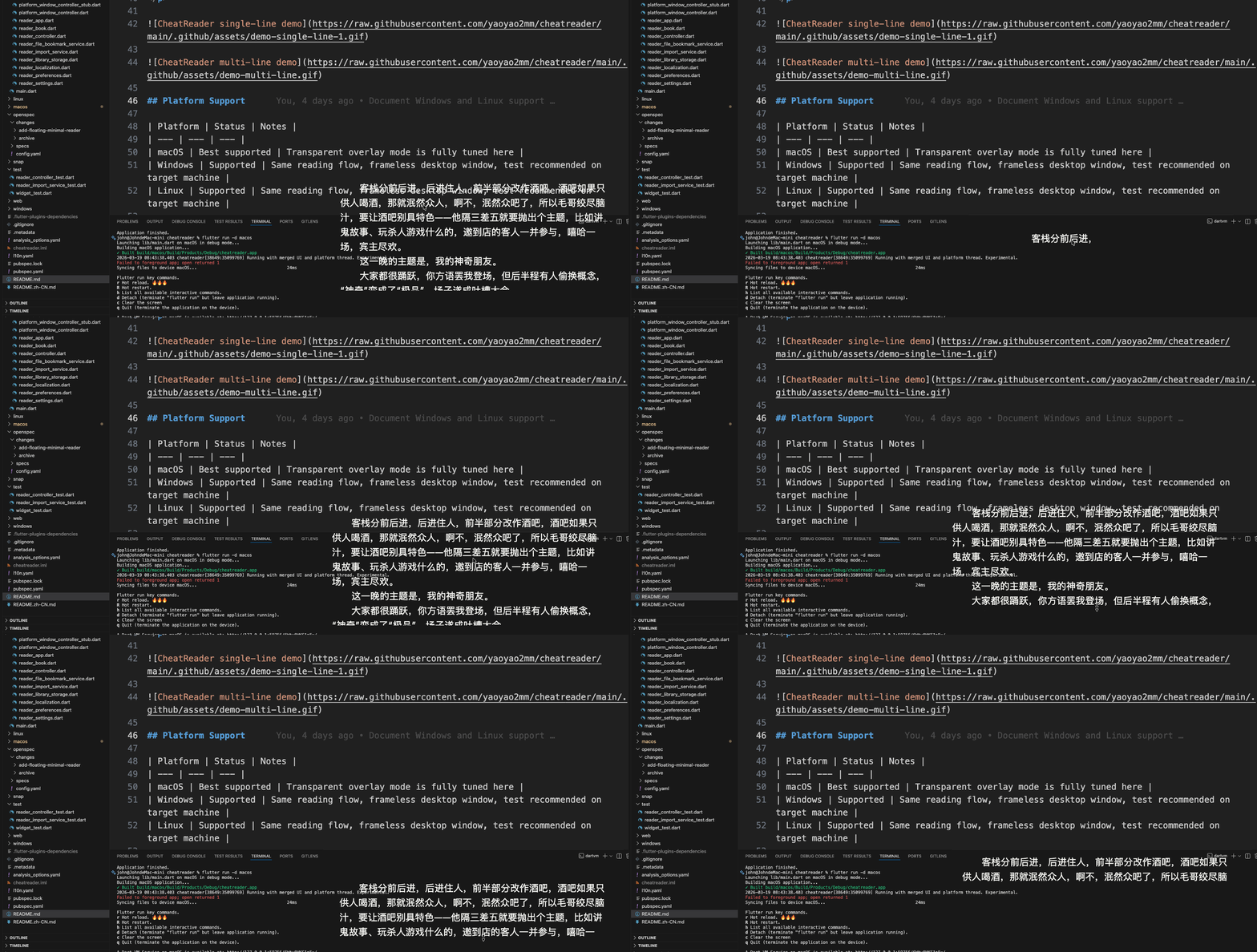
Platform Support
| Platform | Status | Notes |
|---|---|---|
| macOS | Best supported | Transparent overlay mode is fully tuned here |
| Windows | Supported | Same reading flow, frameless desktop window, test recommended on target machine |
| Linux | Supported | Same reading flow, frameless desktop window, Ubuntu startup now prefers multi-line recovery-safe behavior |
Supported Formats
| Format | Status | Notes |
|---|---|---|
txt | Full | Encoding-aware plain text import |
epub | Text extraction | Chapter text is extracted into the existing reader flow |
html / htm / xhtml | Text extraction | Ignores page chrome and keeps readable body text |
md / markdown | Text extraction | Strips markdown syntax into plain readable text |
fb2 | Text extraction | Pulls FictionBook section text into the reader |
docx | Text extraction | Extracts readable document body text into the existing text-first flow |
pdf | Text extraction | Best-effort text-layer extraction; image-only or layout-heavy PDFs may fail or read imperfectly |
Run
flutter pub get
flutter run -d macos
Install on macOS without an Apple Developer account
If you download the unsigned macOS app from GitHub Releases, macOS may block it the first time you launch it.
You can remove the quarantine flag in Terminal:
xattr -dr com.apple.quarantine /Applications/cheatreader.app
If you keep the app somewhere else, replace the path with the actual app location.
Run on Windows
flutter config --enable-windows-desktop
flutter run -d windows
Run on Linux
flutter config --enable-linux-desktop
flutter run -d linux
If a saved floating-window layout becomes hard to find, you can reset just the display-related settings without wiping the bookshelf:
cheatreader --reset-display
Desktop Prerequisites
Windows
- Flutter with Windows desktop enabled
- Visual Studio with Desktop development with C++
Linux
- Flutter with Linux desktop enabled
clang,cmake,ninja-build,pkg-config- GTK development packages required by Flutter desktop
Typical Ubuntu/Debian setup:
sudo apt-get update
sudo apt-get install clang cmake ninja-build pkg-config libgtk-3-dev liblzma-dev
Verify
flutter test
flutter analyze
For desktop floating-window changes, also run the manual checklist in
manual-test-files/regression-checklist.md.
You can also test platform builds directly:
flutter build windows
flutter build linux
Todo
This section highlights the feedback that comes up most often, so users can see what we plan to prioritize next.
- Add an in-app About section with version info and a bug-report entry
- Improve the bookshelf experience with better organization and recovery for imported books
- Add more reading controls such as line spacing, reading width, and shortcut customization
- Improve desktop installation and distribution so first-time setup feels easier
- Keep improving import stability for edge-case
epub,html, and encoded text files
Releases
This repository is configured for automated desktop releases with GitHub Actions.
- Push a tag like
v0.1.0 - GitHub Actions runs analyze and tests
- The workflow builds macOS, Windows, Linux
amd64, and Linuxarm64release artifacts - GitHub Release assets are uploaded automatically
You can also trigger the workflow manually from the Actions tab with a tag name.
License
This repository is licensed under the CheatReader Non-Commercial License. You may use, study, modify, and share this code for personal learning and other non-commercial purposes only. Commercial use, resale, paid distribution, sublicensing, or using this project and its derivatives to generate revenue is not permitted without prior written permission from the copyright holder.
Project Direction
CheatReader is intentionally opinionated:
- minimal chrome
- floating utility, not a bookshelf-heavy library app
- text-first extraction over perfect original-format rendering
That keeps the experience fast, calm, and easy to leave open all day.