Midjourney API: Python SDK for V7, V8, and Niji
August 19, 2026 · View on GitHub



A small Python SDK for calling Midjourney V7, V8, and Niji through MuAPI. Generate four-image batches from text, optionally guide them with a reference image, and poll the asynchronous result with one API key.
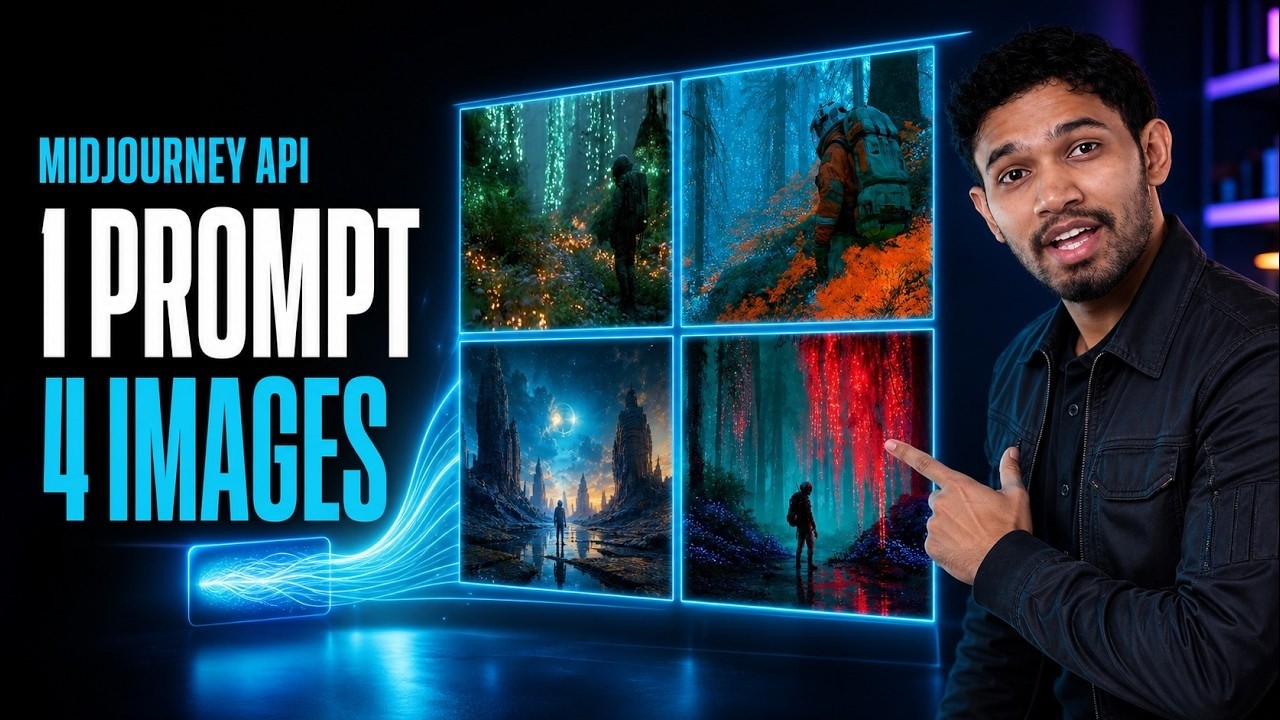
▶ Watch: How to Access Midjourney API (V8, V7, Niji)
Related Projects
- Midjourney on MuAPI — model landing page, capabilities, and access details.
- Midjourney V8 playground — try the current image workflow in the browser.
- midjourney-comfyui — focused ComfyUI nodes for Midjourney V7, V8, and Niji.
- awesome-ai-image-models — compare image models by capability, API, and price.
- Open-Generative-AI — open-source studio for running generative image, video, and audio workflows.
- Flux-3-Dev-API — sibling Python SDK for unified FLUX image and video workflows.
- MiniMax-H3-API — sibling Python SDK for asynchronous generative-video jobs.
- Generative-Media-Skills — agent-ready skills for building generative-media pipelines.
- muapi-cli — CLI and MCP access to the same MuAPI model catalog.
Features
- Midjourney V7, V8, and Niji endpoint helpers
- Four images returned from each generation
- Optional image reference, aspect ratio, stylize, chaos, weird, negative prompt, and seed controls
- Asynchronous submit, poll, and webhook-ready requests
- Blocking
wait_for_completion()andgenerate_and_wait()helpers - Plain
requestsdependency and an injectable session for testing
Installation
pip install midjourney-api
Or install the latest source:
git clone https://github.com/Anil-matcha/midjourney-api.git
cd midjourney-api
pip install -e .
Set your MuAPI key:
export MUAPI_API_KEY=your_muapi_api_key
Create a key from the MuAPI access-key page.
Quick start
from midjourney_api import MidjourneyAPI

api = MidjourneyAPI()

task = api.v8(
    "A lone astronaut walking through a bioluminescent forest, cinematic lighting",
    aspect_ratio="16:9",
    stylize=500,
)

result = api.wait_for_completion(task["request_id"])
for image_url in api.extract_image_urls(result):
    print(image_url)
Use api.v7(...) or api.niji(...) for the other model variants. api.text_to_image(...) is a compatibility alias for V8.
Image references and controls
Pass a public image URL to guide the generation:
task = api.v7(
    "Editorial portrait with soft studio light and a deep red coat",
    image_url="https://example.com/reference.jpg",
    aspect_ratio="4:3",
    stylize=250,
    chaos=10,
    weird=0,
    negative_prompt="text, watermark, blurry",
)
stylize ranges from 0–1000, chaos from 0–100, and weird from 0–3000. Supported aspect ratios are 1:1, 16:9, 9:16, 3:4, 4:3, and 21:9.
API endpoints
| Workflow | Endpoint |
|---|---|
| Midjourney V7 | POST /api/v1/midjourney-v7 |
| Midjourney V8 | POST /api/v1/midjourney-v8 |
| Midjourney Niji | POST /api/v1/midjourney-niji |
| Poll task | GET /api/v1/predictions/{request_id}/result |
All requests use the x-api-key header. The generation endpoints are asynchronous and return a request_id immediately.
Raw request shape
curl --location --request POST "https://api.muapi.ai/api/v1/midjourney-v8" \
  --header "x-api-key: $MUAPI_API_KEY" \
  --header "Content-Type: application/json" \
  --data-raw '{
    "prompt": "A celestial observatory above a waterfall at night",
    "aspect_ratio": "16:9",
    "stylize": 500,
    "chaos": 10,
    "webhook_url": "https://example.com/webhook"
  }'
The SDK sends webhook_url in the JSON body when supplied. MuAPI posts the completed result to that URL while the polling endpoint remains available.
Development
python -m unittest discover -s tests -v
The tests mock HTTP calls and never spend credits.
License
MIT — see LICENSE.