Midjourney ComfyUI Nodes
August 19, 2026 · View on GitHub
ComfyUI custom nodes for Midjourney V7, V8, and Niji — generate high-quality Midjourney images directly inside ComfyUI via the muapi.ai API.



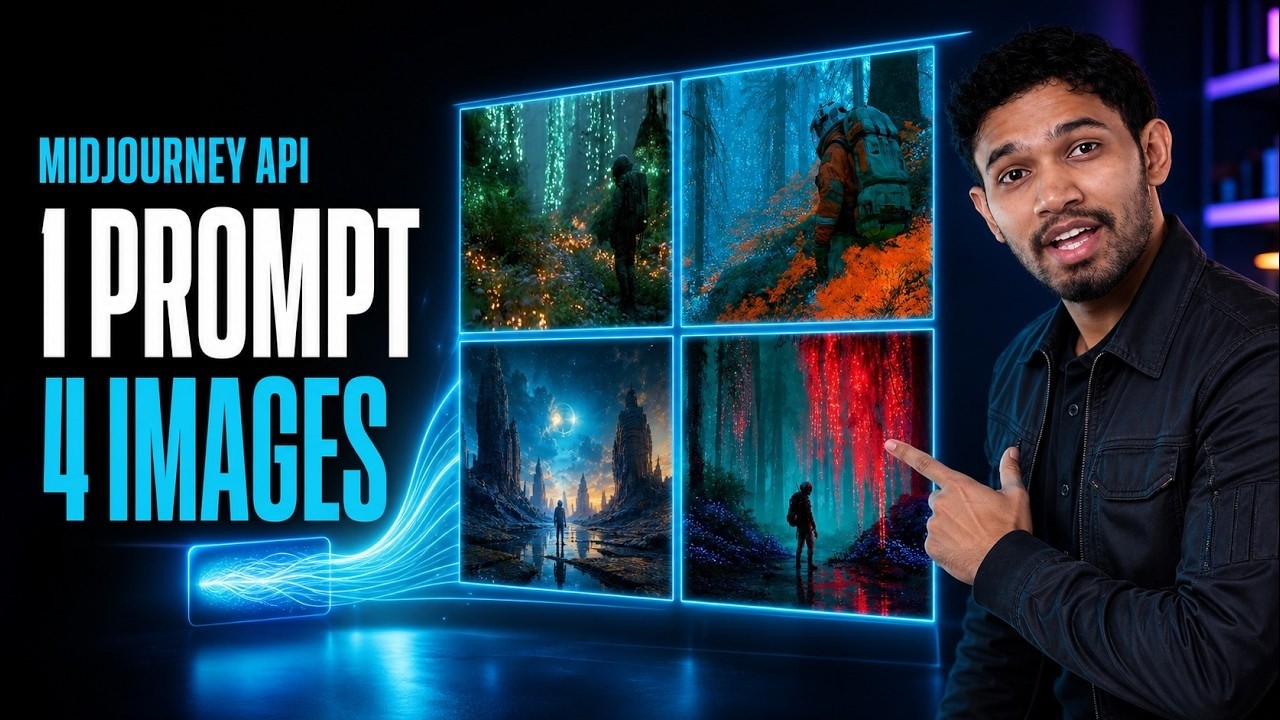
▶ Watch: How to Access Midjourney API (V8, V7, Niji)
Related Projects
- Midjourney on MuAPI — Model landing page for the V7, V8, and Niji nodes.
- Midjourney V8 playground — Try the latest image model in the browser.
- midjourney-api — Python SDK for the same V7, V8, and Niji endpoints.
- muapi-comfyui — ComfyUI nodes for 100+ MuAPI models including Midjourney, Seedance, Veo, and more
- Open-Generative-AI — Free self-hosted studio with 200+ models — no ComfyUI needed
- awesome-ai-image-models — compare AI image models by API, price & quality
What's Inside
This node pack exposes the three latest Midjourney endpoints on muapi.ai as ComfyUI nodes. Each run returns 4 images as an IMAGE batch that plugs directly into previews, savers, upscalers, or any downstream node.
- Midjourney V7 — photorealistic, artistic, cinematic compositions
- Midjourney V8 — latest generation, improved coherence and detail
- Midjourney Niji — anime, manga, and stylized illustration
All three share the same control surface: prompt, aspect ratio, stylize, chaos, weird, negative prompt, seed, and optional reference image.
Nodes
| Node | Description |
|---|---|
| 🔑 Midjourney API Key | Set your muapi key once — wire to all nodes |
| 🎨 Midjourney V7 | 4-image run with V7 |
| 🎨 Midjourney V8 | 4-image run with V8 |
| 🎨 Midjourney Niji | 4-image run with Niji (anime / illustration) |
Installation
Via ComfyUI Manager (recommended)
- Open ComfyUI Manager → Install via Git URL
- Paste:
https://github.com/Anil-matcha/Open-Higgsfield-Popcorn - Restart ComfyUI
Manual
cd ComfyUI/custom_nodes
git clone https://github.com/Anil-matcha/Open-Higgsfield-Popcorn midjourney-comfyui
pip install -r midjourney-comfyui/requirements.txt
Quick Start
- Sign up at muapi.ai and go to Dashboard → API Keys → Create Key.
- Right-click the ComfyUI canvas → Add Node → 🎨 Midjourney.
- Add a 🔑 Midjourney API Key node, paste your key, and wire its output to any generation node (or leave all
api_keyfields empty and runmuapi auth configure --api-key YOUR_KEYonce in a terminal). - Type a prompt and hit Queue Prompt — 4 images come back as a batch.
Tip: The MuAPI CLI lets you configure your key once globally. All nodes in this pack auto-read
~/.muapi/config.jsonwhen theapi_keyfield is empty.
Node Reference
All three generation nodes share the same inputs:
| Field | Values | Default |
|---|---|---|
prompt | Text description | — |
aspect_ratio | 1:1 / 16:9 / 9:16 / 3:4 / 4:3 / 21:9 | 1:1 |
stylize | 0–1000 (lower = literal, higher = stylized) | 100 |
chaos | 0–100 (variation across the 4 images) | 0 |
weird | 0–3000 (unconventional aesthetics) | 0 |
negative_prompt | Optional — things to exclude | — |
seed | 0–4294967295 (0 = random) | 0 |
image_url | Optional reference image URL | — |
ref_image | Optional IMAGE input — uploaded to muapi | — |
api_key | Optional — leave blank if using the API Key node or CLI config | — |
Outputs: images (IMAGE batch of 4) · first_url (STRING) · all_urls (STRING, newline-separated) · request_id (STRING)
Reference images
- If both
image_urlandref_imageare provided,image_urlwins. ref_imageis uploaded to muapi's/upload_fileendpoint before the generation call.
Example Workflow
[🔑 API Key] ──────────────────┐
                                ↓
[🎨 Midjourney V8] → images → [Preview Image]
                   → first_url → [Show Text]
The images output is a batch of 4, so dropping a standard Preview Image or Save Image node shows/saves all four frames.
API
This node pack uses the muapi.ai API under the hood:
- Submit:
POST https://api.muapi.ai/api/v1/midjourney-v7(or-v8, or-niji) - Poll:
GET https://api.muapi.ai/api/v1/predictions/{id}/result - Upload:
POST https://api.muapi.ai/api/v1/upload_file
Authentication is a single x-api-key header — no session tokens required.
Requirements
- Python ≥ 3.8
requests≥ 2.28 ·Pillow≥ 9.0 ·numpy≥ 1.23 ·torch≥ 2.0
Want More Models?
This repo is focused on Midjourney only. If you need access to 100+ models — Seedance, Kling, Veo3, Flux, HiDream, GPT-image, Imagen4, Wan, lipsync, audio, image enhancement and more — check out the full MuAPI ComfyUI node pack:
SamurAIGPT/muapi-comfyui — ComfyUI nodes for every muapi.ai model in one place.
License
MIT © 2026