README.md
June 24, 2026 · View on GitHub

DevWinUI
Native AOT Compatible — 99% Full support for Native AOT compilation
Documentation · Release notes · Samples · Gallery App (Store)


| Packages | Download/Installation | Documentation |
|---|---|---|
 | |  |
 |  | |
 |  | |
 |  | |
 |  | |
 |  | |
DevWinUI is a comprehensive collection of libraries, components, styles, shaders, and tools designed to help you build powerful WinUI 3 applications quickly and efficiently. Whether you’re creating modern desktop experiences for Windows 10, Windows 11, or future versions, DevWinUI brings together everything you need to accelerate development and deliver exceptional results.
- DevWinUI is built around WinUI 3: Microsoft’s modern native UI framework that embraces Fluent Design principles. It enables beautiful, intuitive, and accessible interfaces with the latest patterns and controls.
- Accelerated development: Leverage pre-built templates, scaffolding tools, and ready-to-use helper classes to streamline common tasks such as navigation, theming, and app lifecycle management. Get your project up and running in minutes while maintaining flexibility and control over your design.
- Optimized performance: All components are purpose-built for high performance and reliability, ensuring smooth, responsive, and scalable applications that shine across devices and environments.
- Native AOT Compatible: 99% full compatible with Native AOT. DevWinUI adapts to system capabilities to ensure consistent functionality and a great user experience wherever your app runs.
- Designed for developers: Whether you’re an experienced professional or just starting out, DevWinUI provides a unified and productive foundation to help you transform your ideas into powerful applications.
- Build faster: Create smarter. Deliver extraordinary experiences.
📚 Getting started with DevWinUI
- Developer documentation
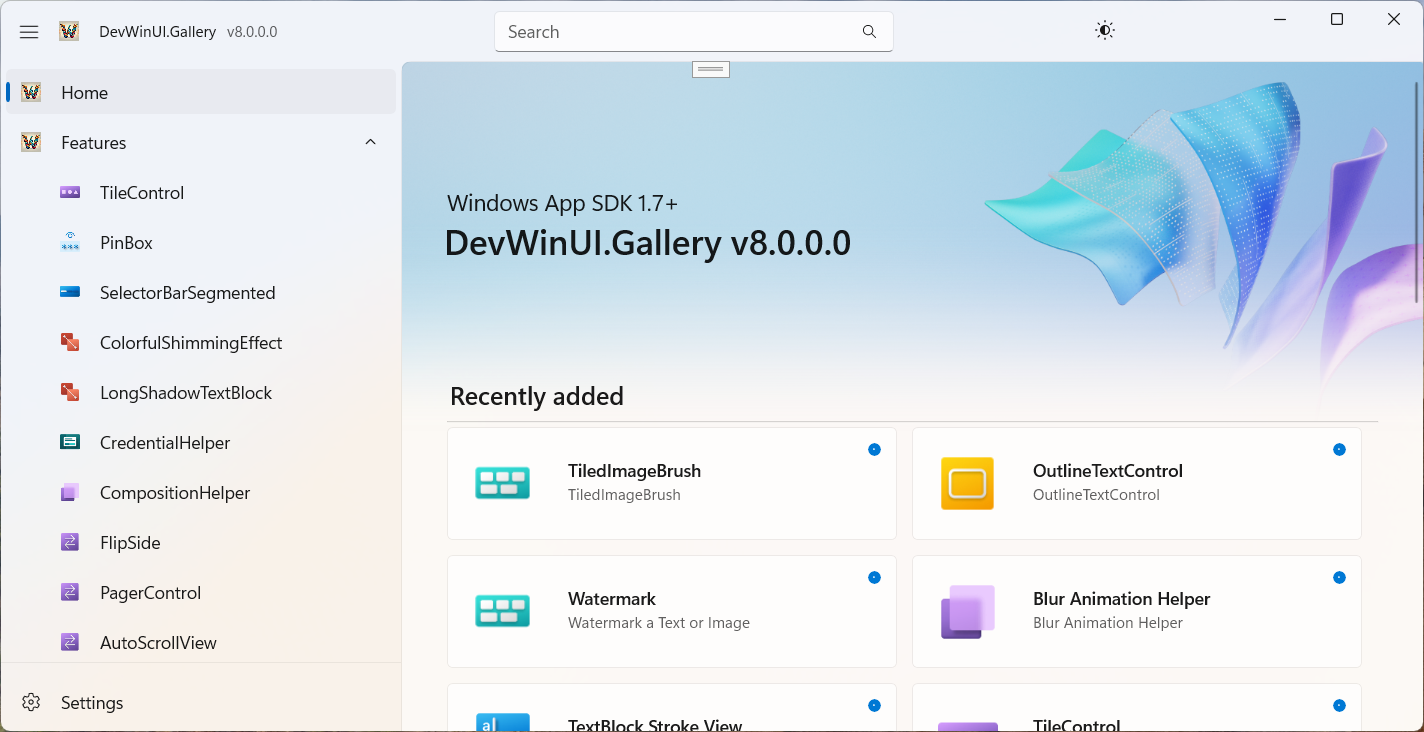
- Gallery App
- Project Templates VSIX
- Nightly Build
- Contribution guide
- Migration To v10.0.0+
- Licensing and Attribution
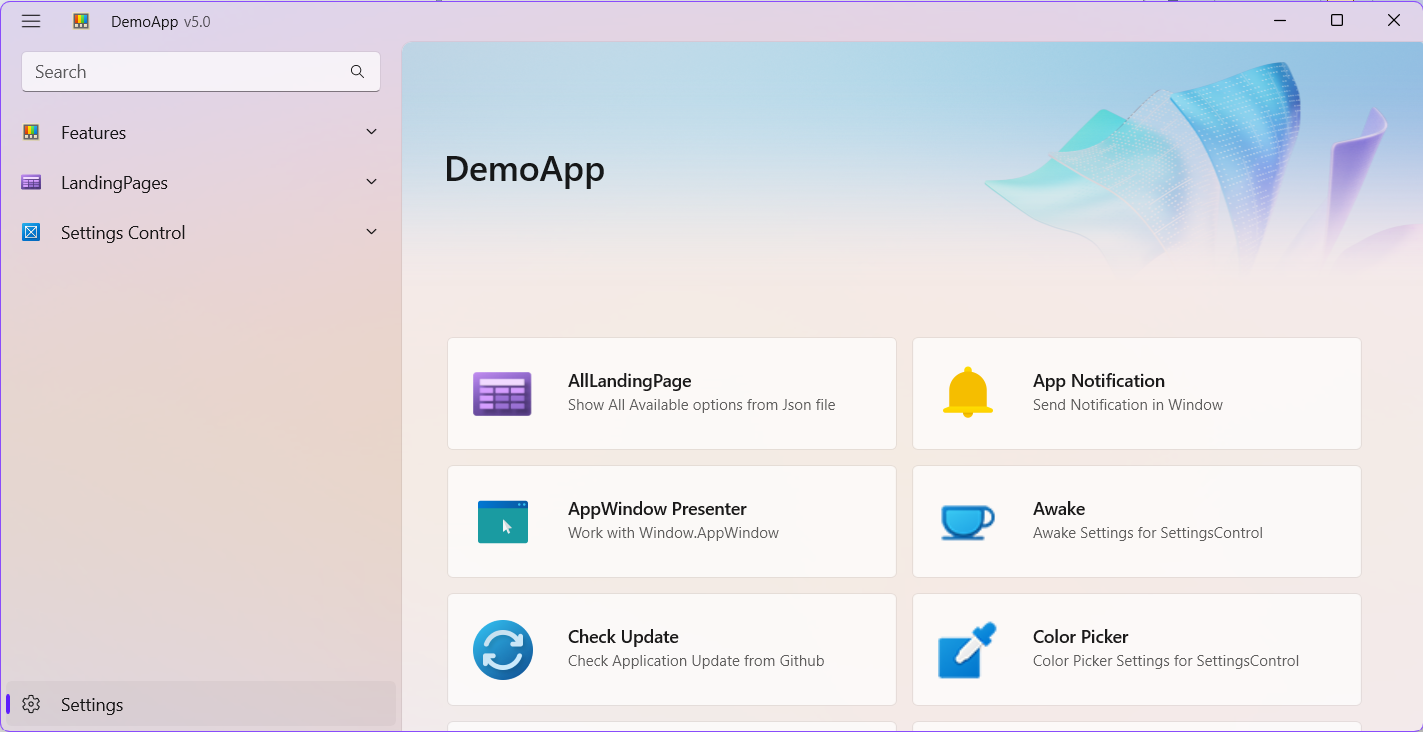
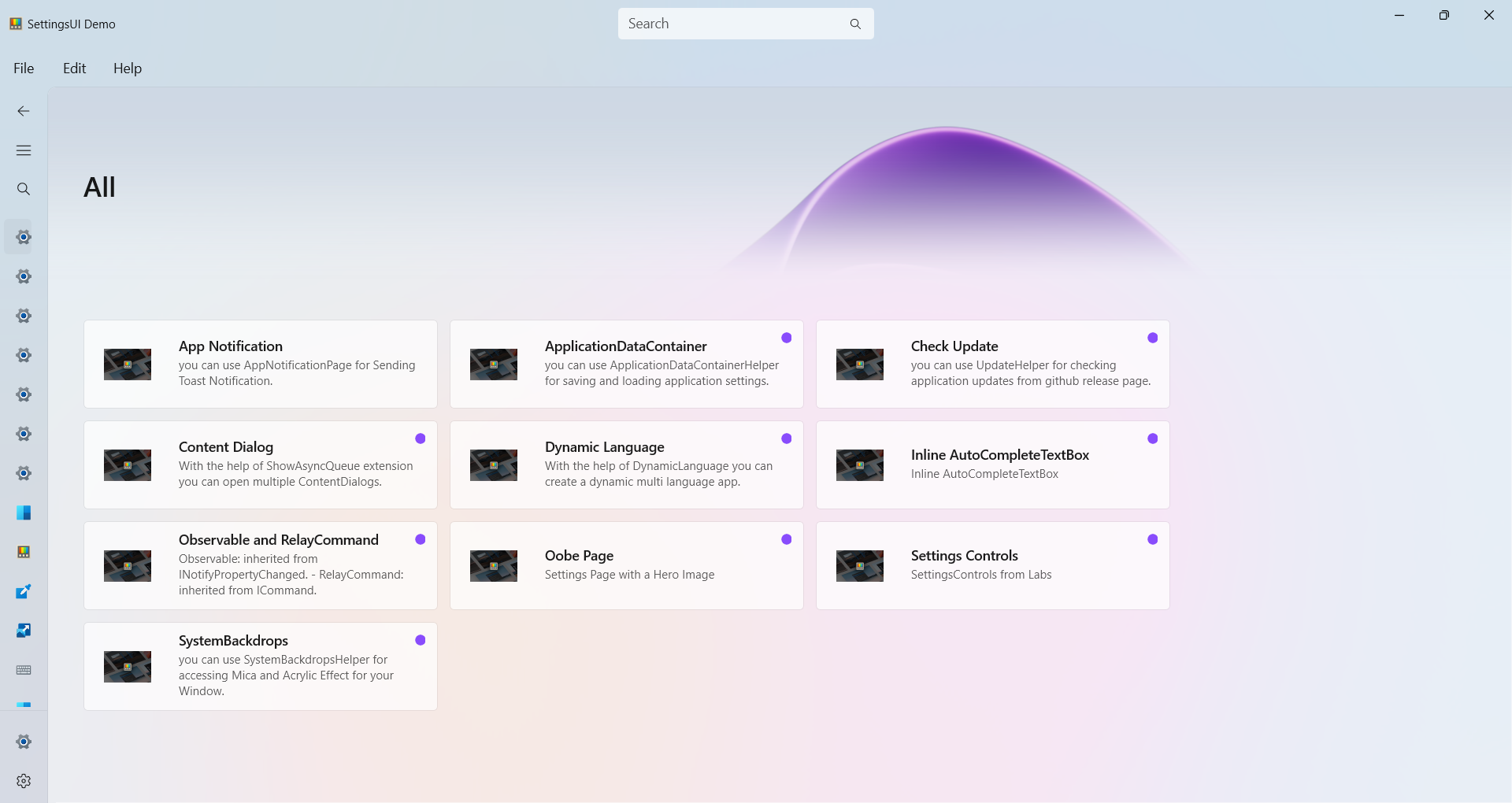
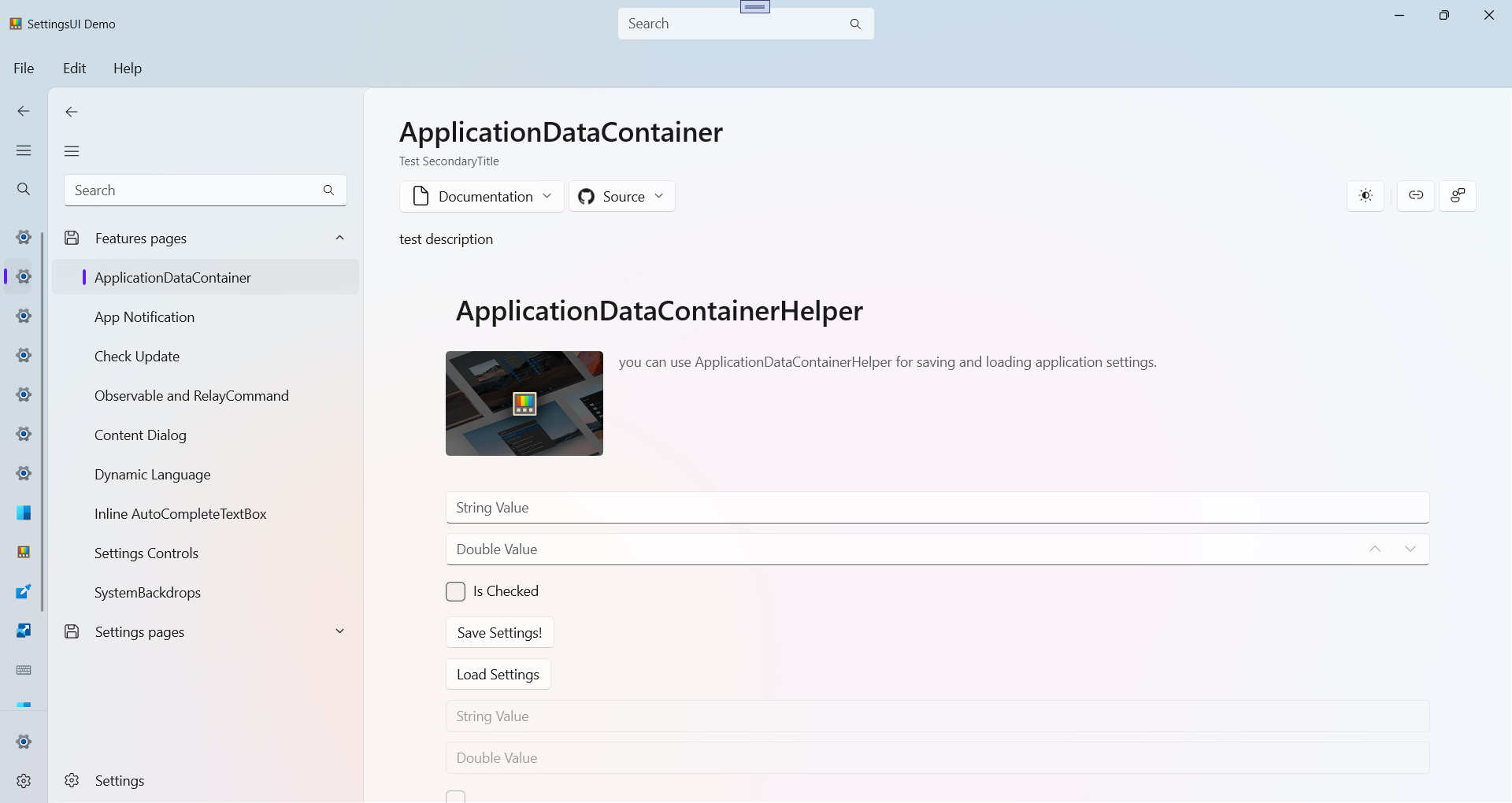
Make sure to also check out the Gallery App, our interactive sample experience showing everything you can do with DevWinUI.

💻 DevWinUI.Base
Install this package to access core utilities, including services, helpers, extensions, managers and more.
Install-Package DevWinUI.Base
Or
dotnet add package DevWinUI.Base
💻 DevWinUI
Install this package for custom controls, styles, XAML resources, and more. It also includes DevWinUI.Base.
Install-Package DevWinUI
Or
dotnet add package DevWinUI
After installing, add the following resource to App.xaml
<ResourceDictionary Source="ms-appx:///DevWinUI/Themes/Generic.xaml" />
Note: This library uses Microsoft.Graphics.Win2D internally.
💻 DevWinUI.ContexMenu
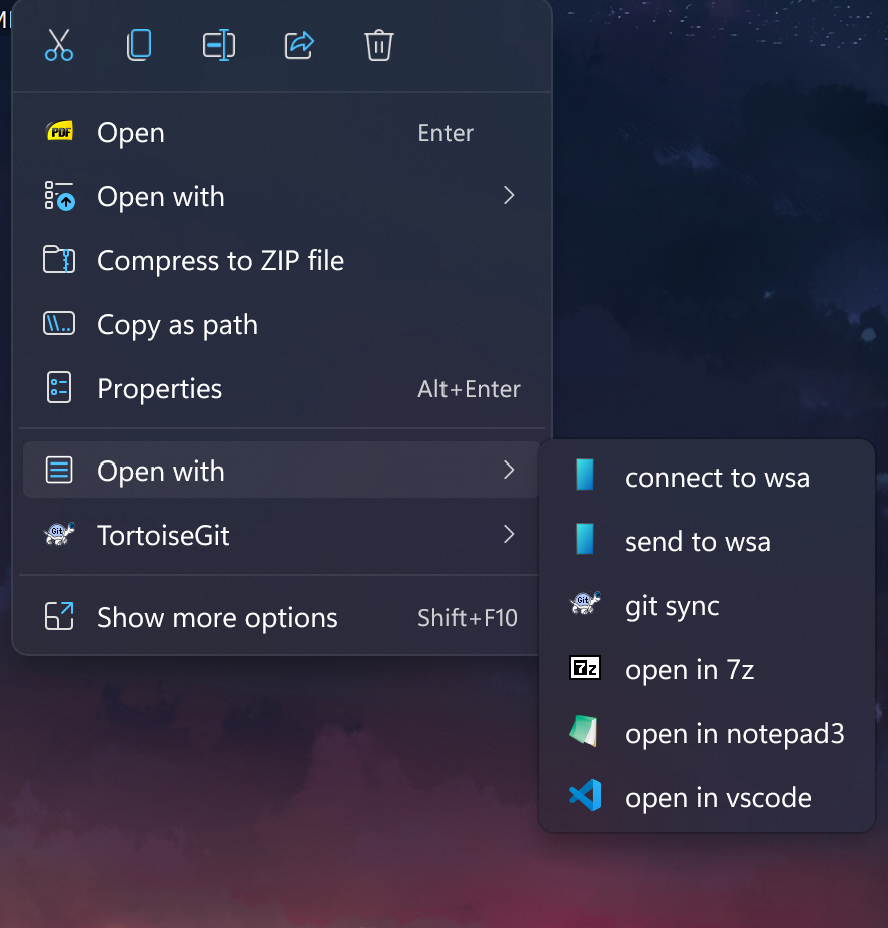
Add a new ContextMenu for Windows 11/10. You can use it in any .Net >= 8.0 apps which supports Package Identity. this means you can use it in WPF or WinForm with MSIX Packaging.
Install-Package DevWinUI.ContextMenu
Or
dotnet add package DevWinUI.ContextMenu
💻 DevWinUI.SourceGenerator
Some useful Source Generator
Install-Package DevWinUI.SourceGenerator
Or
dotnet add package DevWinUI.SourceGenerator
DevWinUI.Shader
DevWinUI.Shader is a high-performance rendering library for WinUI applications that enables GPU-accelerated animated backgrounds using HLSL compute shaders, powered by ComputeSharp, and rendered in real-time through Win2D CanvasAnimatedControl.
It is designed for developers who want modern, fluid, and fully customizable visual backgrounds without sacrificing performance or UI responsiveness.
Note: This library needs TargetFrameworks 22621+
Note: This library uses
Microsoft.Graphics.Win2D
ComputeSharp.D2D1.WinUI
internally.
Install-Package DevWinUI.Shader
Or
dotnet add package DevWinUI.Shader
❤️ Special thanks to Fatemeh sadat Ashian for designing our icon. You can find her here: Telegram, Gmail.
🕰️ History
ClockPicker

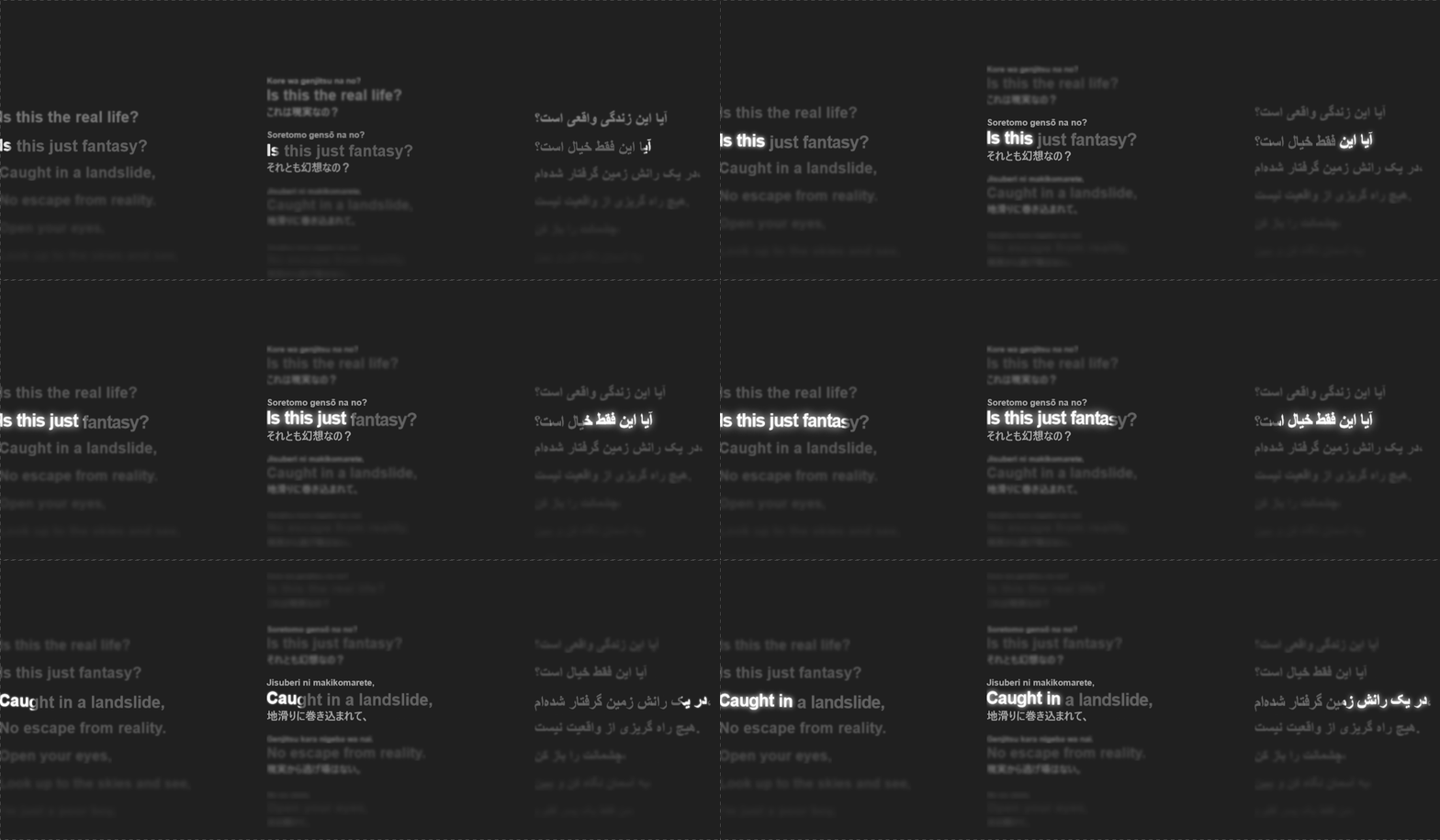
TextBlockHelper

ParallaxTilt
WavyBackgroundShader

WallpaperShader

TriangleGradientBackgroundShader

ResidualBackgroundRadiationShader
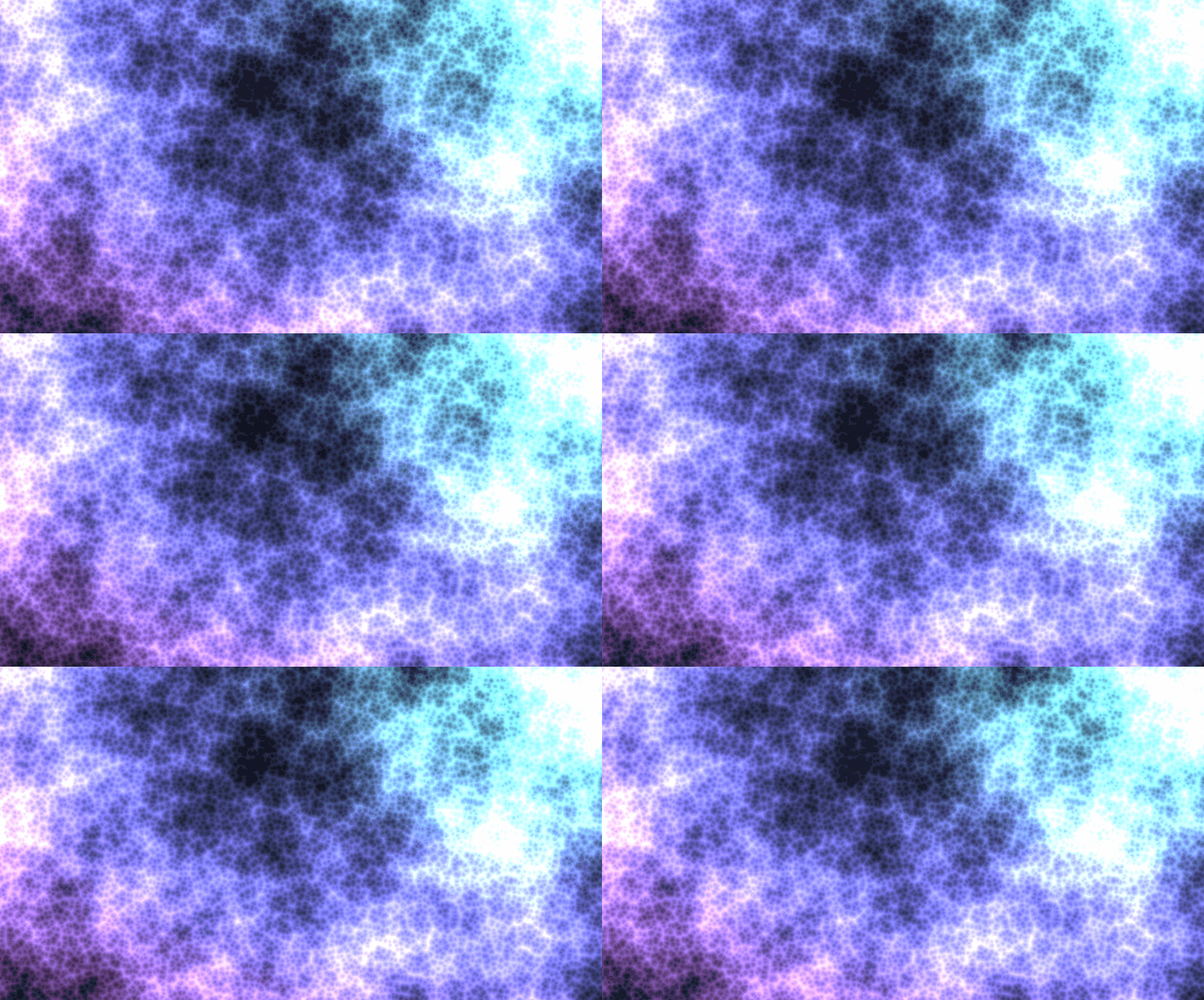
PS3XMBBackgroundShader

GradientFlowShader

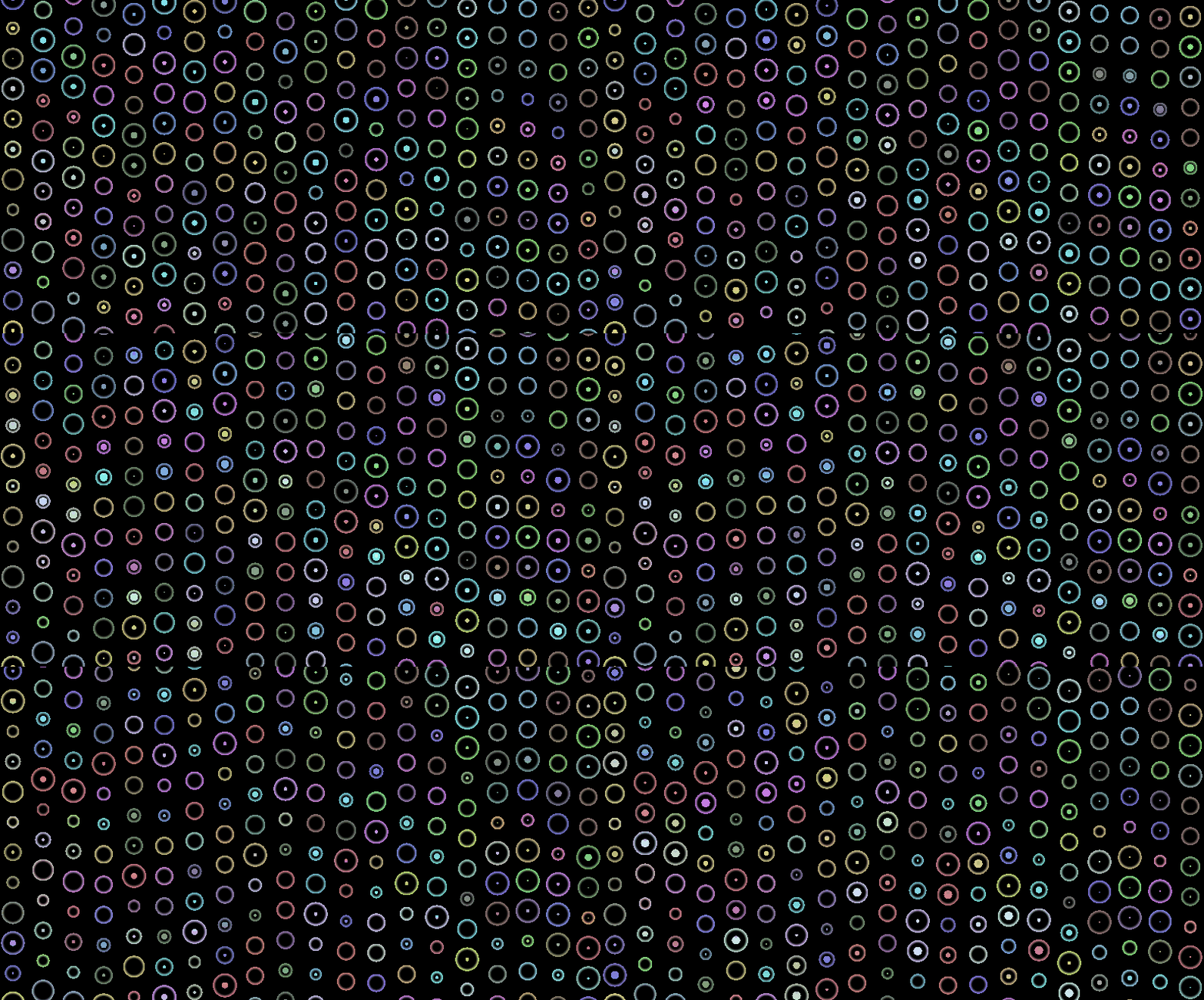
ColourfulBubblesShader
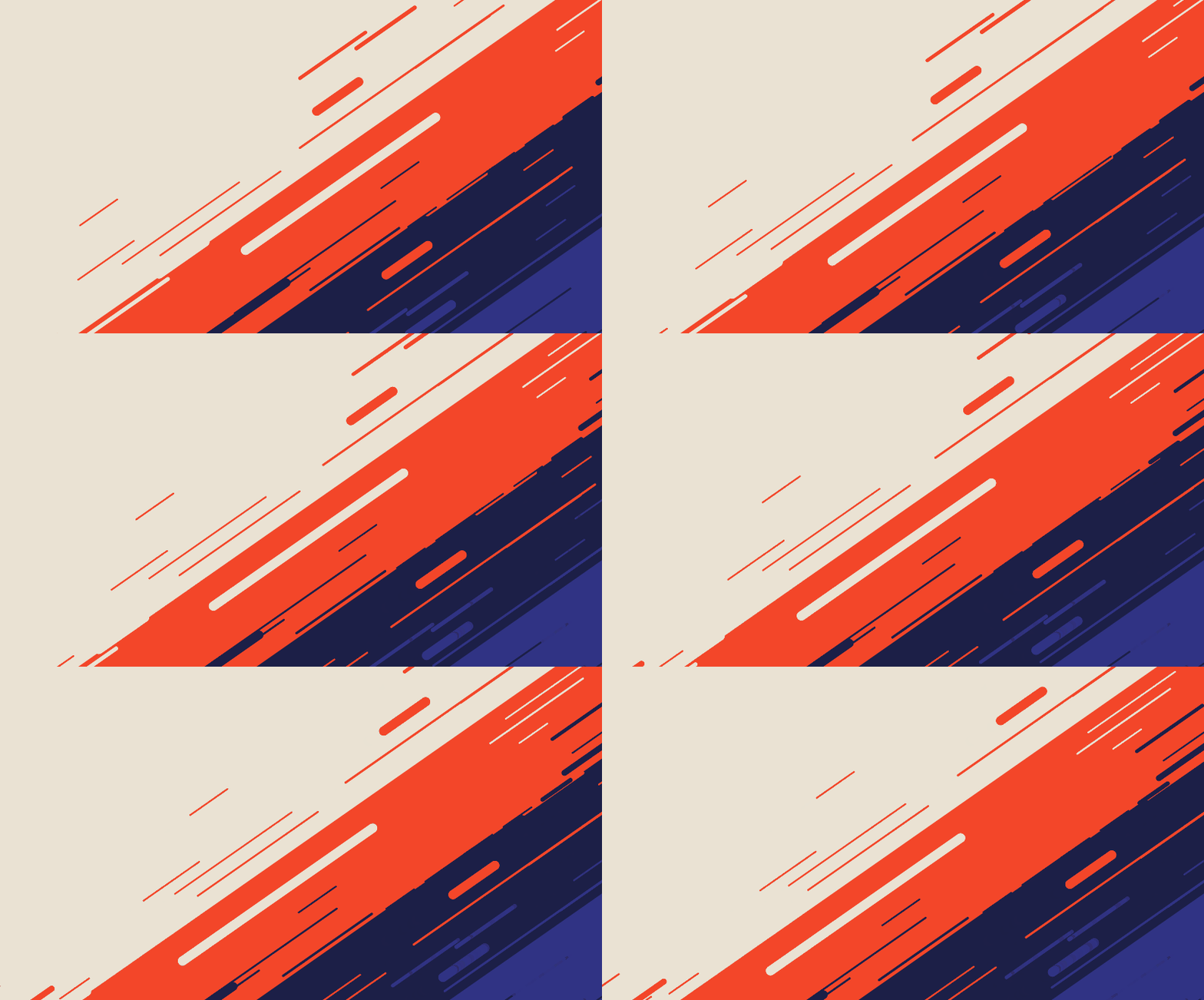
AbstractMovementBackgroundShader
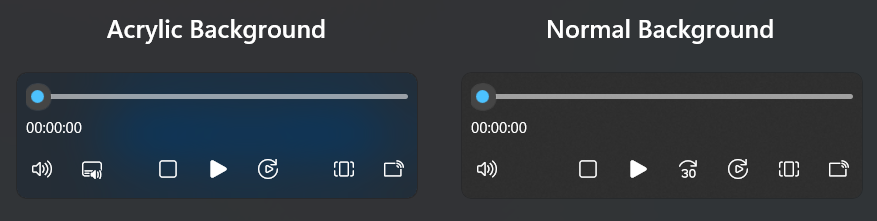
MaterialAttach (ComboBox, AutoSuggestBox, CommandBar, MediaTransportControls, ToolTip, Flyout, DatePicker, TimePicker)
CosmicShader

EdgeFeathering
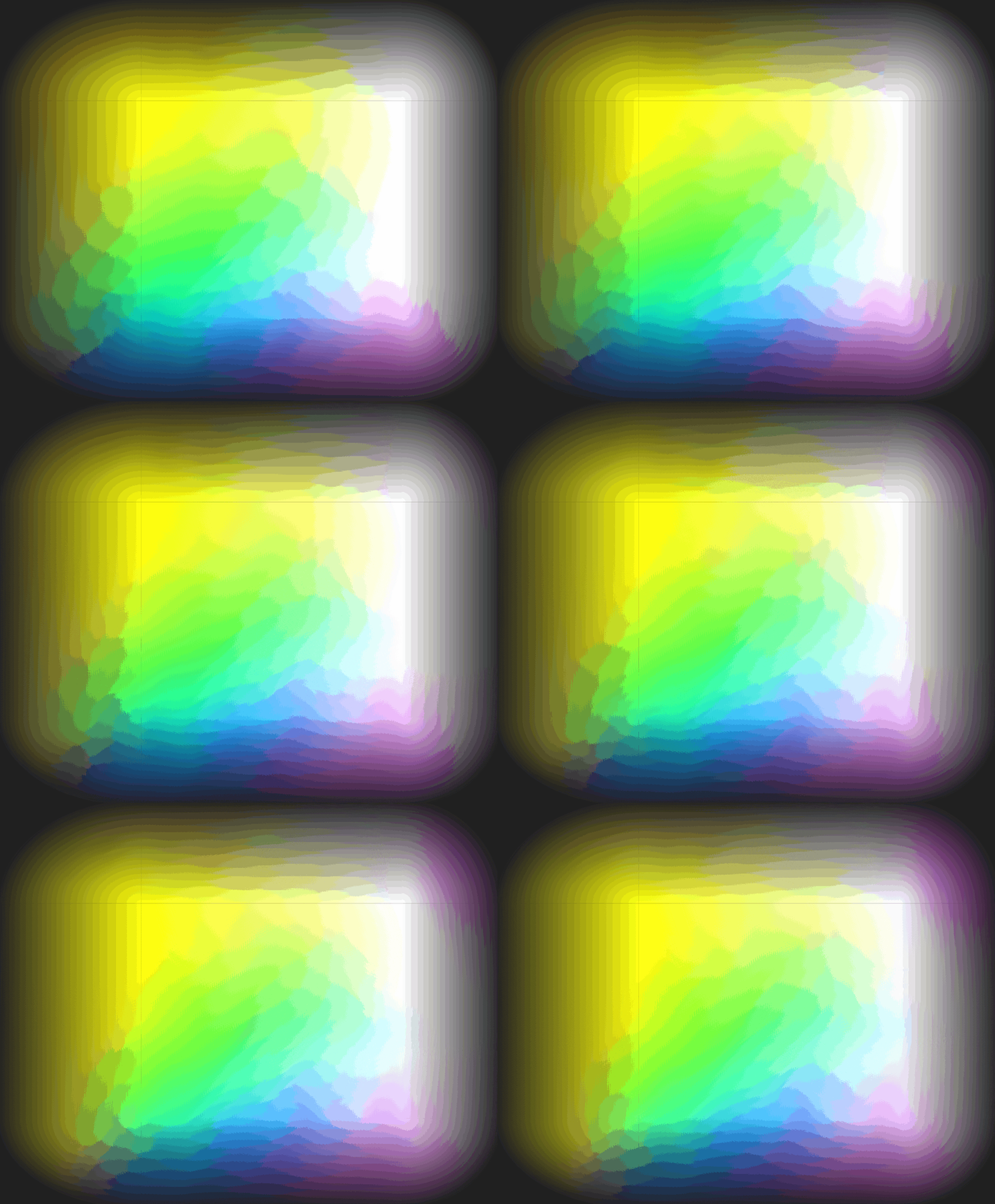
StarNestShader

StarNoiseShader

SparkShader

FireShader

PureColorRenderer

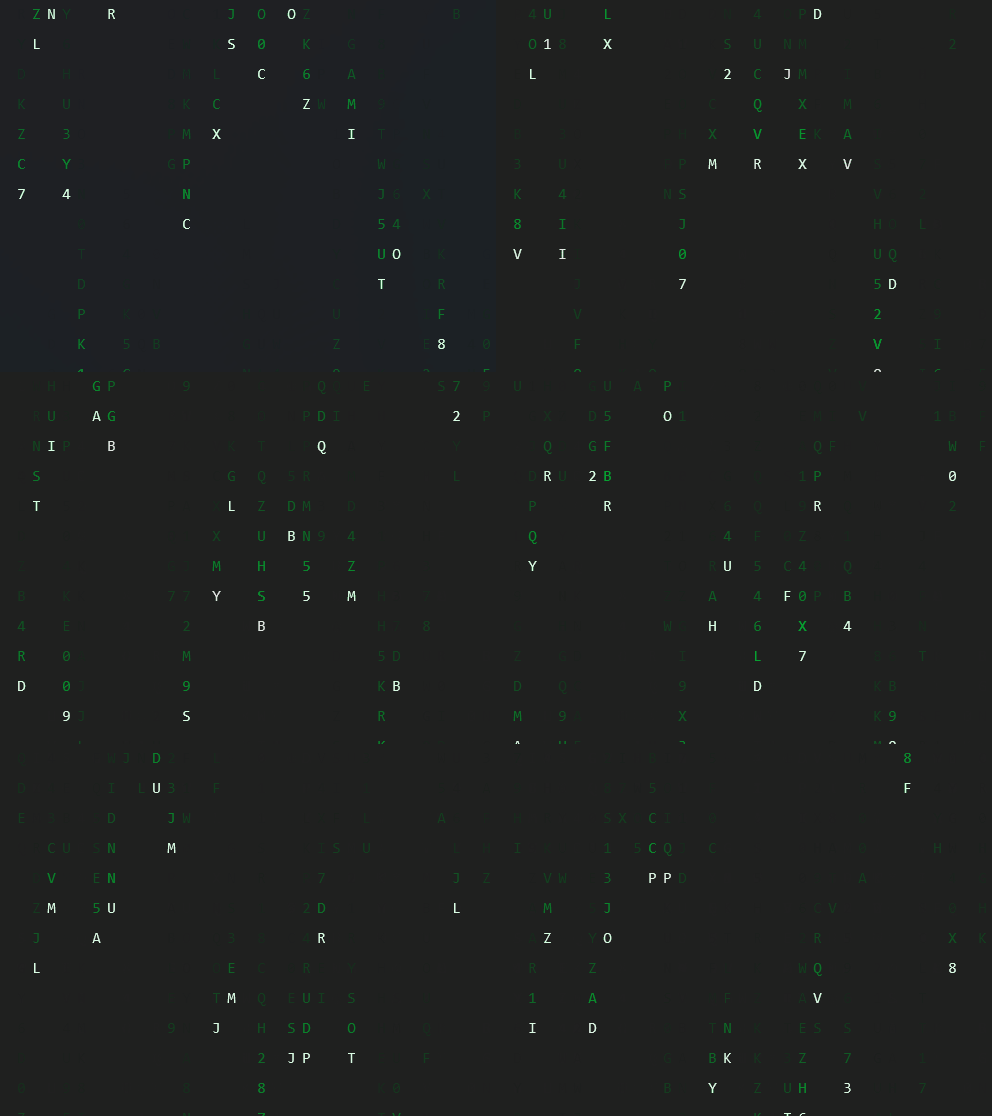
MatrixShader
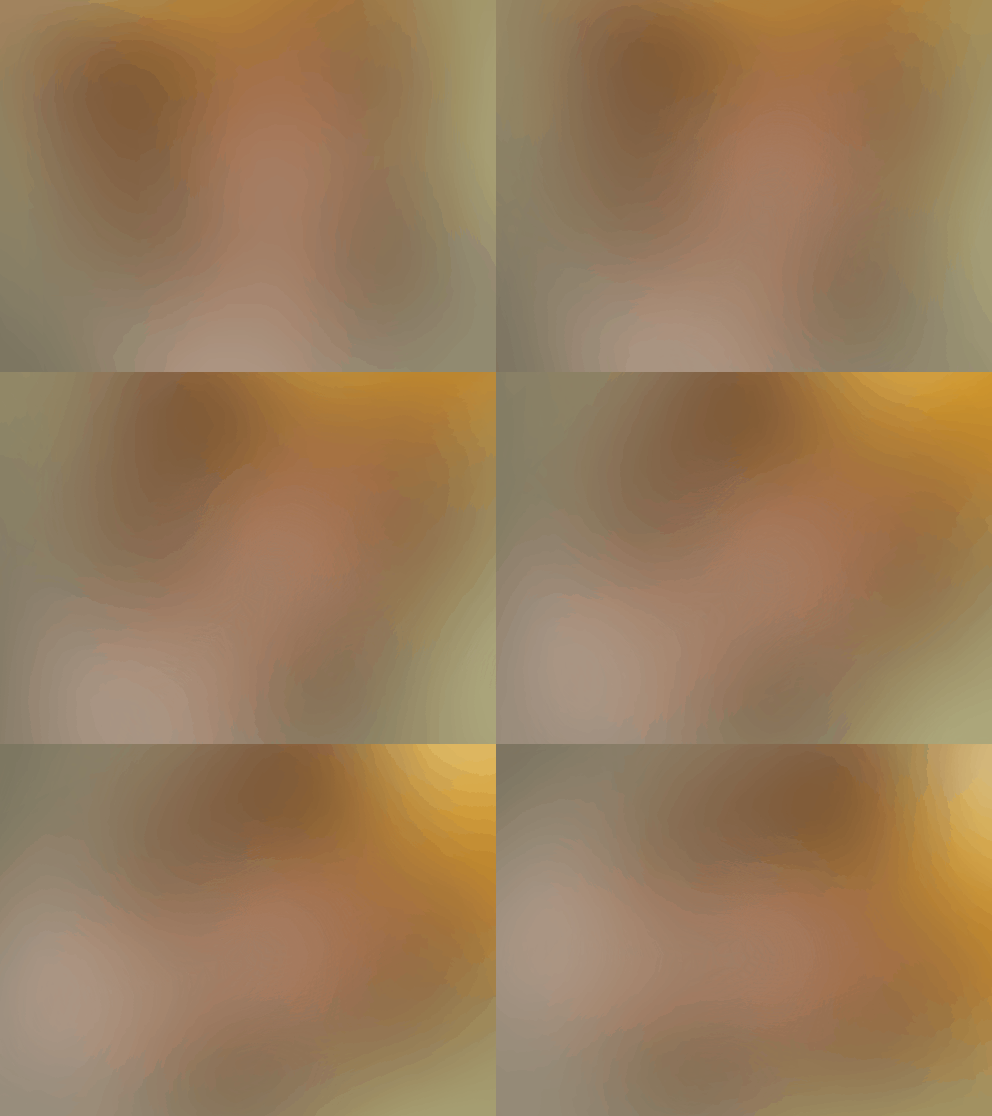
CoverShader
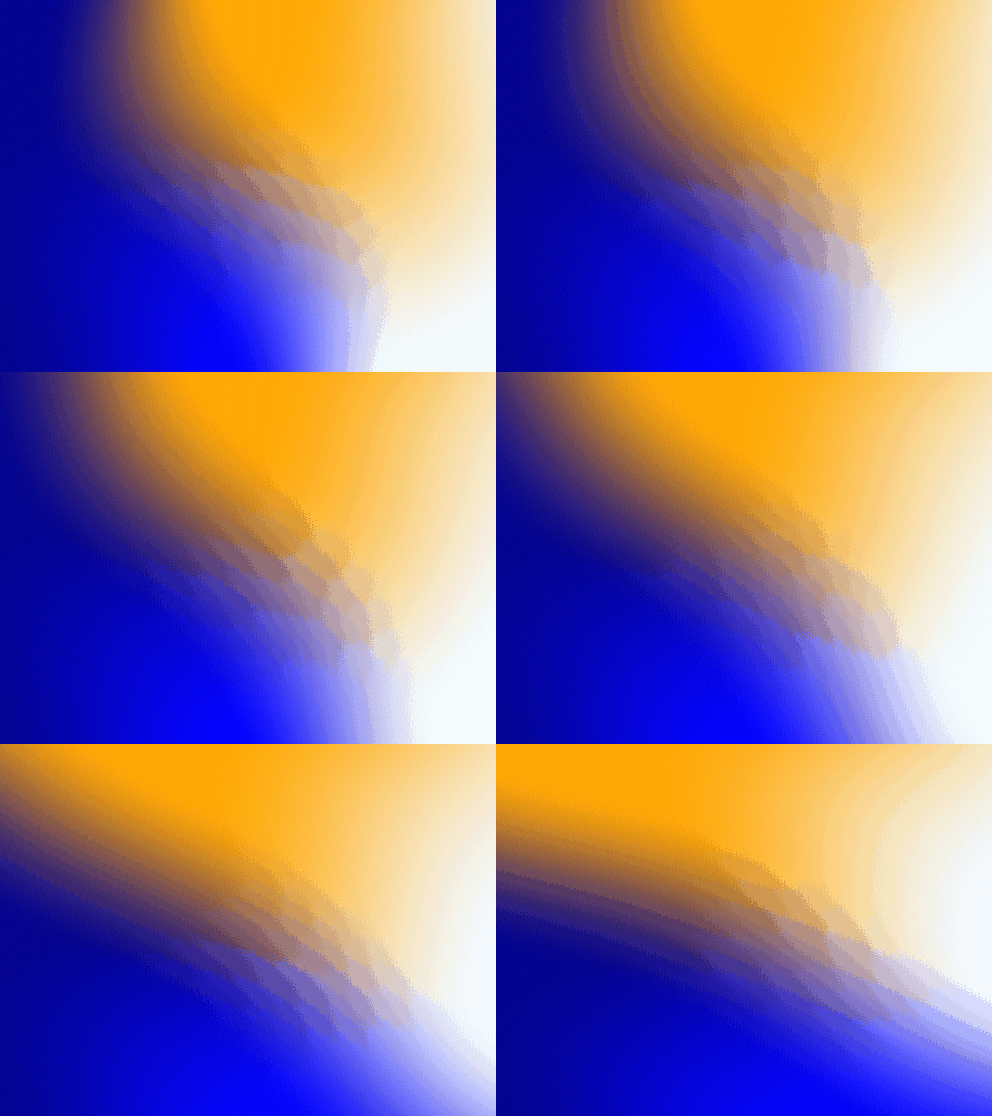
FluidShader
SeventiesMeltShader
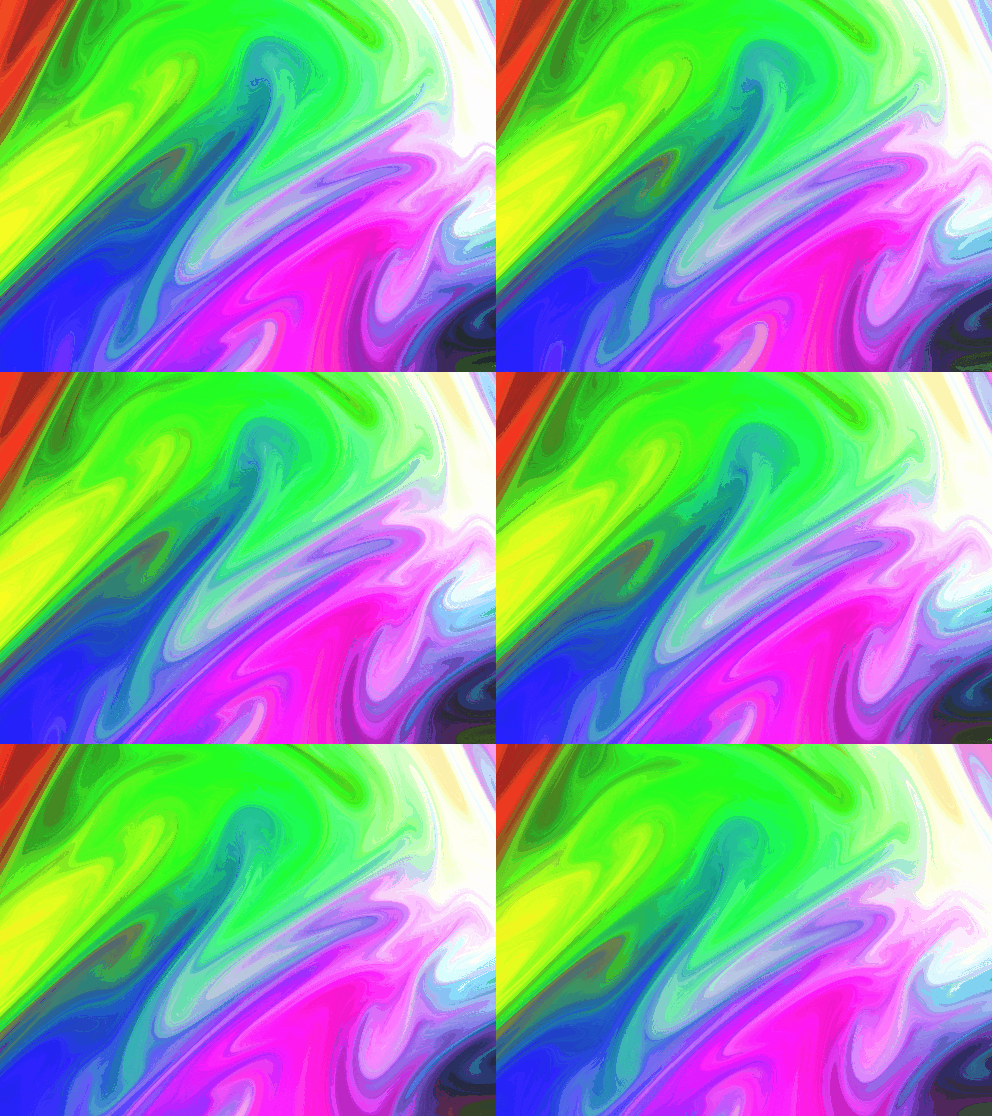
IceAndFireShader
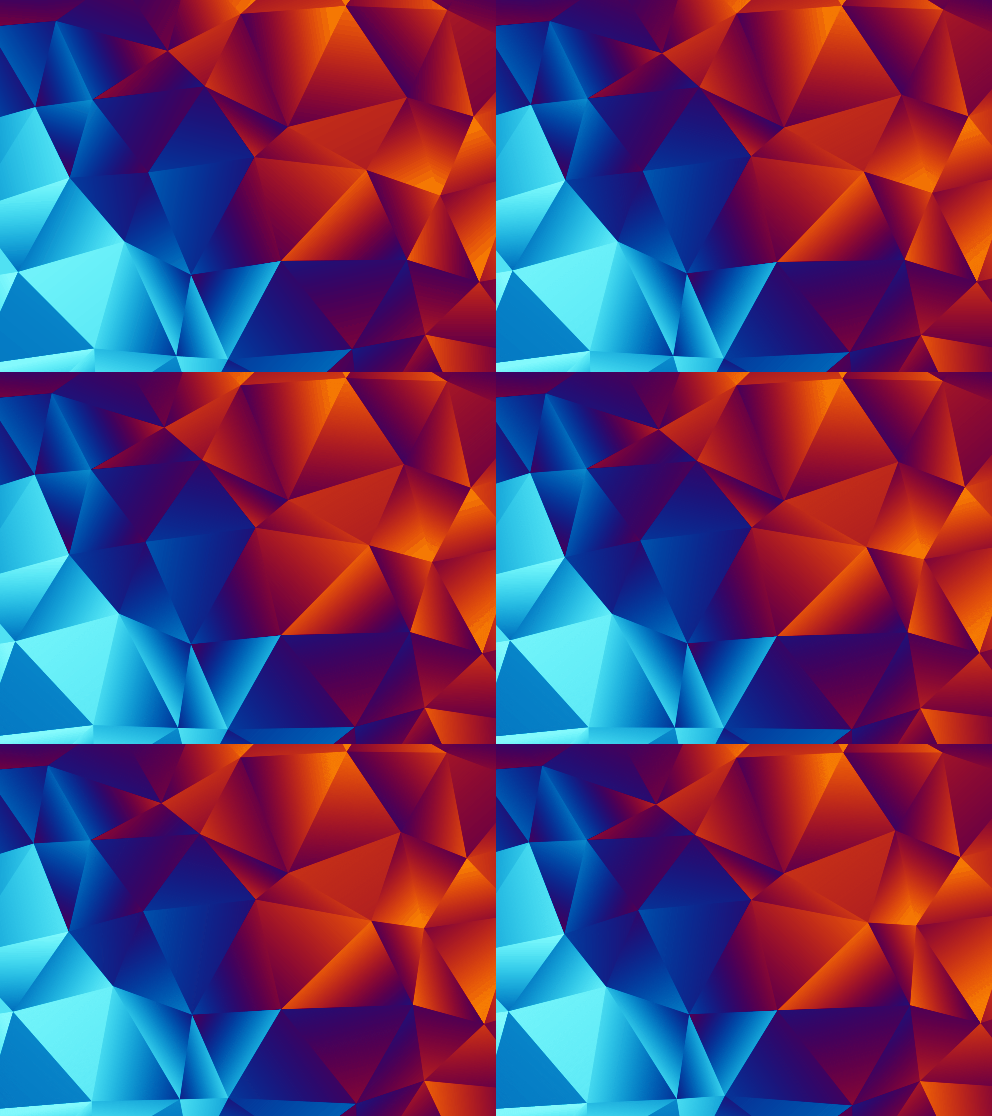
RaindropShader
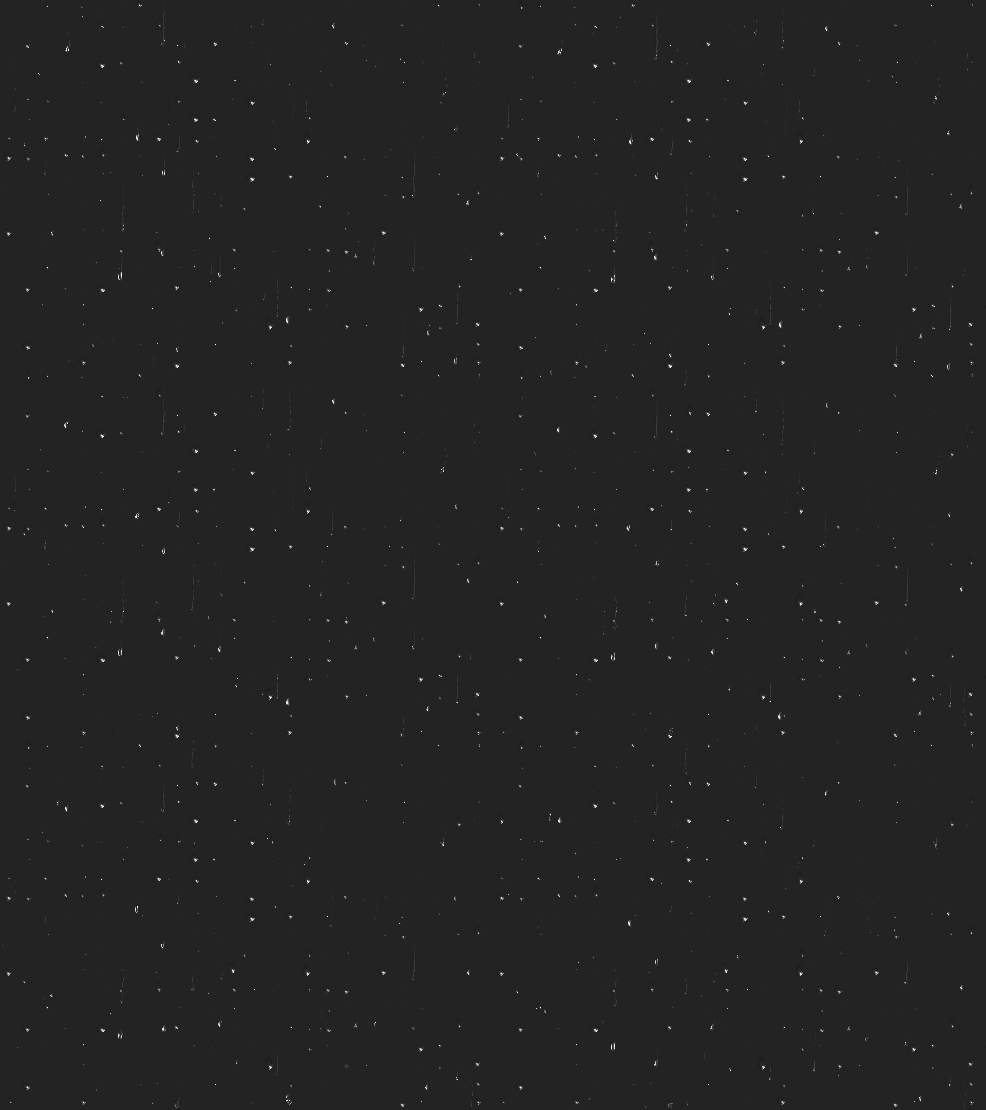
SnowShader
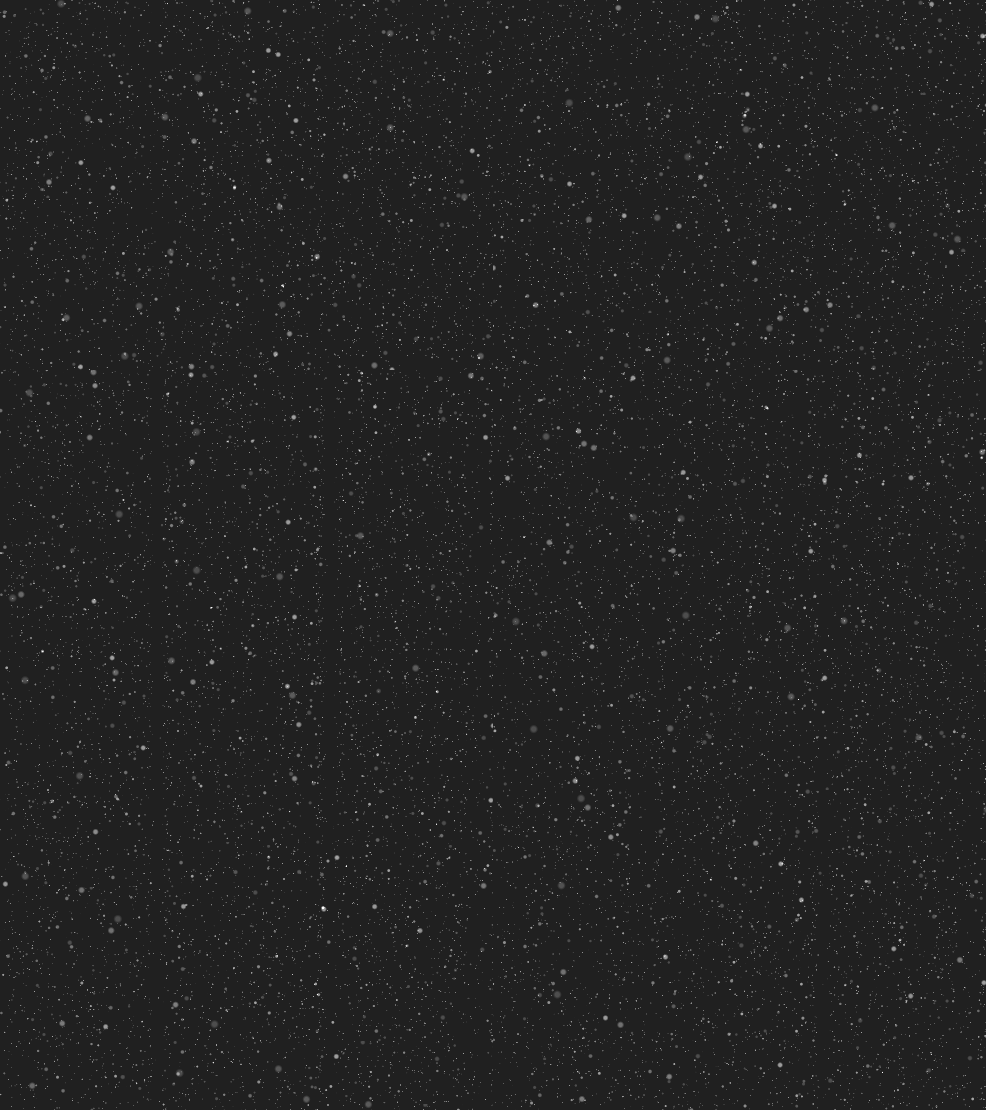
FogShader

BetterLyric
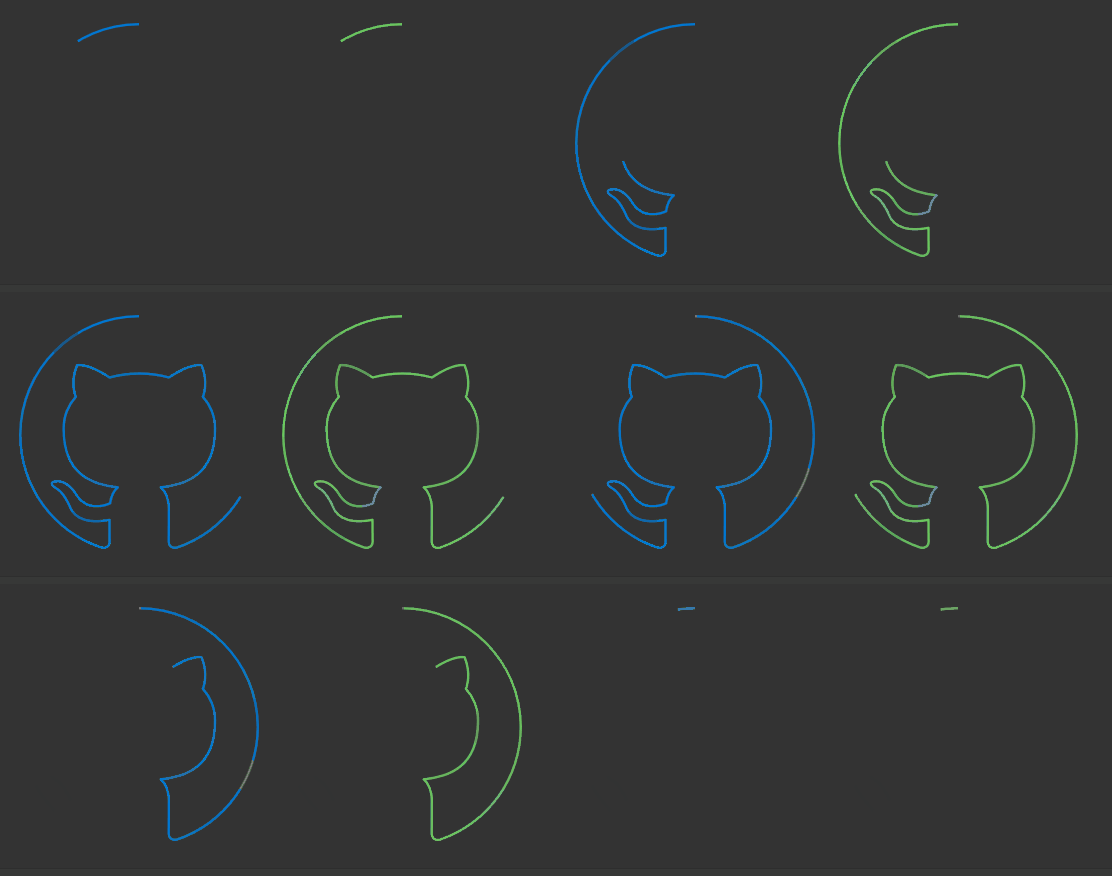
MorphingAnimation

AnimationPath
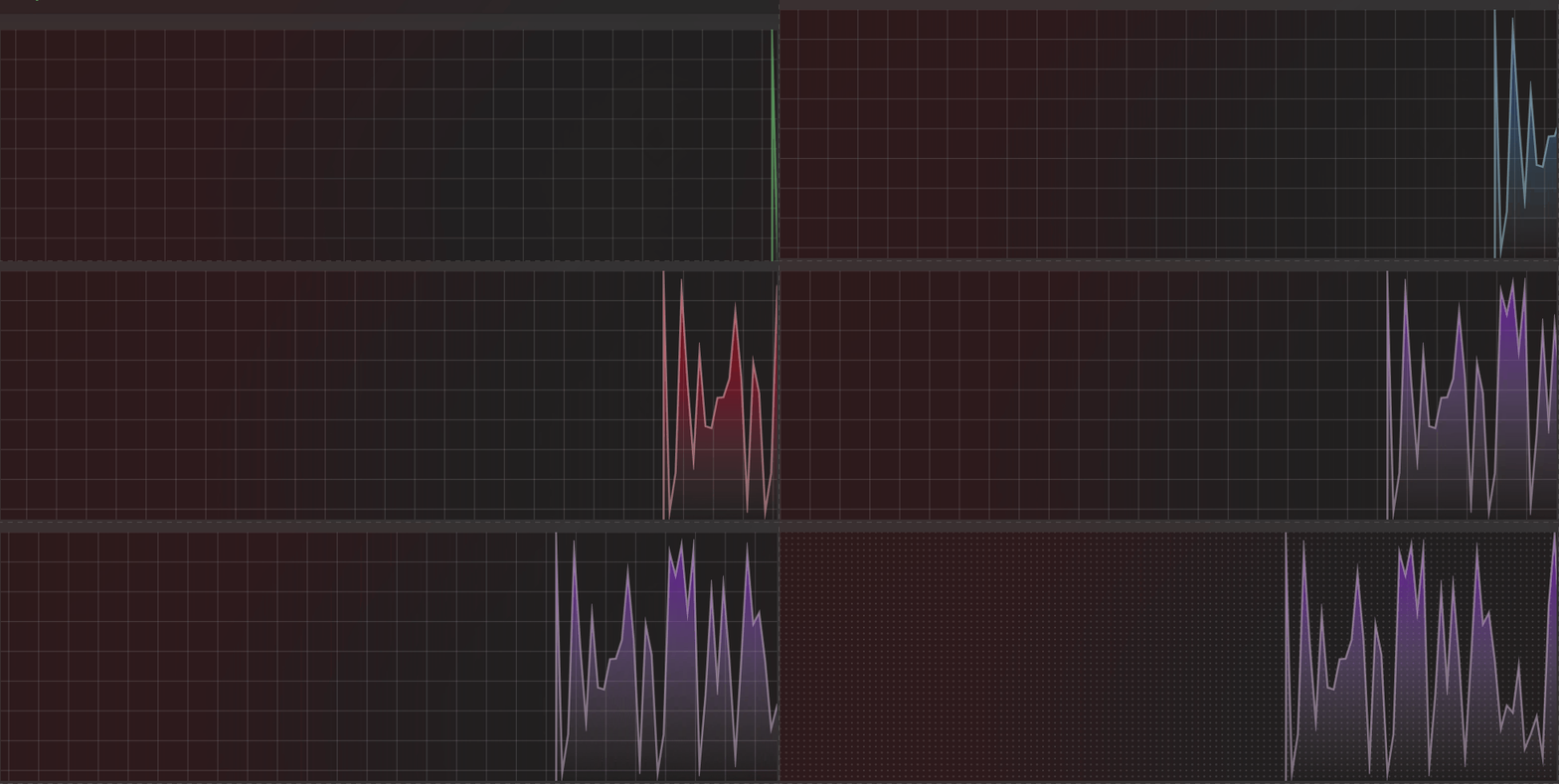
LiveGraph
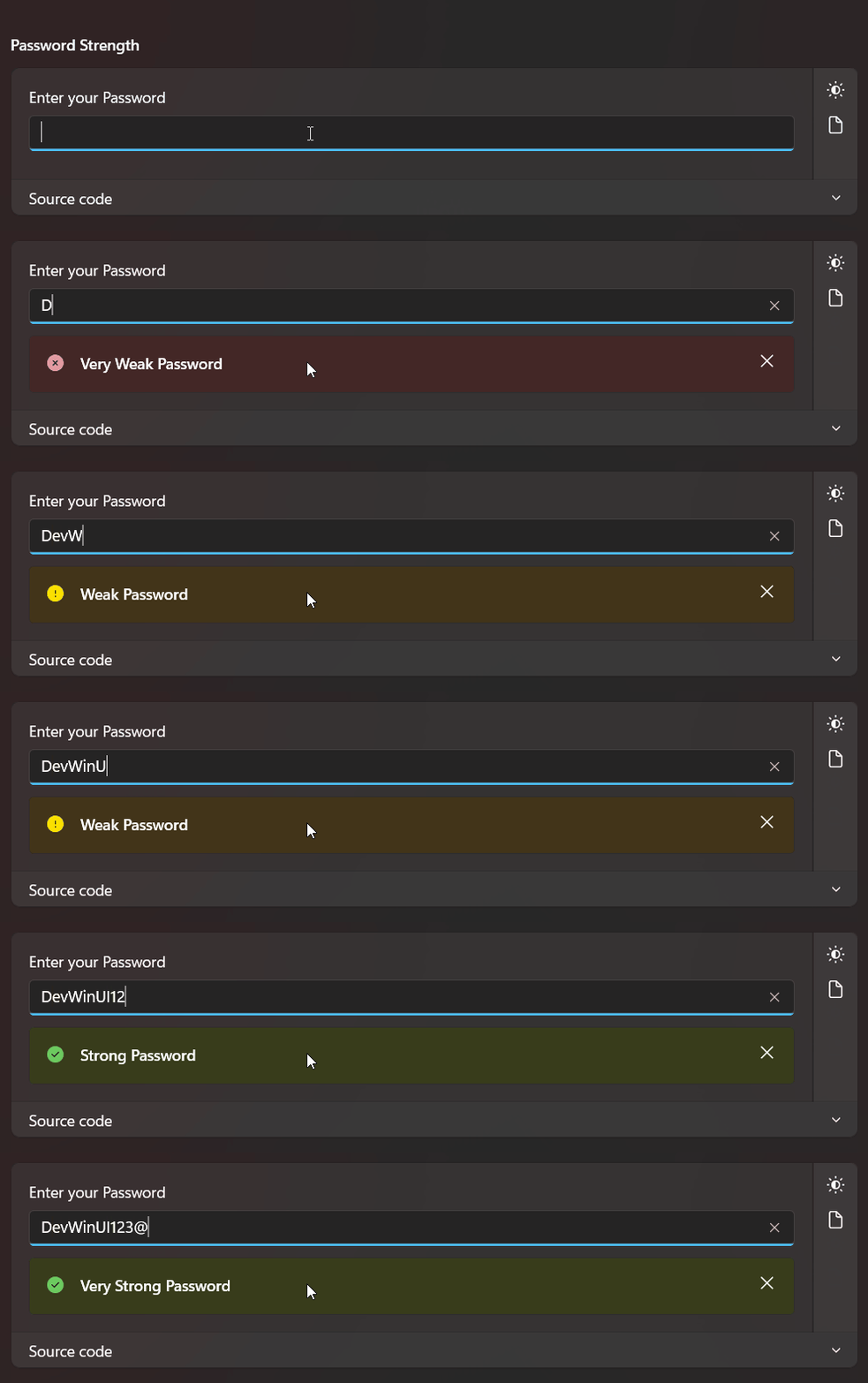
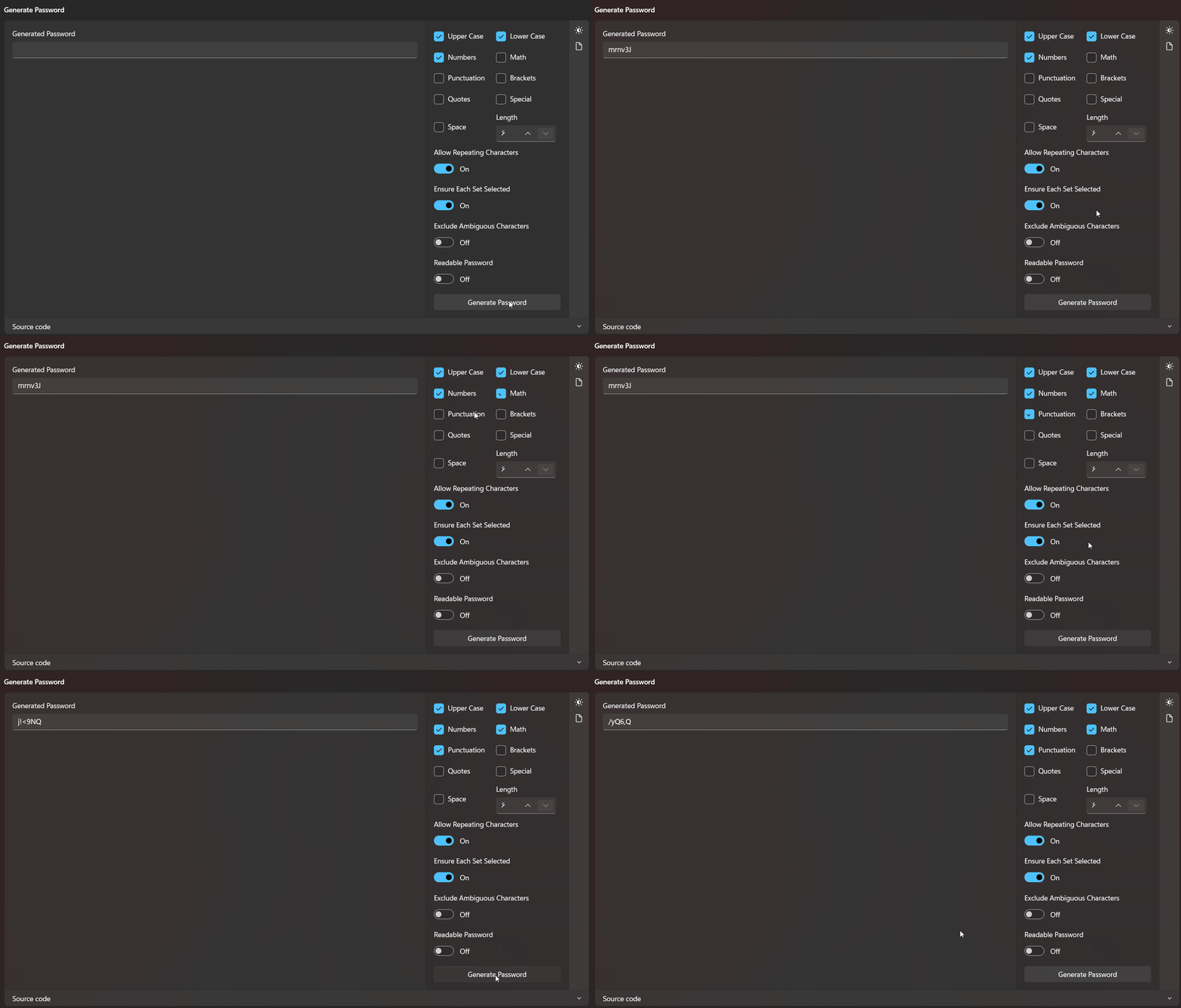
PasswordGenerator
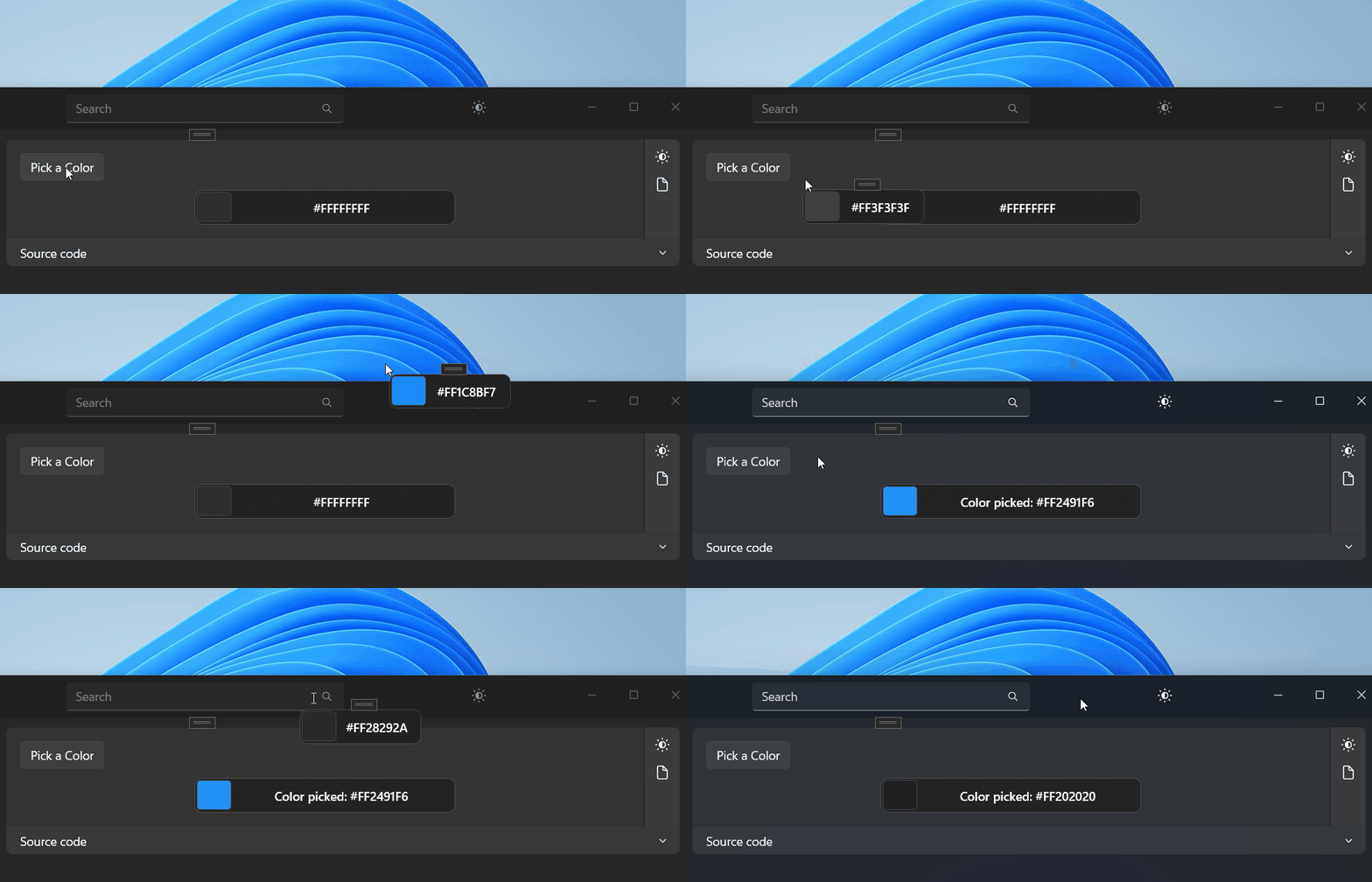
EyeDropper
NTPClient

Barcode
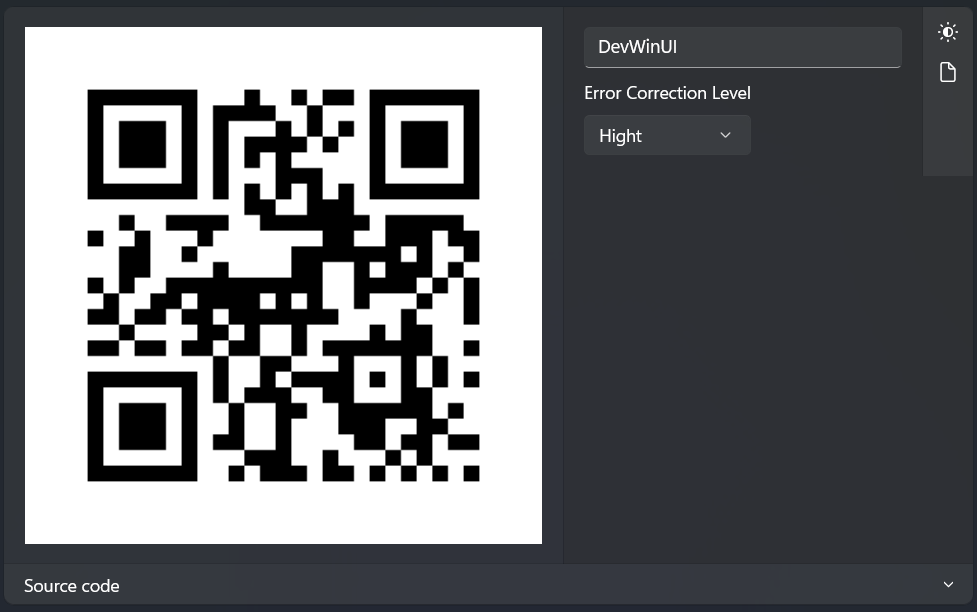
QRCode
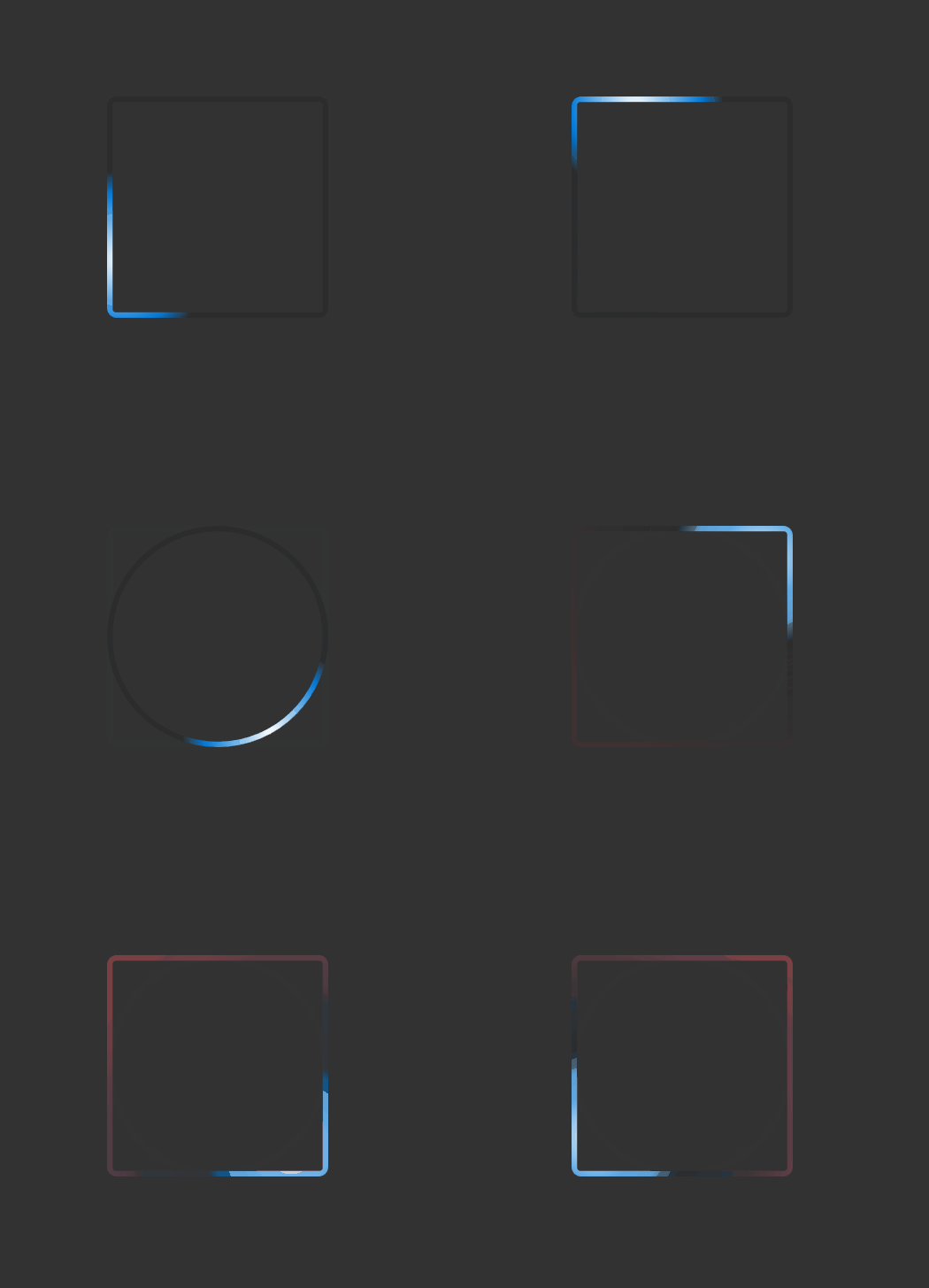
EdgeLighting
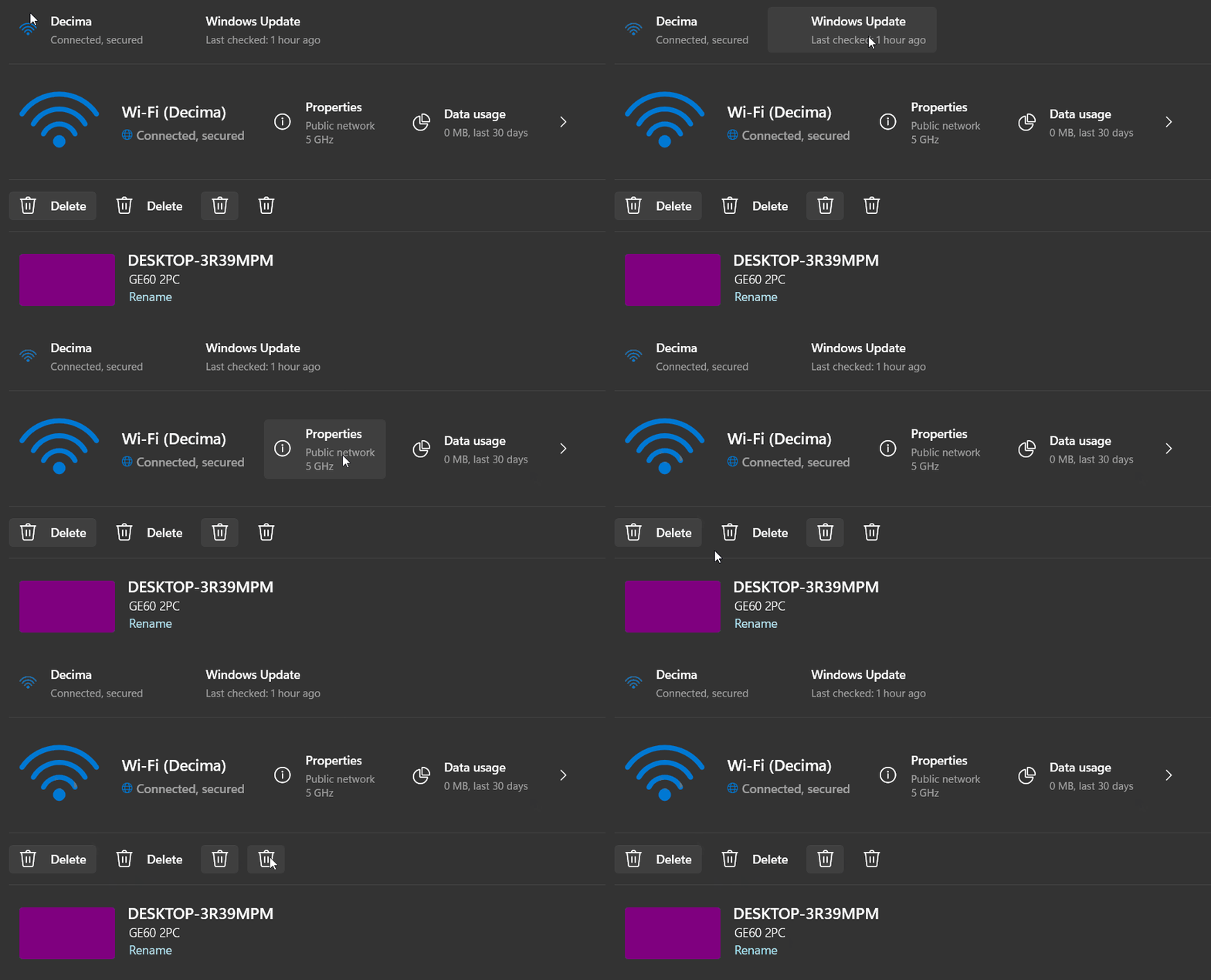
RichButton
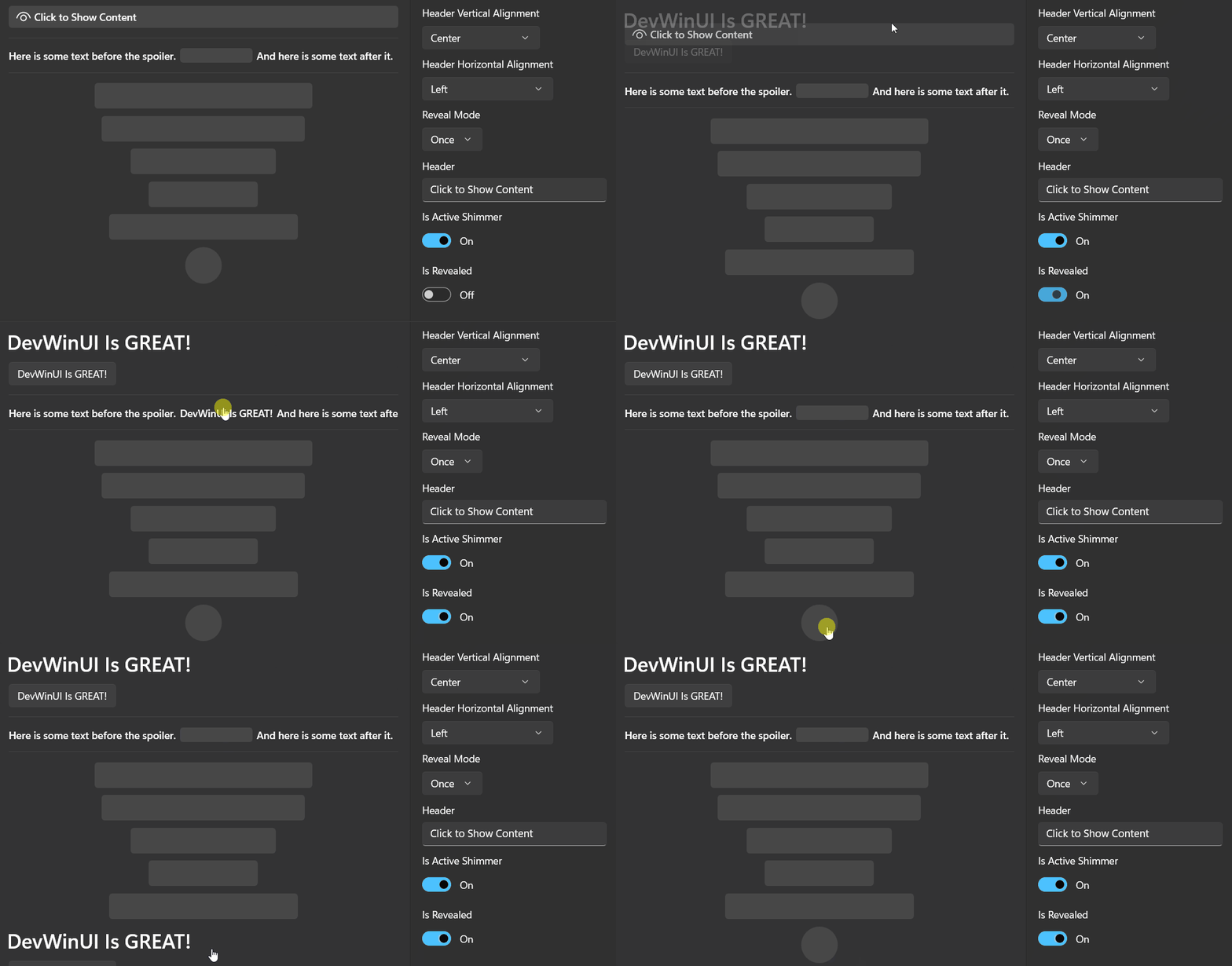
Spoiler
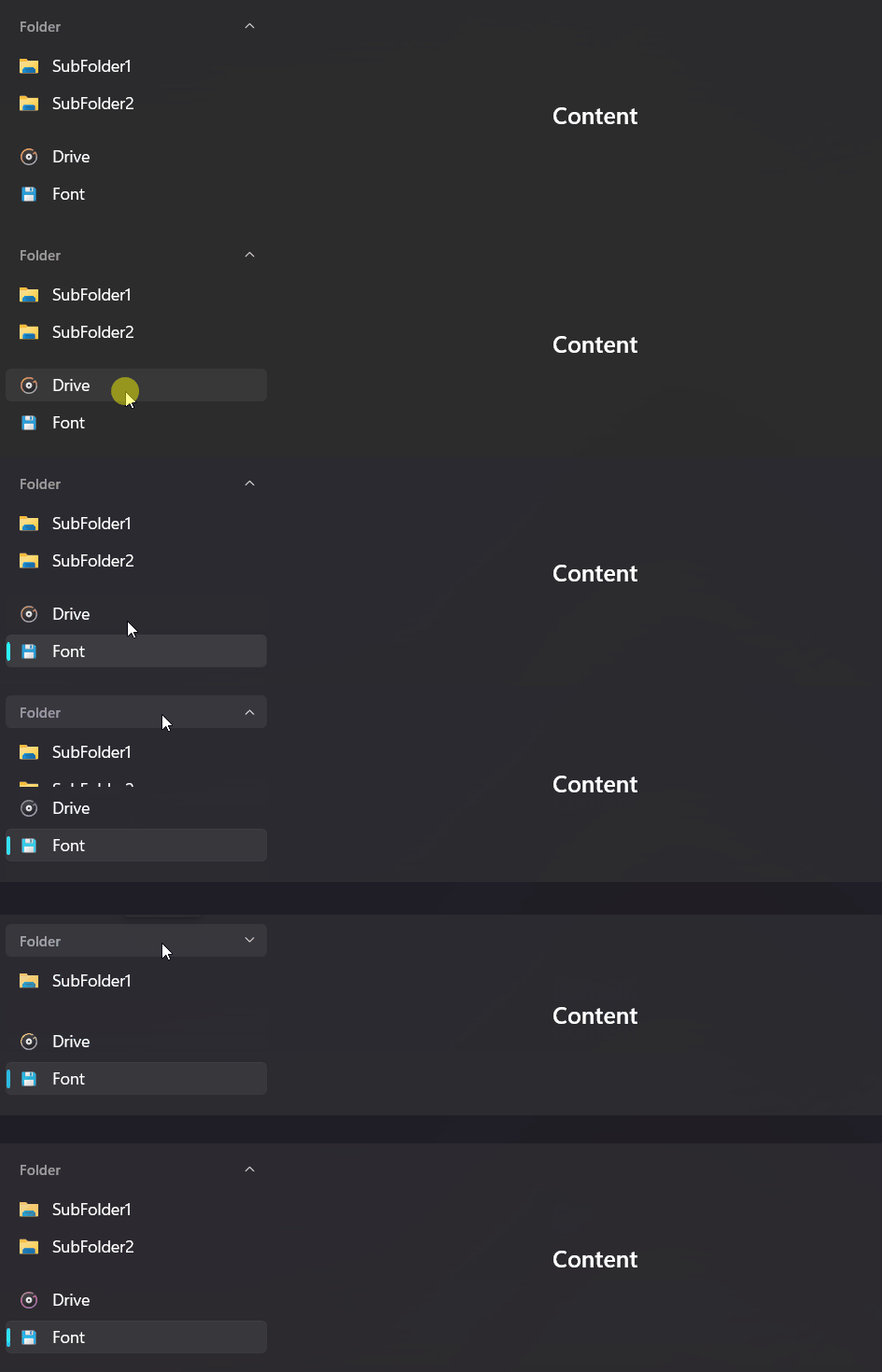
SidebarView
Toolbar

BreadcrumbBar

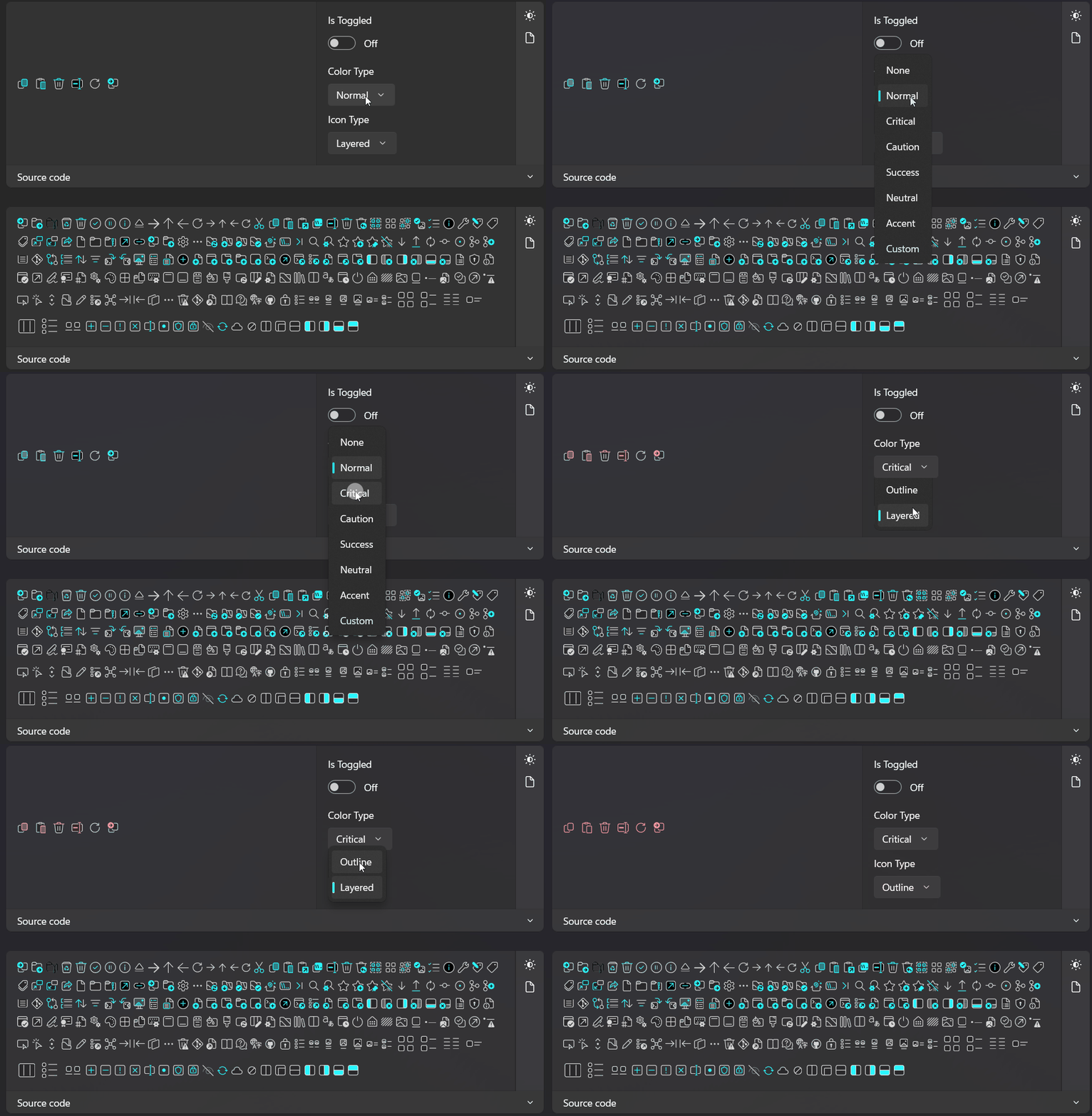
ThemedIcon
SamplePanel

SpectrumAnalyzer
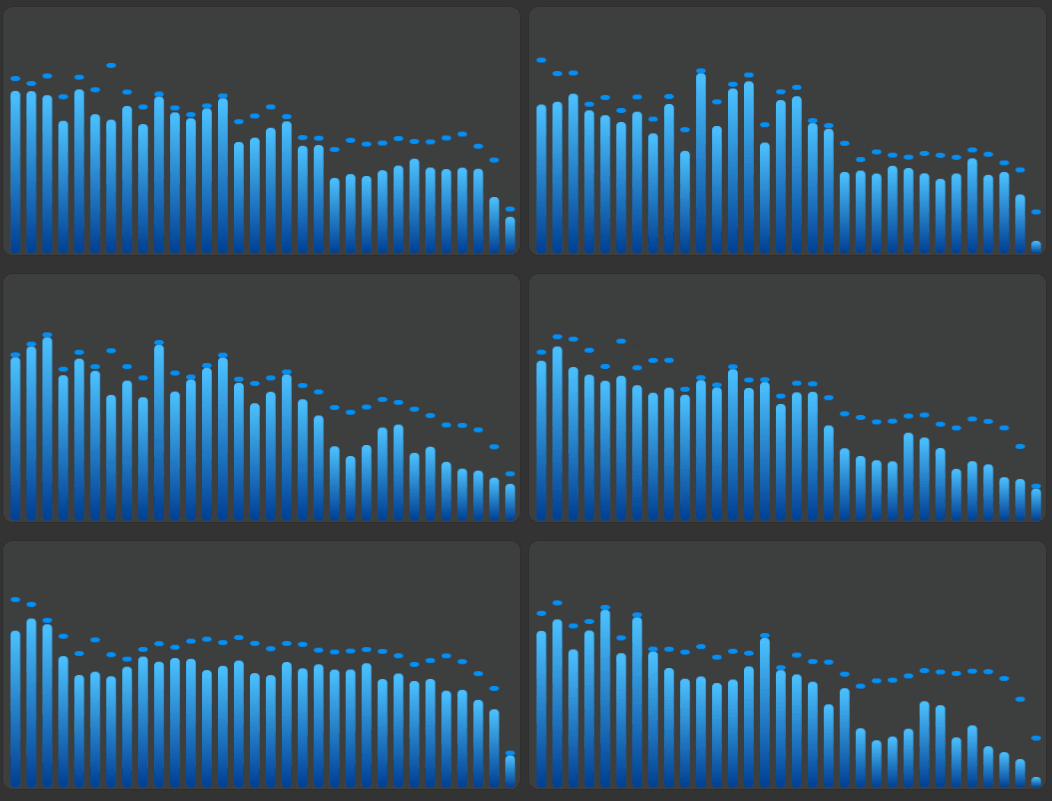
WaveformTimeline

LoopPanel
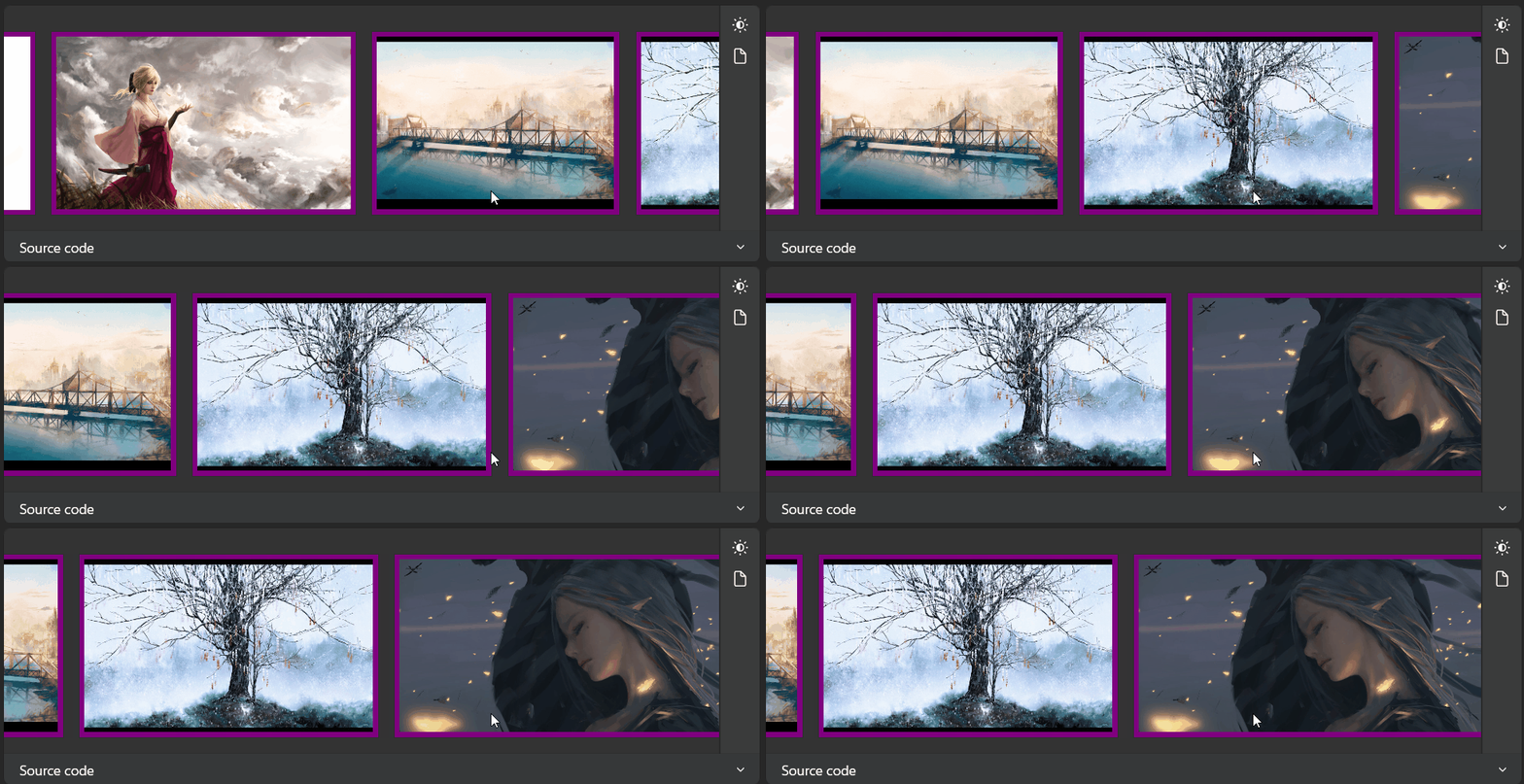
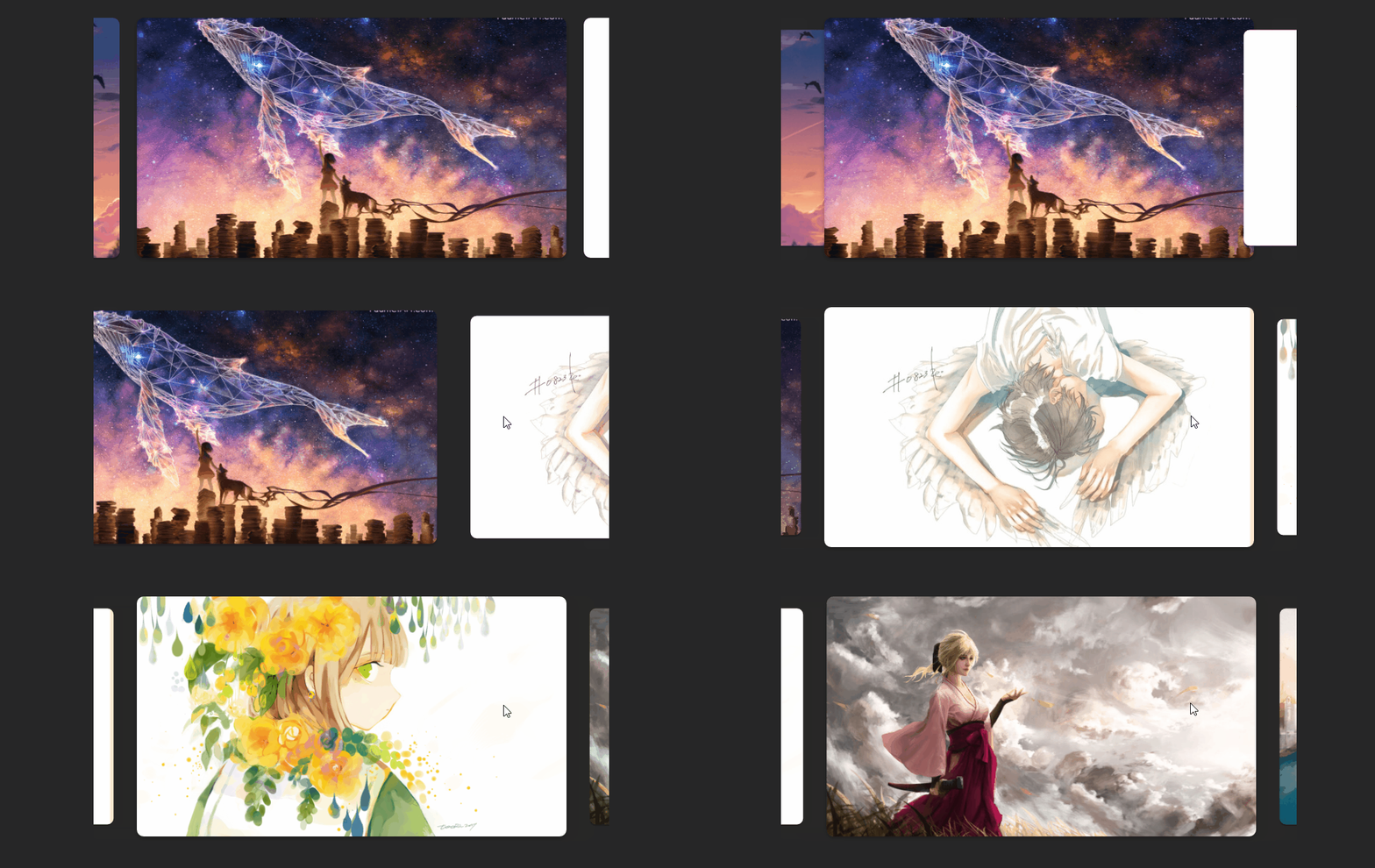
CarouselView2

CoverFlow
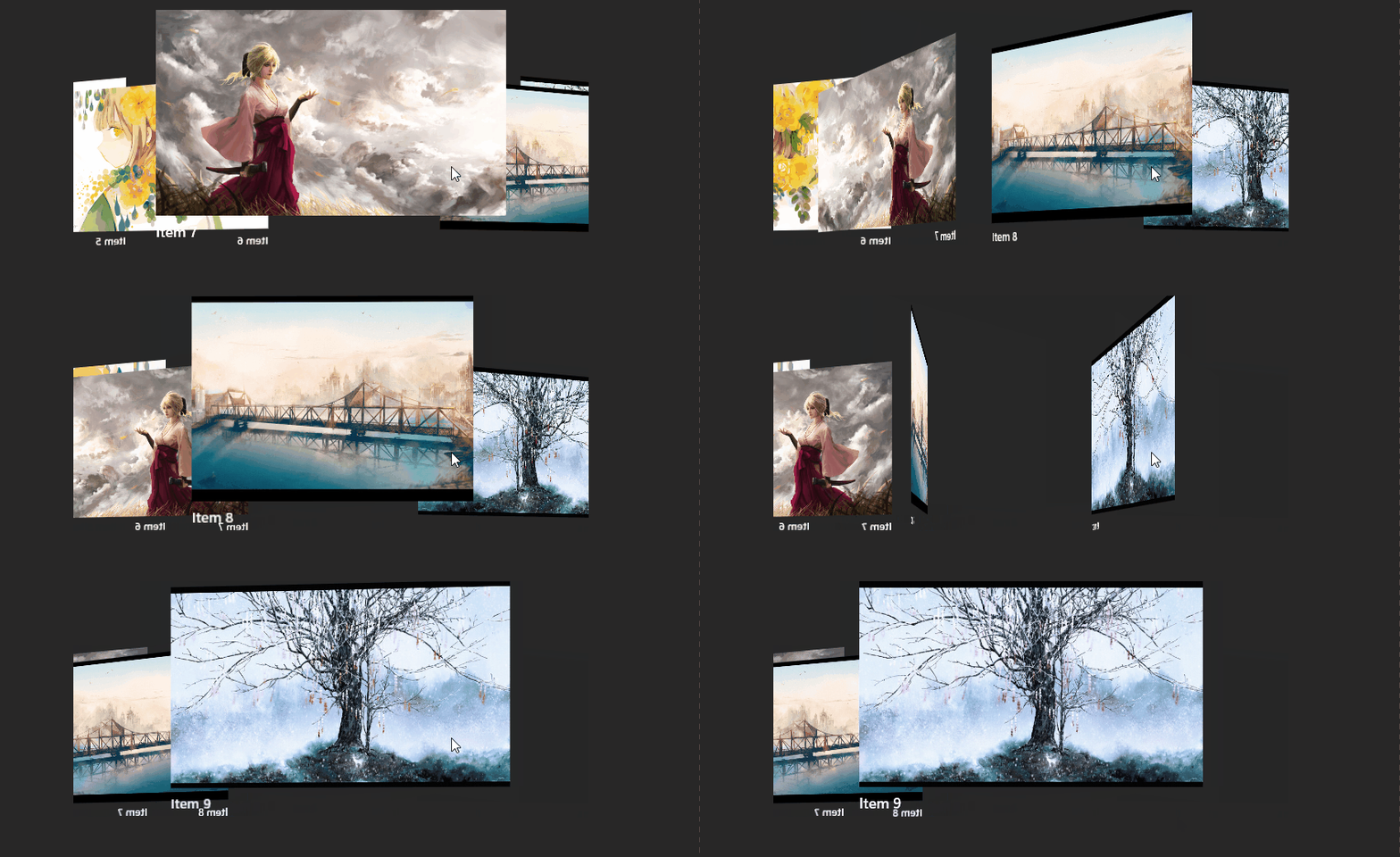
ContentSlider
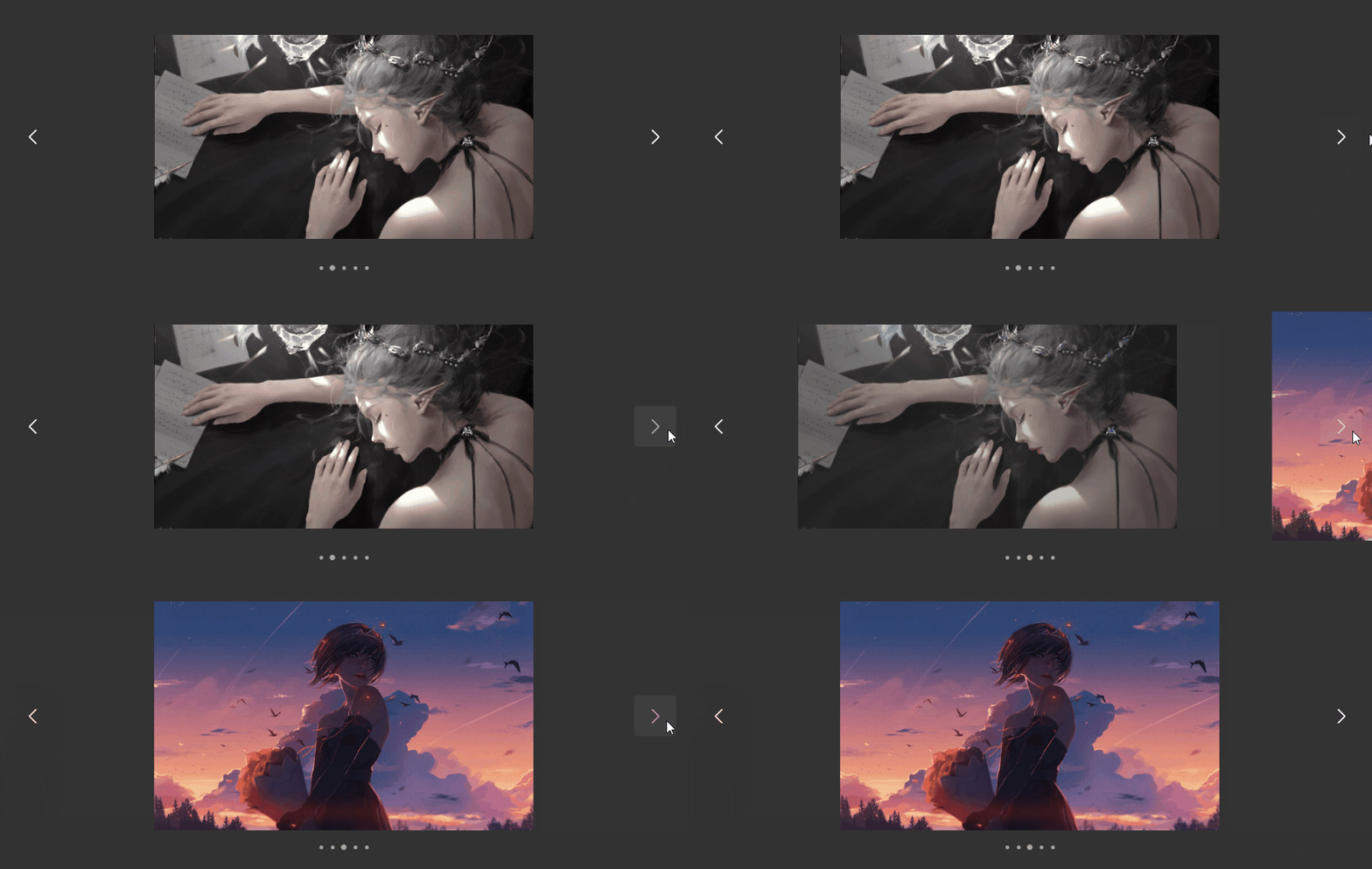
CarouselView
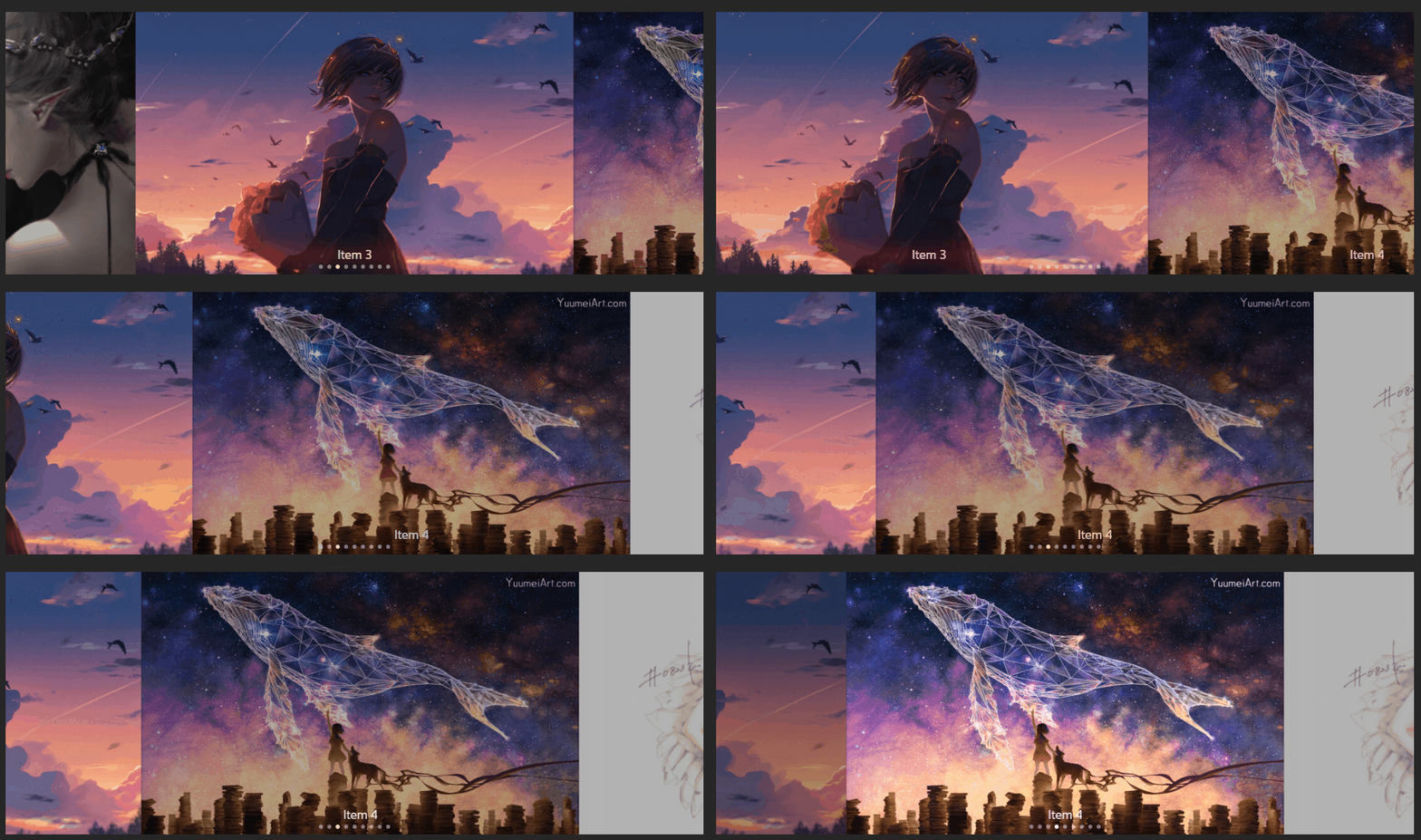
EasyCarouselPanel
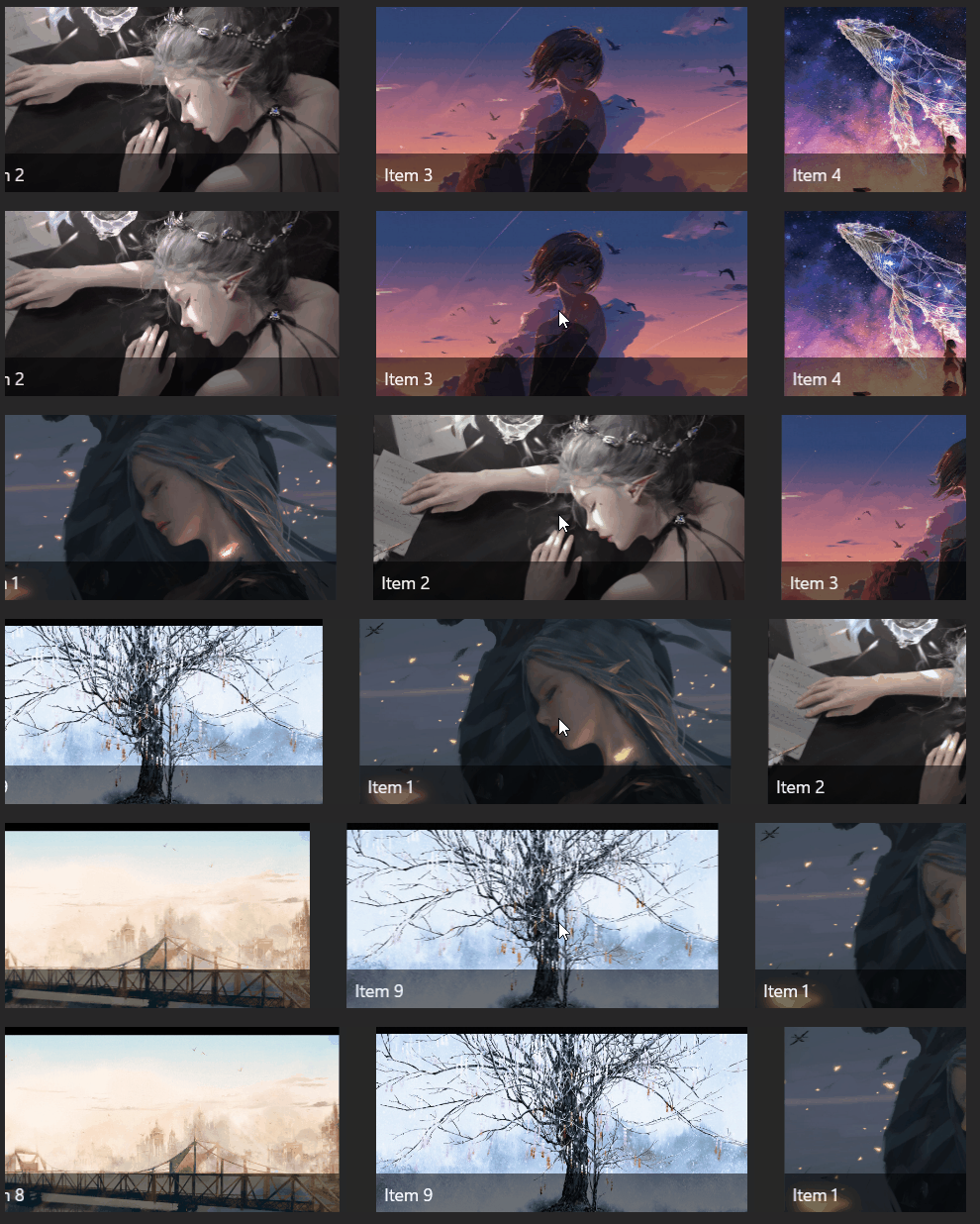
Stars

BannerView
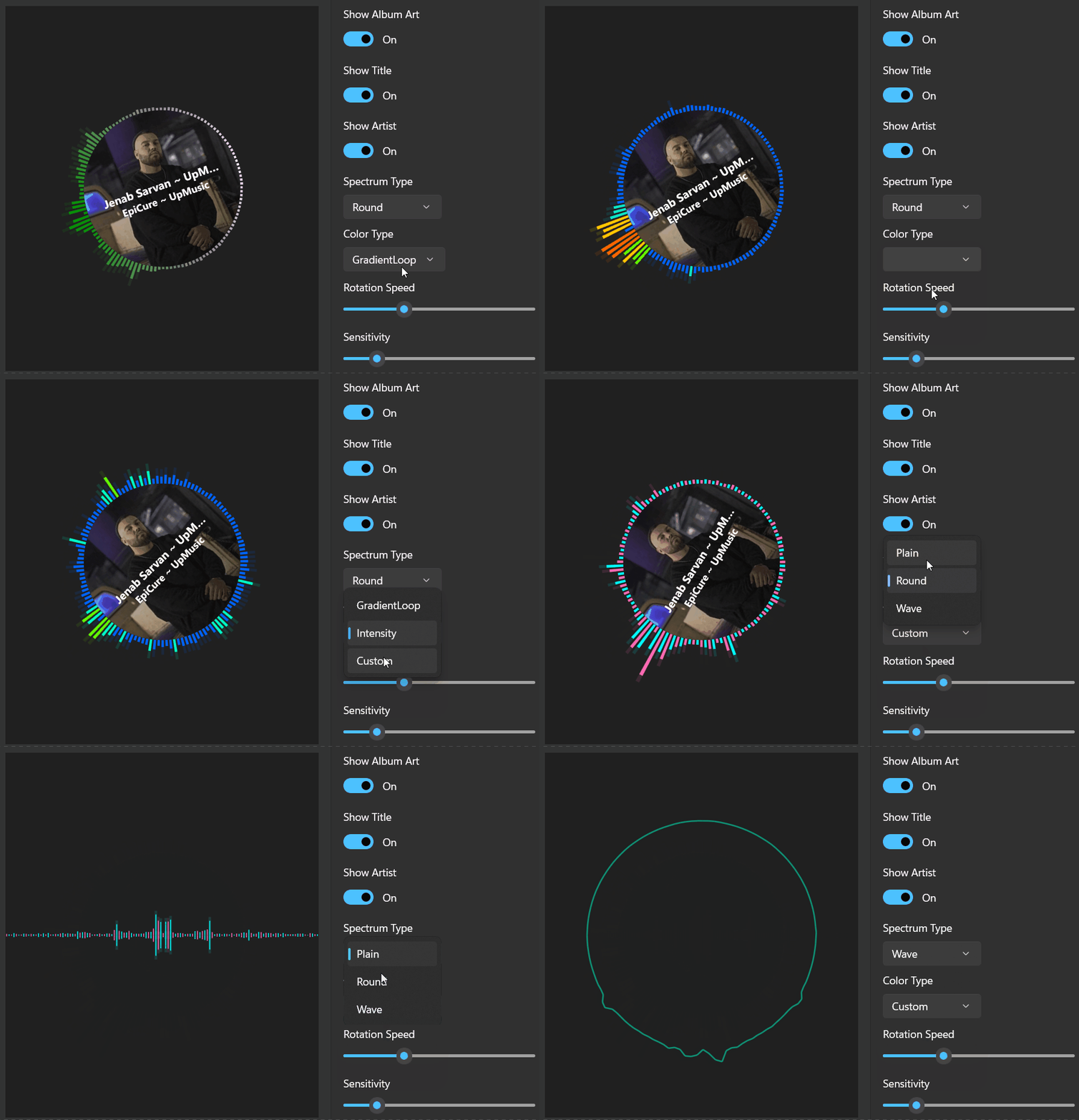
AudioWave

SpectrumVisualizer
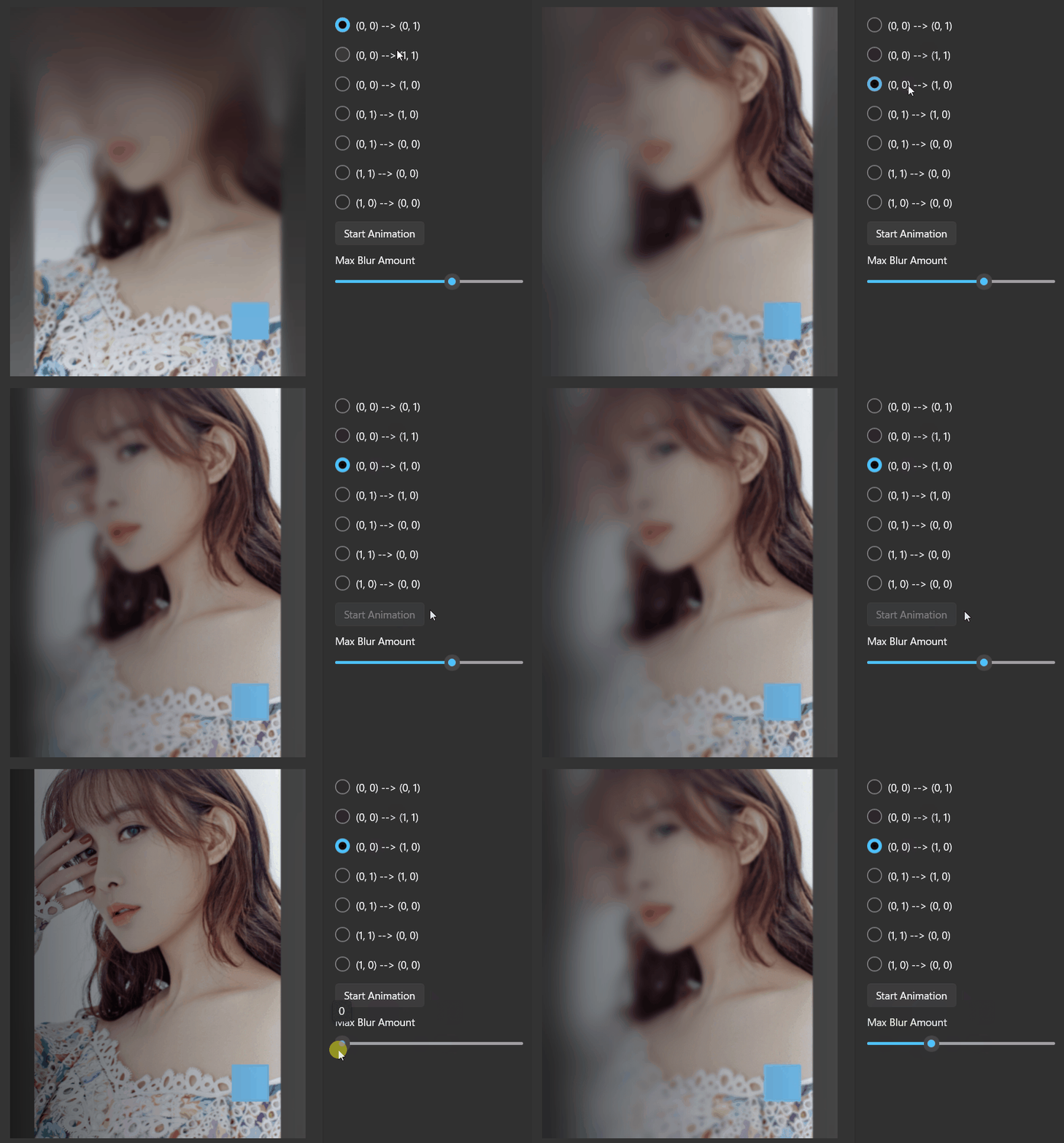
LinearGradientBlurPanel
OrbitLoadingIndicator

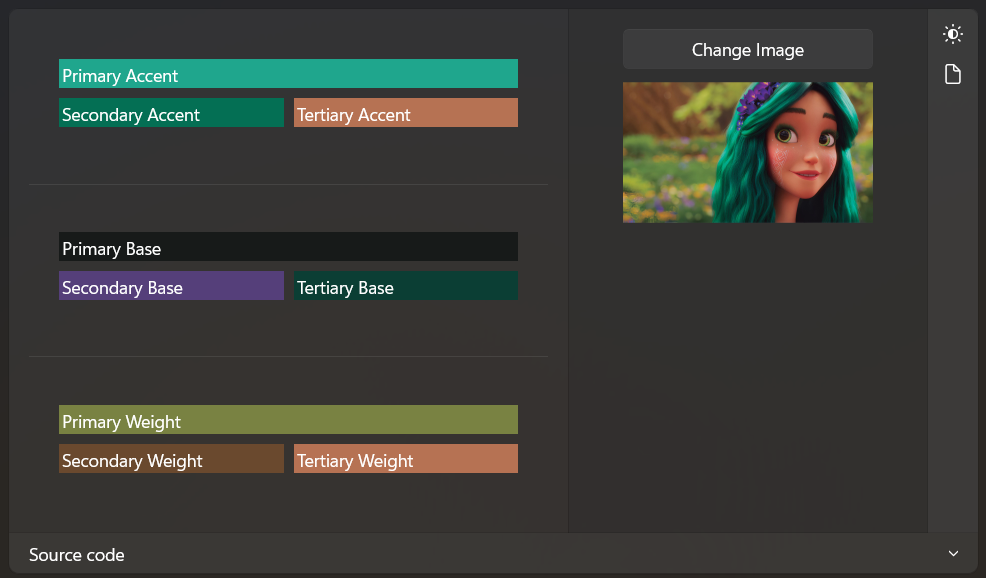
ColorAnalyzer
StoreCarousel

Xaml Lights

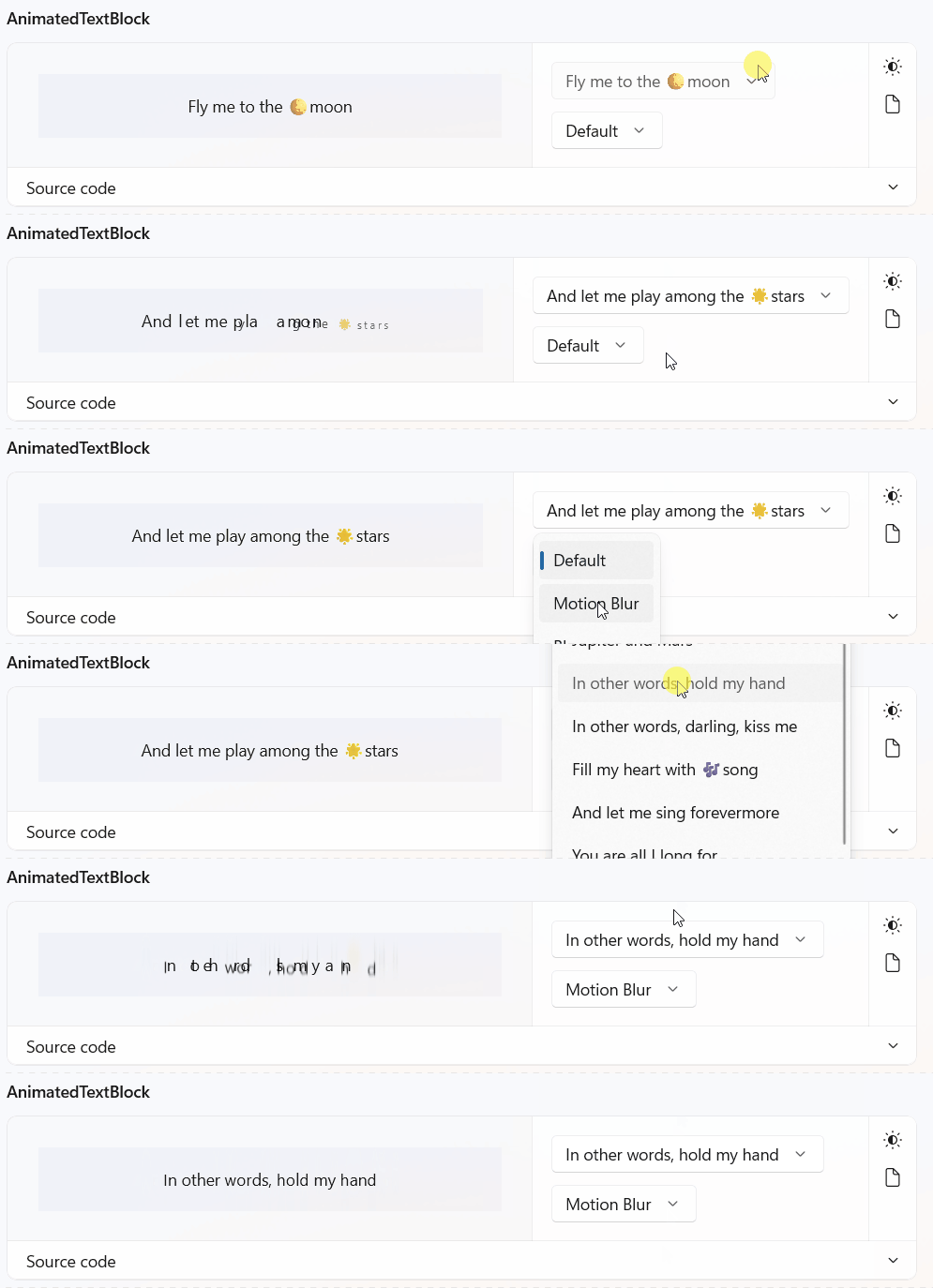
AnimatedTextBlock
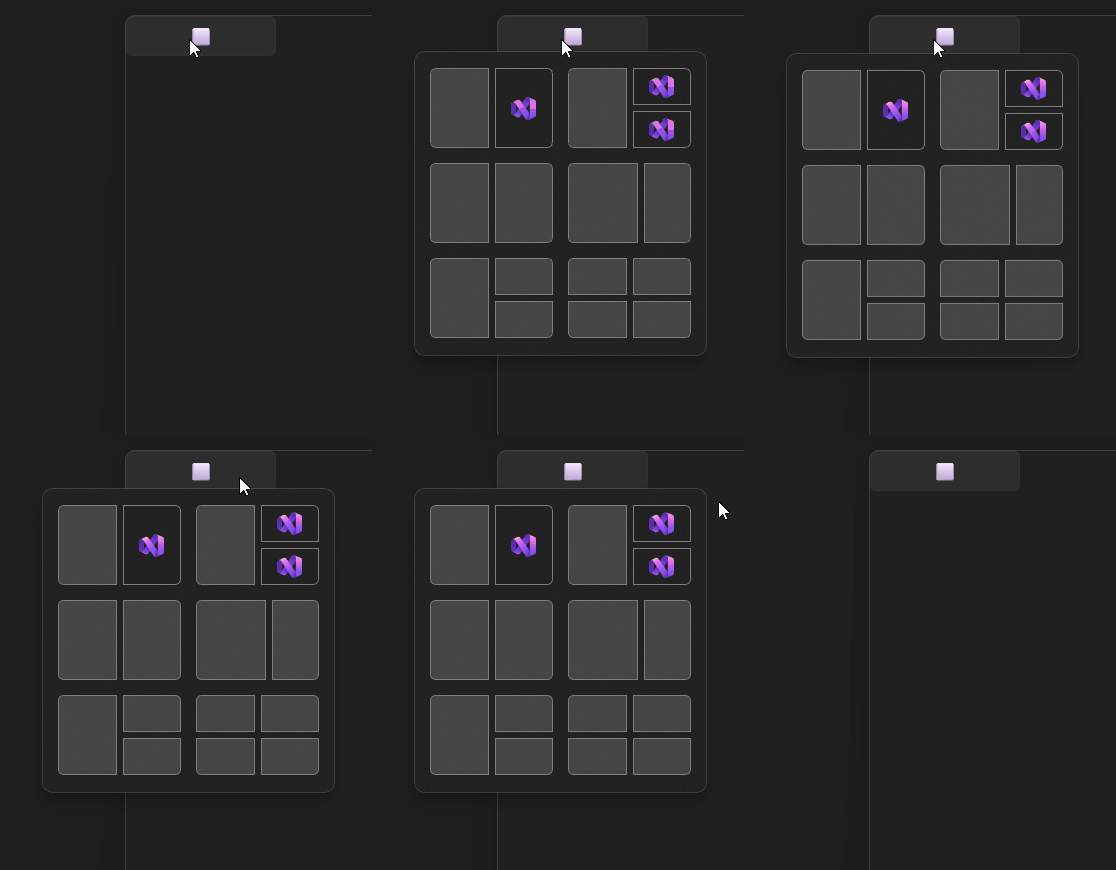
SnapLayoutManager
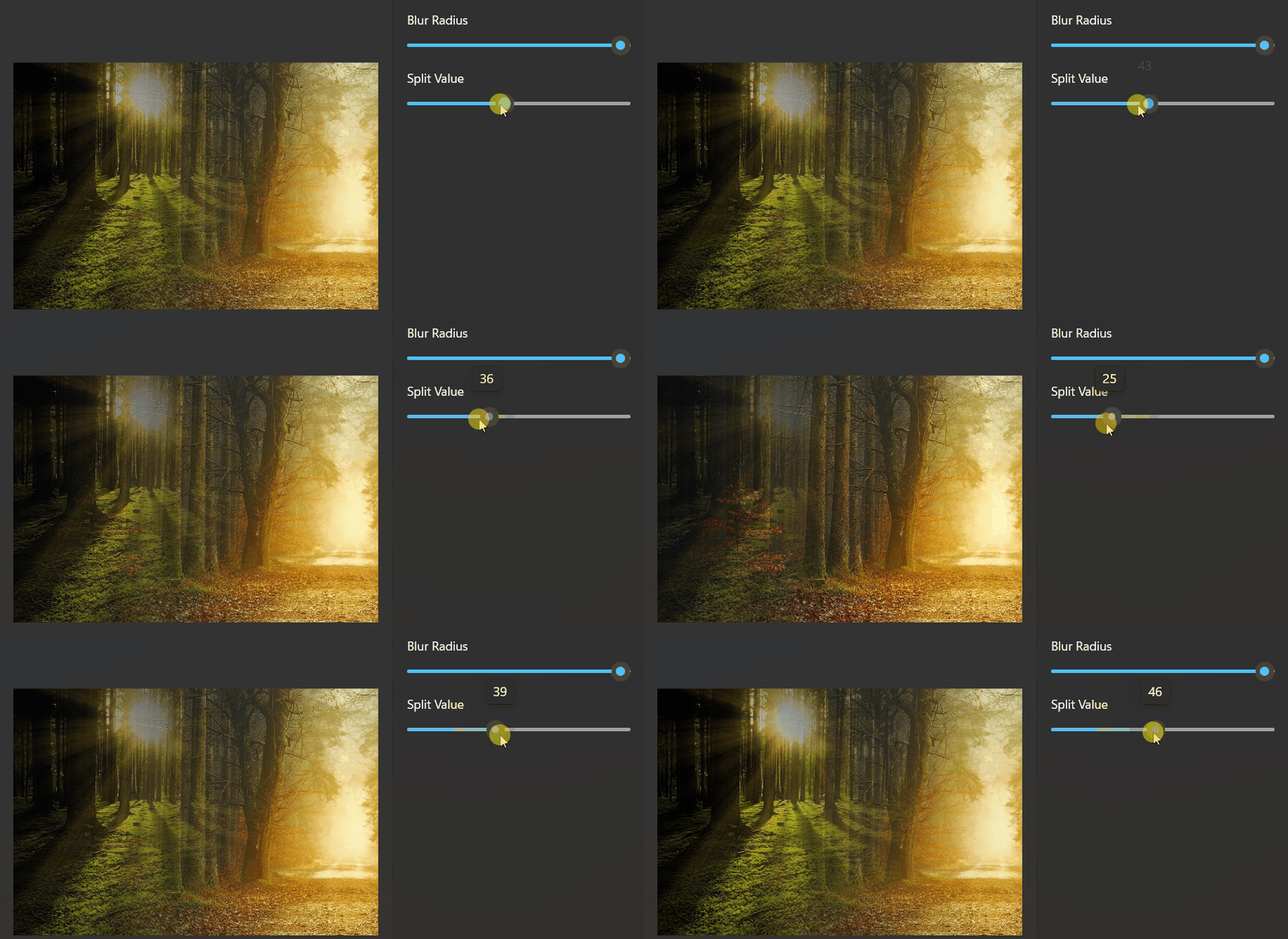
BlendedImage
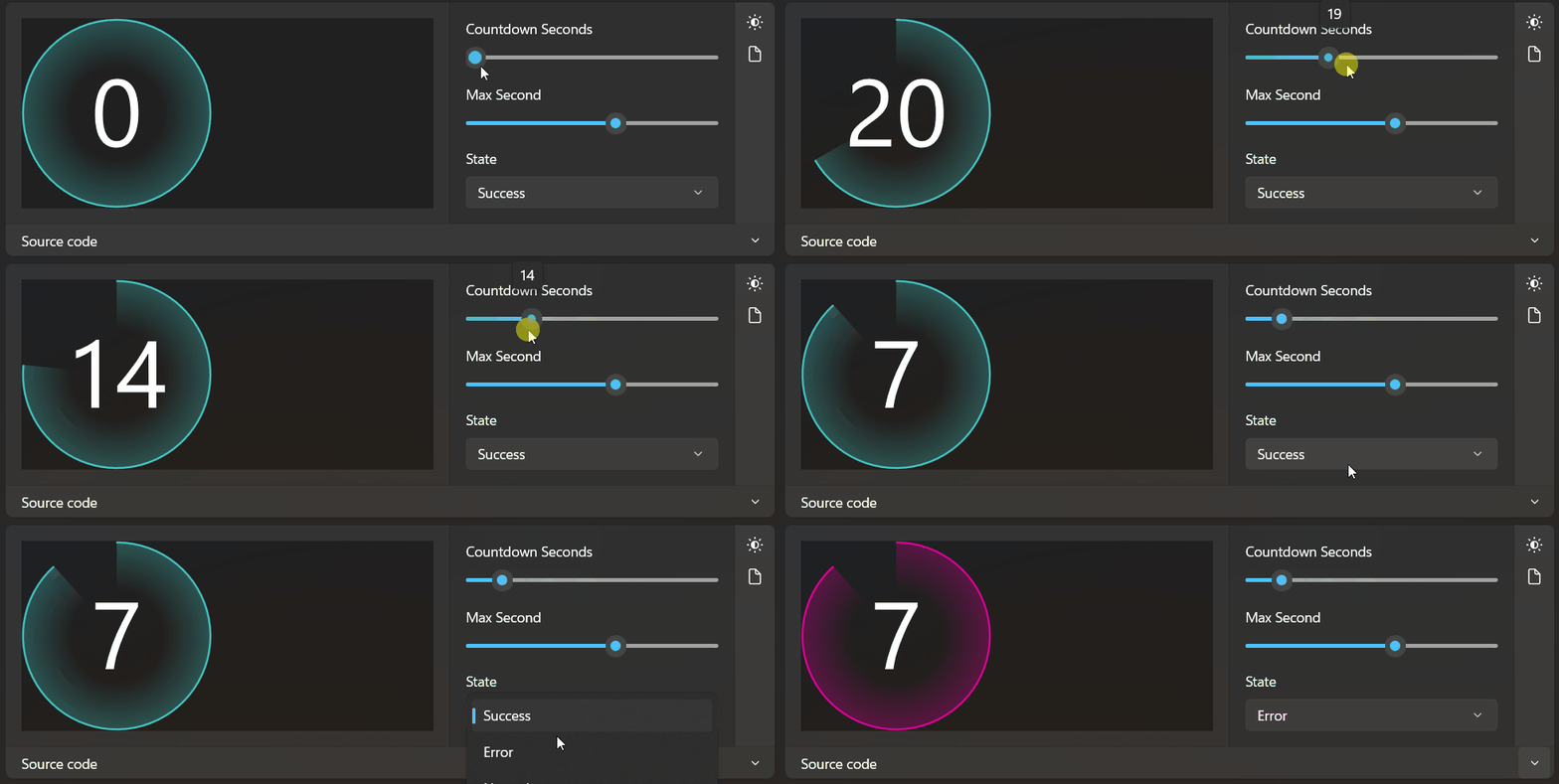
Countdown
CircleIcon
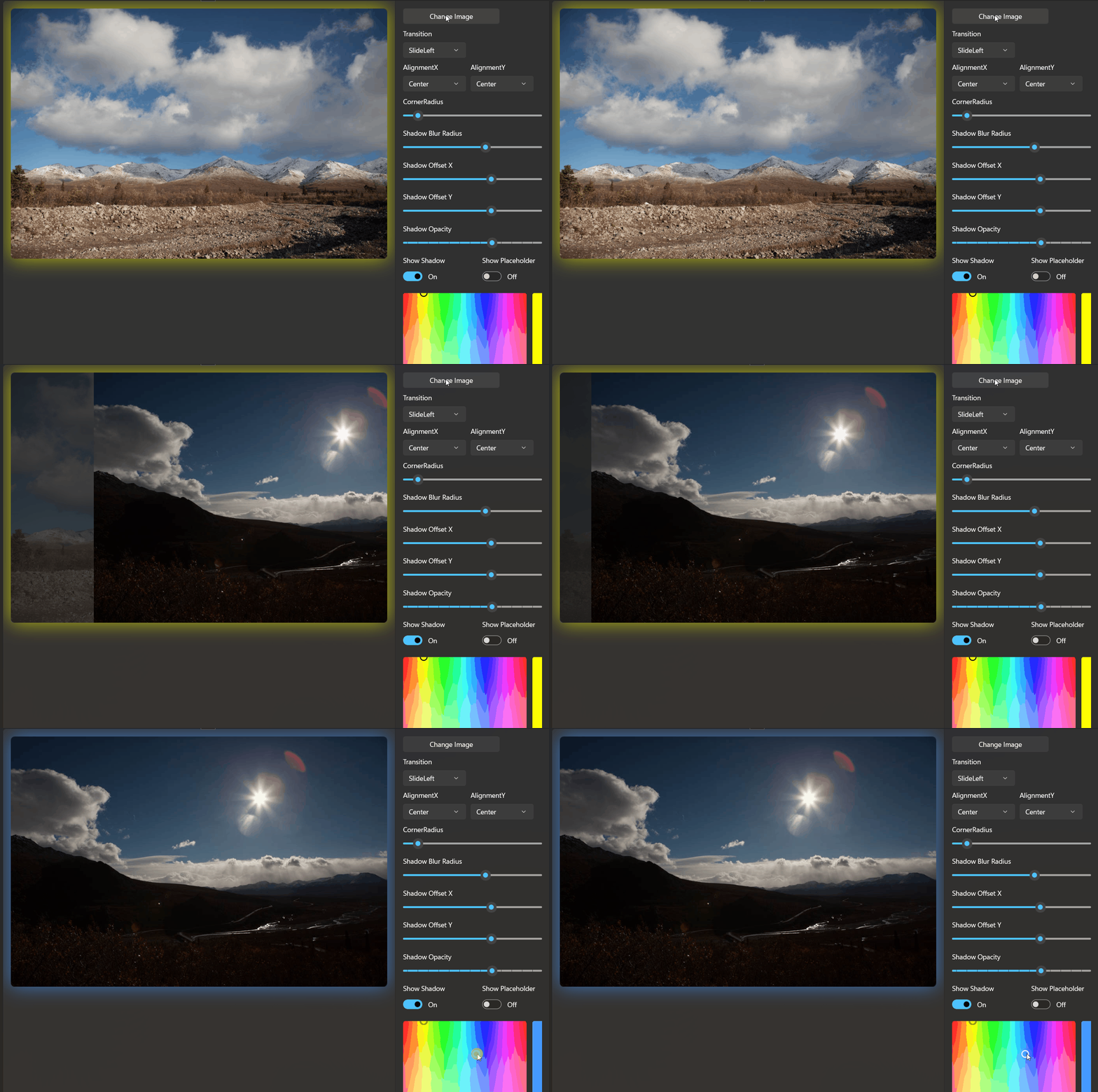
ImageFrame
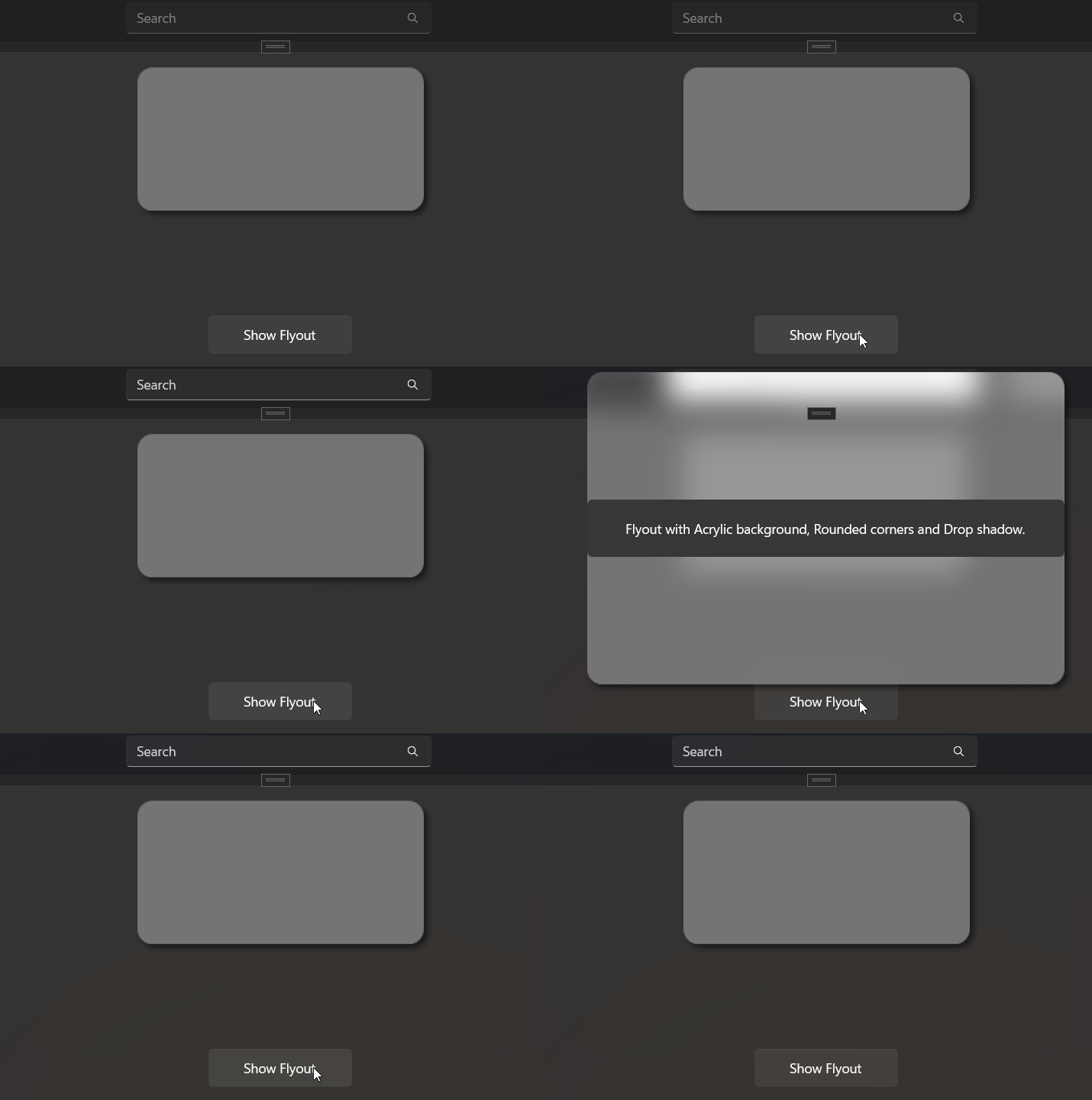
FrostedGlass
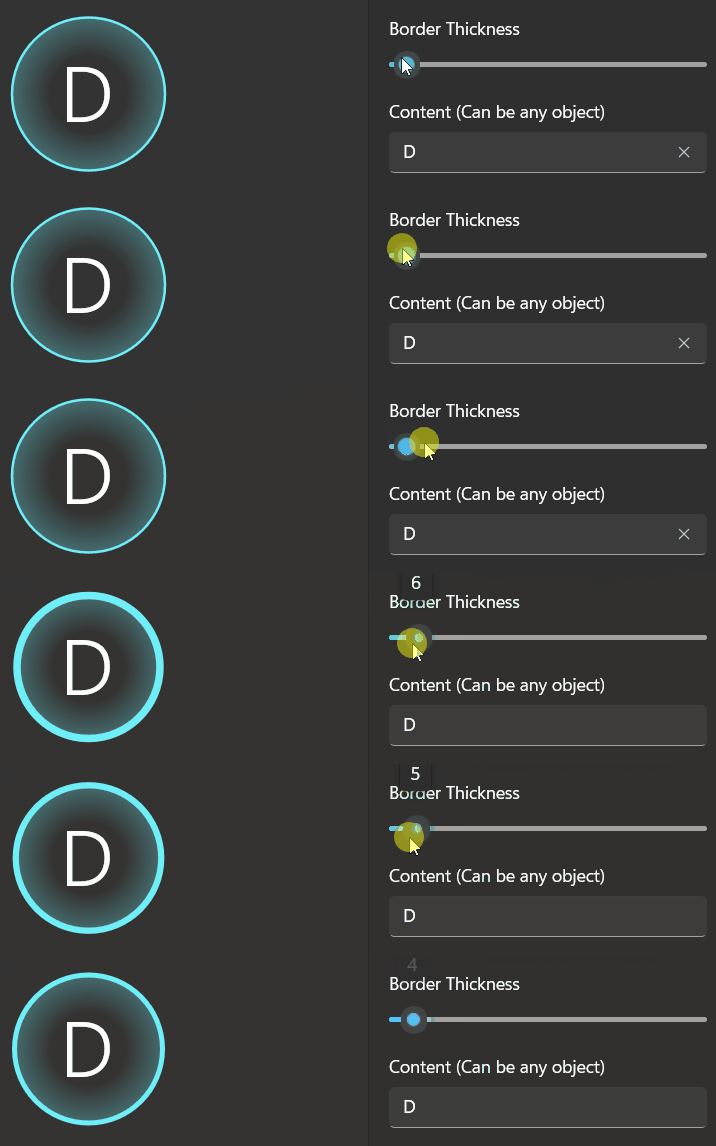
ProfileControl

FluidBanner
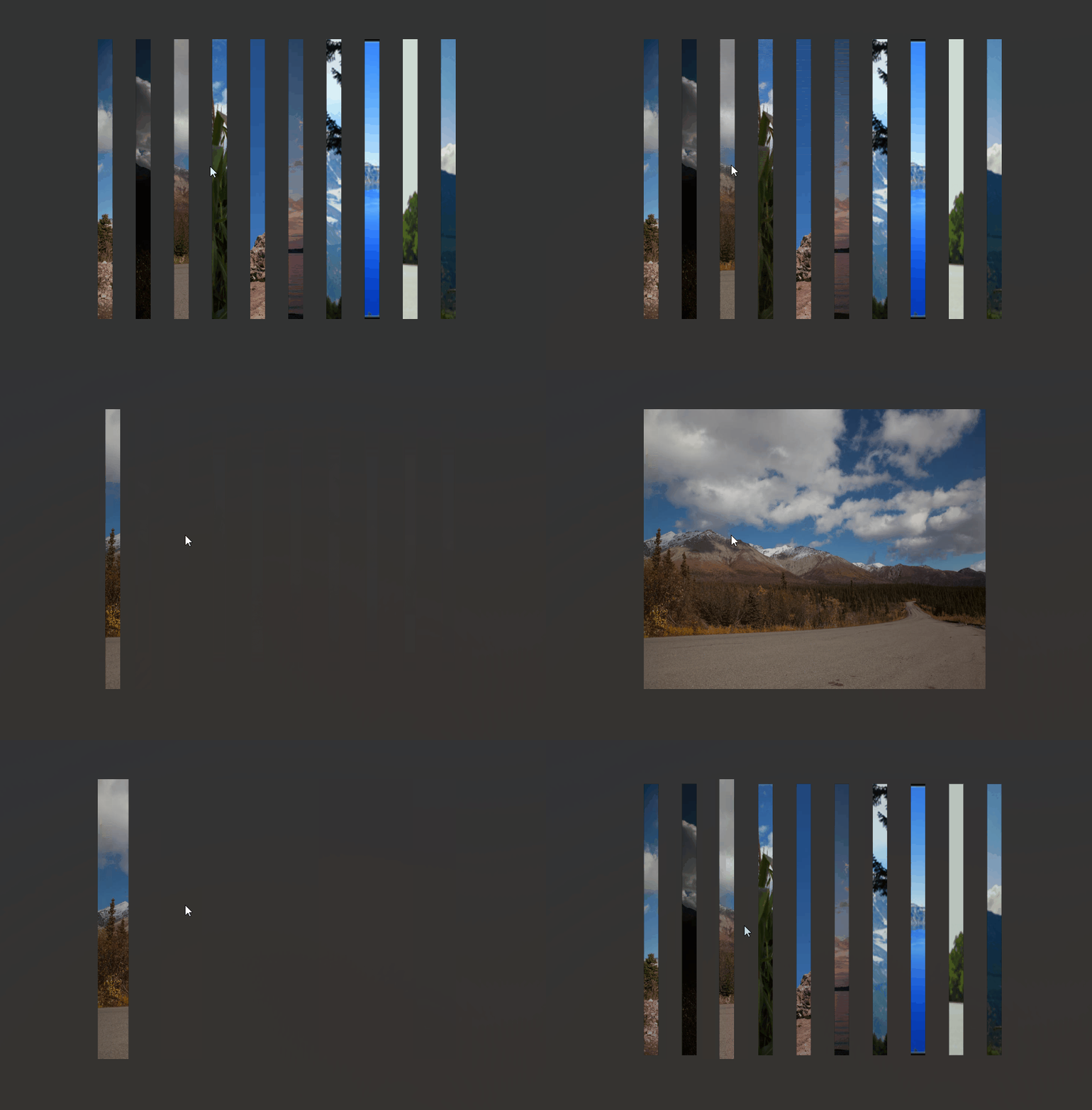
ColorShadow
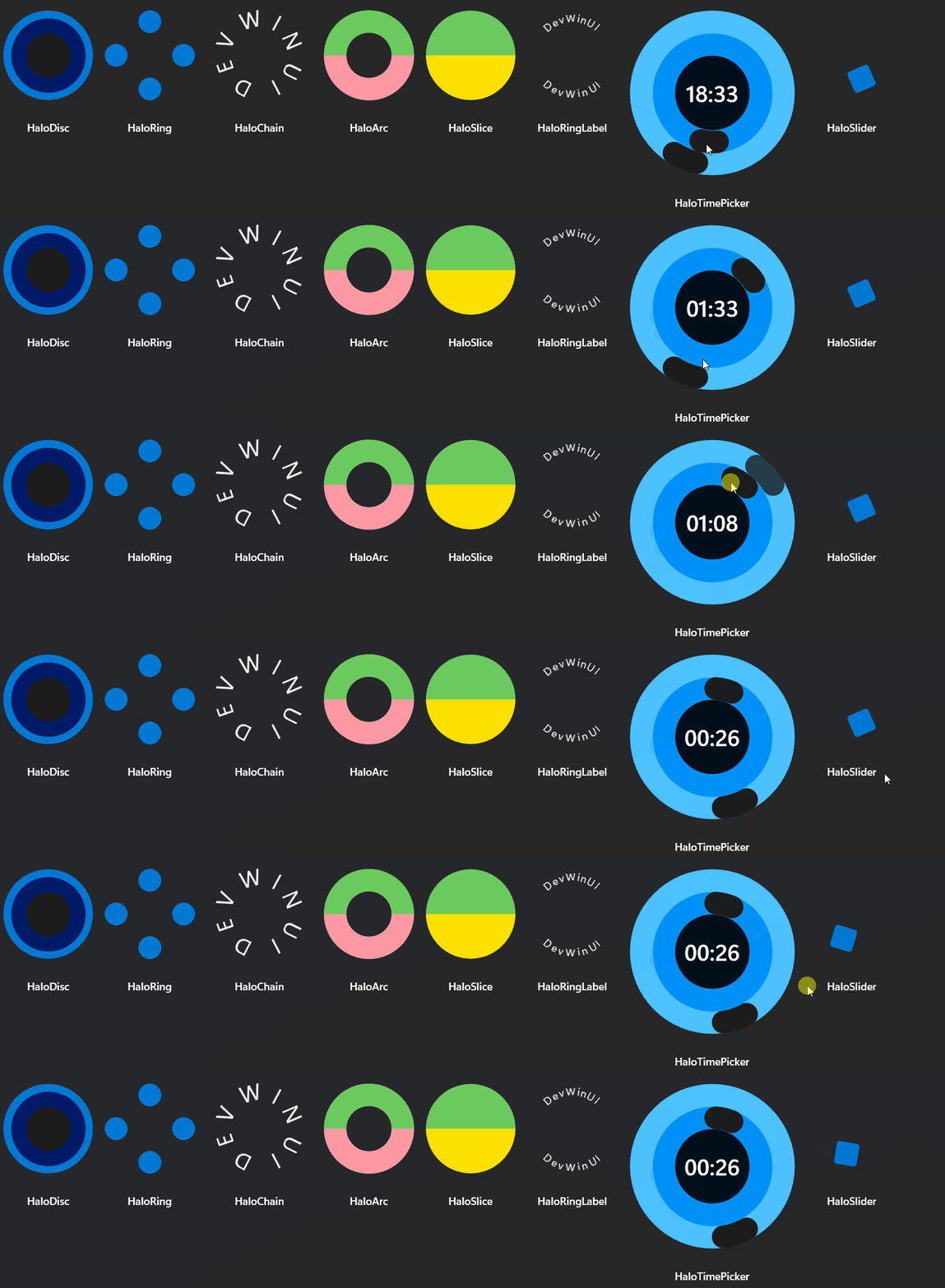
Halo
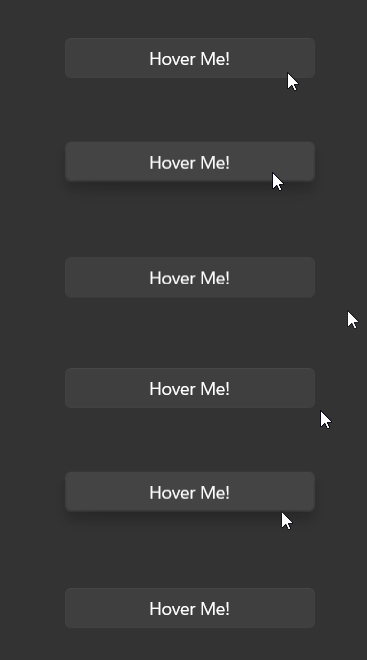
OffsetBox
InfoCard
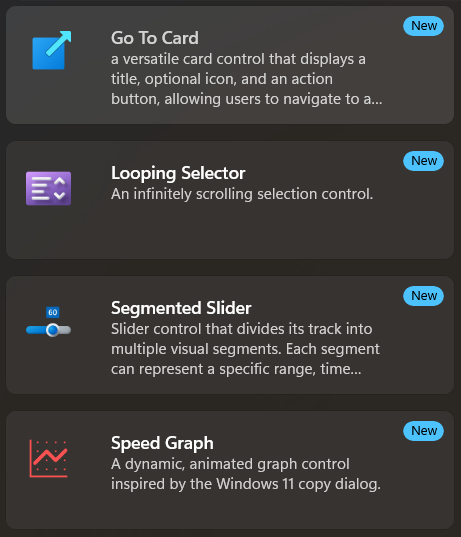
GoToCard
TabViewItem Rounded Style

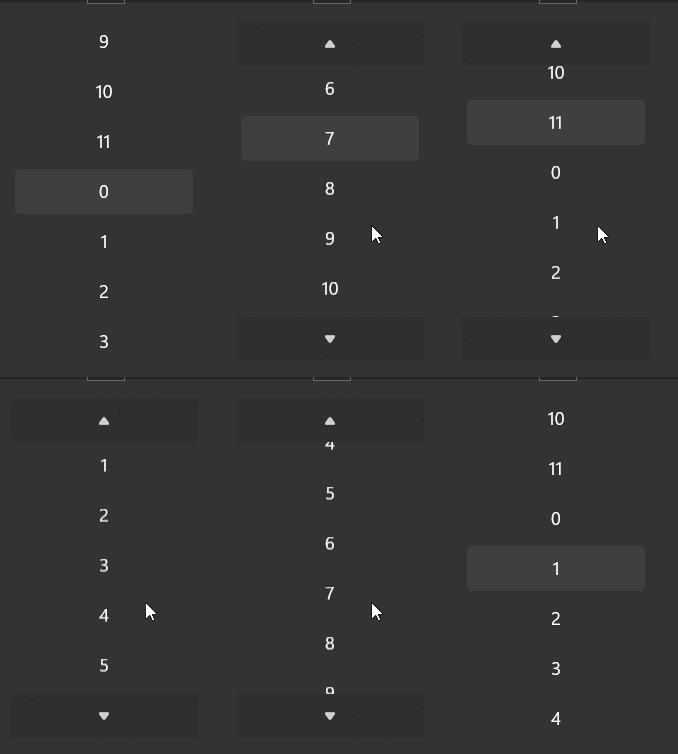
LoopingList
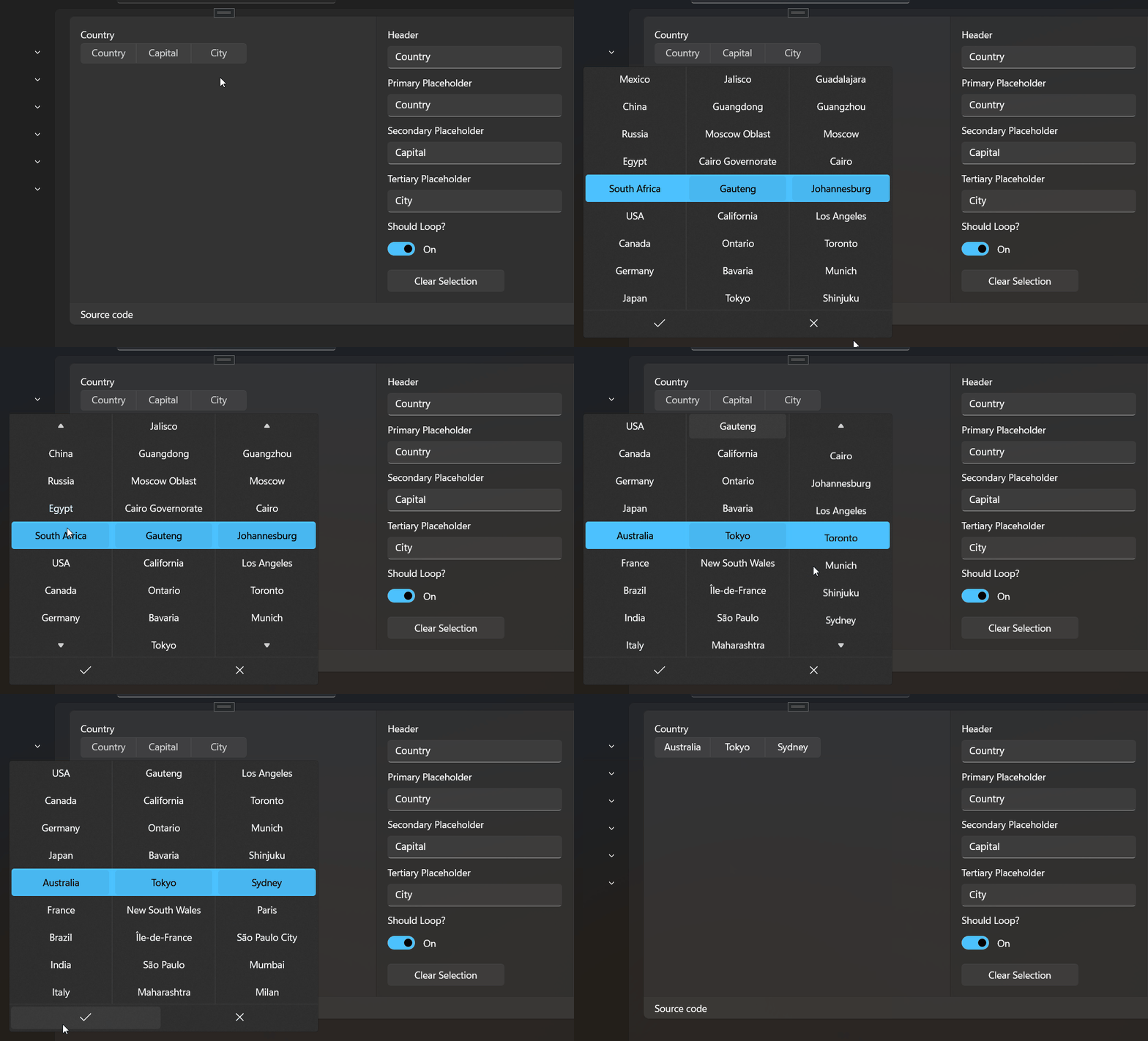
LoopingSelector
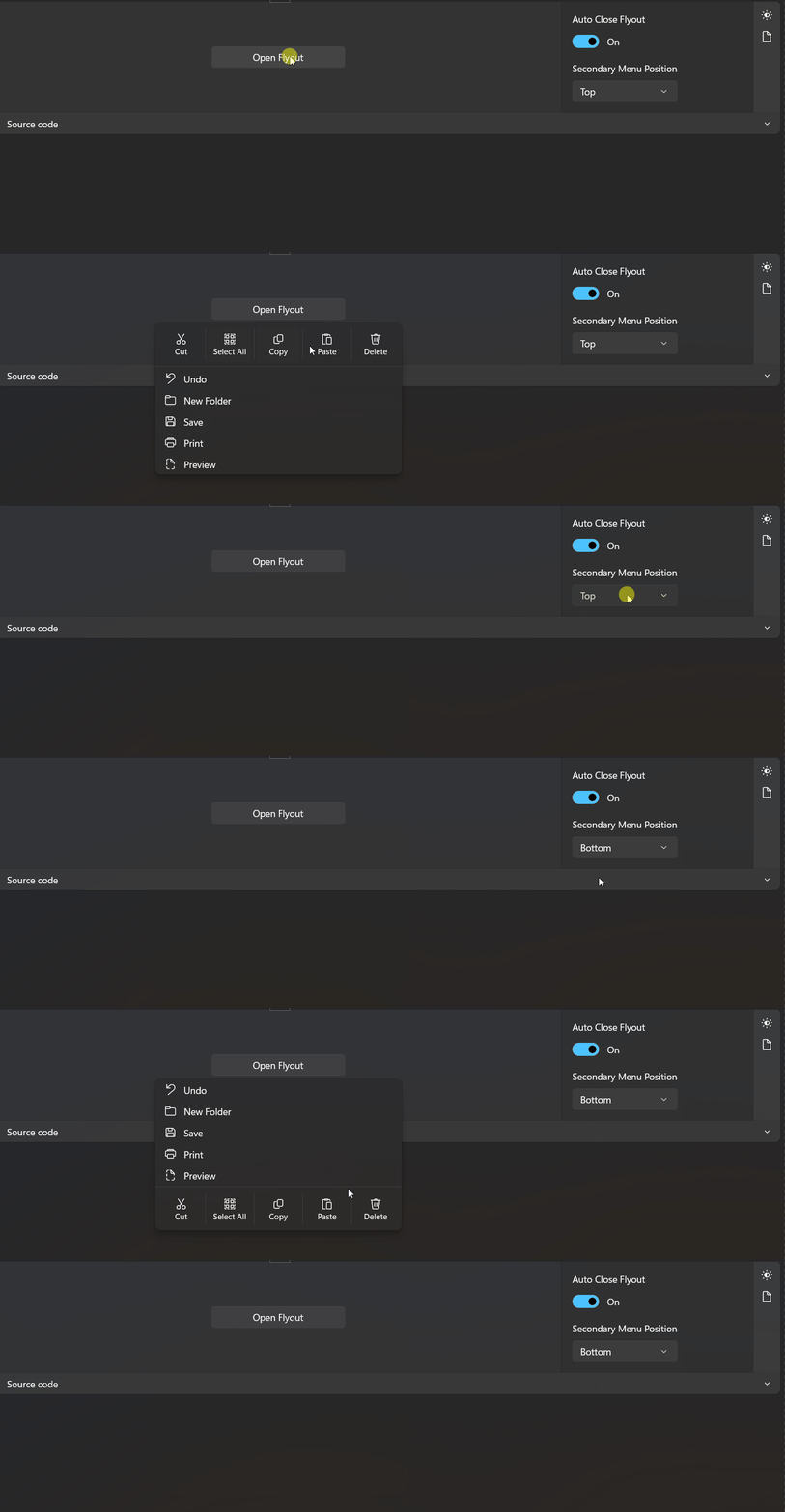
MenuFlyout SecondaryMenu Attach
SegmentedSlider
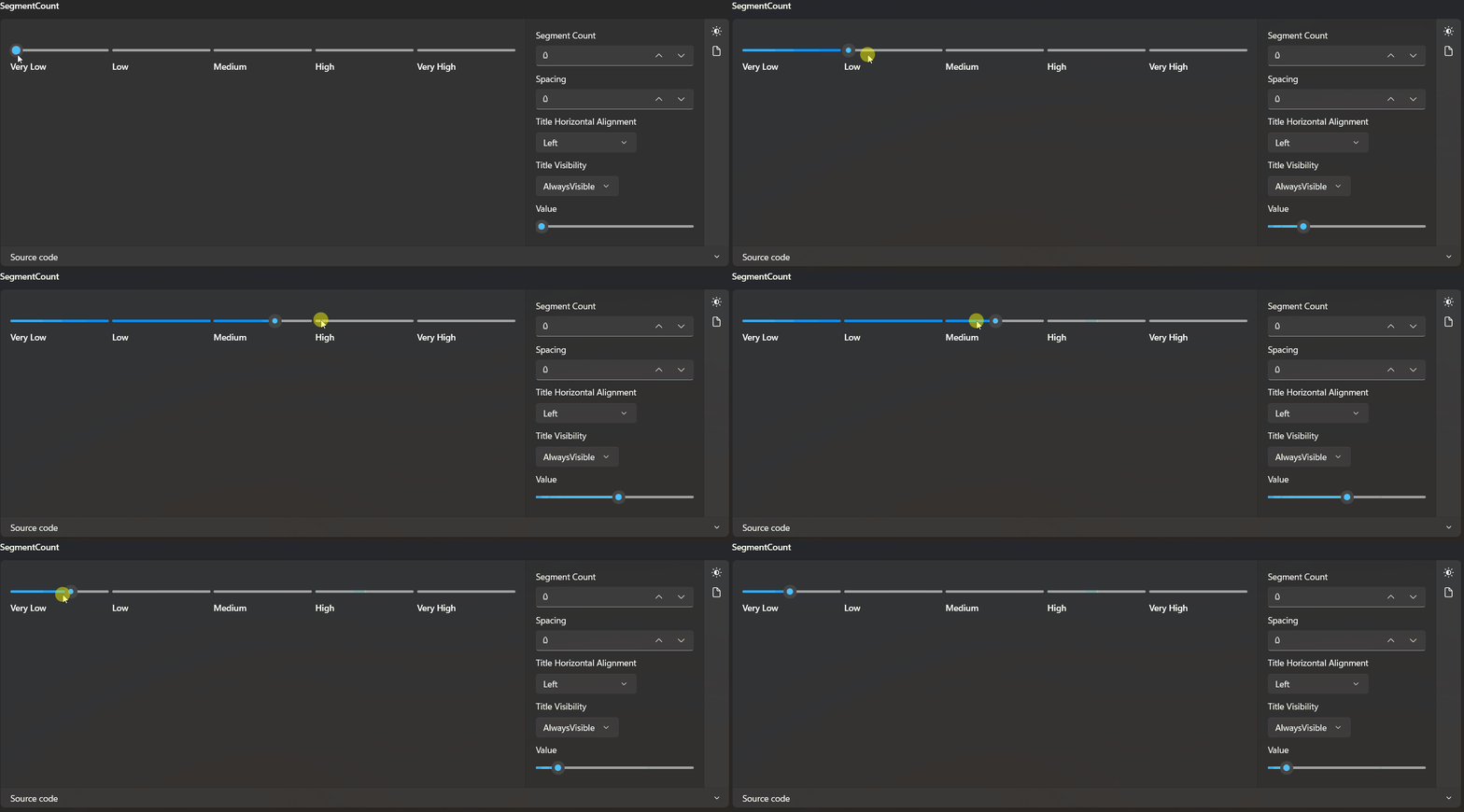
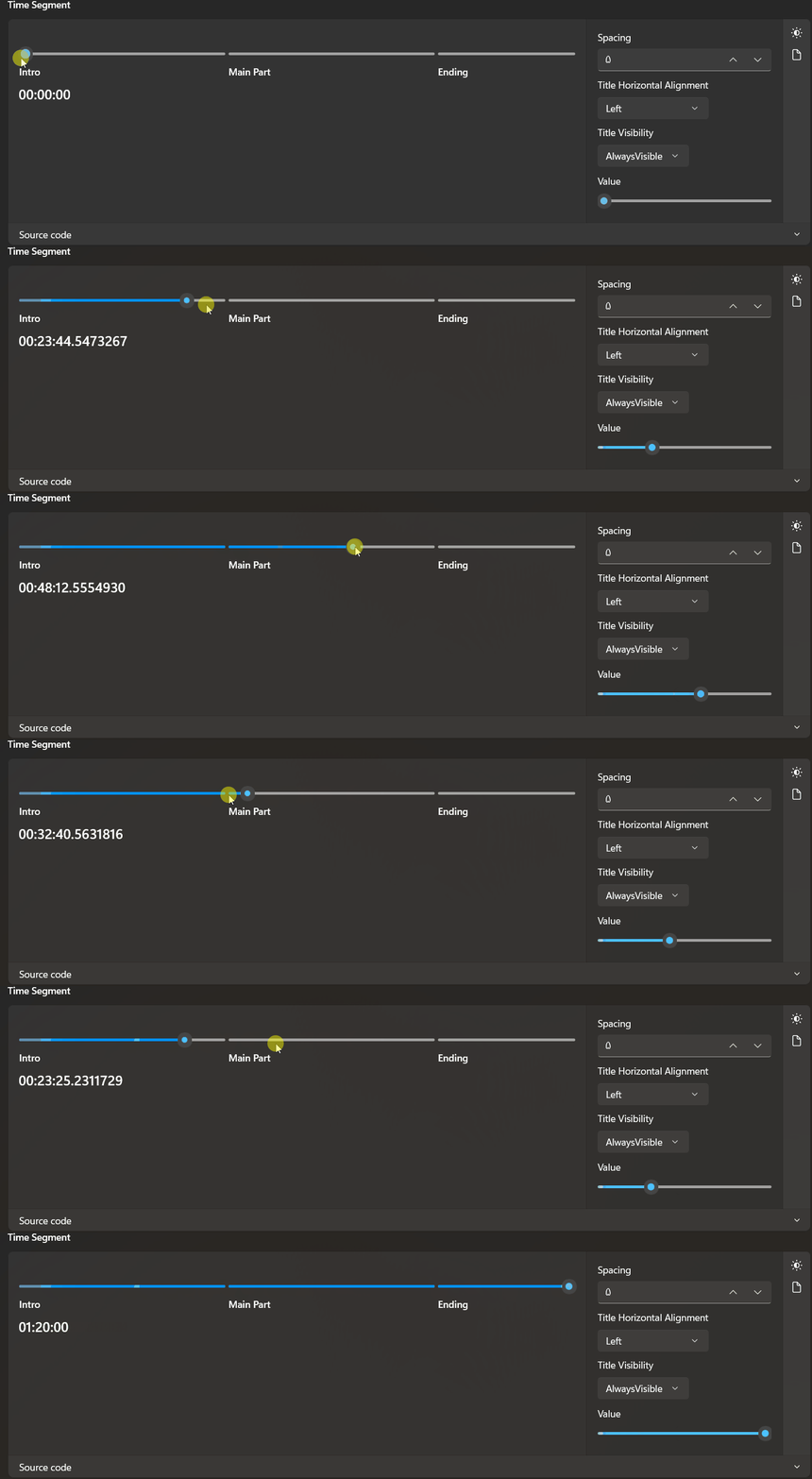
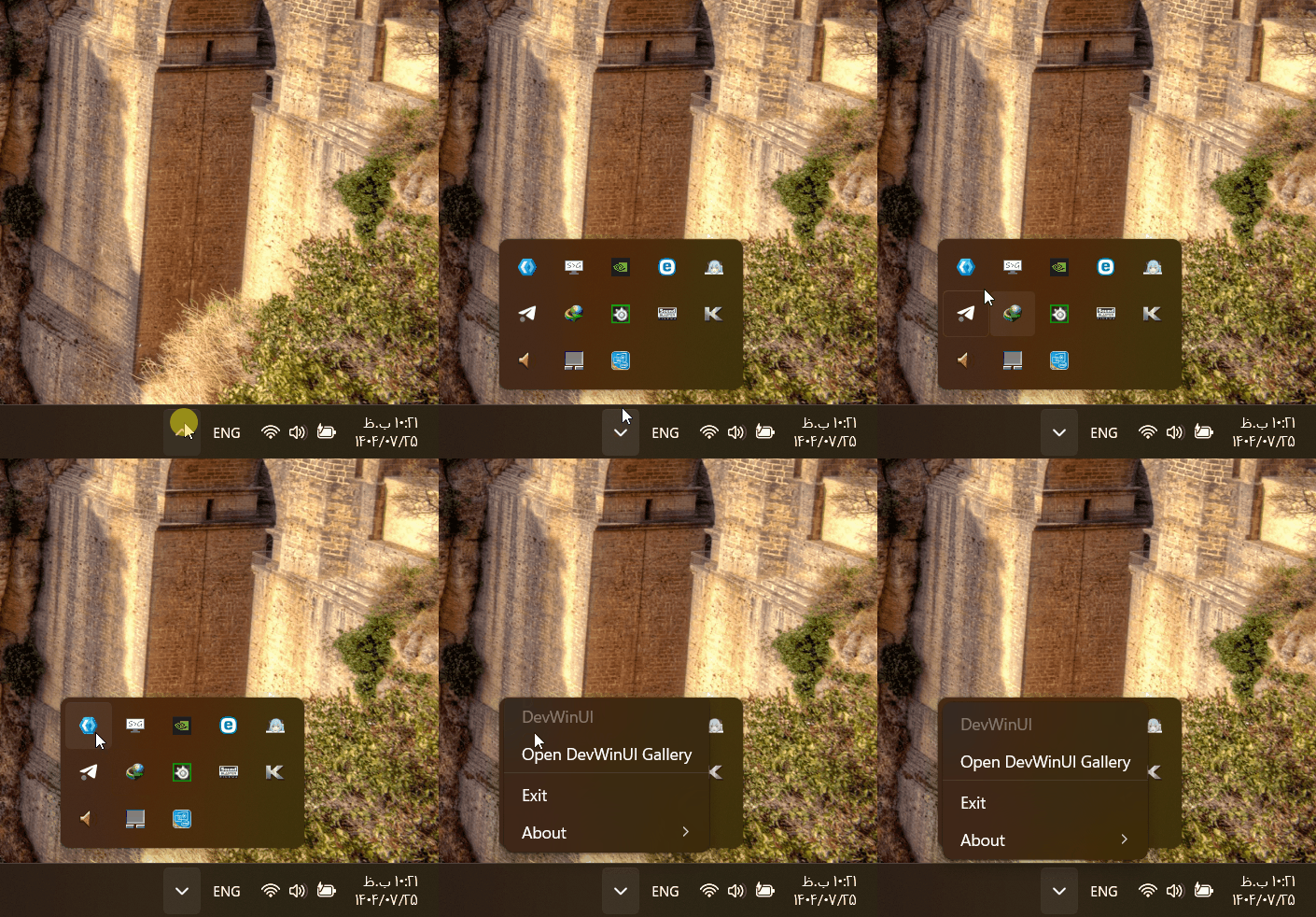
SystemTrayIcon
Timeline

SpeedGraph
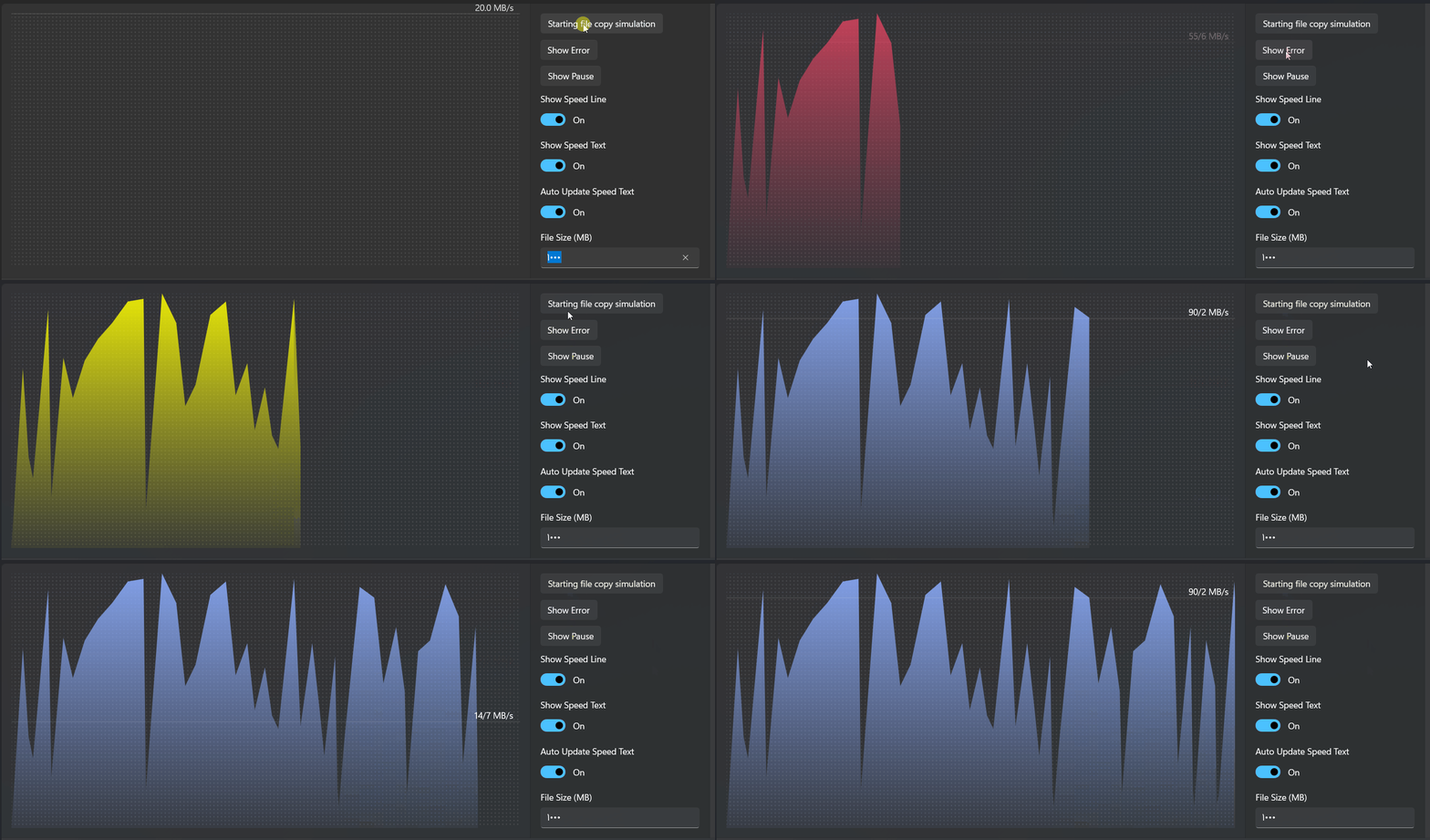
WanderingParticles
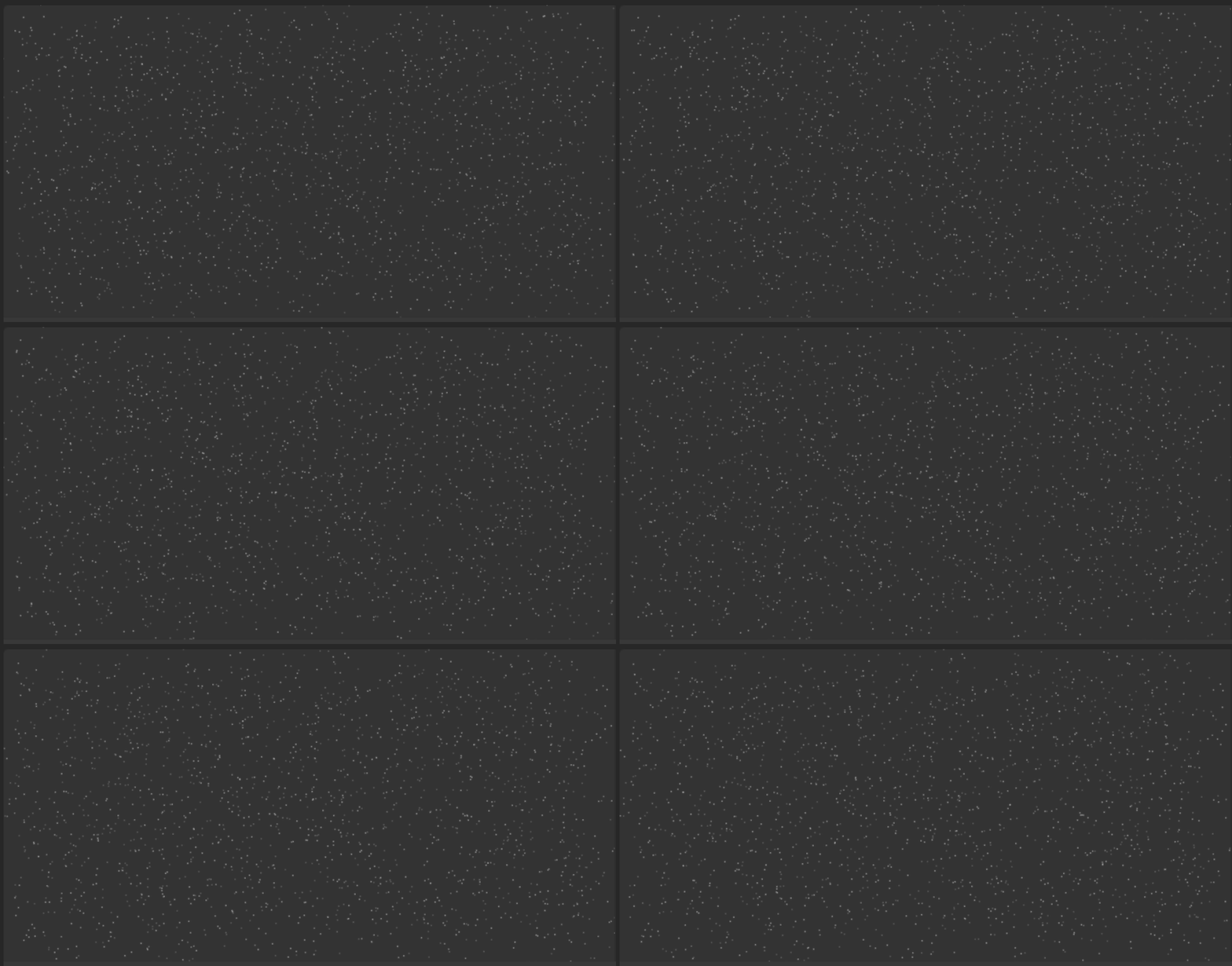
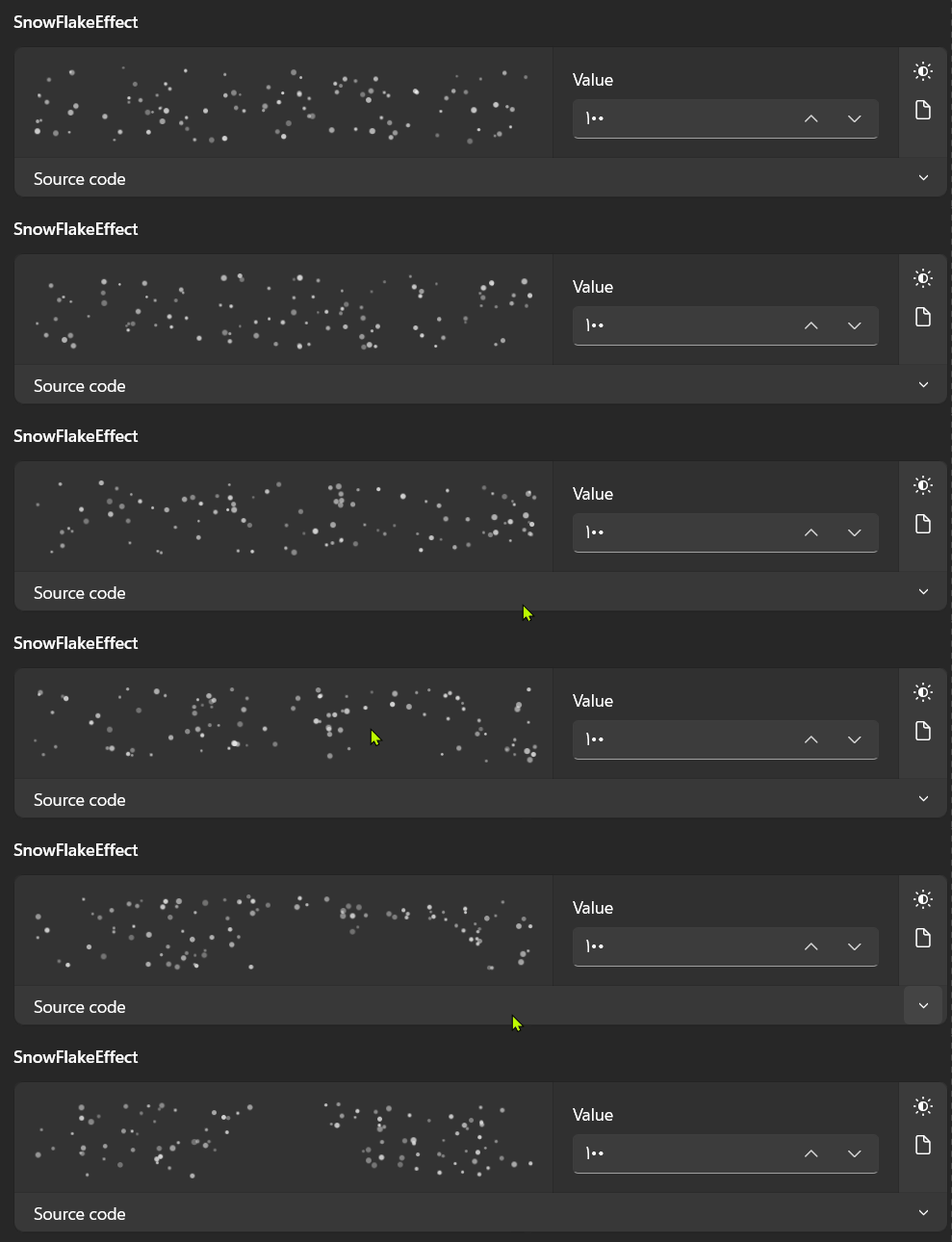
SnowFlakeEffect
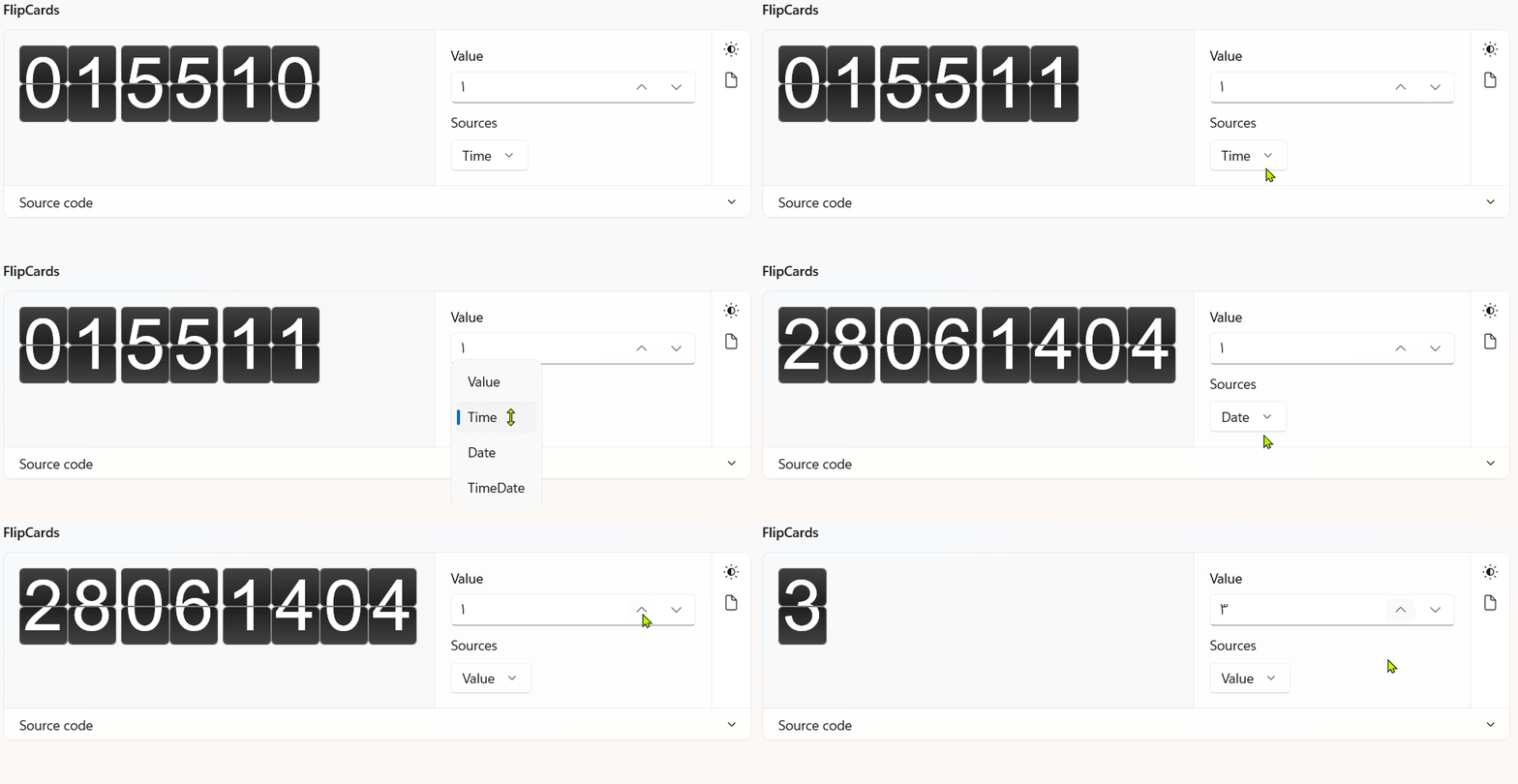
FlipCards
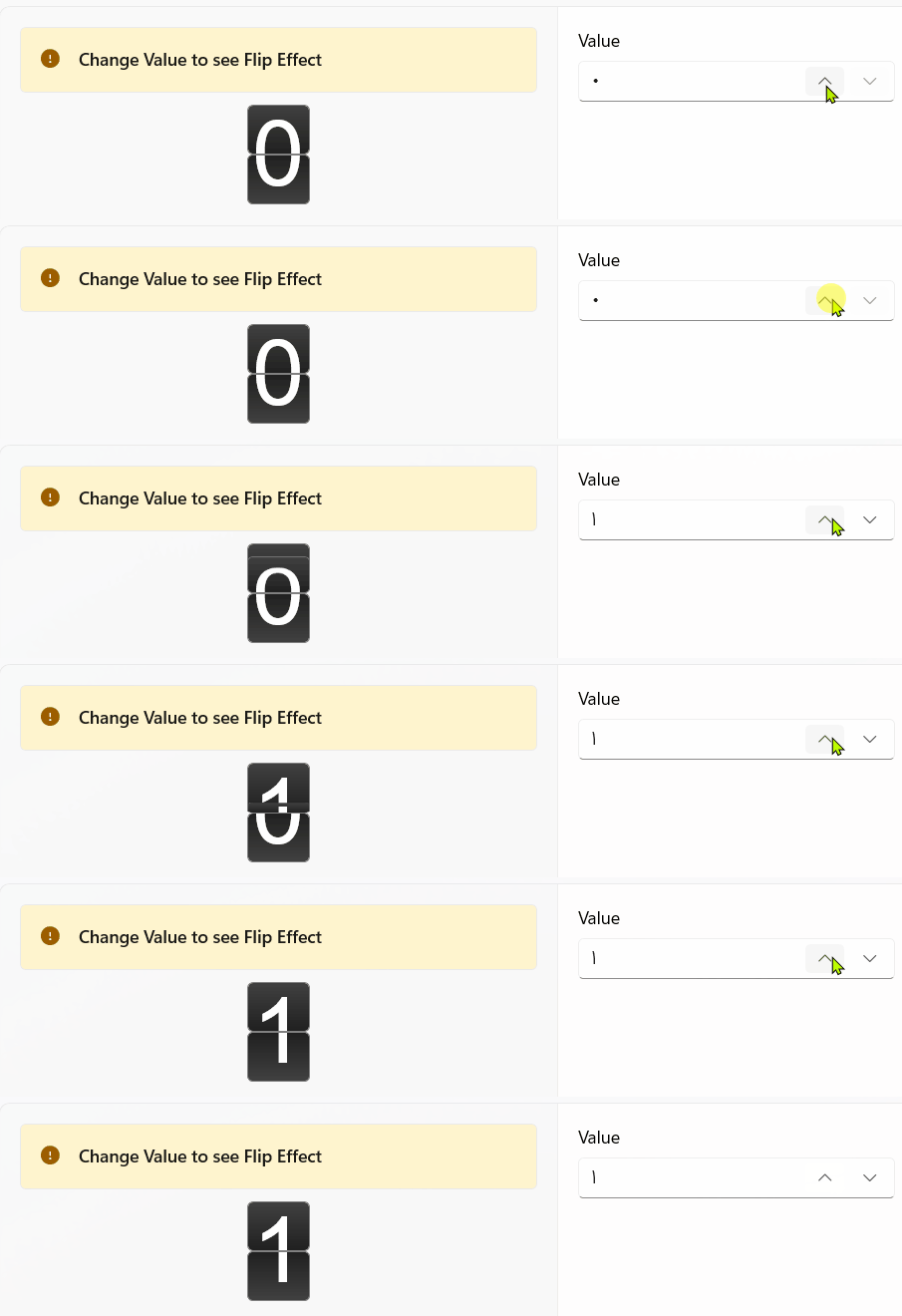
FlipBlock
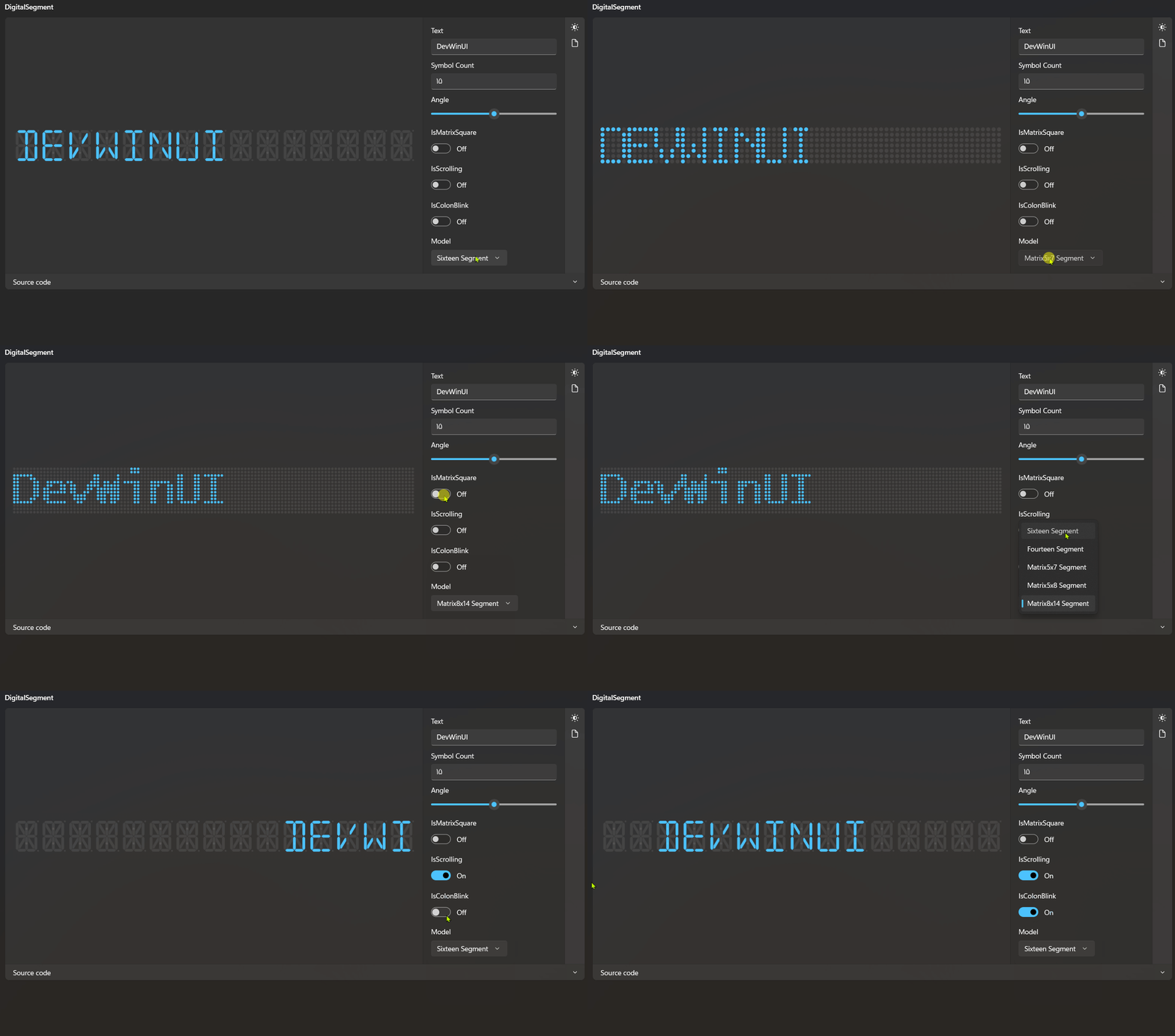
DigitalSegment
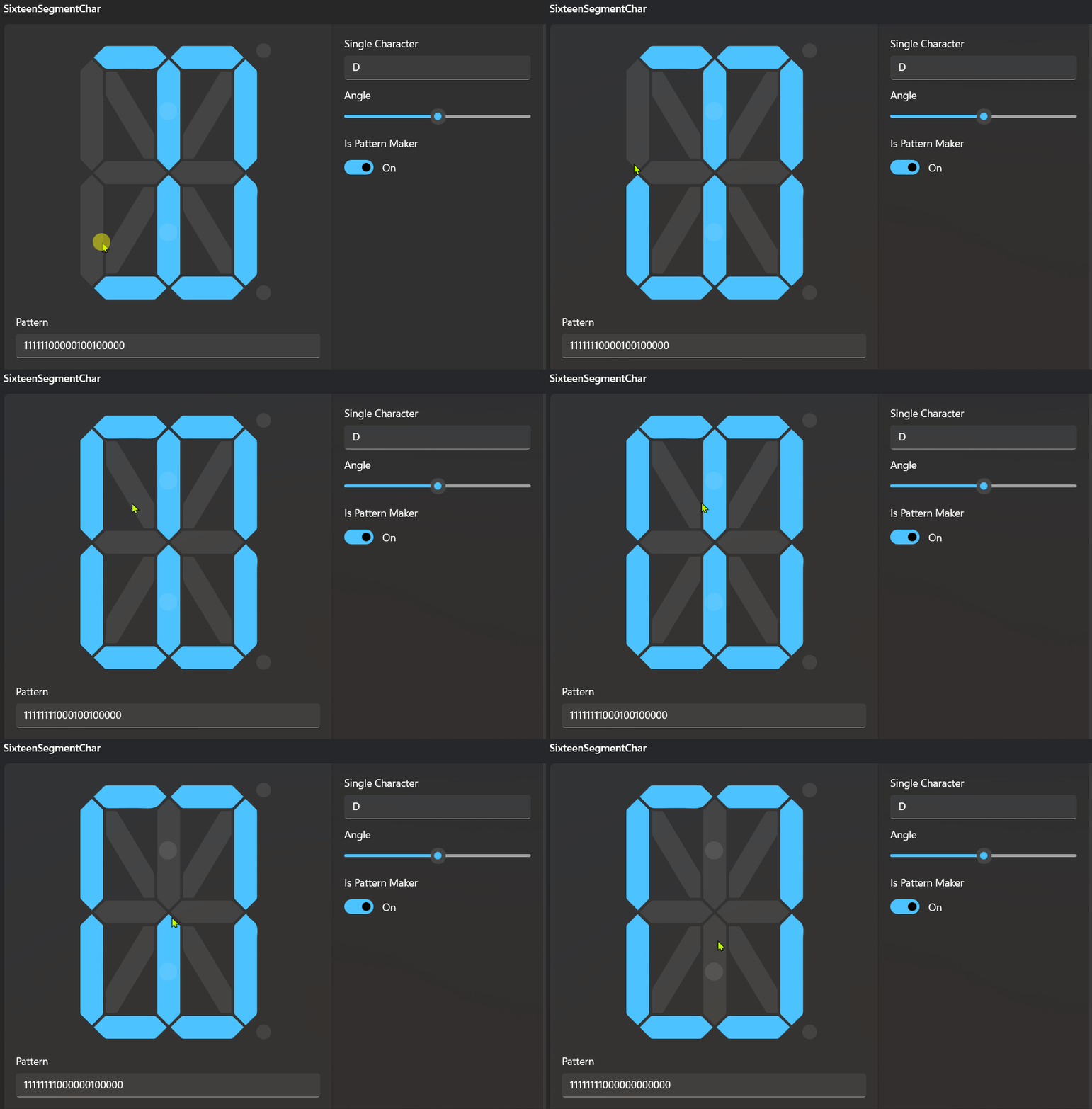
SixteenSegmentChar
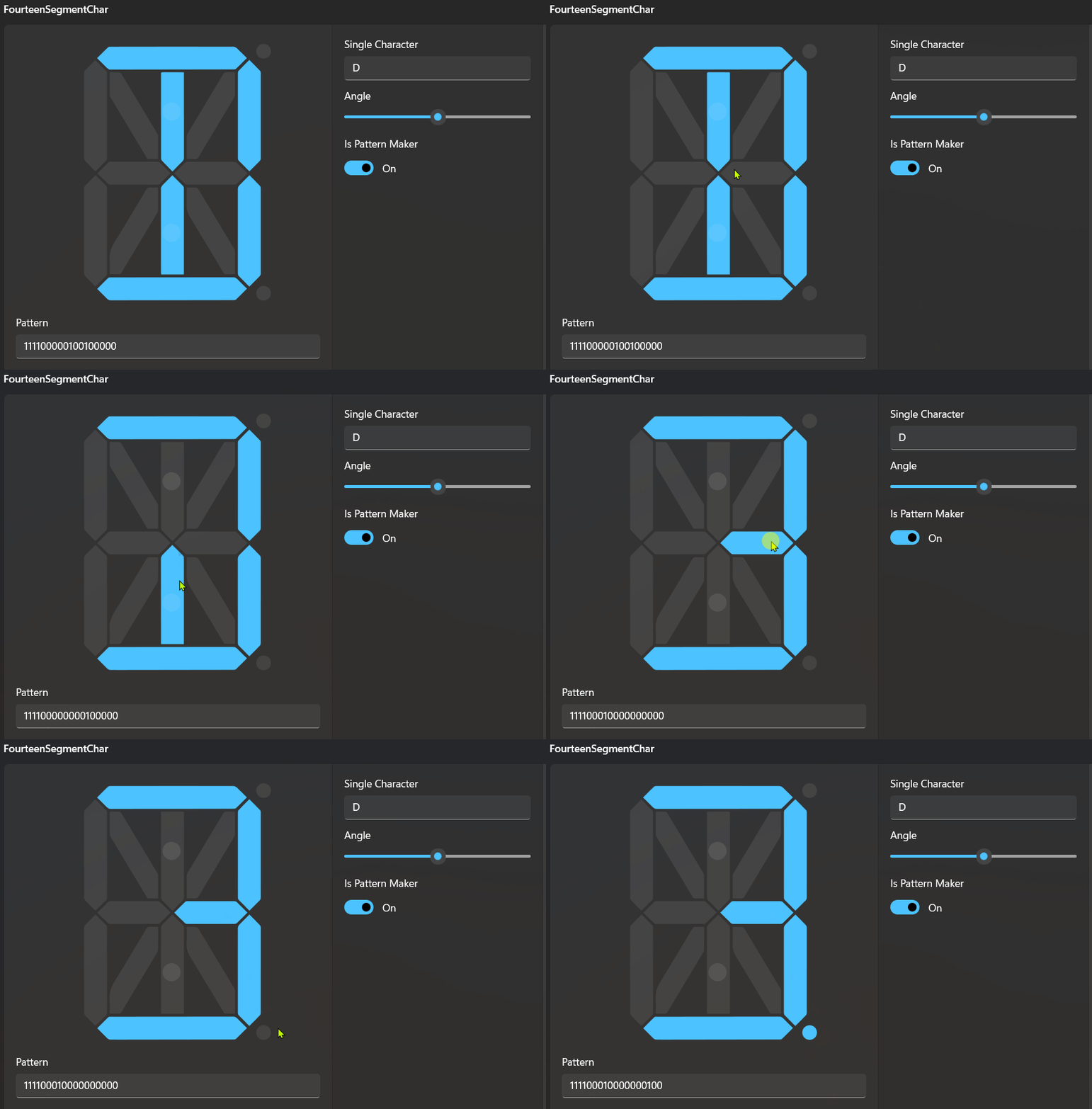
FourteenSegmentChar
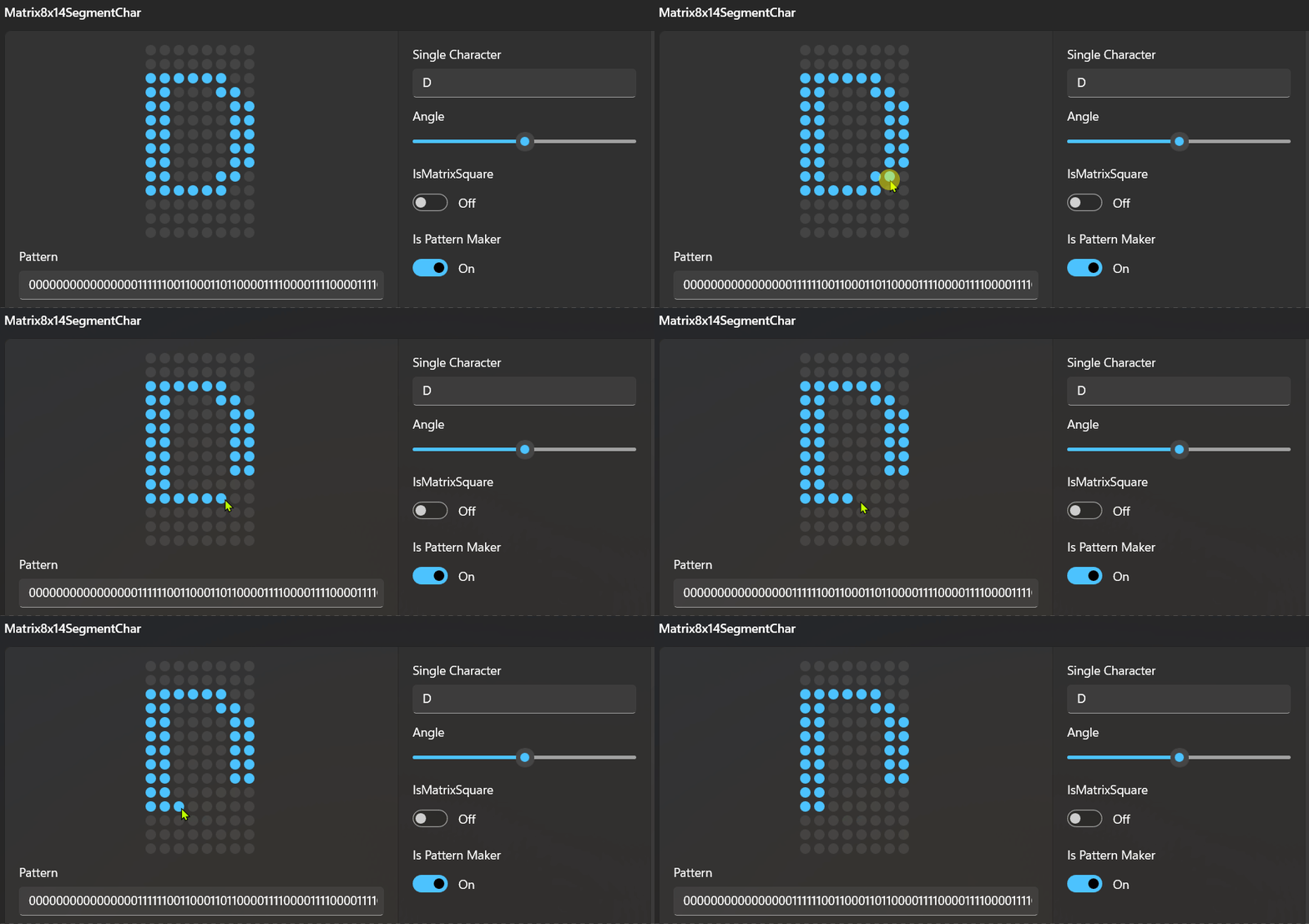
MatrixSegmentChar
HomePageHeader
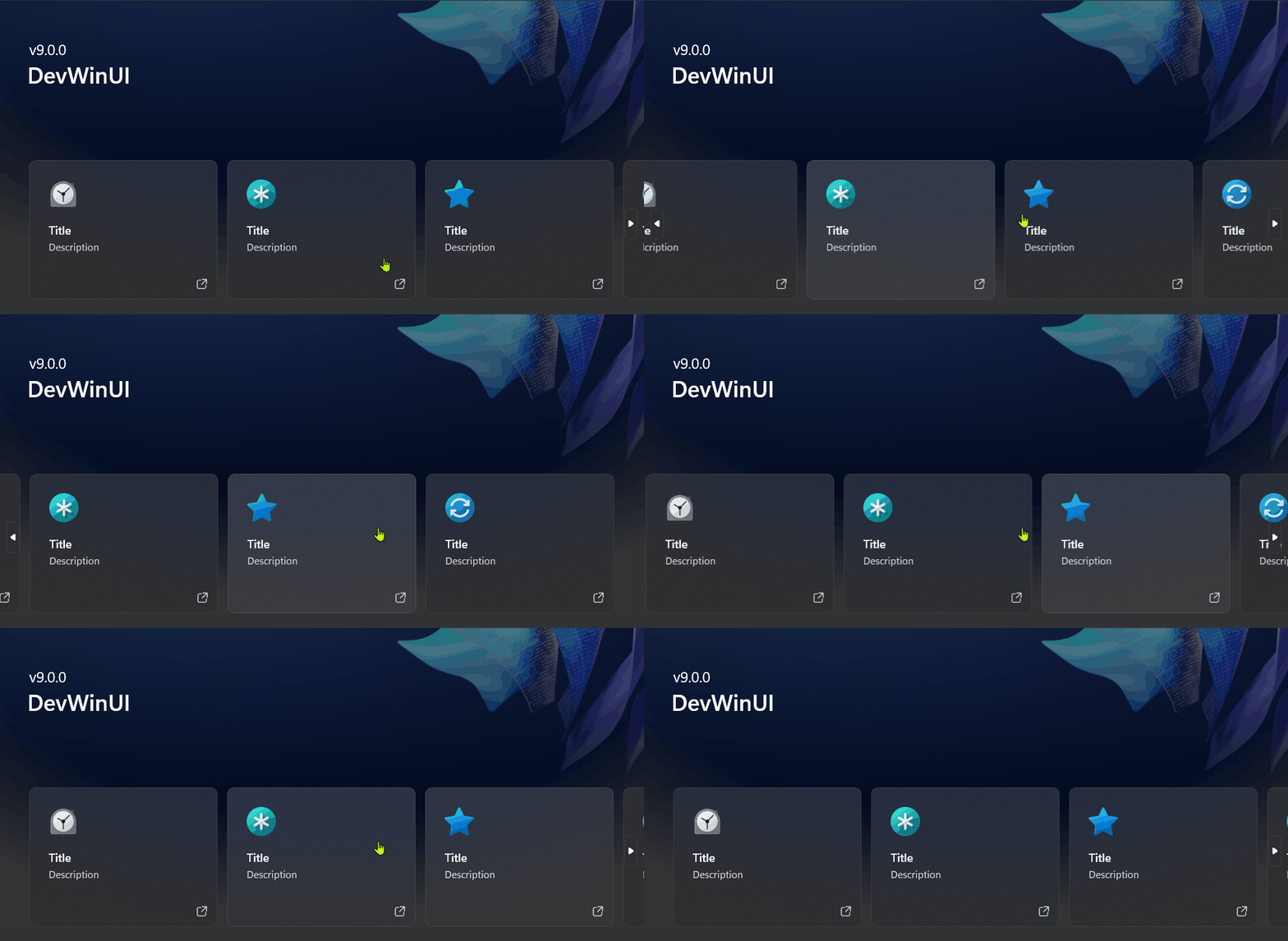
HeaderTile
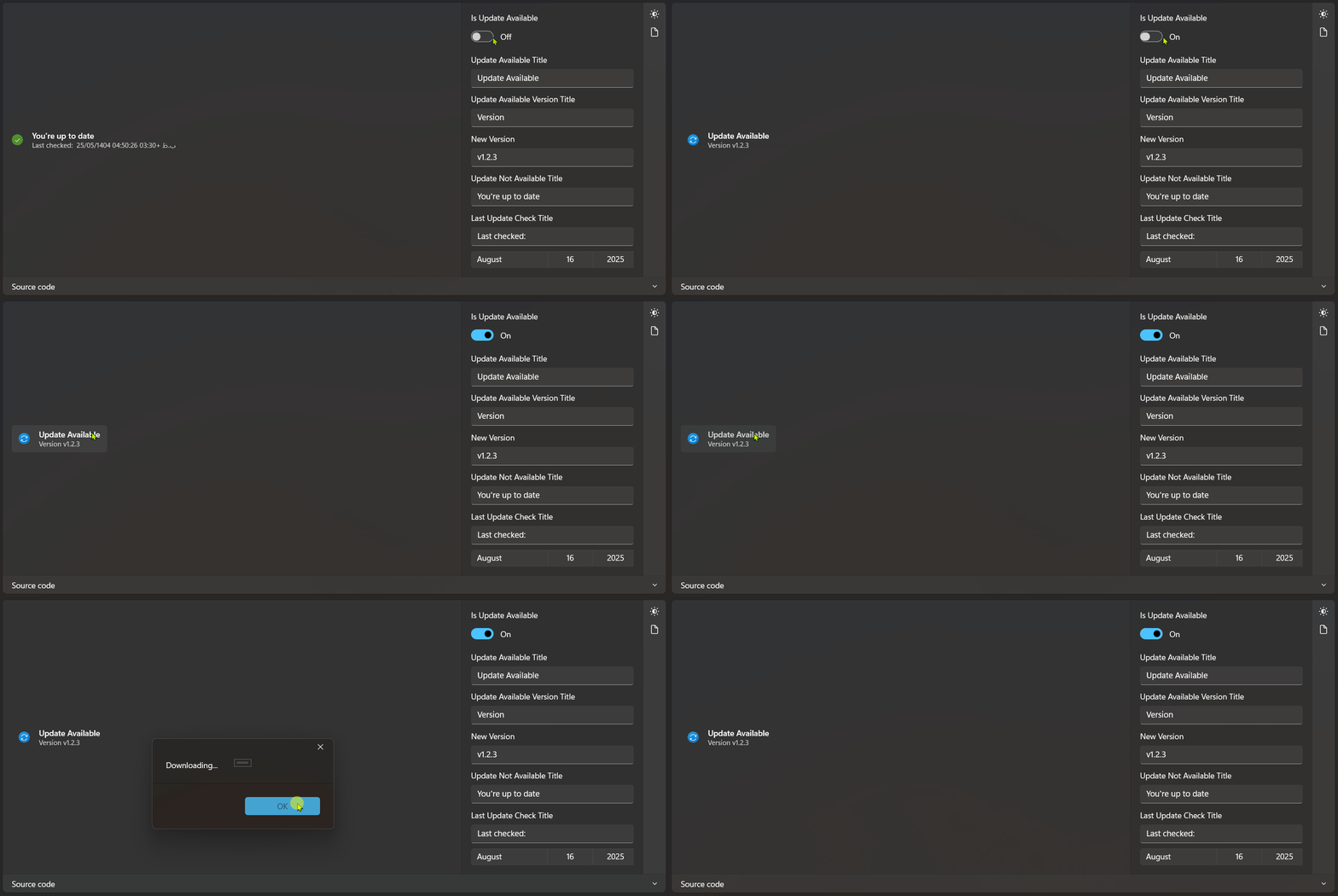
CheckUpdateControl
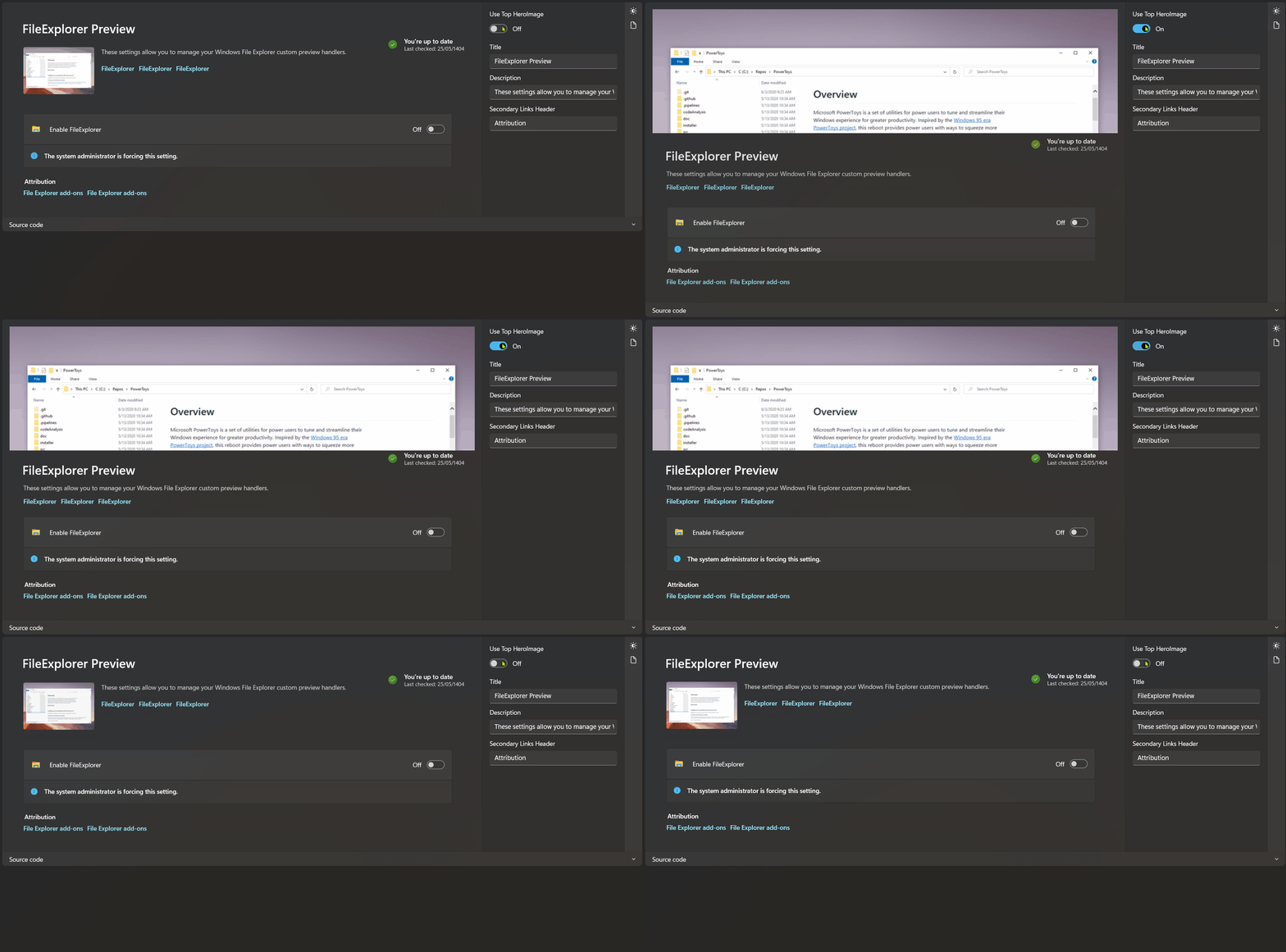
OutOfBoxPage
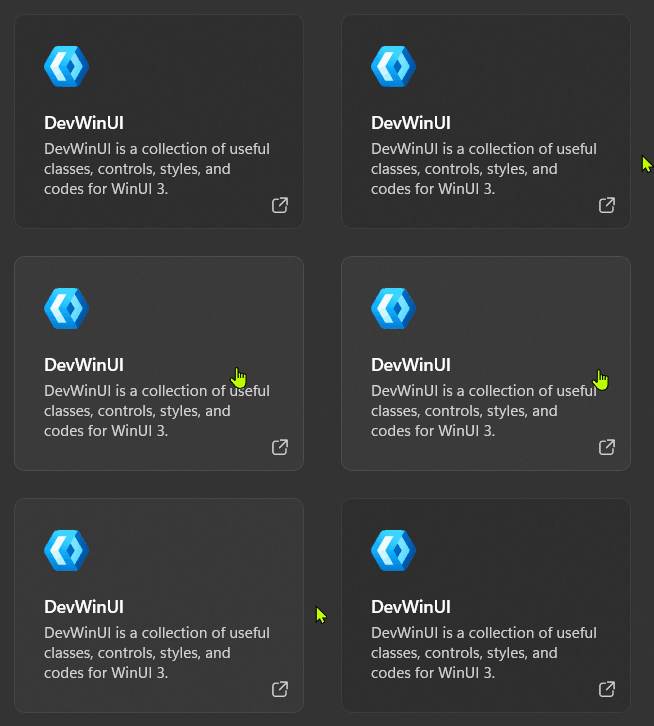
Card

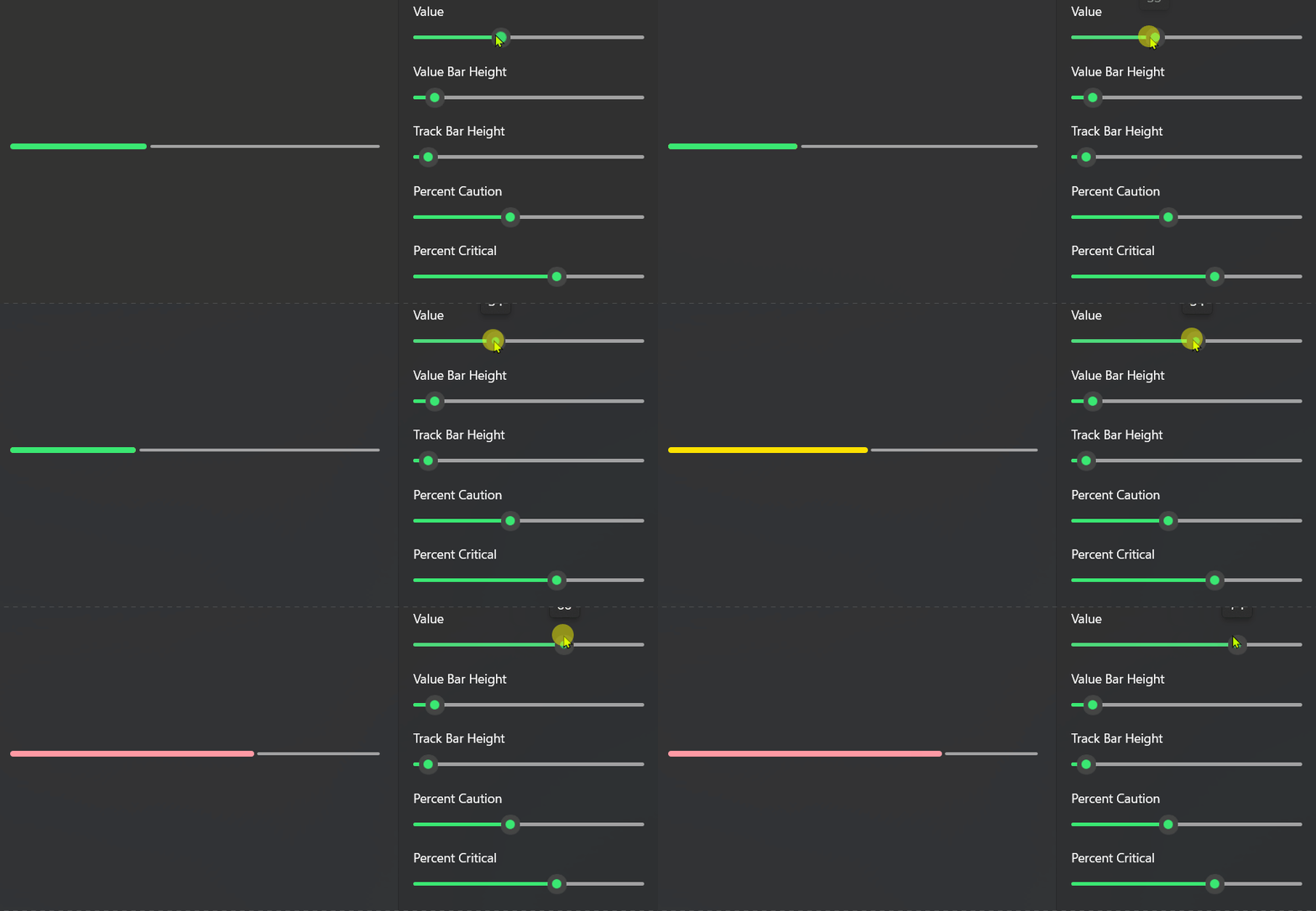
StorageBar
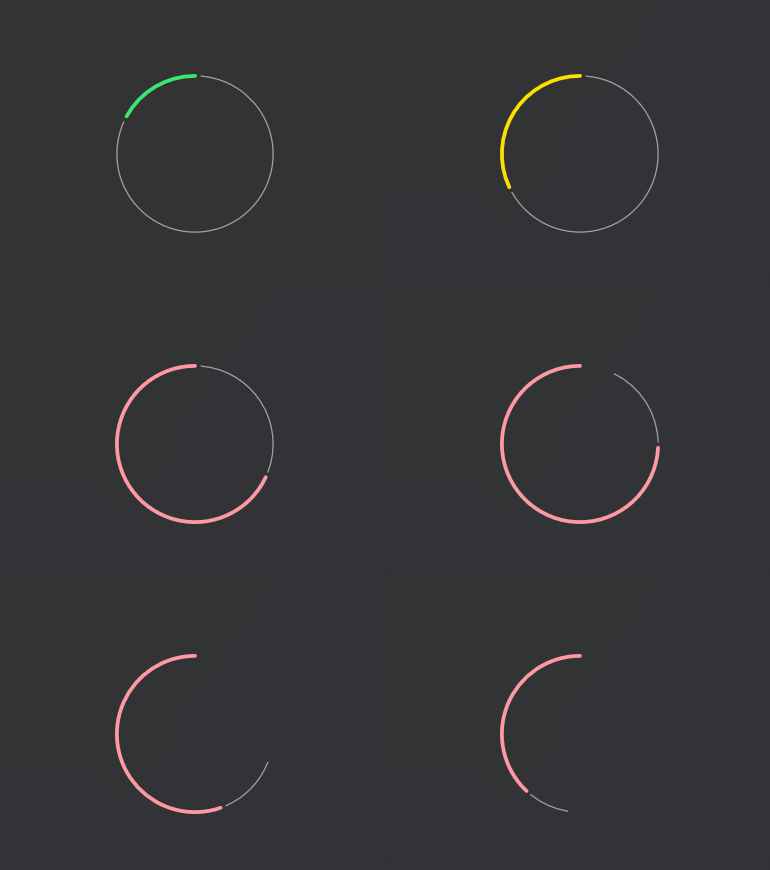
StorageRing
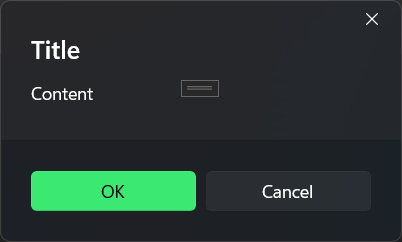
MessageBox
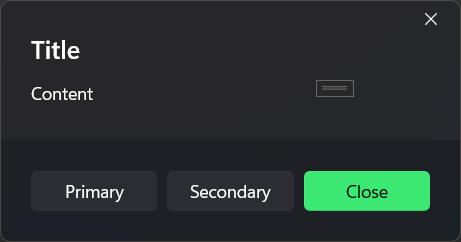
WindowedContentDialog
ConfettiCannon

DepthLayerView
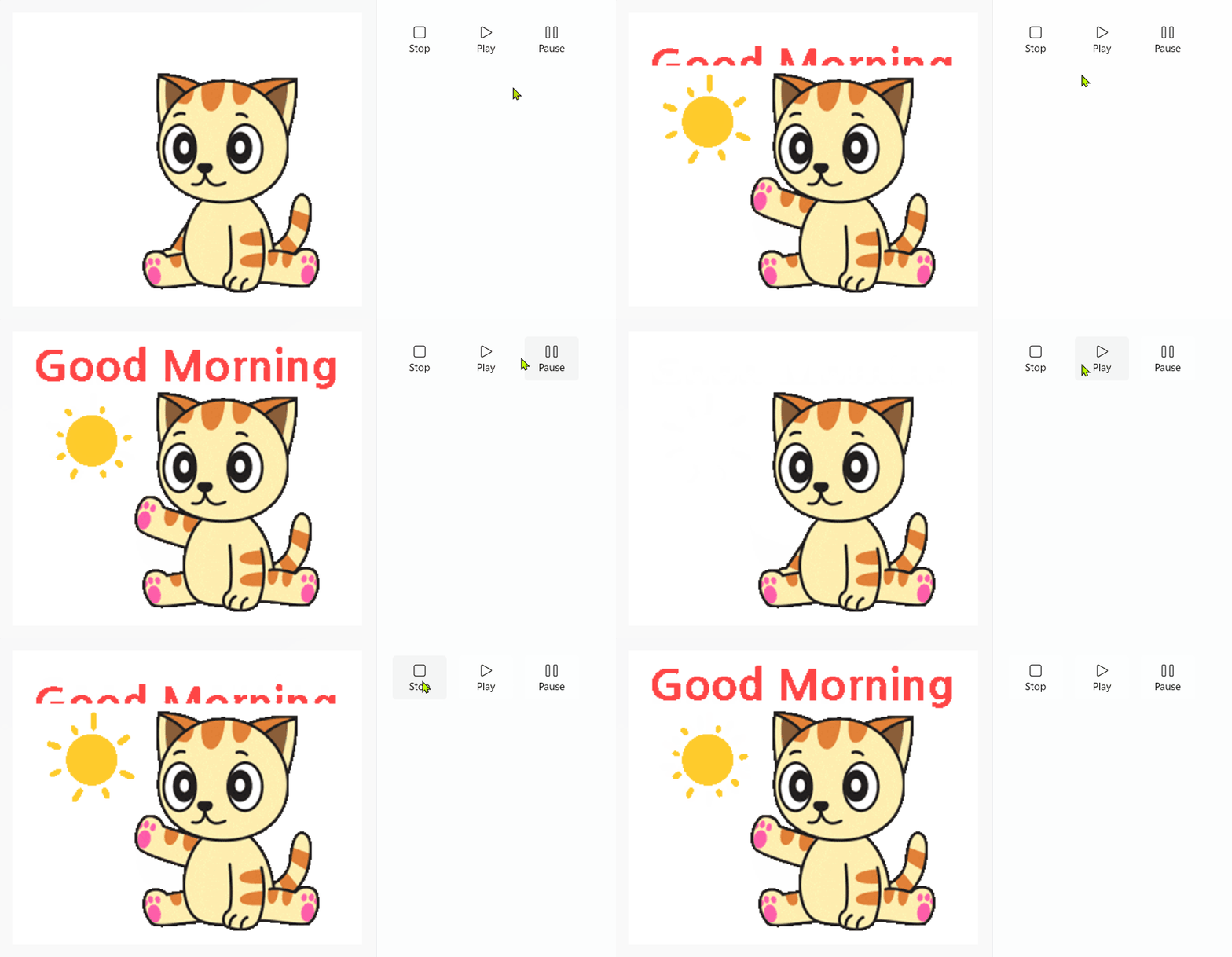
GifImage
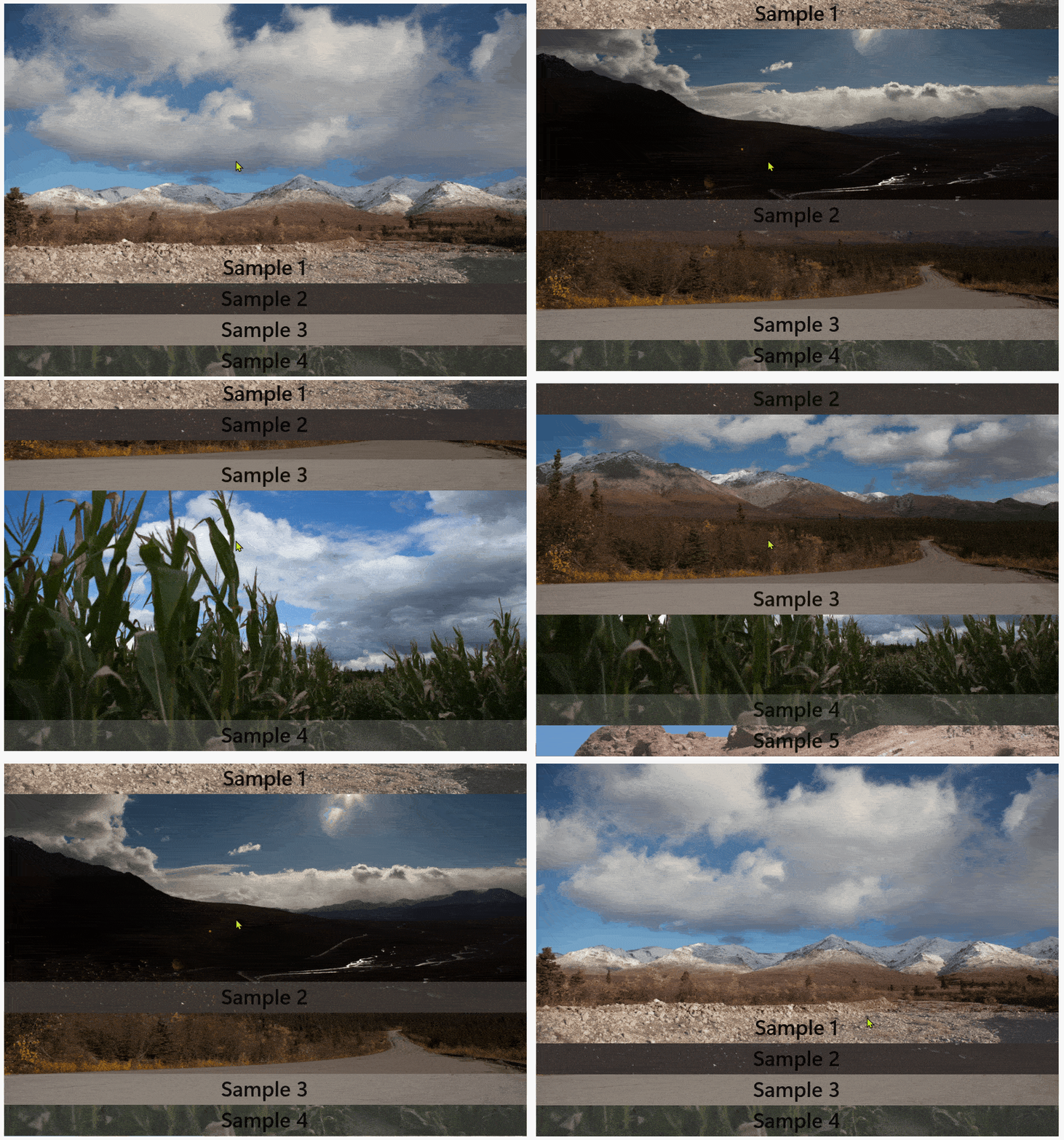
Accordion
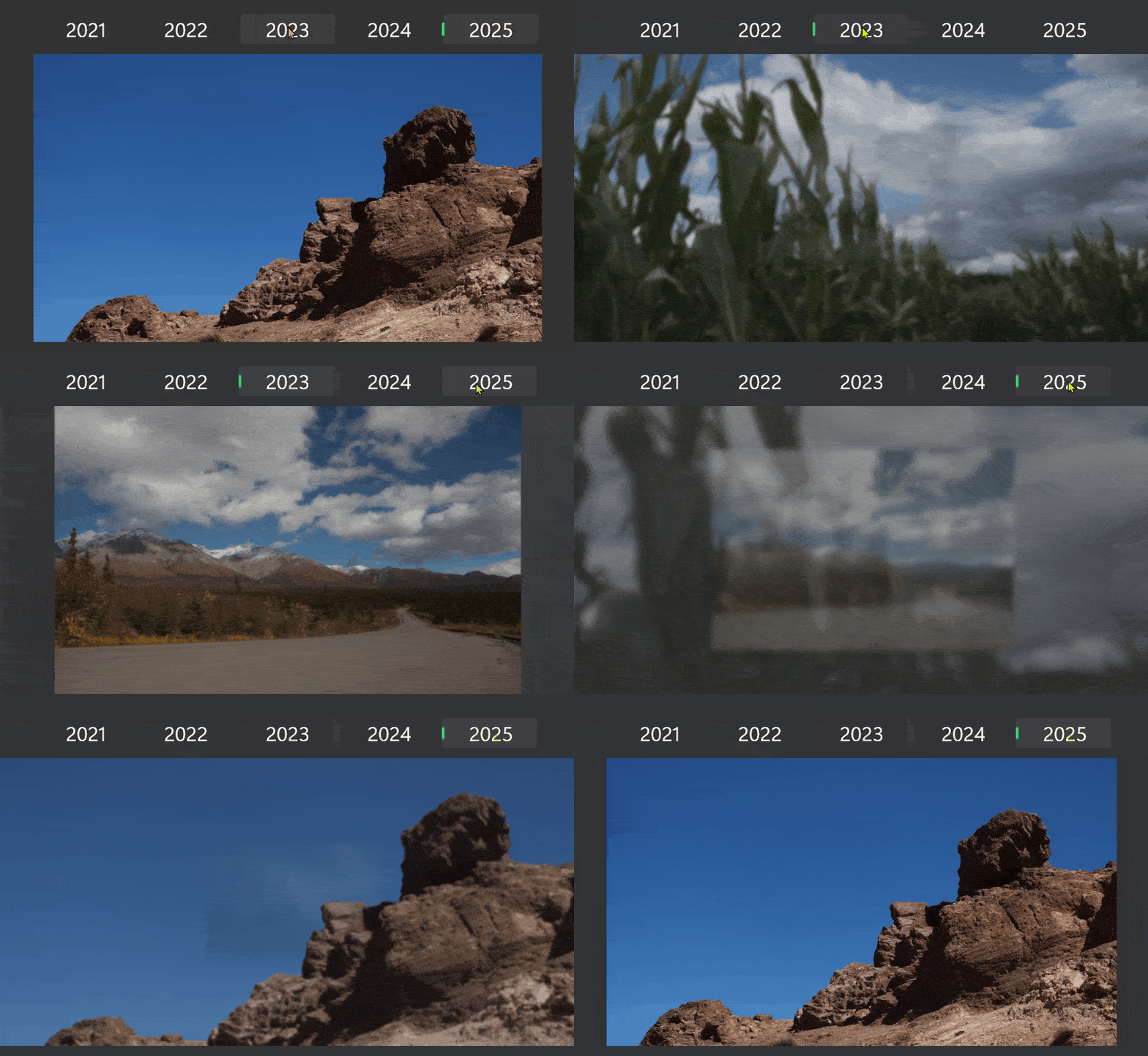
ShyHeader
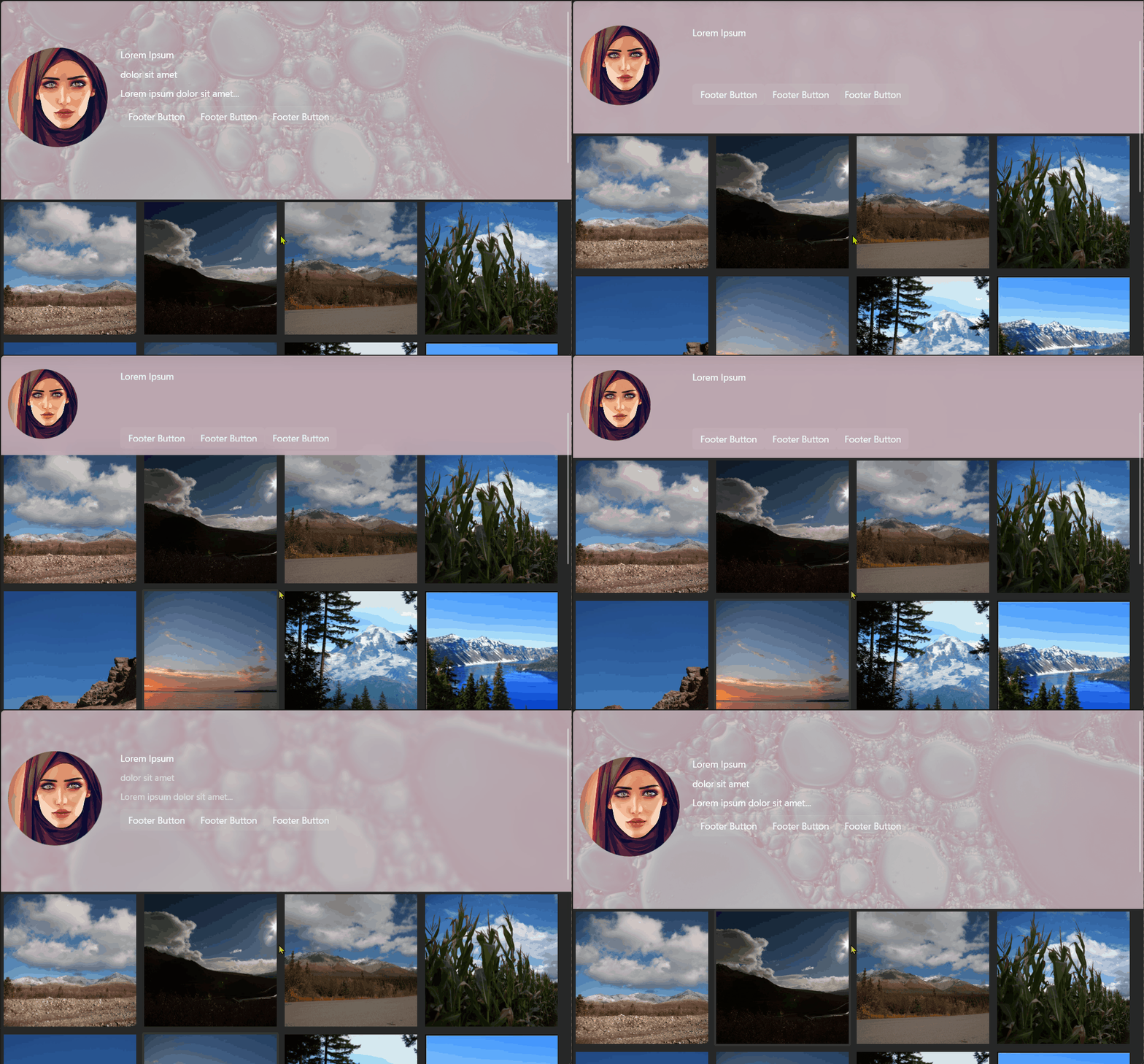
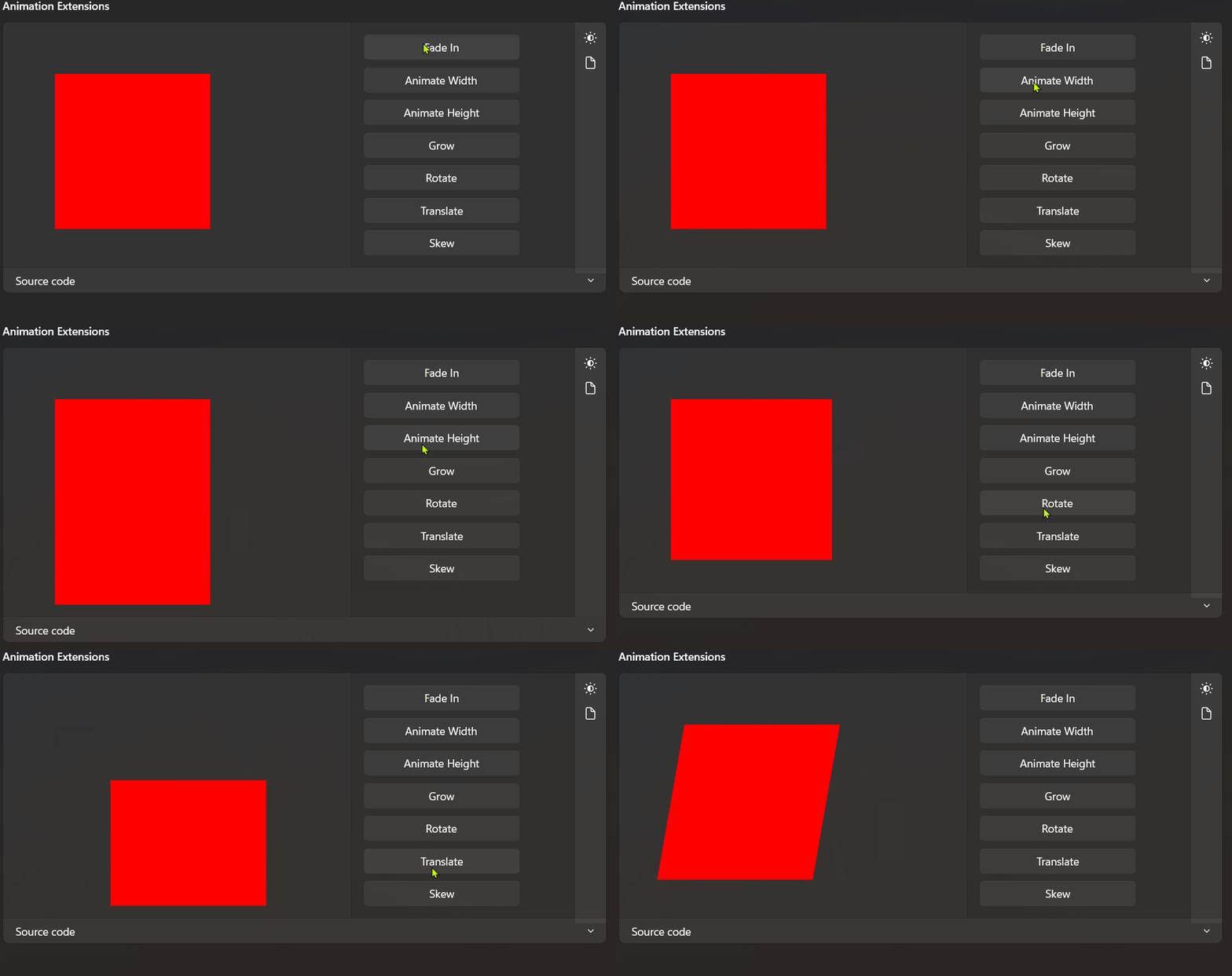
AnimationExtensions
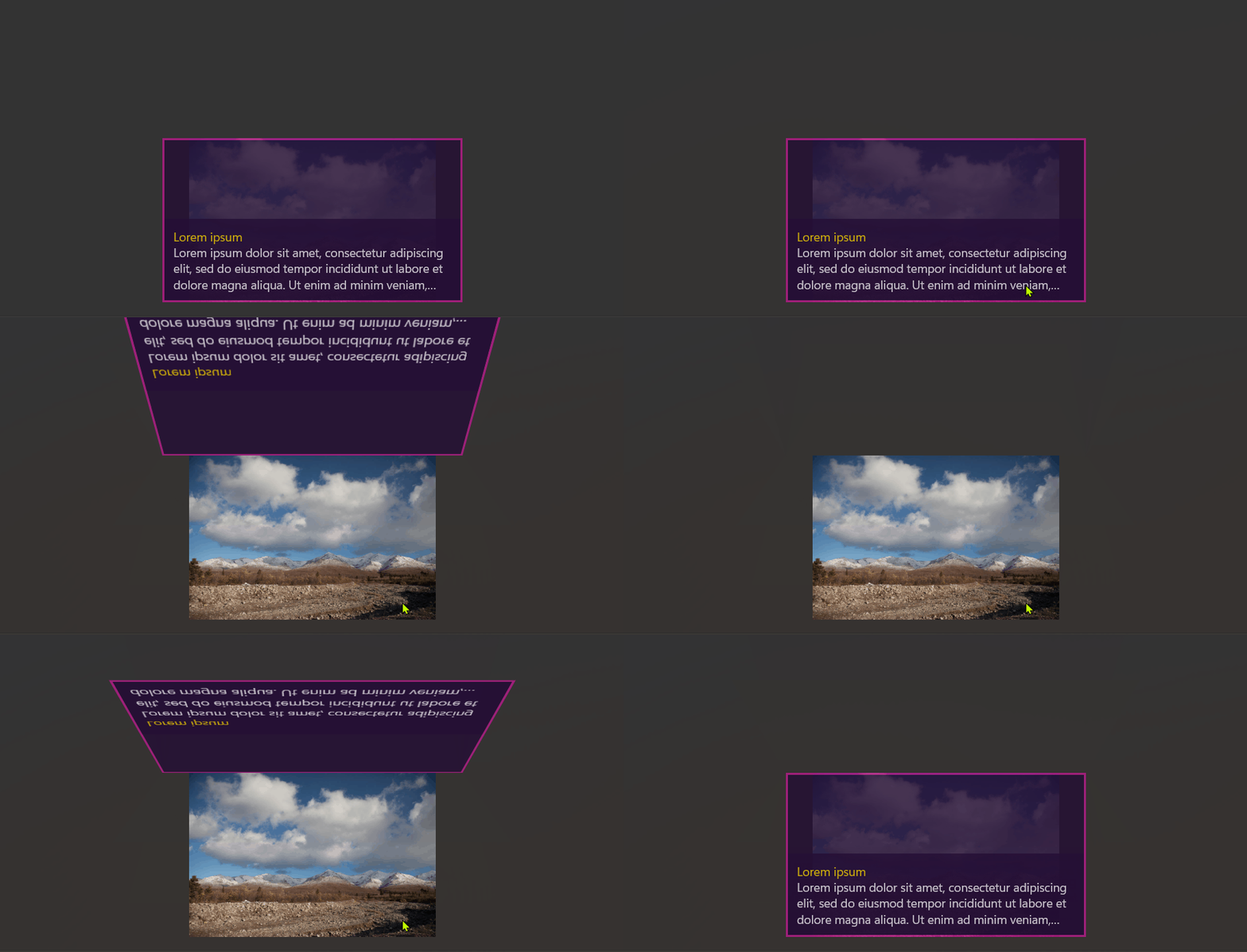
FlipToReveal
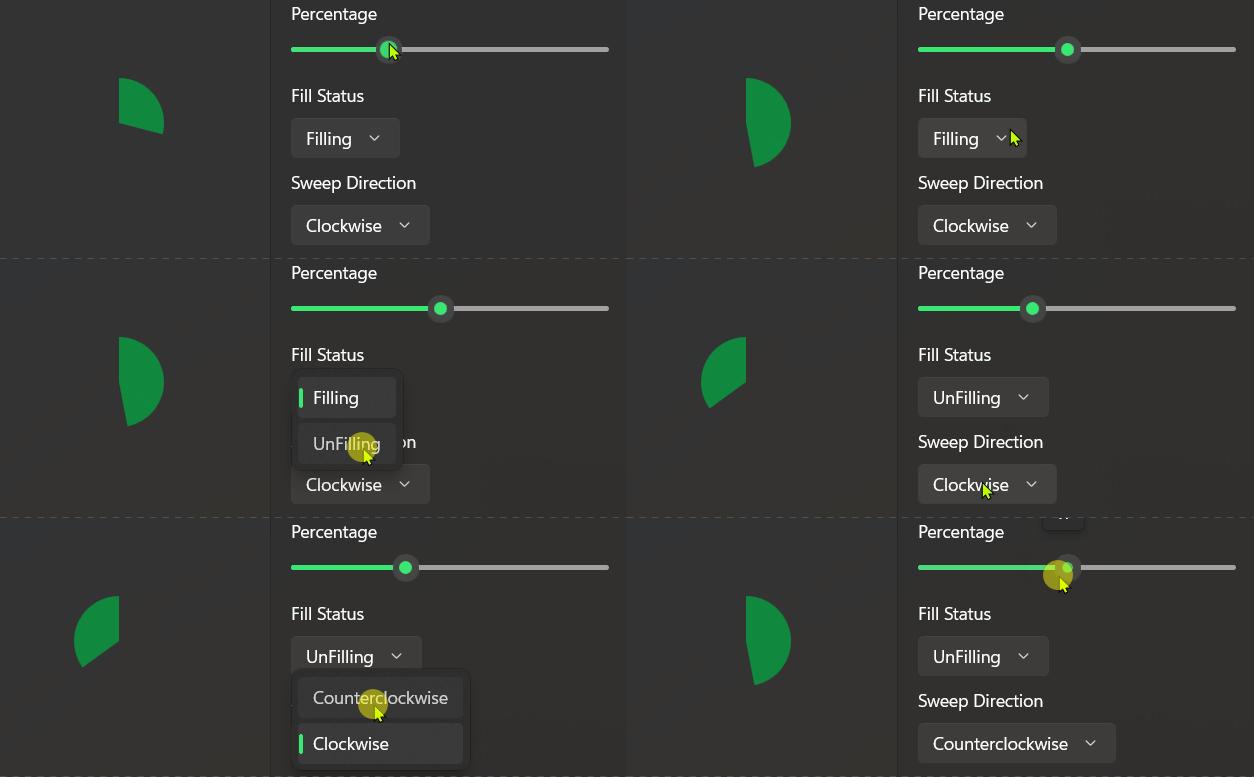
ArcProgress
DropdownColorPicker
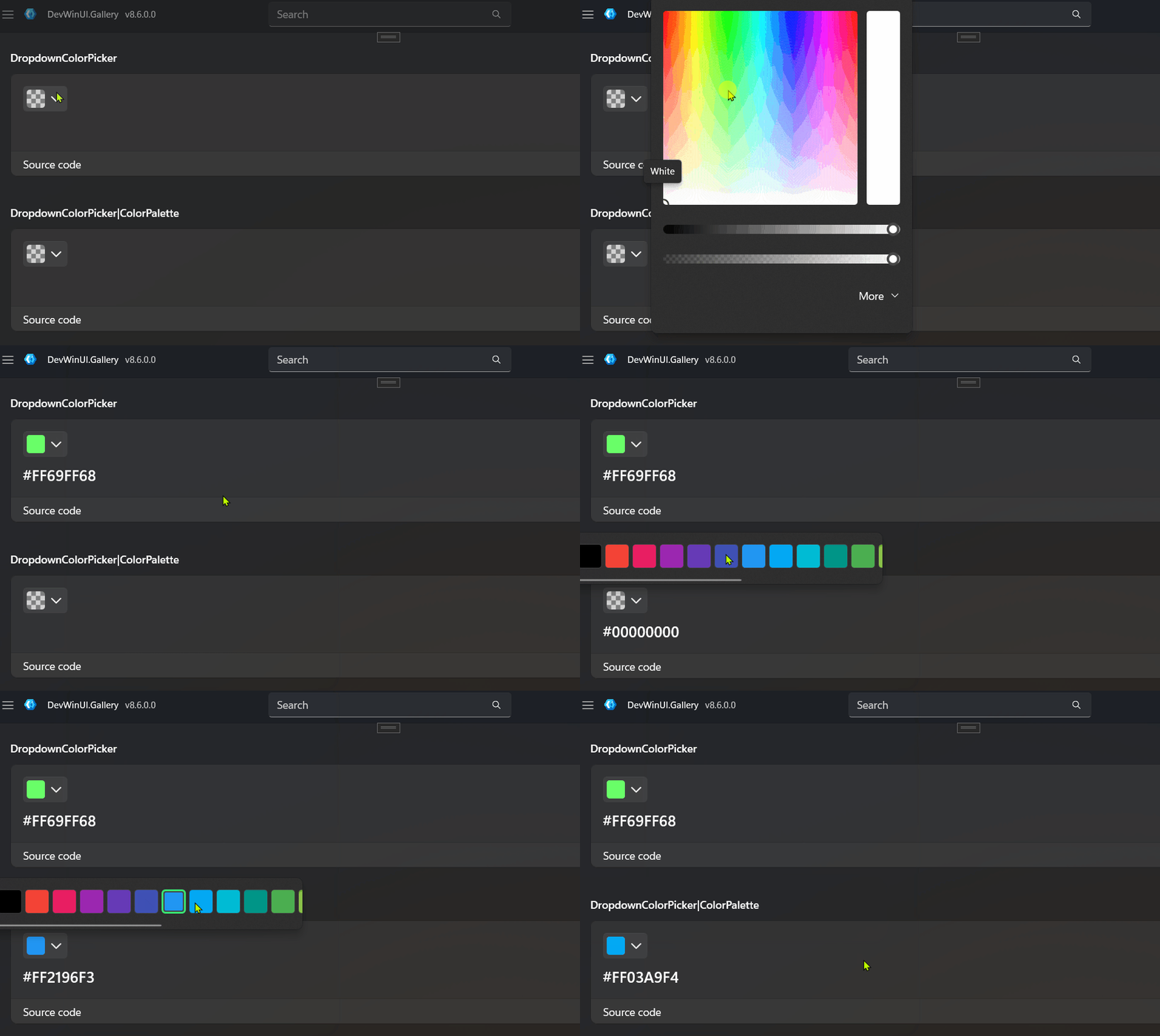
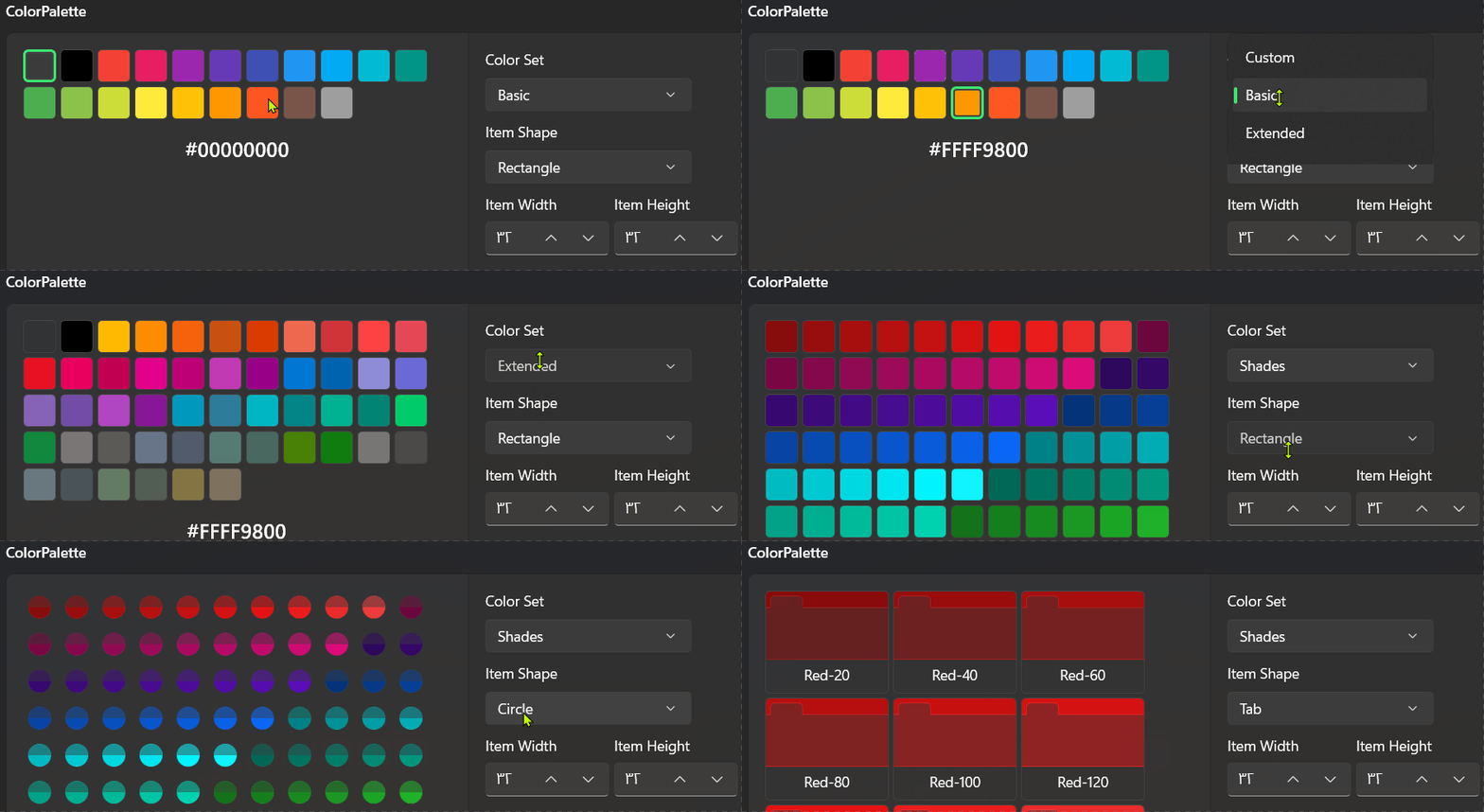
ColorPalette
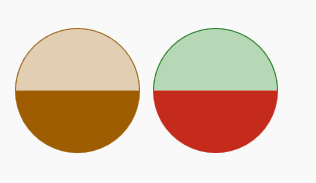
SplitCircle
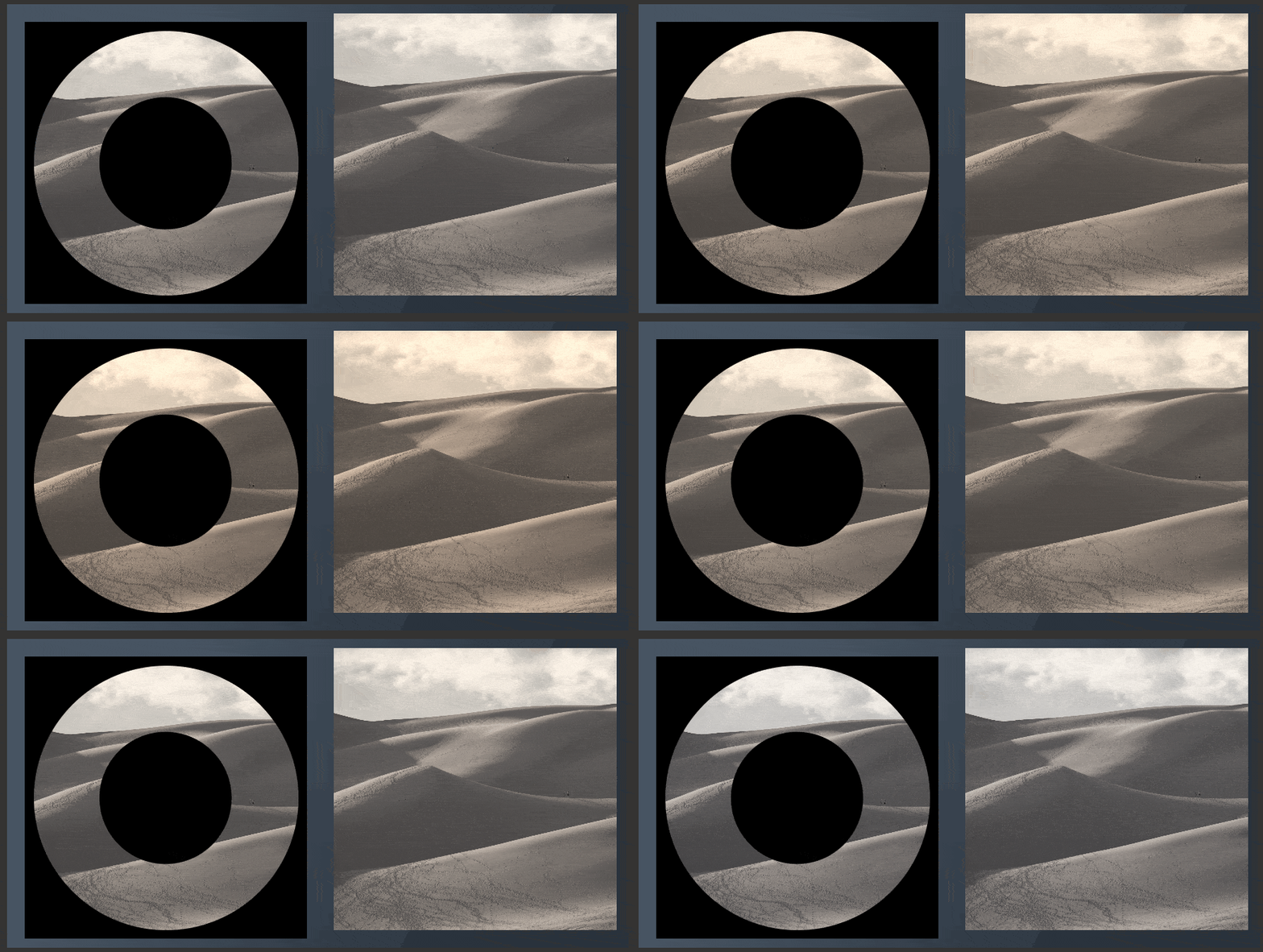
ImageEffectBrush
BlurEffectBrush
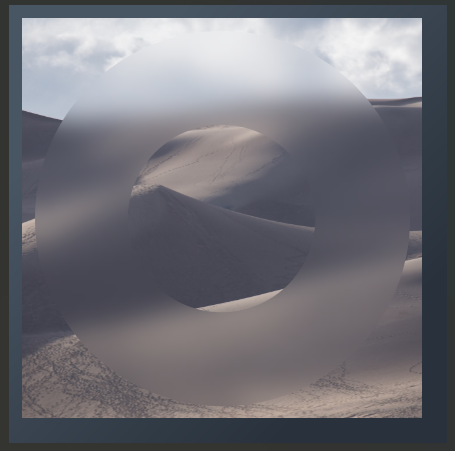
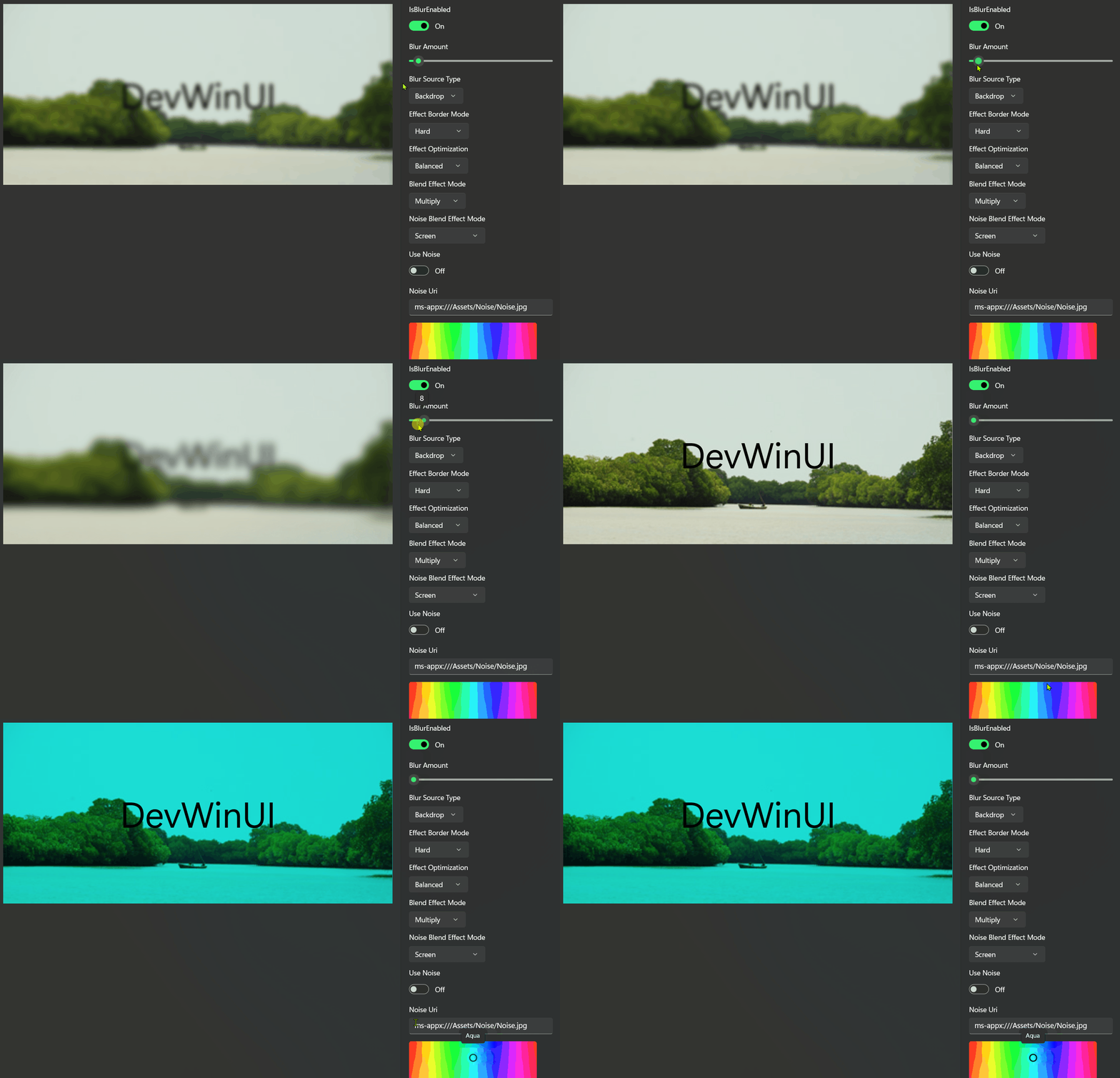
BlurEffectControl
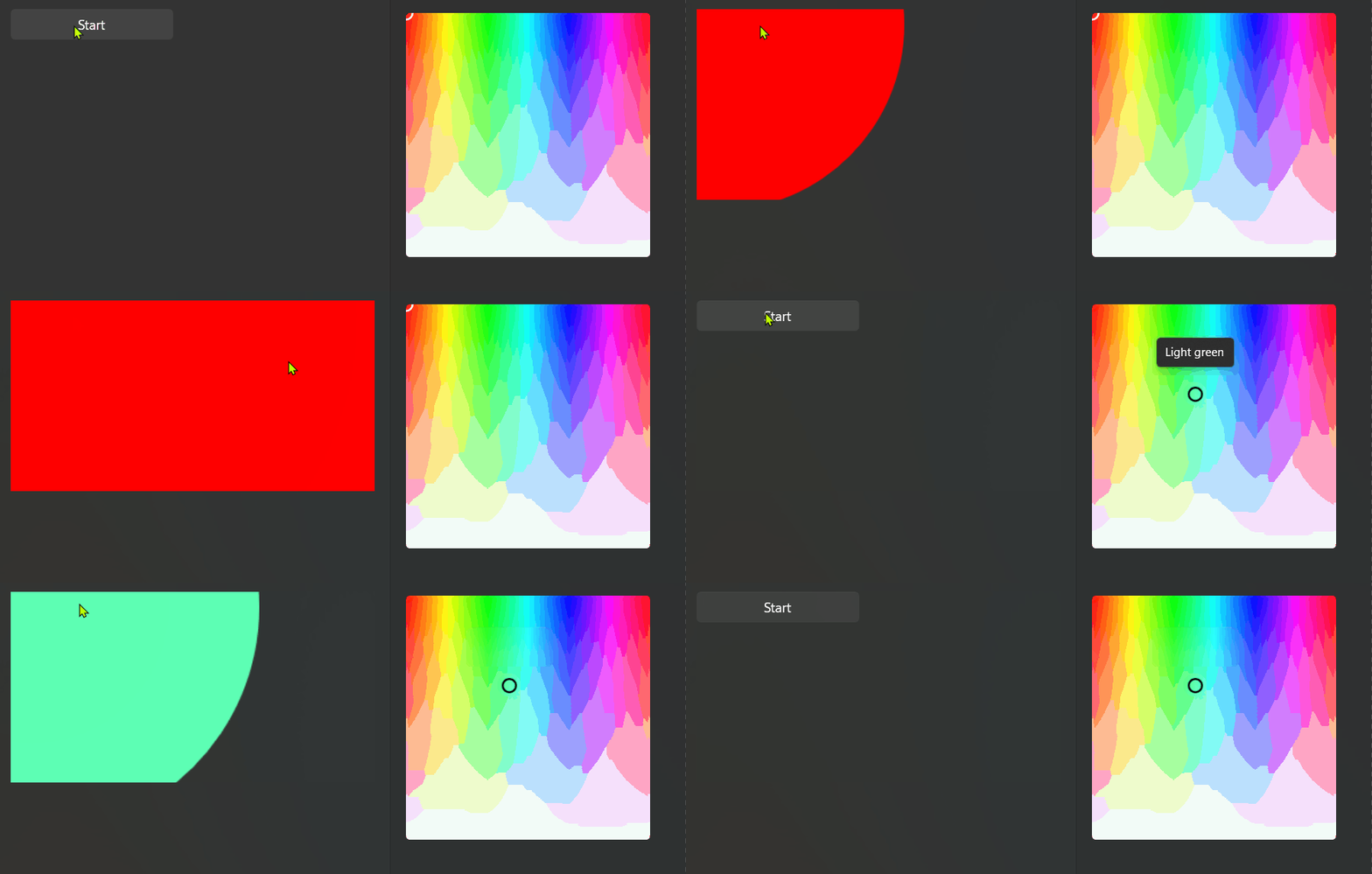
AnimatedGradient

ShimmerTextBlock

ColorSlideControl
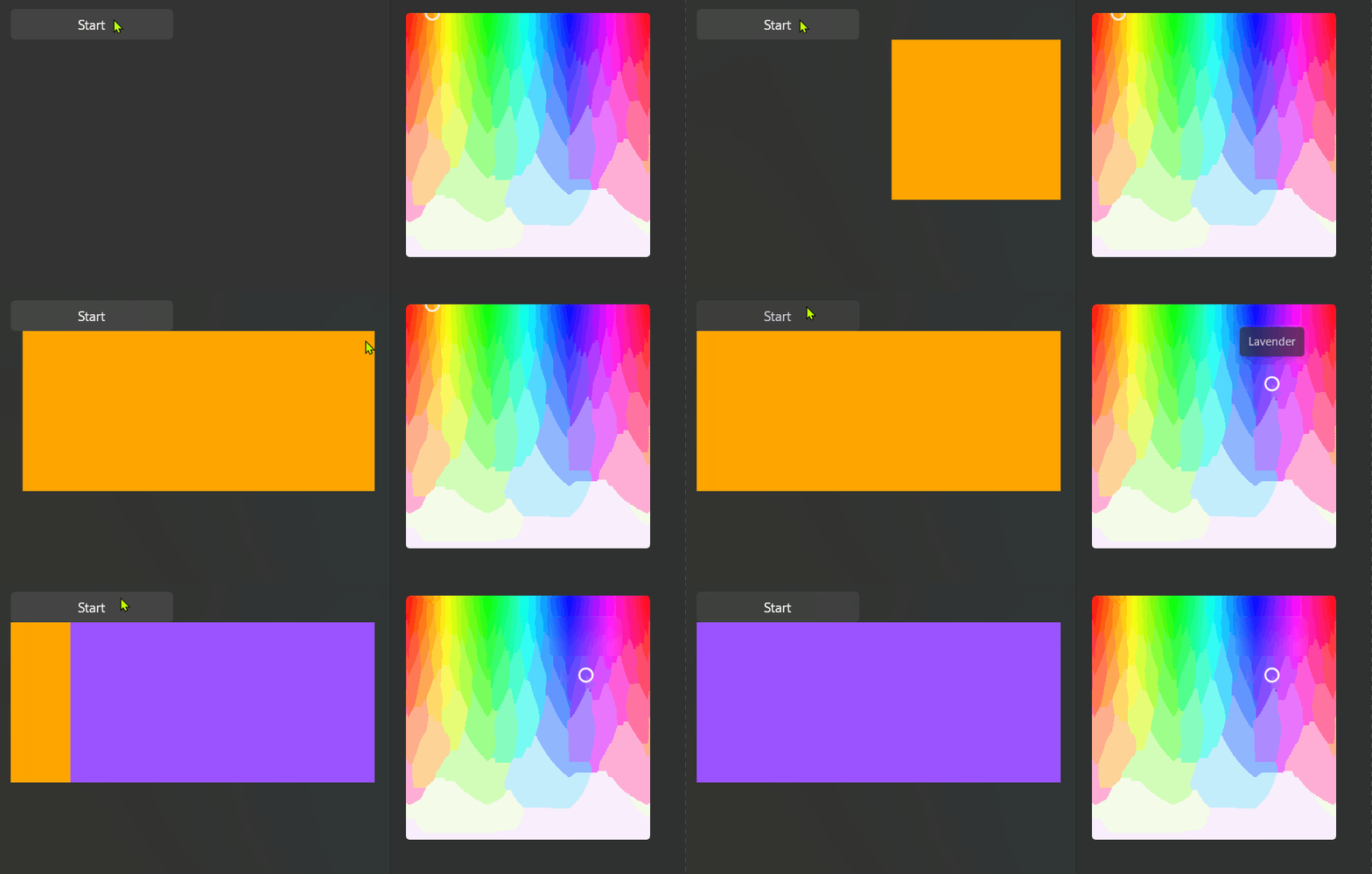
ColorBloomControl
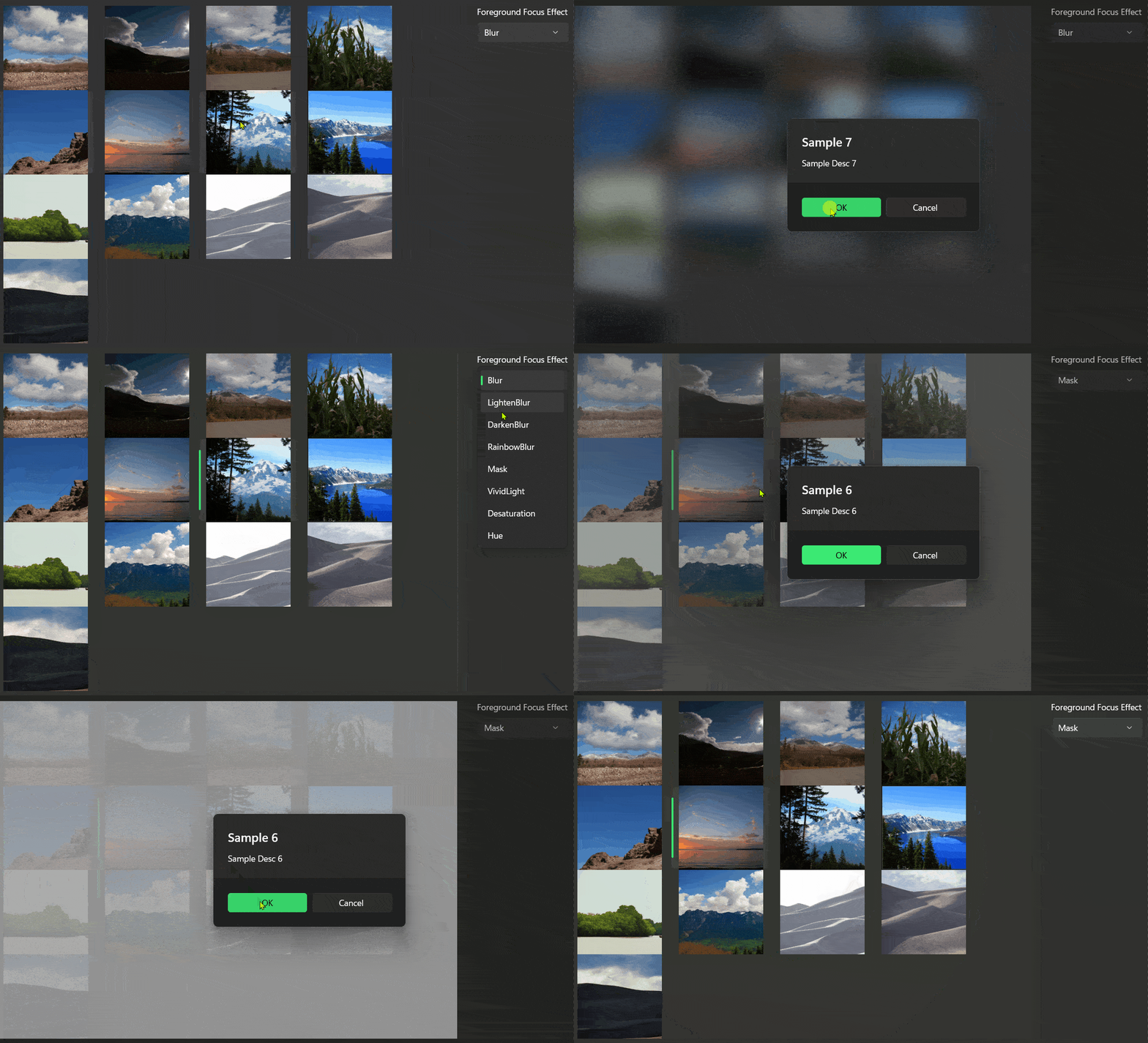
ForegroundFocusEffects
PerspectiveZoom
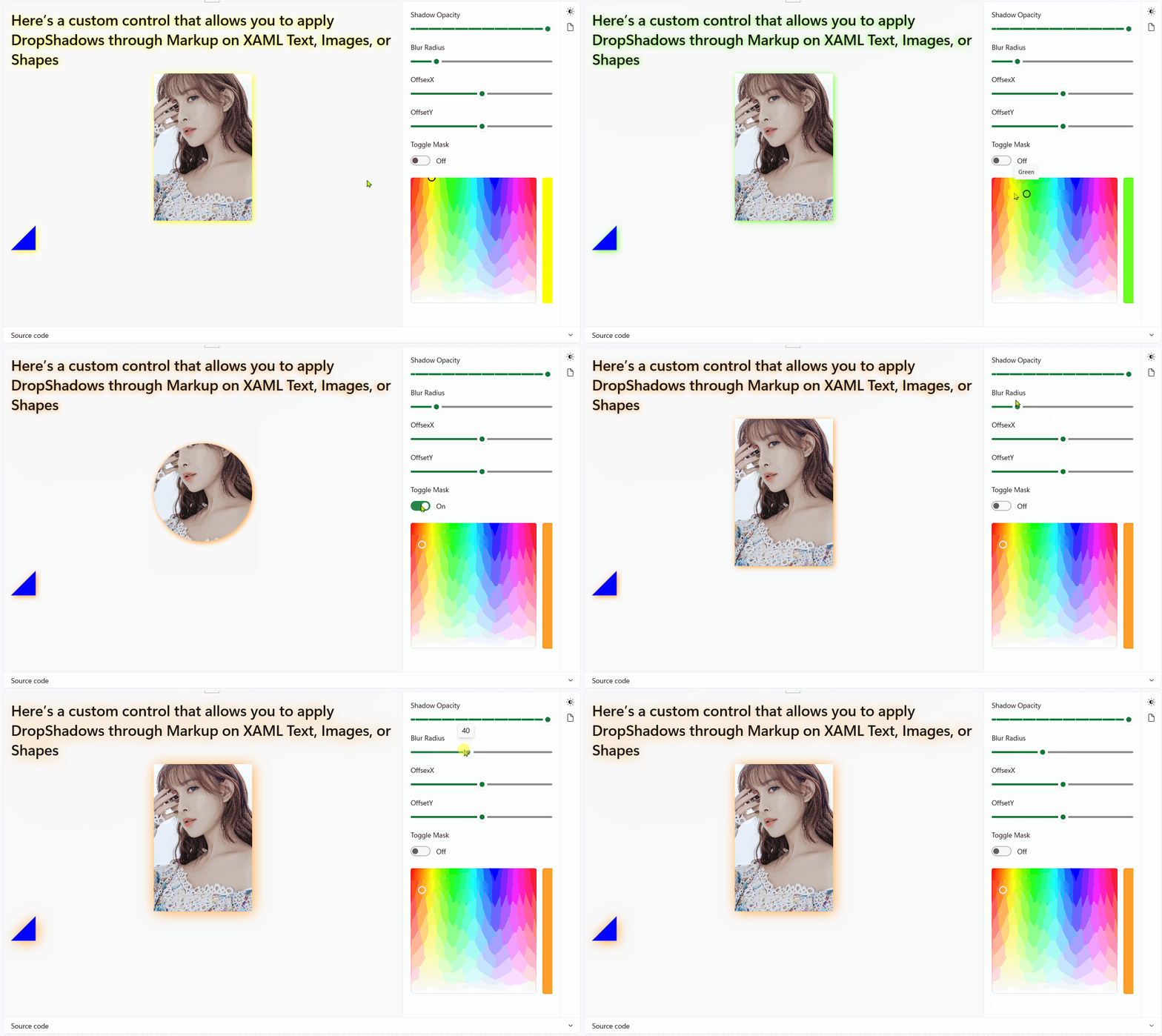
CompositionShadow
CompositionImage
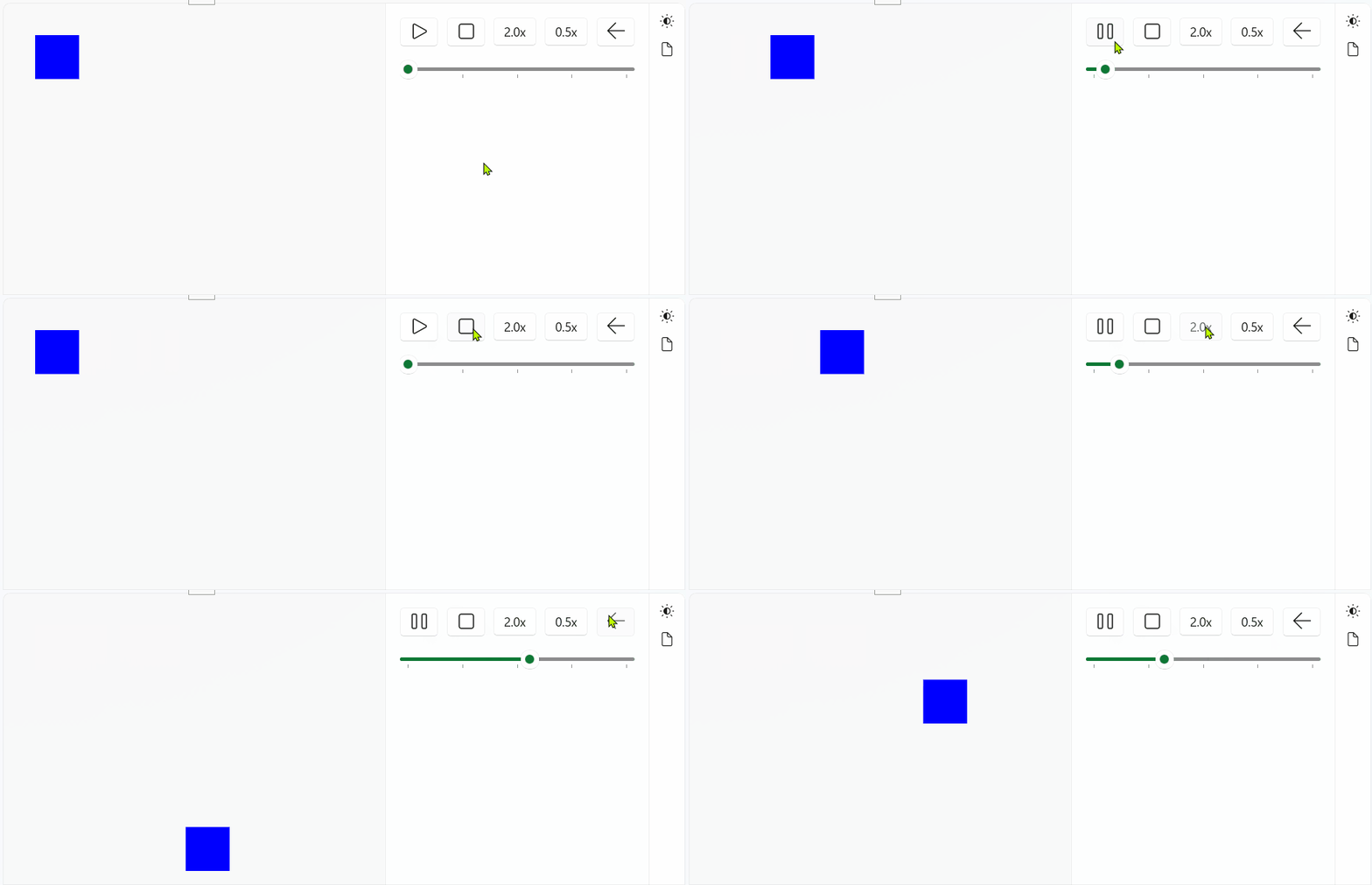
CompositionAnimationController
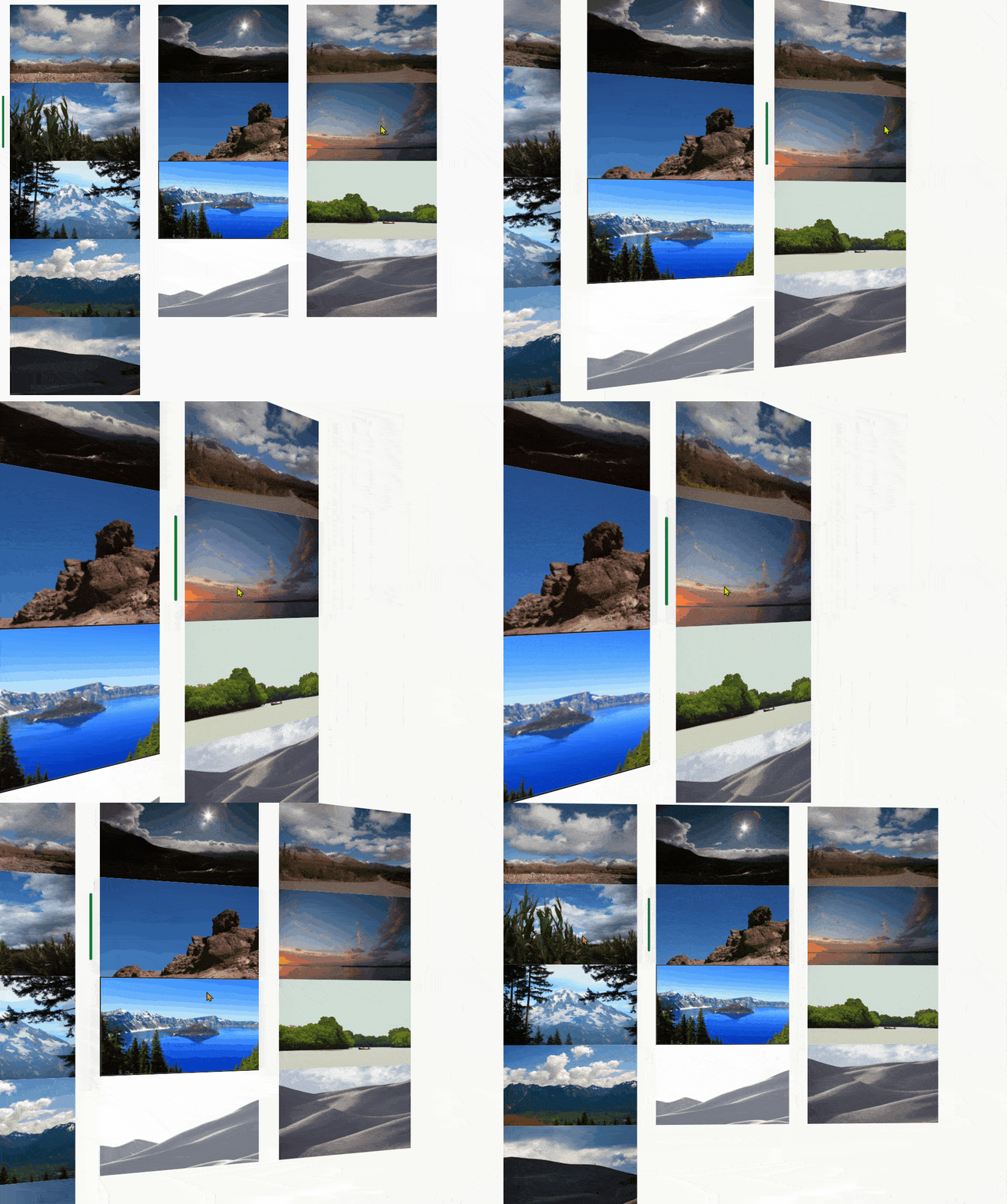
HeaderCarousel
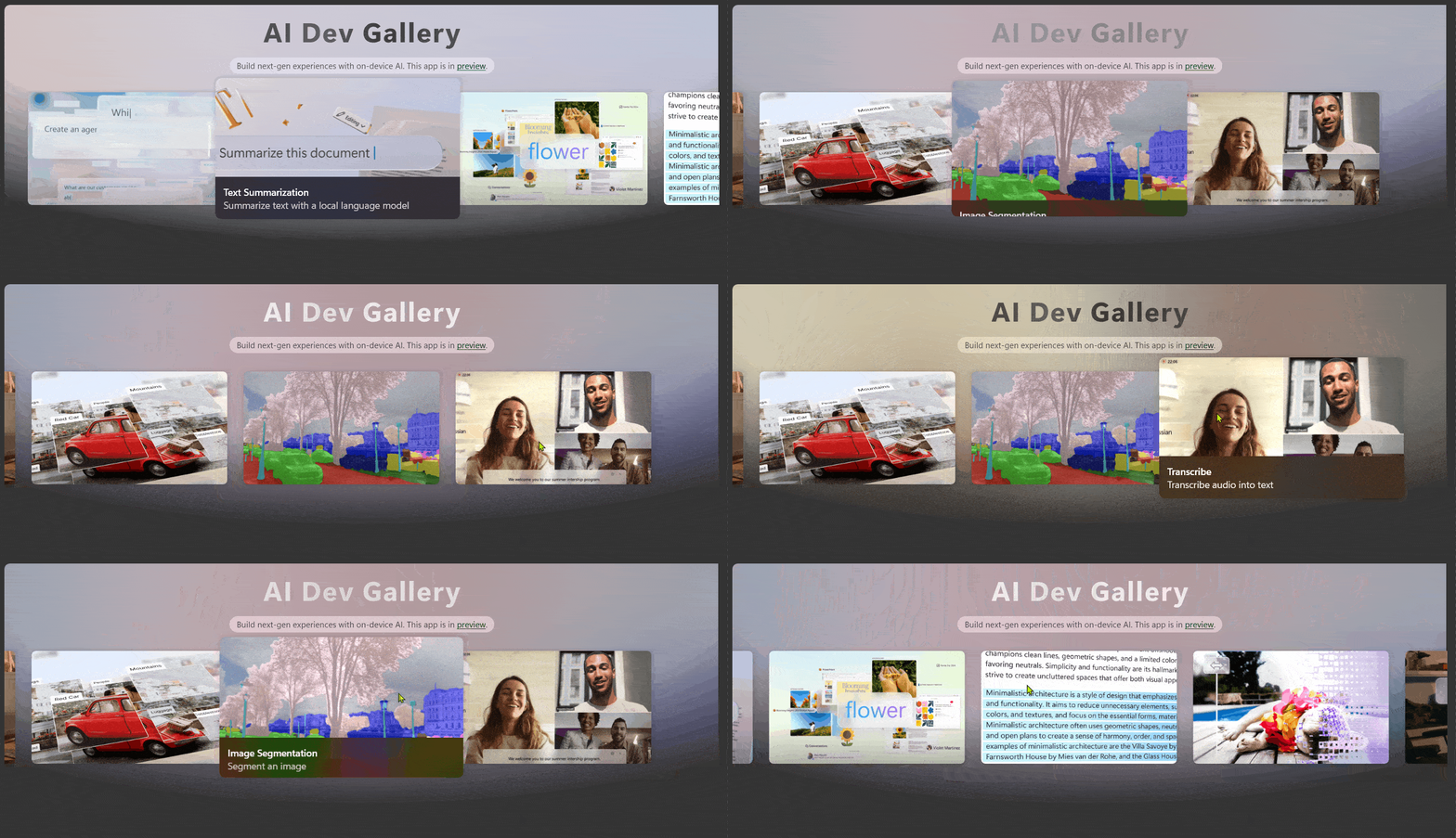
AnimatedImage

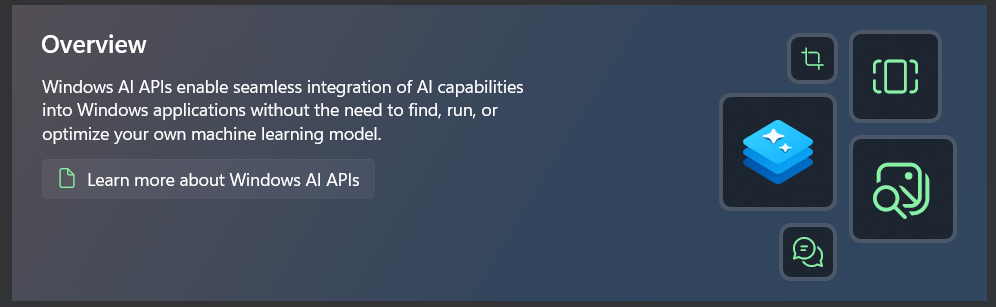
OverviewPageHeader
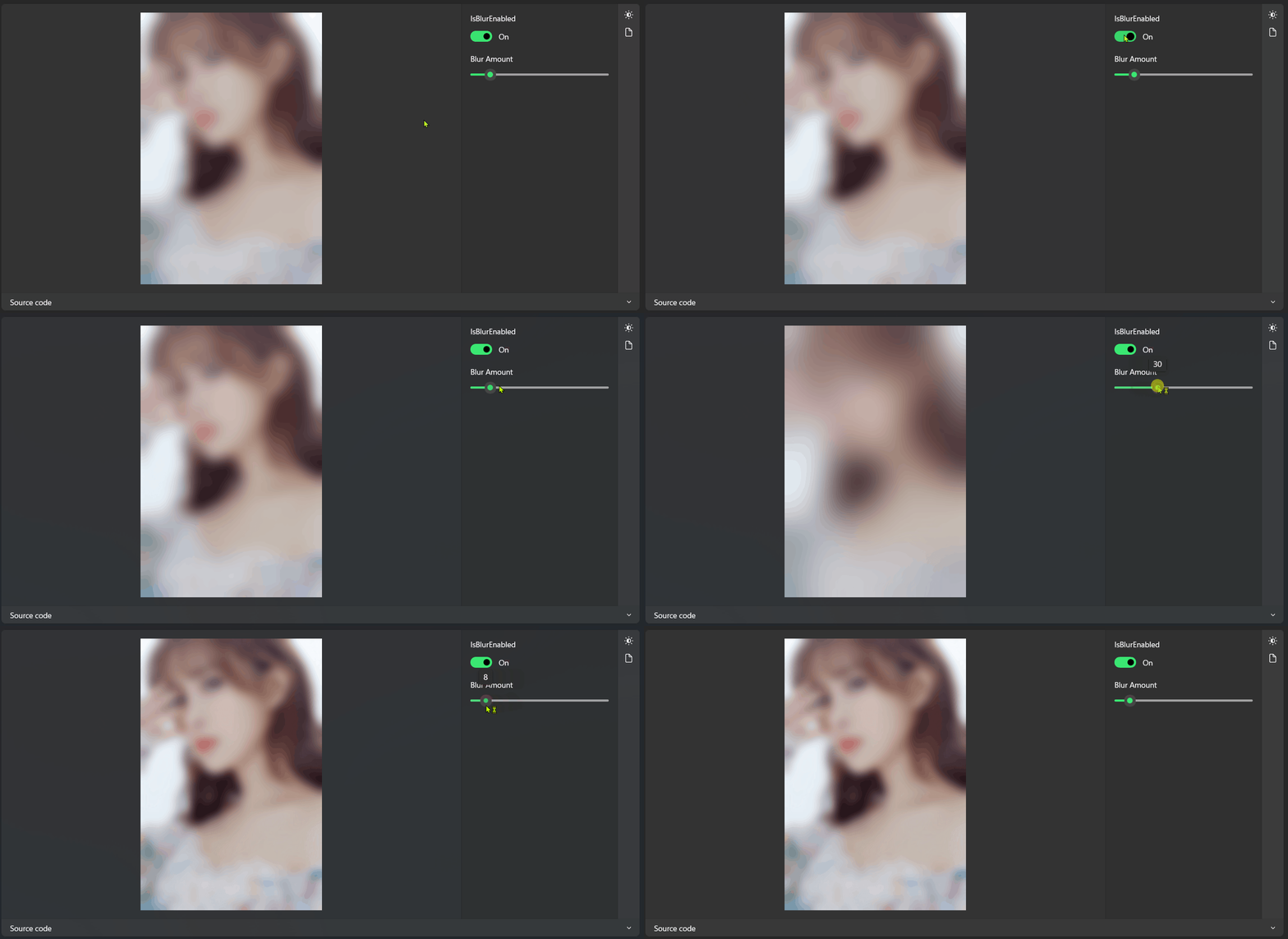
BlurEffectManager
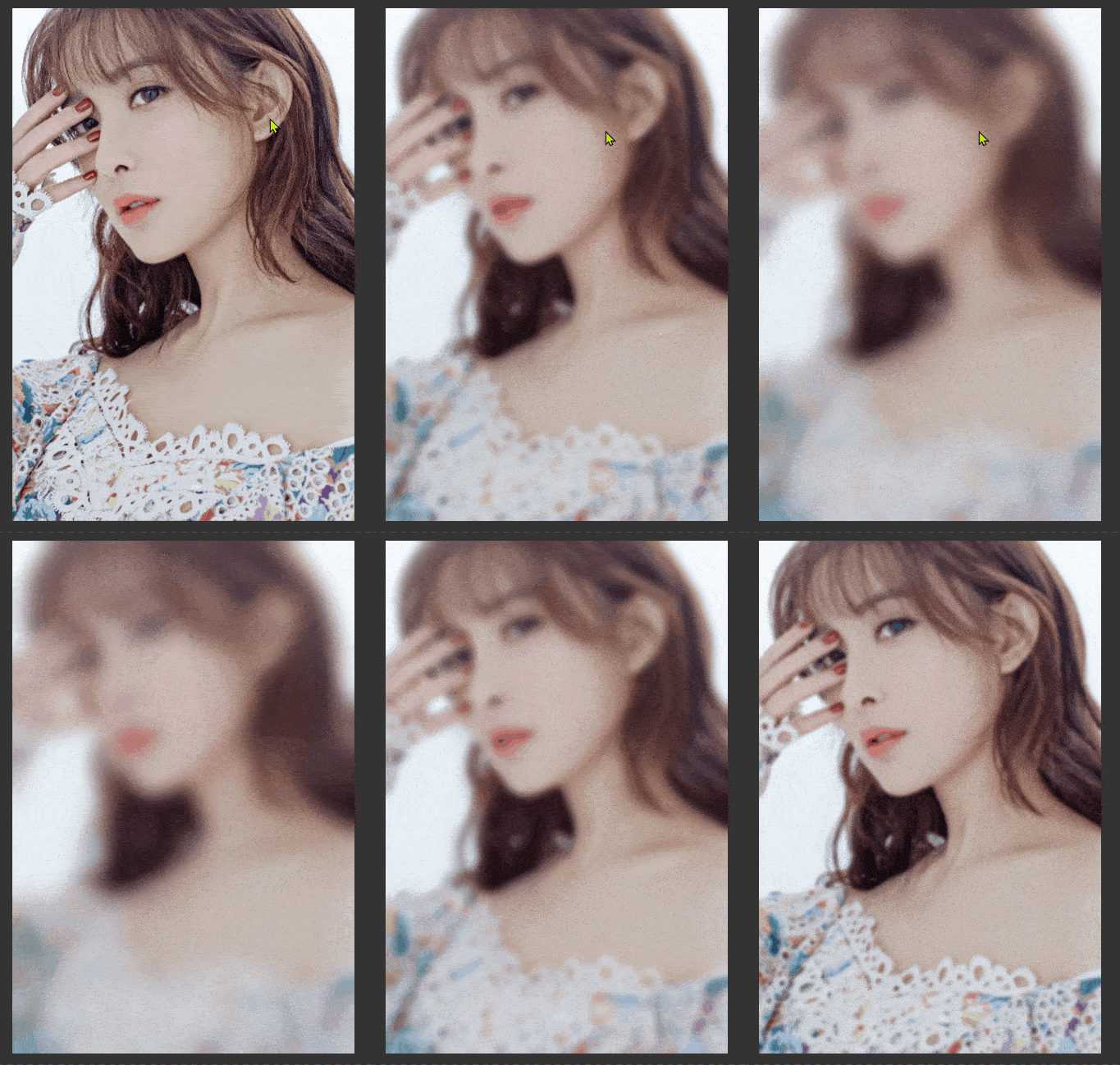
Border Styles
Grid Styles
StackPanel Styles

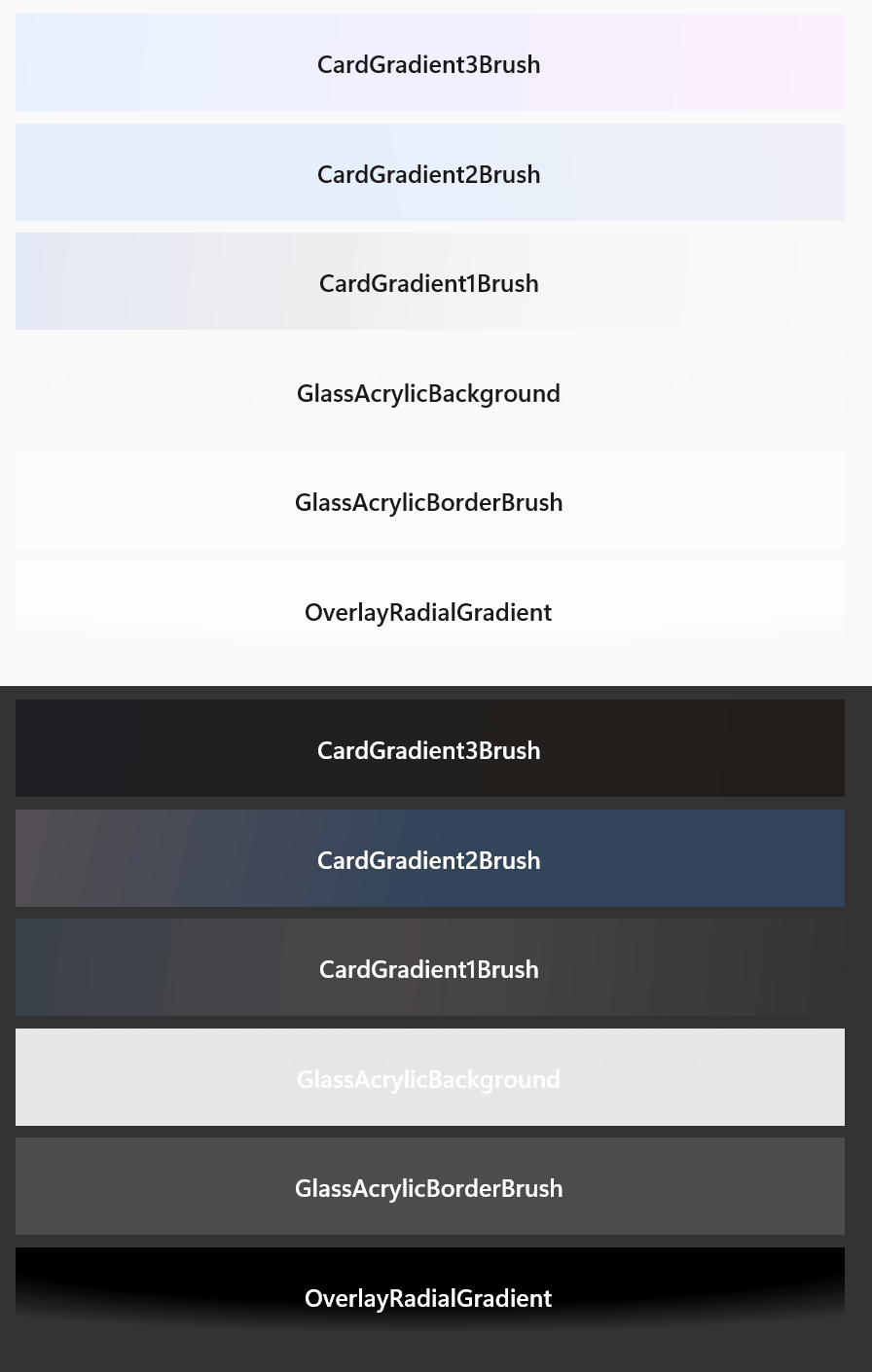
Brush
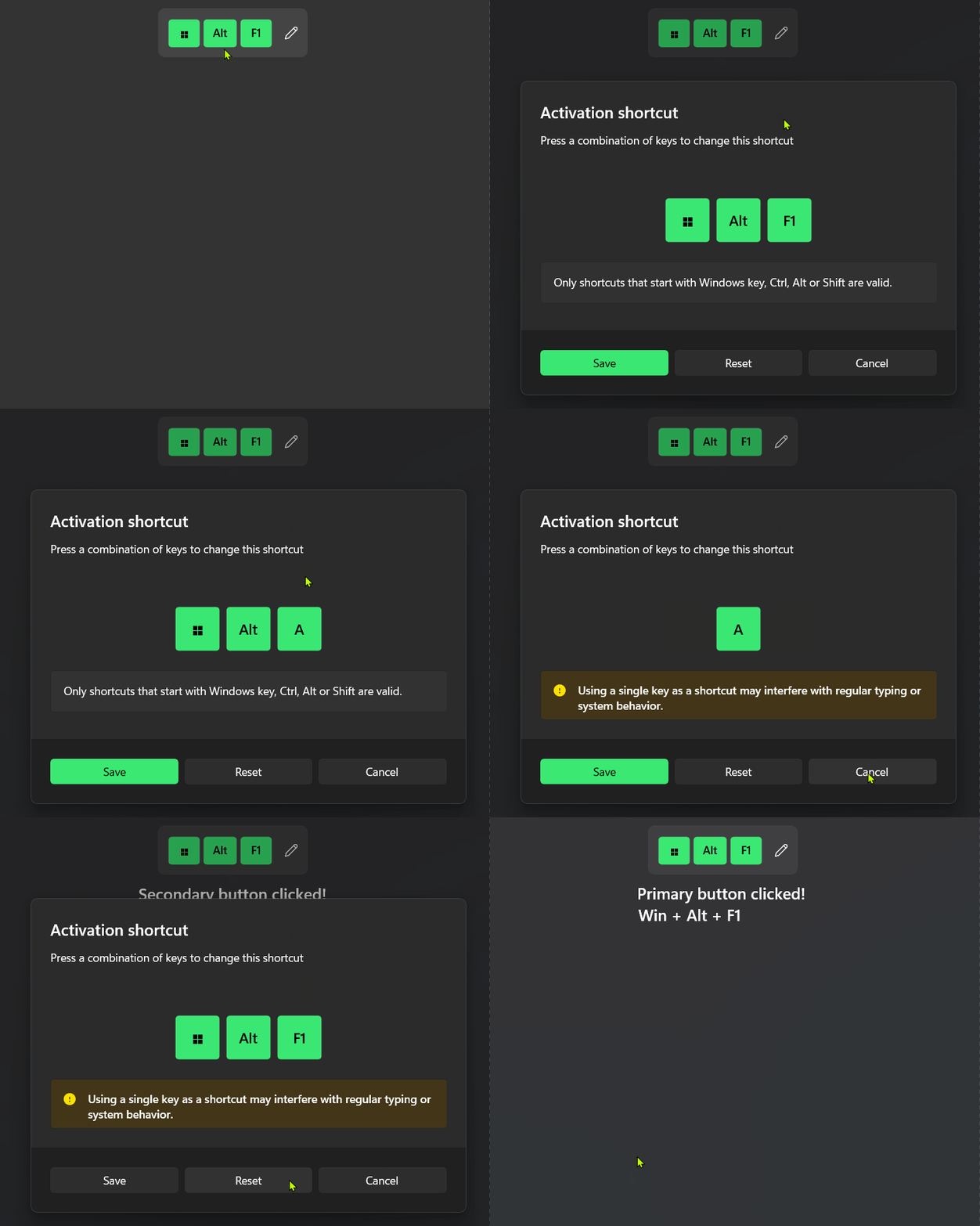
Shortcut
ShortcutPreview
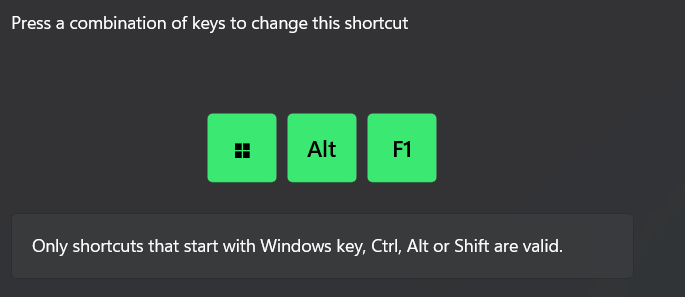
ShortcutWithTextLabel

StringInfoBadge Style
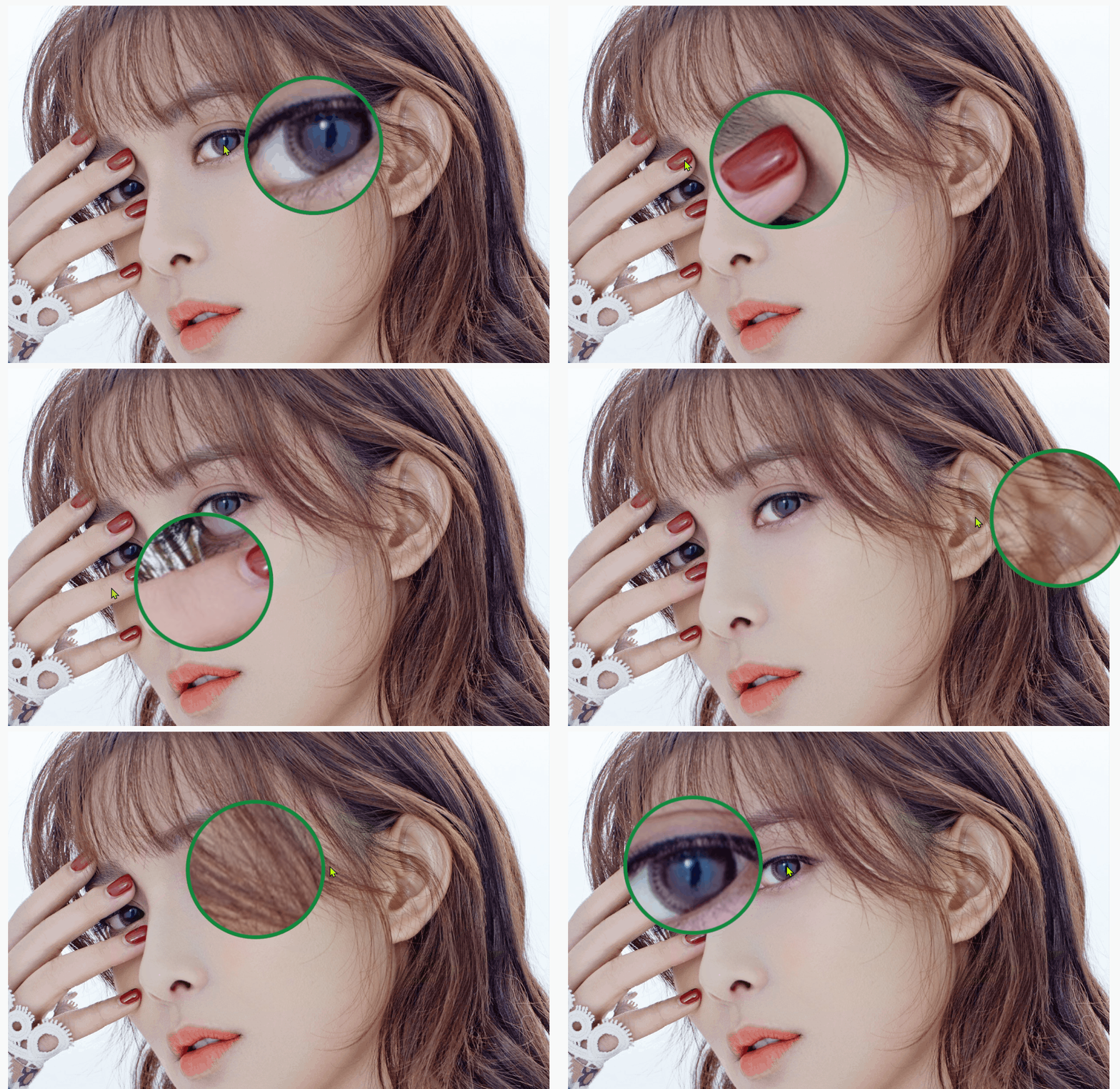
Magnifier
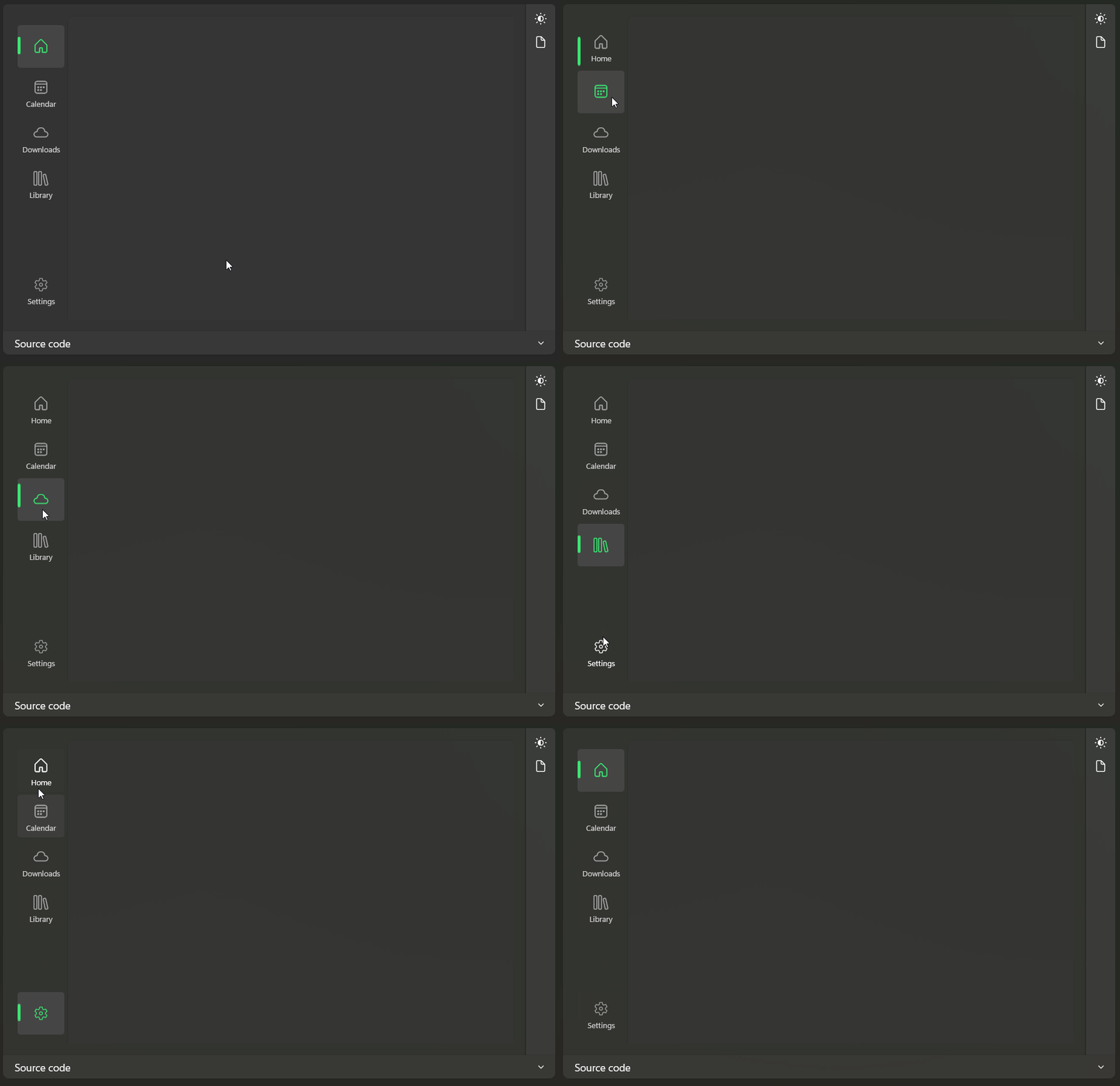
NavigationView MS Store Style
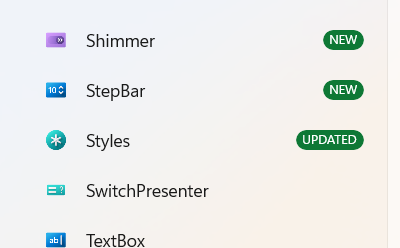
Shimmer

SelectorBar Style

LayeredFontIcons
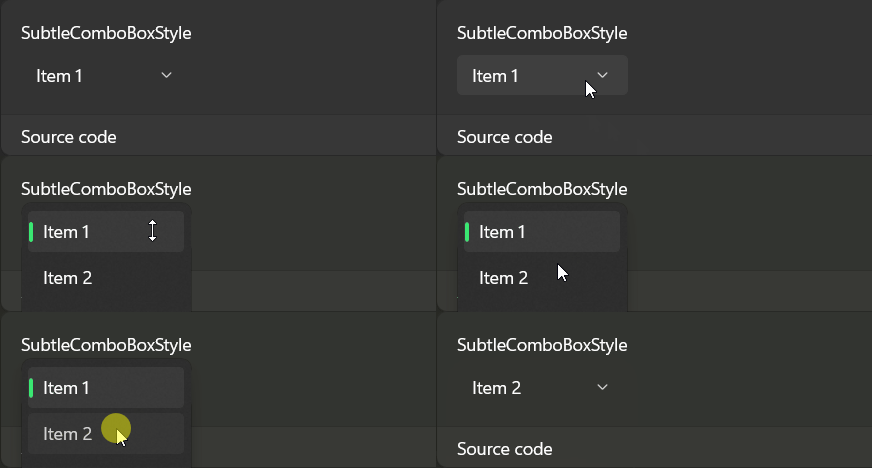
ComboBox Style
Button Style

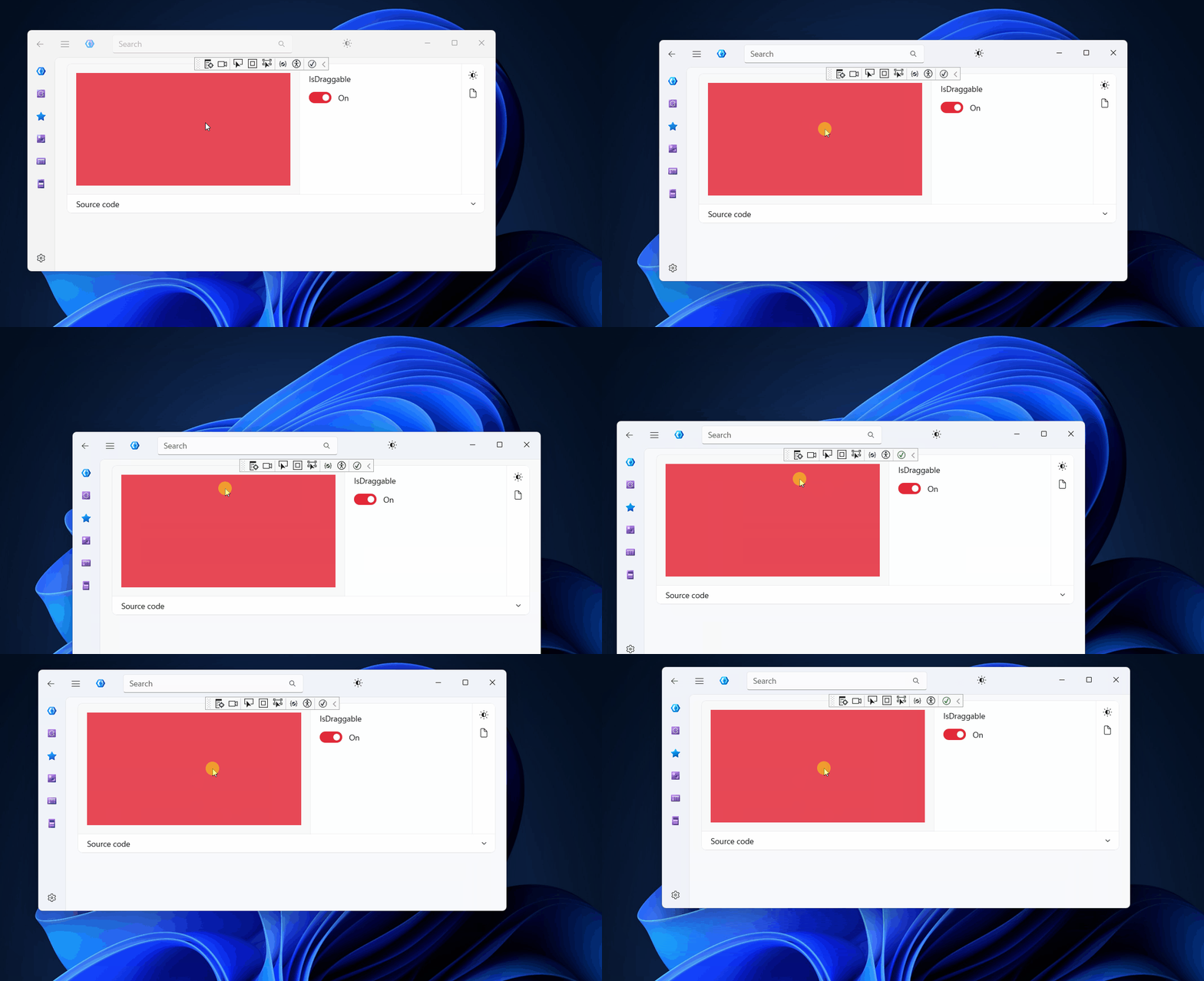
DragMoveAndResize
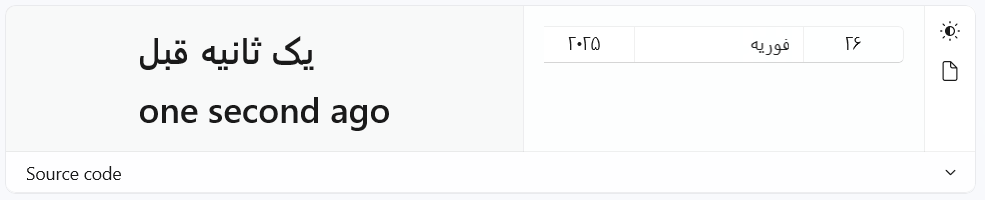
RelativeDate
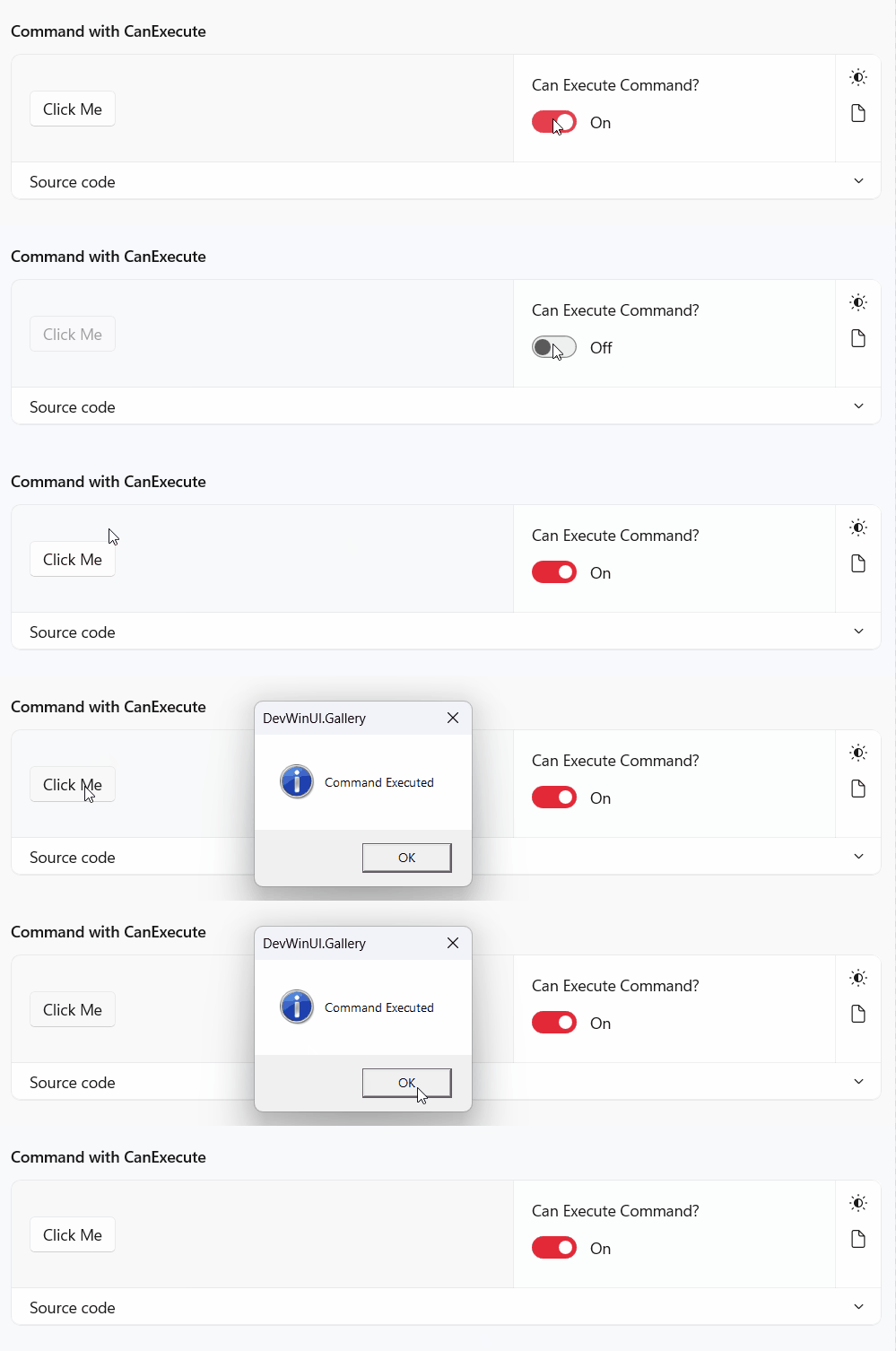
DelegateCommand
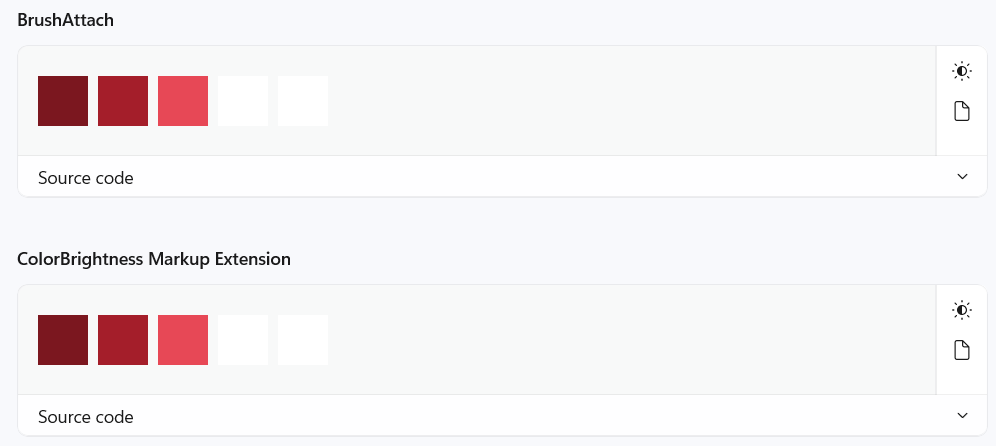
ColorBrightness
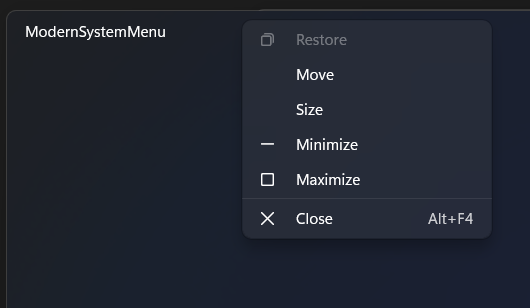
ModernSystemMenu
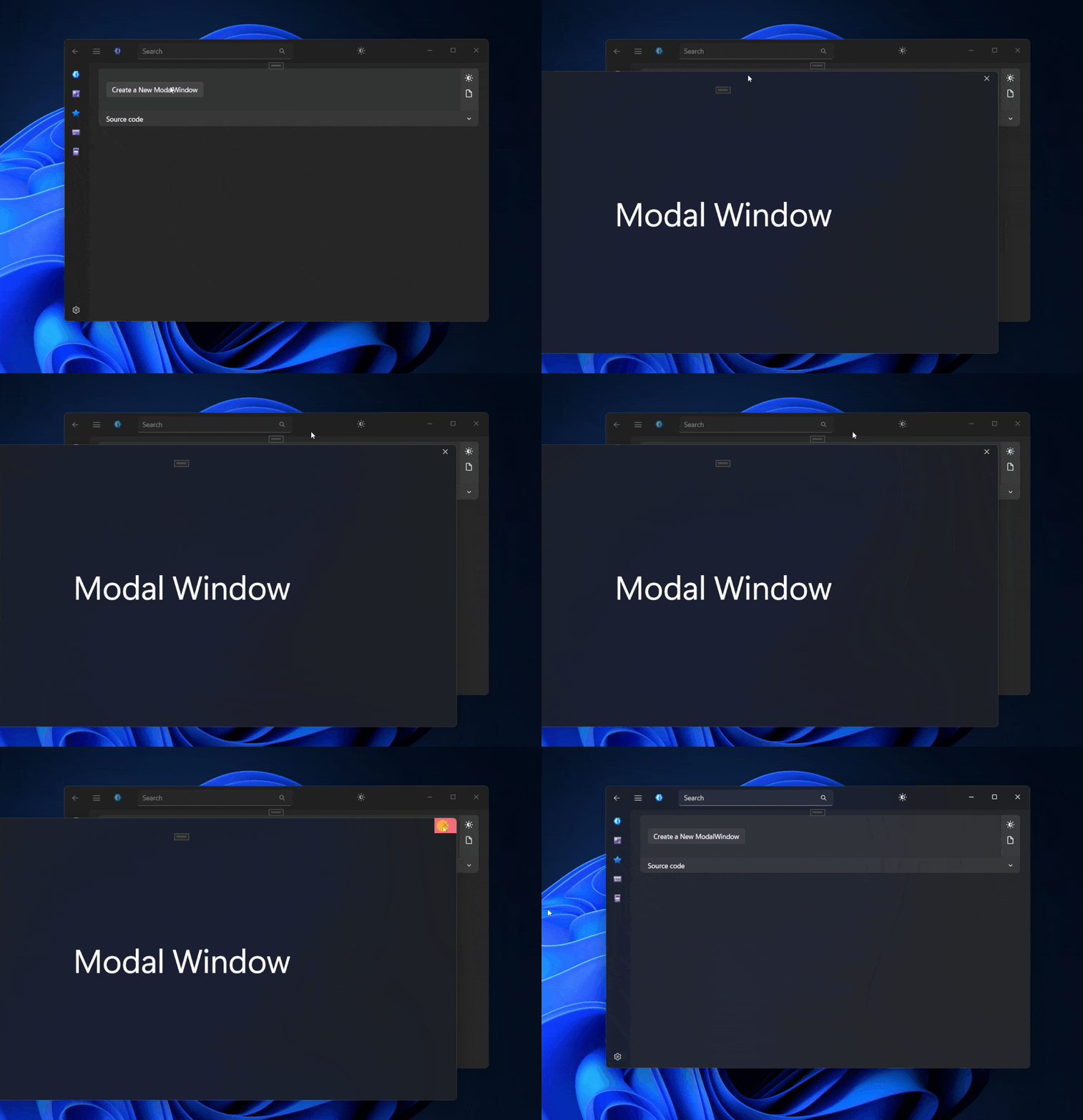
ModalWindow
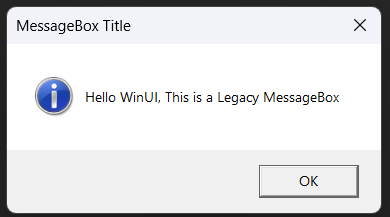
LegacyMessageBox
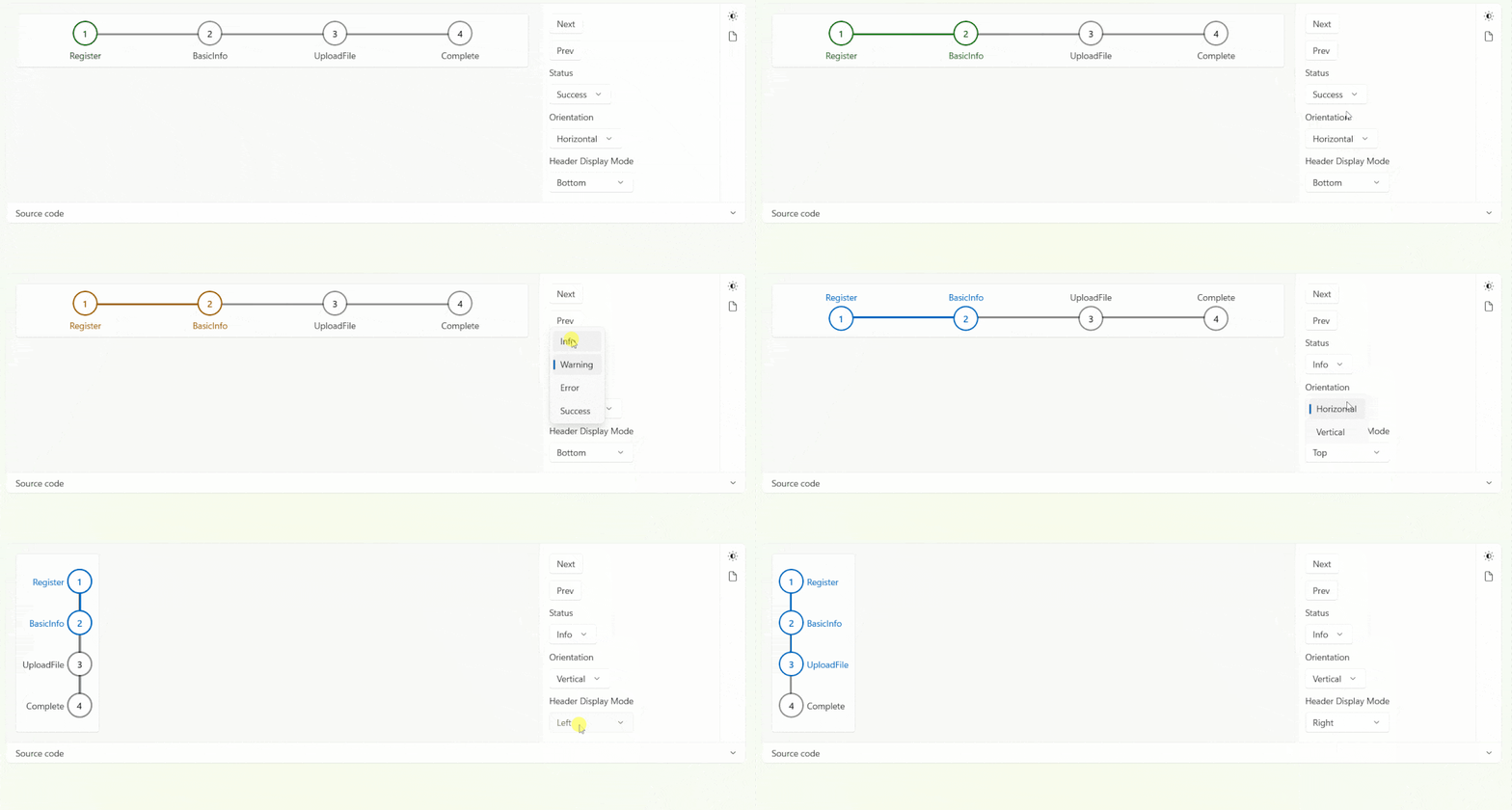
StepBar
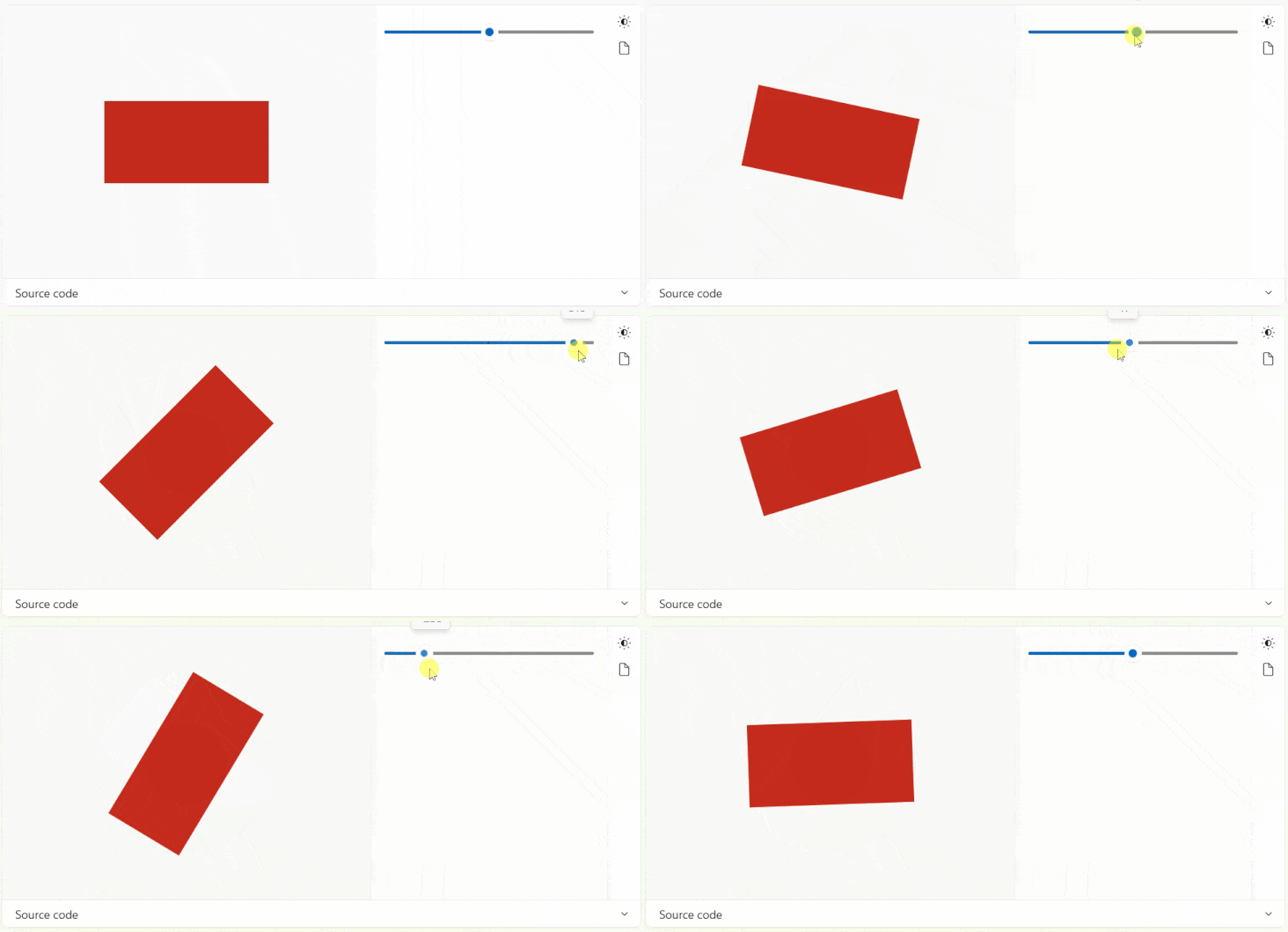
LayoutTransformer
GoToTop

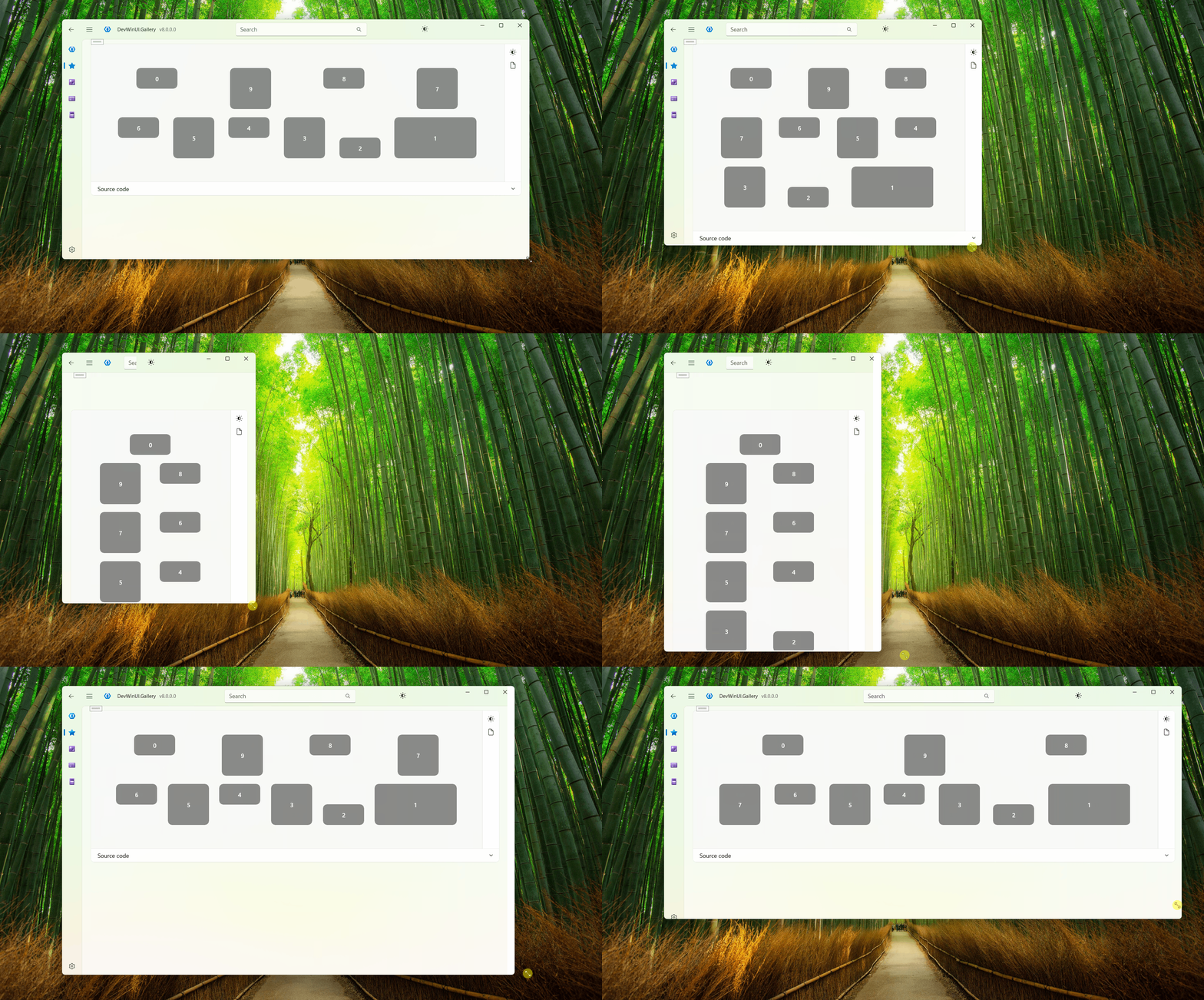
FlexPanel
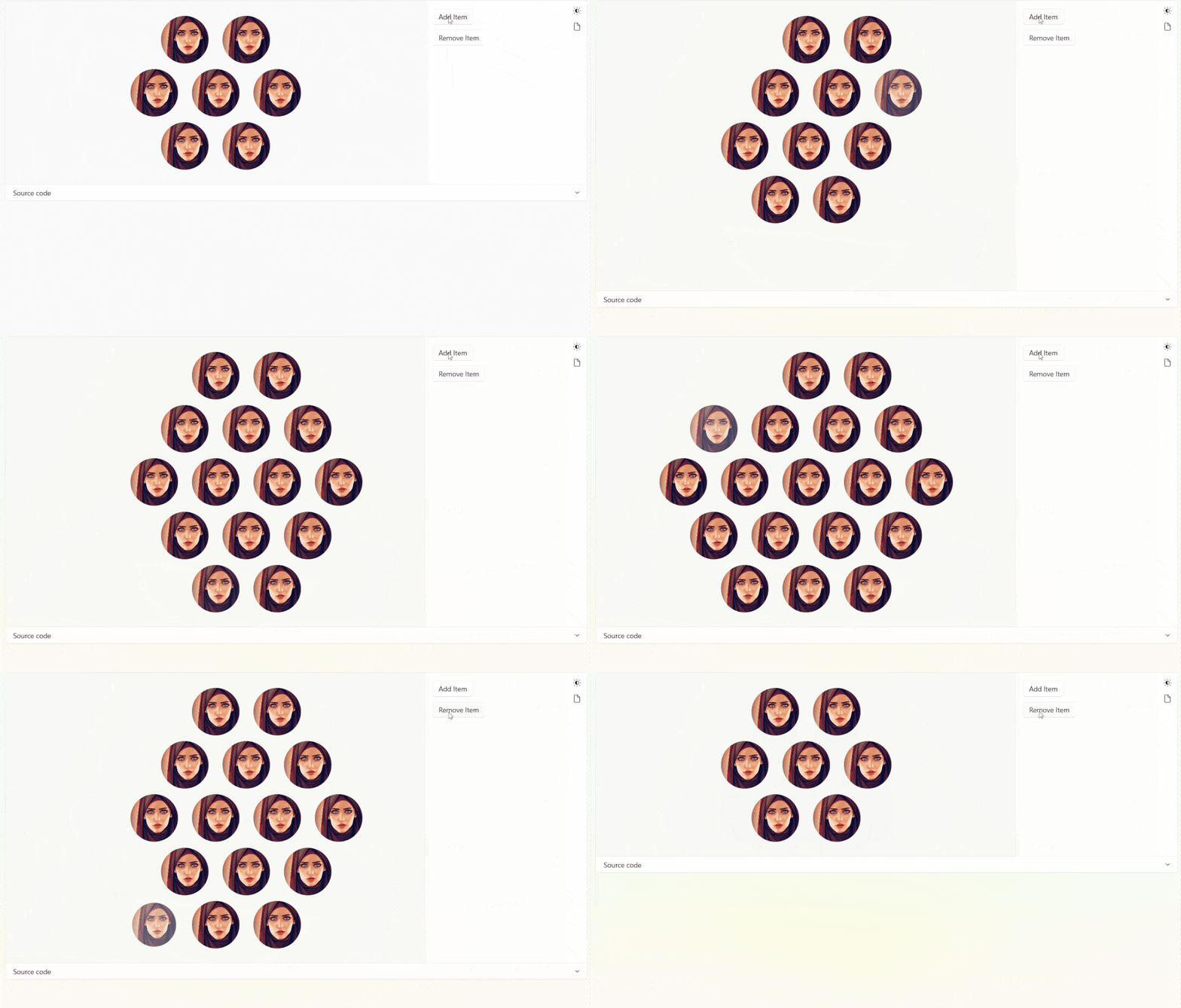
HoneycombPanel
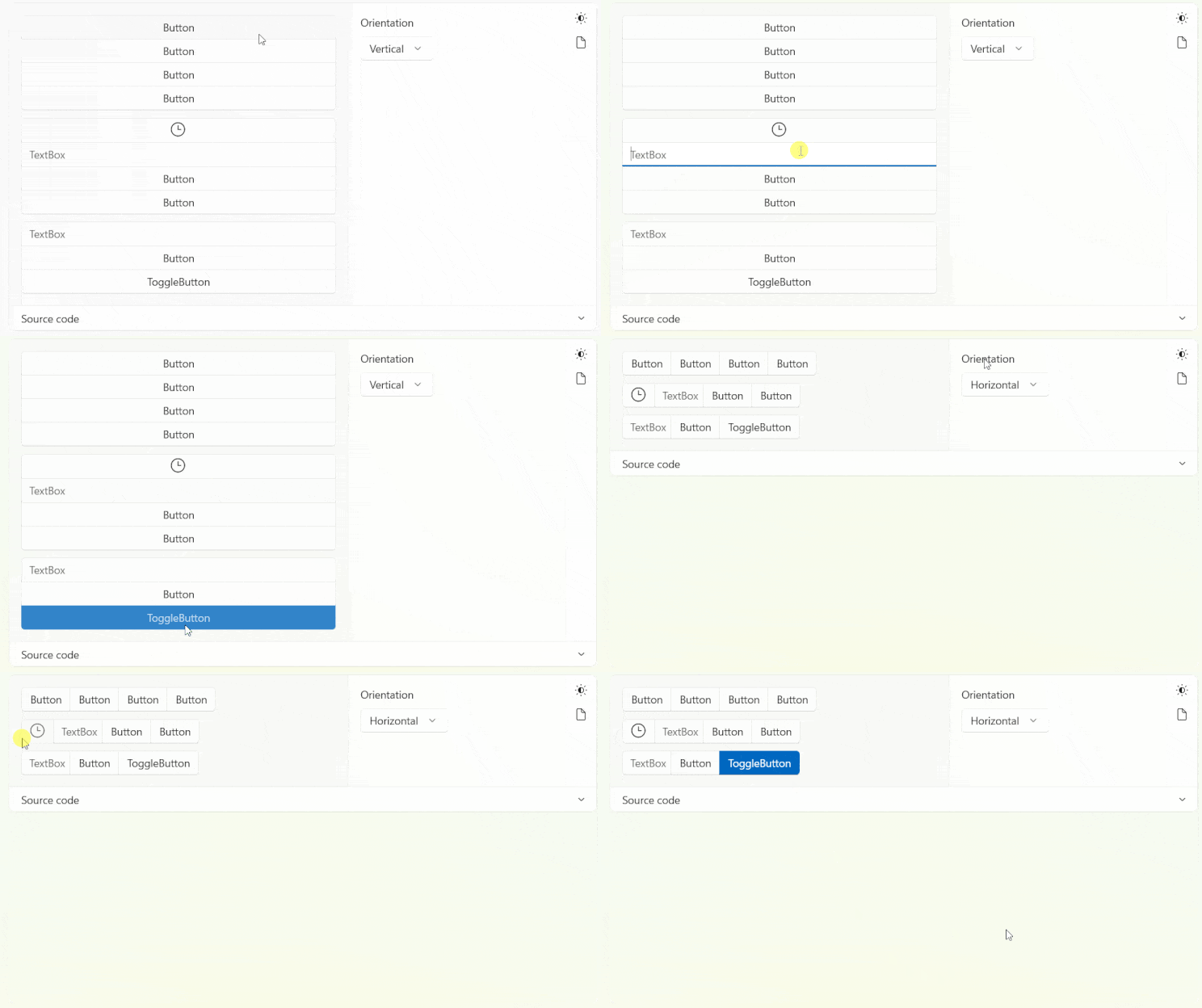
ElementGroup
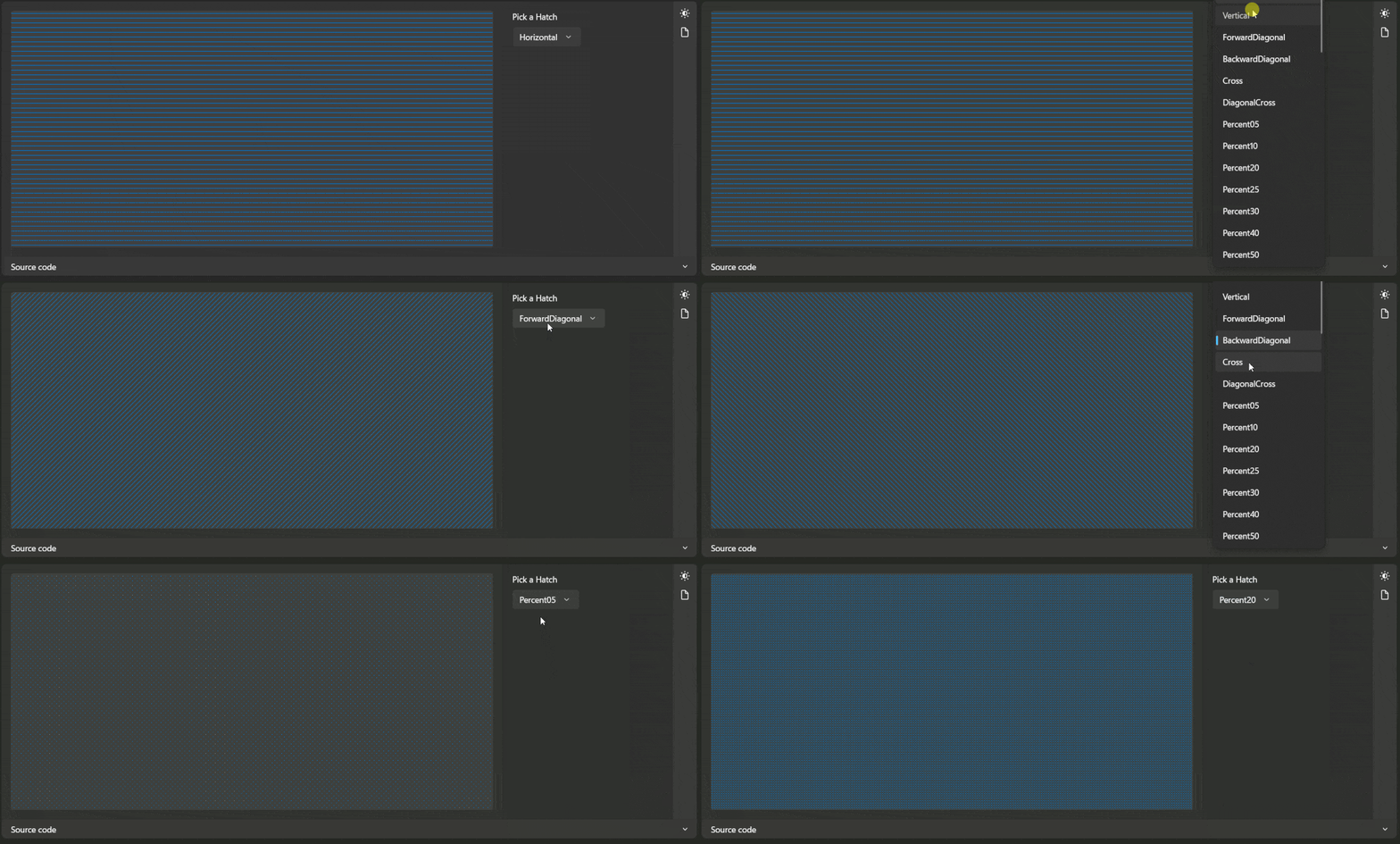
Hatch
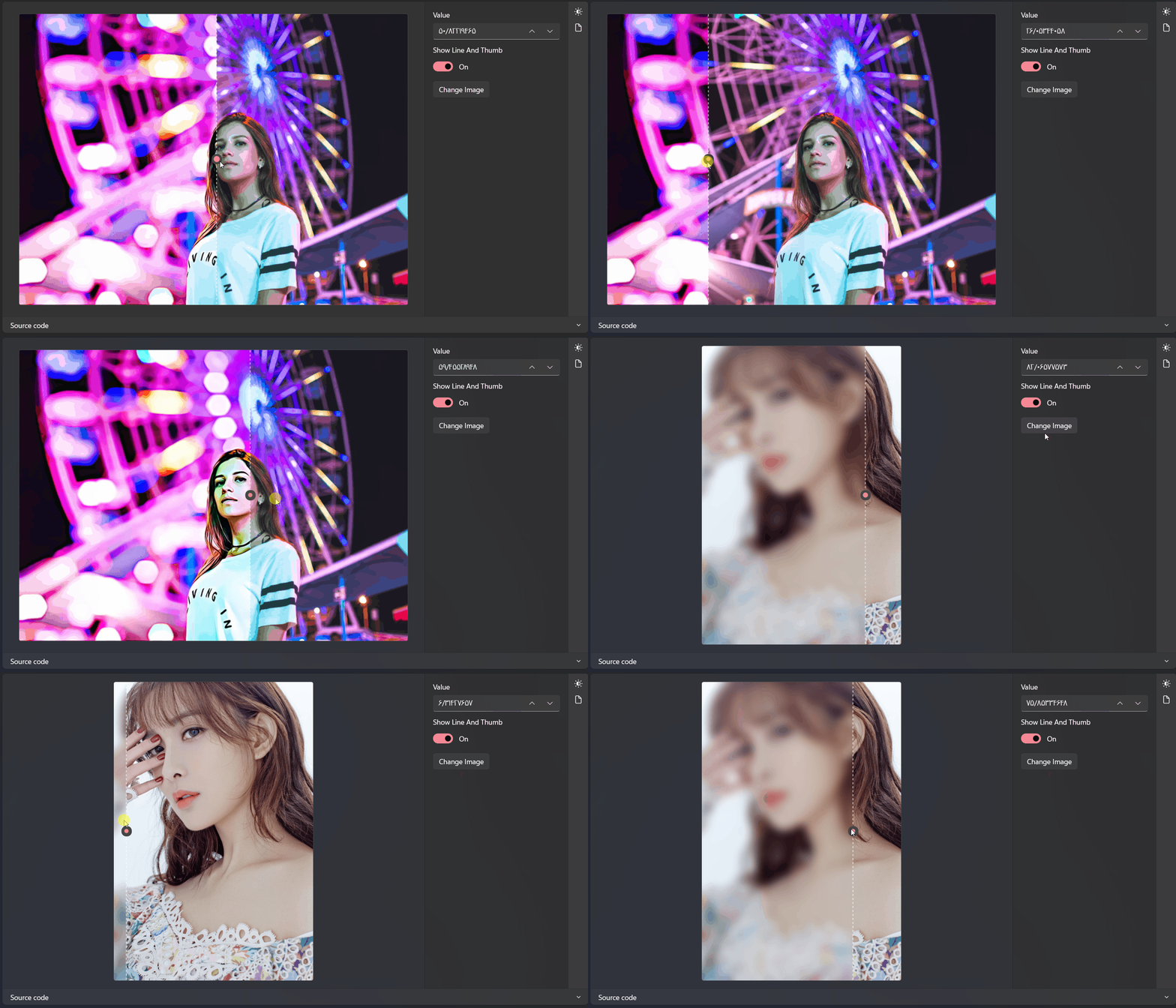
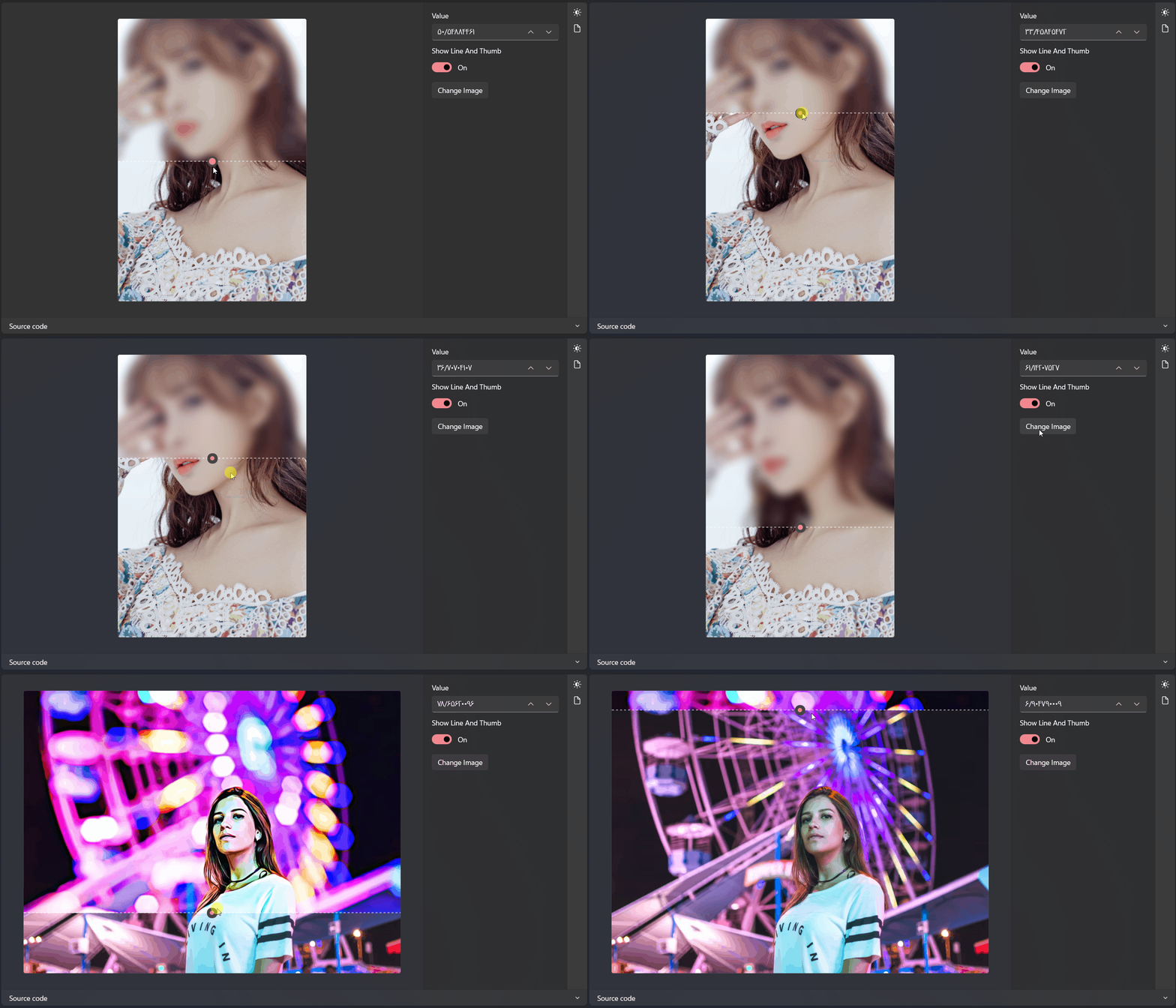
CompareSlider
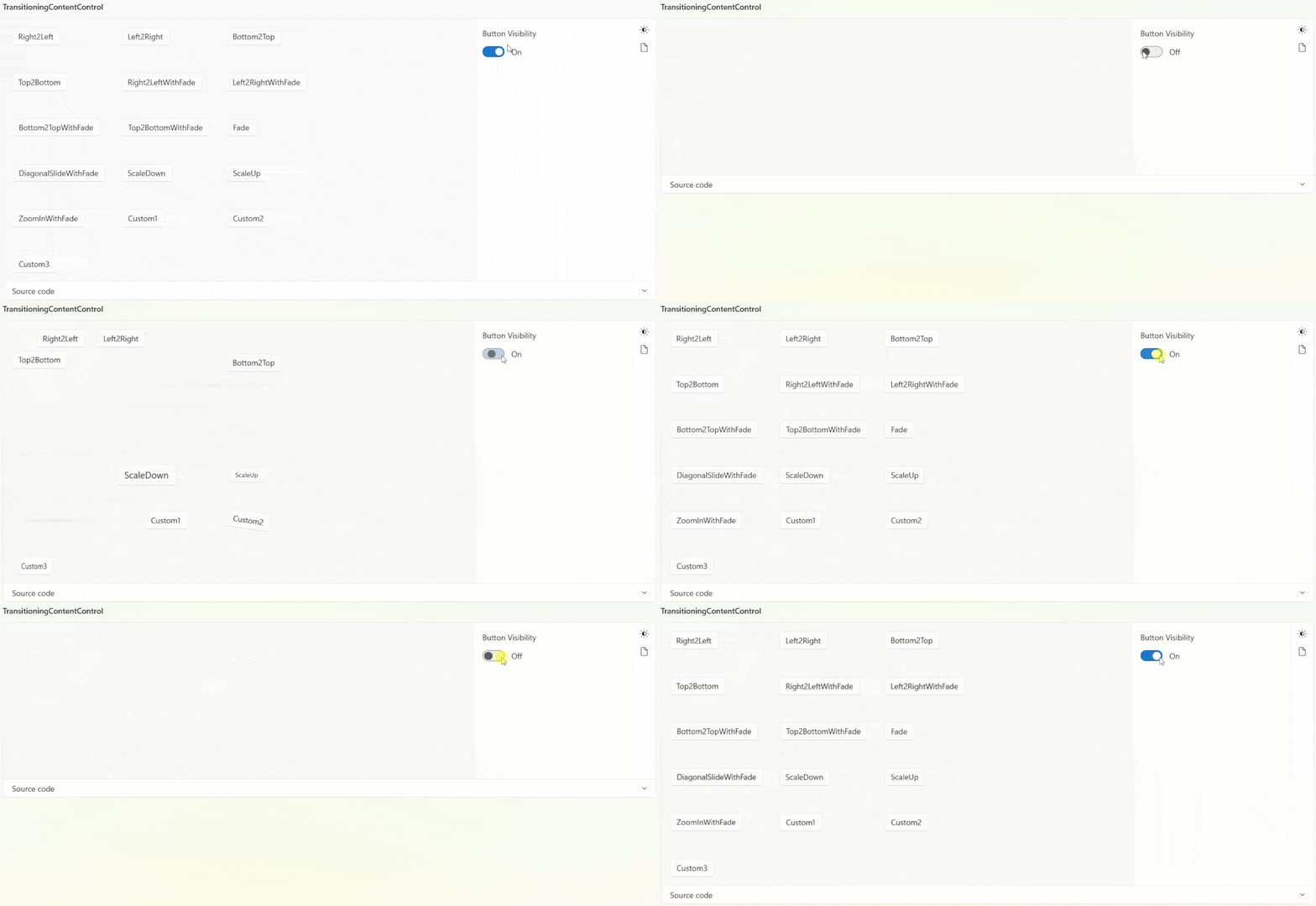
TransitioningContentControl
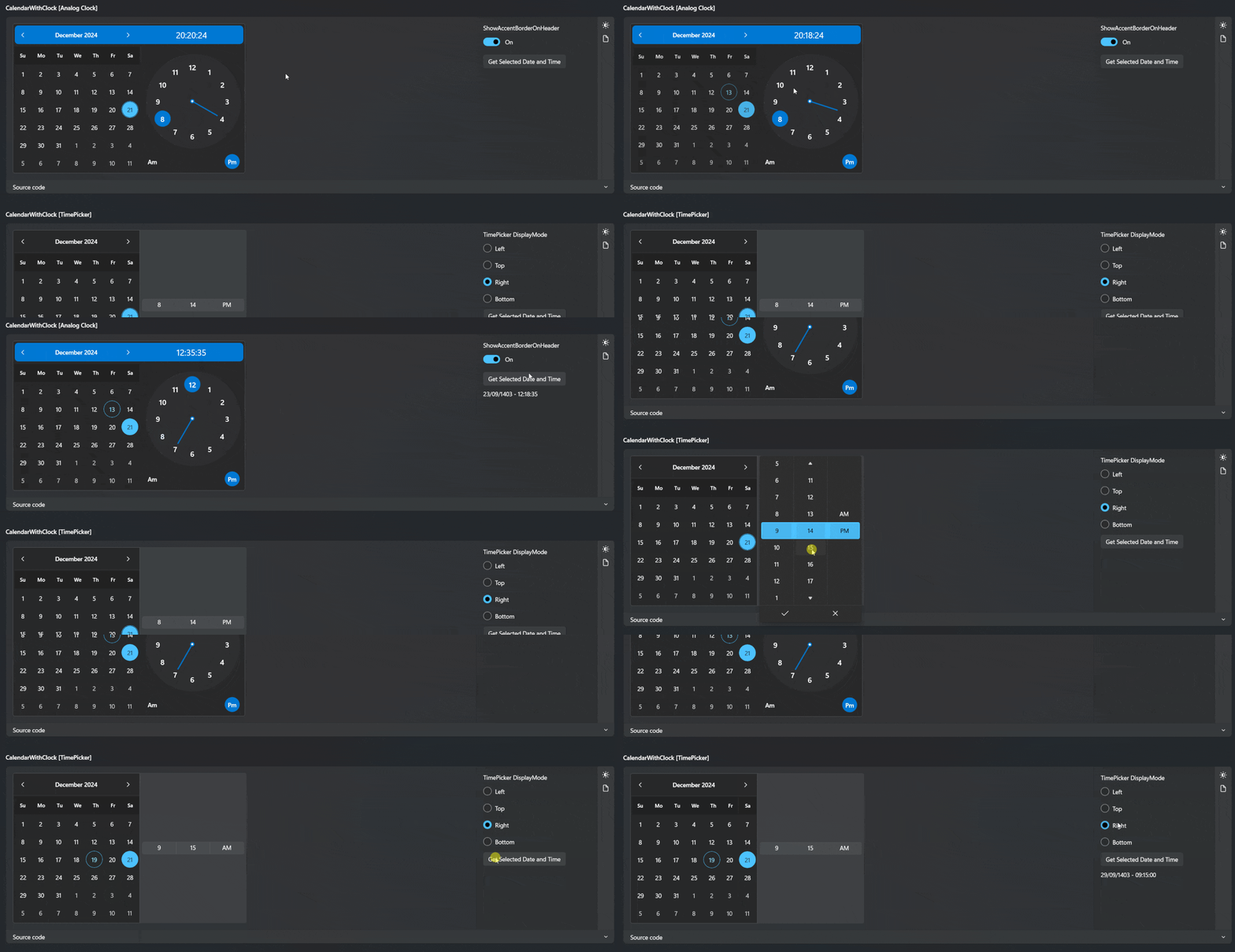
DateTimePicker
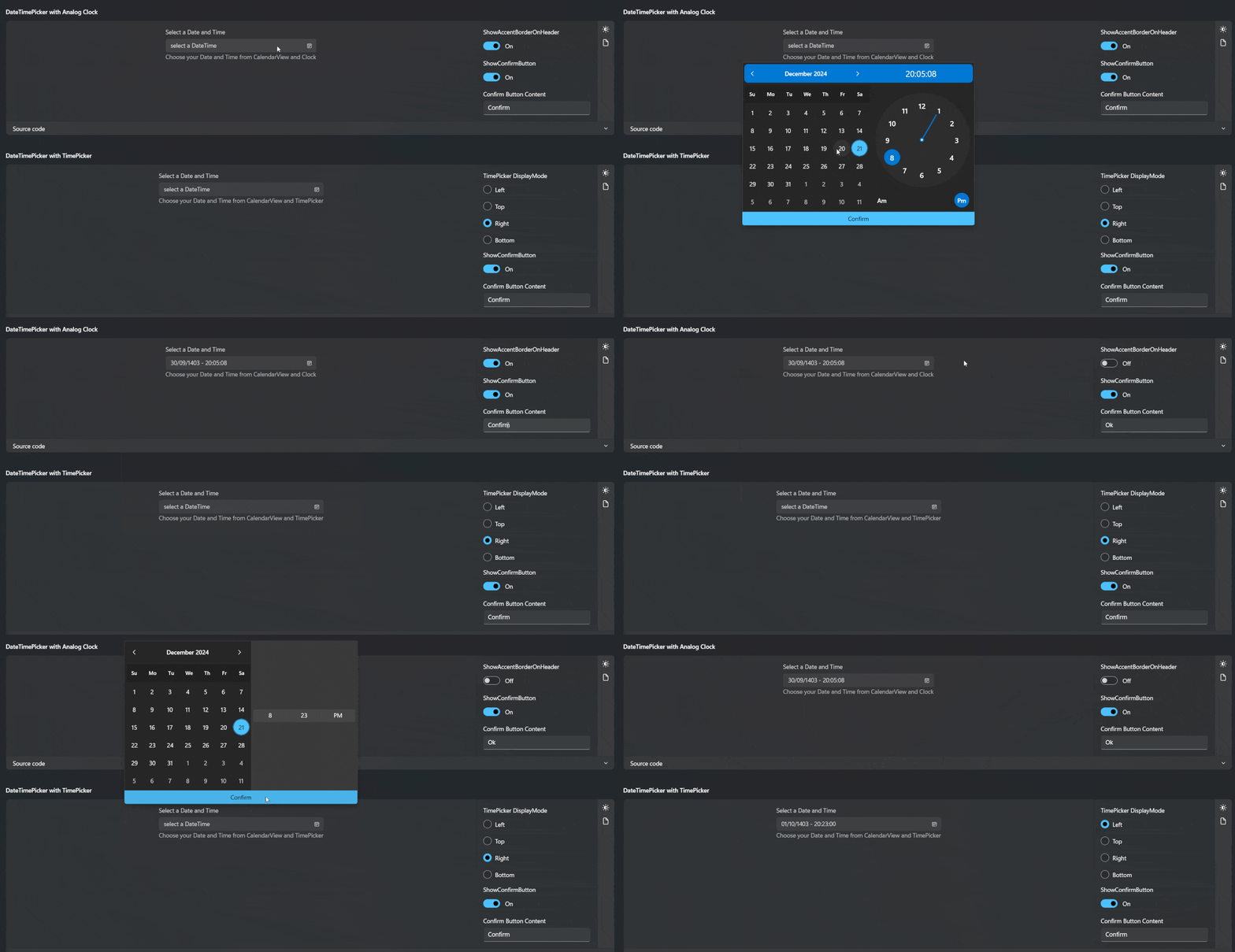
CalendarWithClock
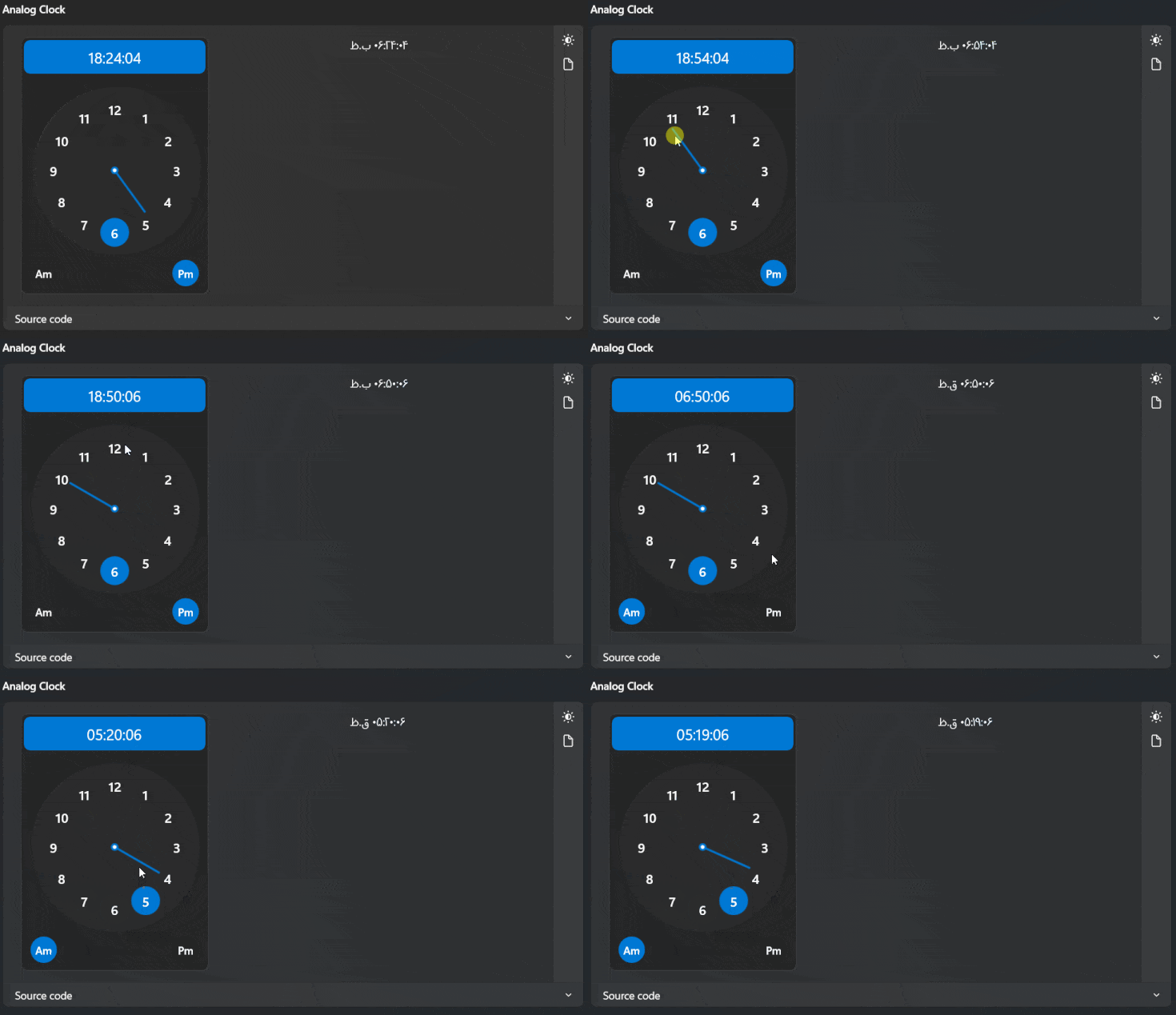
Clock
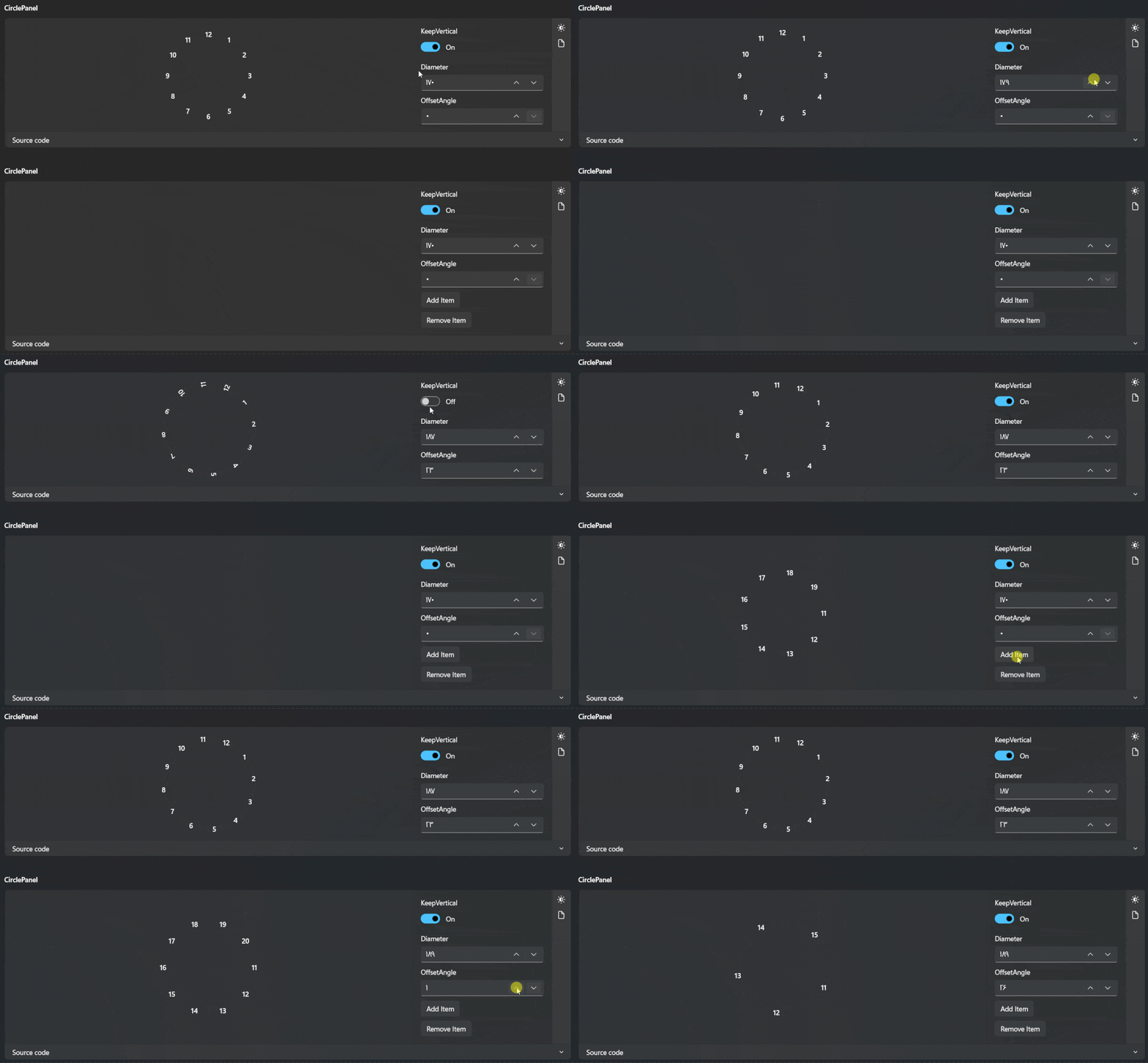
CirclePanel
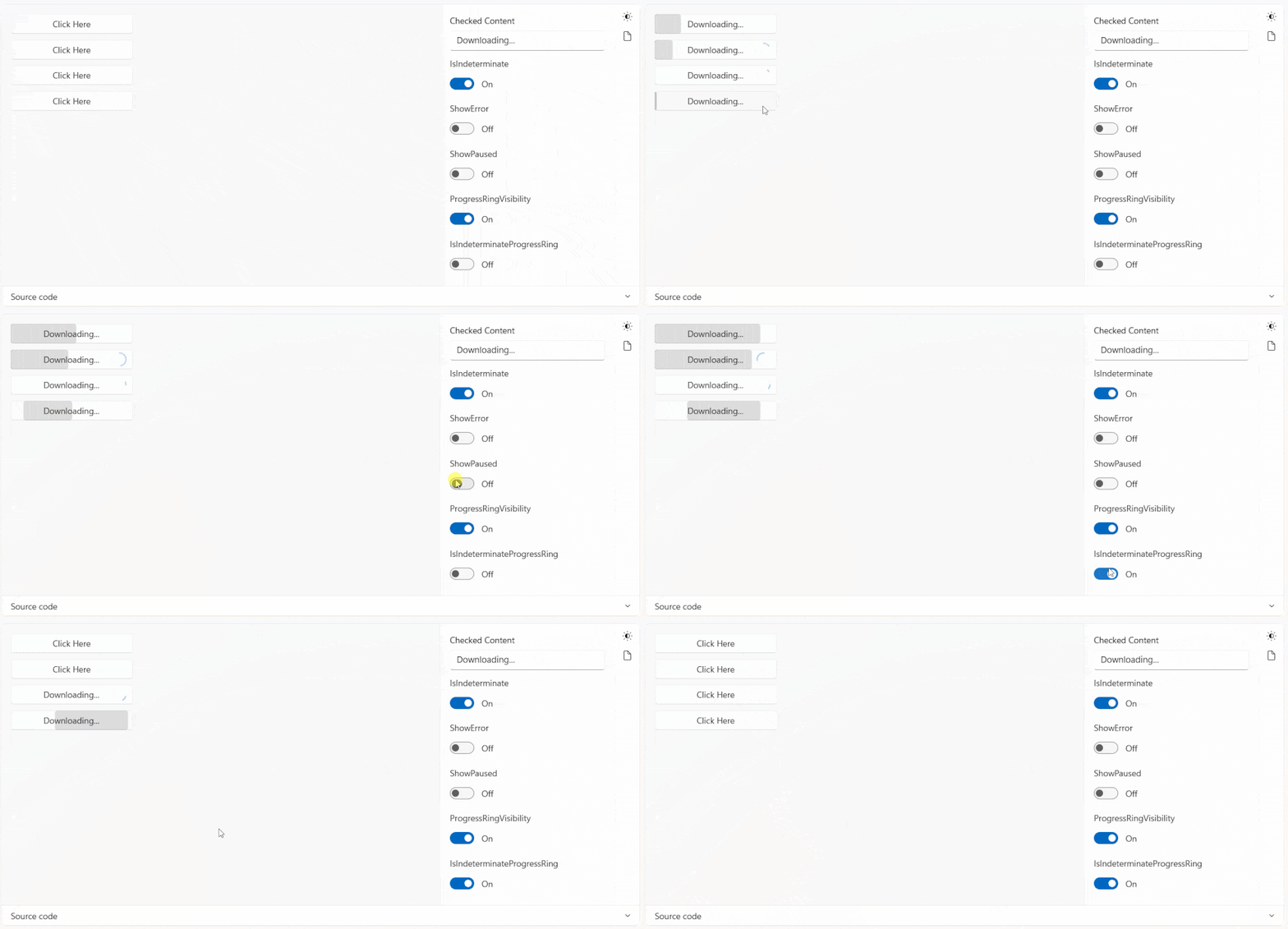
ProgressButton
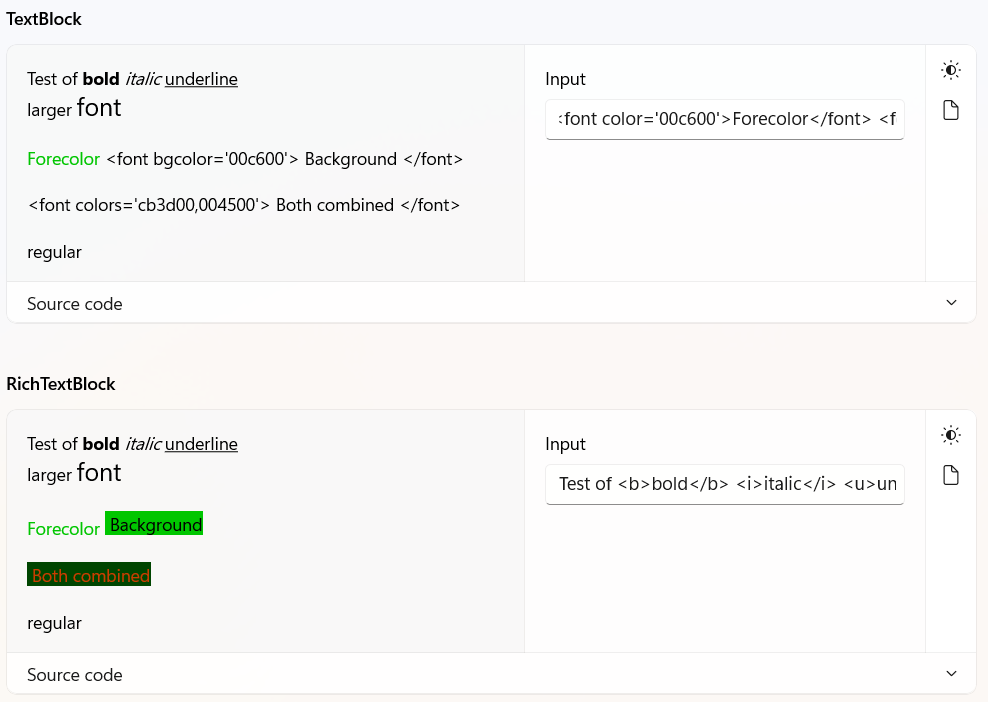
RichTextFormatter Helper
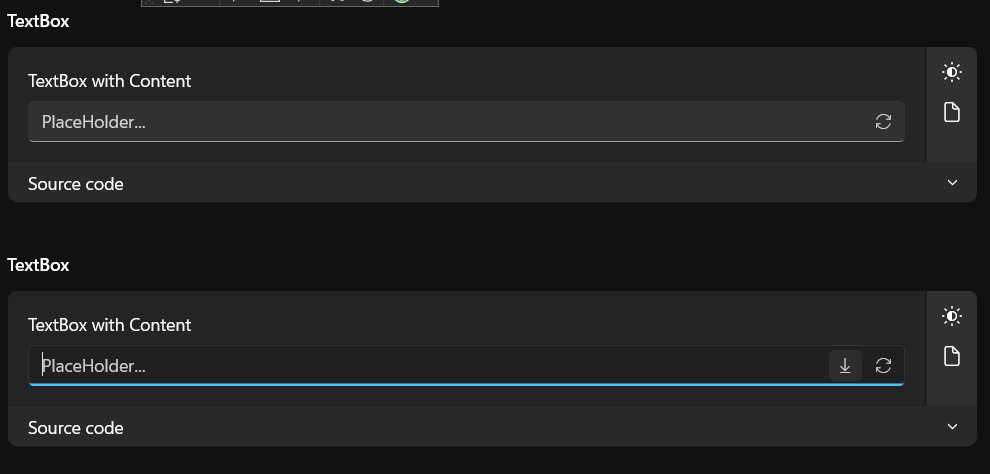
TextBox
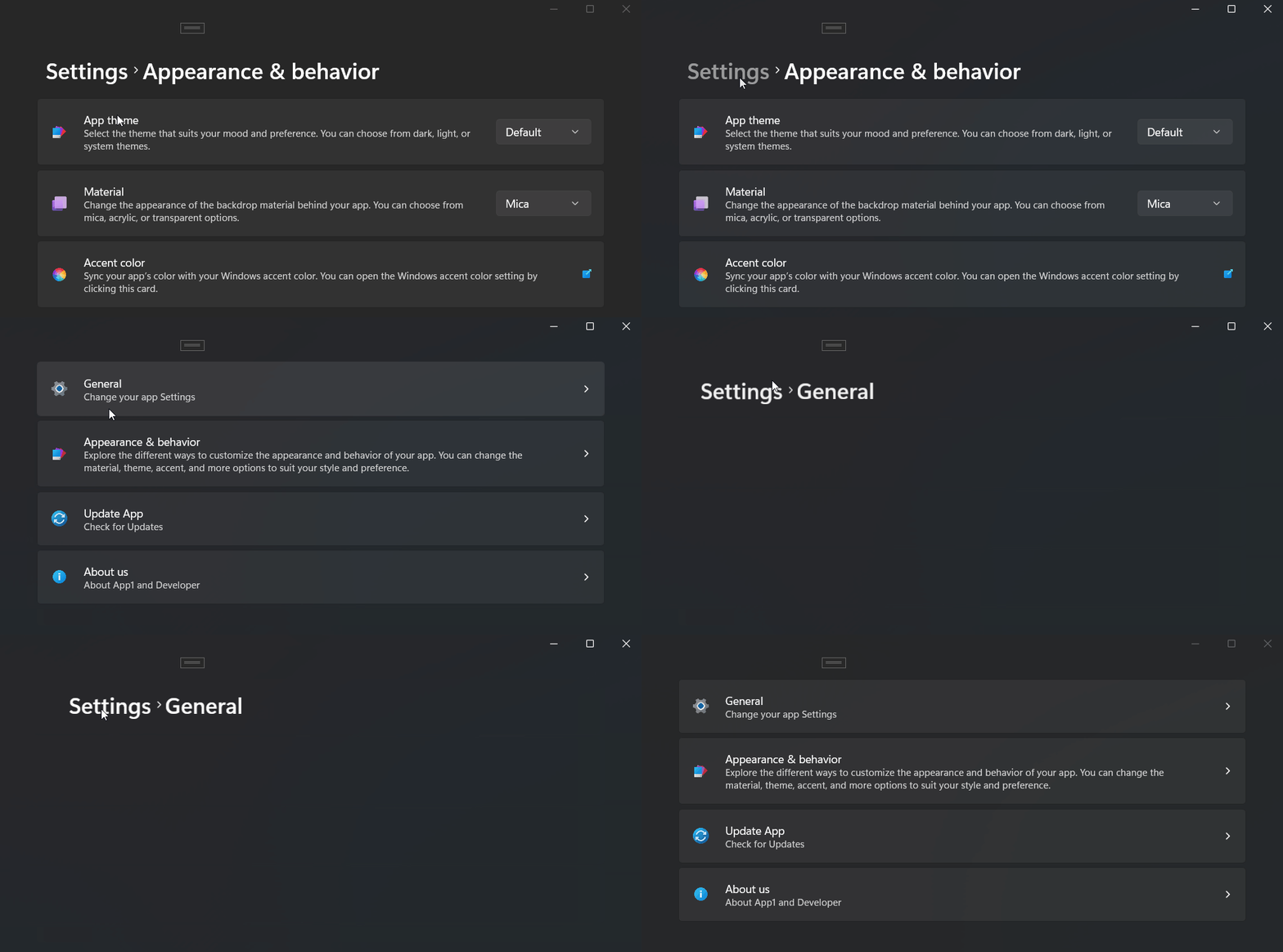
BreadcrumbNavigator
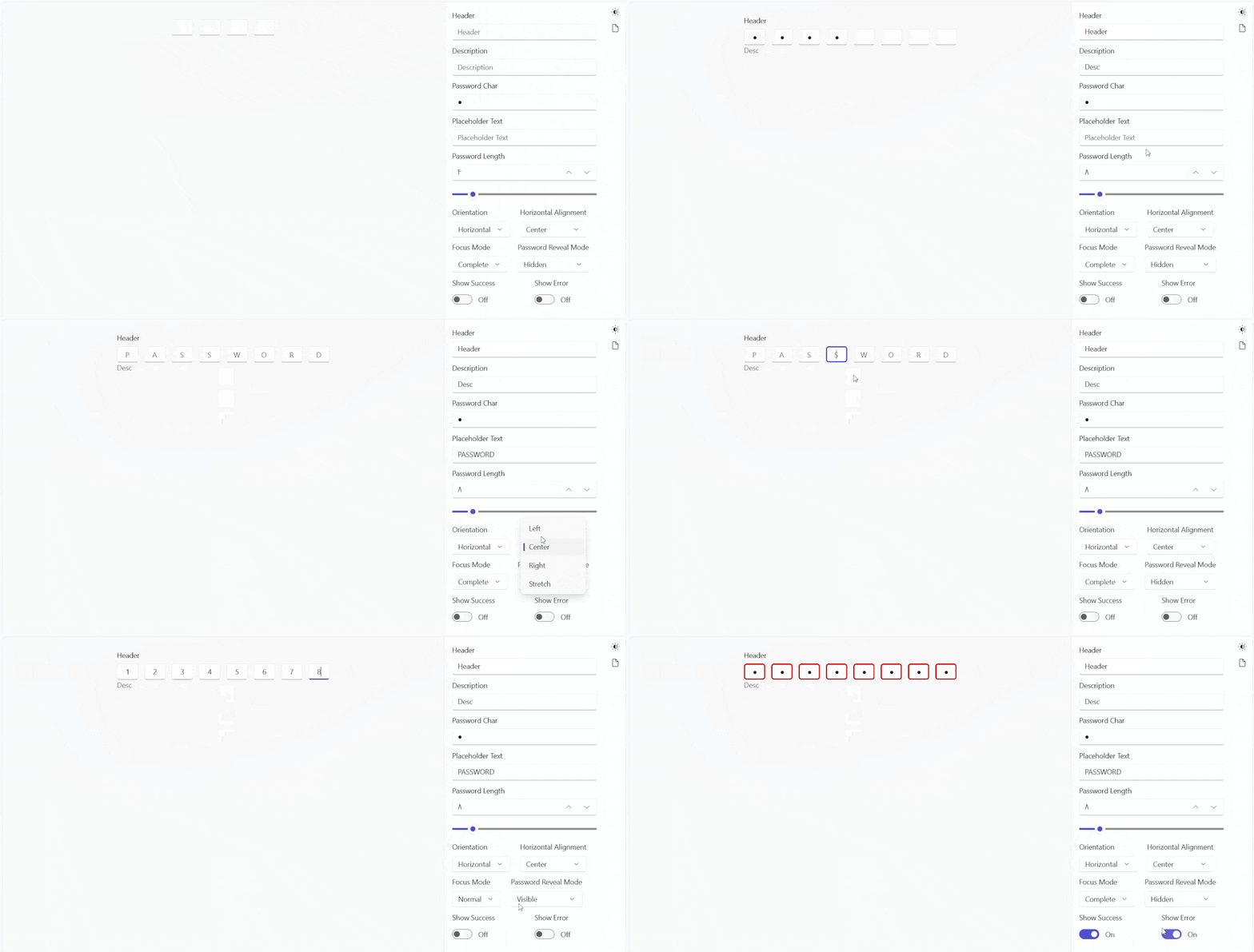
PinBox
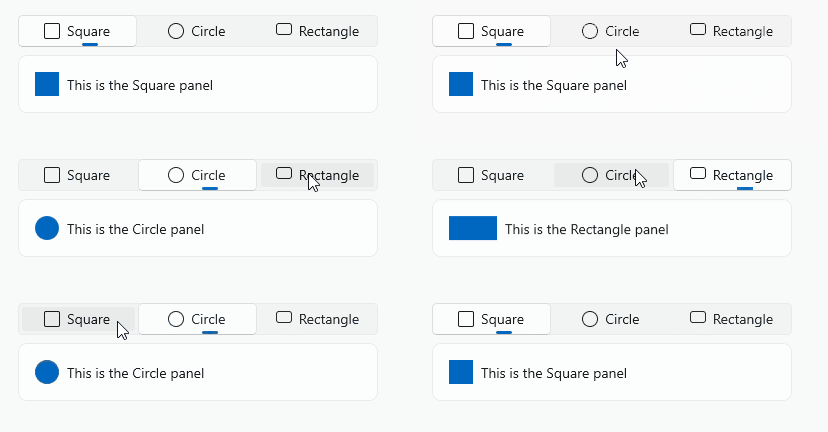
SelectorBarSegmented

ColorfulShimmingEffect

TiledImageBrush /Win2d

OutlineTextControl /Win2d

FlipSide

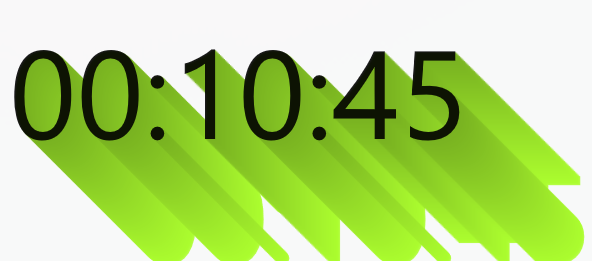
LongShadowTextBlock
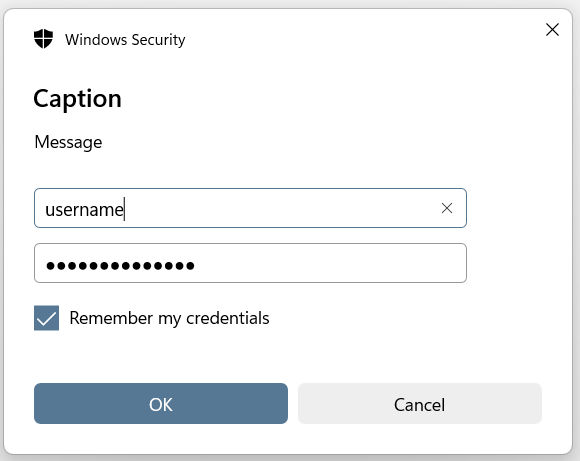
PickCredential
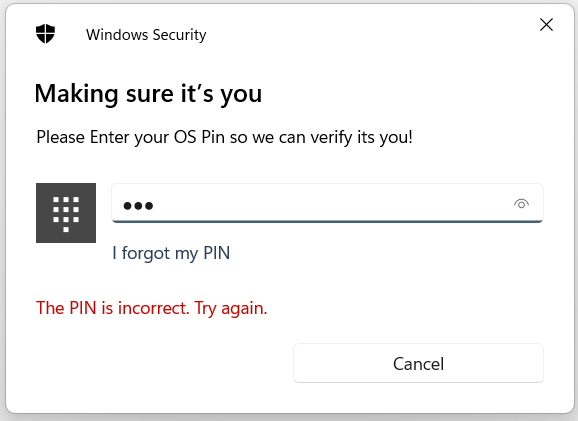
RequestWindowsPIN
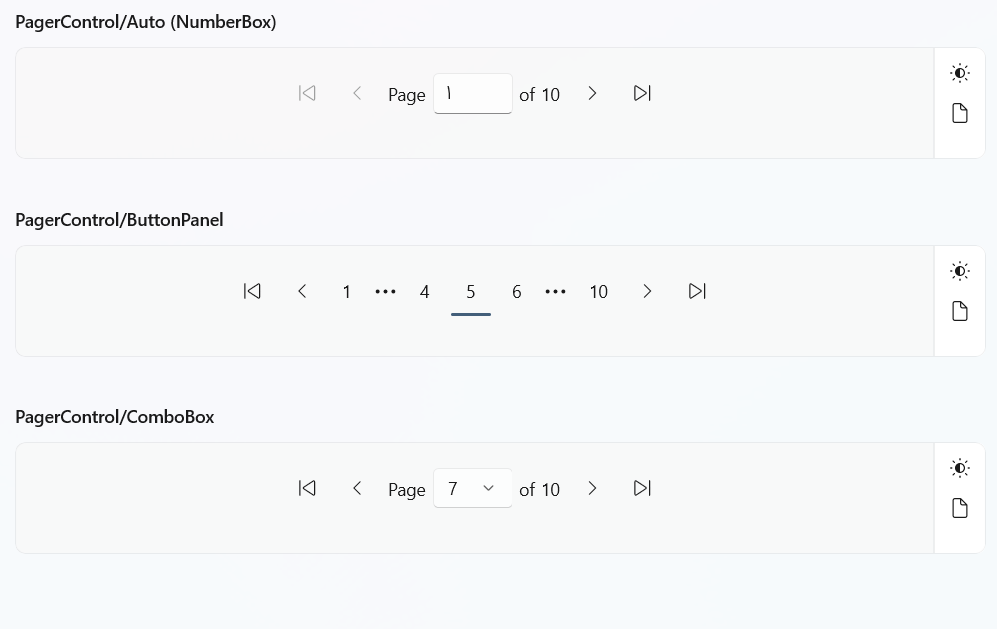
PagerControl
IndeterminateProgressBar
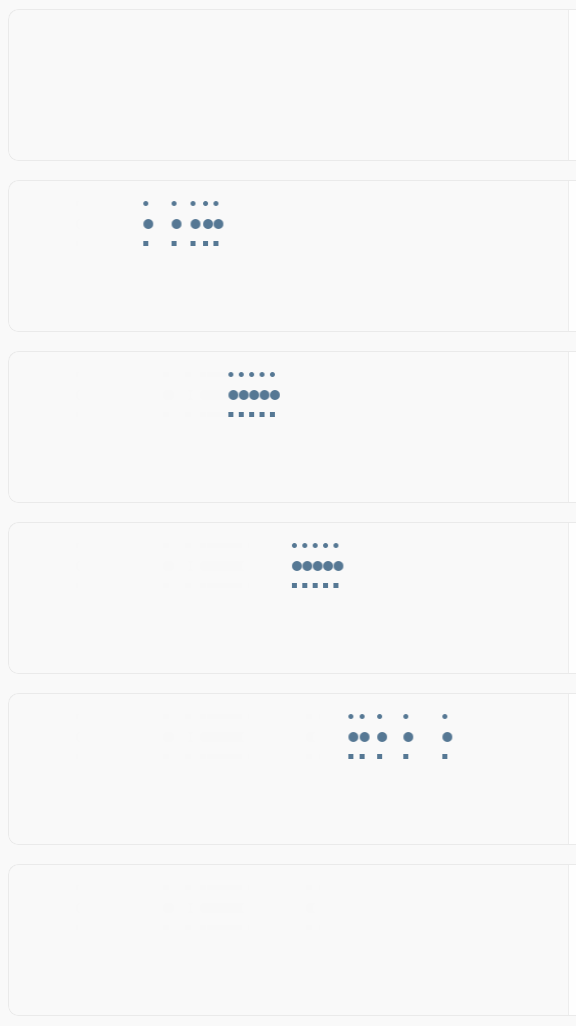
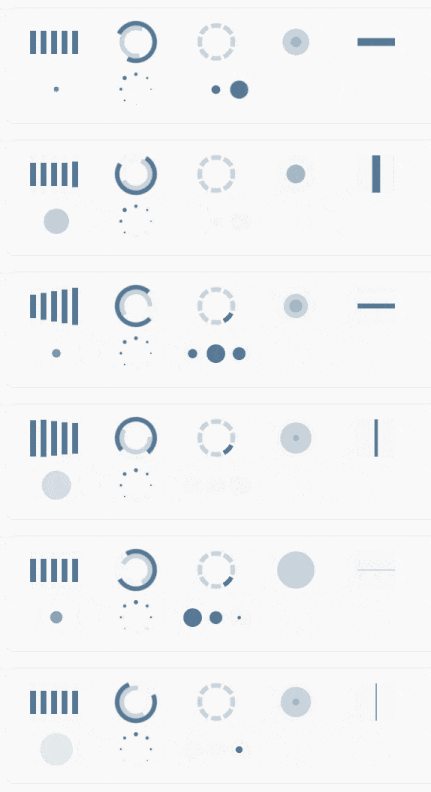
LoadingIndicator
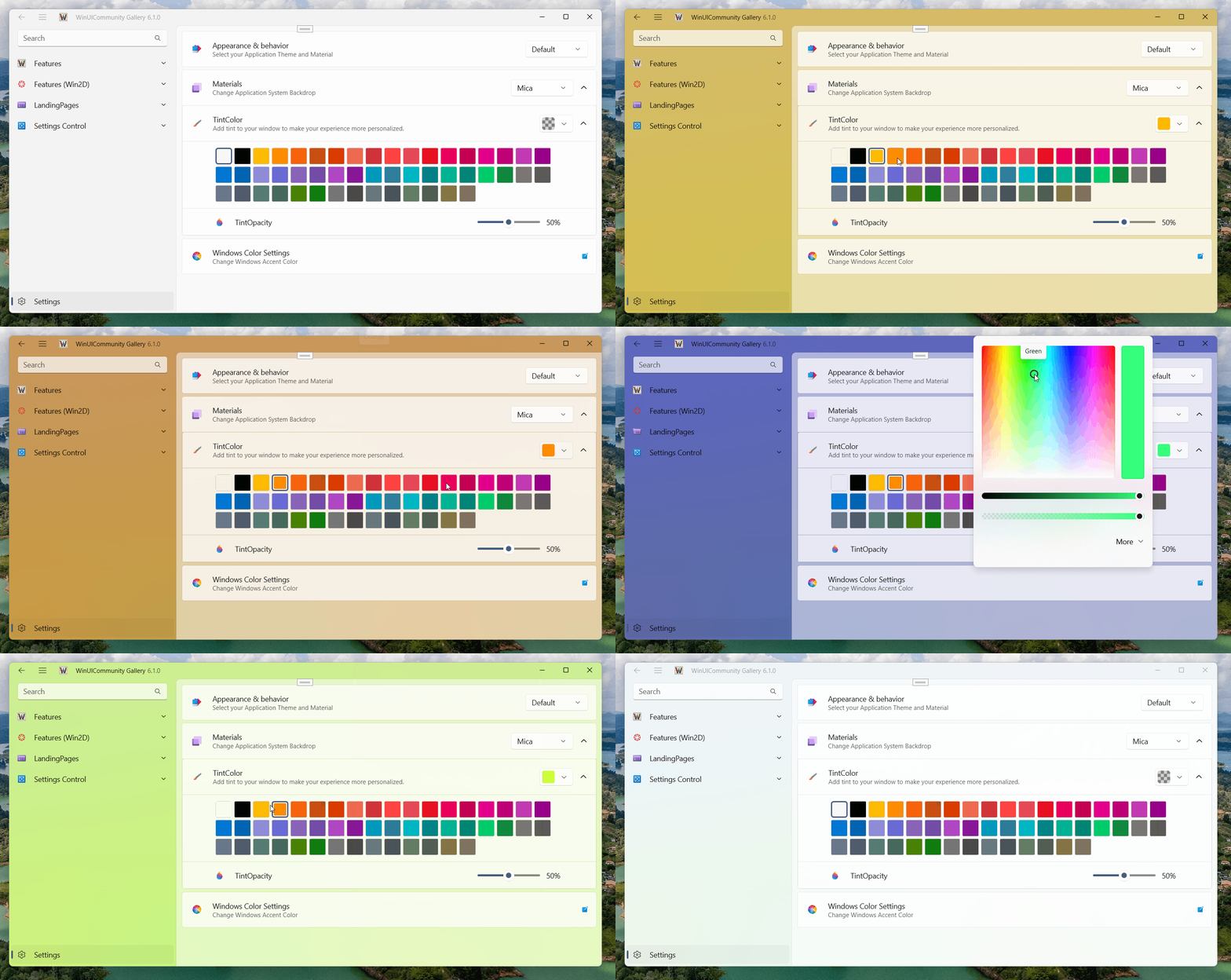
ThemeService / Backdrop TintColor
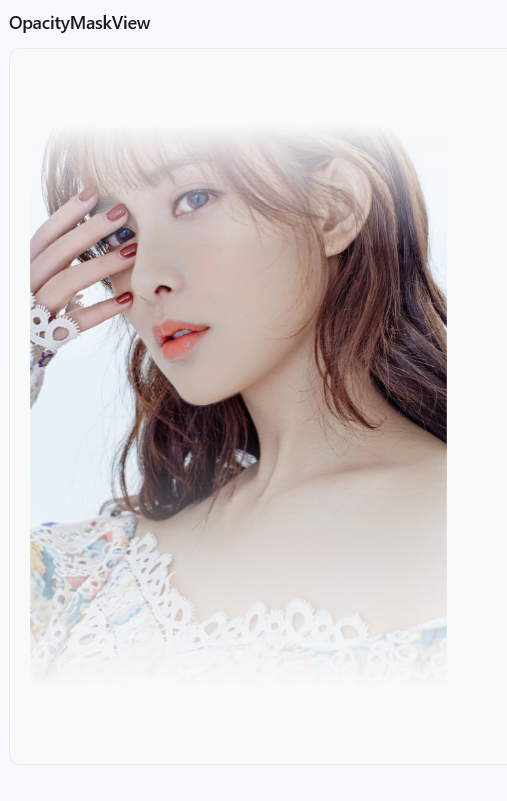
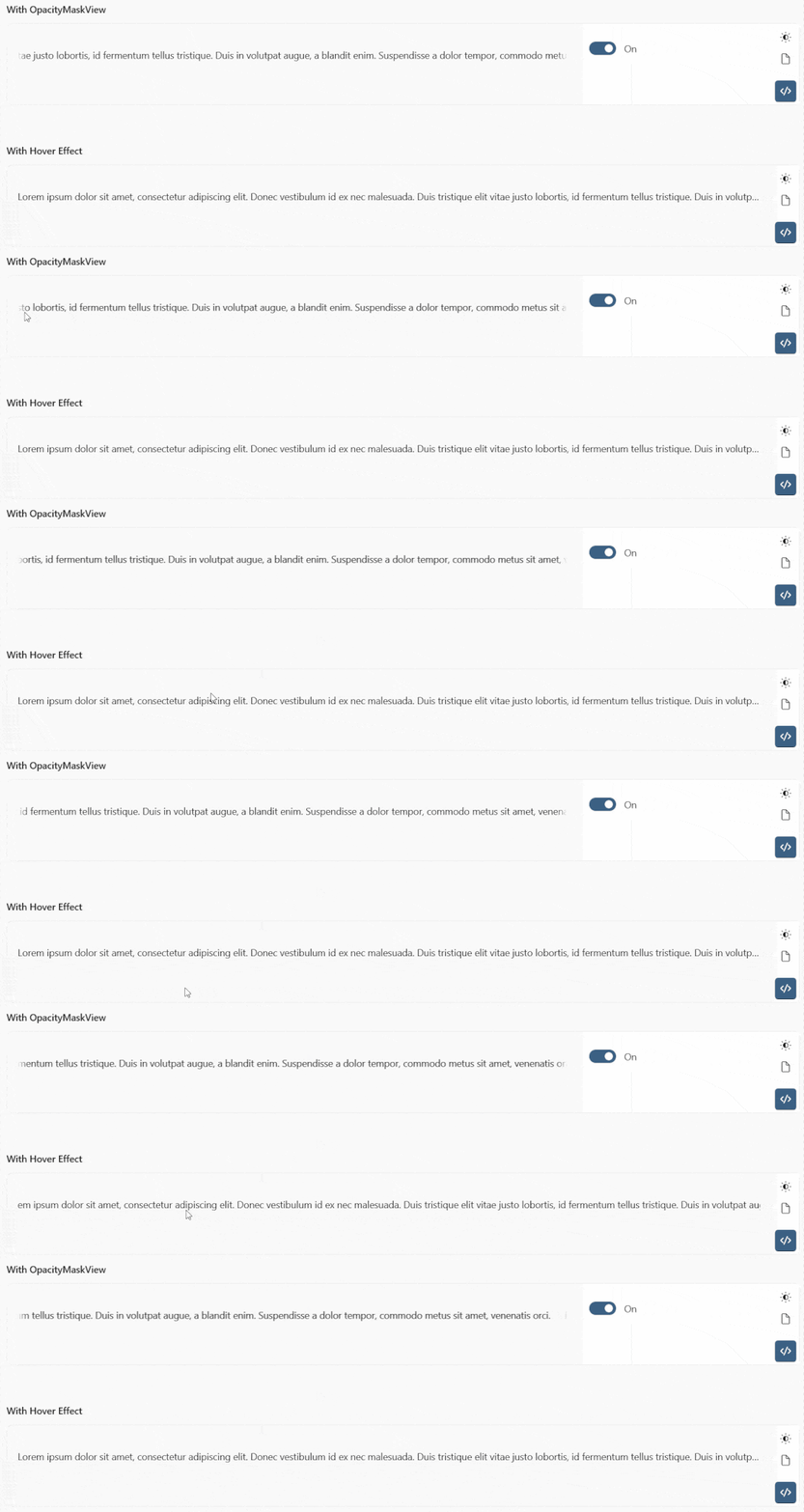
OpacityMaskView
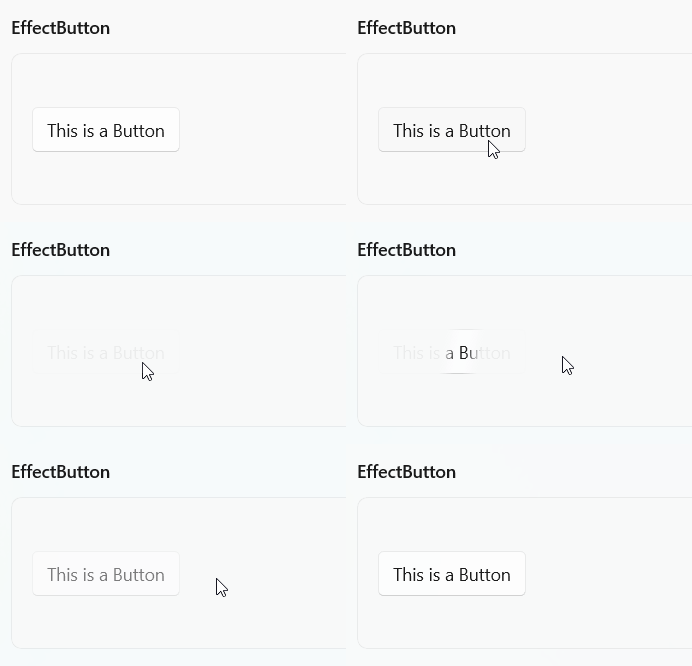
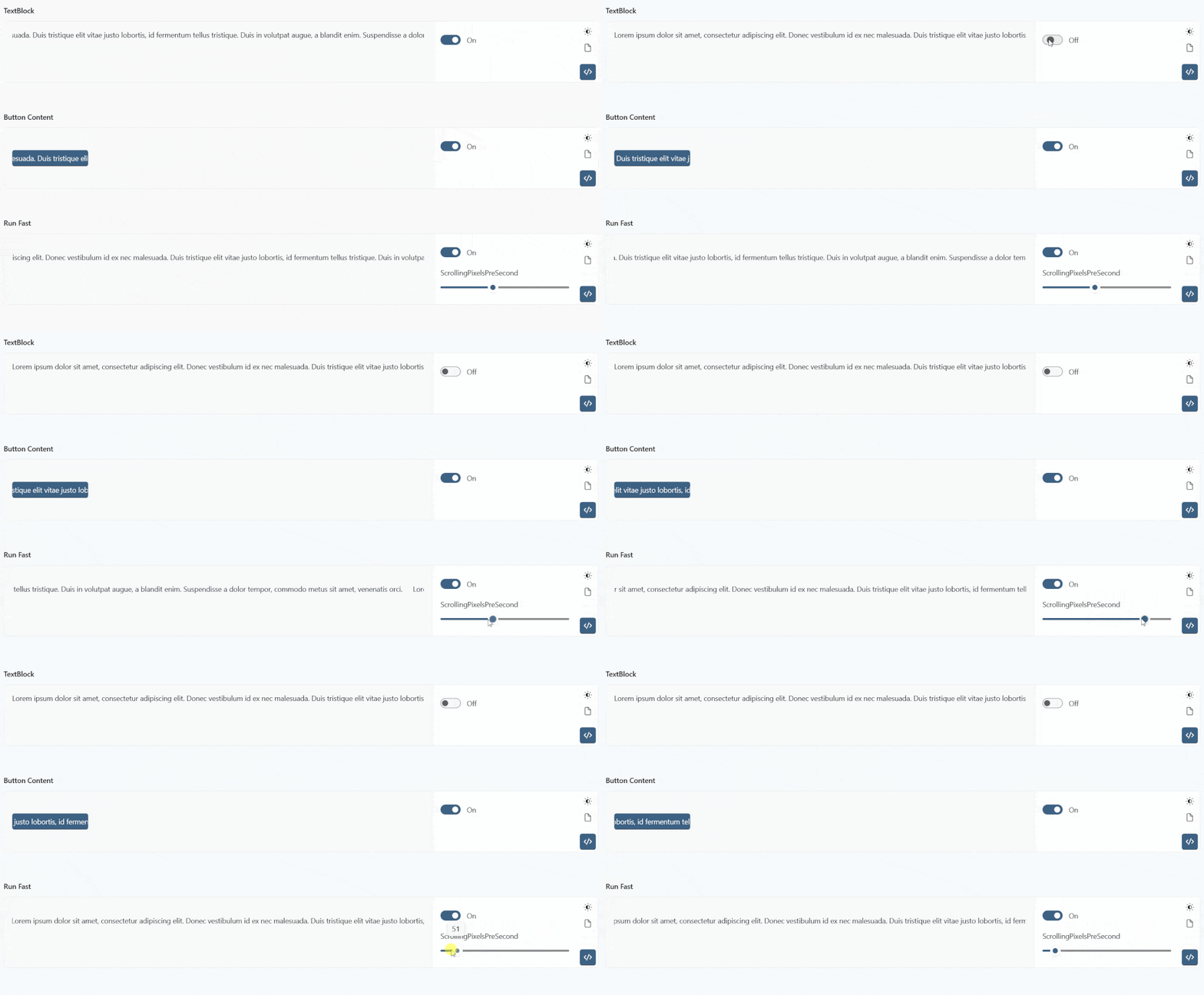
AutoScrollView
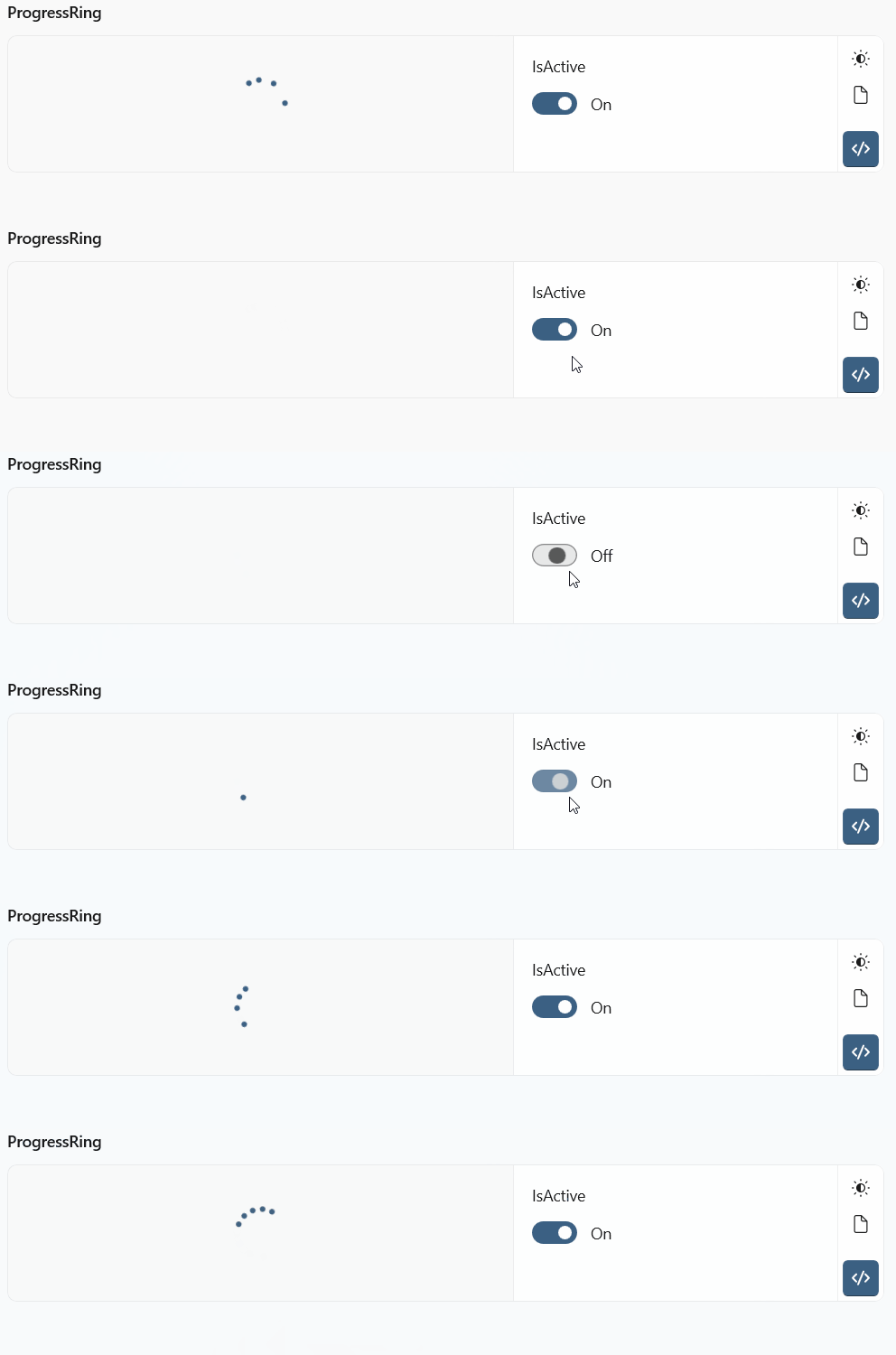
ProgressRing
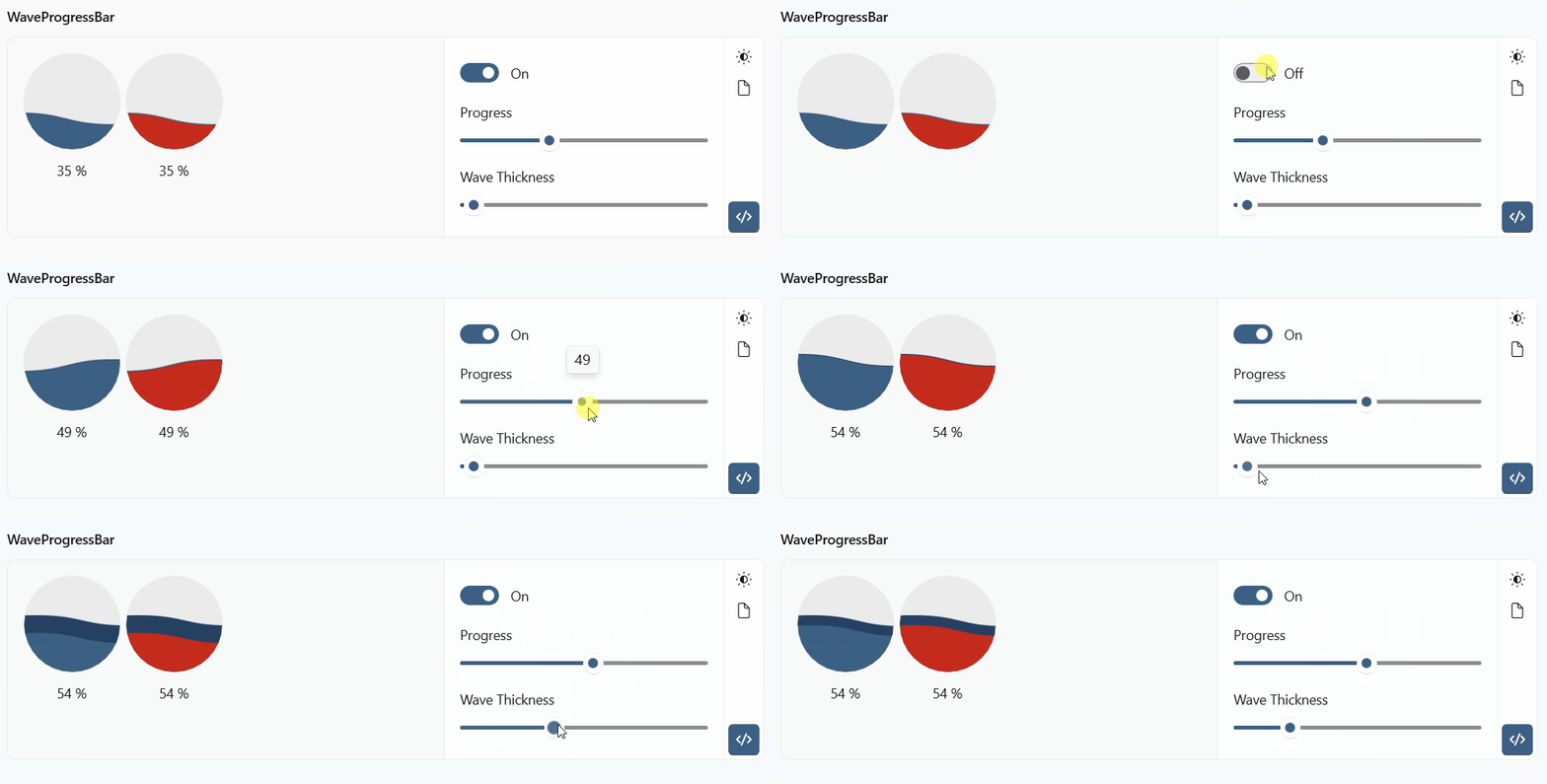
WaveProgressBar
Watermark /Win2d

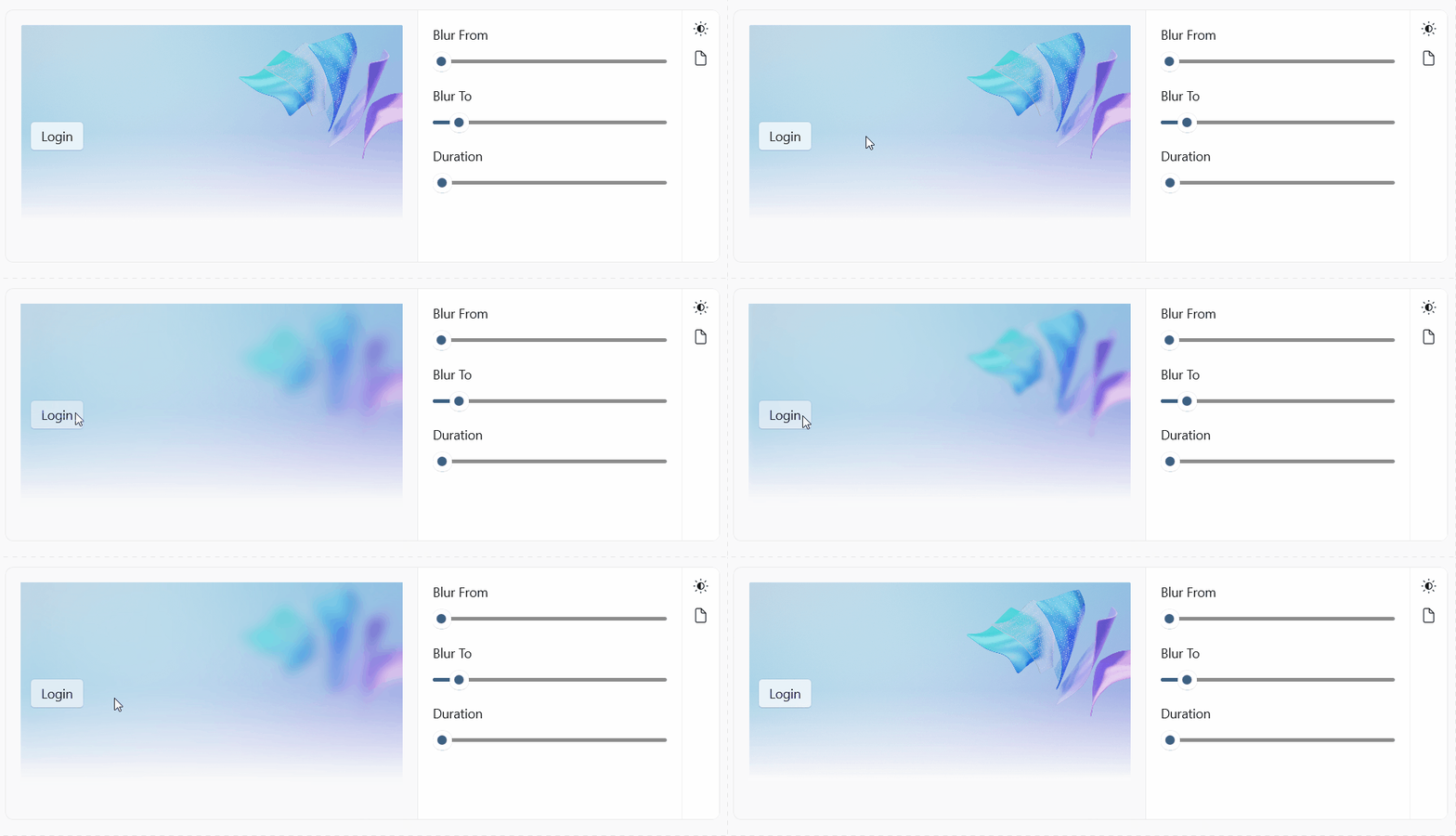
BlurAnimationHelper /Win2d
GooeyButton /Win2d

GooeyEffect /Win2d
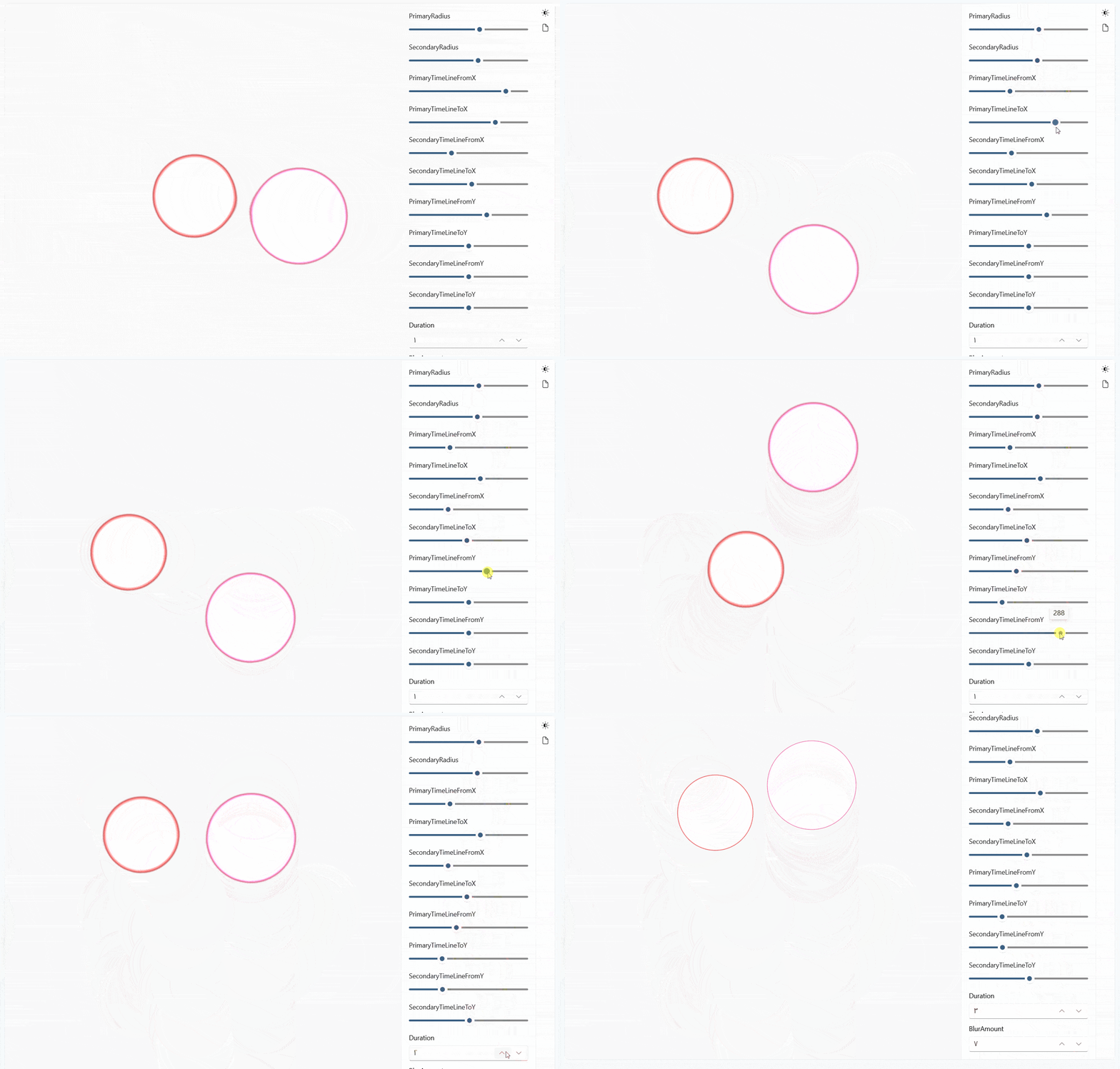
GooeyFooterEffect /Win2d
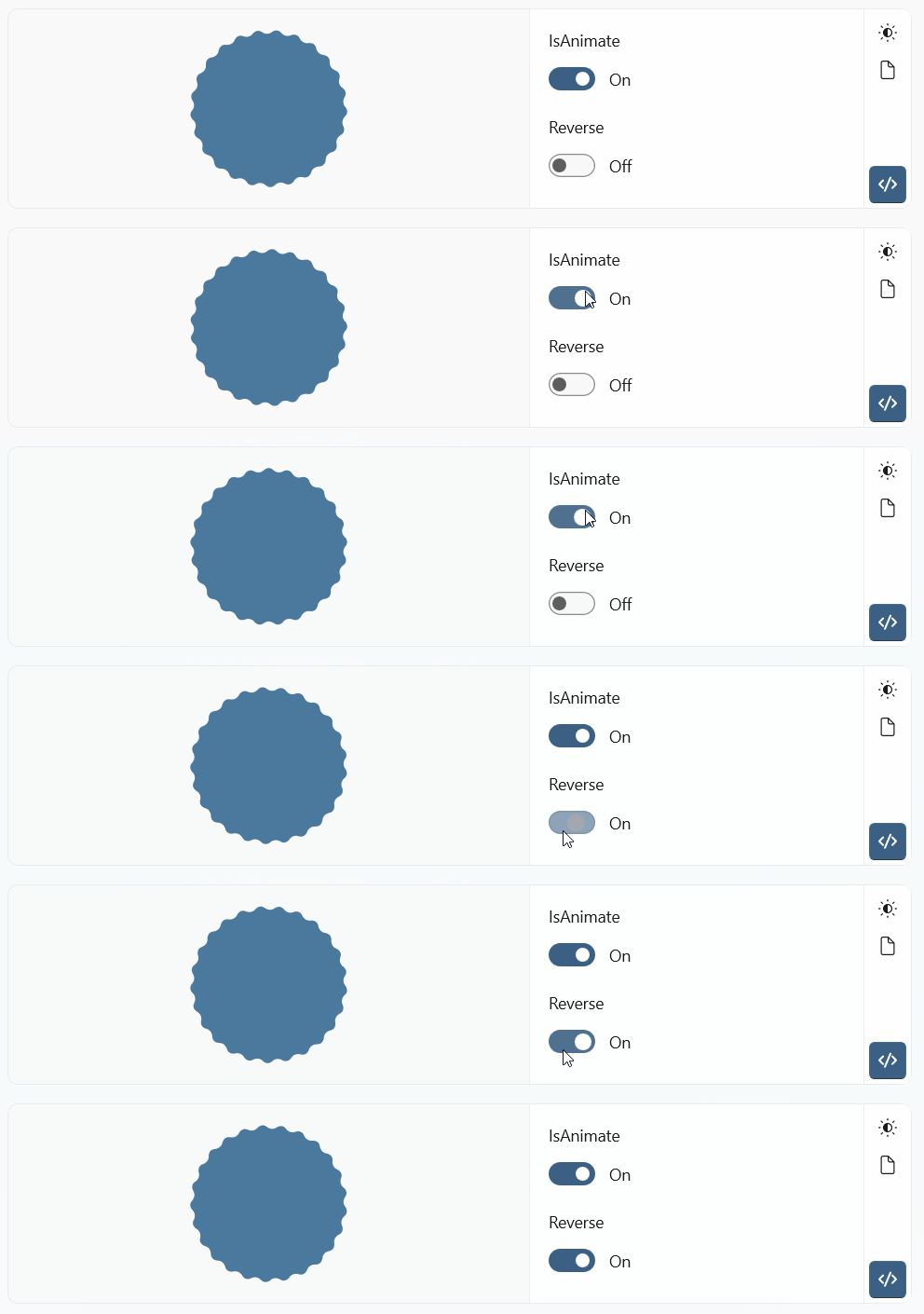
WaveCircle /Win2d
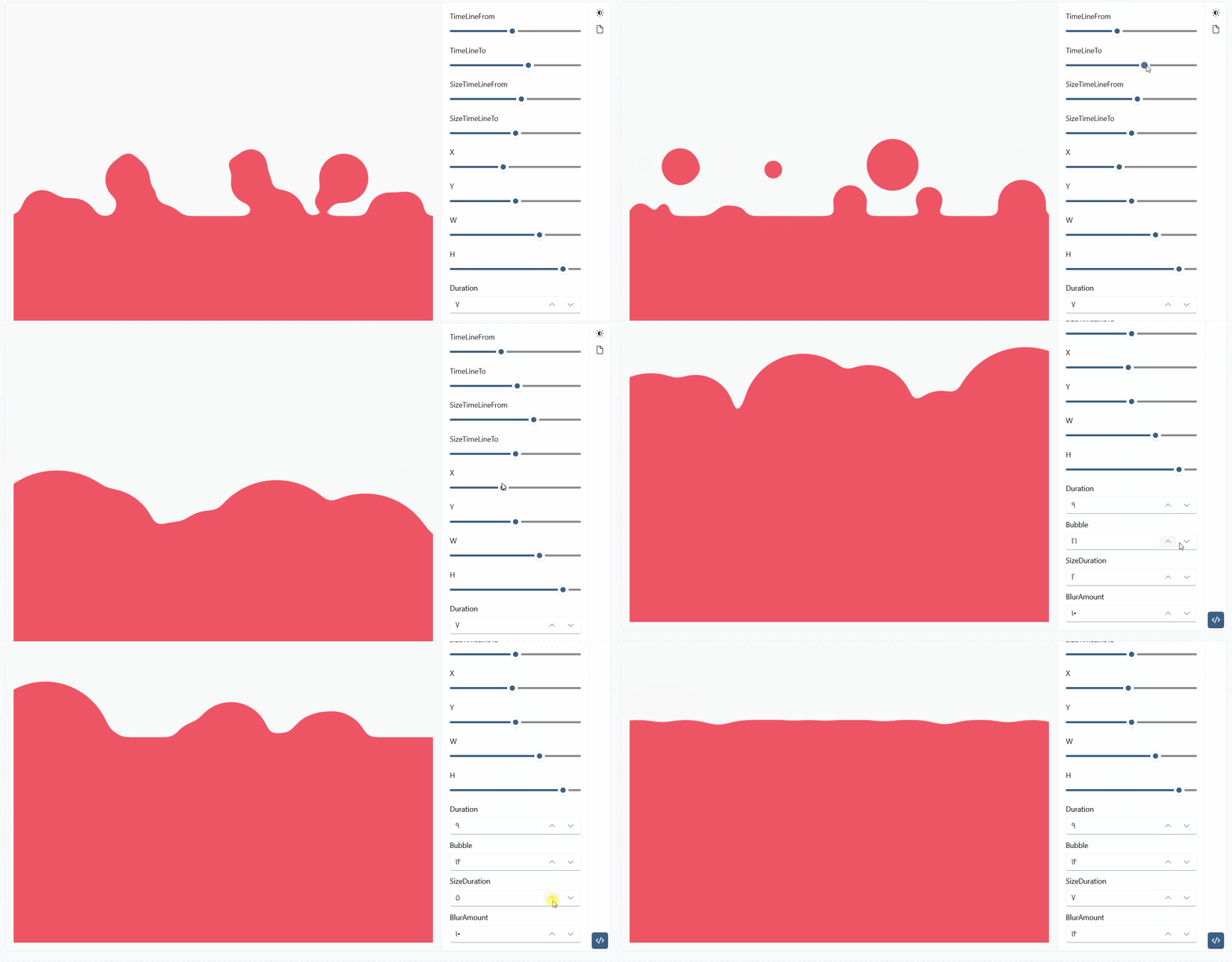
Bubble /Win2d
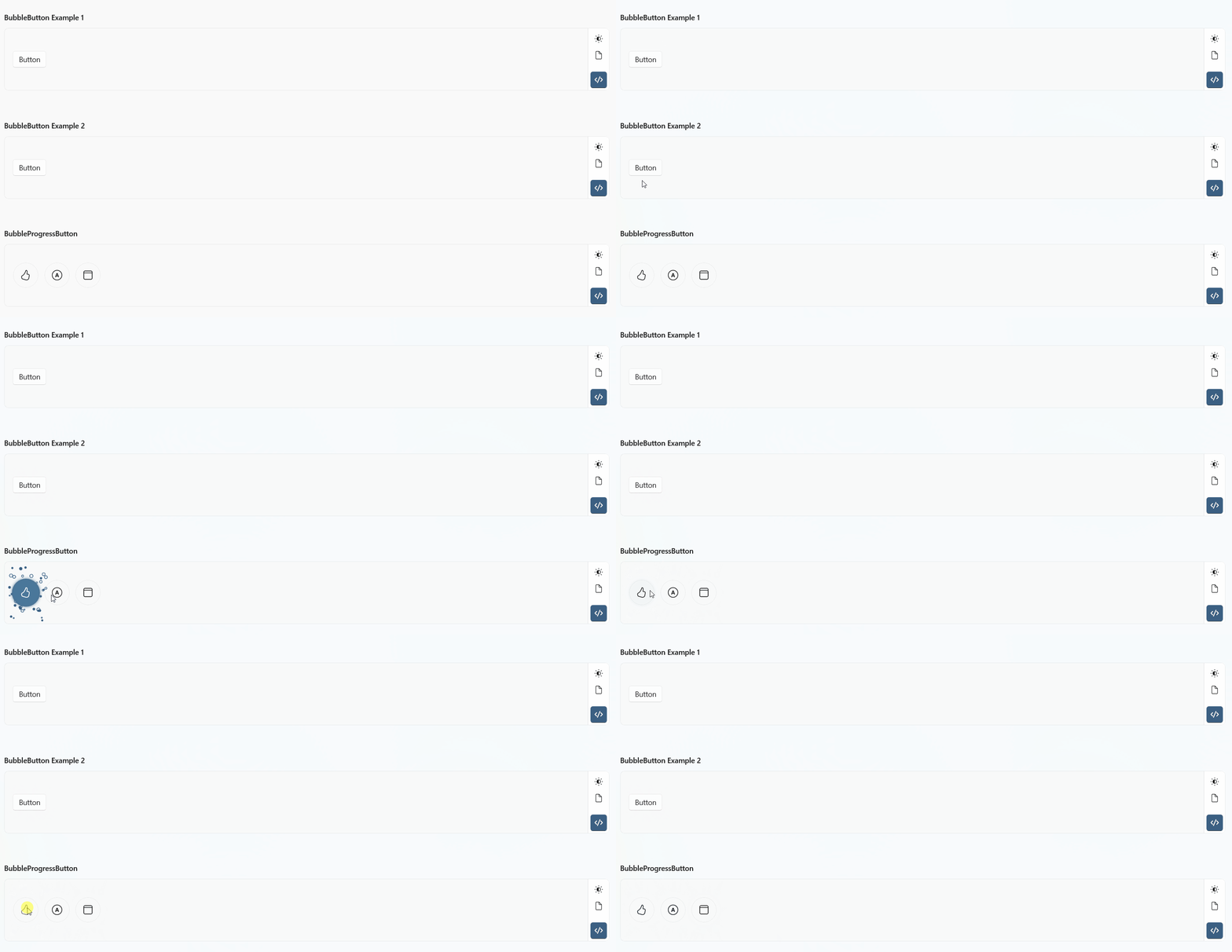
Particle /Win2d

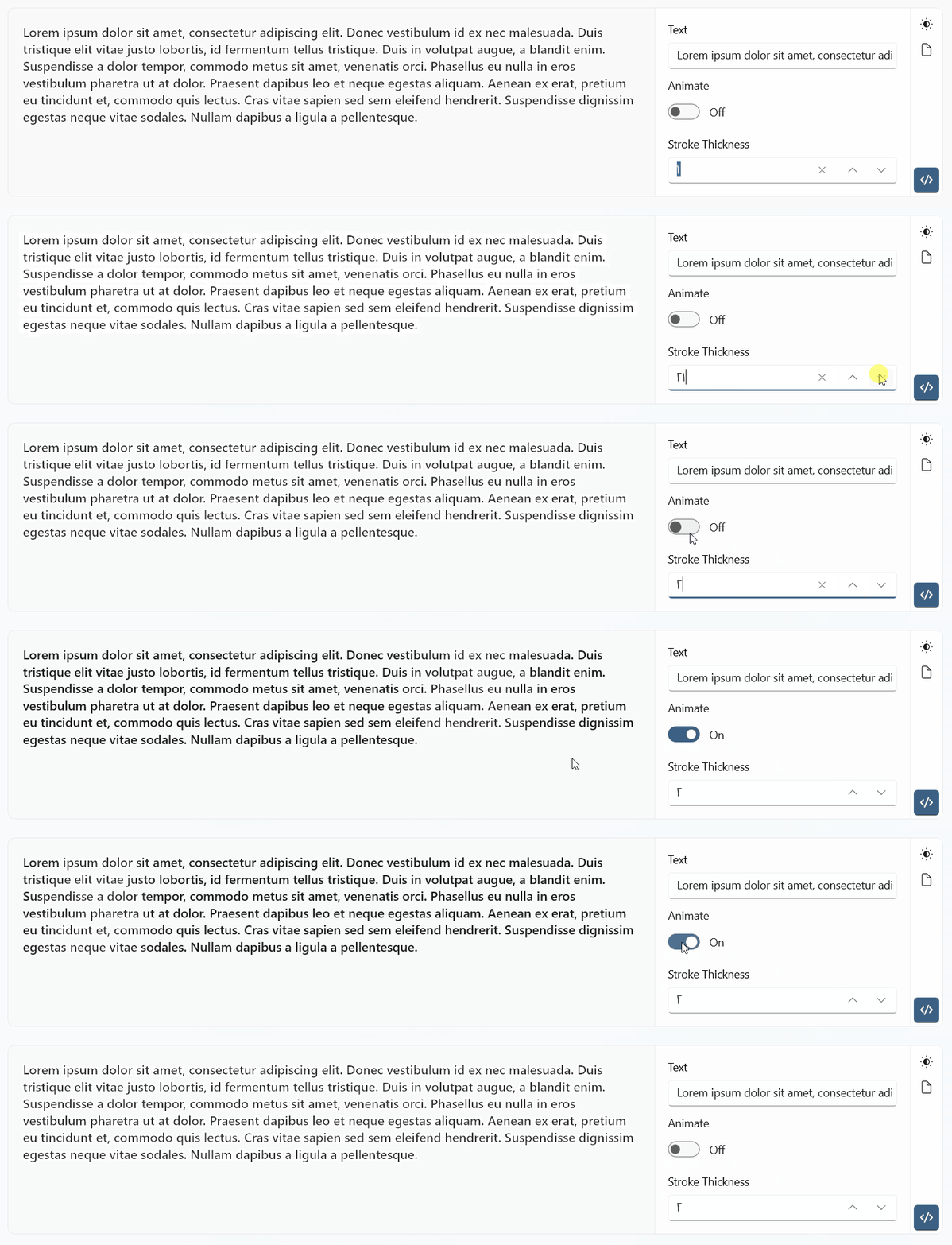
TextBlockStrokeView /Win2d
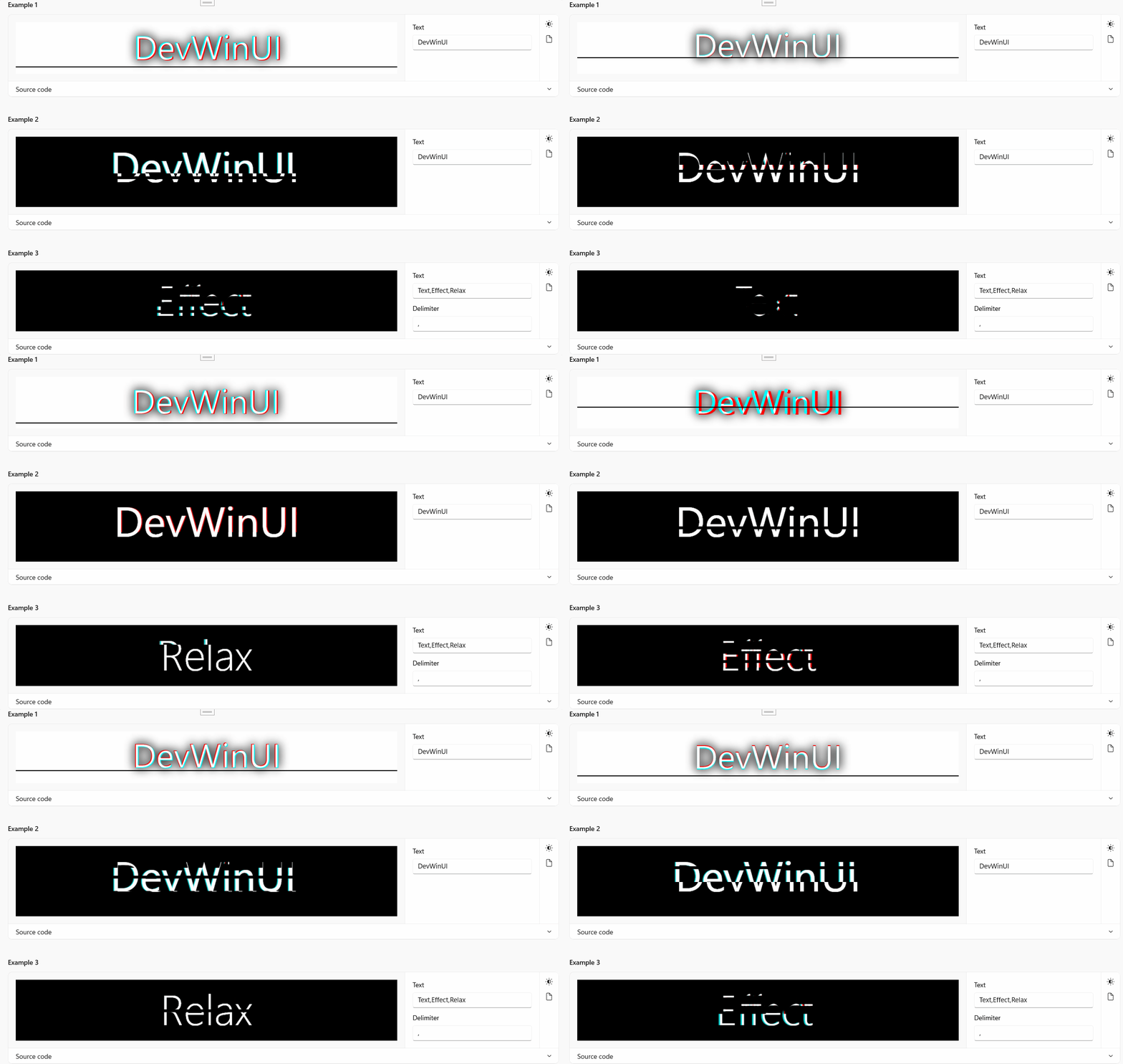
TextGlitchEffect /Win2d
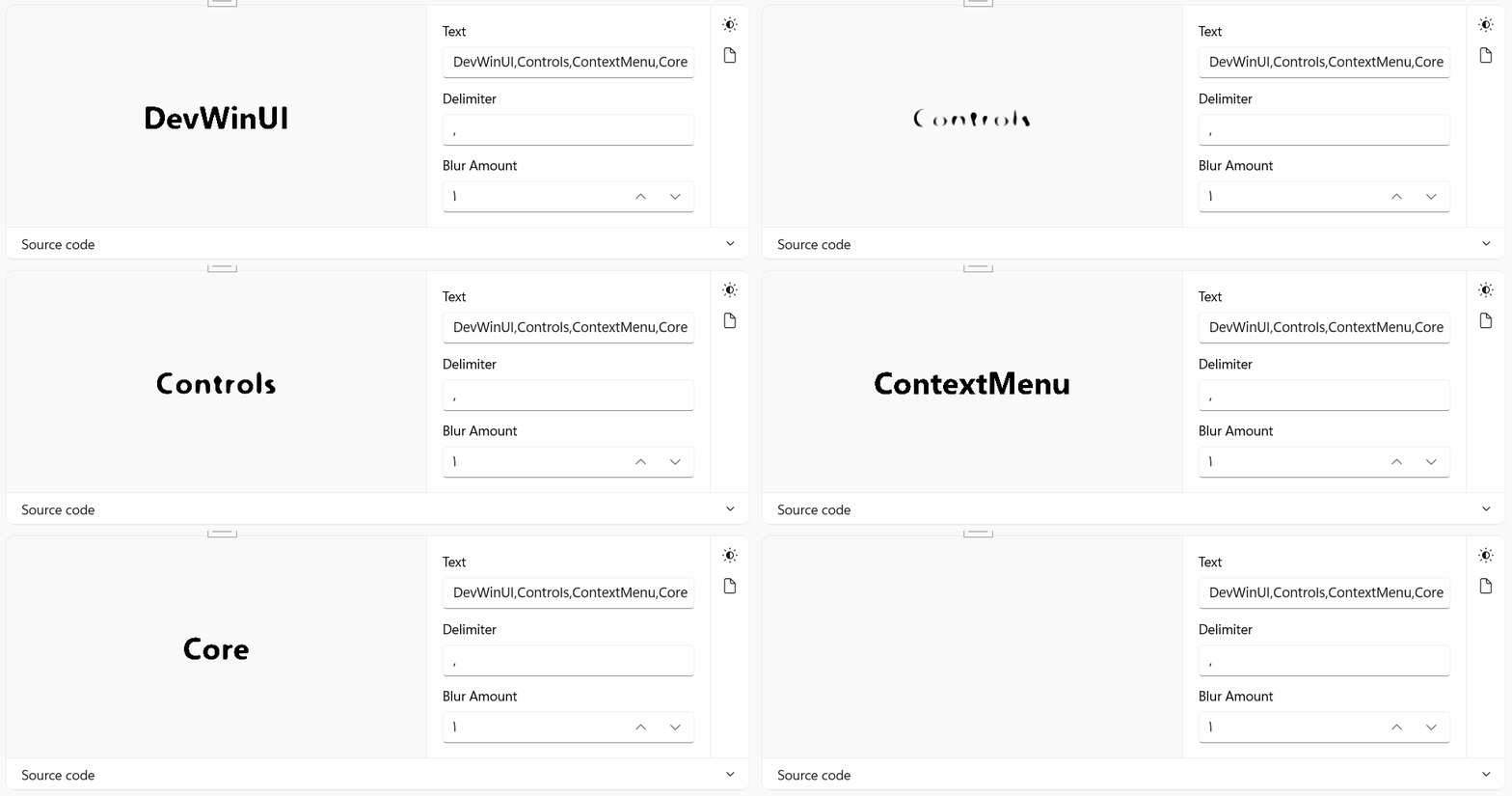
TextMorphEffect /Win2d
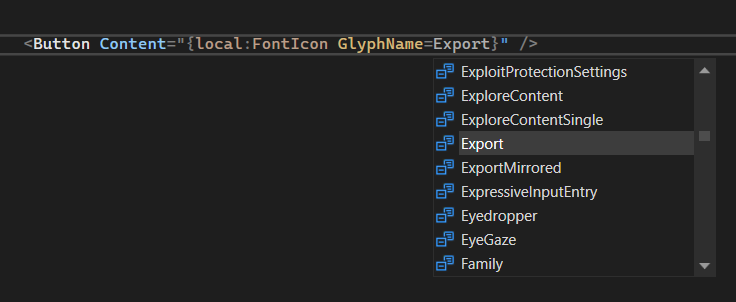
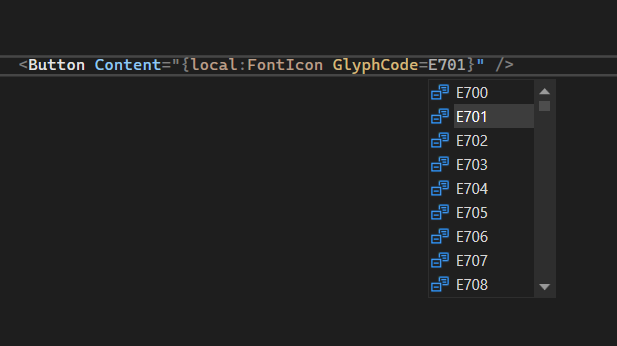
FontIcon Extension : Choose Fluent Icons (more than 1400) with Name or Code
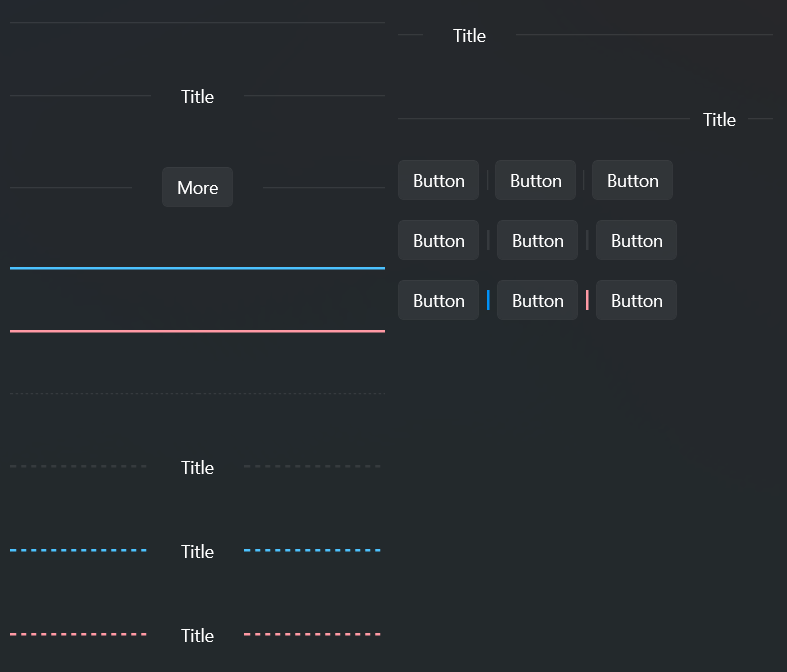
Divider
Shield

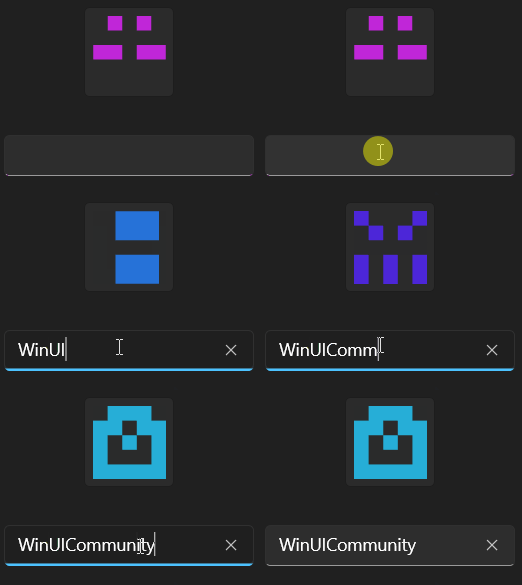
Gravatar
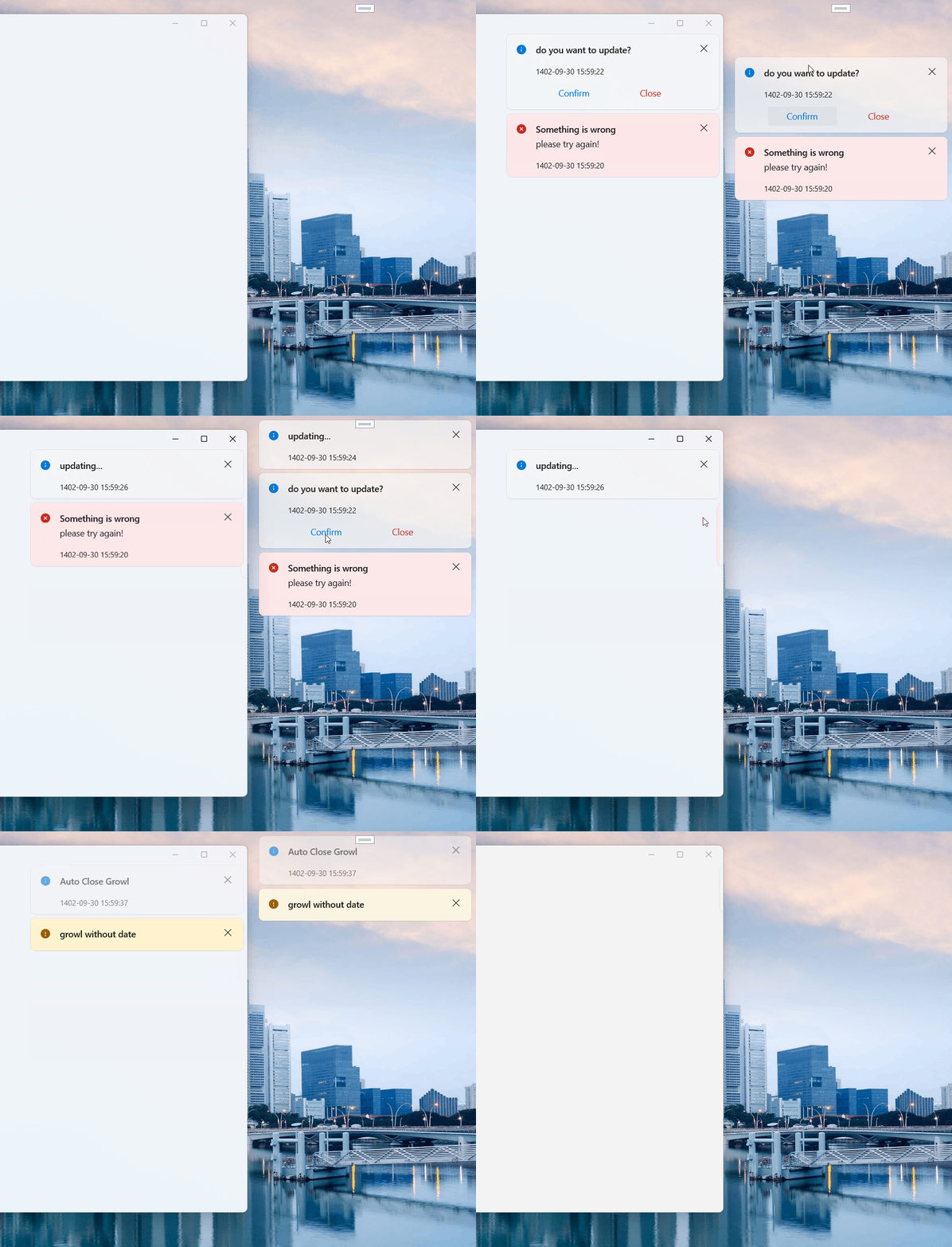
Growl
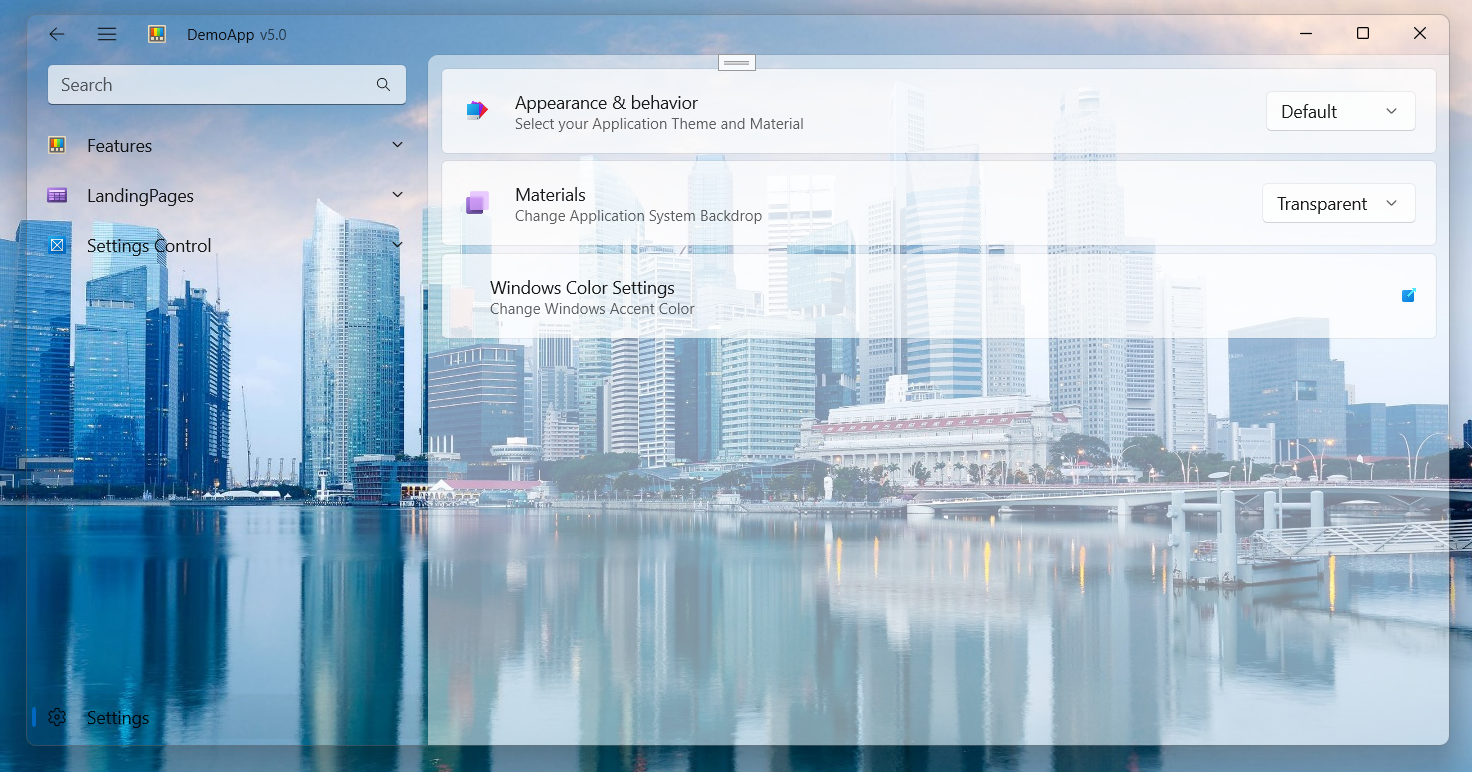
Transparent Backdrop
Acrylic Backdrop
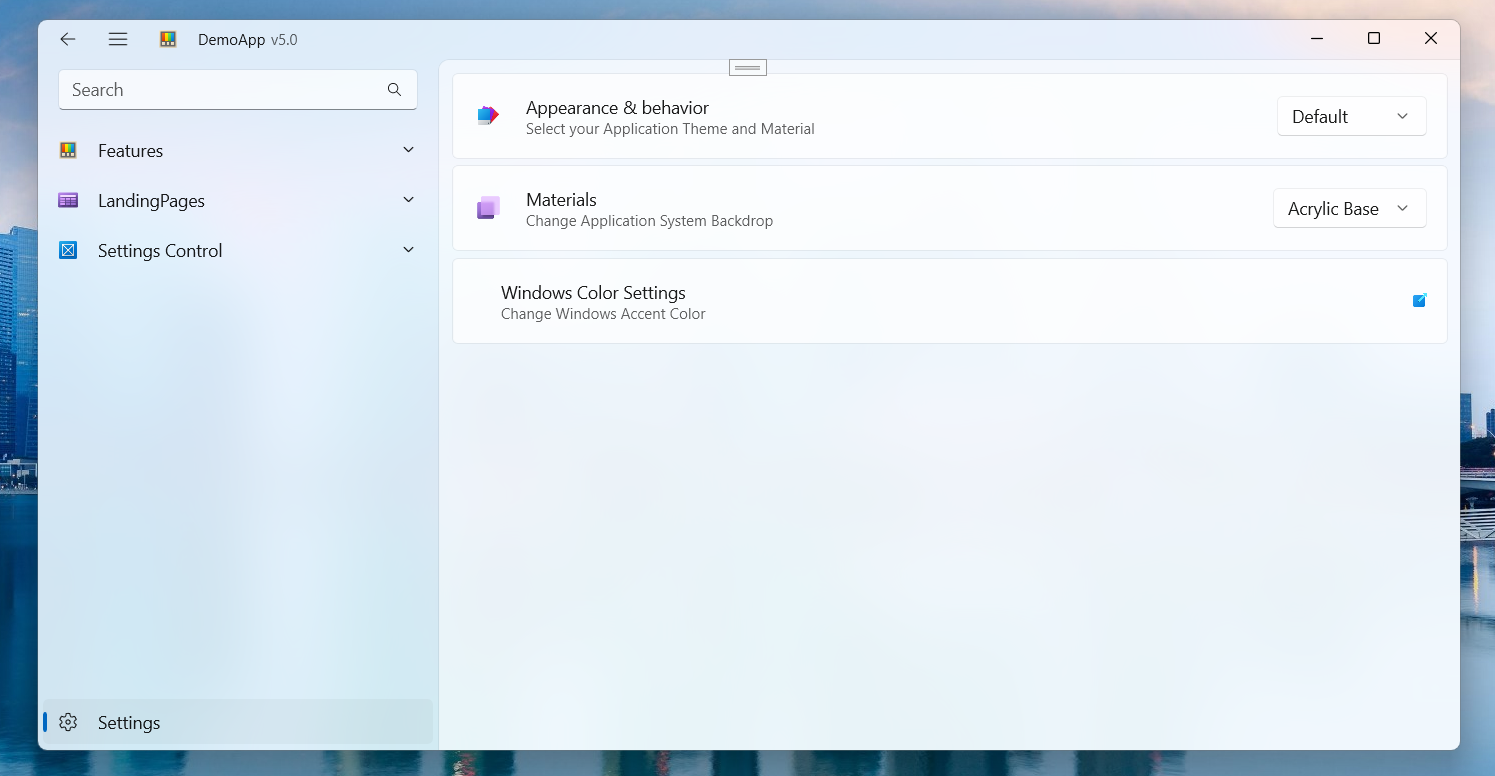
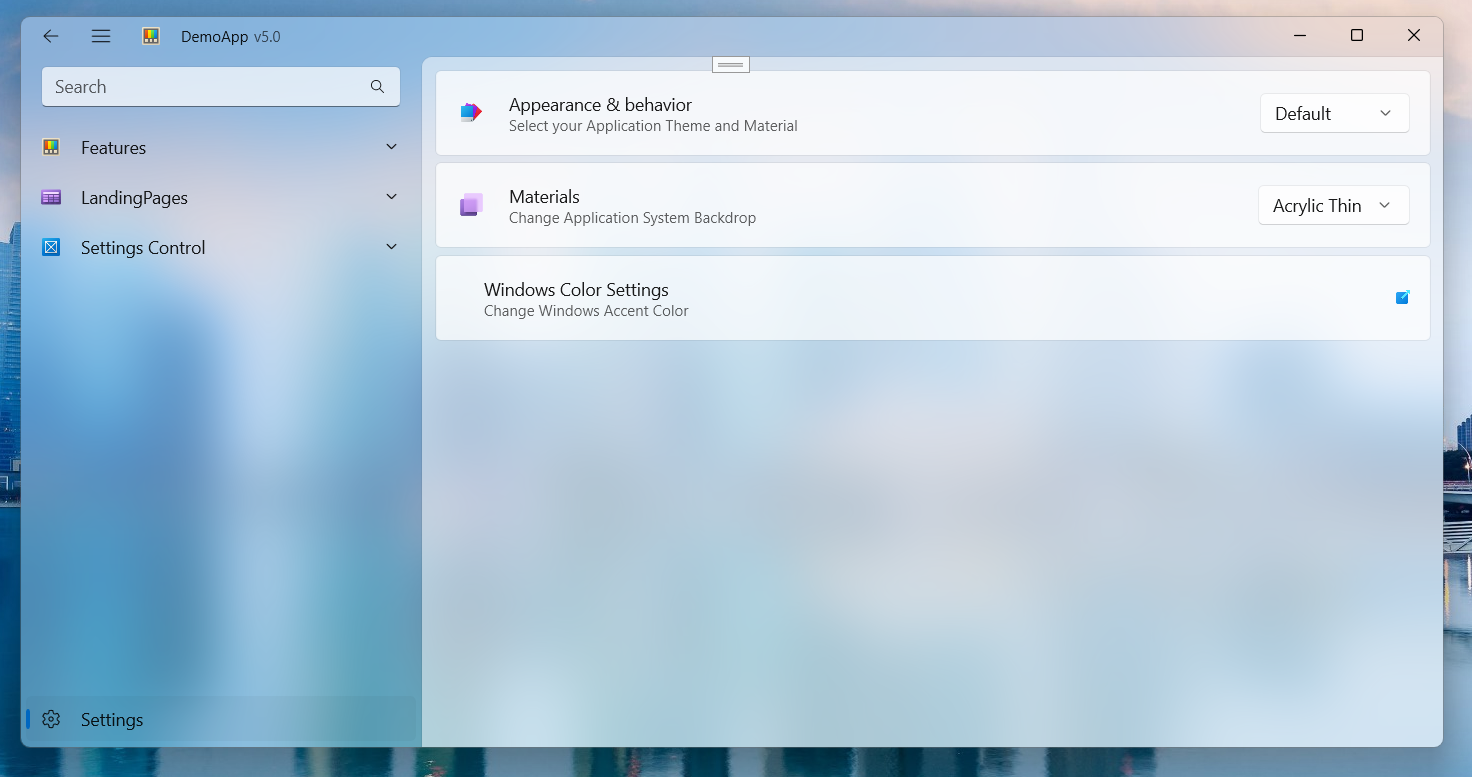
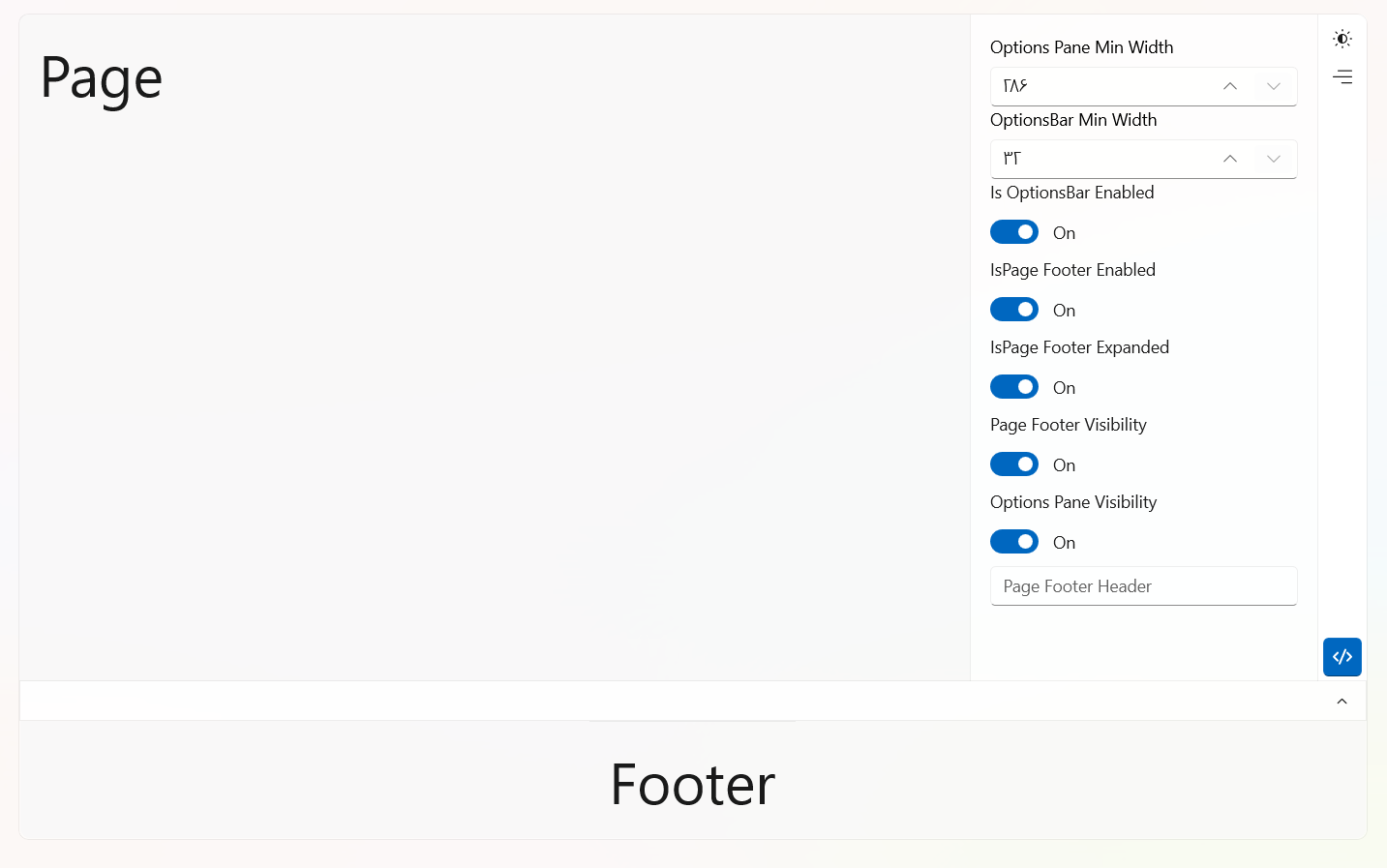
Options Page Control
ContextMenu
SwitchPresenter
Blue InfoBar

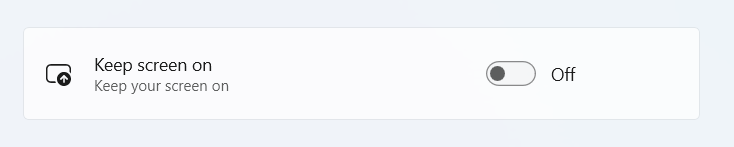
Settings
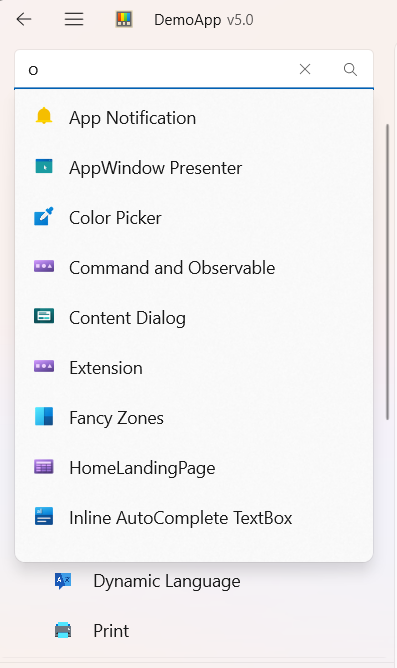
AutoSuggestBox Helper
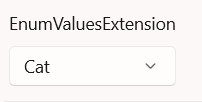
Enum Value Extension
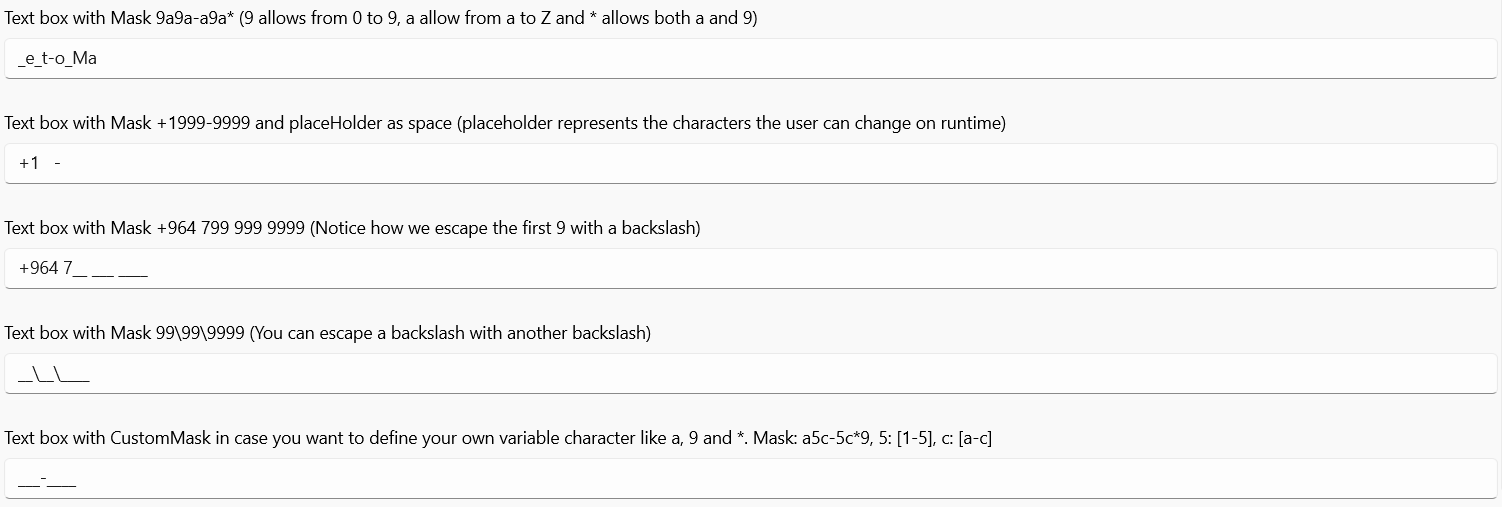
TextBox Extension
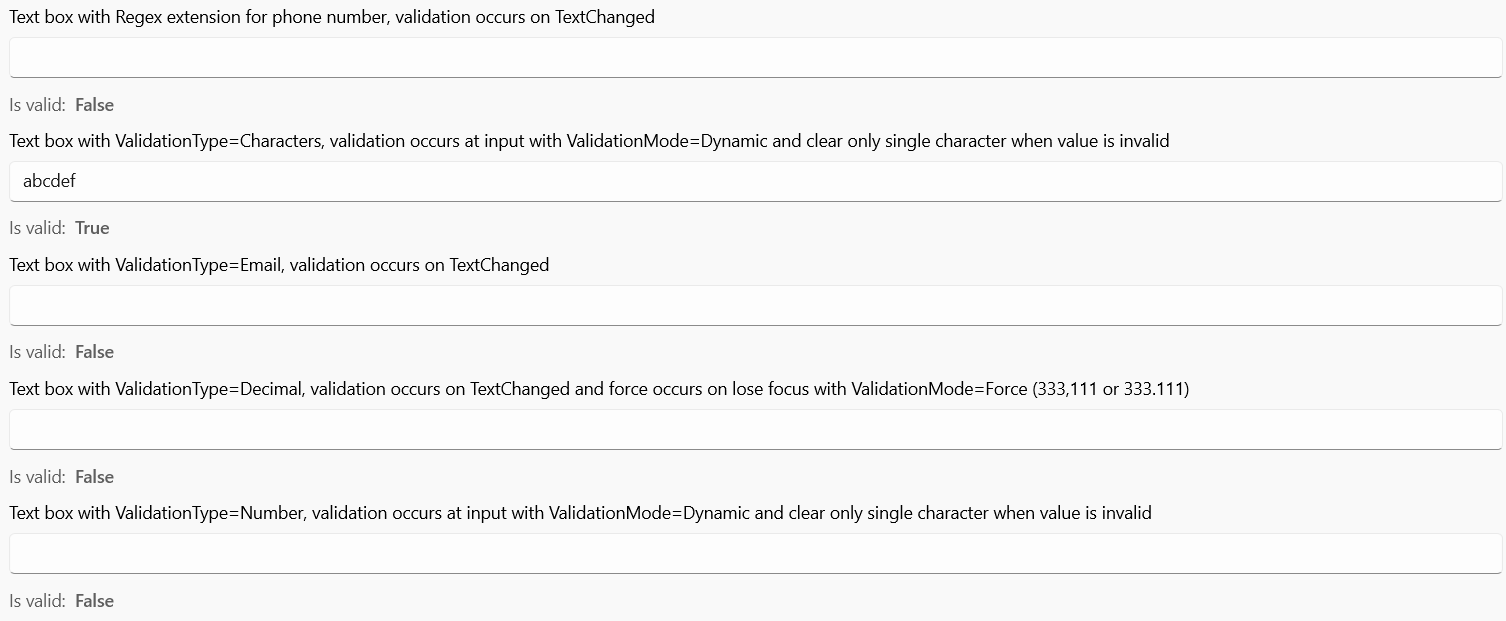
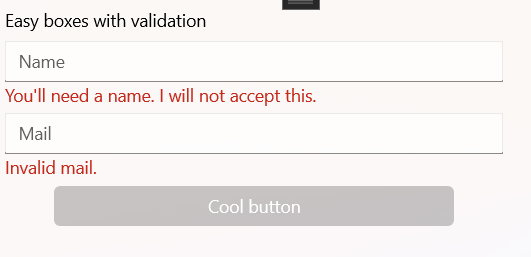
Validation
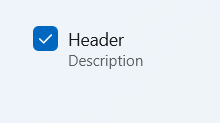
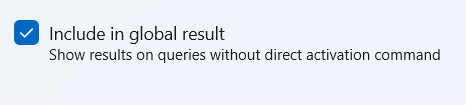
CheckBox With Description Control
Hyperlink Button Style

Inline AutoComplete

TextBox Checked
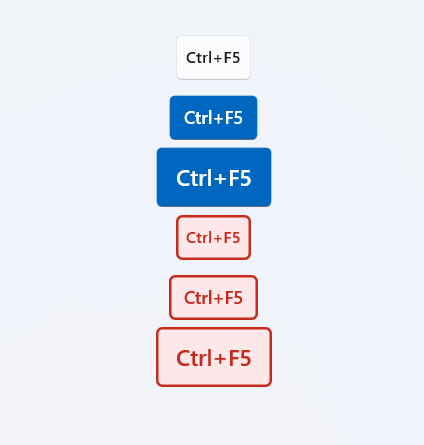
KeyVisual
ListViewItem Setting Style
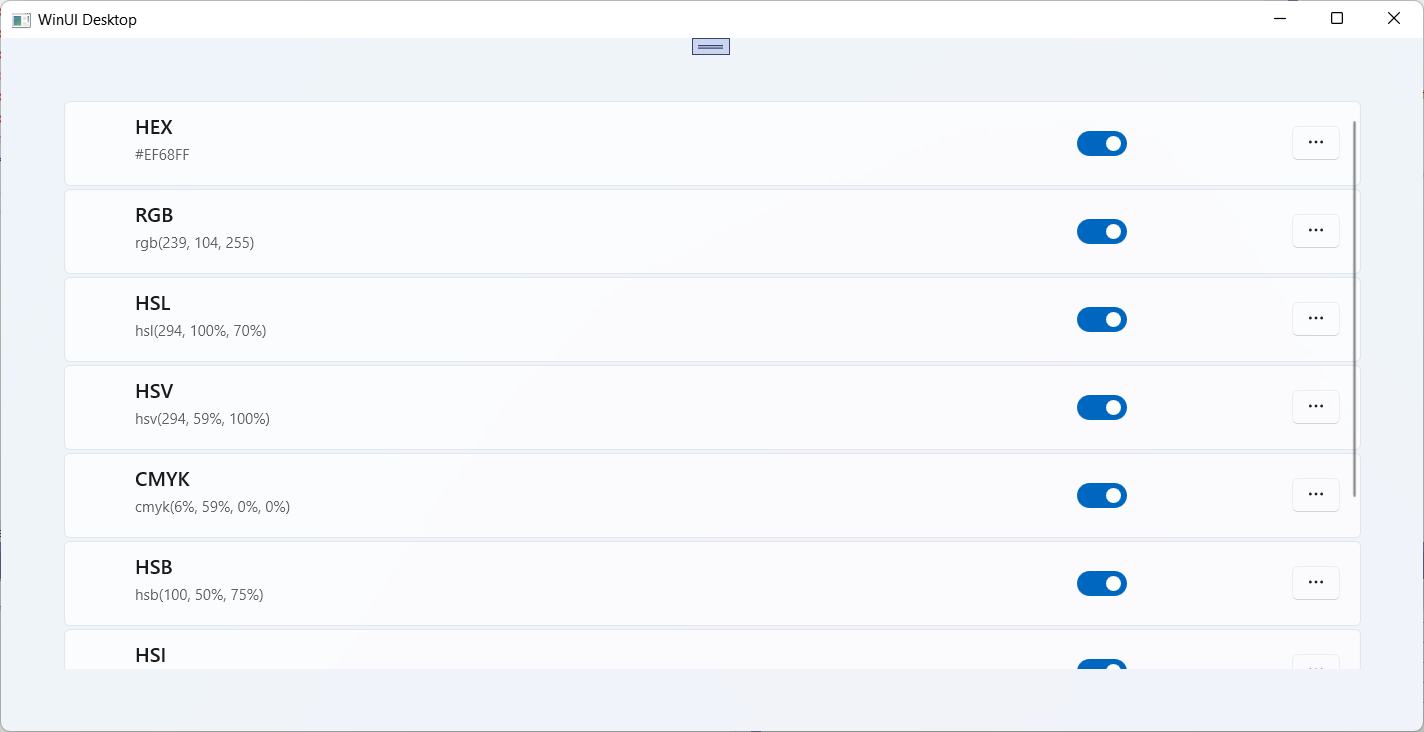
NavigationView Service
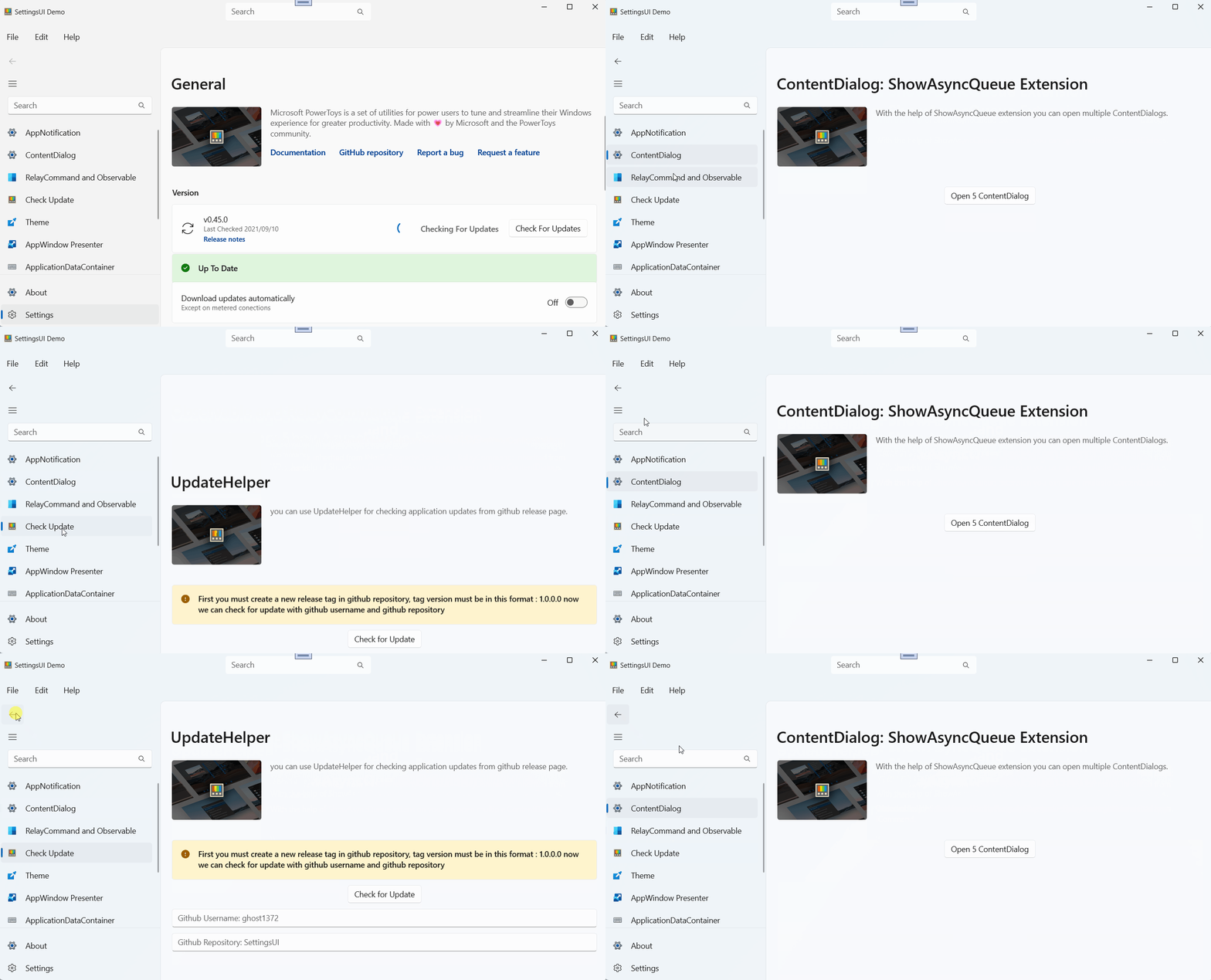
Shortcut
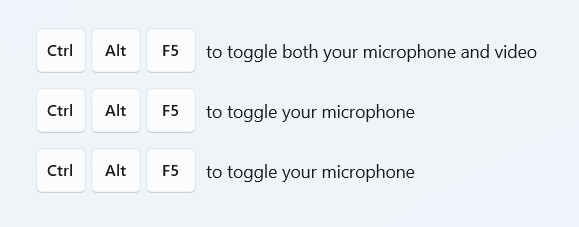
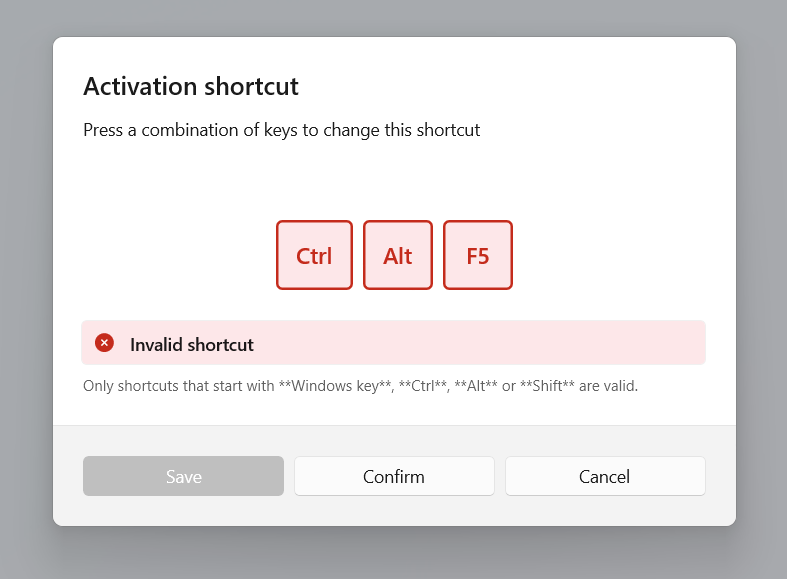
Taskbar Helper

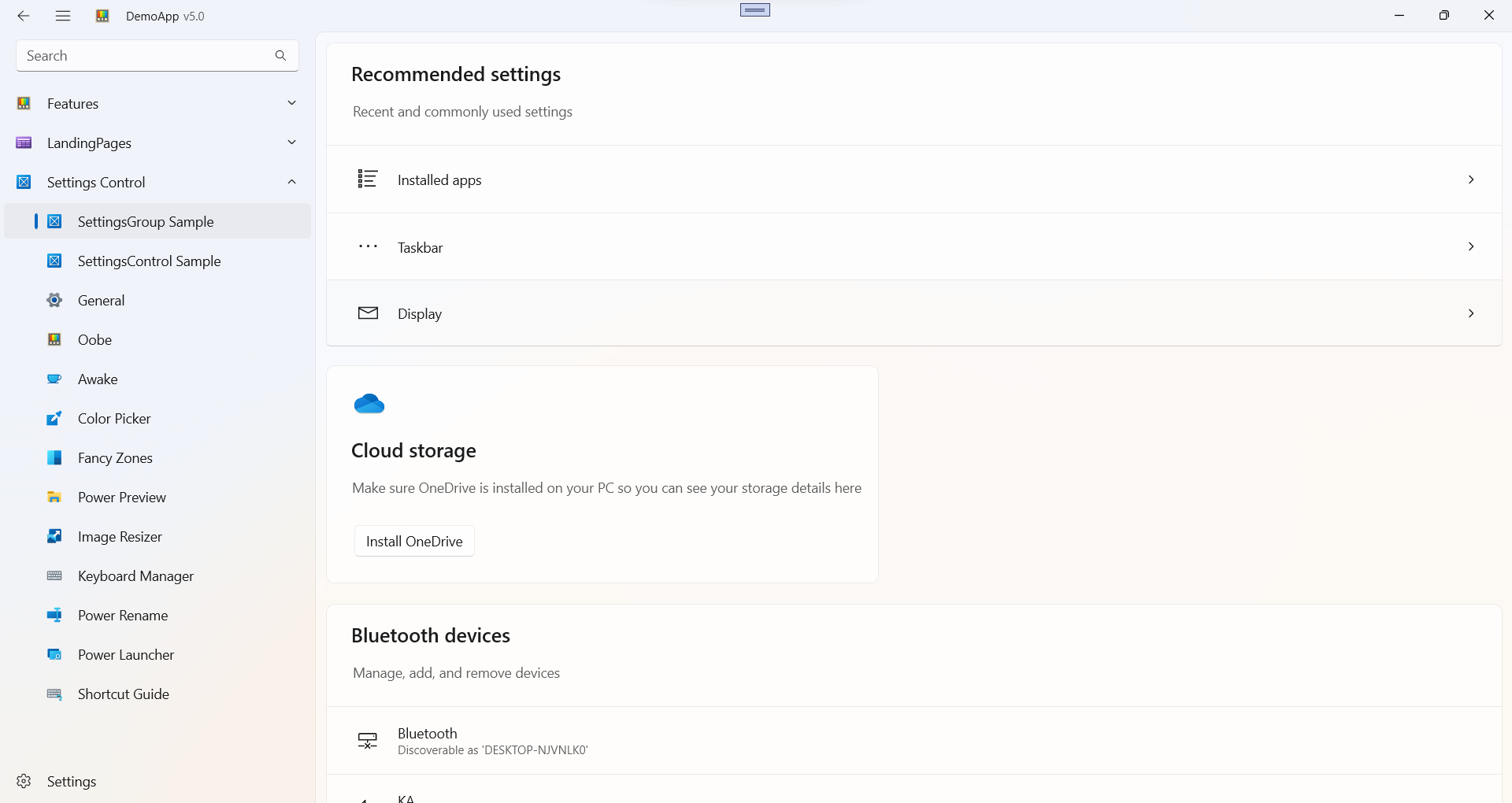
LandingPages

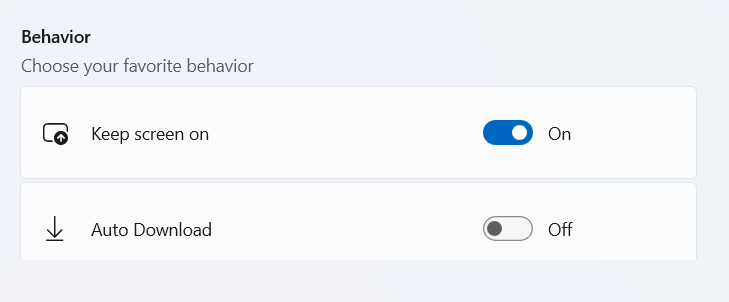
Settings