README.md
May 29, 2026 · View on GitHub

Background
The most advanced background image extension for VSCode
Windows + Mac + Linux
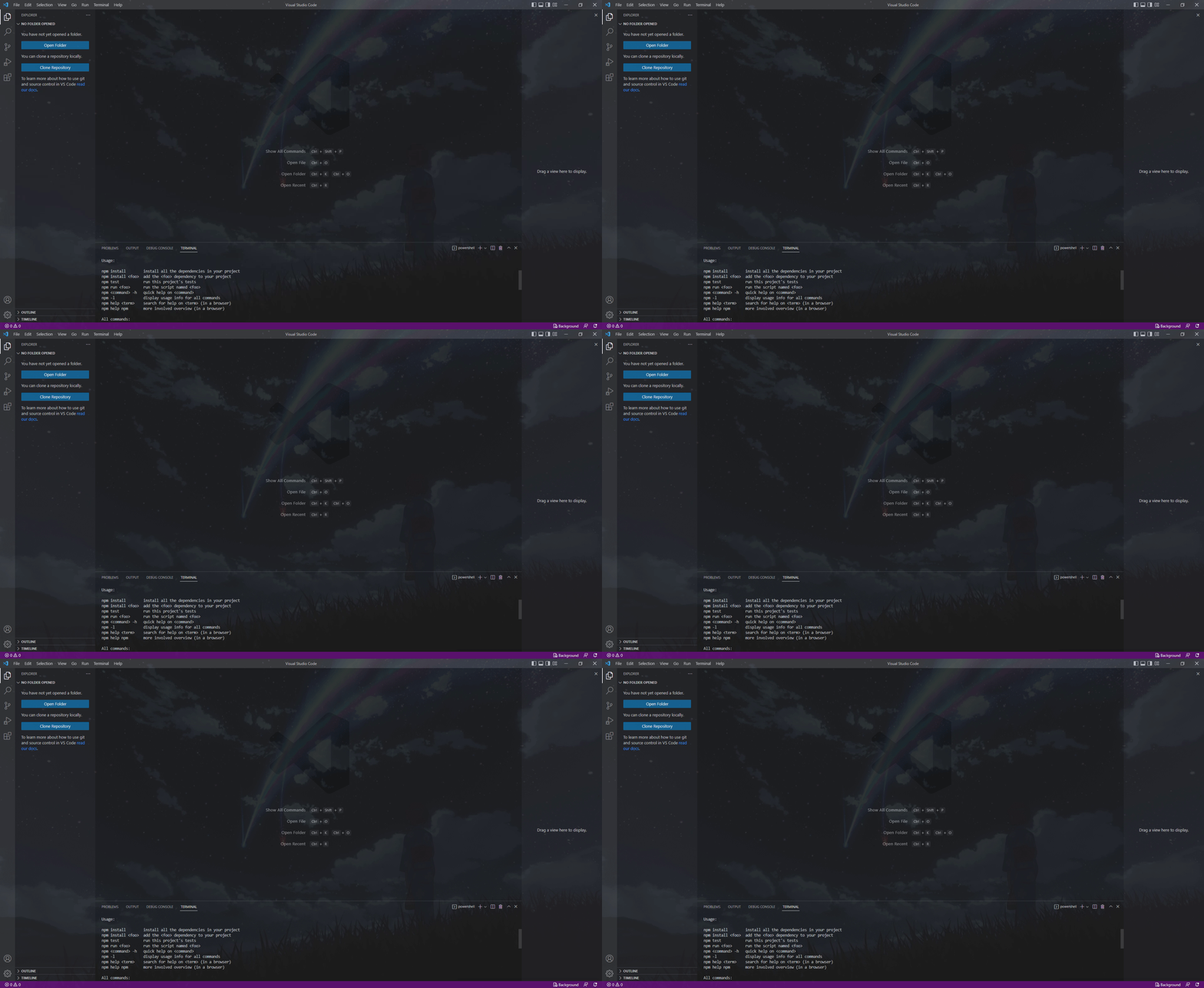
Add multiple background images for the window, editors, sidebars, or the panel. Load backgrounds from file, glob, or URL. Transition between multiple background images.
Installation
- Install from the Visual Studio Marketplace.
- Install directly from VSCode using the id
katsute.code-background.
Customize using the Background: Configuration command or press the Background button in the bottom right to access the configuration menu.
Install using the Background: Install command or press the Install button in the configuration menu to install the background.
Features
Multiple Backgrounds
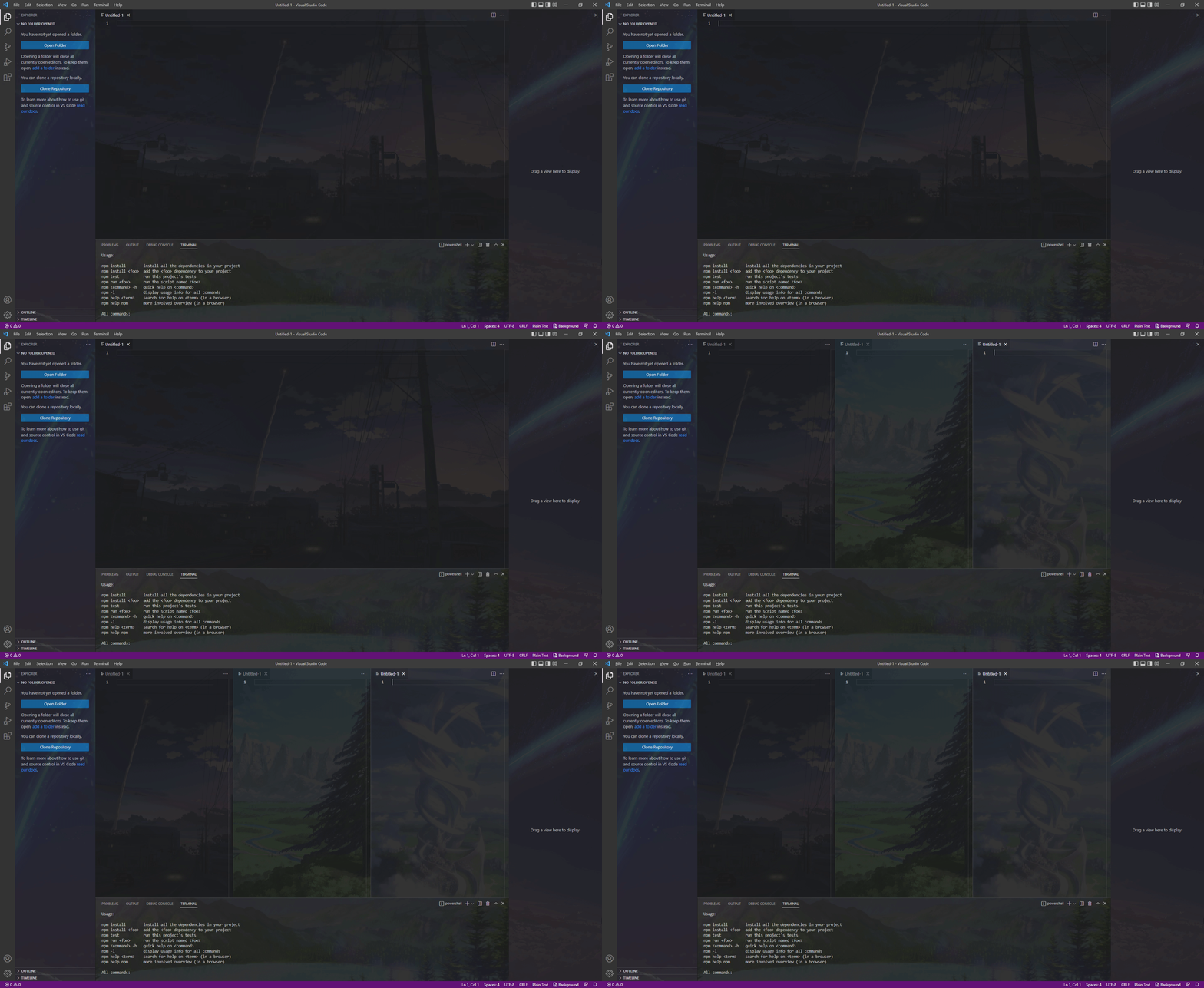
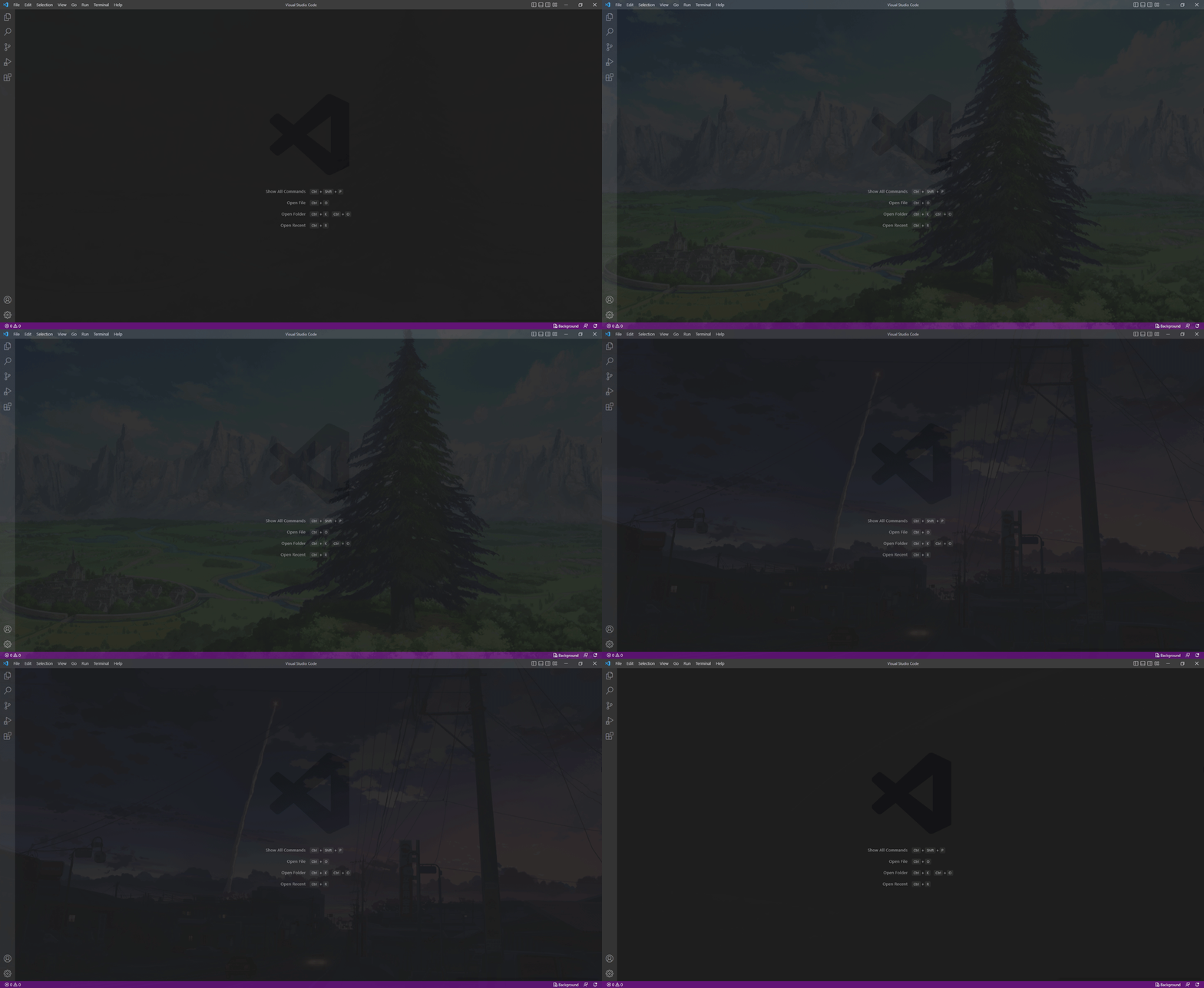
Add background images for the whole window, editors, sidebars, or the panel. Transition between multiple background images.
Full Window
Editor, Sidebar, and Terminal
Slideshow
Configuration Menu
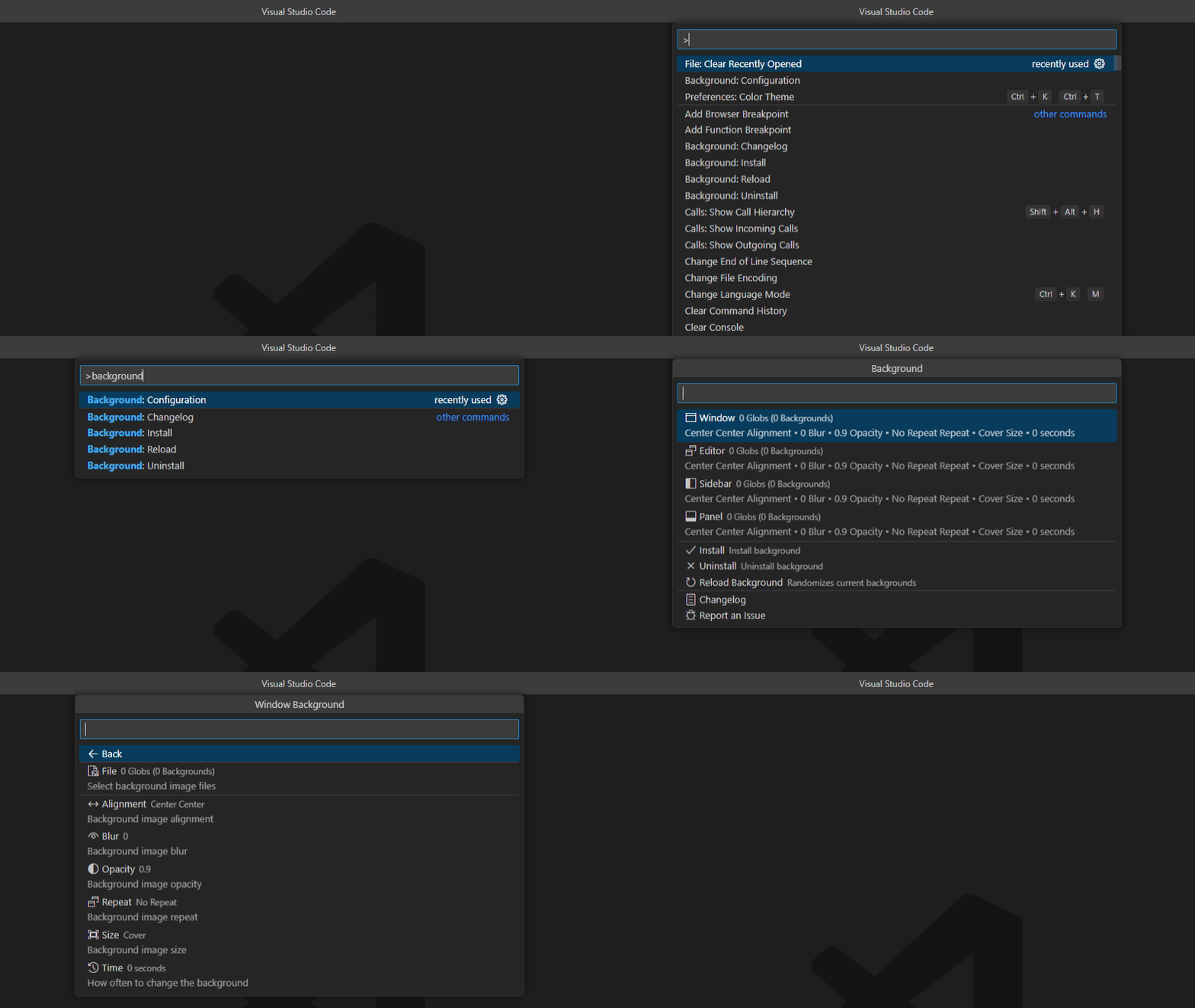
Use the Background: Configuration command or press the Background button in the bottom right to access the configuration menu.
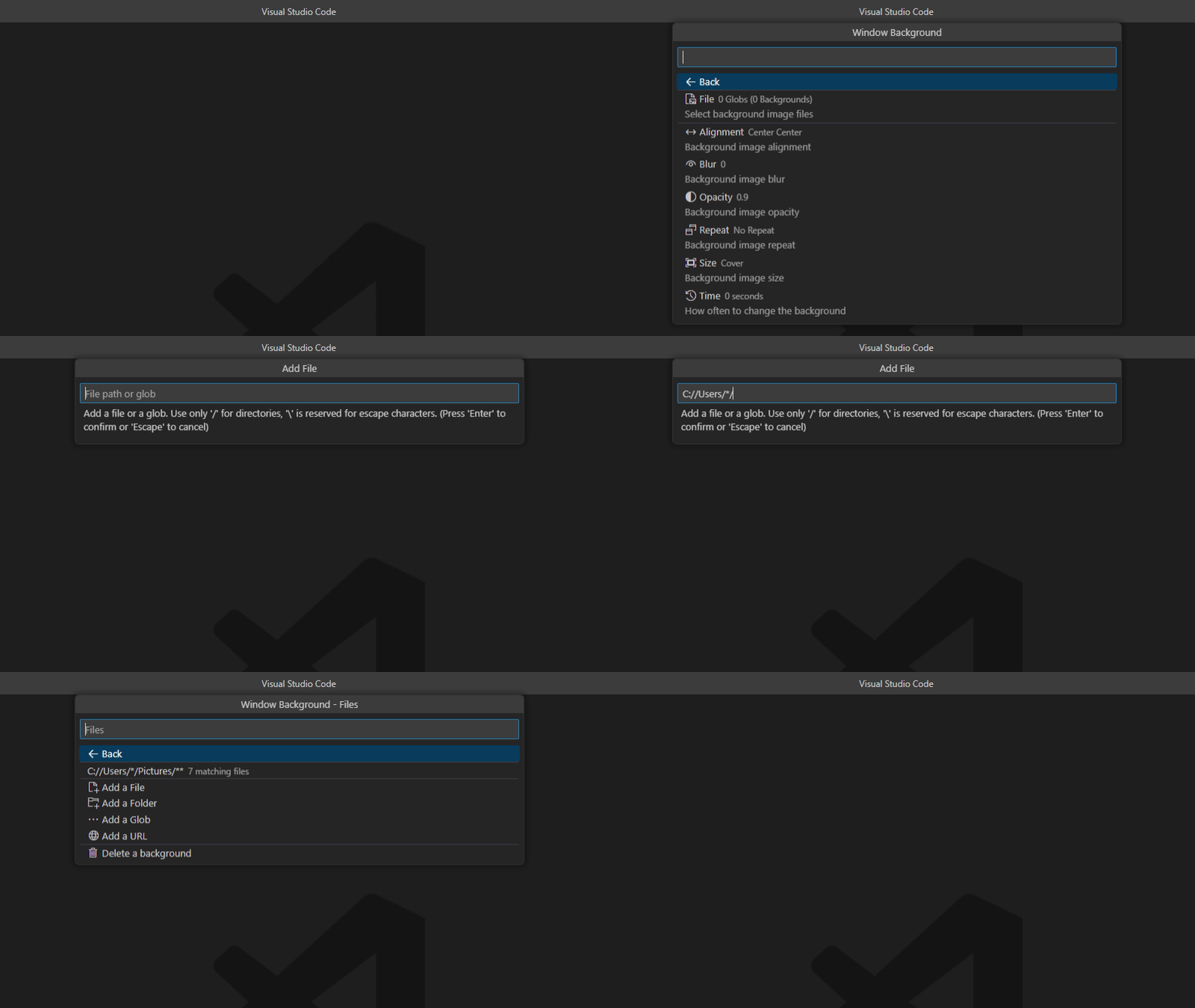
Glob, URL, and Environment Variable Support
Add background images by file, folder, or URL. Supports glob and environment variables.
Commands
| Command | Description |
|---|---|
| Background: Install | Installs and enables the background |
| Background: Uninstall | Uninstalls and disables the background |
| Background: Reload | Randomizes the current background |
| Background: Configuration | Opens the configuration menu |
| Background: Changelog | Opens the changelog |
Configuration
Use the Background: Configuration command or press the Background button in the bottom right to access the configuration menu.
| Background | Description |
|---|---|
| Window Backgrounds | The list of files or globs to use for the window background image |
| Editor Backgrounds | The list of files or globs to use for editor background images |
| Sidebar Backgrounds | The list of files or globs to use for the sidebar background images |
| Panel Backgrounds | The list of files or globs to use for the panel background image |
| Style Option | Description |
| Alignment | Background alignment |
| Alignment Value | Background alignment (CSS) |
| Blur | Background blur (CSS) |
| Opacity | Background opacity, 1 is fully visible and 0 is invisible |
| Repeat | Background repeat |
| Size | Background size |
| Size Value | Background size (CSS) |
| Change Time | How often to change the background image in seconds, set to 0 to never change |
| Advanced Option | Description |
| Auto Install | Automatically install backgrounds on startup |
| Render Text Above Background | Show text, code, browser, and iframes on top of the background |
| Use Inverted Opacity | Use an inverted opacity, so 0 is visible and 1 is invisible |
| Smooth Image Rendering | Use smooth image rendering when resizing images instead of pixelated |
| Setting Scope | Where to save background settings - Global or Workspace |
| CSS | Custom CSS |
| API | Toggles API access |
Environment Variables
If the path is not working, add an additional / after the variable.
| Variable | Description |
|---|---|
${vscode:workspace} | Current VSCode project folder |
${vscode:user} | VSCode user directory, either Code/User or data/user-data/User |
${user:home} | Current user's home directory |
${...} | System environment variable |
API
Requires API setting to be turned on in the extension
Add this extension to your package.json.
{
    ...
    "extensionDependencies": [
        "katsute.code-background"
    ]
    ...
}
Access the api by using:
const background = vscode.extensions.getExtension("katsute.code-background").exports;
-
install(): voidRuns the
Background: Installcommand. -
uninstall(): voidRuns the
Background: Uninstallcommand. -
reload(): voidRuns the
Background: Reloadcommand. -
get(ui): string[]?ui: Background to get from; eitherwindow,editor,sidebar,panel.
Returns an array of globs for the specified background.
-
add(ui, glob): Promise<boolean>ui: Background to add to; eitherwindow,editor,sidebar,panel.glob: Glob to add.
Returns true if successful.
-
replace(ui, old, glob): Promise<boolean>ui: Background to replace from; eitherwindow,editor,sidebar,panel.old: Glob to replace.glob: Updated glob.
Returns true if successful.
-
remove(ui, glob): Promise<boolean>ui: Background to remove from; eitherwindow,editor,sidebar,panel.glob: Glob to remove.
Returns true if successful.
This extension is released under the GNU General Public License (GPL) v2.0.