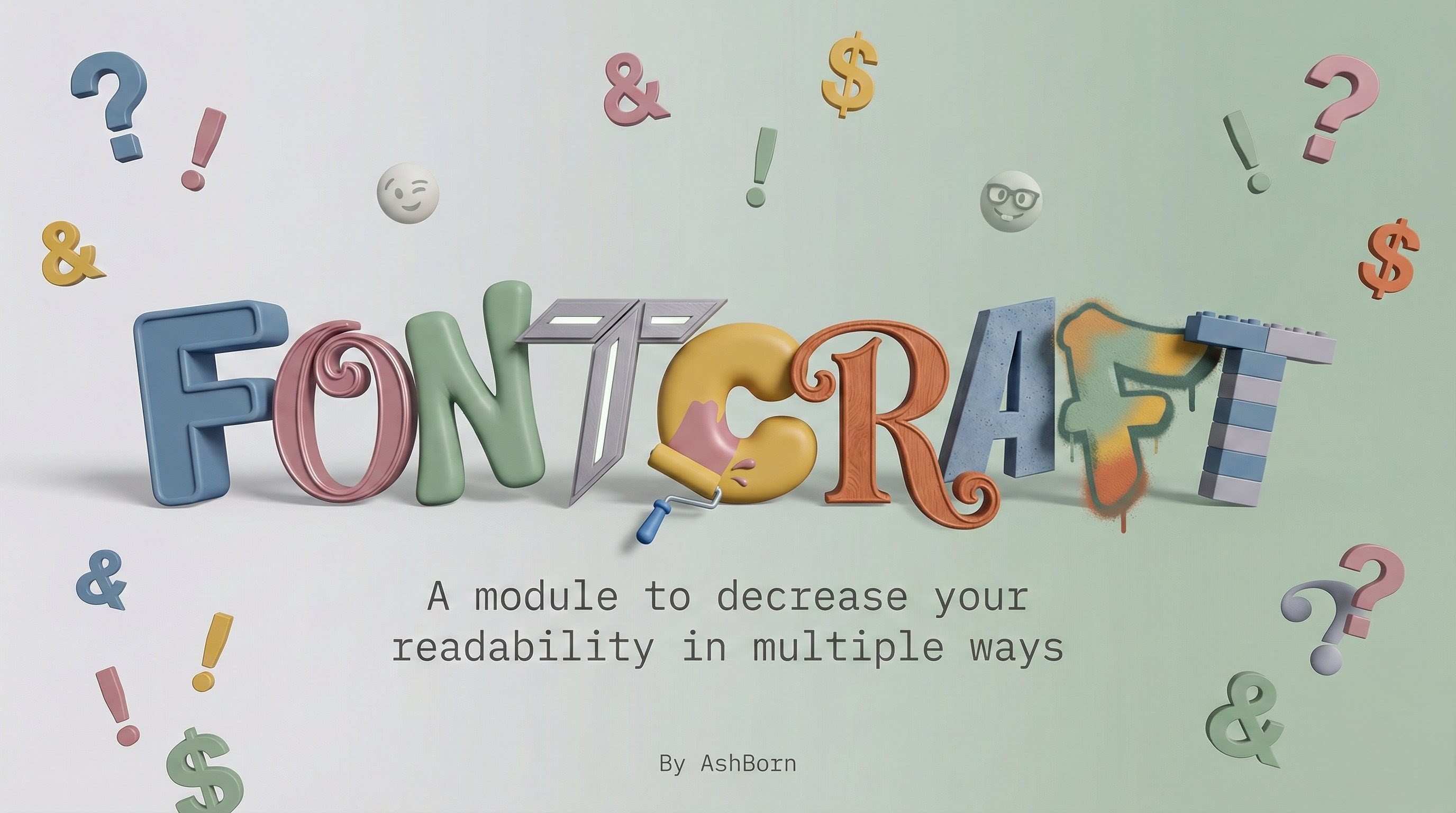
FontCraft
July 3, 2026 · View on GitHub



📖 About
FontCraft is a font and emoji engine for Android. It uses a local WebUI to let you browse, download, and systemlessly inject .ttf files straight from your root manager. No extra apps needed.
✨ Key Features
- Local WebUI: A clean, dark-themed functional interface featuring a neumorphic design, live terminal output, and an integrated debug console.
- Dynamic File Selection: Full internal storage browser to easily flash local
.ttffiles completely offline. - Hybrid Build Queue: Queue up and flash both a custom Font and an Emoji pack simultaneously.
- Custom Mirrors & Repositories: Auto-detect the fastest download mirror or input your own custom JSON library source directly from the WebUI settings.
- GMS Font Cleaner: Built-in utility to remove Google Play Services font overrides that break custom emojis.
- Universal Root Architecture: Seamless execution across Magisk, KernelSU, and APatch.
🎨 Gallery & Asset Showcase
To keep the core engine lightweight, all fonts, emojis, and their visual previews are maintained in a dedicated, external library repository.
🚀 Roadmap
- Custom Repository URL Support
- Offline Storage File Picker
- Magisk, KernelSU & APatch UI Integration
- Expand Core Font Sources
📥 Usage Guide
1. Initial Setup (Flashing) Flash the module zip in your root manager (Magisk, KernelSU, or APatch). The installer will trigger a volume-key menu. Use your volume buttons (or tap the screen) to select your preferred mode. WebUI Mode is highly recommended.
2. The WebUI Flow If you selected the WebUI, a local server will initialize and launch your browser automatically.
- Browse the remote library or use the "Storage" option to pick a local
.ttffile. - Add your chosen Font and/or Emoji to the build queue.
- Tap Flash Module and monitor the live terminal output.
- Tap the floating reboot button when the process completes.
3. Post-Install Management Need to change fonts later, open the WebUI again, or run the GMS cache cleaner?
- KernelSU & APatch: Tap the WebUI button directly on the FontCraft module card in your root manager app.
- Magisk: Tap the Action button on the module card to launch the interactive script menu (which lets you start the WebUI or clean GMS).
- Unsupported Managers: Re-flash the module zip to trigger the initial setup menu again. This will not overwrite your existing configuration.
🛠 Requirements
- A rooted Android device.
- Magisk, KernelSU, or APatch installed.
- Internet connection (for remote library fetching). Local file flashing works completely offline.
❓ FAQ
Q: How do I restore my default system font? A: Simply disable or uninstall the FontCraft module in your root manager and reboot your device.
Q: My emojis aren't showing up (Android 12+)? A: There are two common reasons for this. Try these fixes:
- Google Override: Google Play Services often forces its own fonts. Execute the FontCraft Action script in your root manager and run the "Clean GMS Fonts" tool to purge the cache.
- Zygisk Next Users: If you are using Zygisk Next 1.3.0+, you may need the
FontLoadermodule fix.
Q: Can I use my own files offline?
A: Absolutely. Tap the "Storage" button on the Custom Font/Emoji card to open the built-in file selector and navigate to your local .ttf files.
🔗 Credits
- jq – jqlang.org
- zip – infozip.sourceforge.net
- Cloudflare – Pages (Web Page Hosting & Update System)
Note: All fonts and emojis belong to their respective creators. This repository acts as a distribution engine for legally shareable assets. If you are a copyright holder and wish to have your content removed, please contact the maintainer.
Disclaimer: FontCraft modifies system files systemlessly. Always ensure you have a fallback method to disable modules in case of a bootloop.
🔄 Resilience & Backup Infrastructure
Infrastructure Redundancy details
Following a recent temporary suspension of this account, the infrastructure has been updated to prevent future disruptions:
- Updates: The update verification system is routed through Cloudflare. Your module will check for updates reliably, regardless of GitHub's server status.
- Mirrors: This repository is fully synchronized and backed up via GitLab.