README-zh.md
October 13, 2017 · View on GitHub
SubmitButton

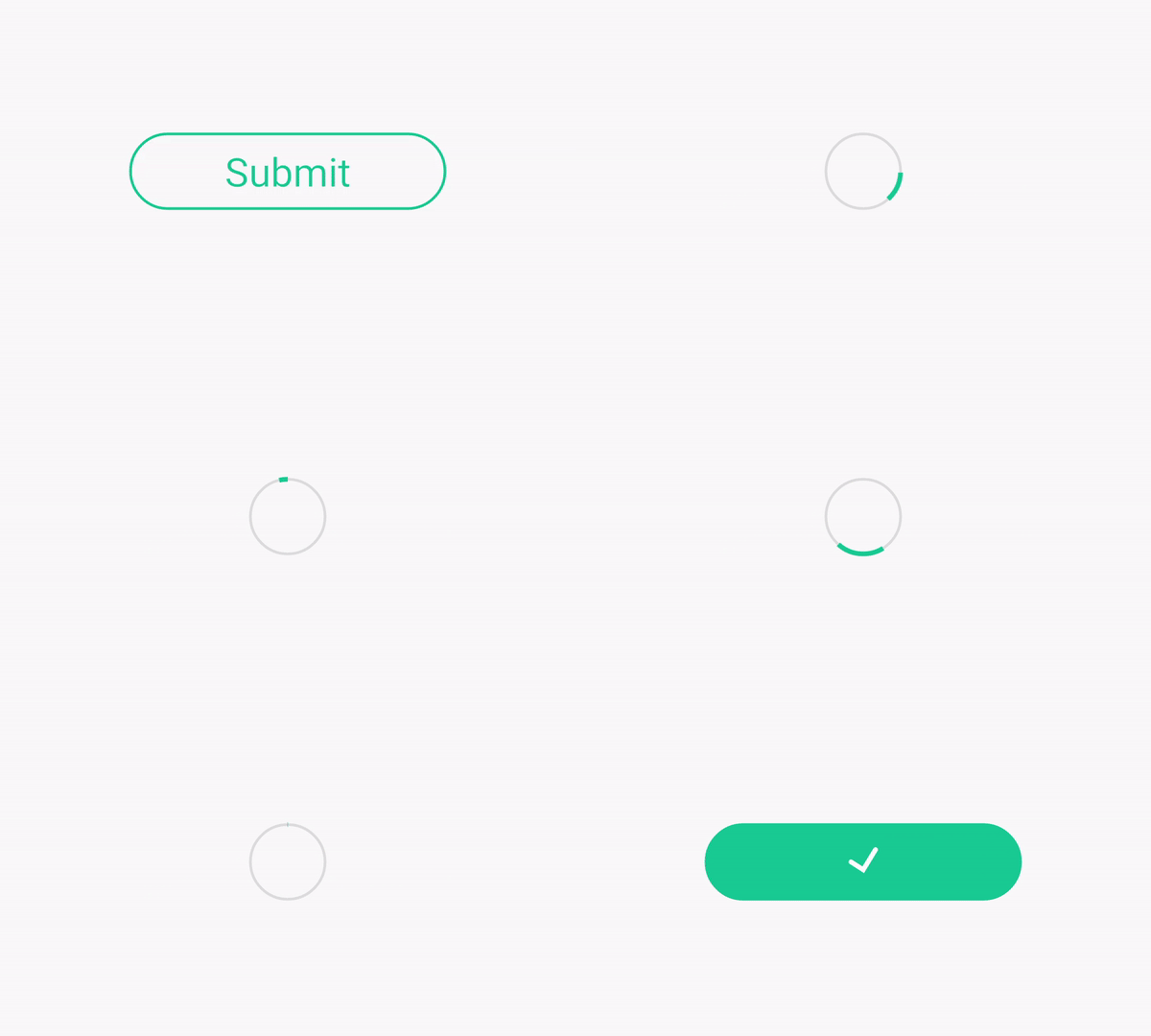
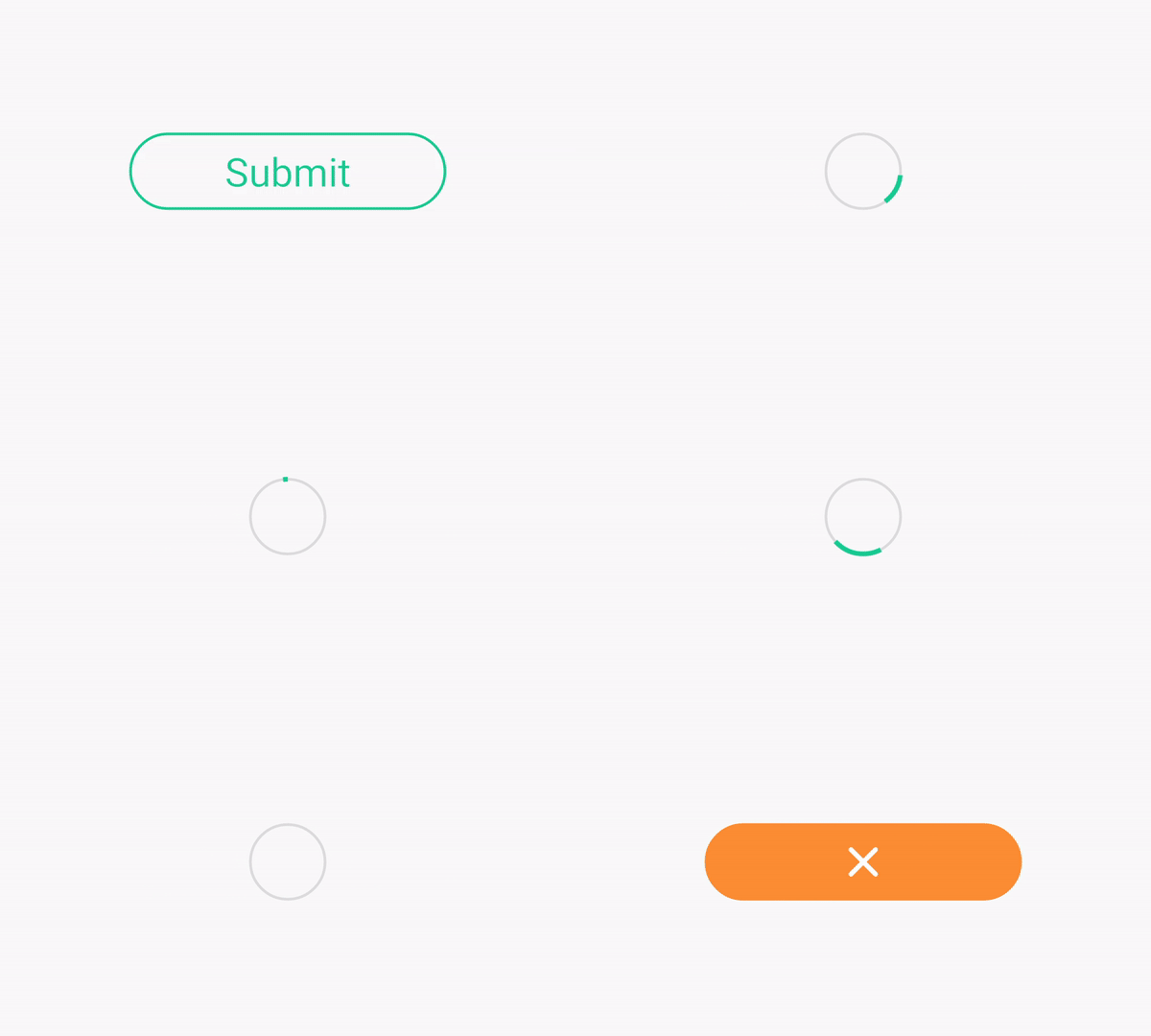
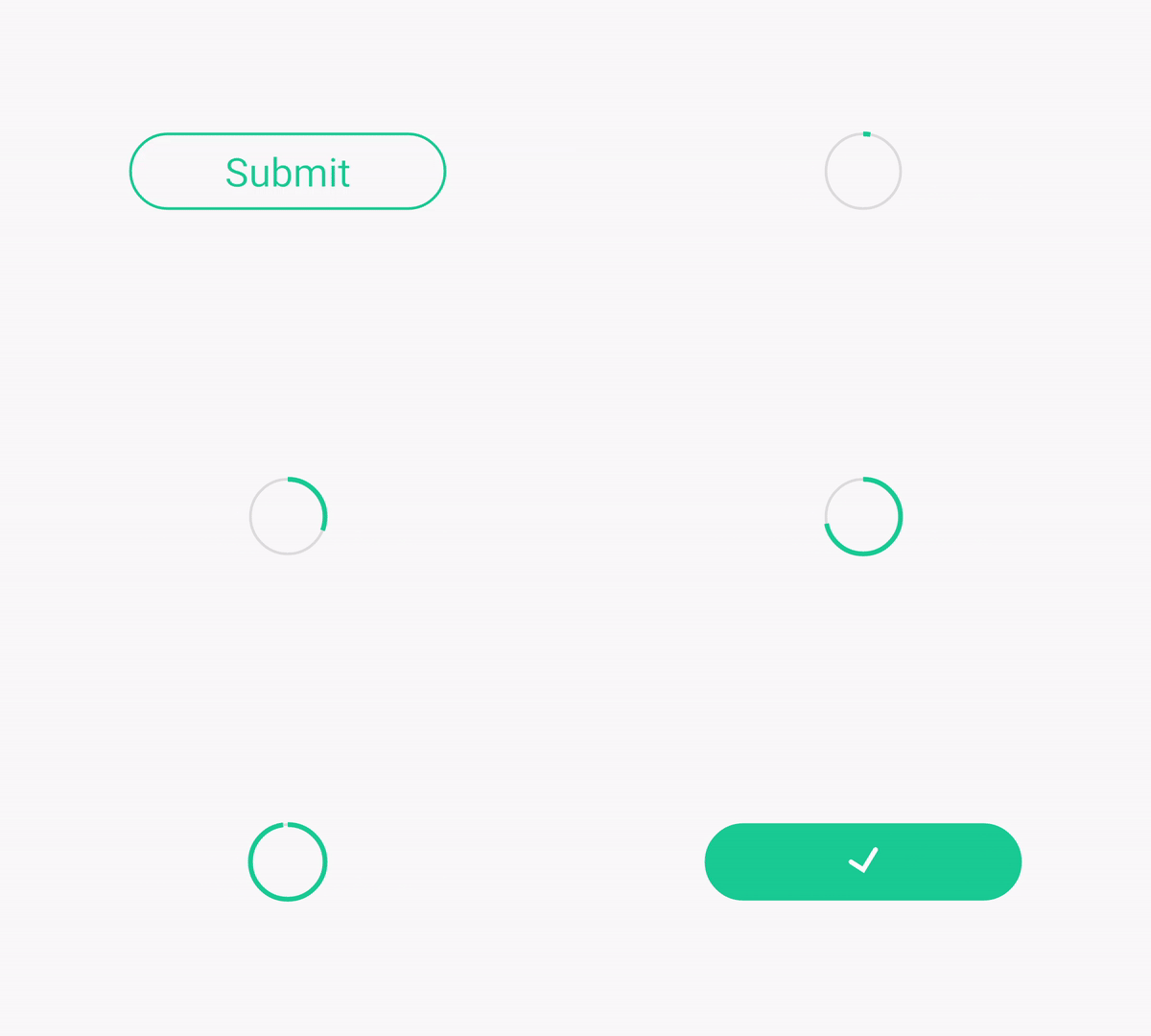
带有进度动画的Android自定义提交按钮.
示例
如何使用
1.在要使用的Module的build.gradle文件中添加依赖;
dependencies {
	'''
	compile 'com.unstoppable:submitbutton:1.1.3'
}
2.布局文件中添加SubmitButton;
<com.unstoppable.submitbuttonview.SubmitButton
    android:id="@+id/submitbutton"
    android:layout_width="wrap_content"
    android:layout_height="wrap_content" />
3.自定义属性
| 属性名 | 类型 | 描述 | 默认值 |
|---|---|---|---|
| buttonColor | color | 按钮主题色 | #19CC95 |
| buttonText | String | 按钮文本 | null |
| buttonTextSize | dimension | 按钮文本大小 | 15sp |
| succeedColor | color | submit成功按钮主题色 | #19CC95 |
| failedColor | color | submit失败按钮主题色 | #FC8E34 |
| progressStyle | enum | 设置进度样式(可选:loading 或 progress) | loading |
4.接口方法
 /**
 * 传入submit结果以呈现不同结果反馈效果
 *
 * @param boolean isSucceed
 */
mSubmitView.doResult(isSucceed);

 /**
 * 重置SubmitButton
 */
mSubmitView.reset();

/**
 * 设置进度(该方法仅在progressStyle设置为progress时有效)
 *
 * @param progress 进度值 (0-100)
 */
mSubmitView.setProgress();

/**
 * 设置动画结束回调接口
 *
 * @param listener
 */
mSubmitView.setOnResultEndListener(OnResultEndListener listener)
更新日志
当前版本:1.1.3
- 完成一些改进
版本:1.1.2
- 修复由于硬件加速导致的在某些机型上无法绘制动画的问题
版本:1.1.1
-
增加结果动画结束回调接口
-
修复问题
版本:1.1.0
- 新增进度样式设置方法
版本:1.0.1
- 修复问题
版本:1.0.0
- 初始构建
License
Copyright 2017 Unstoppable

Licensed under the Apache License, Version 2.0 (the "License");
you may not use this file except in compliance with the License.
You may obtain a copy of the License at

   http://www.apache.org/licenses/LICENSE-2.0

Unless required by applicable law or agreed to in writing, software
distributed under the License is distributed on an "AS IS" BASIS,
WITHOUT WARRANTIES OR CONDITIONS OF ANY KIND, either express or implied.
See the License for the specific language governing permissions and
limitations under the License.